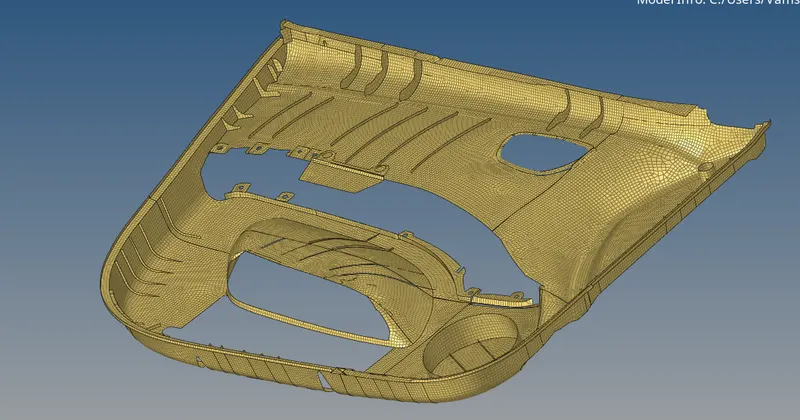
Week 12:Project-1-Meshing of Door Inner Panel Challenge
Aim:
To extract mid surface and mesh with given quality criteria for side inner door of a car and assign thickness on it.
Procedure
Stepl: Import the geometry
Import the given Geometry file into hypermesh, open HyperMesh software go to file → import-> select the model.
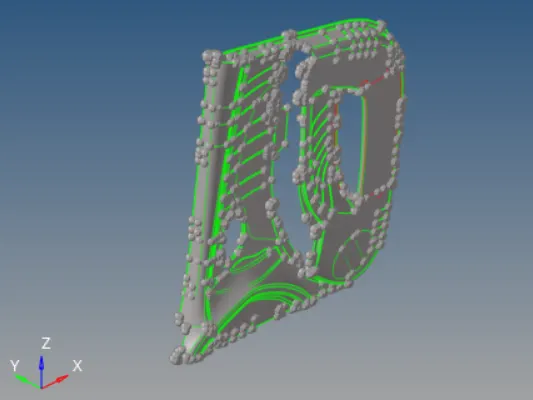
Step 2 Splitting the grometry and defeaturing & Measurement
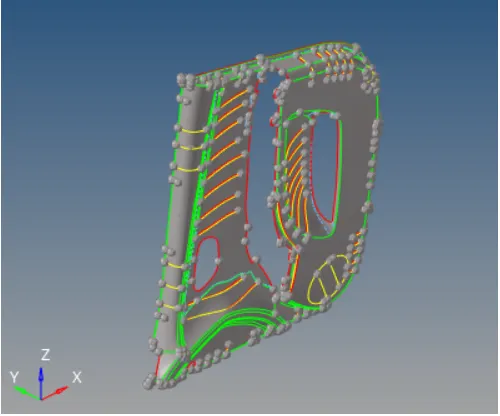
As we see the inner panel include many ribs and attachment components and small feature, such small feature increase the complexity in obtaining mid surface and also there are some features with varing thickness and some feature with no thickness. Splitting the geometry is done for easy extraction of mid surface.
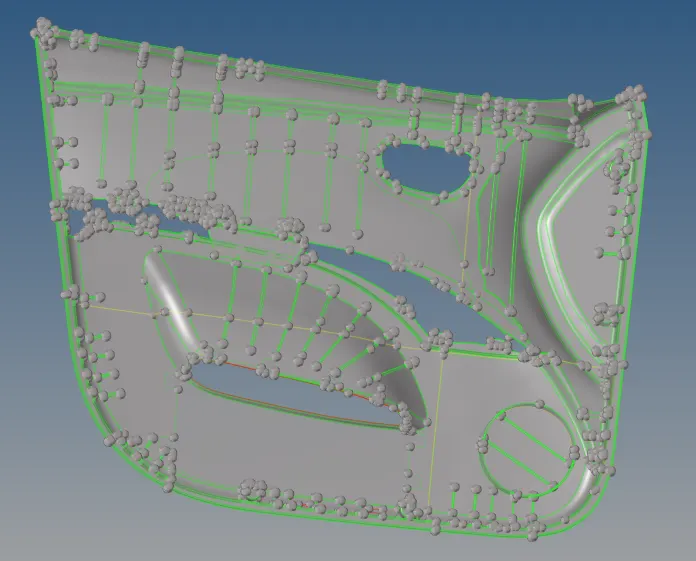
Defeaturing
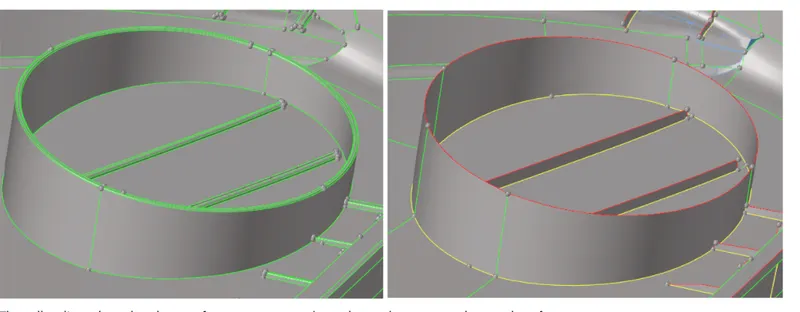
The geometry consists of many ribs with fillets less than our minimum elements length size, so defeaturing the filleta must be done to eliminate the elements failure size in these area. used defeature tool to defeature the ribs and pthere area.
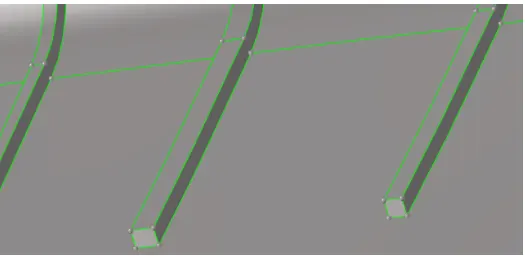
Step3: Mid surface extraction
The primary stage of meshing any part is to clean the geometry. when part are created in the CAD Modeling software and then open in the CAE software there are chance that the geometry get geometry error because of change in formatof the file.
Step4: Assigning Quality criteria
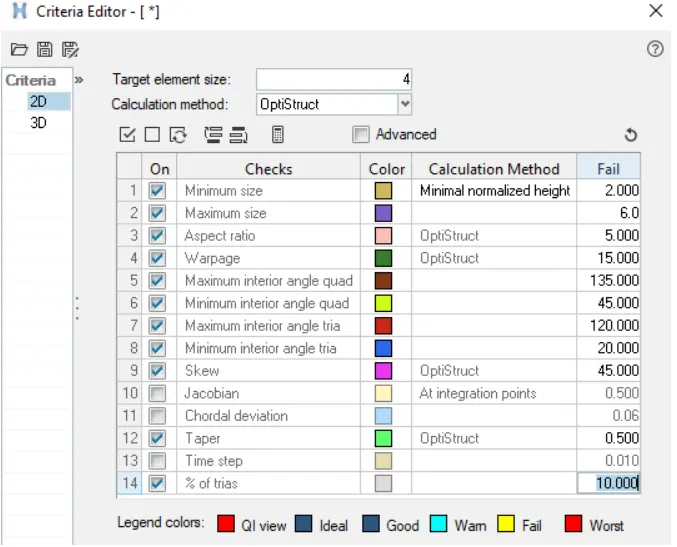
Meshing with 2D elements is basically performed using either tria or Mixed (tria and Quad). The accuracy of the result is depend on quality of elements. The quality criteria of the elements as shown below.
Step5: Meshing/Discretization
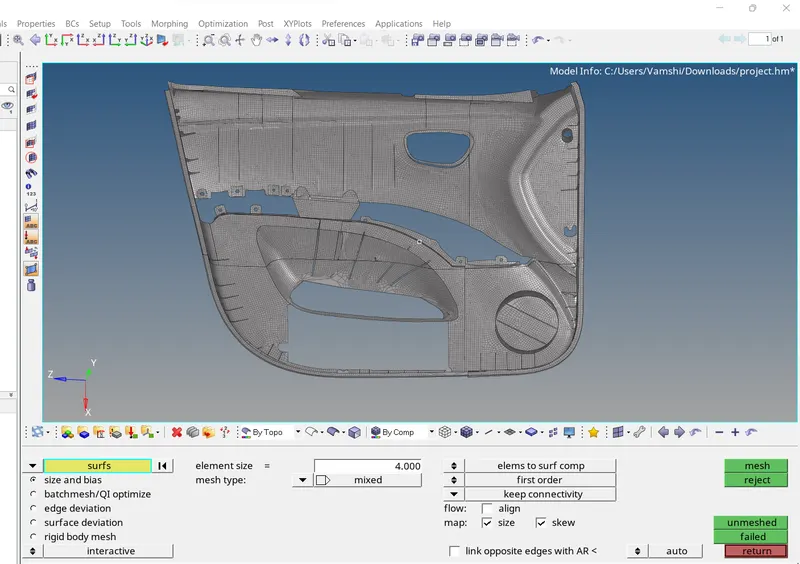
After assigning quality criteria, its time to mesh the model for discretizing the model there are automesh command in 2D panel, by using this tool to mesh the model will mesh. for better mesh flow and reducing tria concentraction rebuilt tool is also used. Moreover elements clean up tool are used for better mesh flow.
Step6: Assigning thickness
Many feature of the model had uniform thickness and some with non uniform thickess, for those with varying thickness different property card is assigned.
FINAL MODEL