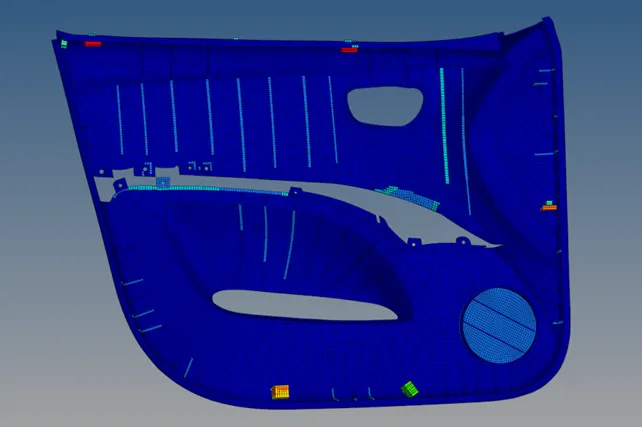
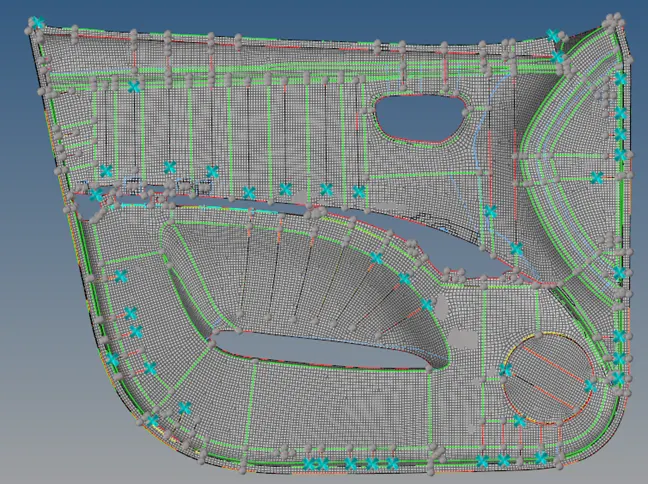
Week 12:Project-1-Meshing of Door Inner Panel Challenge
Objective –
Mesh the side door model with given criteria and assign the thickness to it.
Target Element Length = 4 Units
|
S.N |
Quality Criteria |
Value |
|
1 |
Aspect Ratio |
5 |
|
2 |
Skewness |
45 |
|
3 |
Warping |
15 |
|
4 |
Taper |
0.5 |
|
5 |
Min. Length |
2 Units |
|
6 |
Max. Length |
6 Units |
|
7 |
Min angle Quad |
45 |
|
8 |
Max angle Quad |
135 |
|
9 |
Min angle Tria |
20 |
|
10 |
Max angle Tria |
120 |
|
10 |
Tria % |
10 |
Procedure –
- First I have imported model to hypermesh workbench. Then I went for to extract midsurface from it. Since it was non-uniform in thickness, I choosed to extract midsurface through manually.
- I measured thickness in different sections and offsetted to middle of it. There are some area which is more than 6 m thickness, those are replaced with locating points.
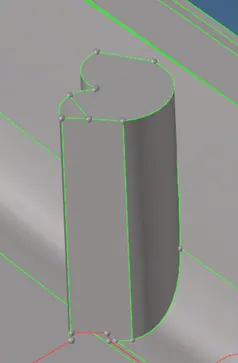 Changed to locating point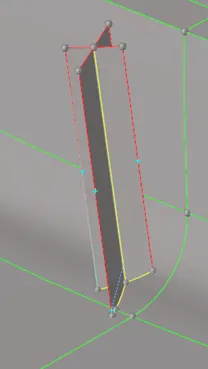
- After clean the surfaces from trimming and extending, I got final mid surface of the whole component.
- Some time to get mid surface through offsetting is not easy, in that case I choosed mid line option and then through that mid line & surface ruled option I got midsurface of that particular zone.

- Due to large surfaces while extending ribs to the base surfaces, surfaces were behaving very bad. So I have splitted into small region to get fine surface in that particular zone.
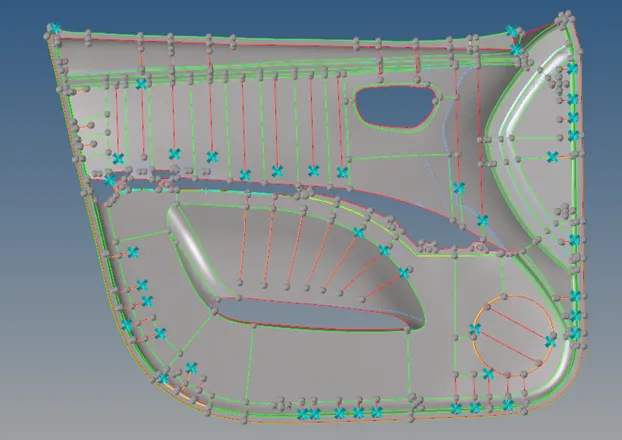
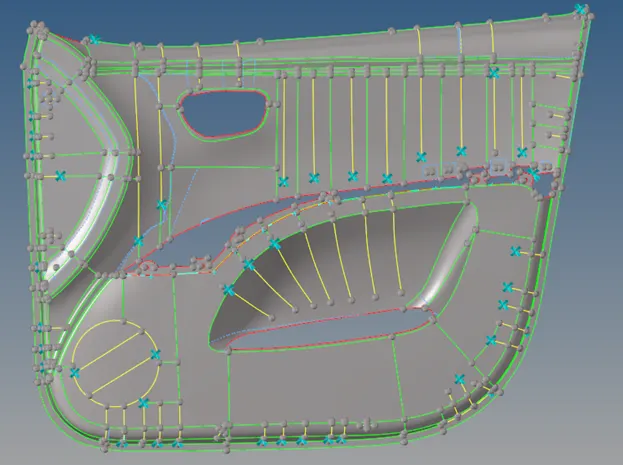
- Then I went for criteria file setting to fix my given criteria and gone for mesh.
- I started the mesh from base of the component and gradually cover all sides & top flange of the component. Then I went for mesh of all plastic rib sections.
- There are some portions which are incomplete in model itself, where hole is important to capture in mesh. So I have neglected thickness of the those area.
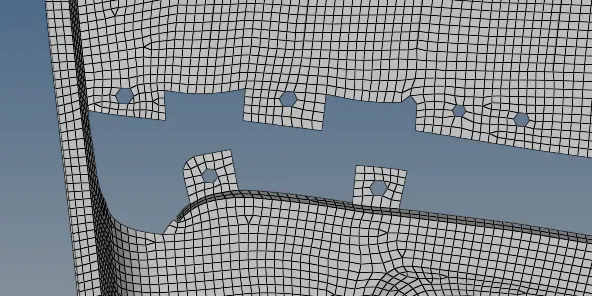
- Once I will get good mesh flow in base surfaces, while meshing of the plastic ribs the same mash flow will continue in the rib sections.

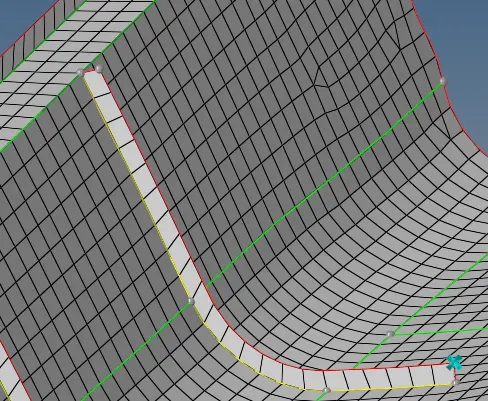
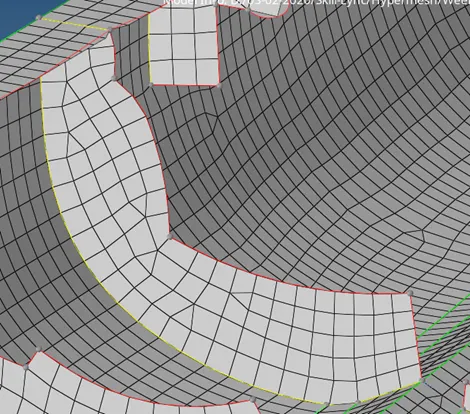
- Due to some surface restriction and to qualify mesh quality, I kept some bad mesh flow.
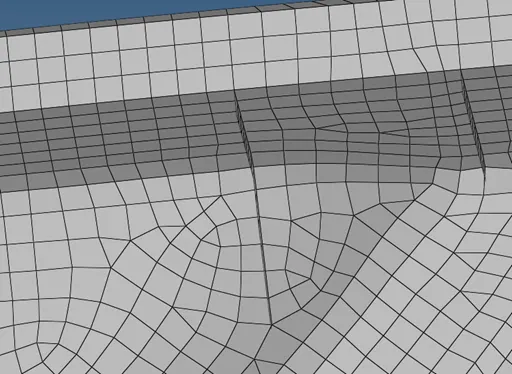
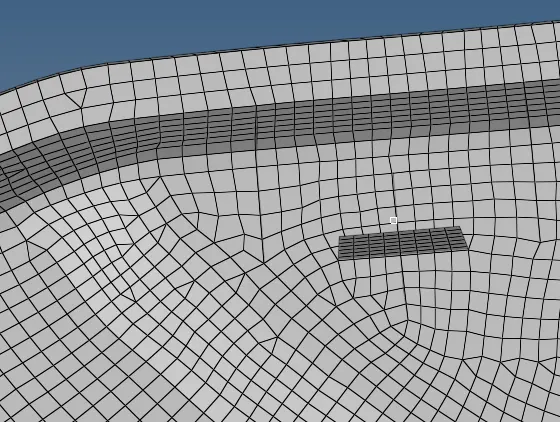
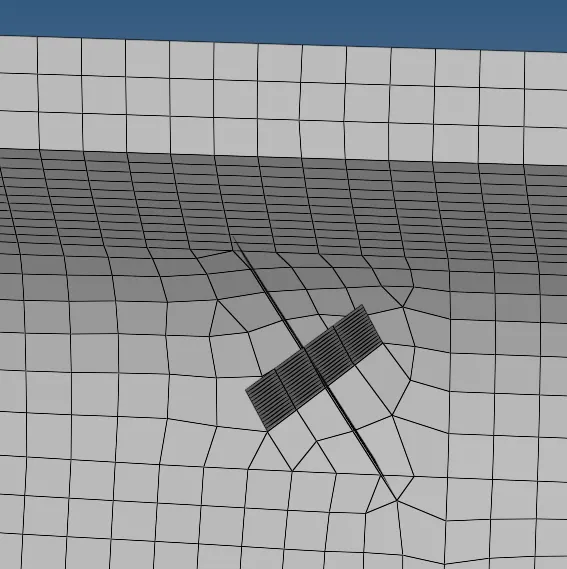
- There are some elements has failed for minimum length, because it has area of convergence. If we will change something it will affect to profile of the component. That’s the reason I kept this element as it is.
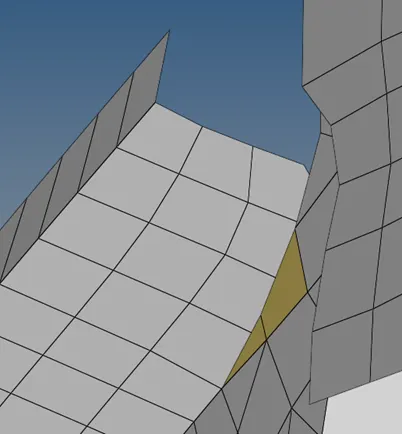
- While meshing of the component I found some elements which are failing for warpage issue, for those elements I have translated some node in between 0.2 to 0.5 through translate option.
- After I got mesh in the whole component, I went for to assign thickness to it.
- Since it is variable in different sections, I went for auto midmesh thickness.
- In mid mesh thickness, I have selected all the elements from the mesh and clicked on calculate thickness. It took some time to apply on my component.
- After that, when I changed to 2D detailed representation, all the elements has there own thickness.
Final model –