Week 12 - Project-1
Objective:
1) Manually extract the midsurface of the given geometry, clean up the midsurface for meshing and mesh it according to the quality criteria then assign the thickness to different parts of the geometry.
2)The given mesh quality criteria is,
Follow the Quality Criteria and mesh the following component and assign thickness:
Target Element Length = 4mm
| S.N | Quality Criteria | Value |
| 1 | Aspect Ratio | 5 |
| 2 | Skewness | 45 |
| 3 | Warping | 15 |
| 4 | Taper | 0.5 |
| 5 | Min. Length | 2mm |
| 6 | Max. Length | 6mm |
| 7 | Min angle Quad | 45 |
| 8 | Max angle Quad | 135 |
| 9 | Min angle Tria | 20 |
| 10 | Max angle Tria | 120 |
| 11 | Tria % | 10 |
Procedure:
1) First import the iges file of the model to hypermesh.
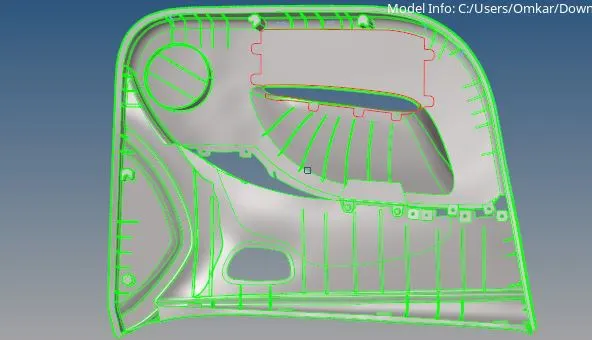
2)Clean up the geometry:Toggle the unwanted edges in the geometry and replace the points for irregularities in the geometry.
3)After cleaning the geometry divide it into 4 parts approximately.
4)As the thickness of the model is different in every location we have to extract midsurface manually.
5) To do that go to geometry-surf edit-offset surf -select surfaces to offset-enter distance and hit offset.
6)Now create the components according to common thickness of the model.
7)All the wall ribs are supposed to be same thickness so create common component for them.
8)All the surface ribs are common in thickness so create one component for them.
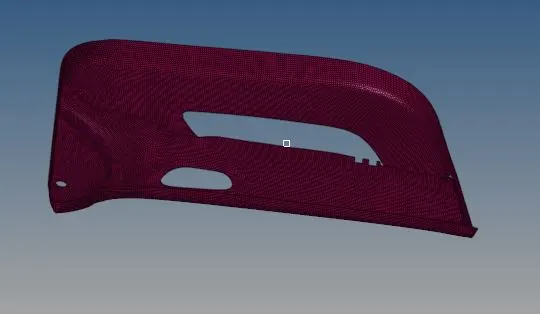
9)Now mesh the midsurface of the main model as per given criteria.
10)Now concentrate on ribs or stiffners first delete the unwanted edge fillets from the body to get clean surface.As the thickness of the rib is different hence use manual midsurfacing for the same.To use that go to (geometry+surface edit+offest+discontinuous offest+surf(duplicate)+magnitude+vector+offset).
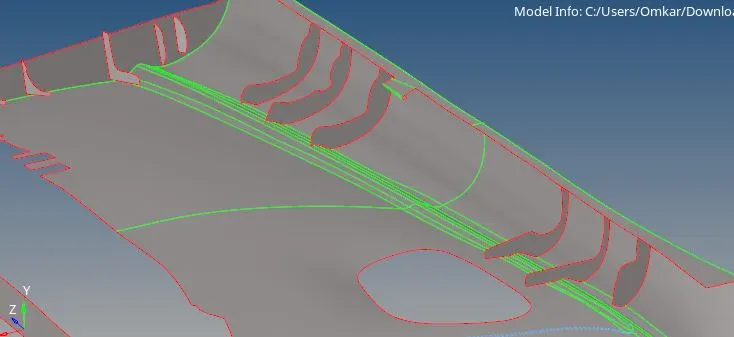
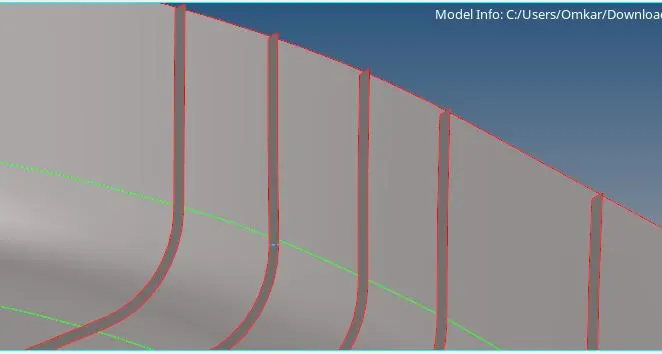
11) Now catogarise all the ribs midsurfaces according to thickness of it and organise them into respective collectors.
12)Now create the mesh for the ribs also,on the midsurface geometry and project the nodes of the ribs to the midsurface.If we forgot to connect the ribs while meshing, we can connect by tool mesh edit (mesh edit+ assign source as node path+destination as elements+layers as 2 or 3+select imprint).
after this, we can easily connect the elements by replace tool, and when using this tool we can get some distortion in the mesh.
13)To solve node connectivity issues go to 2D-Replace-Select nodes to replace.
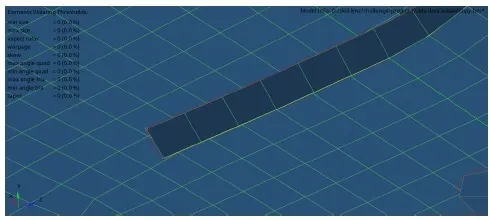
14)After all the errors are rectified create material and properties according to thickness og the component and assign them accordingly.
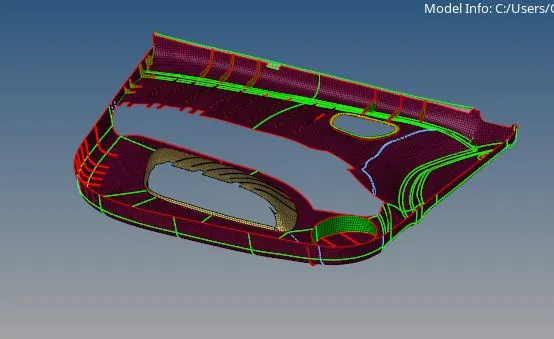
15)After assigning property and thickness properly
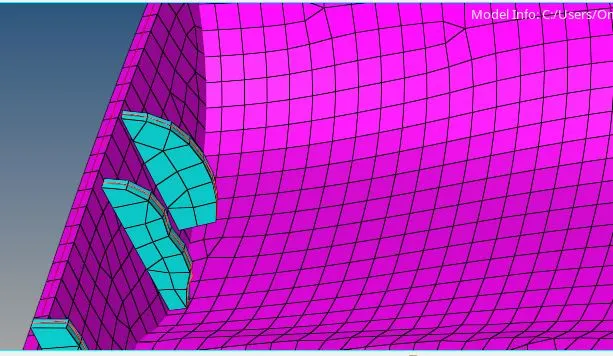
Conclusion:
1)Manual midsurface extraction is very important tool for the uneven thickness in the geometry.
2)The mesh of the given qaulity criteria is achieved.
Google drive link:https://drive.google.com/file/d/1GAh6KKpJyFi_JSXiP6fsgW8mn_oUAB73/view?usp=sharing