Week 12 - Project-1
OBJECTIVE
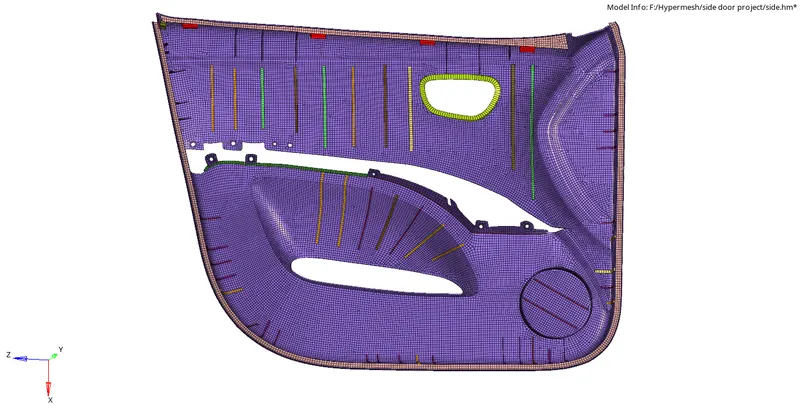
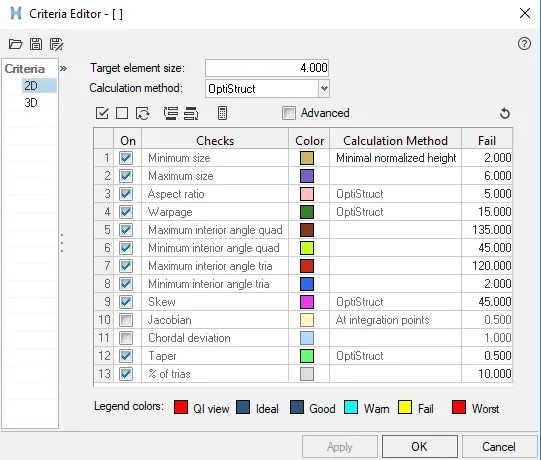
To Mesh the side door component and assign thickness using hypermesh with a target size of 4mm and quality criteria as follows
| S.N | Quality Criteria | Value |
| 1 | Aspect Ratio | 5 |
| 2 | Skewness | 45 |
| 3 | Warping | 15 |
| 4 | Taper | 0.5 |
| 5 | Min. Length | 2mm |
| 6 | Max. Length | 6mm |
| 7 | Min angle Quad | 45 |
| 8 | Max angle Quad | 135 |
| 9 | Min angle Tria | 20 |
| 10 | Max angle Tria | 120 |
| 10 | Tria % | 10 |
CAD MODEL
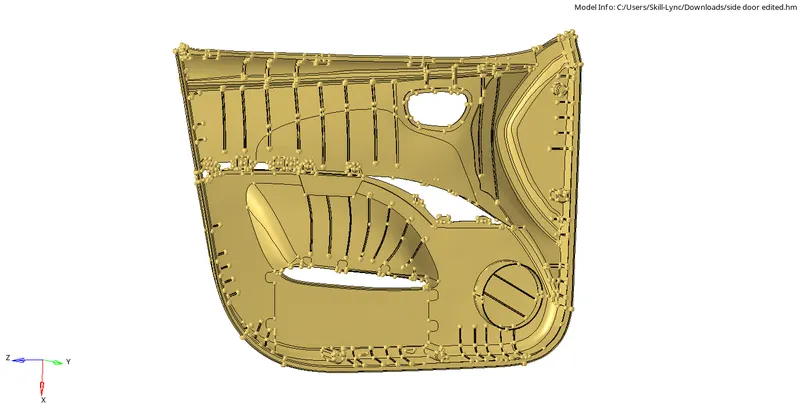
PROCEDURE
- The Sidedoor CAD model is imported to hypermesh using import geometry from import panel
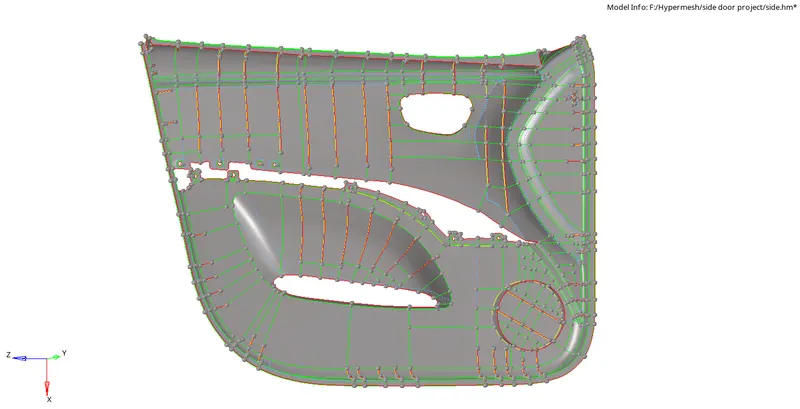
- Since it is a plastic component it has variable thickness for different ribs and faces so auto mid-surface is not an appropriate option to use so the mid surface of the component is taken manually using surface edit(Shift+f9) -offset.

- Then we have to make sure that the ribs were attached to the surfaces if not we have to extend the rib to the base surface using the Extend option from the surface edit panel.

MIDSURFACE
MESH
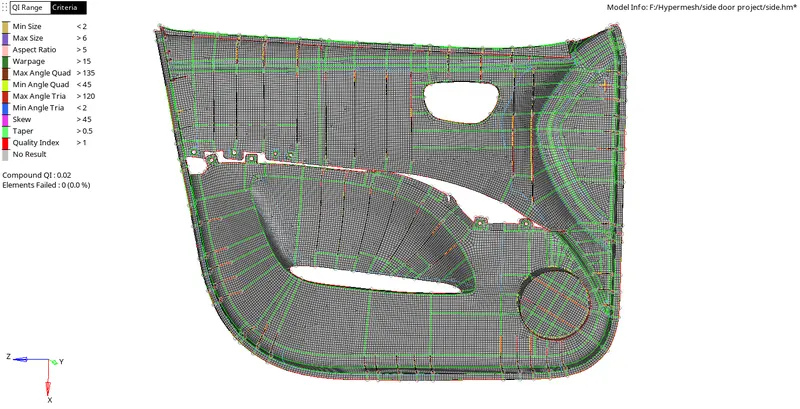
Then the surface is split accordingly so that it doesn't affect the flow of the mesh and also the connectivity between the ribs and the base surface and auto mesh is performed starting from the ribs
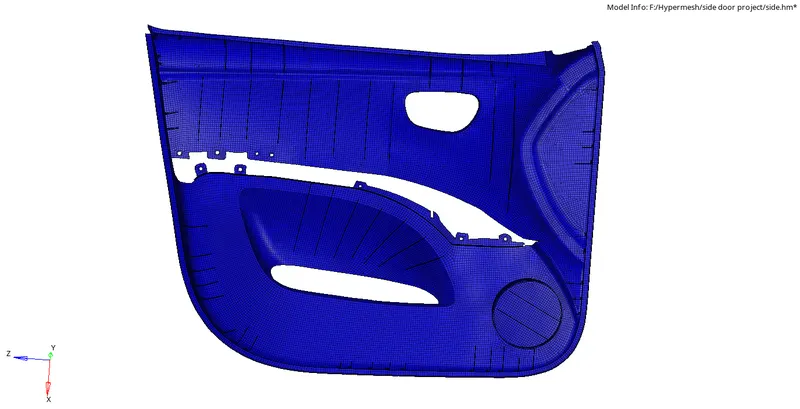
QUALITY
CRITERIA FILE



FREE EDGES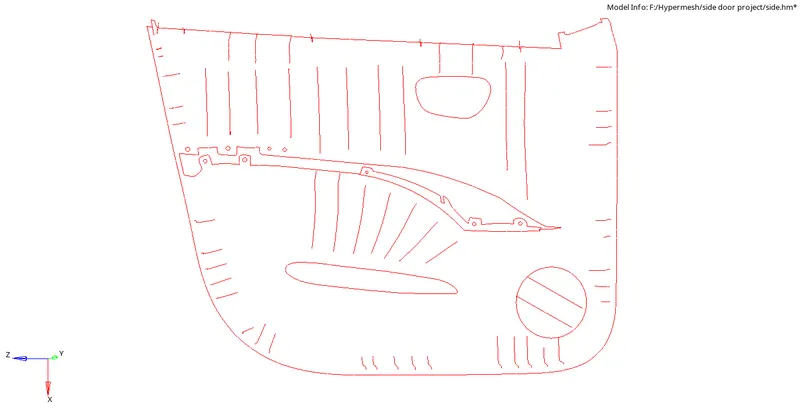
ASSIGNING THICKNESS
Firstly the FE into different collectors based on the thickness using organize option and the property card with various thickness is created and assigned to the specific collector.
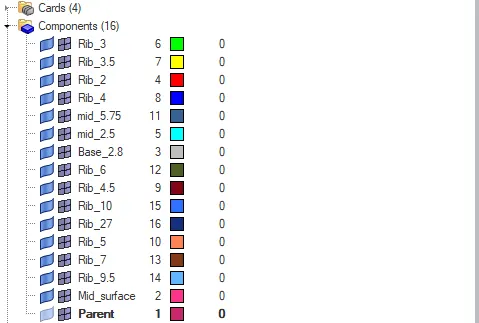
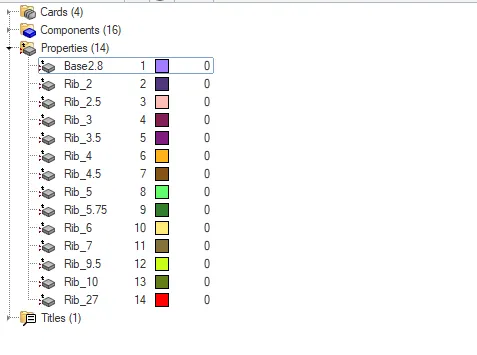
By changing the visualization By prop we can see whether the property is assigned to the specific collectors.
RESULT