Week 11 - Project - A pillar Design with Master Section
AIM:
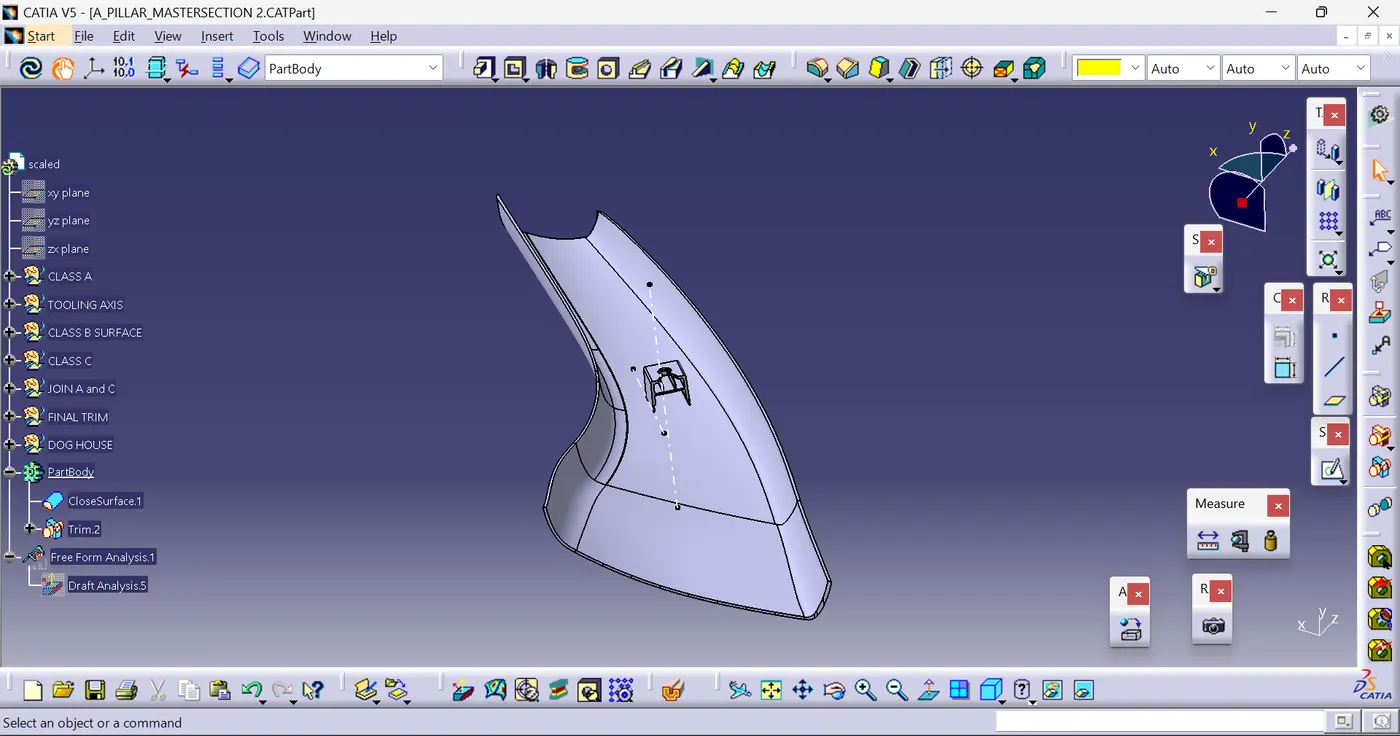
To design A-Pillar with master section
TOOLING AXIS:
Here tooling axis is created by using the master section and create by a bisecting method
Draft analysis for class:
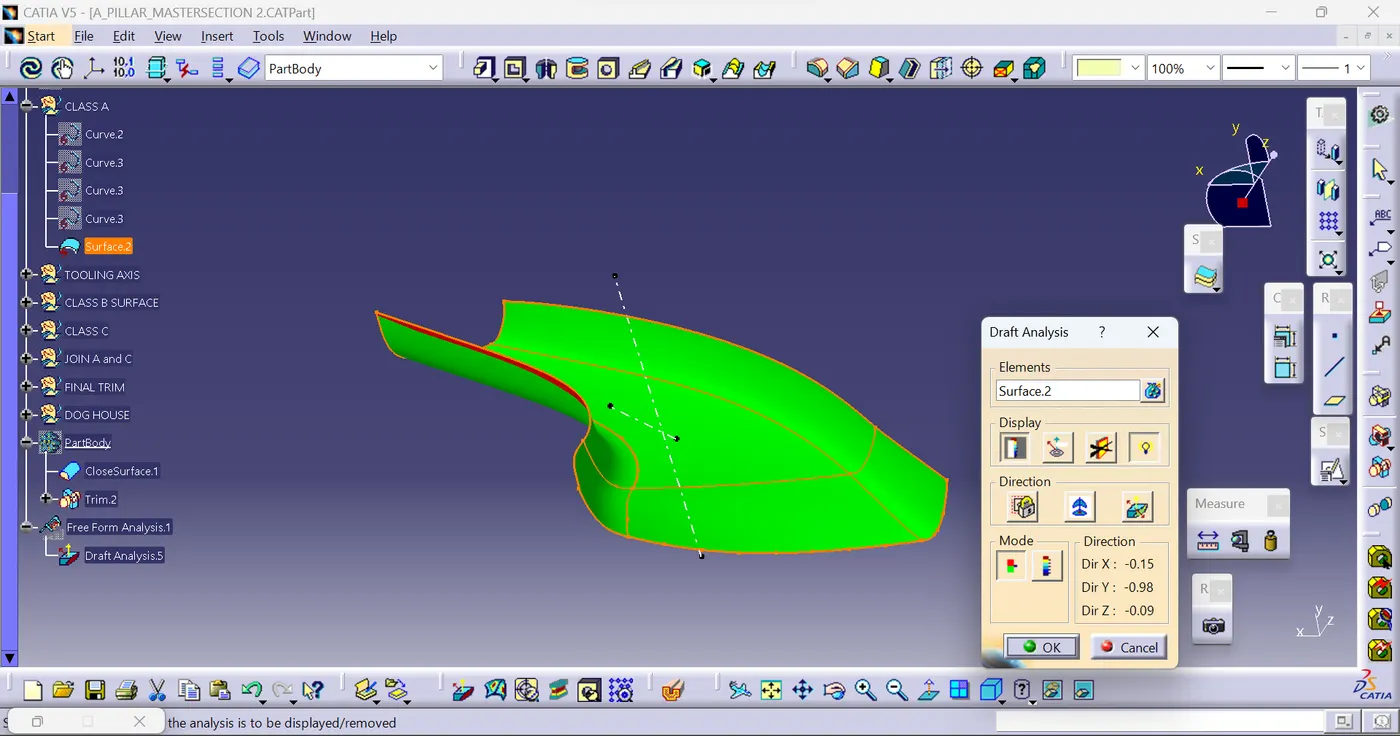
To perform the draft analysis in class A, I selected the featured draft analysis tool in the Generative shape design workbench. Initially, I click on the 'use of the compass to define the new current draft direction' command to align the compass to the tooling axis.
Once the compass is aligned to the tooling axis, we need to select the surface which we need to perform a draft analysis. Class A surface will be highlighted (in green colour) according to the colour bar angle and colours we defined in it.
Here I gave green colour for 3 deg, blue colour for < 0deg and red colour for less than 0.9deg and greater than 0deg.
If I gave a 3deg draft angle some faces are not getting cleared, so I have gradually reduced the draft angle to up to every face gets cleared.
Some faces in the class are not get cleared with a 3deg draft angle, even if we give less than a 1deg draft angle. This happened because the faces which are not clearing with less than one degree also are not drafted properly while creating a class A surface.
Draft angle 3deg:
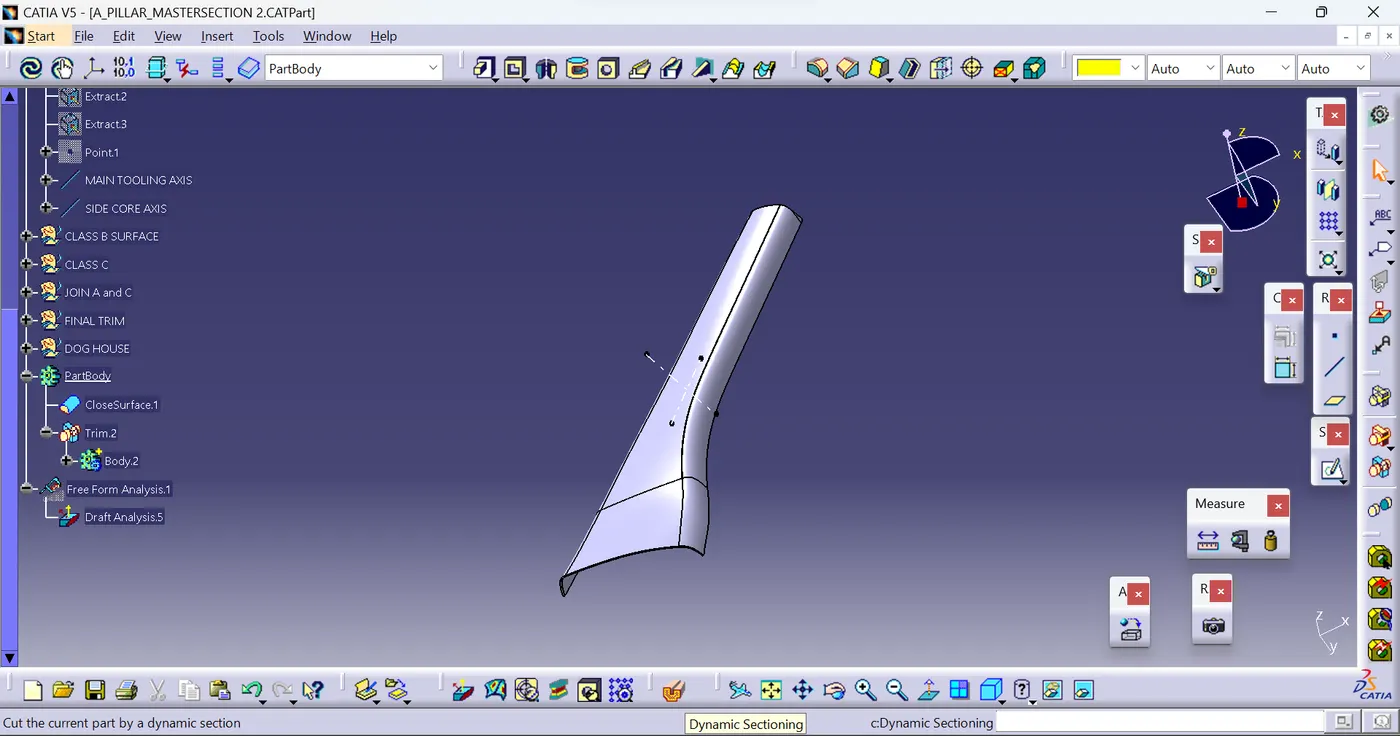
A Solid body creation :To create the solid body I used the closed surface command in the part workbench. Click on the closed surface command in the part workbench and give the closed surface as an input to create the solid part body.
Draft analysis for the solid part body:
To perform the draft analysis for the solid part body (which has Dog Houses on it), I used the featured draft analysis tool in the generative shape design workbench. Initially, I aligned the compass to the tooling axis and I selected the solid part body, I gave a 3deg draft angle in the colour bar. Even if I gave less than a 2deg draft angle in the colour bar some faces are not clearing properly, due to the class A surface draft angle and curvatures on it. the solid body has shown in red and blue colours even though we gave 0.9 deg in the draft angle in the colour bar we can't decrease the draft angle to less than 0.5deg because the draft angle for the plastic component is 0.5deg to 3deg).
3deg draft angle: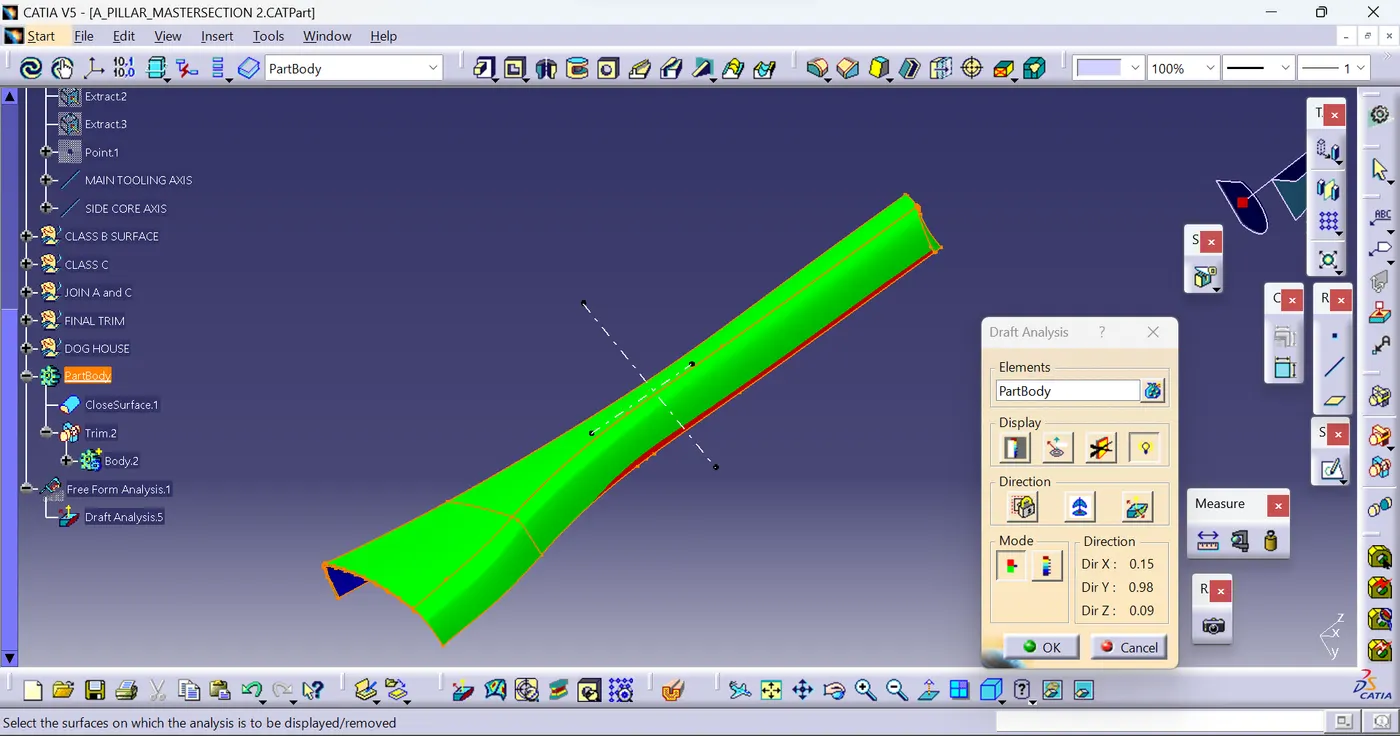
DOG HOUSE DESIGN:
Dog House as per given master section.
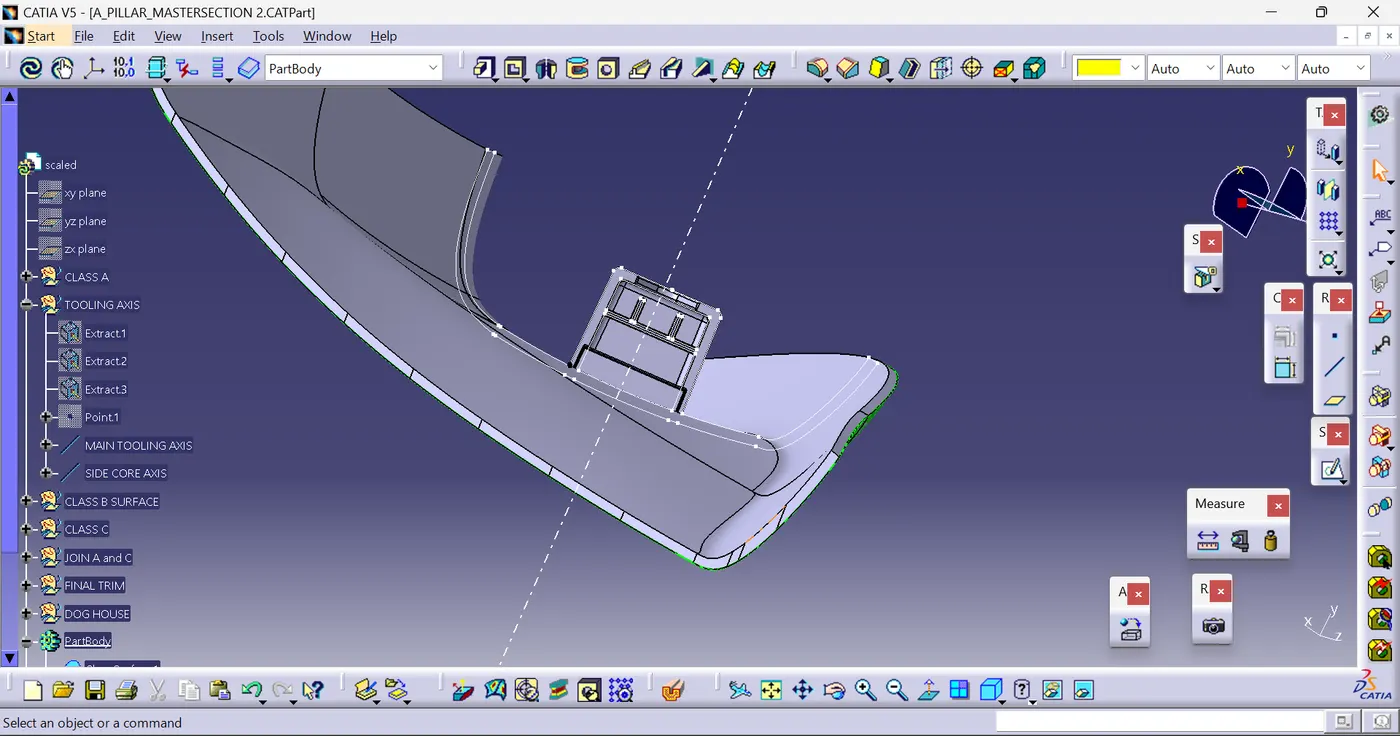
SKETCH FOR DOG HOUSE DESIGN:
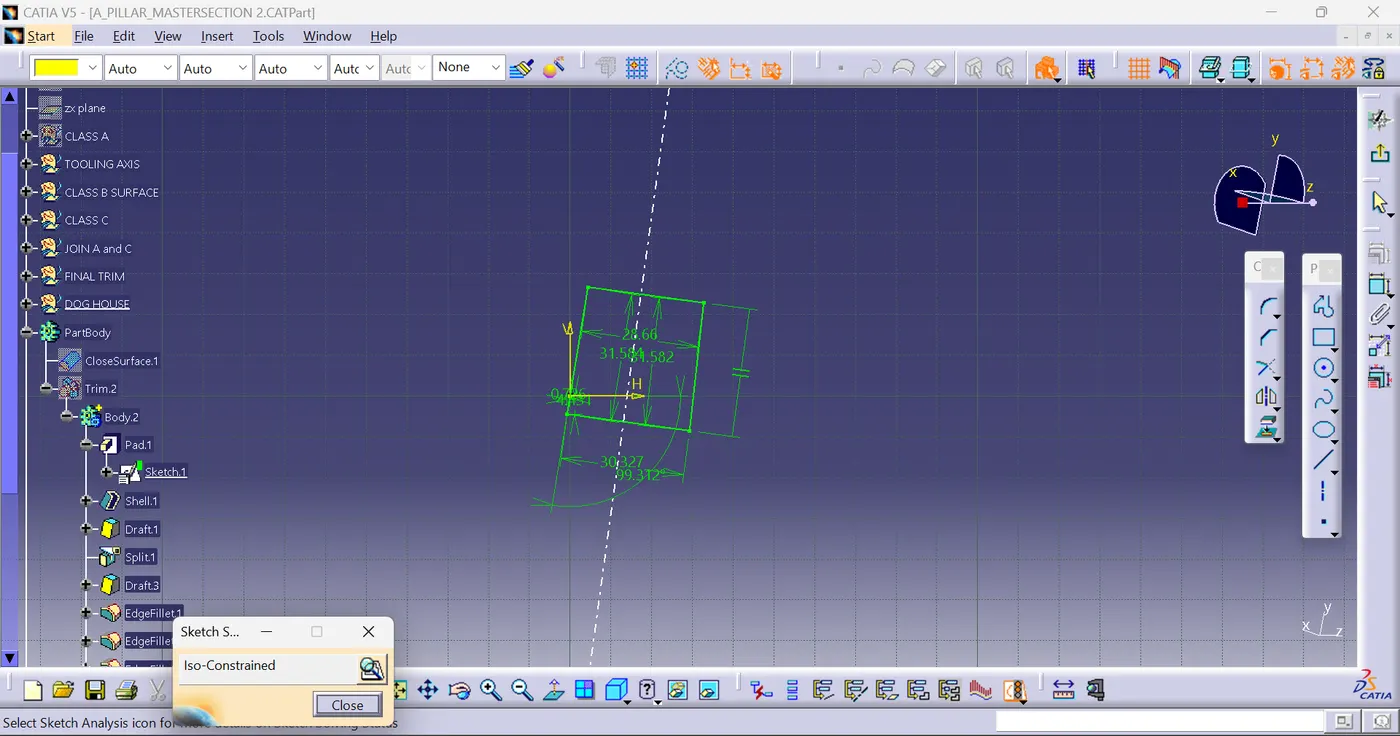
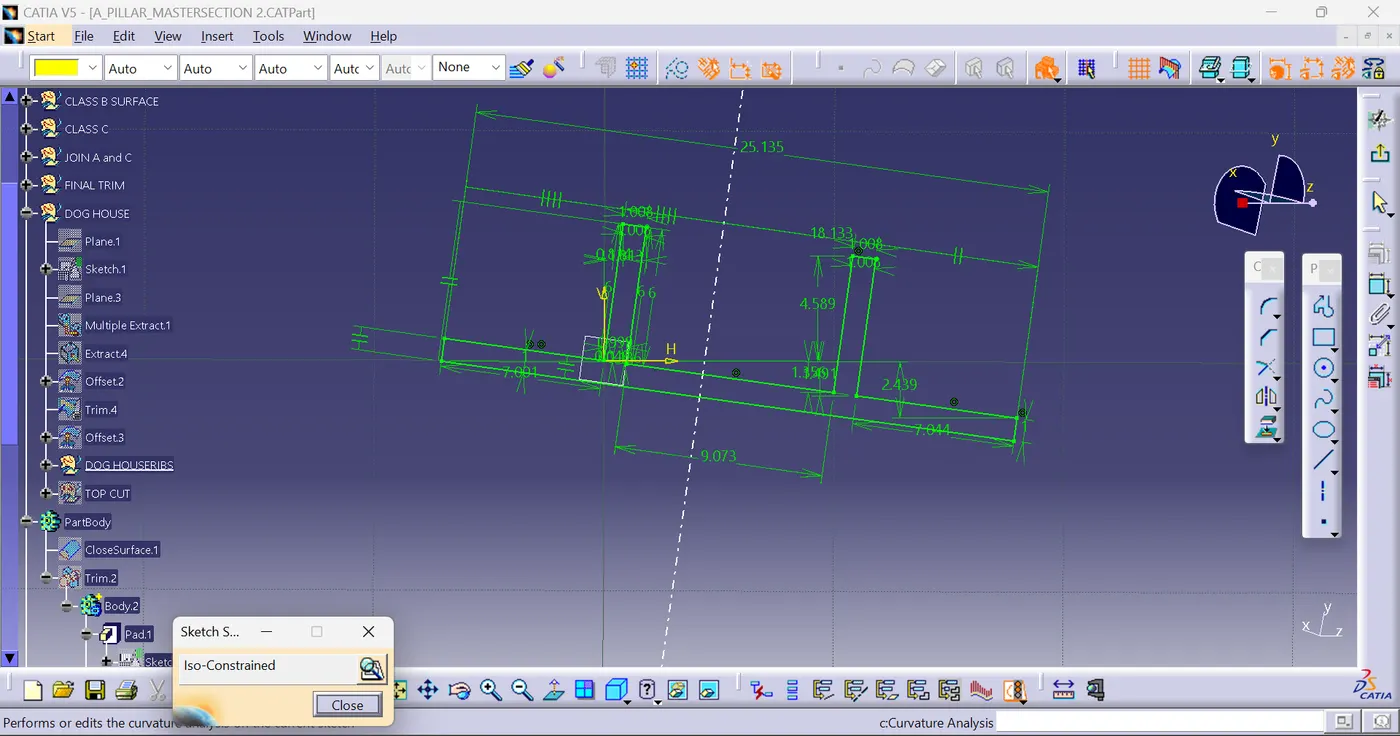
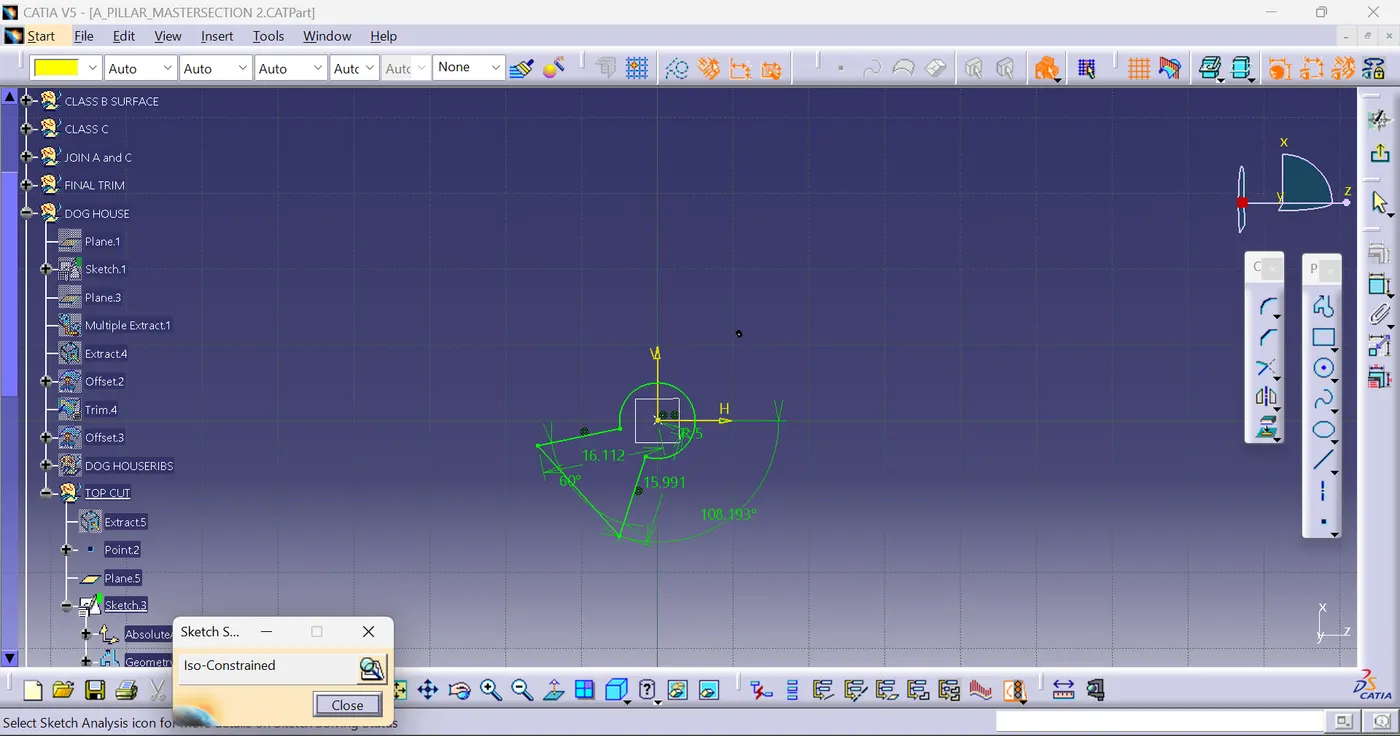
Draft analysis for Dog House:TREE STRUCTURE
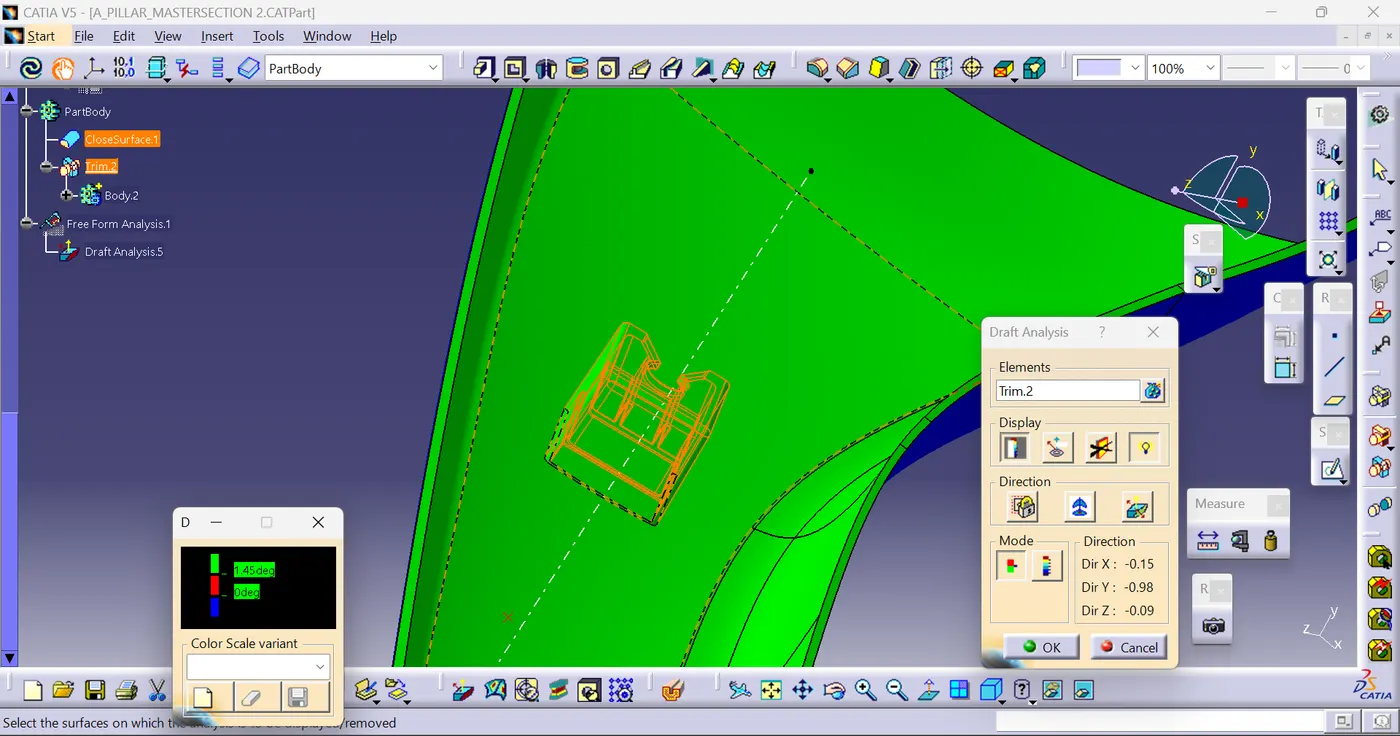
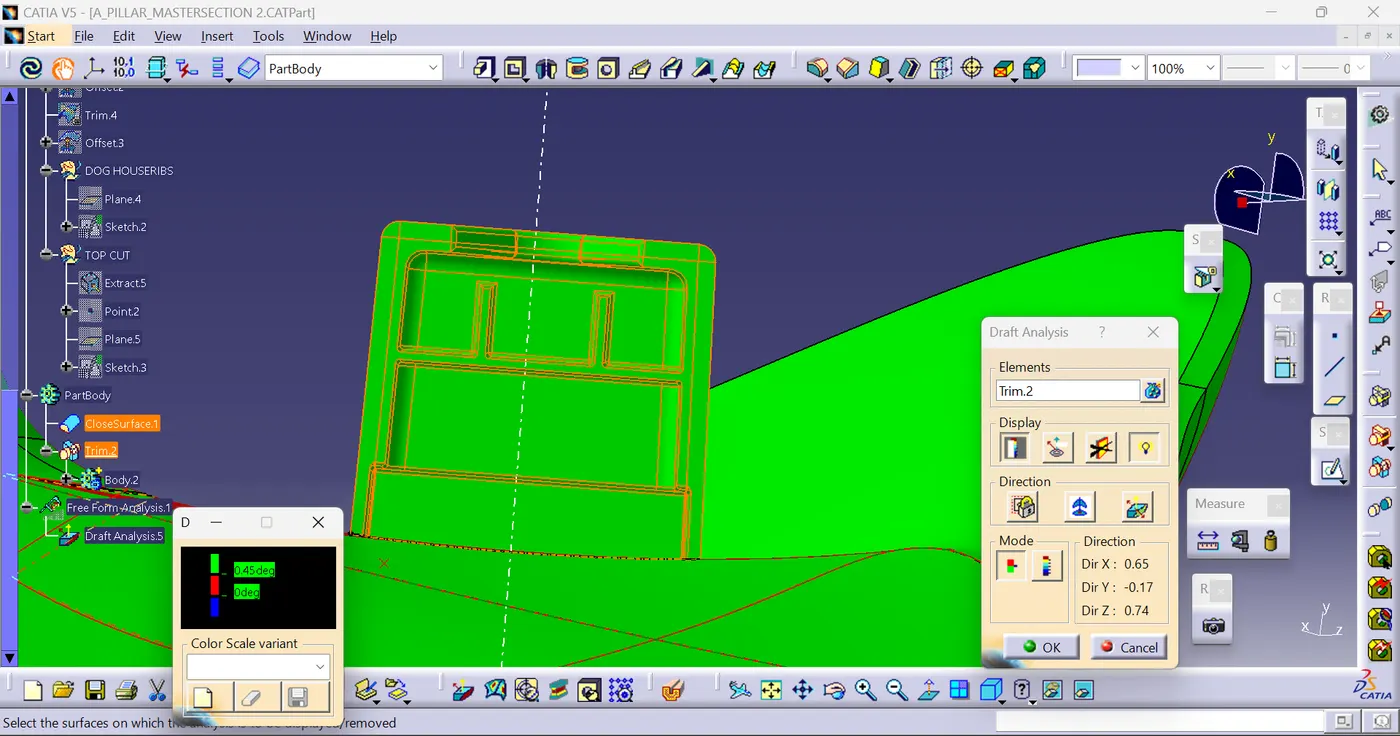
Initially, we need to check the draft analysis concerning the tooling axis and then concerning the side core axis.
Tooling axis:
In the colour bar, I gave 1.48 deg for green because the sweep angle is 1.5 deg for the outer surface.
Side core Axis:
In the colour bar, I gave 0.48 deg for green because the sweep angle is 0.5 deg for the outer surface.
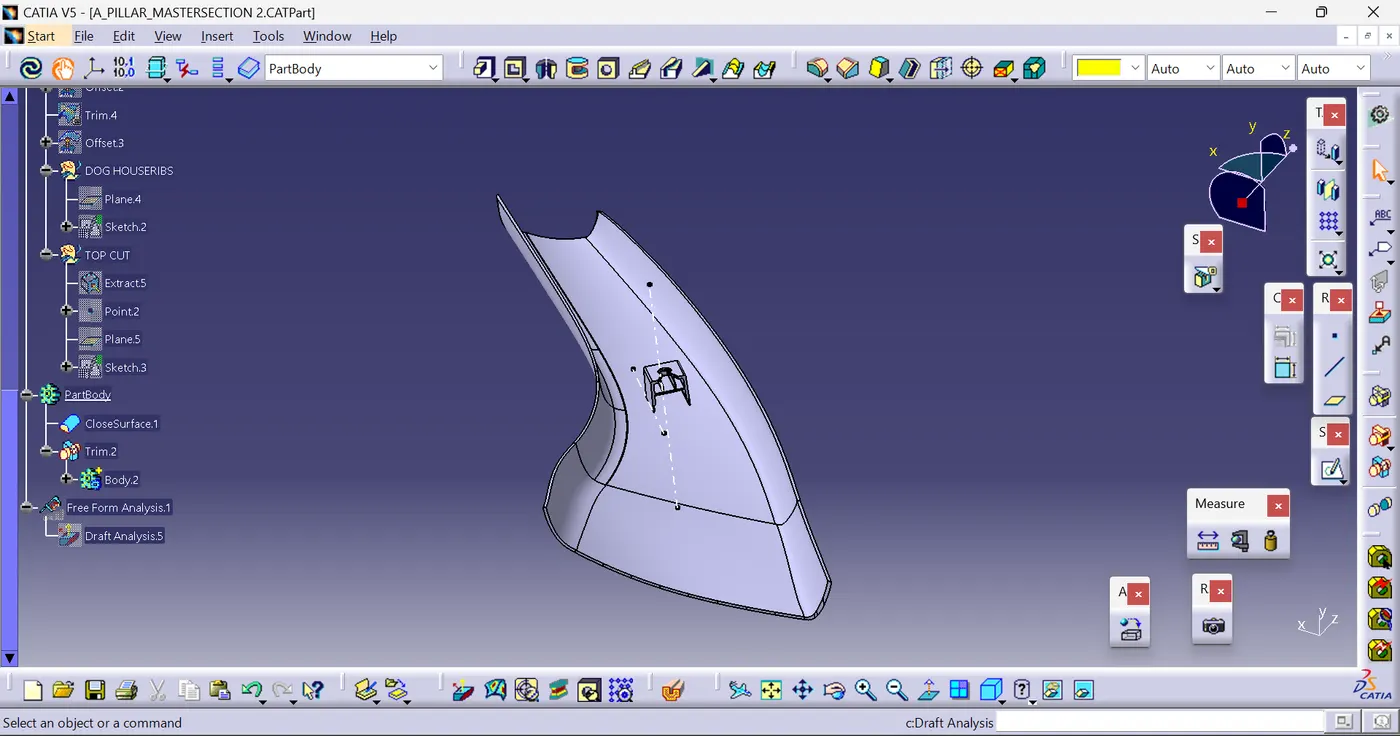
Solid part body including dog house:
TREE STRUCTURE: