Week-11 : Discretization of 3D intake manifold using GEM-3D
In this report, we will be discretizing a single-cylinder diesel engine into 0.1mm and compare it with a default case 1.
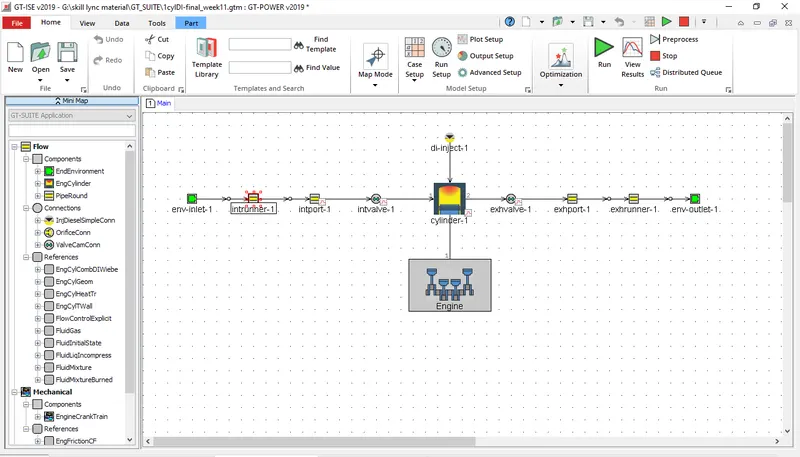
Below is the single-cylinder DI engine model:
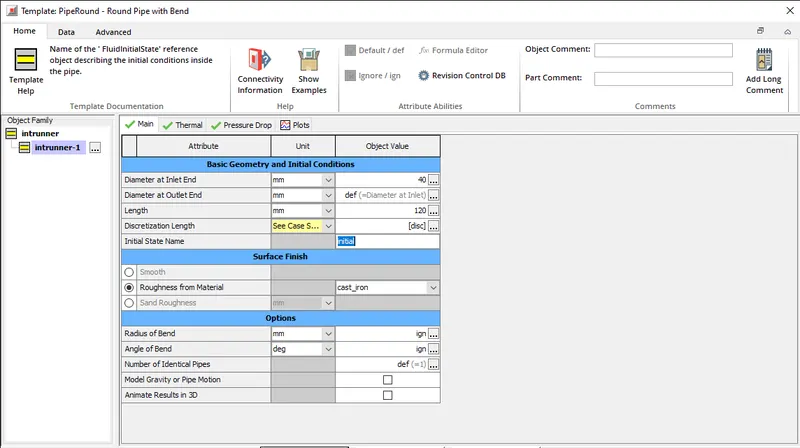
Now open the intake runner part and we can see an option for the discretization Length as we will be running a different case setup we need to build an array that will be available in the case setup so we choose to name the array as [disc].
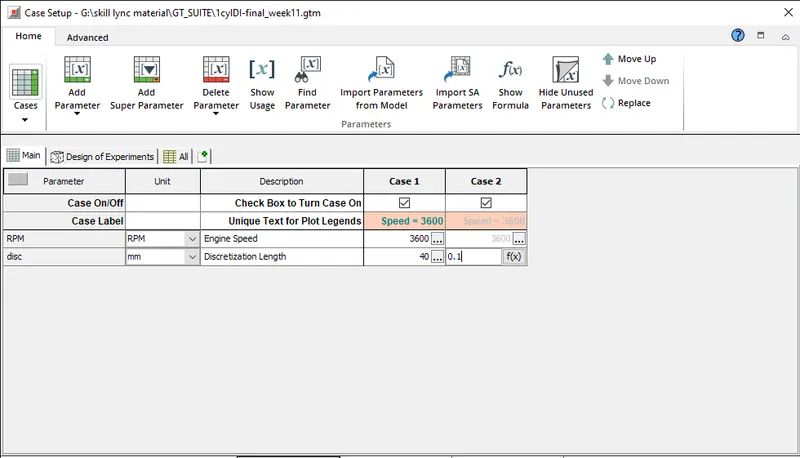
beforing running the model we need to open case setup and append 1 case and choose a new discretization length as 0.1mm and a default setup of 40mm.
Now we will run the model and wait for both the cases to complete successfully and we will compare the results.
Results:
in terms of simulation run time, we can clearly see the case where 0.1mm length was presumed took a lot more time compared to 40mm length. which can be seen in the EntireRun average.
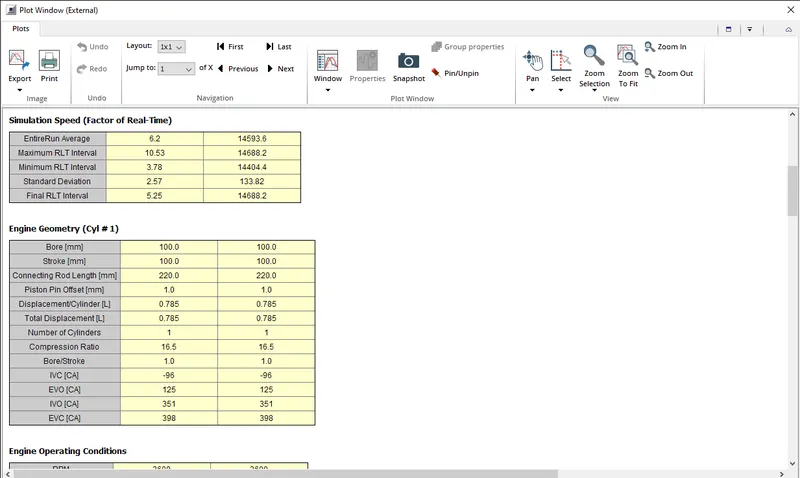
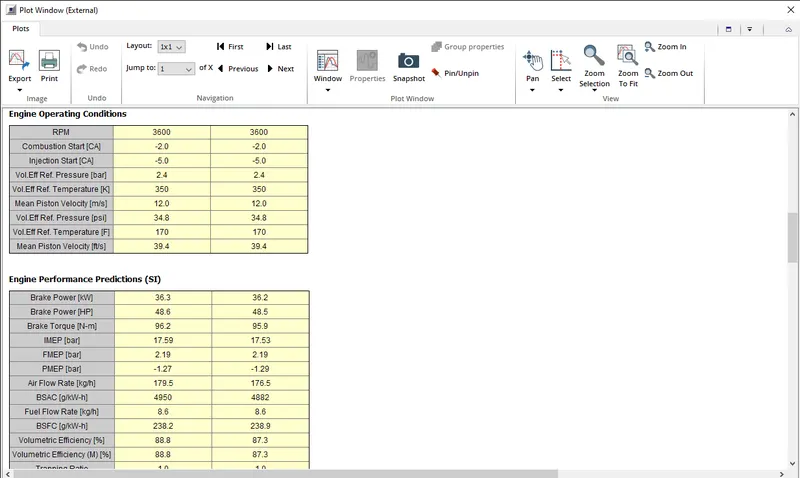
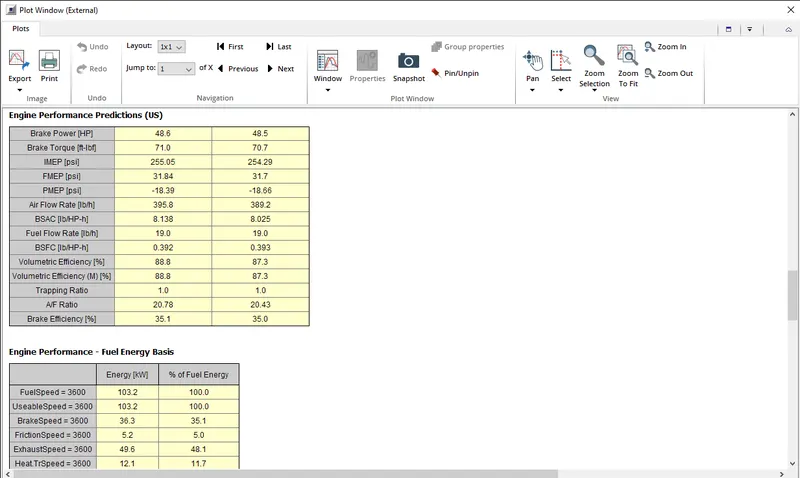
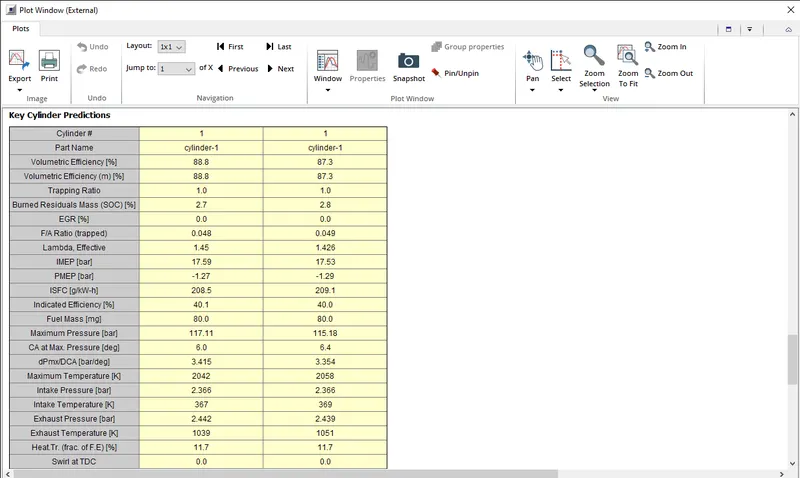
In terms of engine performance prediction, we can see that there are some slight changes in brake power and brake torque, but in the case of brake power, the change can be neglected as the deviation is minimal.
In the case of brake torque, we can see that there is some variation in results, due to the higher run time of the simulations some small deviations can be expected in the results.
GEM3D:
GEM 3D is a CAD-based tool that is designed to assist users in the modelling of engine exhaust and intake systems in GT-POWER.
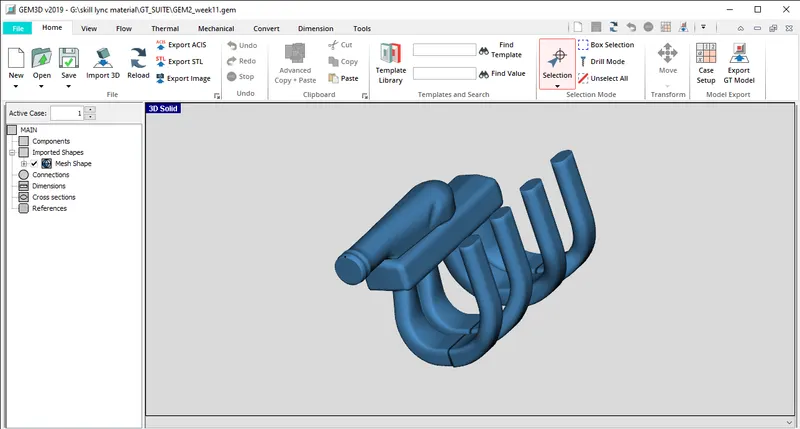
we will consider an intake manifold of an engine and the task at hand is to discretize this 3D model into a STL model.
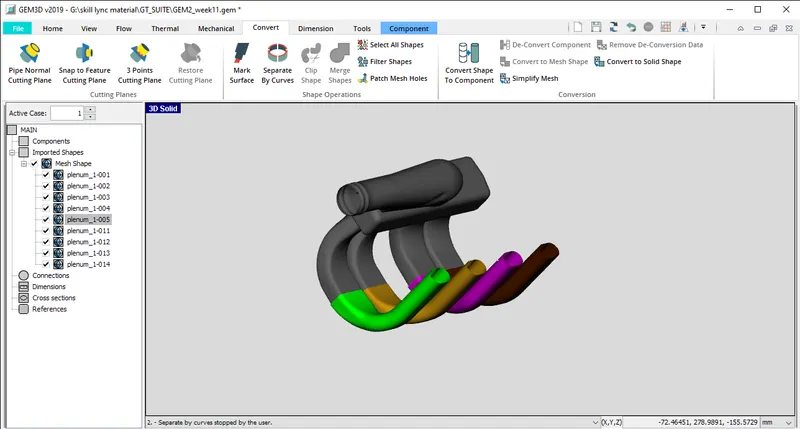
This model can be divided into different parts for easy conversion so we need to select the surface and use the "separate by curve" function and delete all the openings of the intake manifold. after this, we need to use 3 point cutting from the convert option to separate the plenum from the manifold.
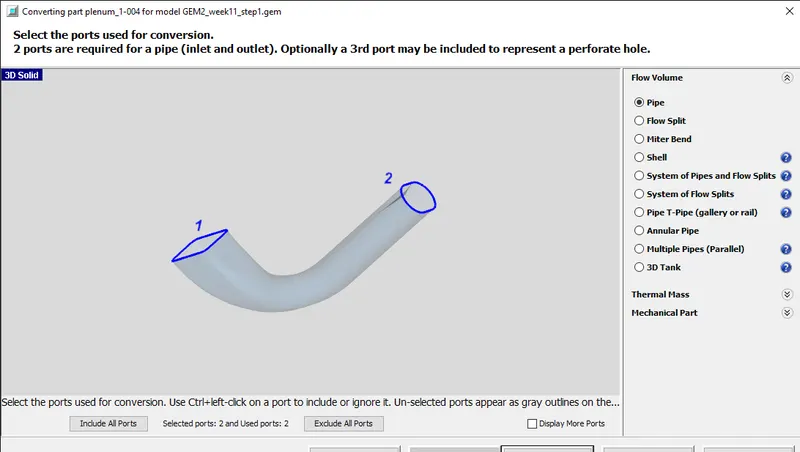
While converting shape to the component we need to make sure the inlet and outlet ports are assigned properly or else there could be an error after conversion. During this change, we need to convert the diameter of the inlet and outlet to a standard size for easy process.
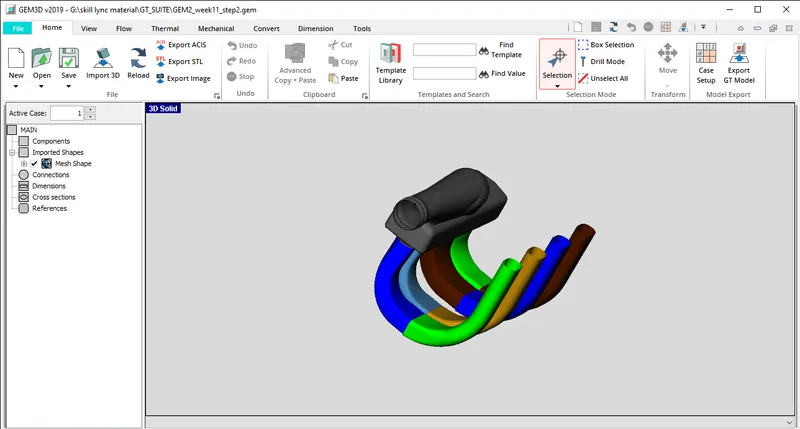
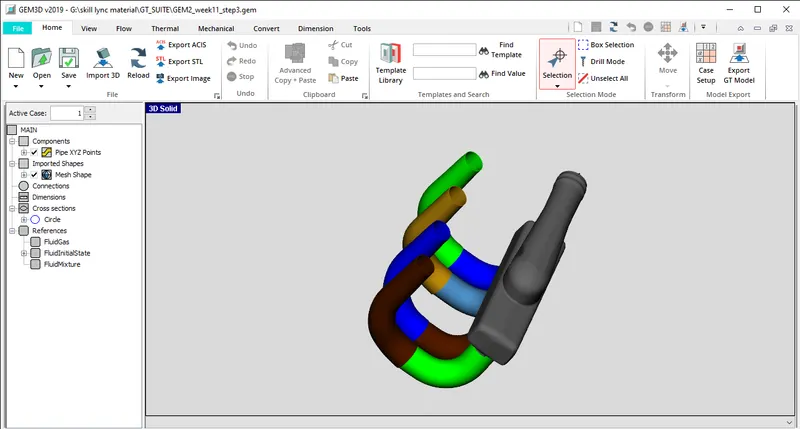
we will follow the same procedure for all the other pipes and later to discretize the plenum we need to hide all other converted pipes for easy access to the plenum.
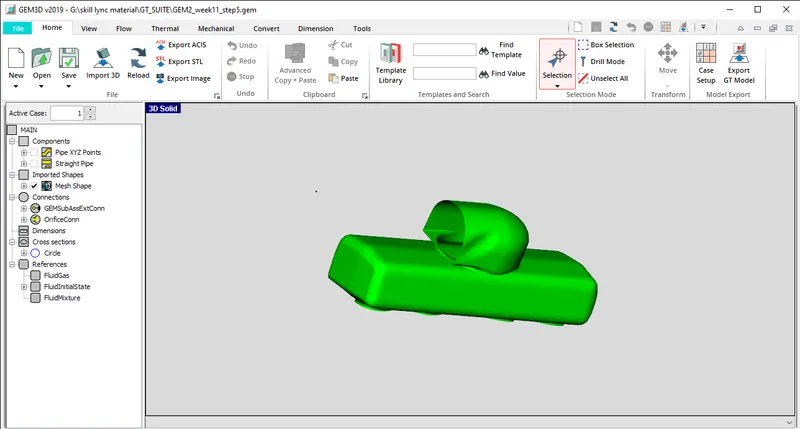
Now we will discretize the plenum and unhide al the hidden components and now the model is ready to be converted into a 1D model by using the "export to GT" option.
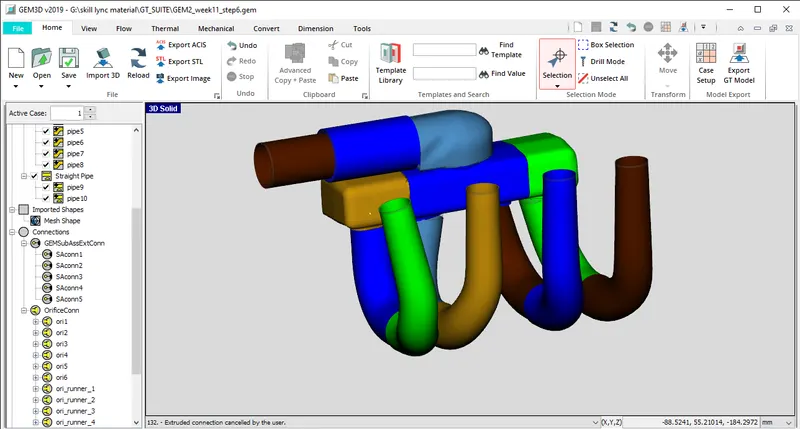
The final 1D model that we will get:
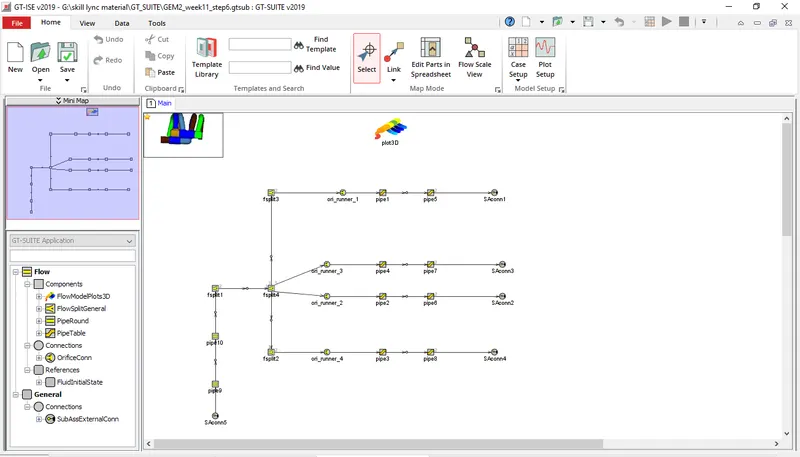
we can remove the SAconn and integrate this model into any engine model.