Week 11- Assembly Workbench
Aim - To convert drawings into solid parts and assemble them and convert them into assembly drawings.
Assembly 1 :
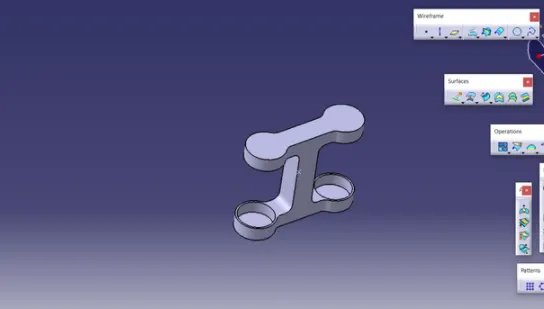
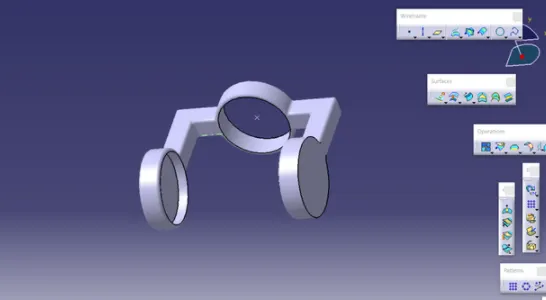
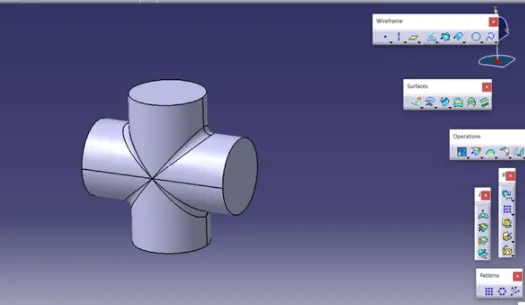
- Converting the given 2D drawings into 3D objects in part design workbench.
- All parts should be completed and assembly needs to be done in the assembly workbench.
- Take the three planes and should fix them as reference planes.
- Then we have to start giving the constraints which we have to give from the reference plane so that the other constraints will be fixed.
- For any distance-related constraints, we need to use the offset constrain tool.
- After the assembly is completed we have to go to the drawing workbench.
- In the drawing workbench, we need to give the balloons for the assembled components and also we need to give the bill of materials to the components.
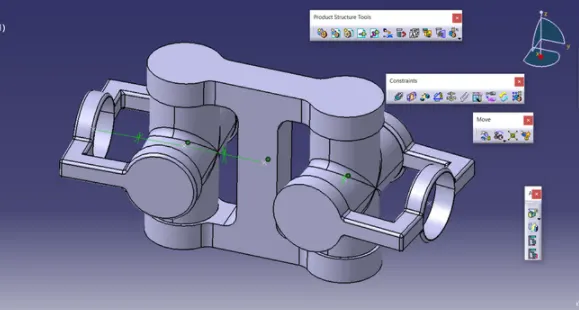
Assembly 1 images
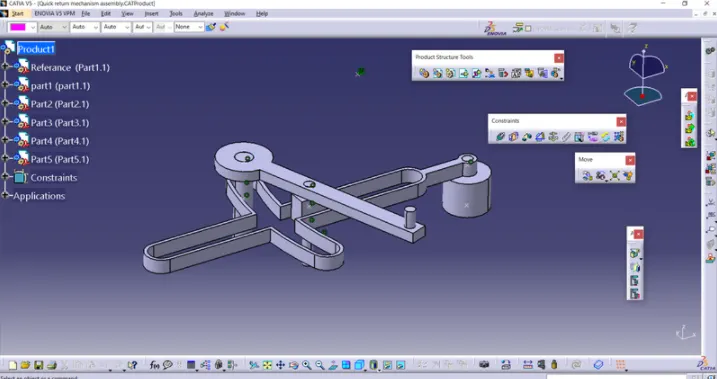
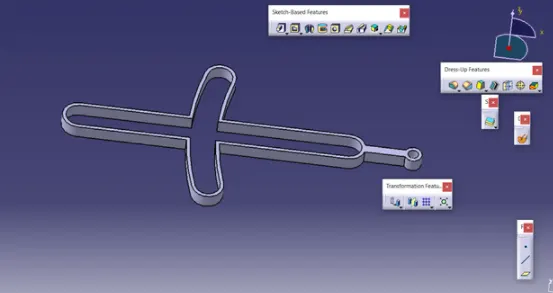
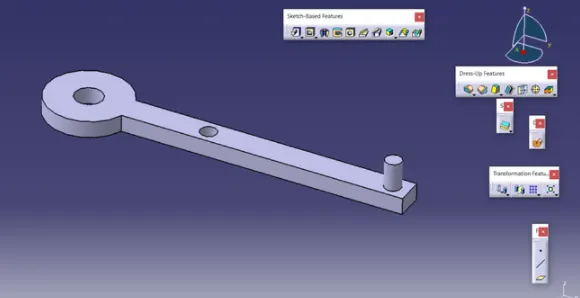
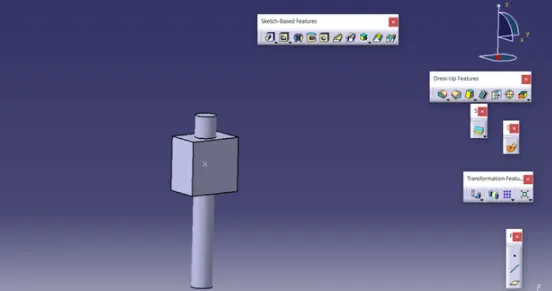
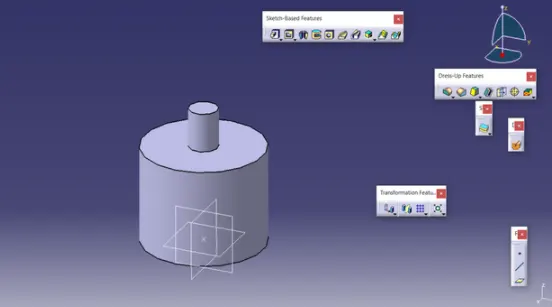
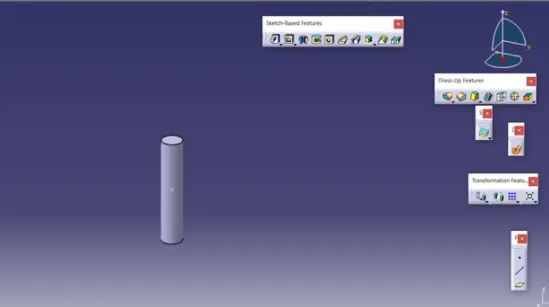
Assembly 2 :
- Converting the given 2D drawings into 3D objects in part design workbench.
- All parts should be completed and assembly needs to be done in the assembly workbench.
- Take the three planes and should fix them as reference planes.
- Then we have to start giving the constraints which we have to give from the reference plane so that the other constraints will be fixed.
- For any distance-related constraints, we need to use the offset constrain tool.
- After the assembly is completed we have to go to the drawing workbench.
- In the drawing workbench, we need to give the balloons for the assembled components and also we need to give the bill of materials to the components.
Assembly 2 images :