Week 10 - Challenge 2- Attachment Feature Creation (Dog House)
Attachment Feature Creation (Dog House)
Create the Attachment Feature Creation (Dog House) Plastic component through the Class-A surface. To begin with, the tooling axis for the given Class-A Surface should be created meeting the requirements of the draft angle, and also design a rib and screw boss at the end to perform the Draft analysis on the model.
Tooling axis Creation
In injection molding, the Class A surface is first analyzed to determine the axis or tooling direction that separates the molds. Tooling direction is critical for plastic product design because it determines mold direction
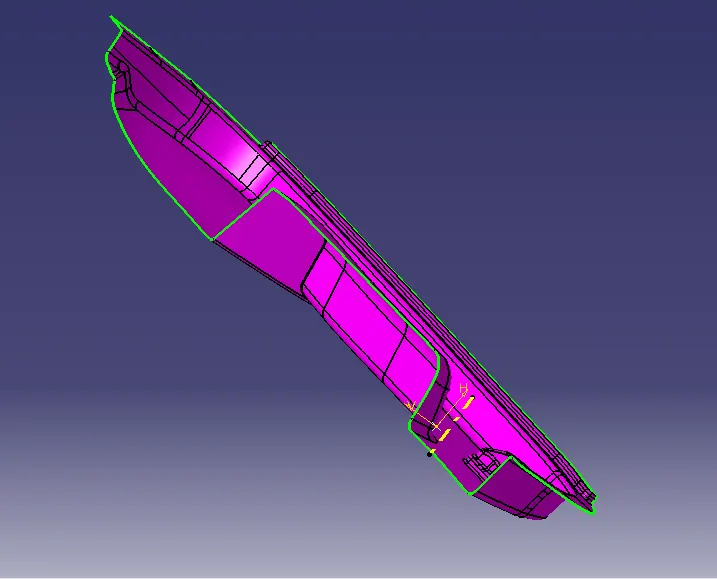
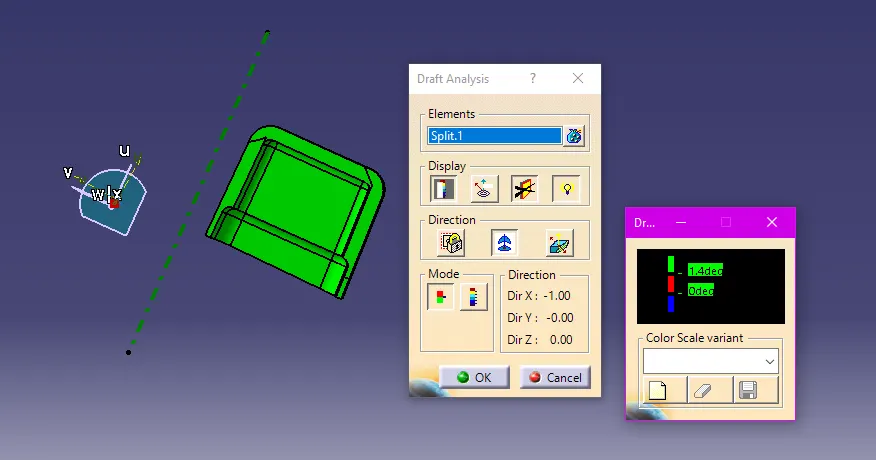
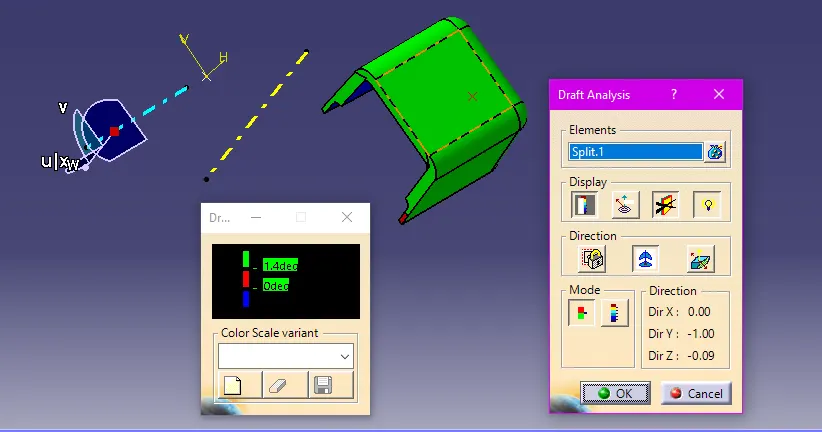
Draft analysis for class A surface:
I selected the featured draft analysis tool in the design.I click on the 'use of the compass to define the new current draft direction' to align the compass to the tooling axis. Once the compass is aligned the compass to the tooling axis, we need to select the surface to perform draft analysis. Class A surface will be highlighted in green colour.
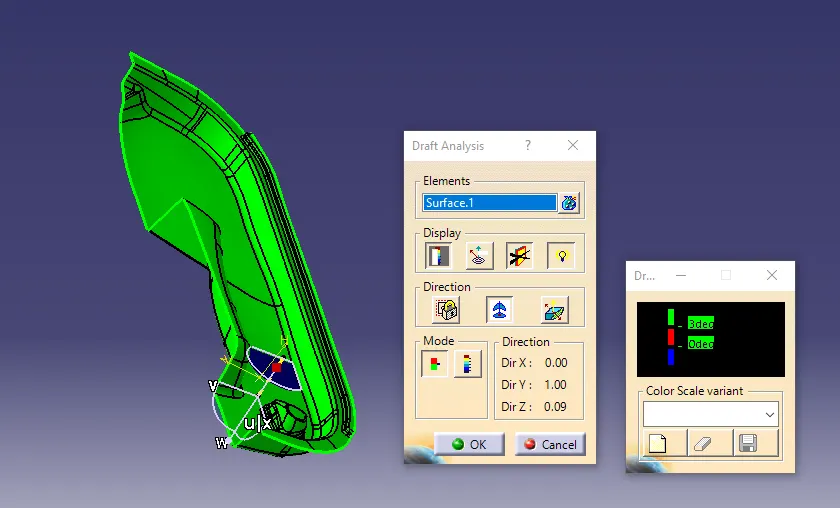
Class B surface Creation
create the class B surface for the door handle, I offset the class A surface to 2.5mm inside.
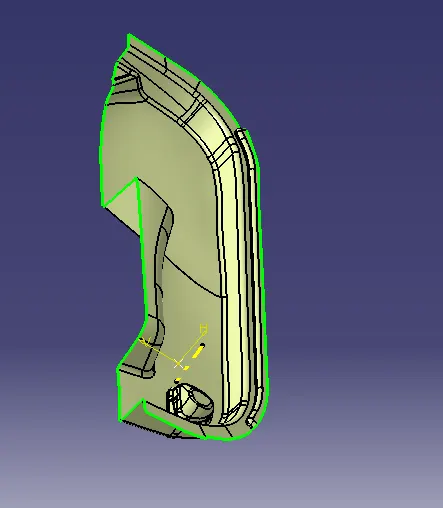
Class C Surface creation:
I used the sweep command in the geometric shape design workbench to create the class C surface.
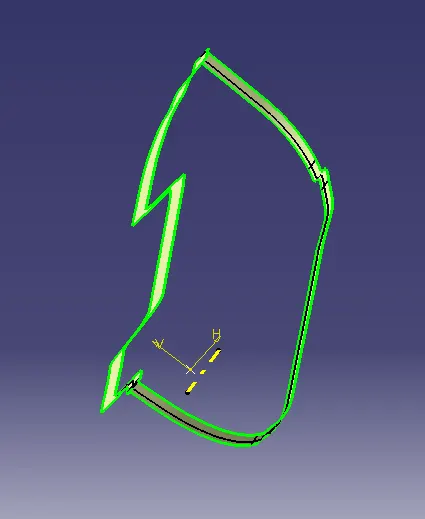
Class A+C surface join:
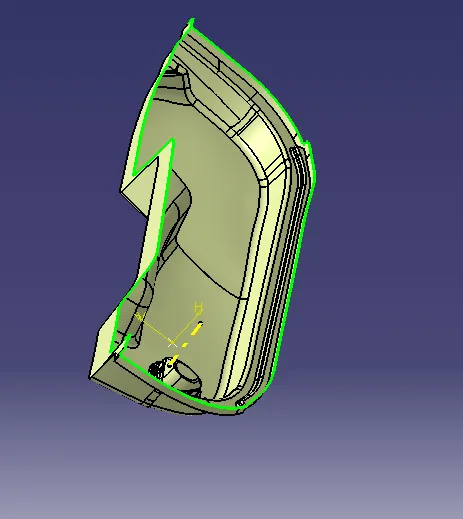
Class A+C surface join AND B trim:
Closed body:
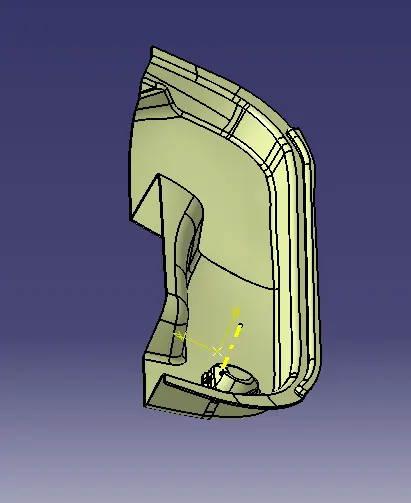
Creating Solid body:
To create the solid body.
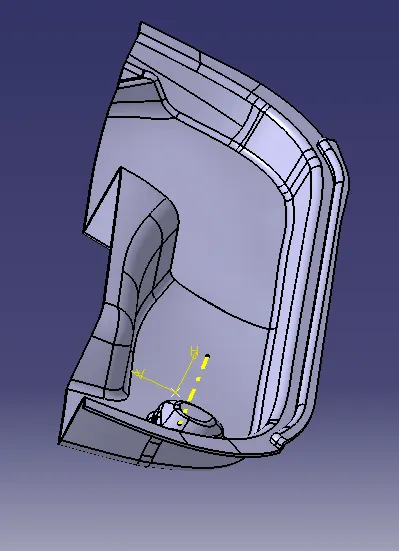
Dog house
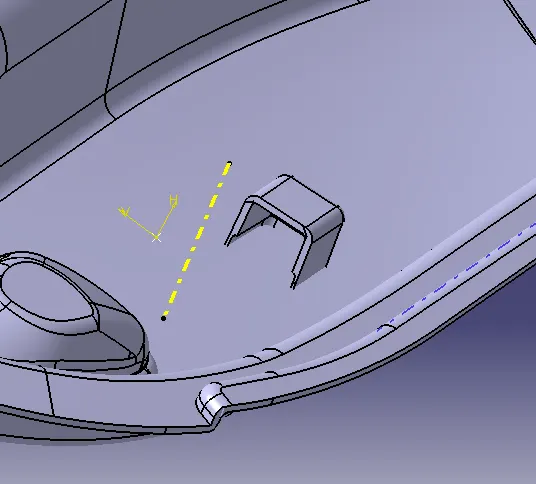
Draft Analysis For Door Trim
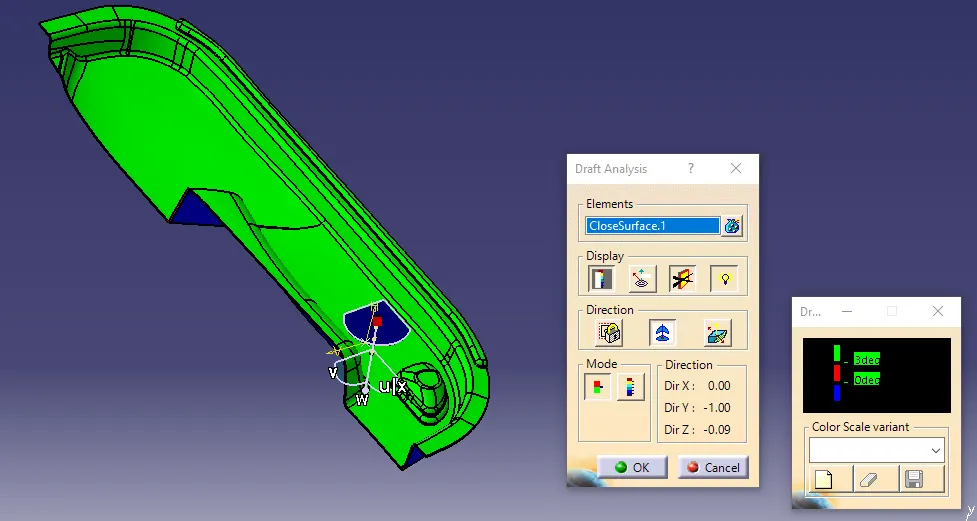
Draft Analysis For Dog House
thank you