Week 10 Bullet penetrating a Bucket Challenge
AIM :
To Perform an explicit Dynamics simulation for bullet penetrating on a bucket by using ANSYS Workbench.
OBJECTIVES :
Adding & Assigning the required material for bucket & bullet.
Discretize the bullet & bucket.
Set up the analysis setting and applying the boundary condition.
Extracting the required output according to the requirement.
PROCEDURE FOR ACQUIRING THE OBJECTIVES :
I) CAD Model :
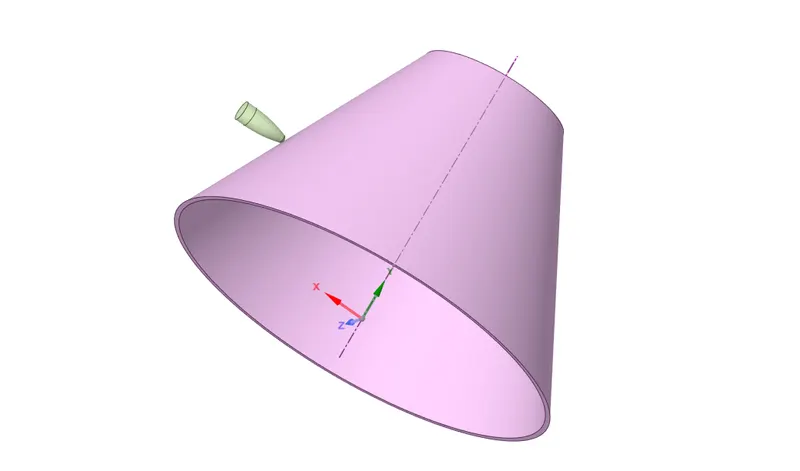
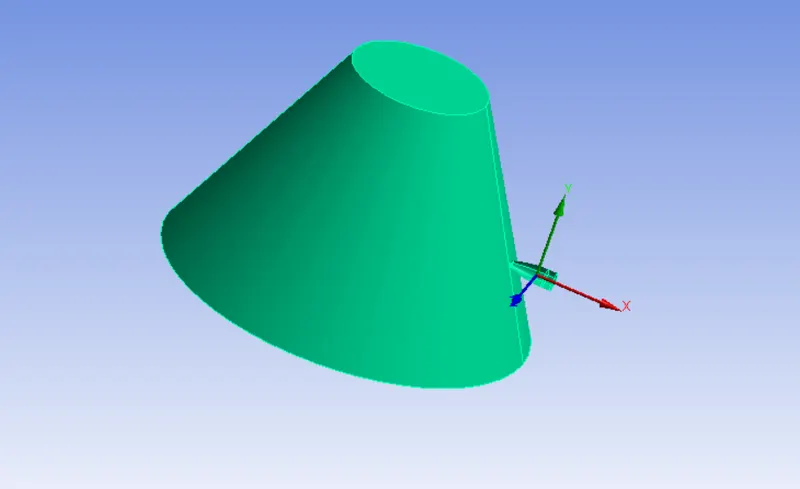
A Bucket & Bullet components are given from design team. We have to import that model file via in geometry selection module. Make sure have to check the imported model file in the Ansys Space Claim, a model looks fine there's no geometrical errors are presented on it.
Once, a model is imported properly, it has been looks like as shown in below image.
II) Material Adding & Assigning into component :
In this cases, we gonna use three different material for bucket which are Copper Alloy NL, Aluminium Alloy NL & Magnesium Alloy NL and have to use Tantallum material for bullet.
By Default, Structural steel material is added in the material list. But, we are going to different materials which are not found in the material list.
In Order to add the respective material, first of all have to open the "General Non Linear Material" under where "Engineering data sources" and followingly add the material which are required.
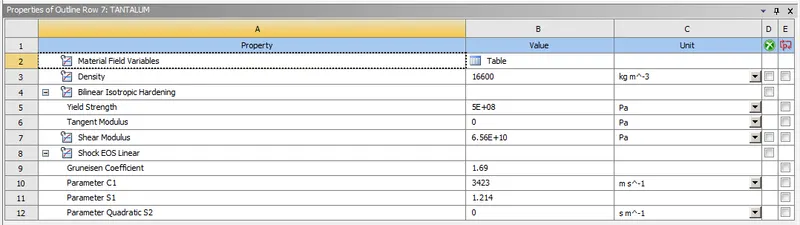
Tantallum :
A "Tantallum" material is assigned to bullet and that component will changed into "Rigid" as a stiffness behaviour.
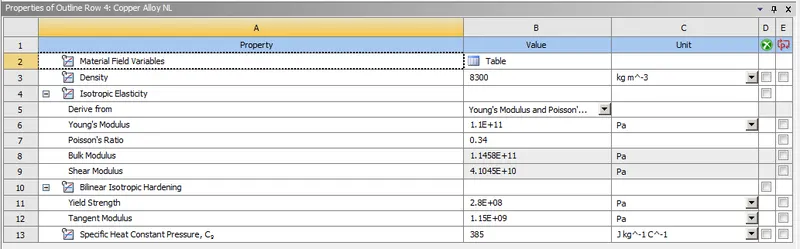
Copper Alloy NL :
A Copper Alloy Non linear material is assigned to Bucket component as per first case requirement.
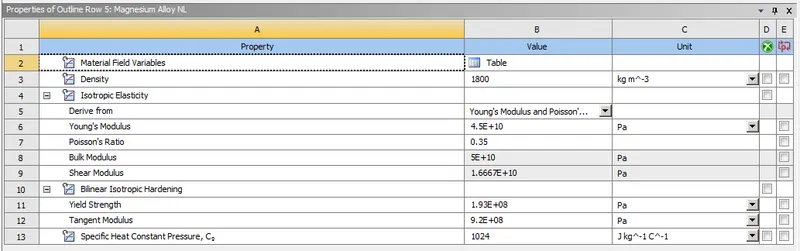
Magnesium Alloy NL :
A Magnesium Alloy Non linear material is assigned to Bucket Component as per second case requirement.
Aluminium Alloy NL :
A Aluminium Alloy Non Linear Material is assigned to Bucket Component as per third case requirement.
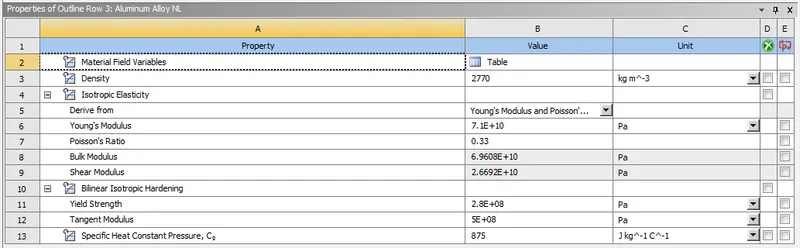
Make sure changed into "Rigid" as a stiffness behaviour for bullet, then only it will not tends to any deformation while performing the simulation.
III) Connections :
By Default, Ansys had been created the "Body Intersecting" between the component which is set to be "Frictionless" as a type of definition.
If two or more individual components are available, So that the Body Intersecting connection is created by software itself.
IV) Meshing :
Basically, To divide the entire model into infinitesimal control volume, that frame work is called Meshing. This process is called Discritization. This FEM is widely used for solving partial differential equation in different physical field such as Structural problem, Heat transfer problem, Fluid flow problem, Electro magnetic Analysis & Acoustics Analysis.
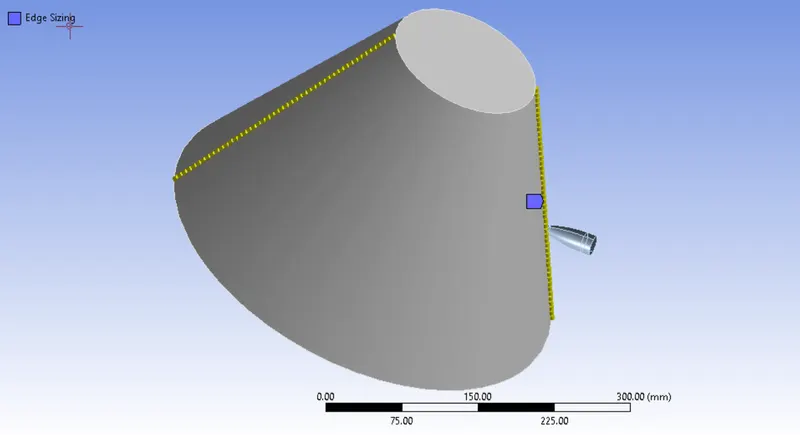
Edge Sizing :
We have to do refined the mesh where the bullet will be penetrating on the bucket. So, we can use the edge which is presented in the model along with provide 6 mm element size.
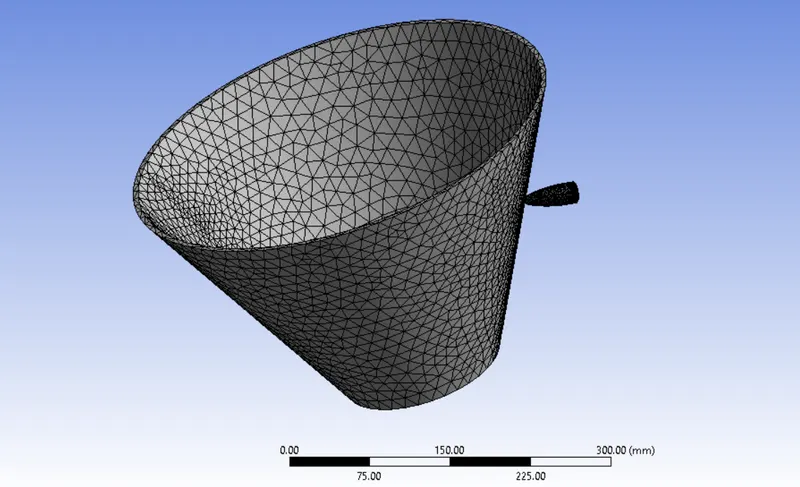
Number of Nodes = 5454
Number of Elements = 18949
A Bucket & Bullet component is meshed with Tetrahedral Elements.
After done the meshing on the model, it will be looks like as shown in below image.
V) Analysis Settings :
Number of Steps = 1
Load step type is "Explicit Time Integration"
End Time = 0.01 sec
Maximum Energy error = 5
Initial, Minimum & Maximum time steps are set to be "Program Controlled", it has to find optimum time step value.
Time Step Safety factor = 0.9
And remaining option are keep as it is.
Boundary Condition :
Fixed Support :
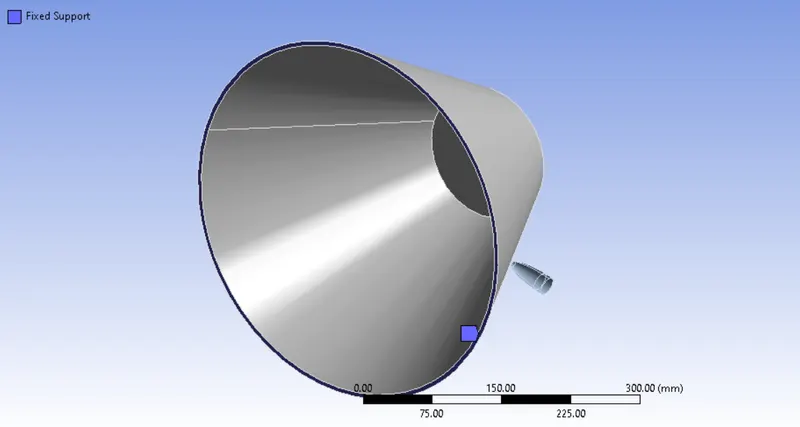
A Bucket have to be stationary while hitting the bullet on the bucket. Select the bottom face & fix it by using fixed support.
Velocity :
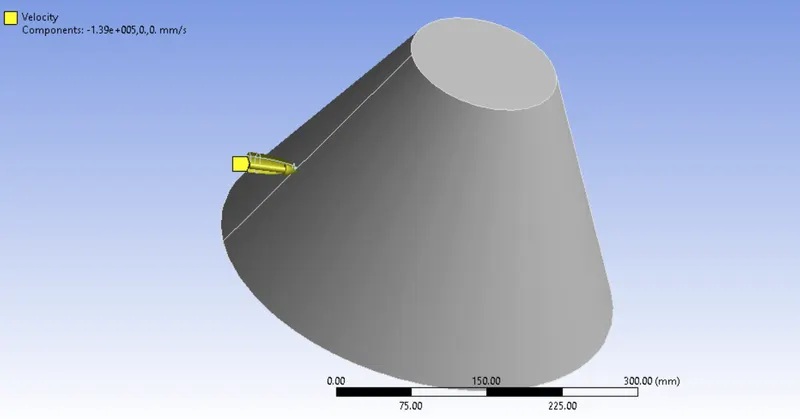
Select the bullet by using Solid filter selection option, give the velocity of 139 m/s on the x negative direction.
RESULTS :
CASE 1 :
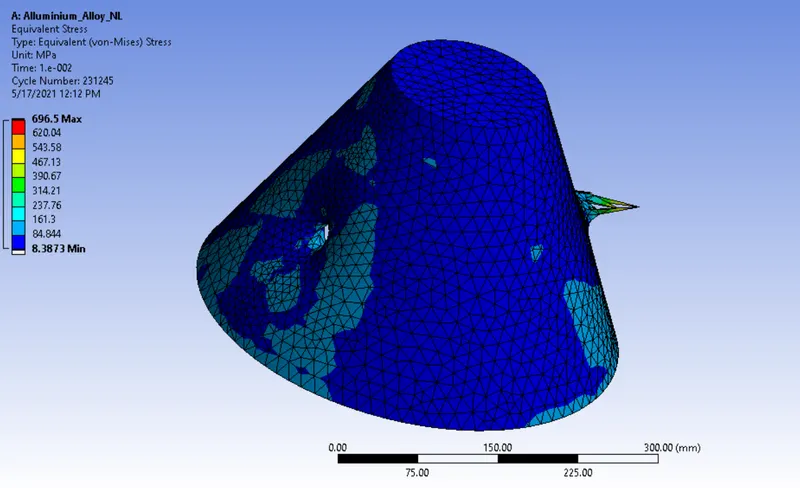
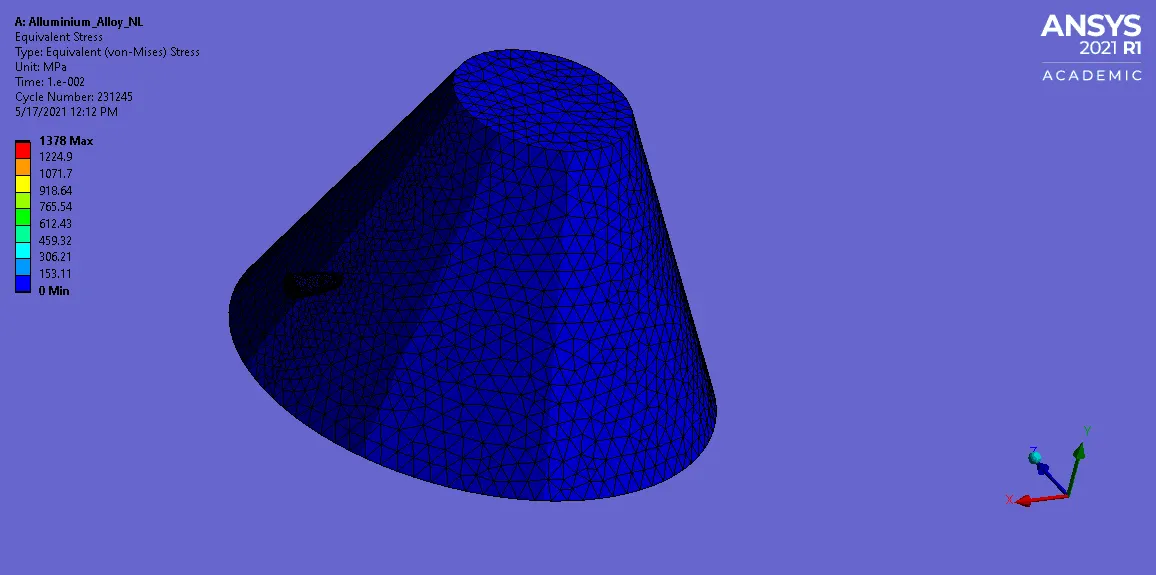
Equivalent Stress :
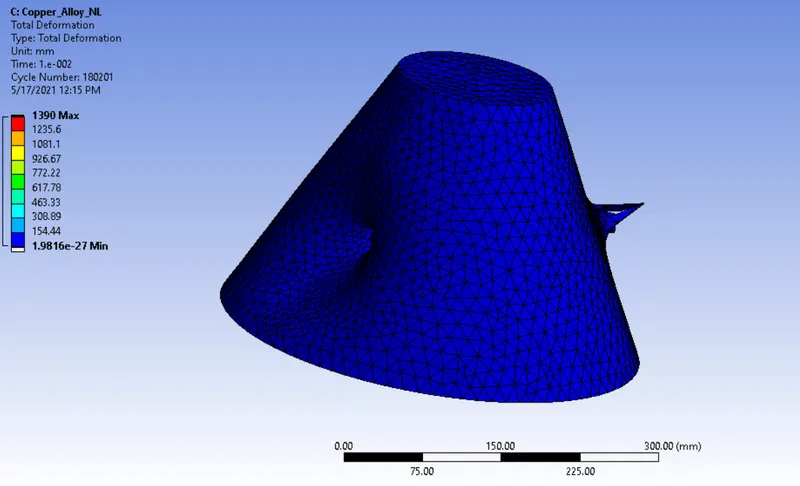
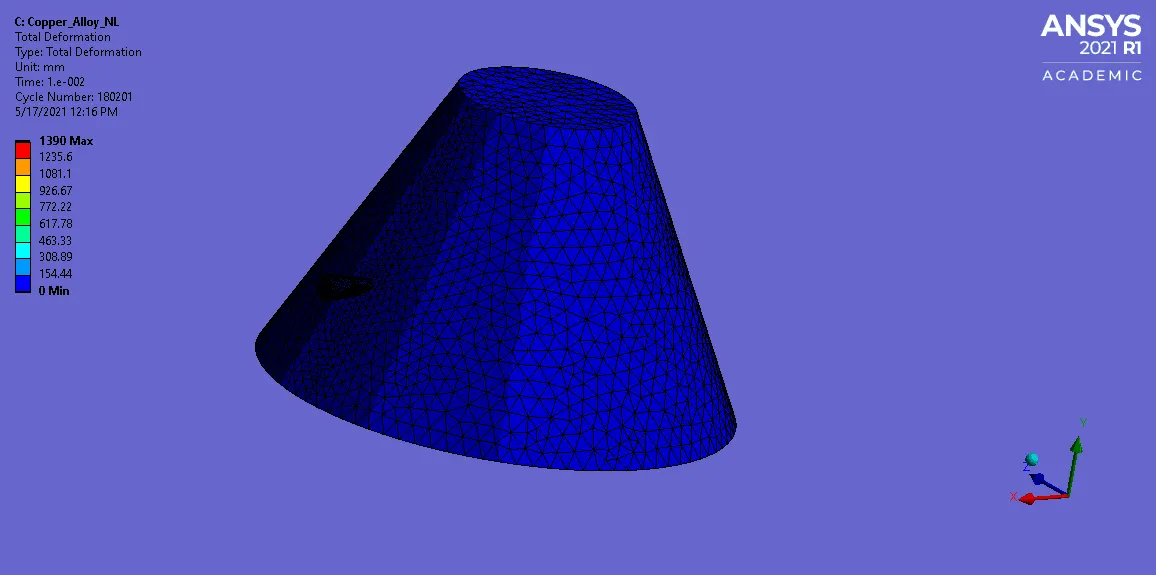
Total Deformation :
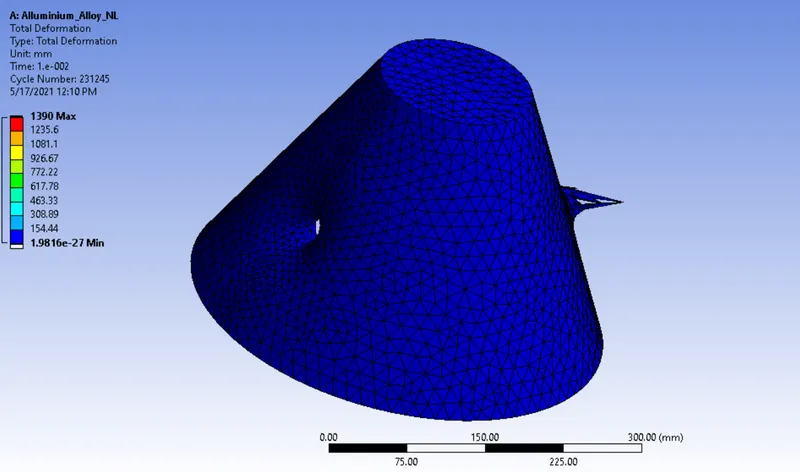
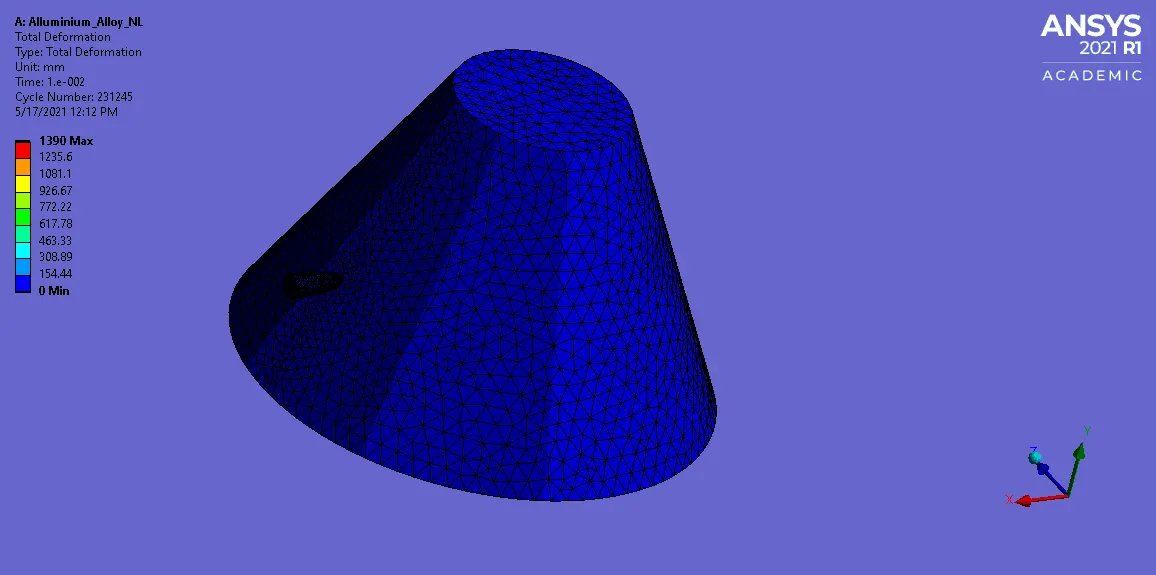
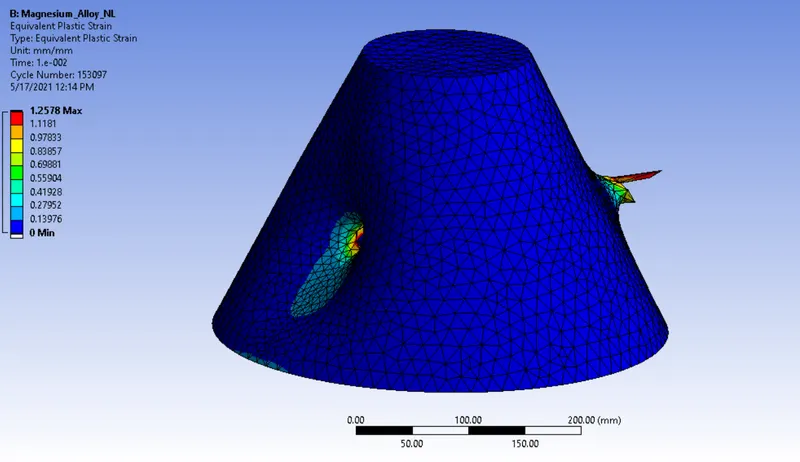
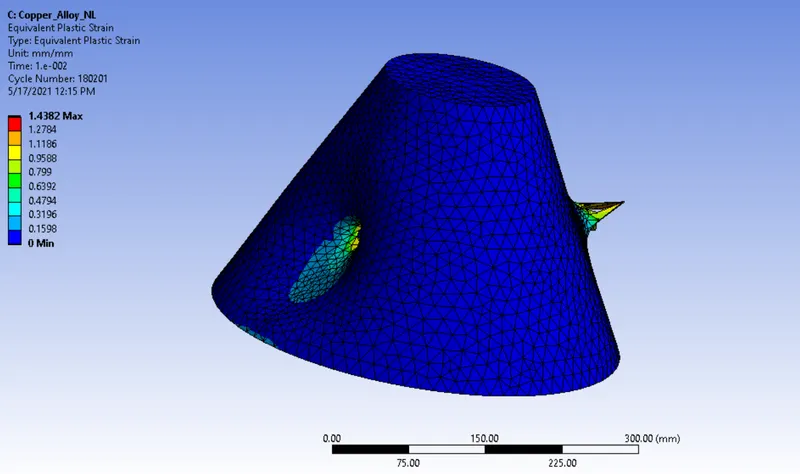
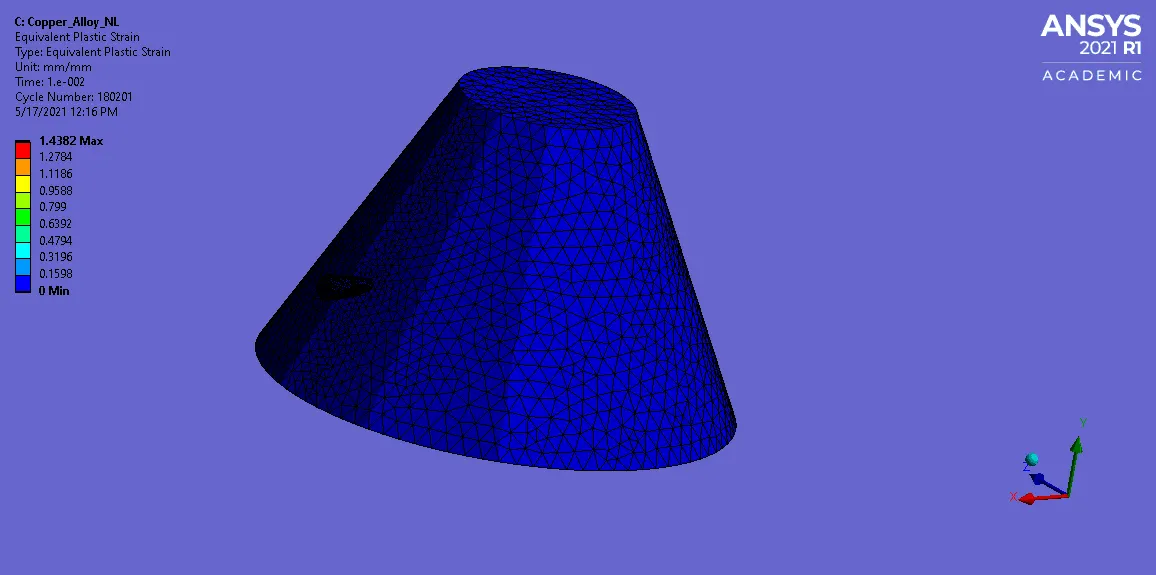
Equivalent Plastic Strain :
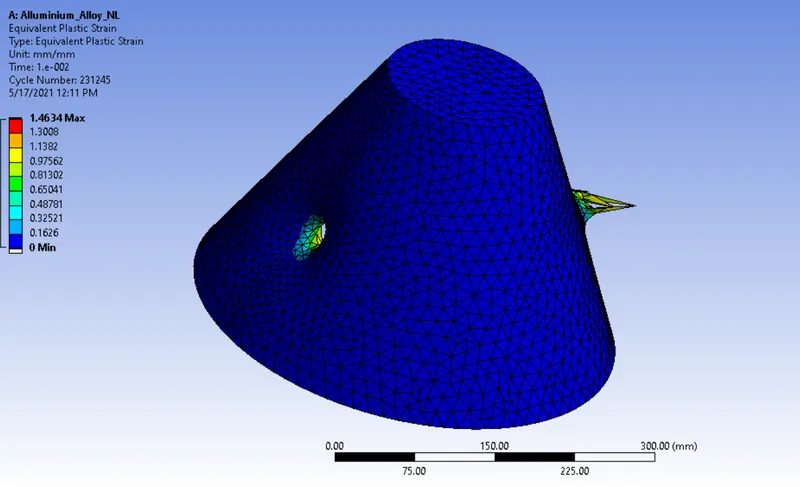
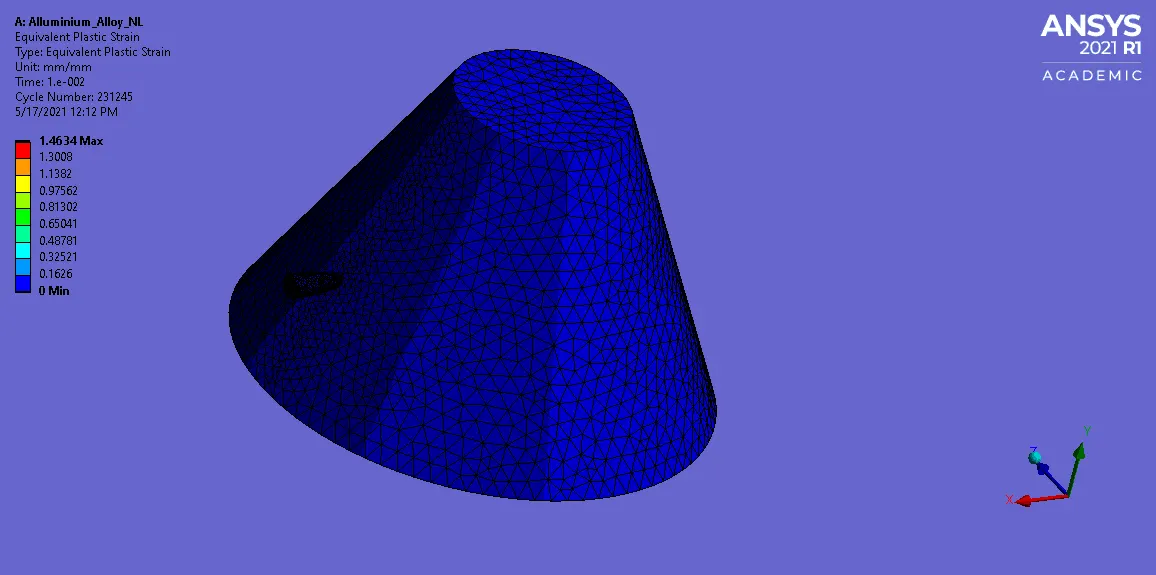
CASE 2 :
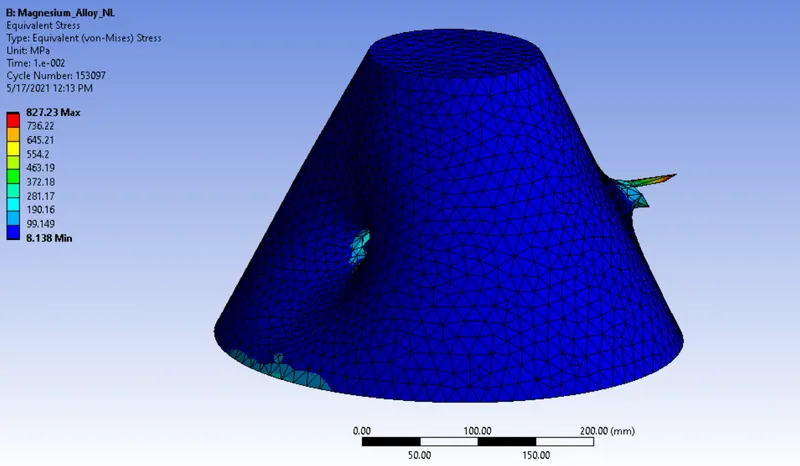
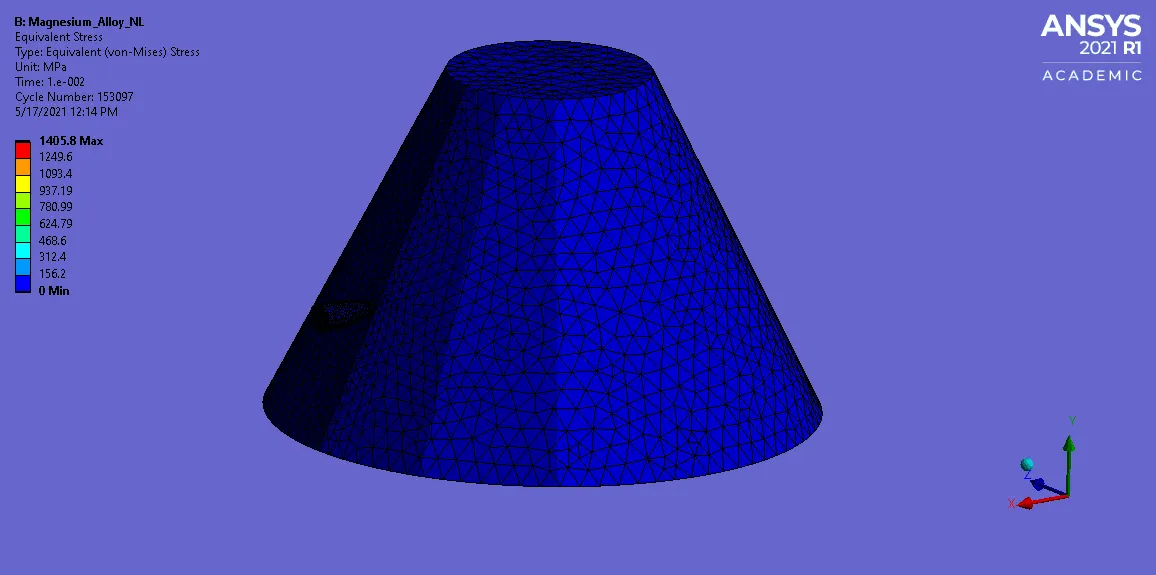
Equivalent Stress :
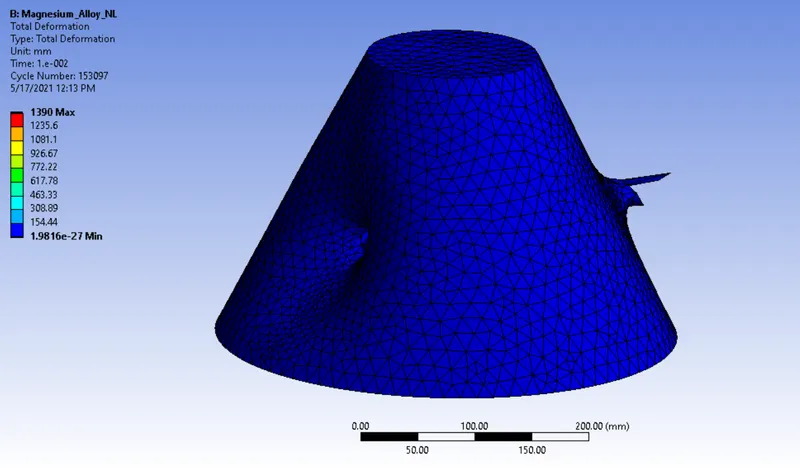
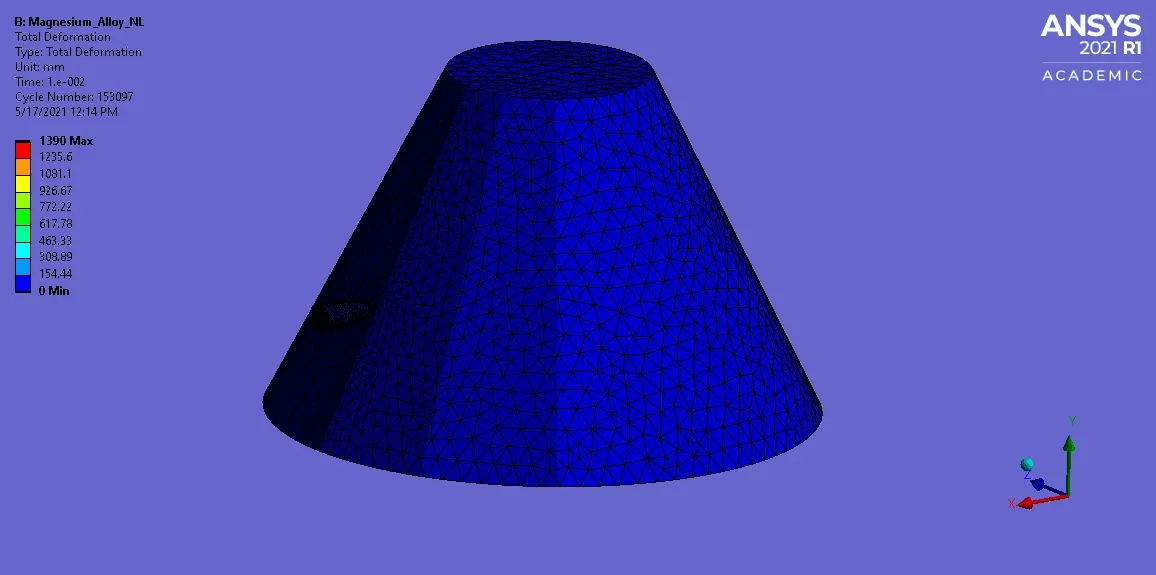
Total Deformation :
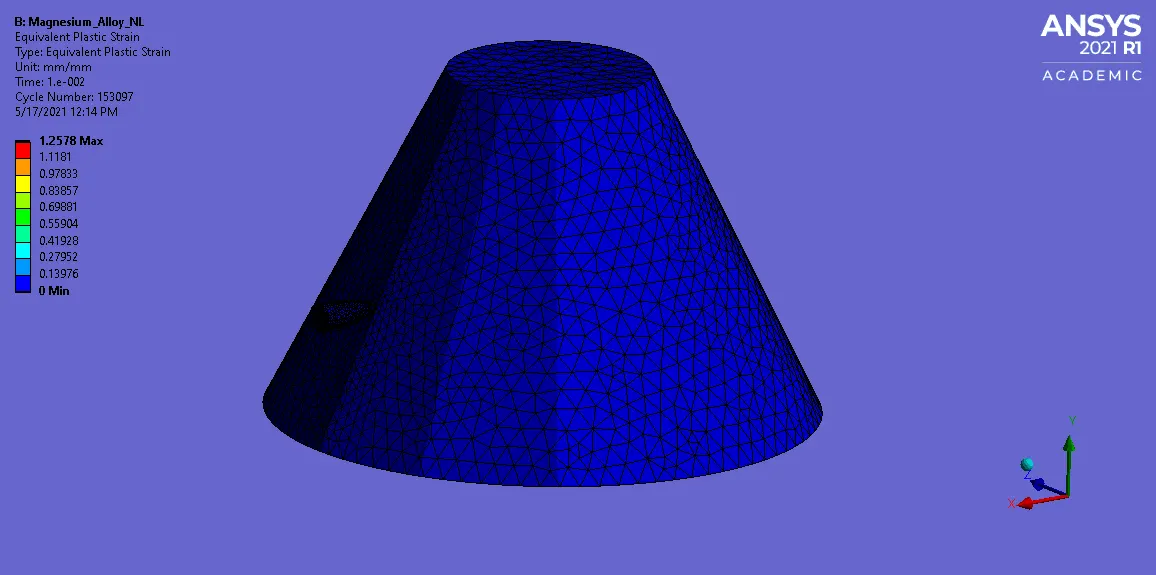
Equivalent Plastic Strain :
CASE 3 :
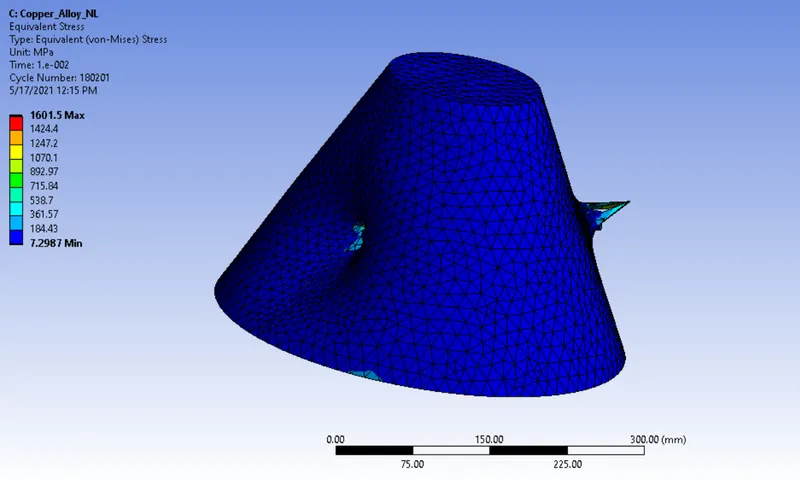
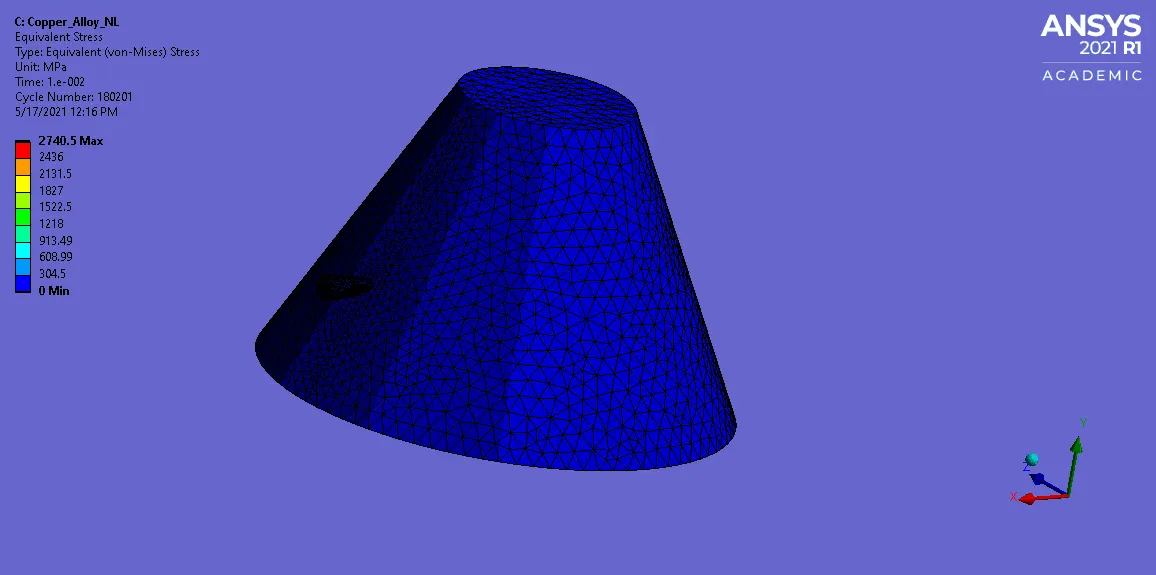
Equivalent Stress :
Total Deformation :
Equivalent Plastic Strain :
CONCLUSION :
| Cases \ Field Variable | Materials | Equivalent Stress in Mpa | Total Deformation in mm | Equivalent Plastic Strain in mm |
| Case 1 | Aluminium Alloy NL | 696.5 | 1390 | 1.4634 |
| Case 2 | Magnesium Alloy NL | 827.23 | 1390 | 1.2578 |
| Case 3 | Copper Alloy NL | 1601.5 | 1390 | 1.4382 |
A Internal stress generation is increased based on material which we used. Here, a maximum stress is developed when we use the Copper Alloy Non linear material for bucket.
Total Deformation is not changing respect to material which we used.
We can easily say, it completely attains the plastic deformation where the bullet actually penerate location.
We have to be prefer material like which contains little higher yield strength value, young's modulus value & other mechanical properties. Then only, we can able to protect the material without cause any deformation.
Learning Outcome :
I Learnt How to build the case setup for Bullet penetrating on the bucket with different materials.