Week 10- Assembly Workbench
AIM: Create the part models and assembly for the given drawings below with a report.
DRAWING 1 (QUICK RETURN MECHANISM):
REPORT ANALYSIS:
Intially created the part of the drawing in the part workbench.
Sketches and CAD Part:
BODY 1:-
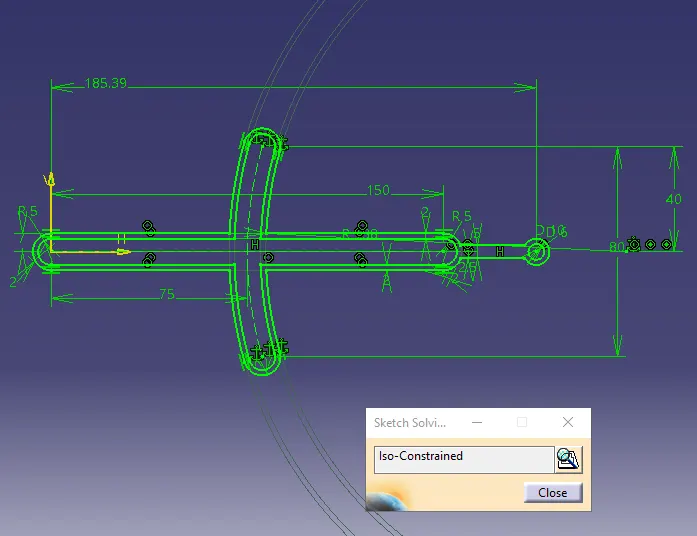
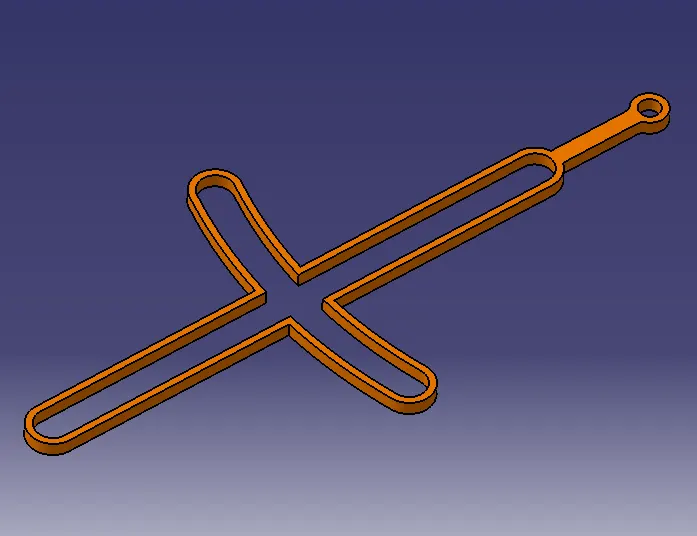
BODY 2:-
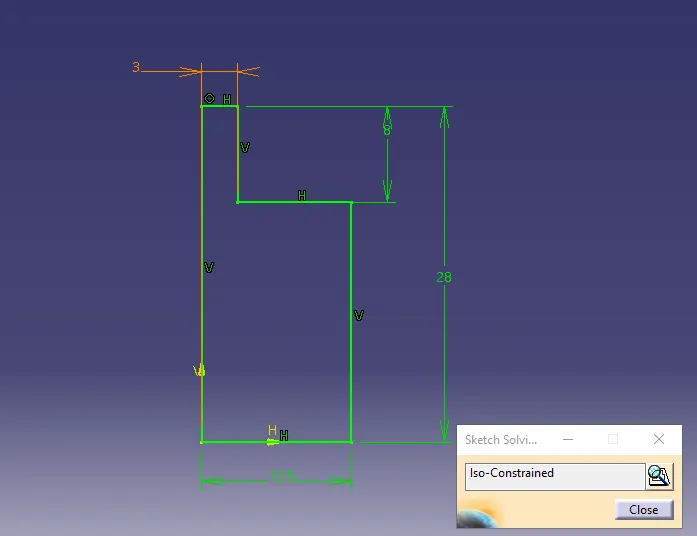
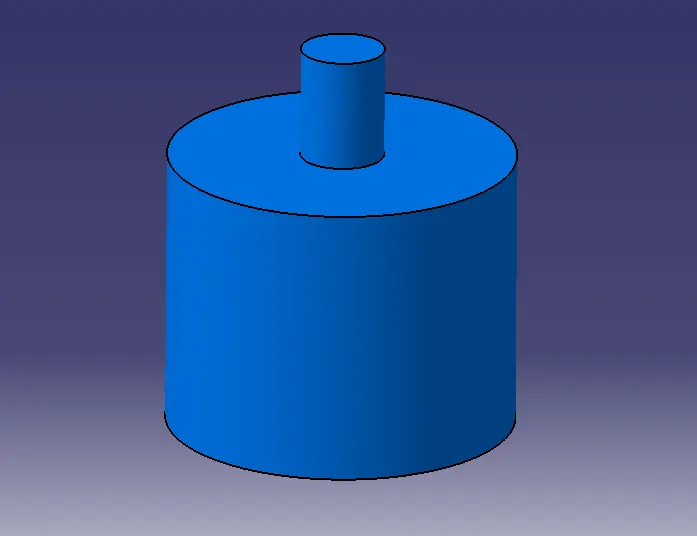
BODY 3:-
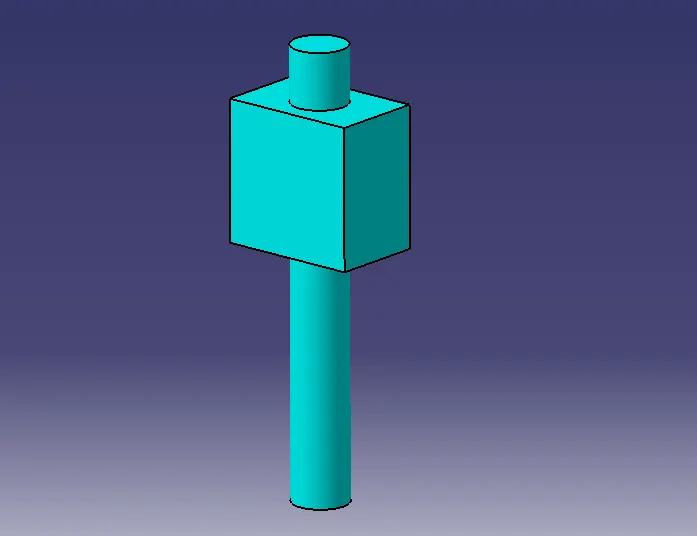
BODY 4:-
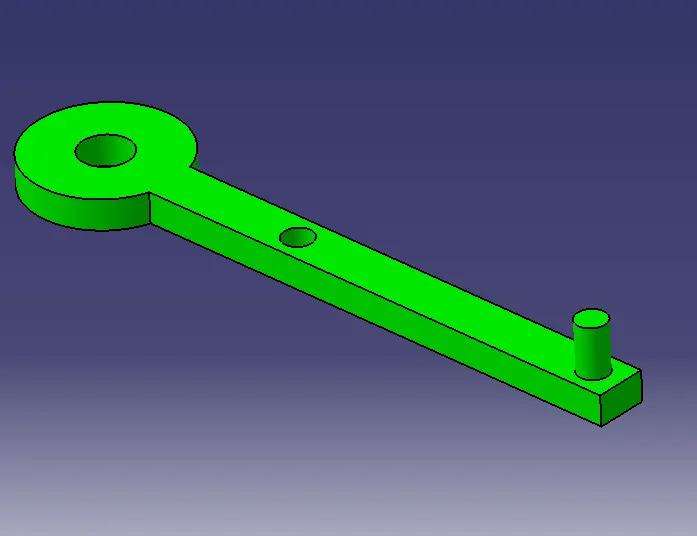
BODY 5:-
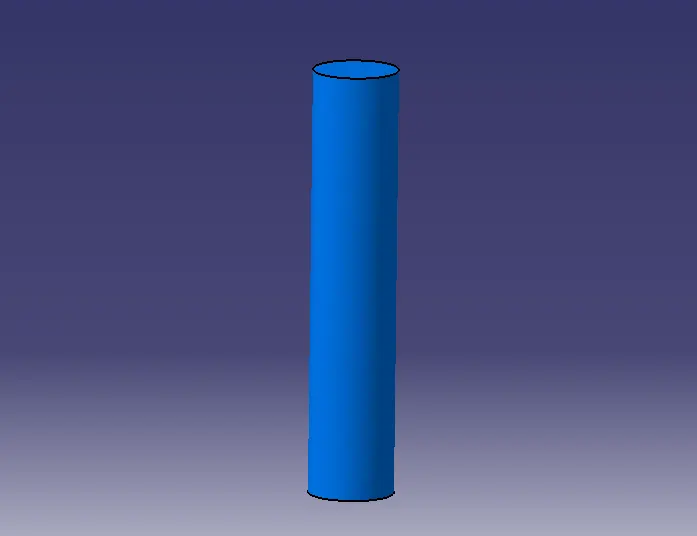
Now try constraint the part in way wanted.
intially Fix the Skeleton so that it does not move.
Now coincide the axis of the cylinder to the skeleton point then offset it to 0.
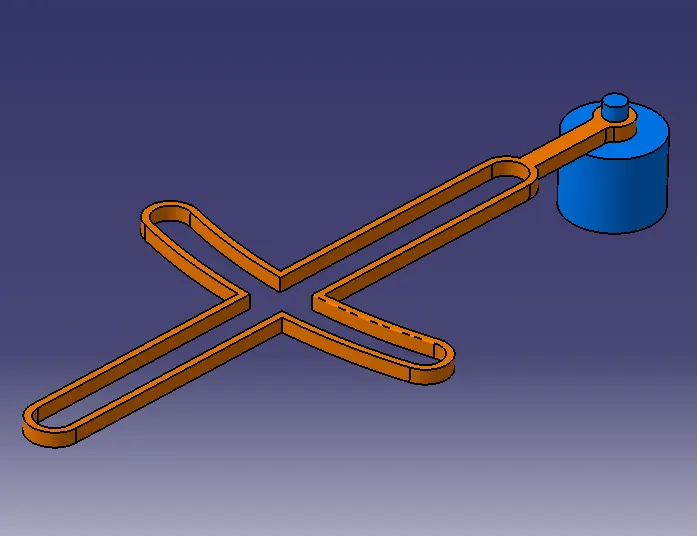
Now use Surface Contact to align slider and channel.
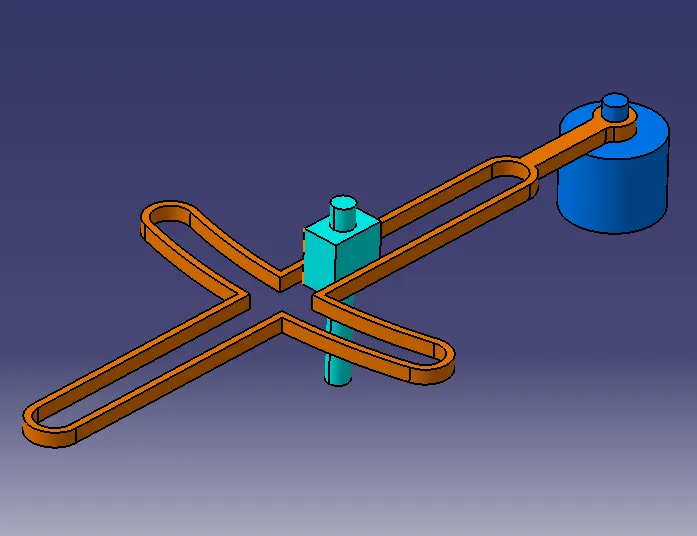
Then Coincide the Pin and Connector and provide the Offset to the required value.
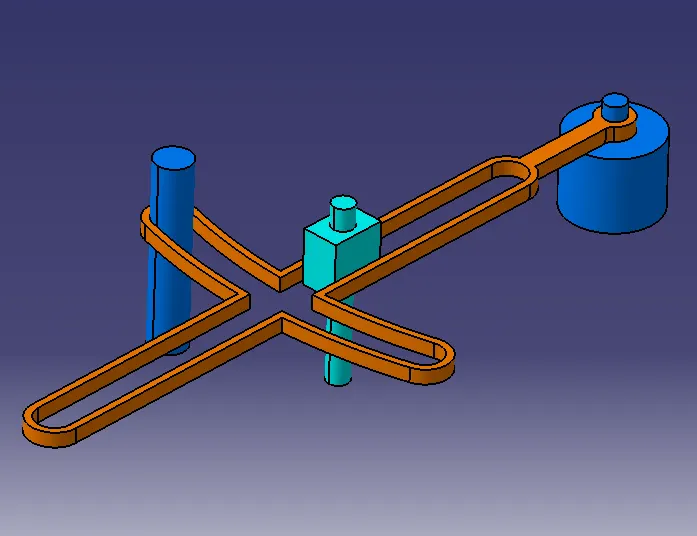
Now Coincide and Offset Slider Pin and Connector to the required value and finally Fix channel.
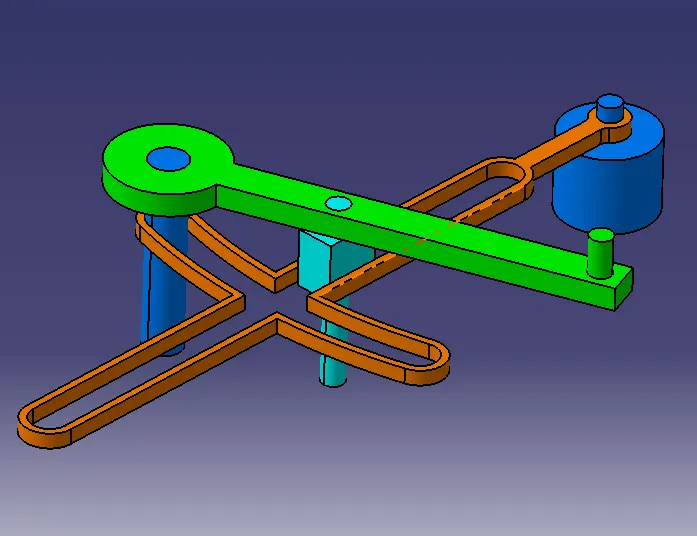
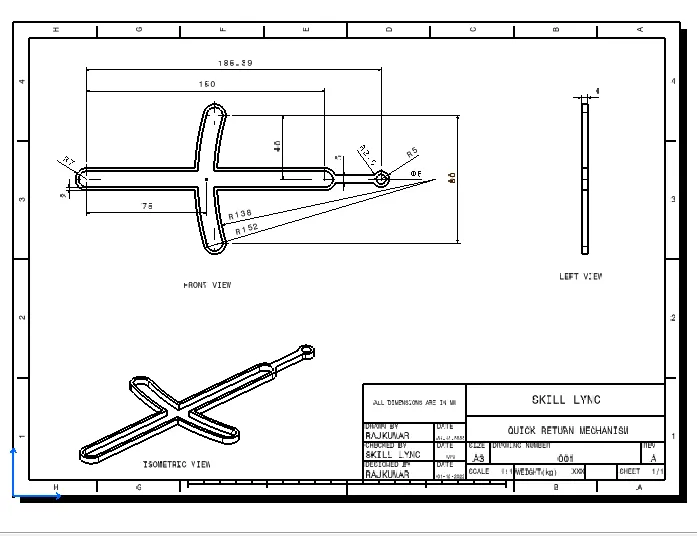
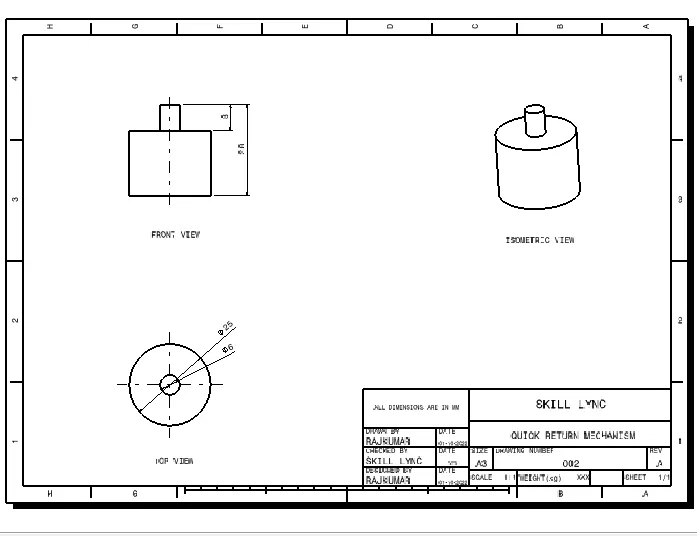
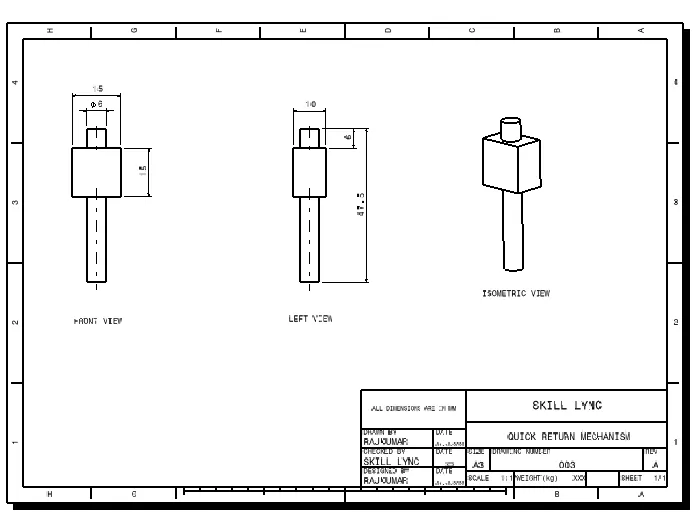
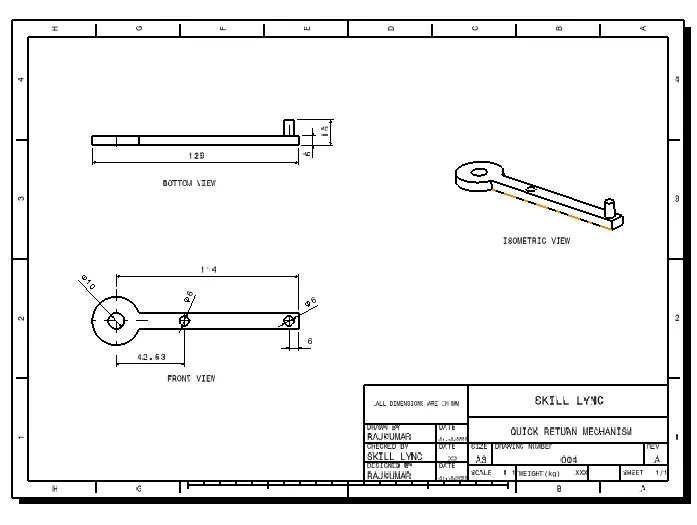
2D DRAWING USING DRAFTING TOOL:
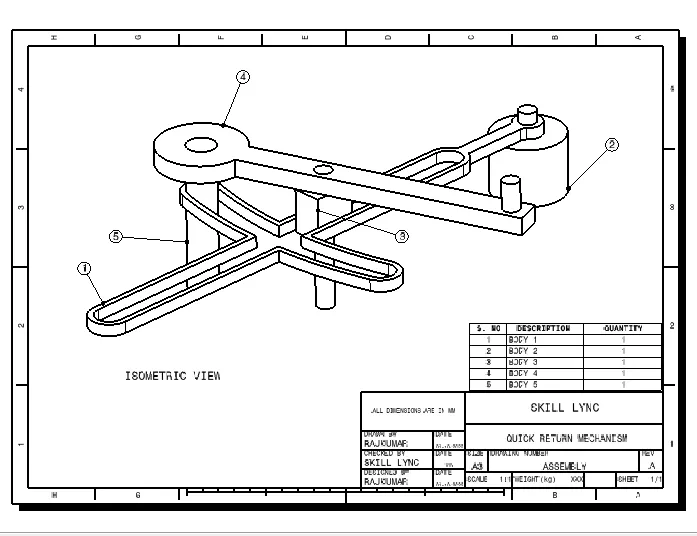
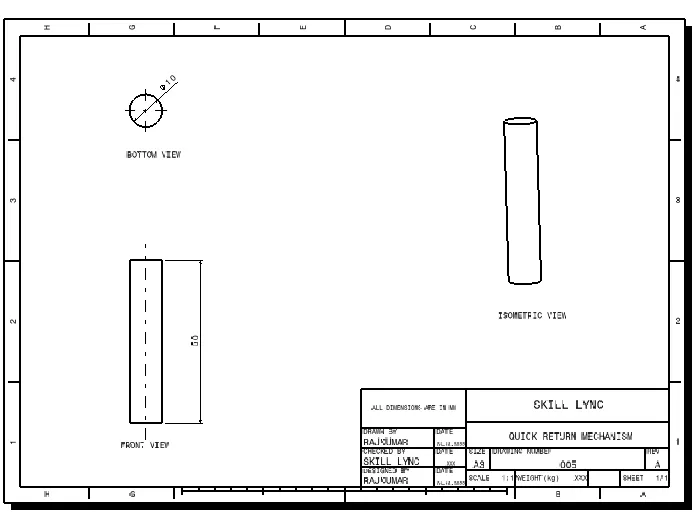
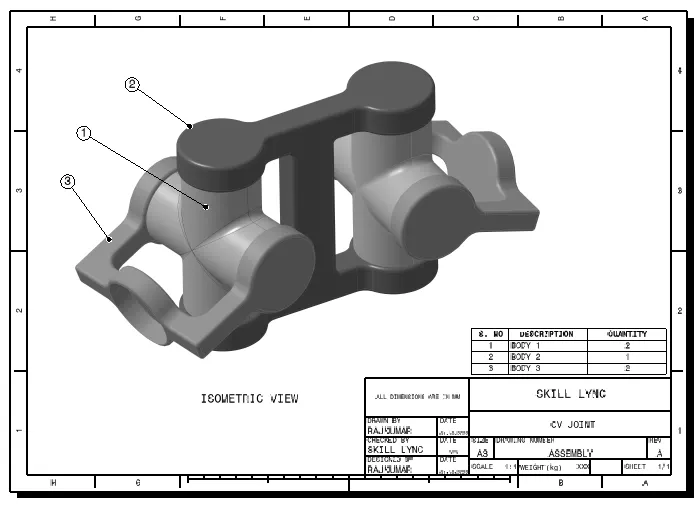
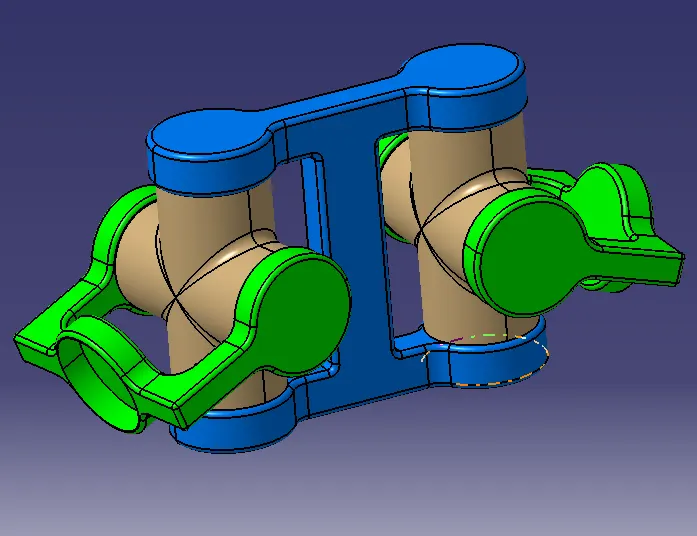
DRAWING 2 (CV JOINT):
REPORT ANALYSIS:
Intially created the part of the drawing in the part workbench.
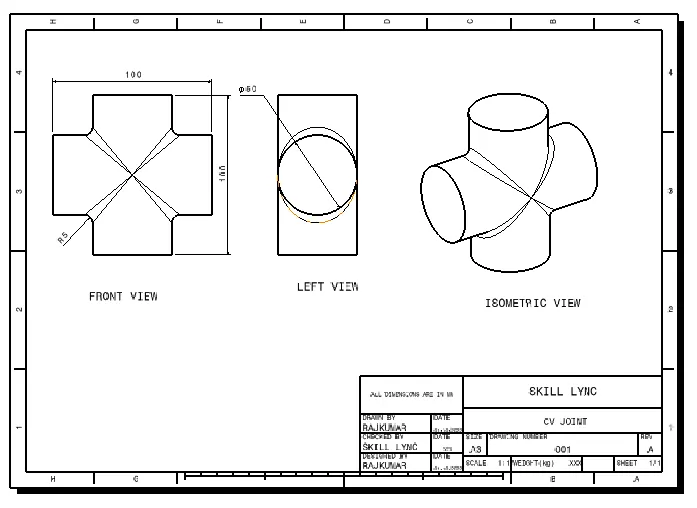
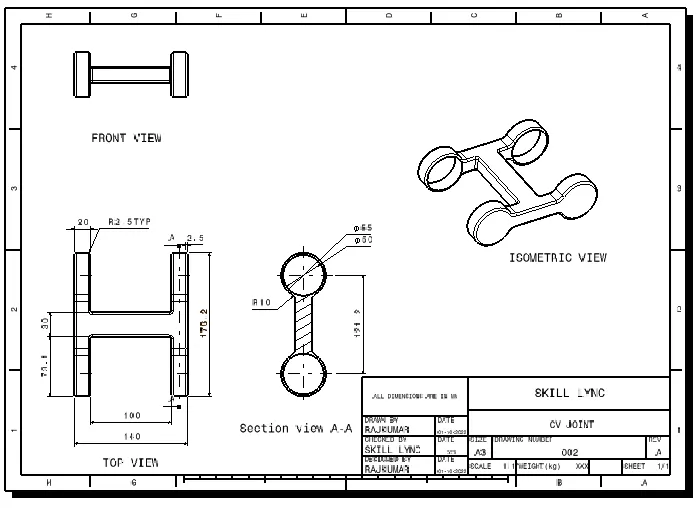
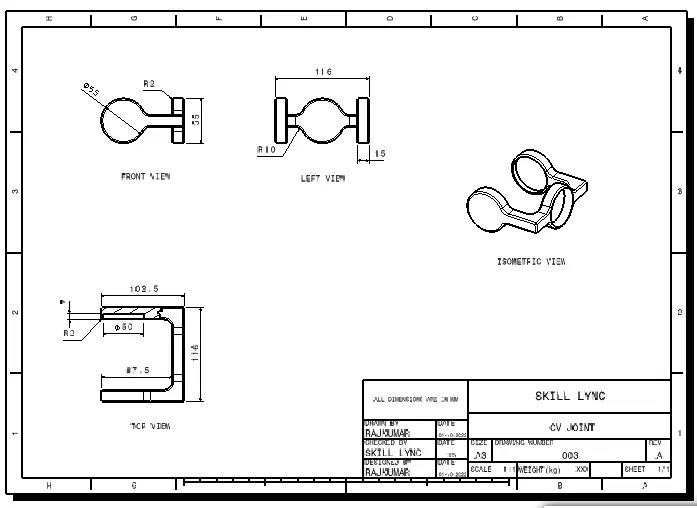
Sketches and CAD Part:
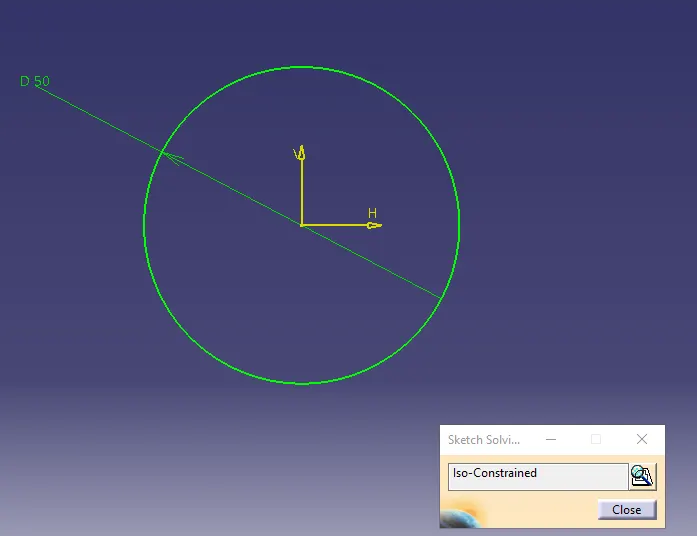
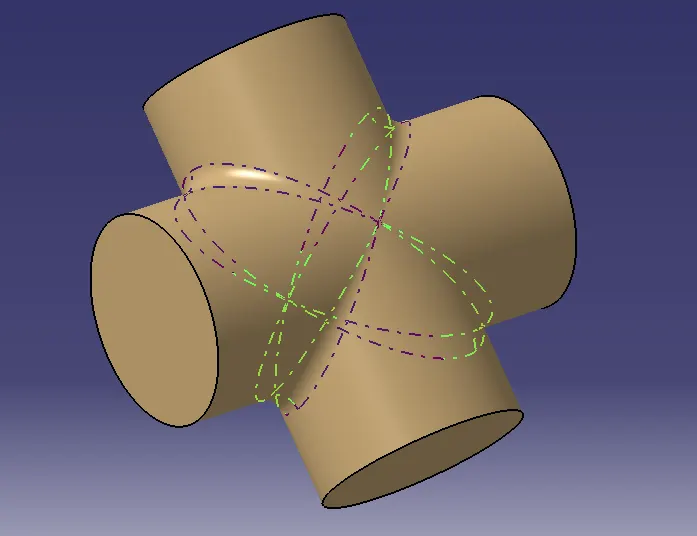
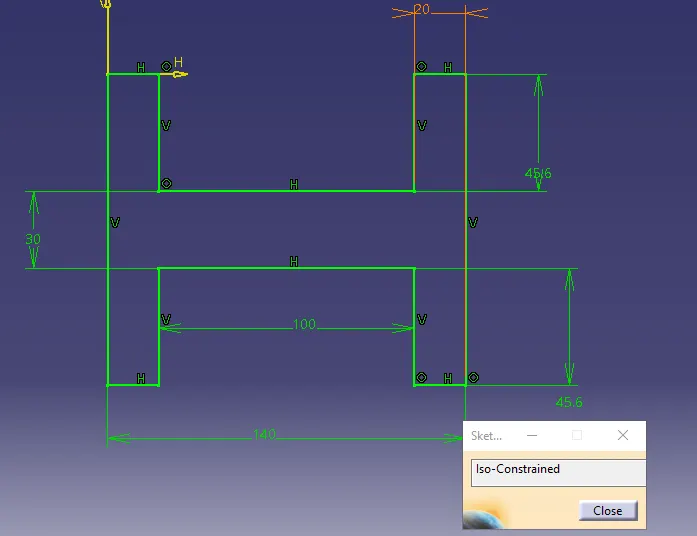
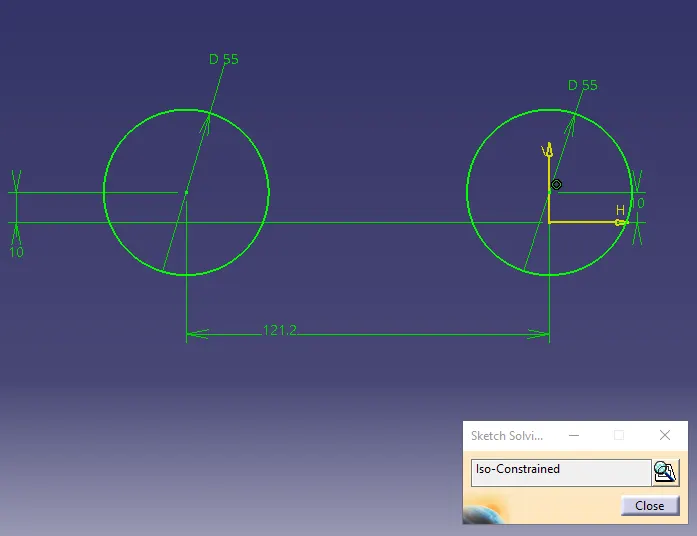
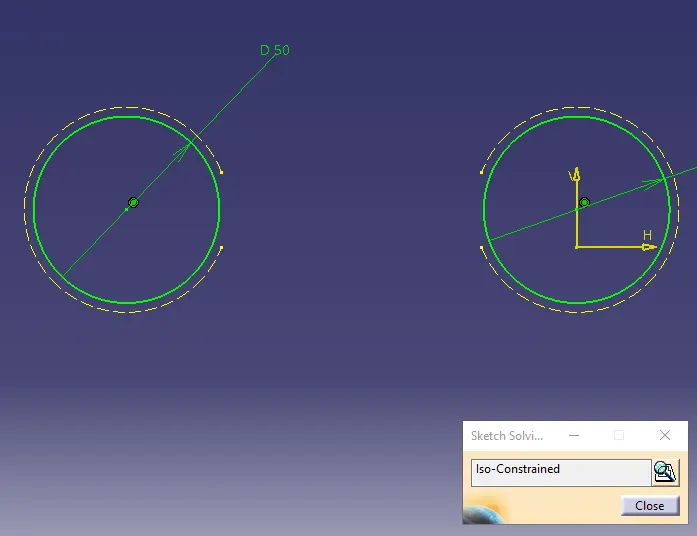
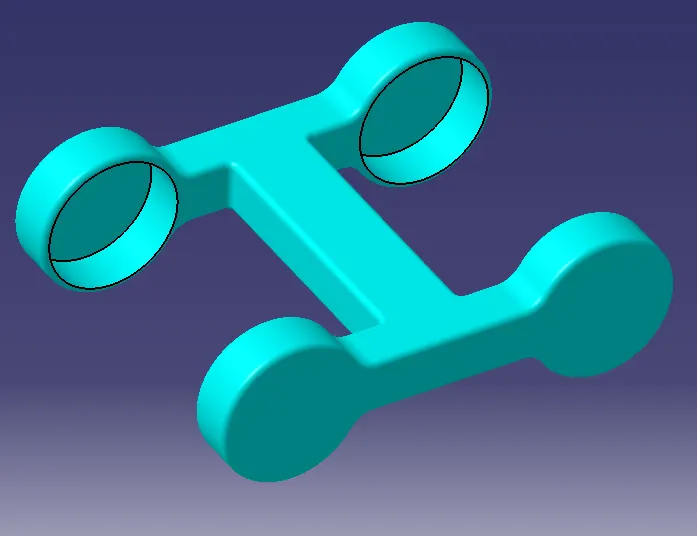
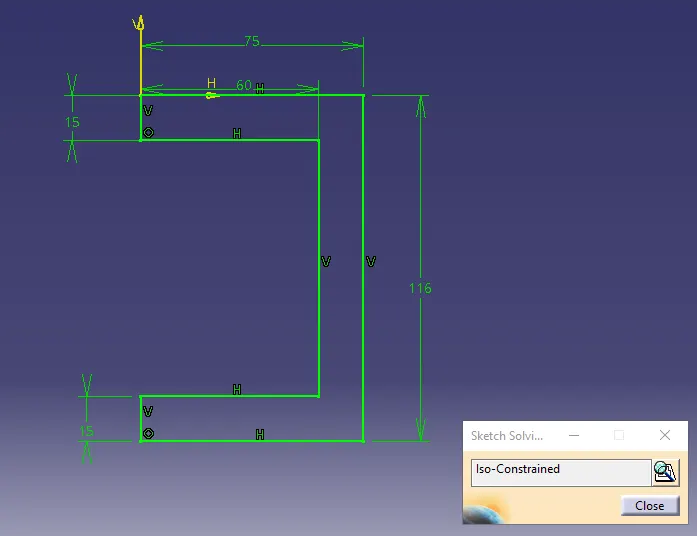
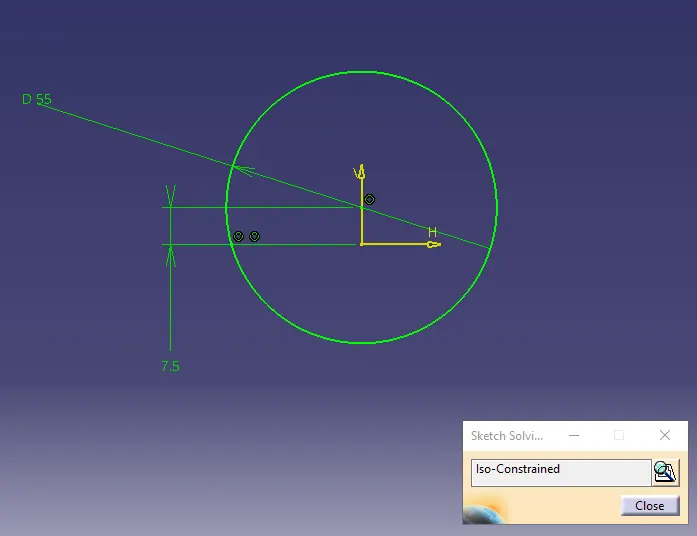
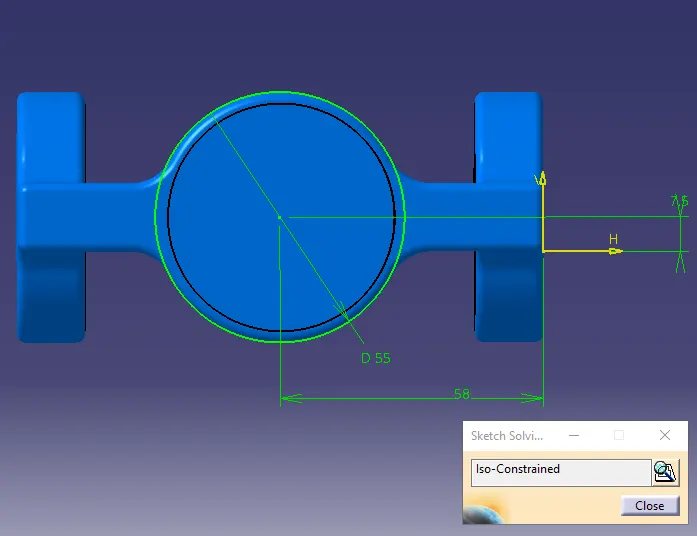
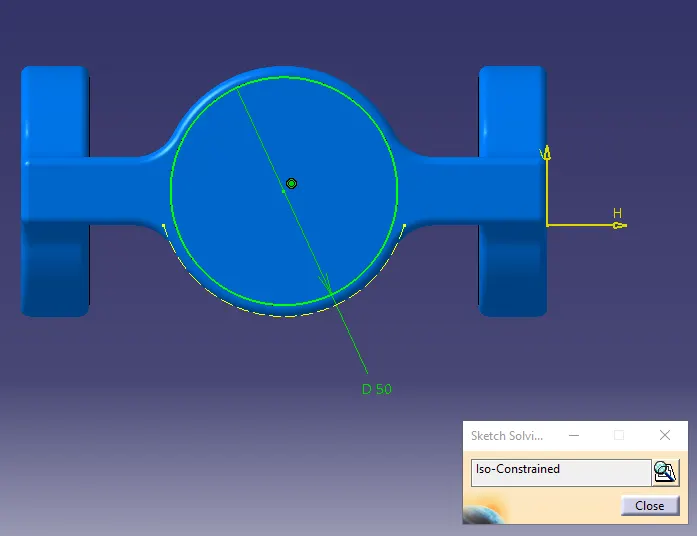
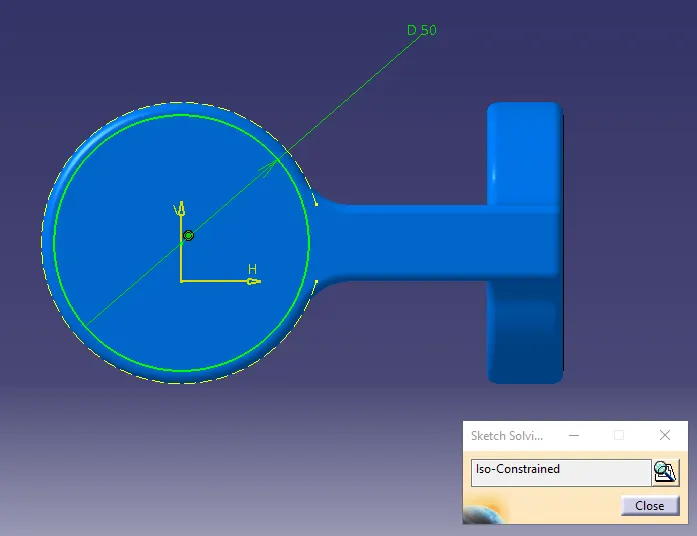
Now try constraint the part in way wanted.
intially Fix the Skeleton so that it does not move.
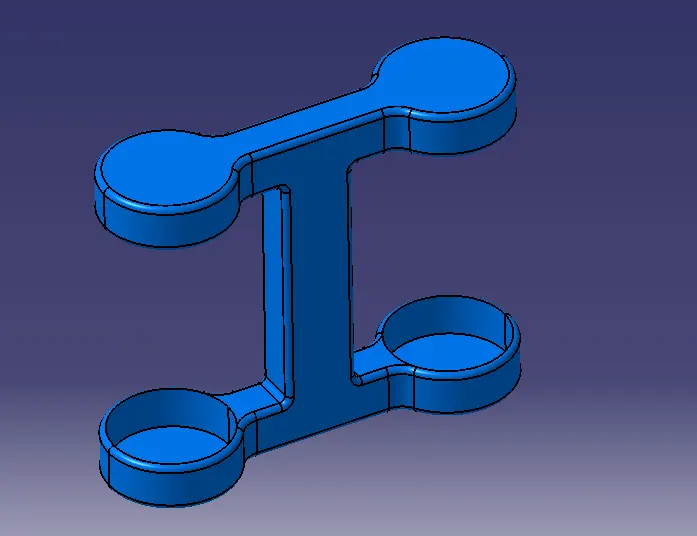
Now Coincide the Skeleton AXIS with Bearing AXIS Offset to the required value.
Now Coincide the axis of bearing and the middle part and offset the point to the required value.
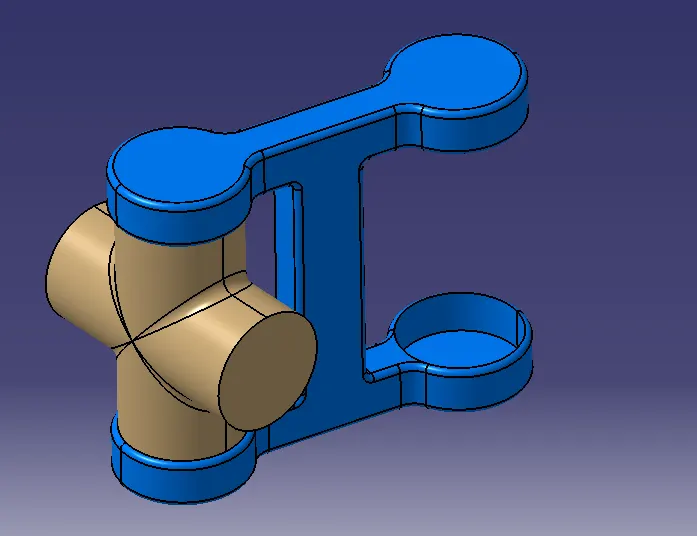
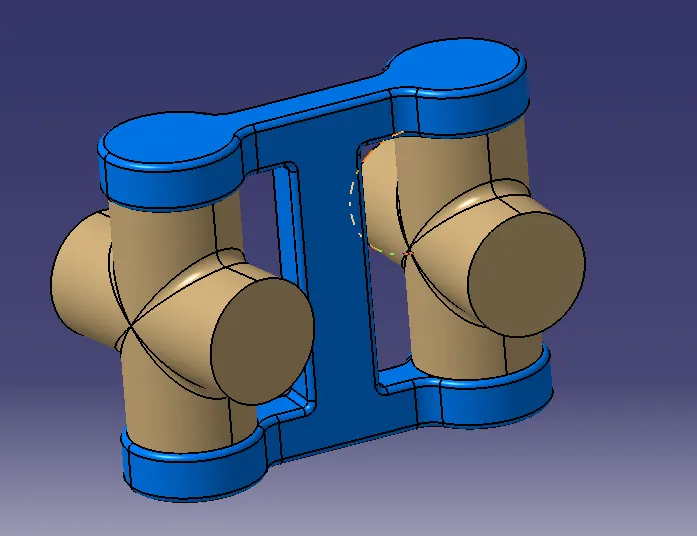
Now coincide the axis of the coupler and the middle part and offset the yz plane to the required value.
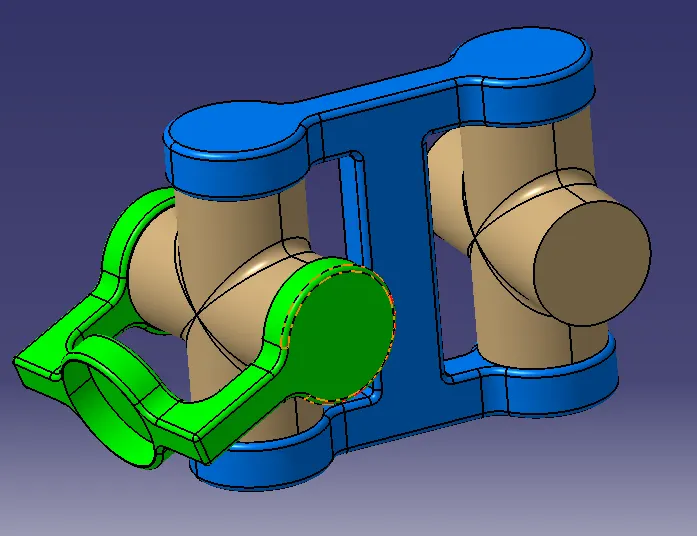
Now coincide the axis of the other coupler and the middle part and offset the yz plane to the required value.
2D DRAWING USING DRAFTING TOOL: