Week 10- Assembly Workbench
PROCEDURE FOR CONSTRUCTION OF QUICK RETURN MECHANISM:
1)First create all the parts of QUICK RETURN MECHANISM as well as of CV JOINT.
2)Create all the parts separately in the part work bench or generative work bench.
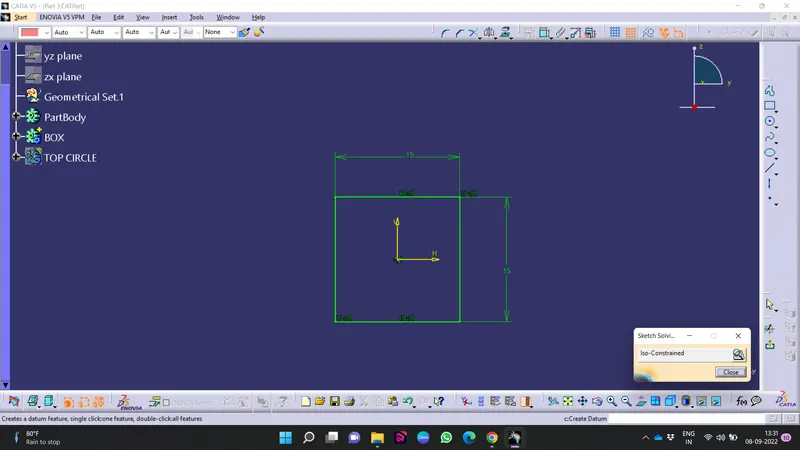
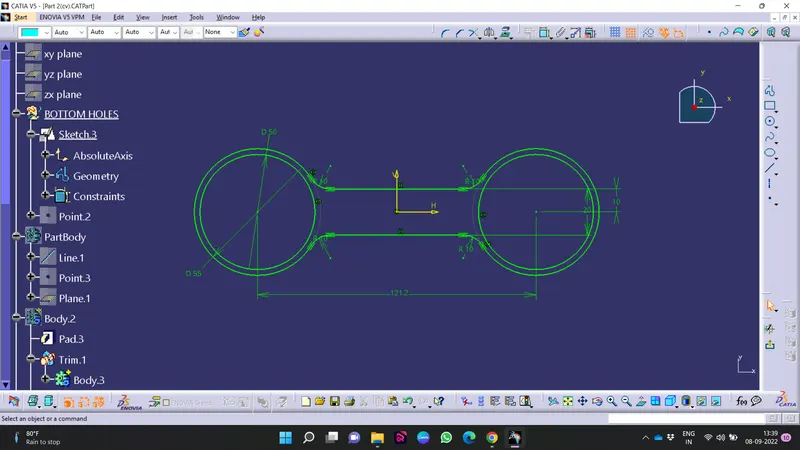
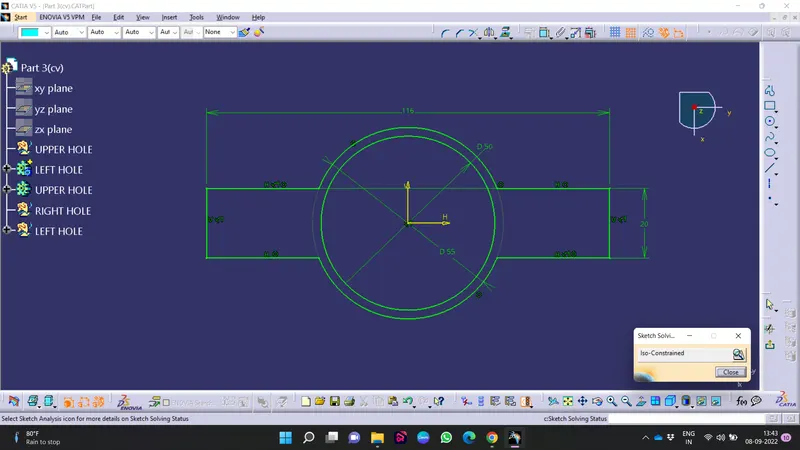
3)First create the sketch of the part in sketching work bench and make sure that the sketch is Iso constraint.
4)Then pad that sketch using pad feature in part work bench or extrude and trim accordingly in generative work bench.
5)Use Boolean operations and add or remove to obtain the required output.
6)While creating the parts in generative work bench make sure that you close surface the part you created.
7)Create all the parts and save the CAT. Part of all the parts that you have created separately.
8)Then go to the assembly work bench and open the all the parts that you created using “open existing component” feature.
9)Then assemble them accordingly using the constraint tool box and move the parts in various directions as you need using move tool bar.
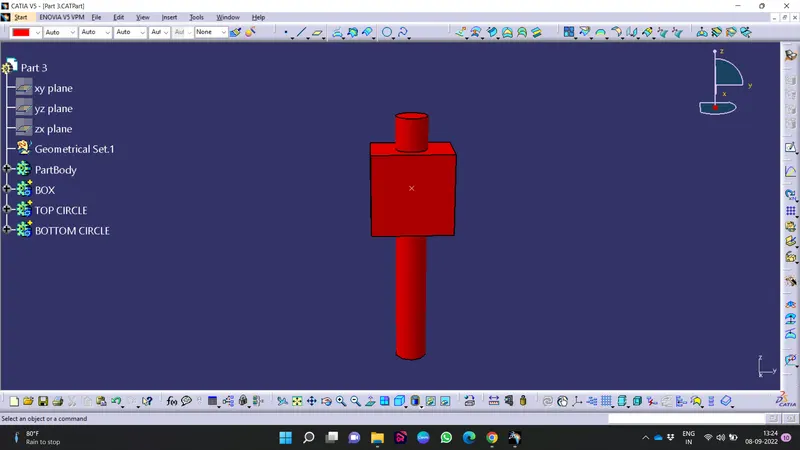
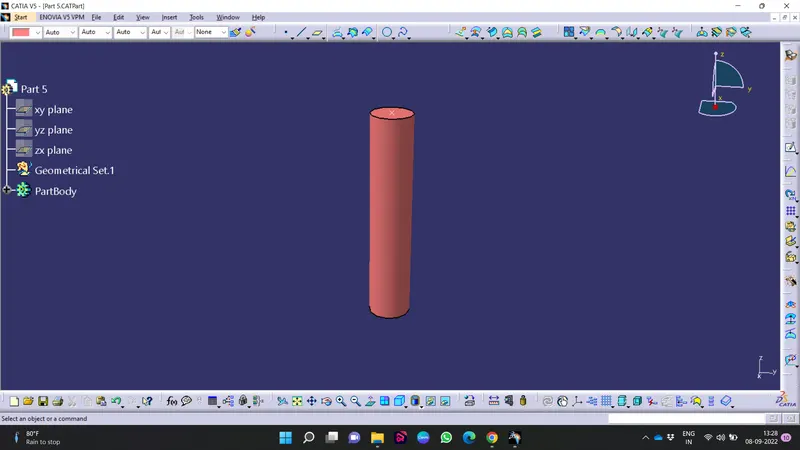
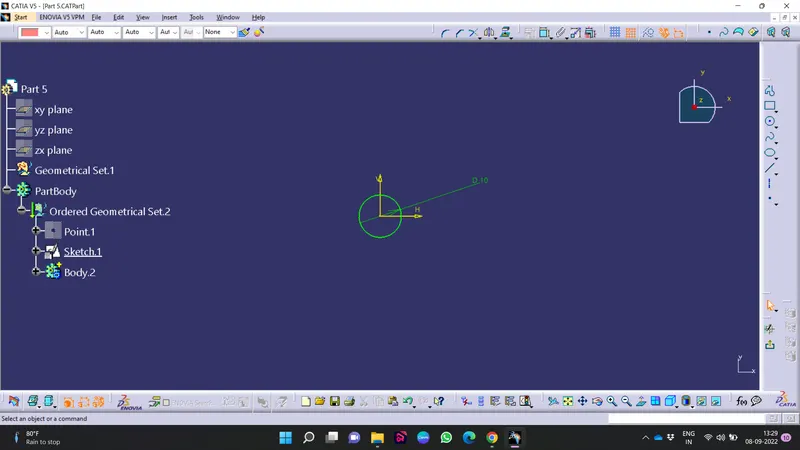
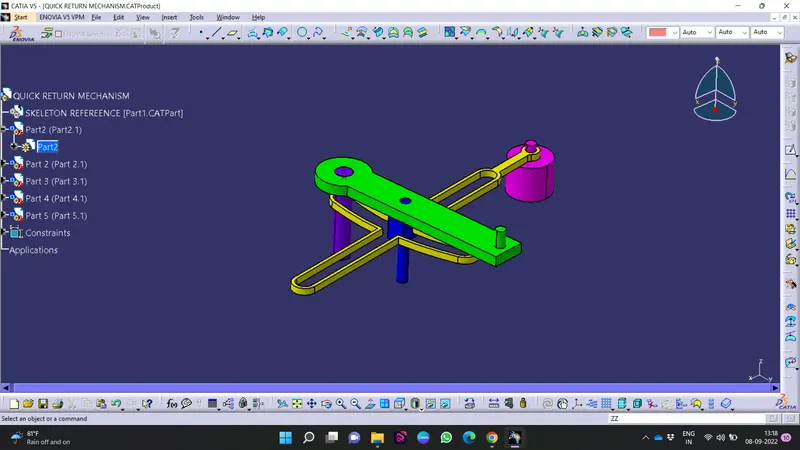
PARTS OF QUICK RETURN MECHANISM:
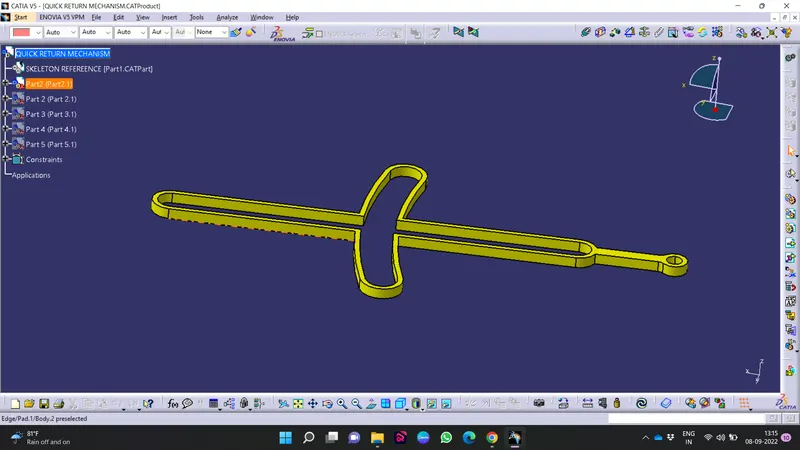
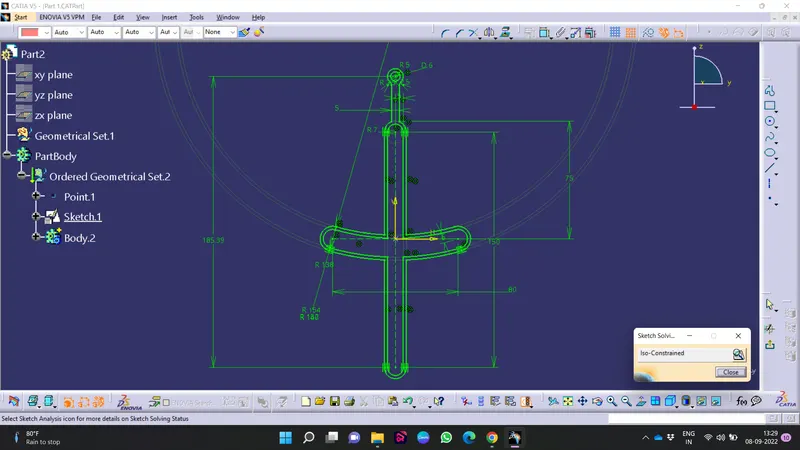
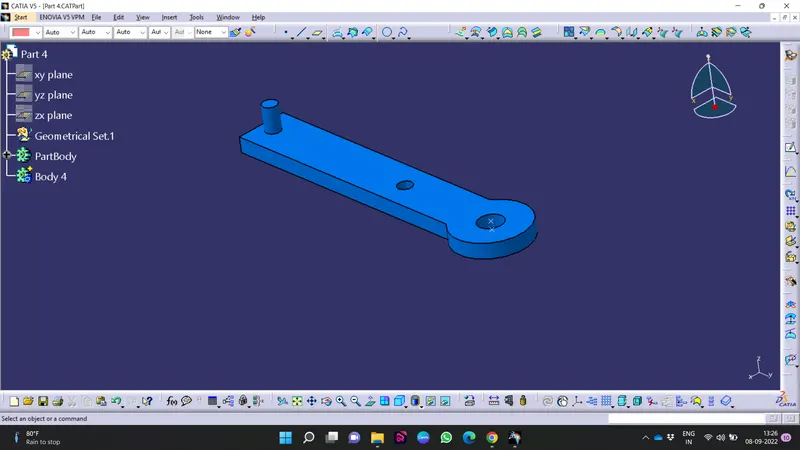
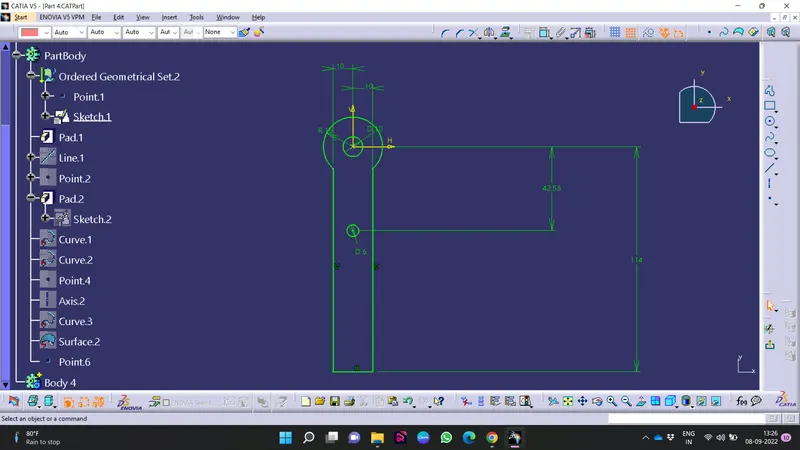
__________________________________________________________________________________________
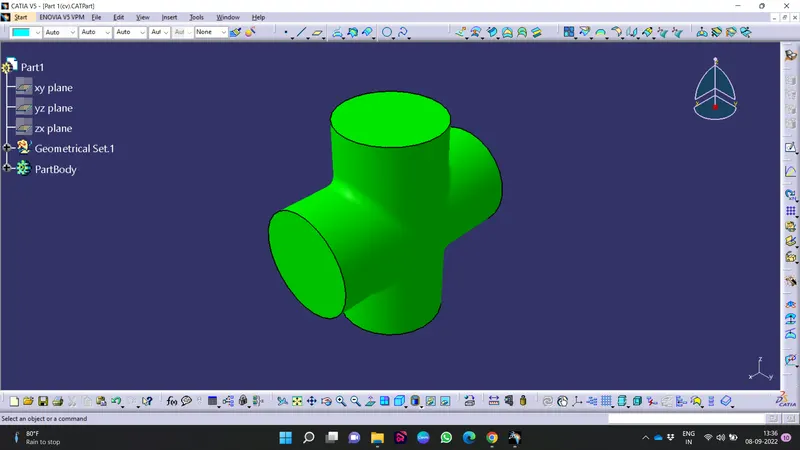
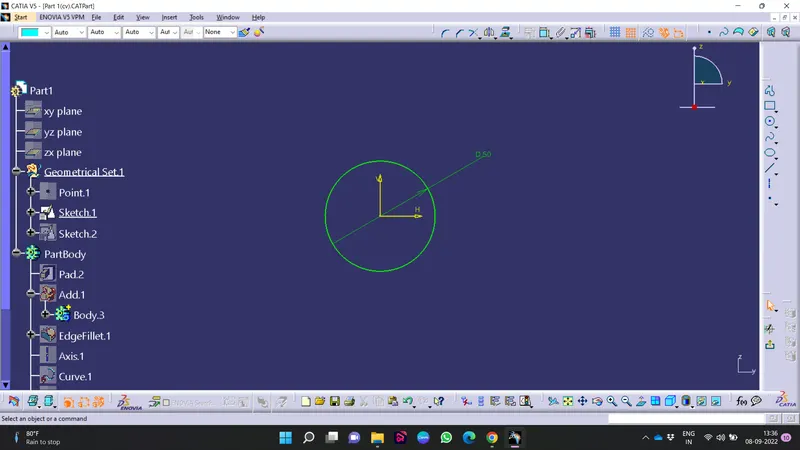
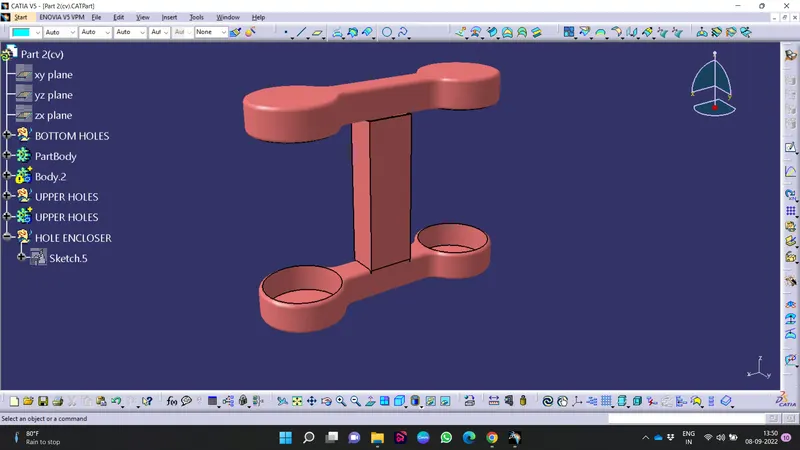
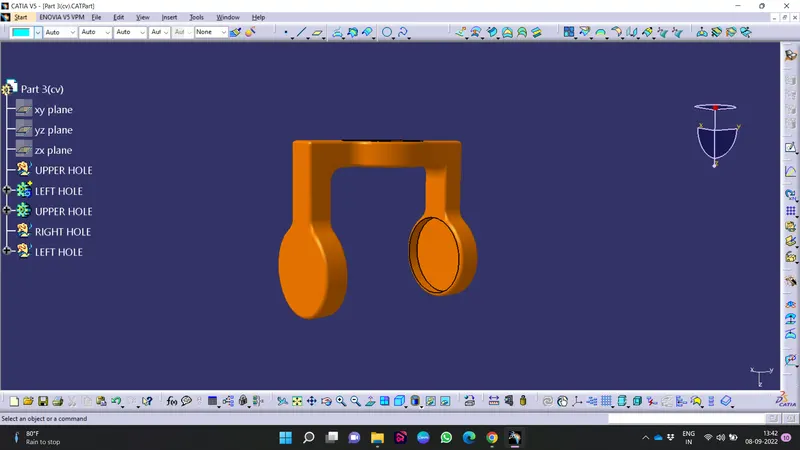
CV JOINT:
COMMANDS USED:
1.PAD
2.UNION TRIM
3.EXTRUDE
4.EXTRAPOLATE
5.TRIM
6.SPLIT
7.CLOSE SURFACE
8.COINCIDE
9.CONSTRAINT
10.MOVE
CONCLUSION:
The quick return mechanism and cv joint assembly has been done following all the guidelines.