Week 10- Assembly Workbench
MODEL 1
body 1:
make sketch on xy plane
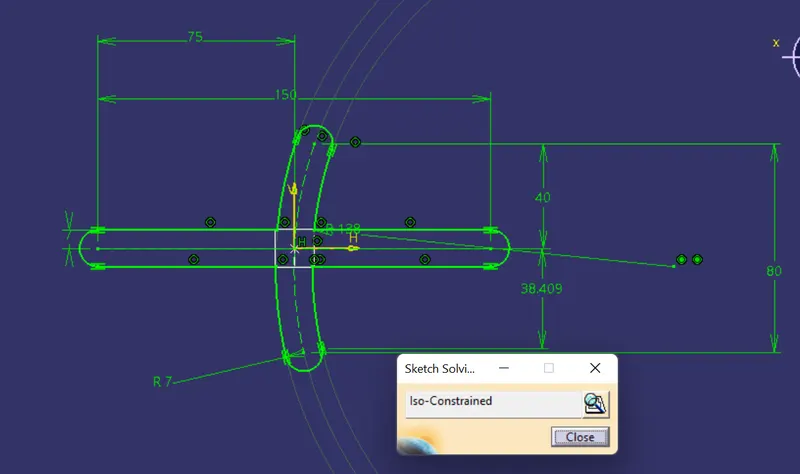
pad the sketch upto 4mm
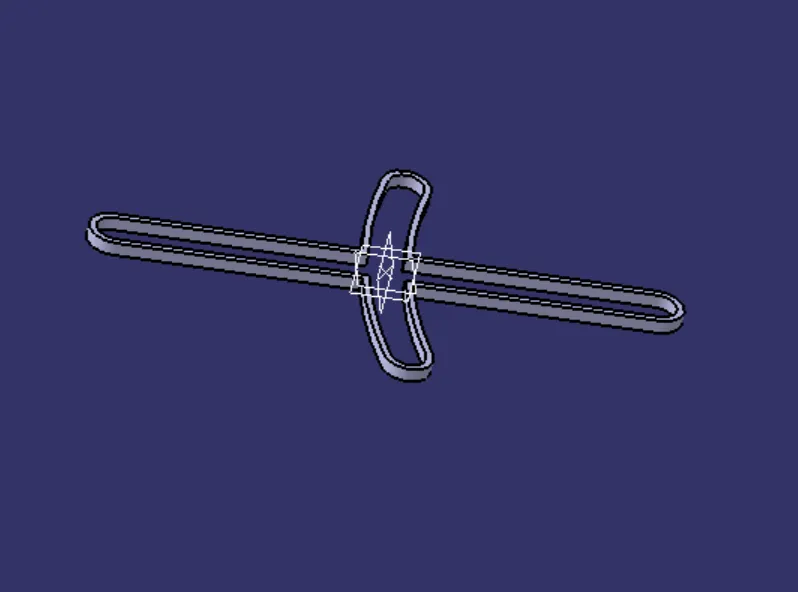
makes another sketch on xy plane
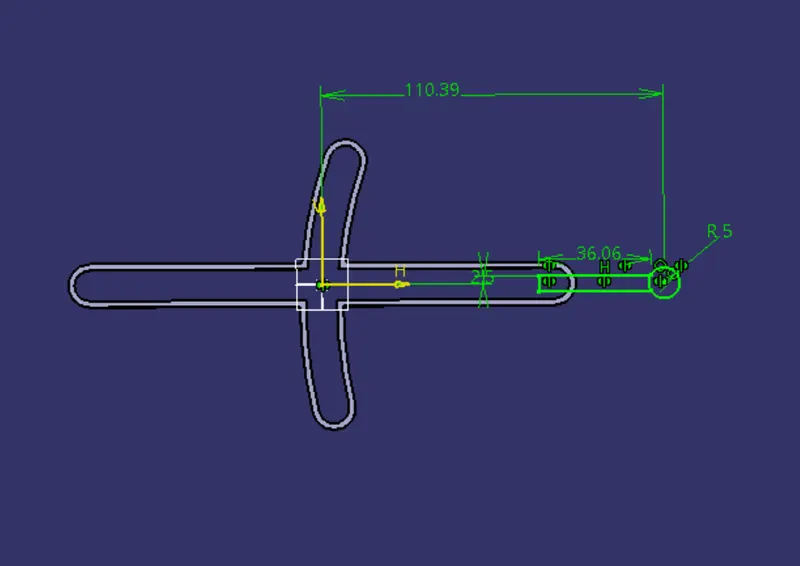
pad the sketch and make skech for hole
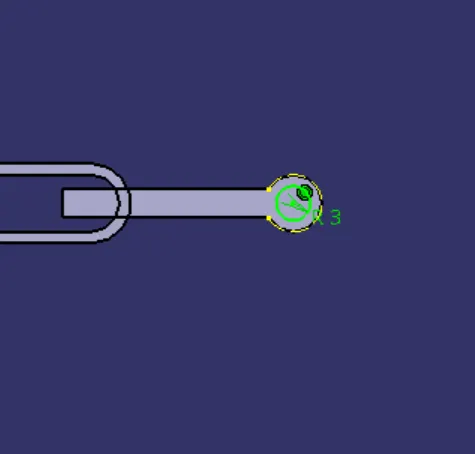
makes hole and combine all combonents
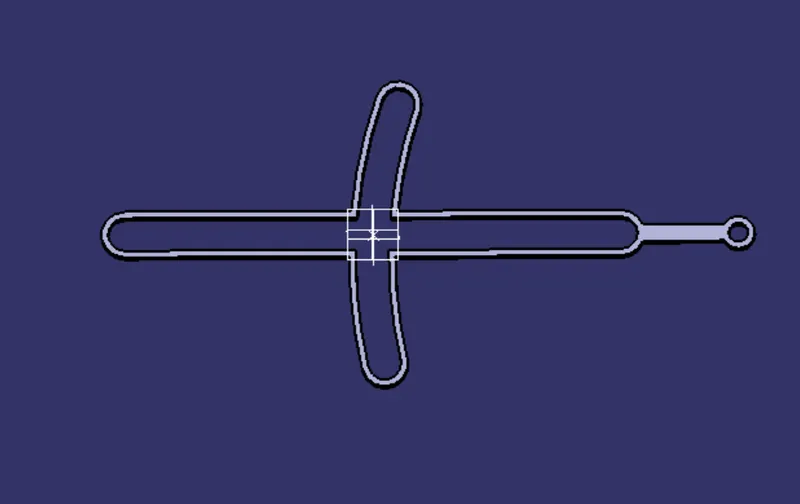
featears tree
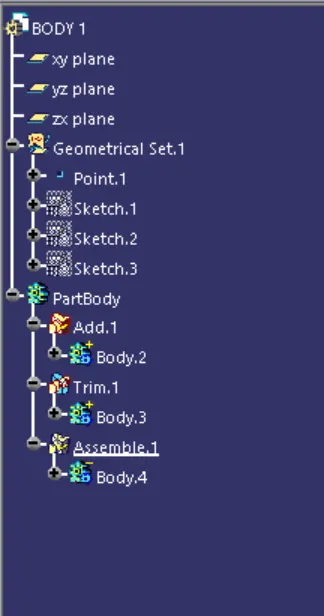
body2
sketch the circle as reffereence
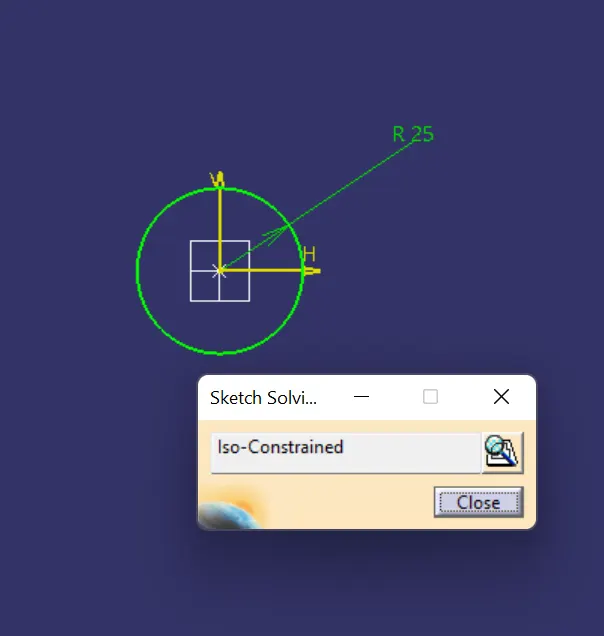
pad upto given length
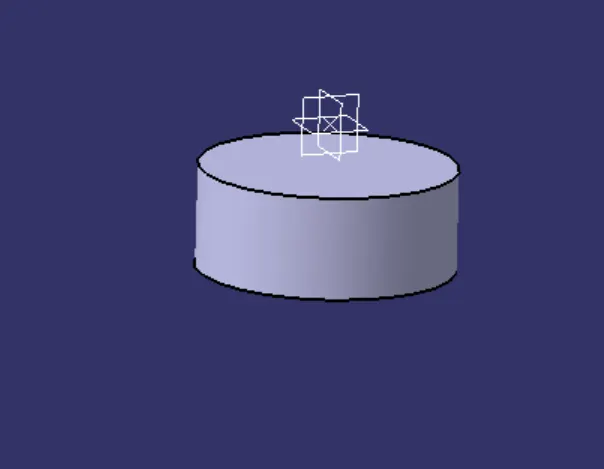
make another skech on smae plane
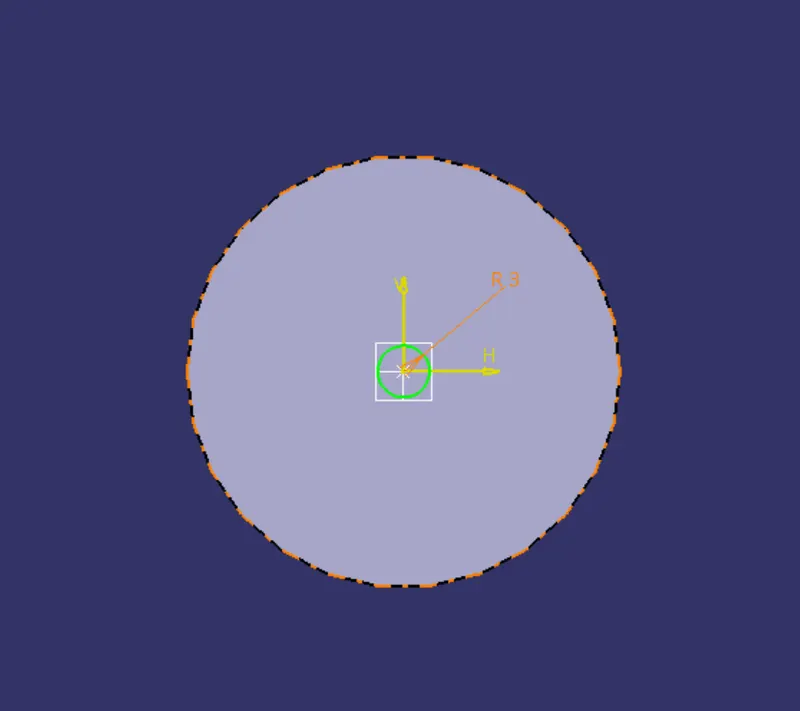
pad upto requirement
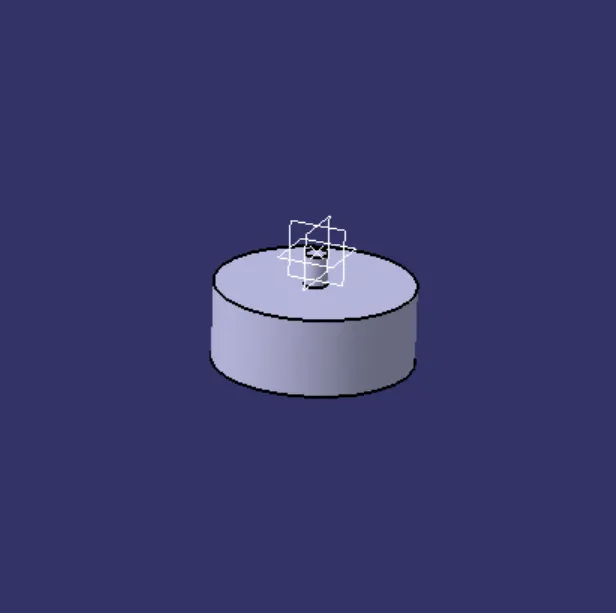
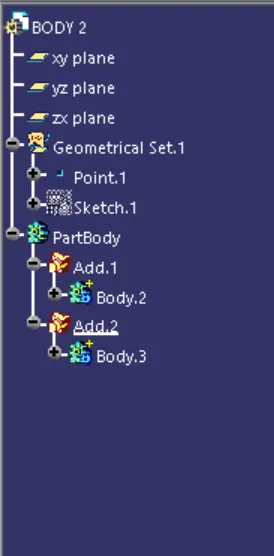
features tree
body 3:
sketch on xz plane
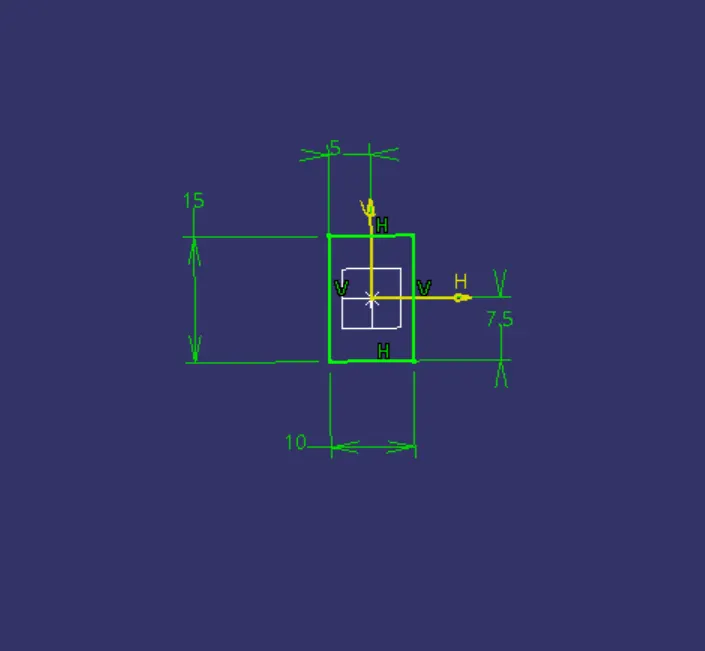
pad the sketch upto required length
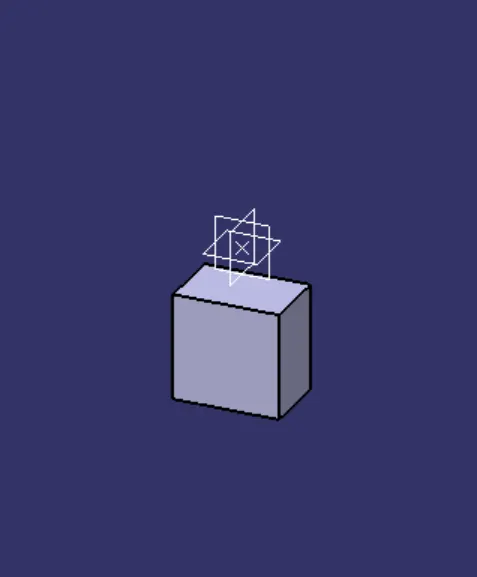
make another sketch for the arm
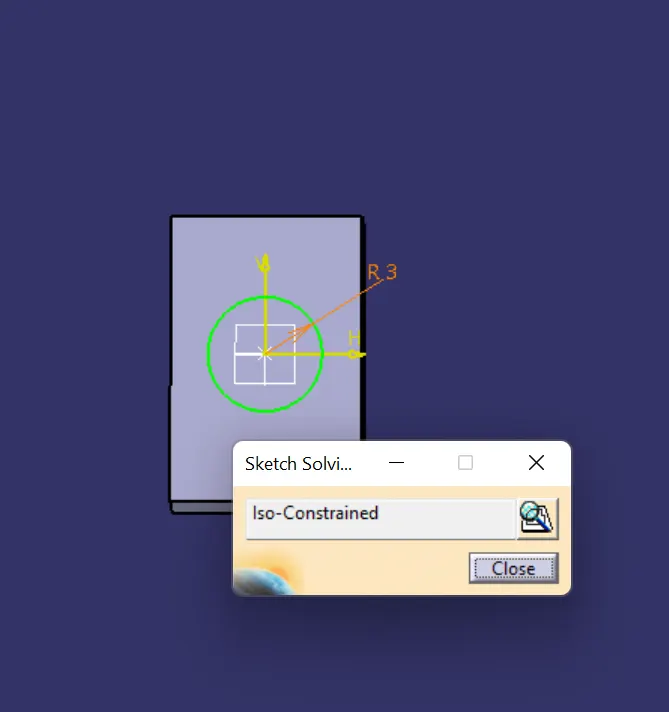
pad the sketch upto plane
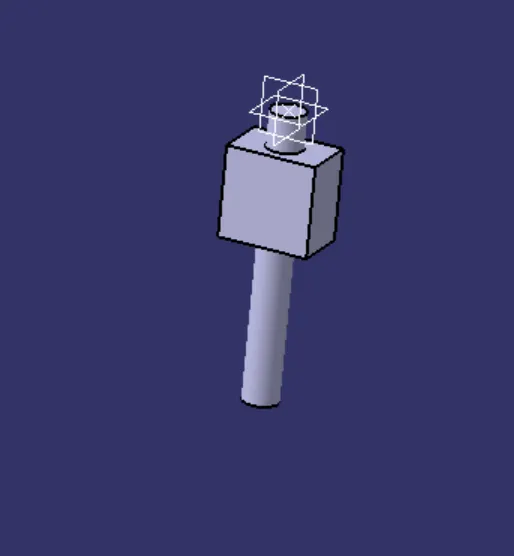
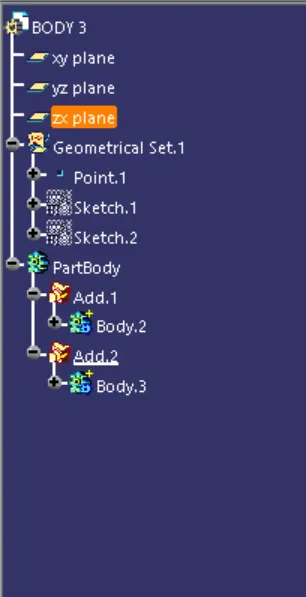
features tree
body4:
make shetch in the xy plane
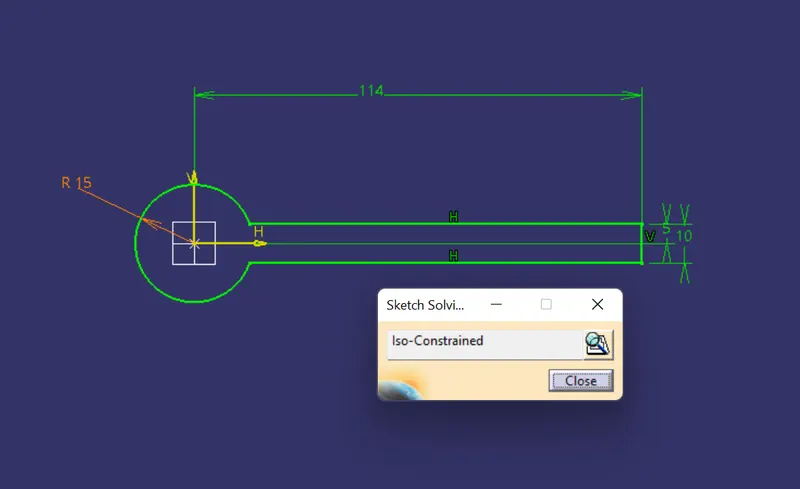
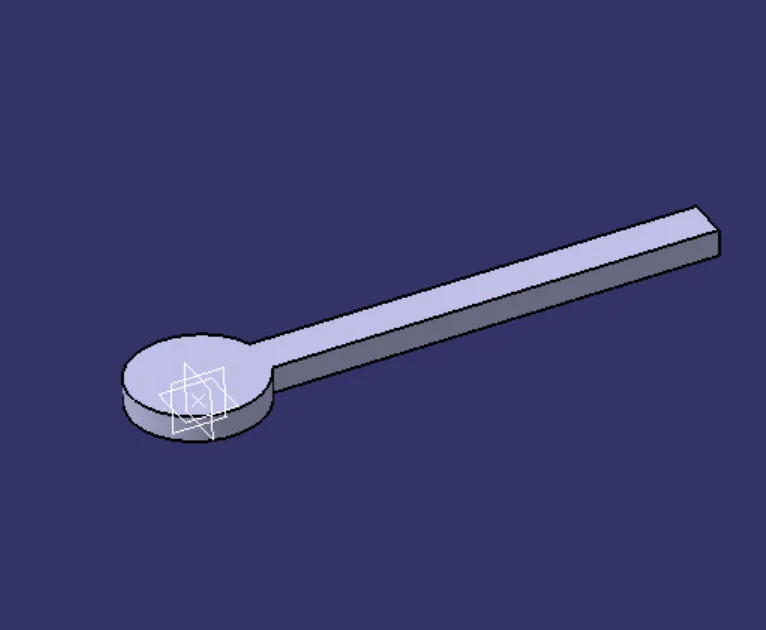
pad the sketch upto above the xy plane
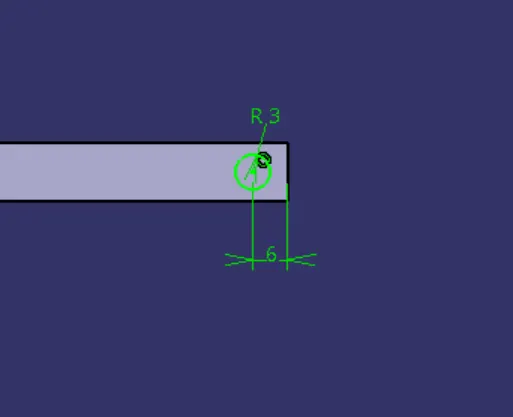
make sketch as circle
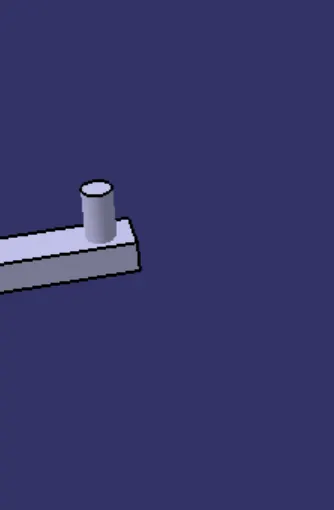
pad the tail end as required length
make sketch for holes
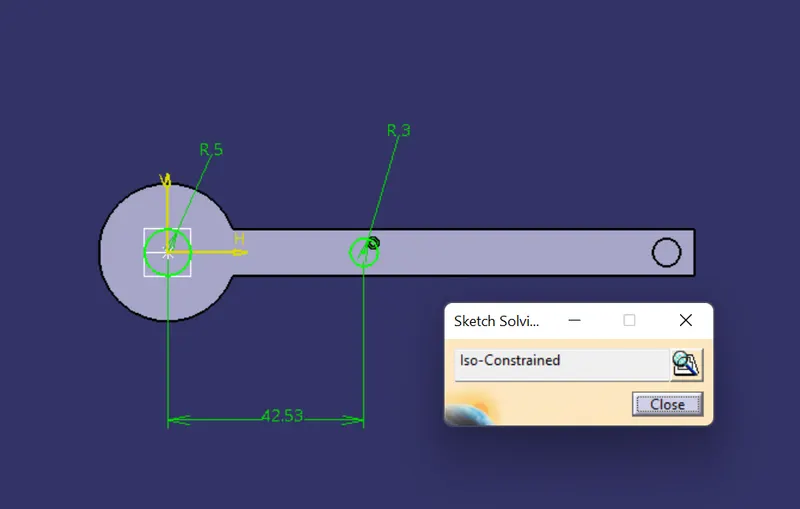
make holes are sketch refference
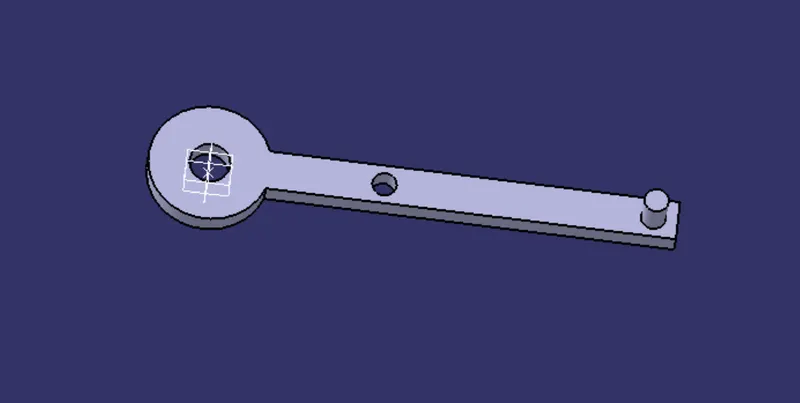
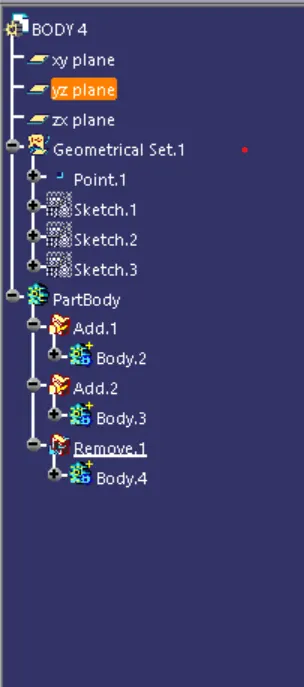
features tree
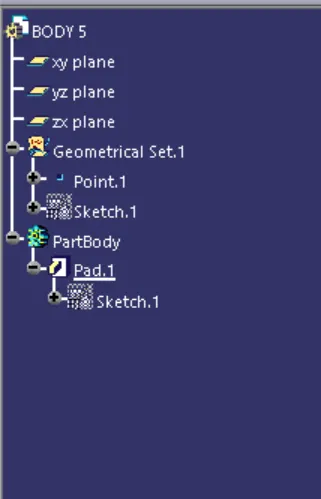
body5:
sketch on the xy plane
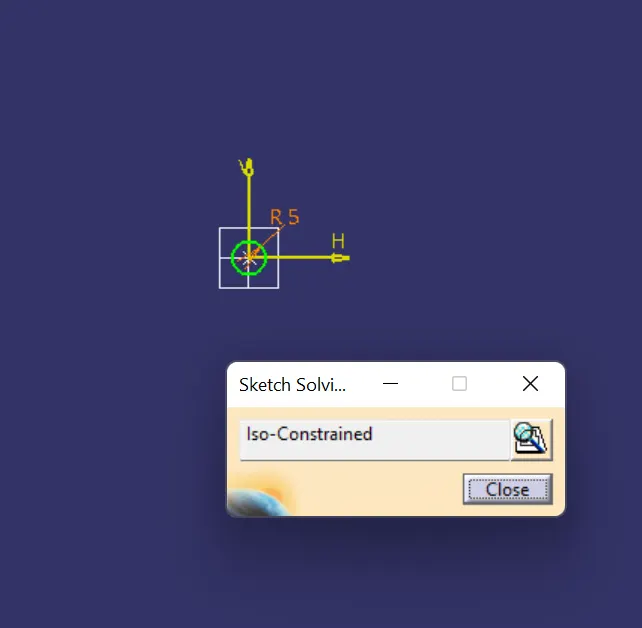
pad the sketch
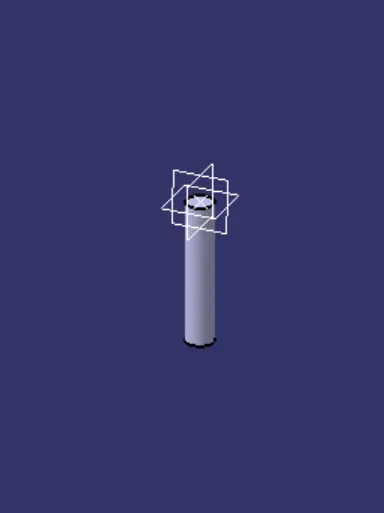
features tree
assembly:
imsert all body parts in to the assembly work bench
make new part file in the assembly work bench
makes all refference point and refference line in all parts
then all refferences and planes can be published
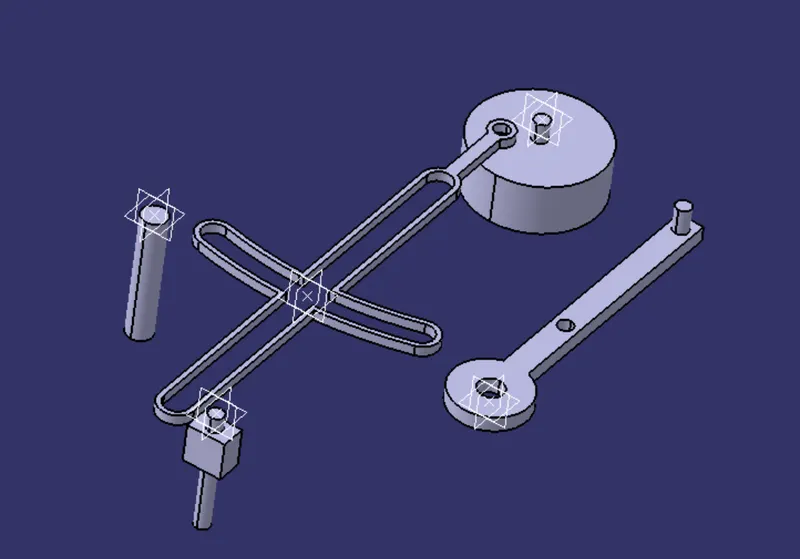
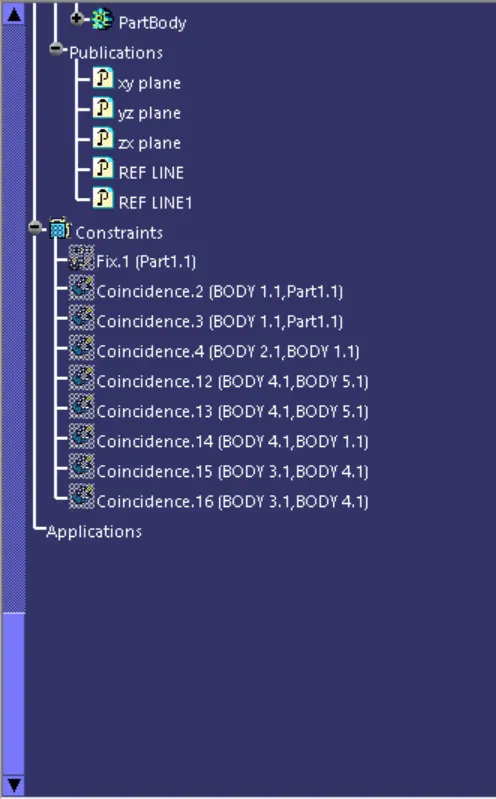
fix the part molde
coincidence the body 1 with part dummy file
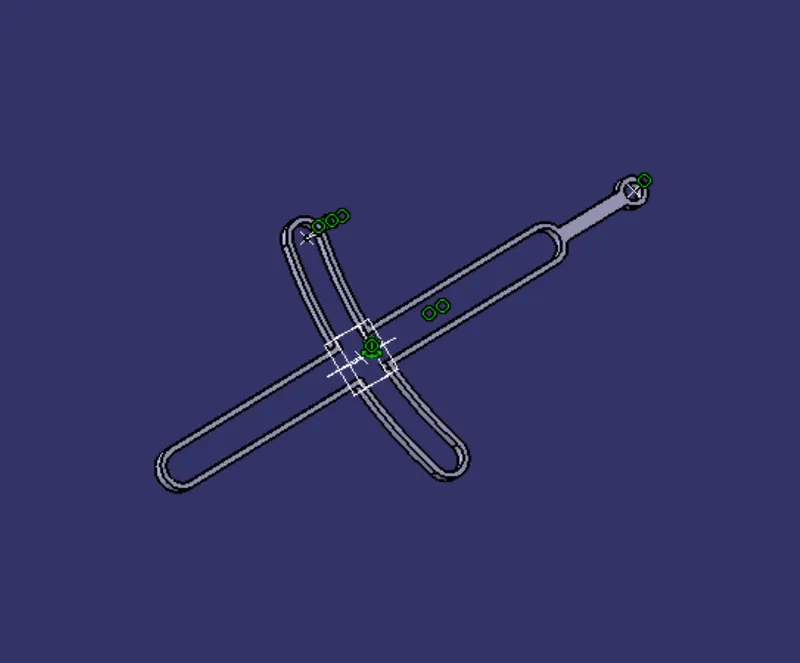
coincidence the refference line and point of body 1 with body 2
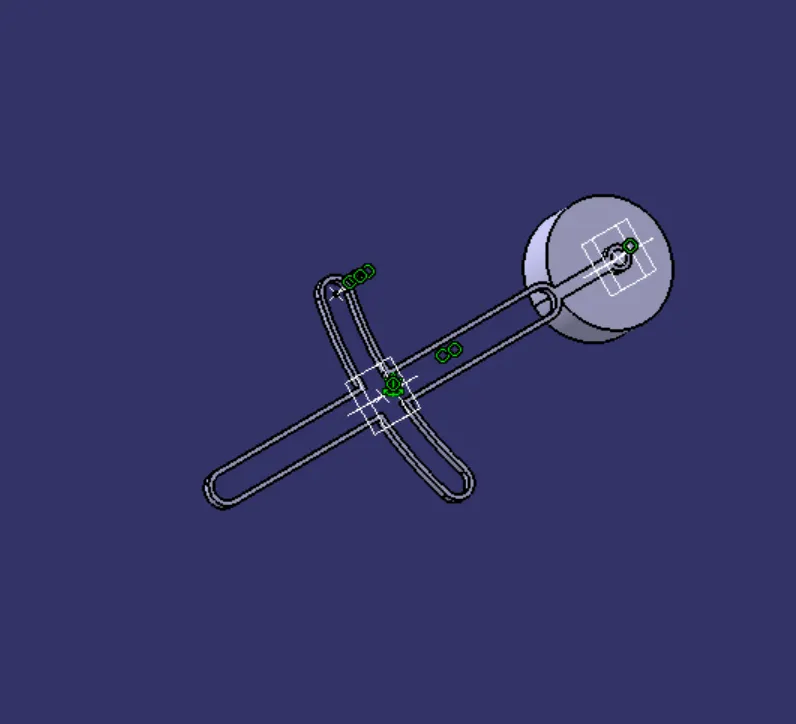
coincidence the refference line and point of ody 1 and body 3
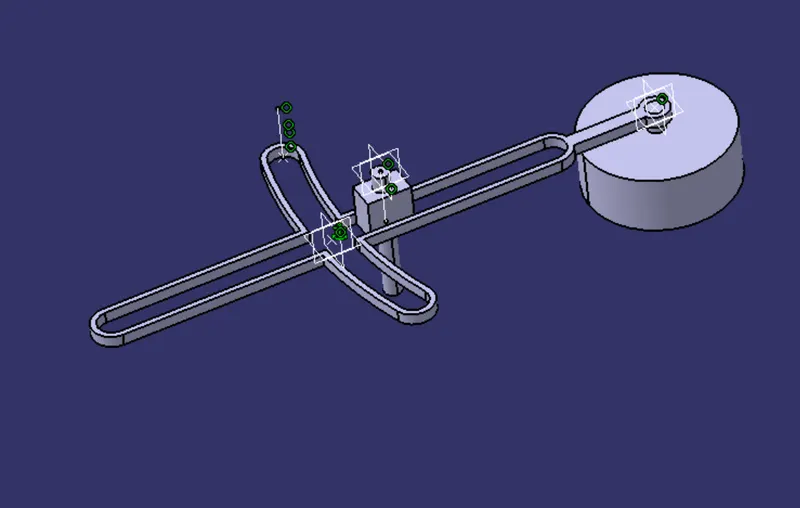
coincidence the refference line and point of body 3 and body 4
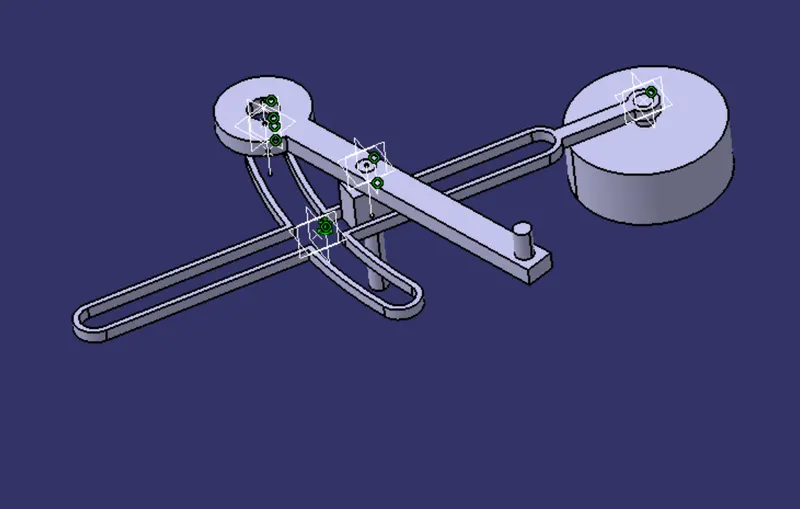
coincidence the refference line and point of body 4 and body 5
coincidence the refference line and point of body 5 with body 1
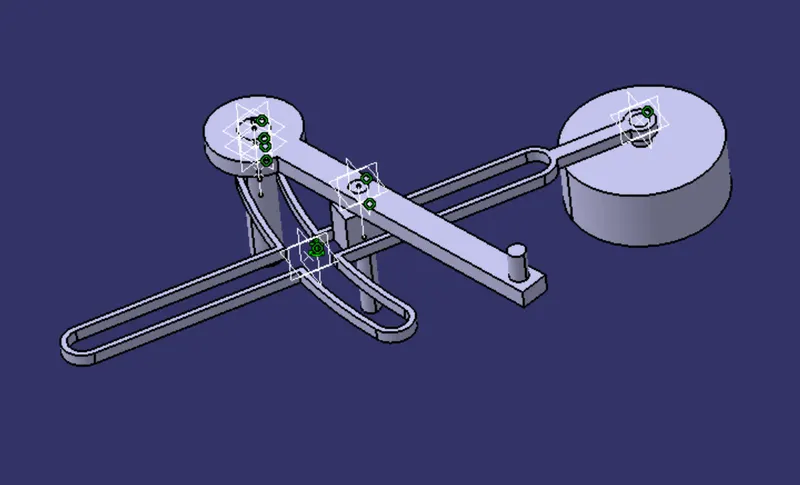
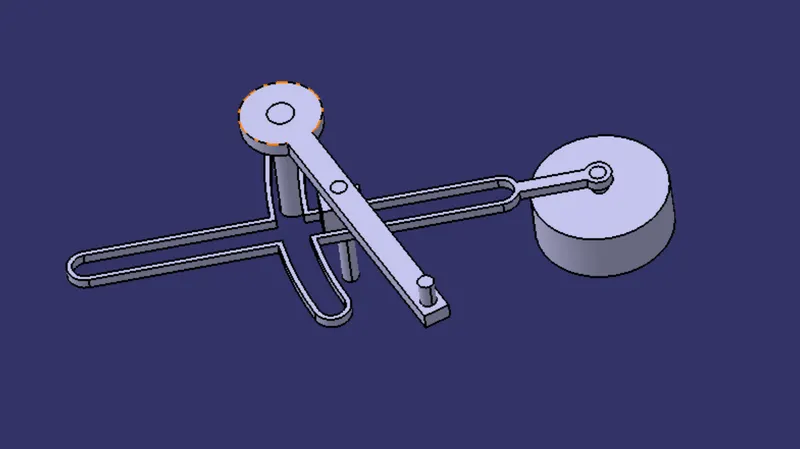
model image
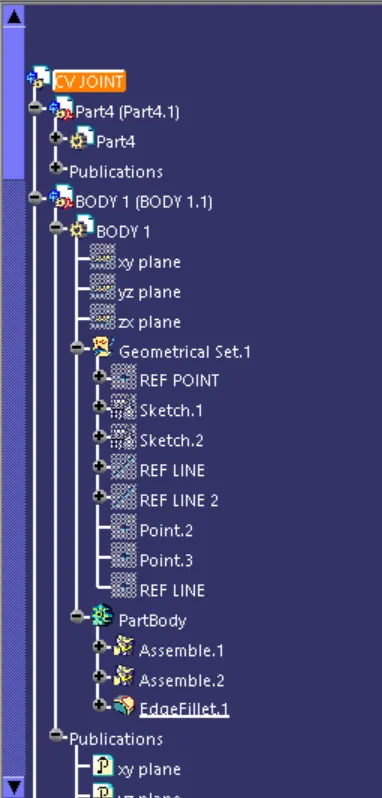
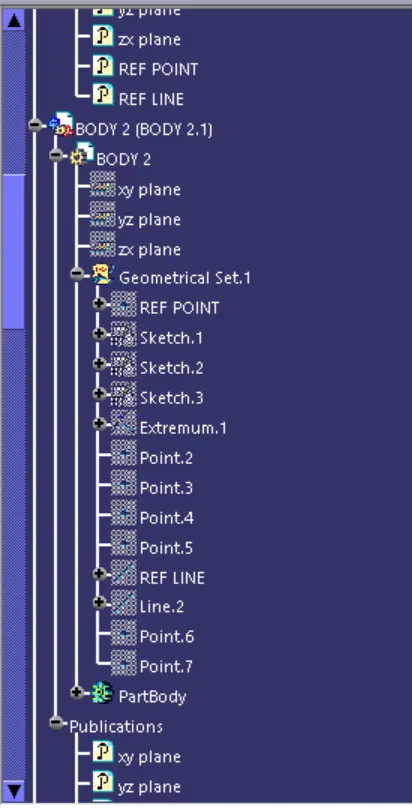
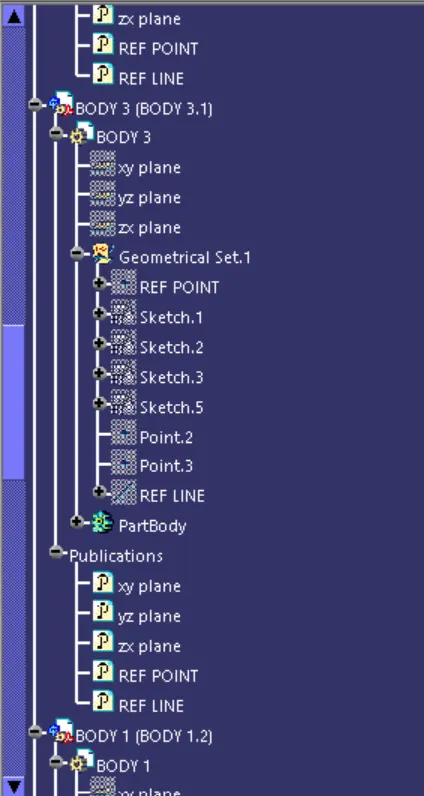
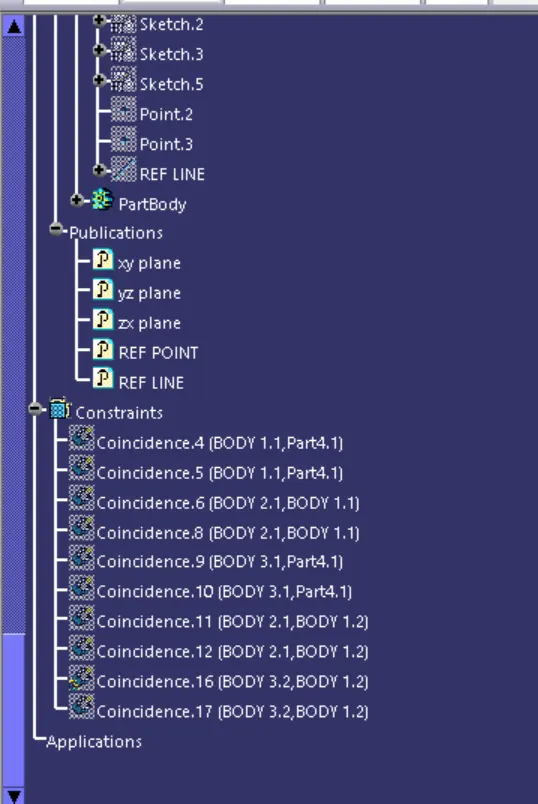
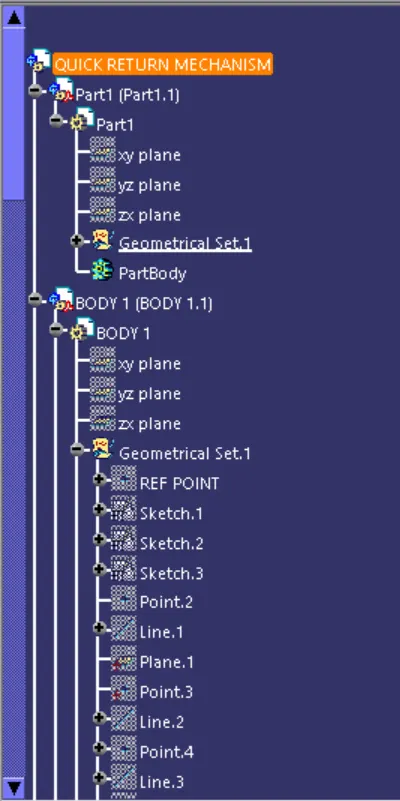
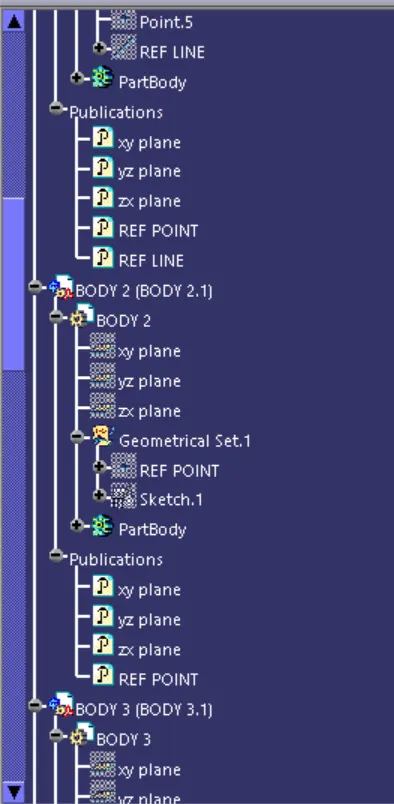
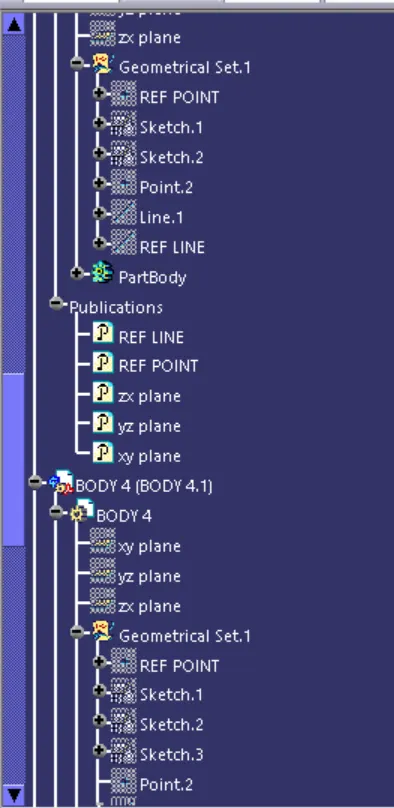
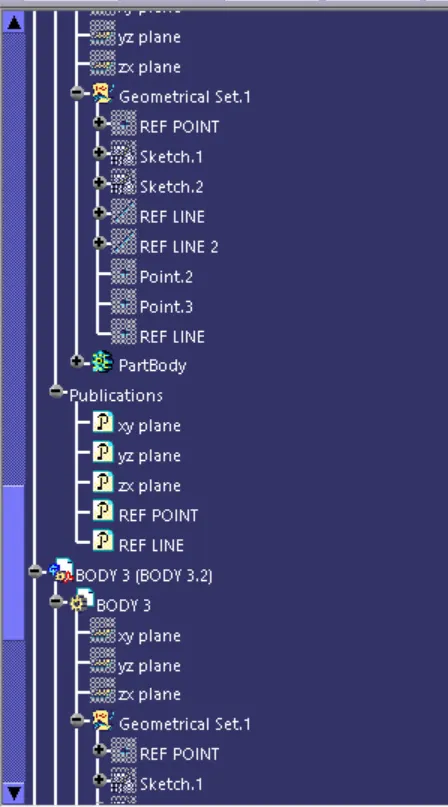
features tree
MODEL 2
body1
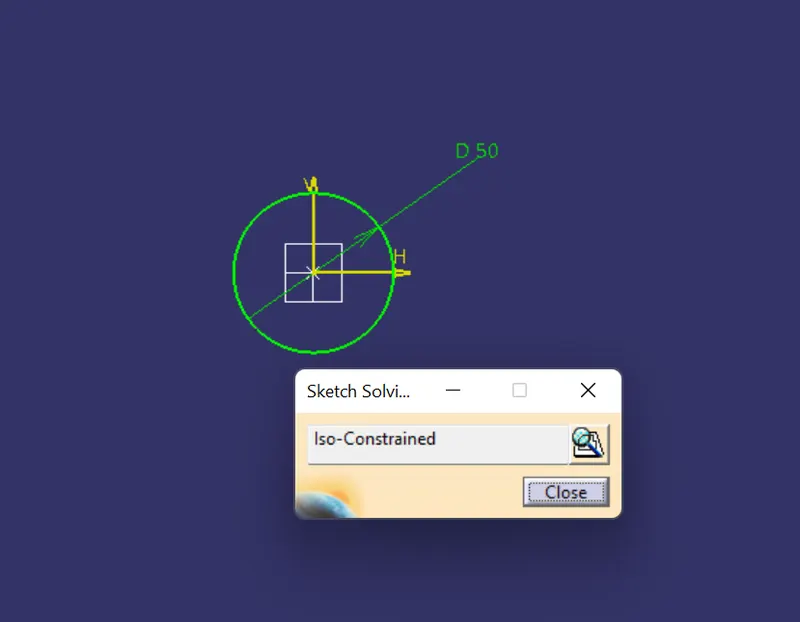
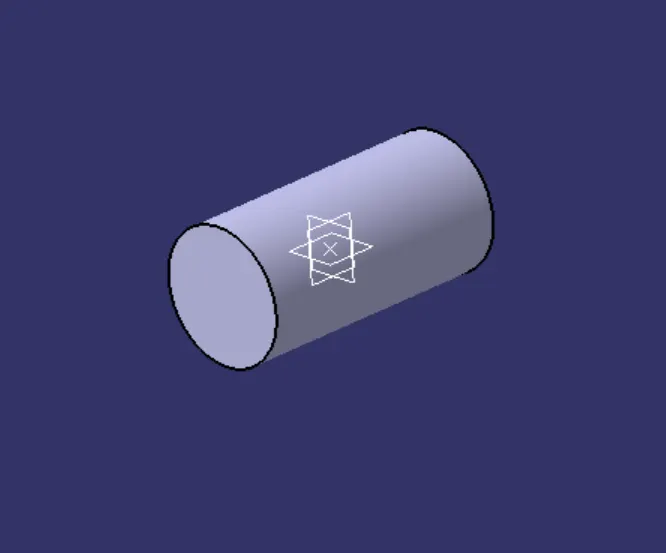
sketch a circle on xy plane
pad the circle upto 100mm
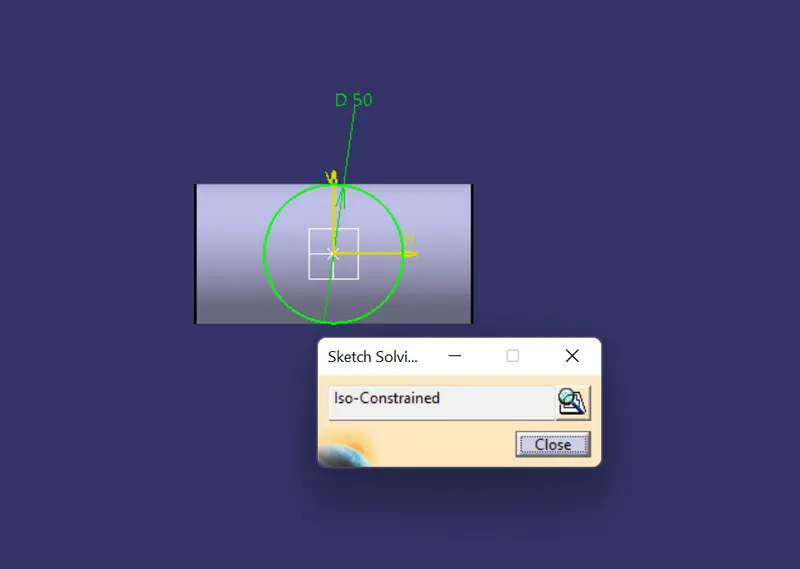
make another circle on xz plane
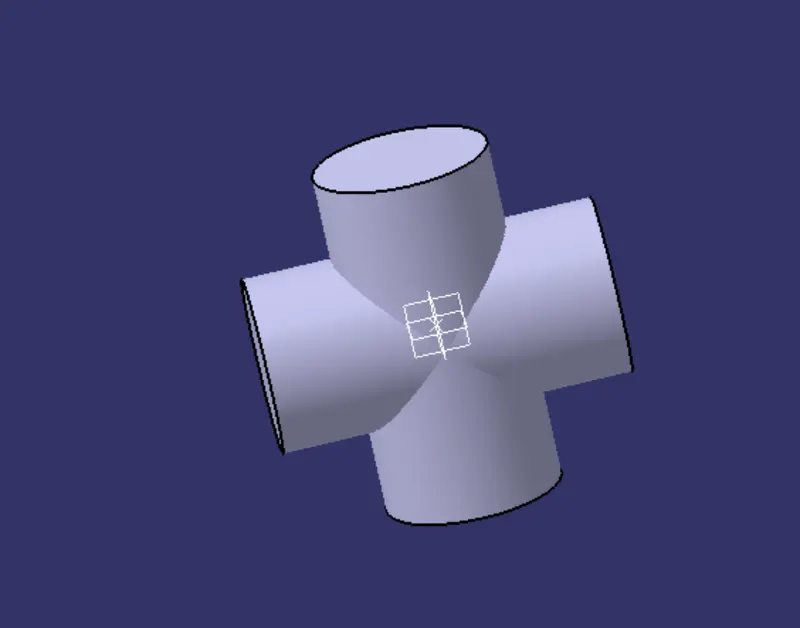
pad the circle upto 100mm
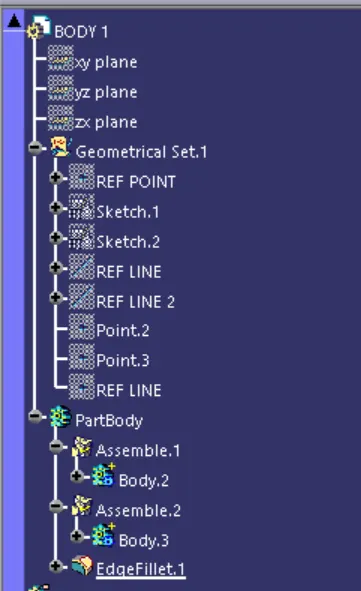
features tree
body 2:
make skech in the xy plane
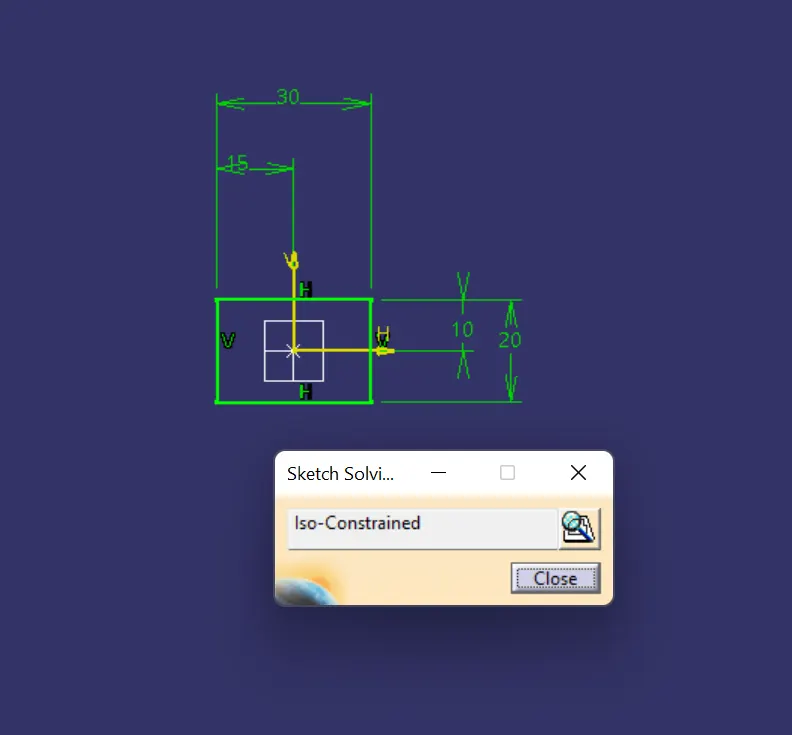
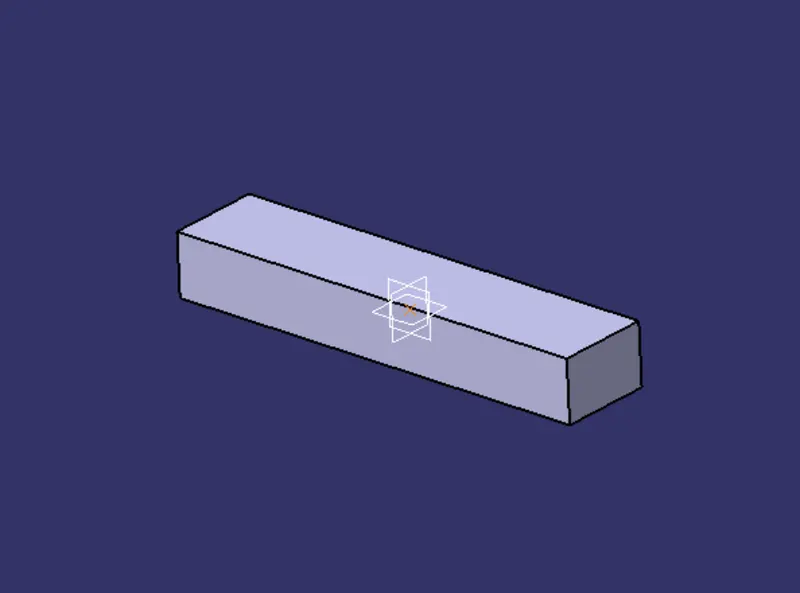
pad the skech upto required length
make another sketch on same plane
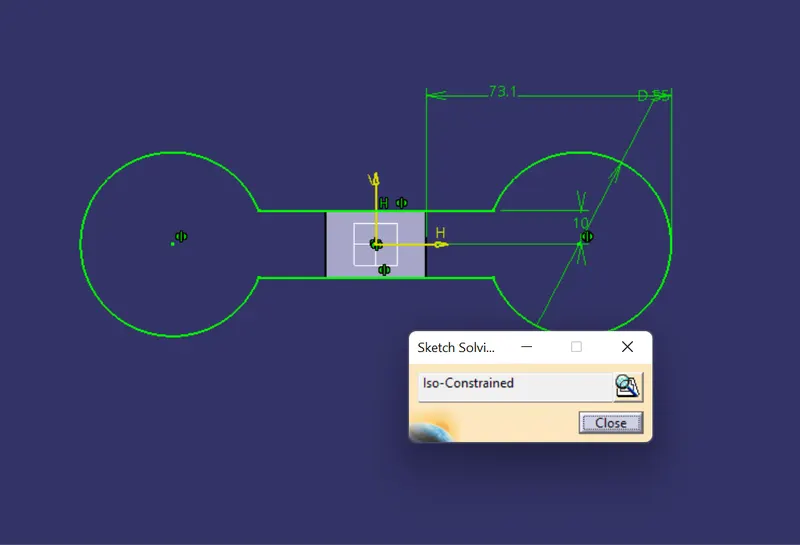
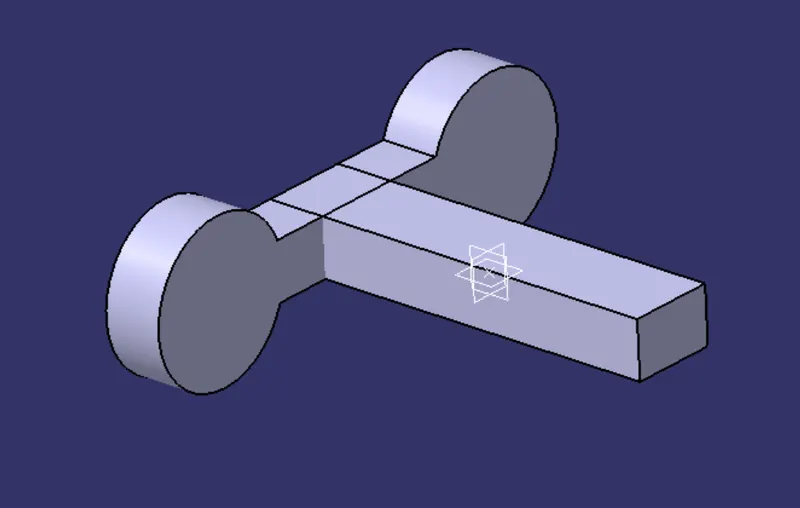
pad upto 15mm
make skeches for hole
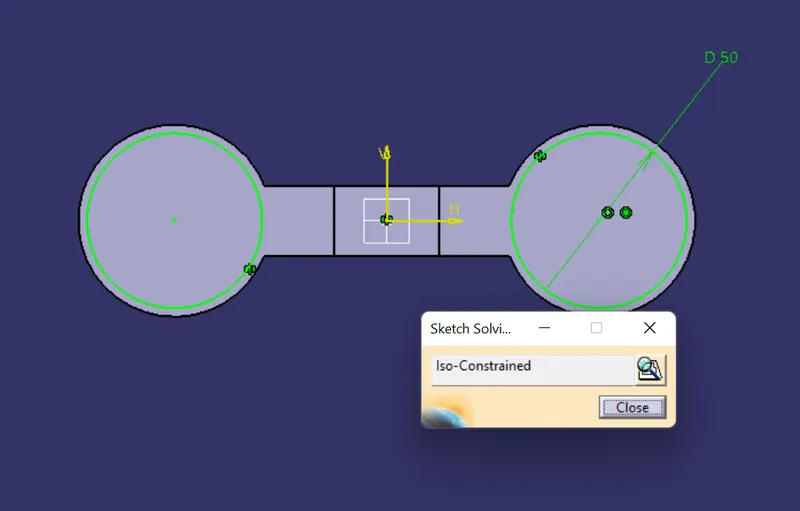
make pockets as given refference
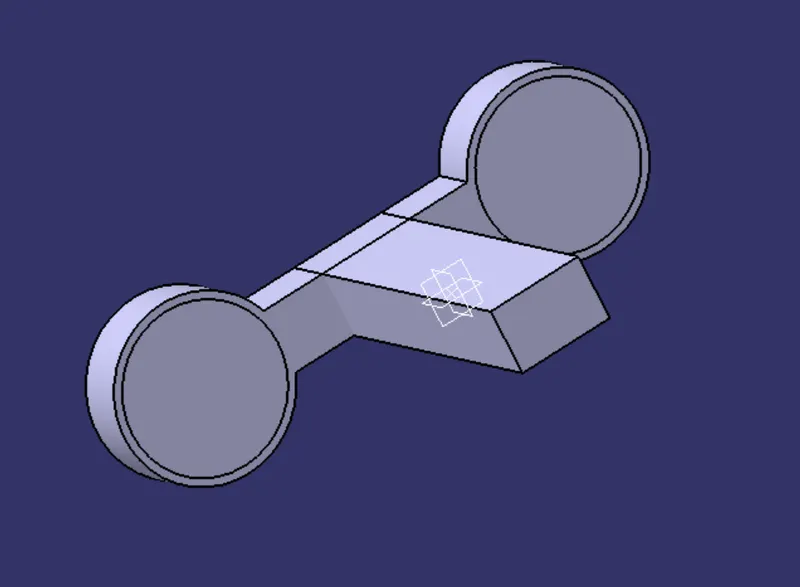
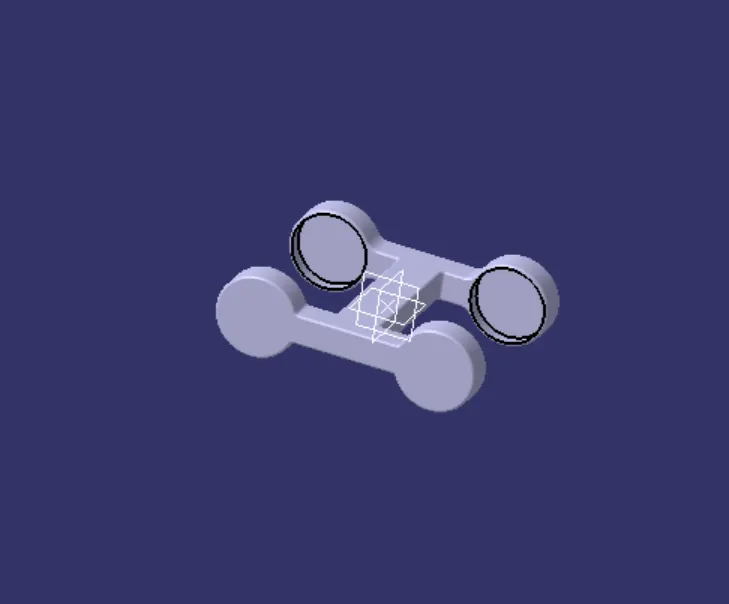
the pockestas and pad are mirroer as refference of zx plane
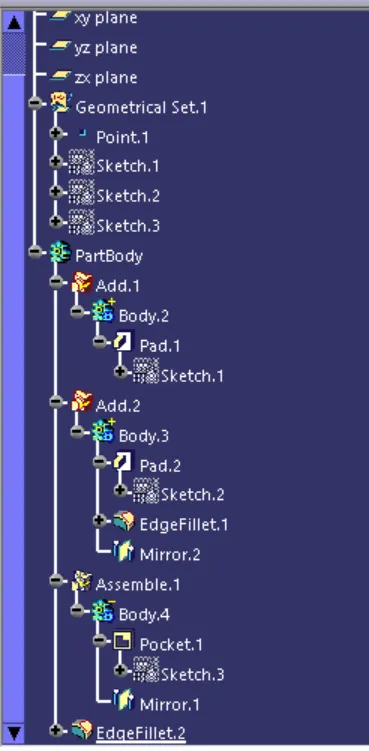
apply fillets on all edges
featurs tree
body 3
makes skech on zx plane
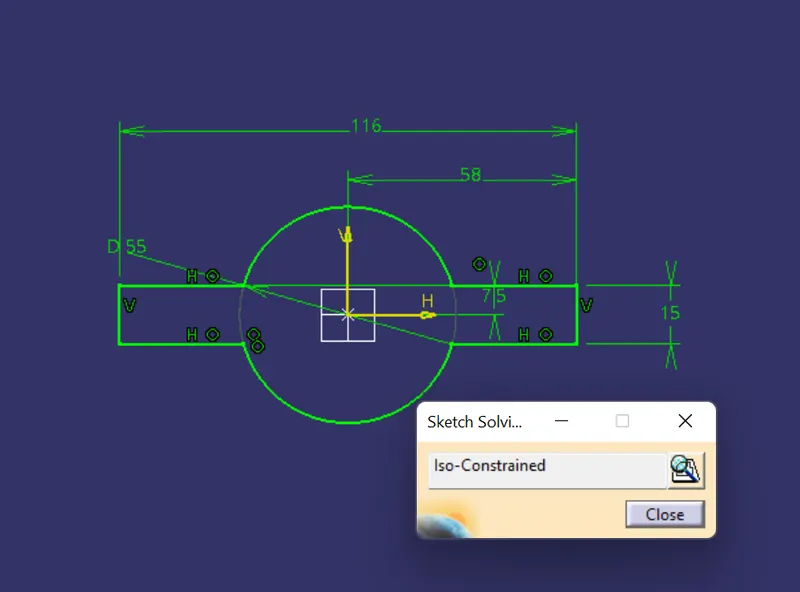
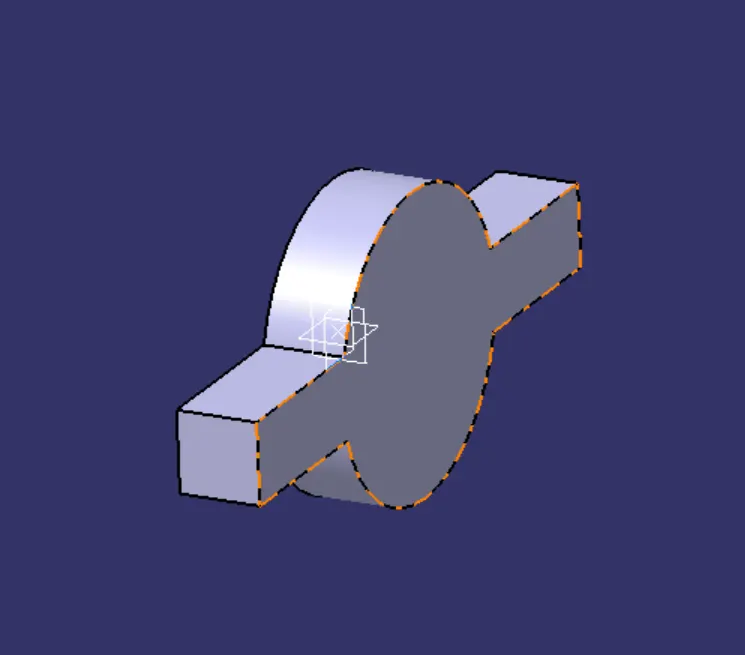
pad uoto 15mm
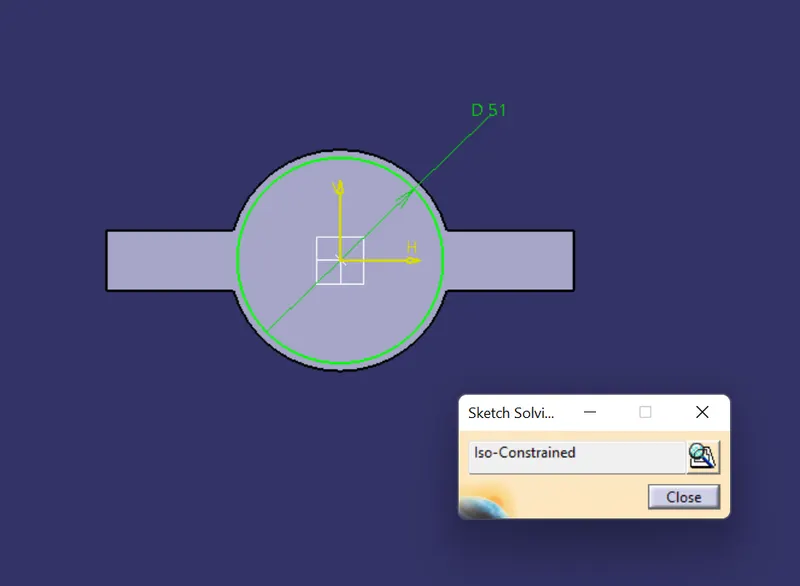
make setch for fole
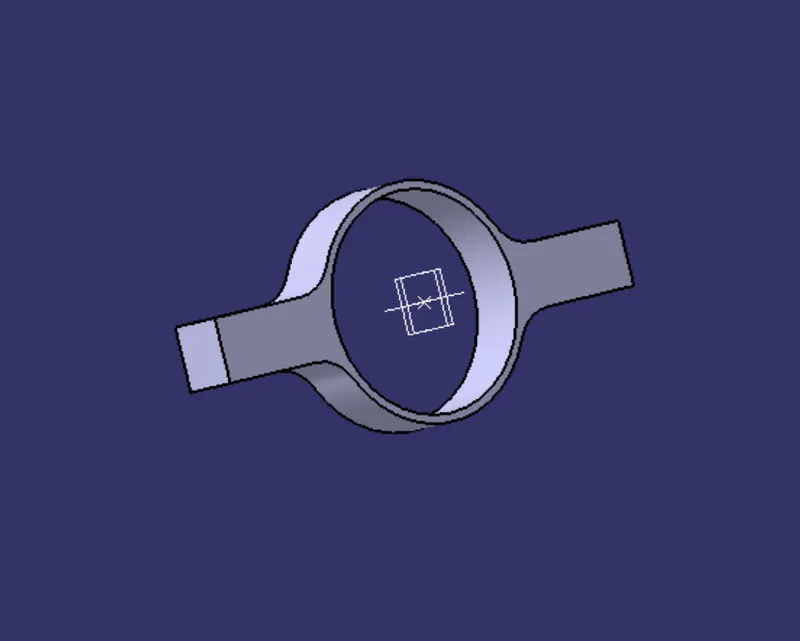
apply pockets as refferene of sketch
make anothe sketch on yz plane
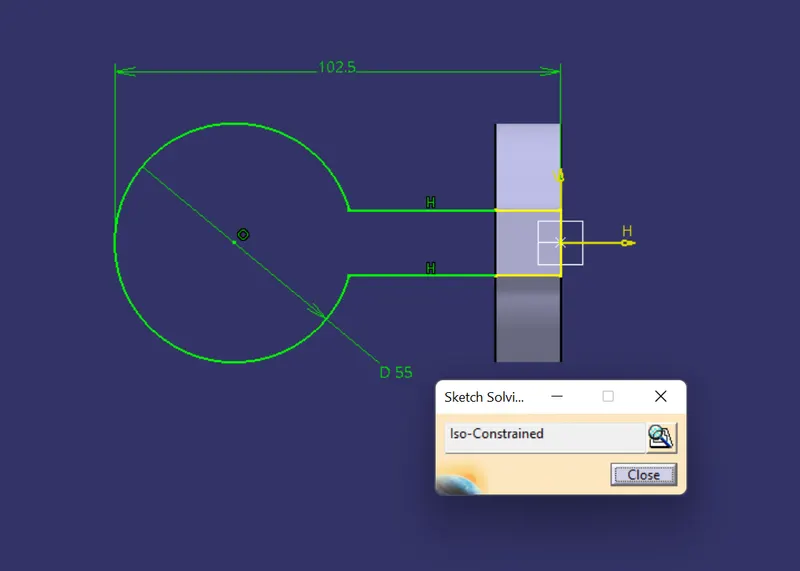
pad upti 15mm and make another sketch for hole
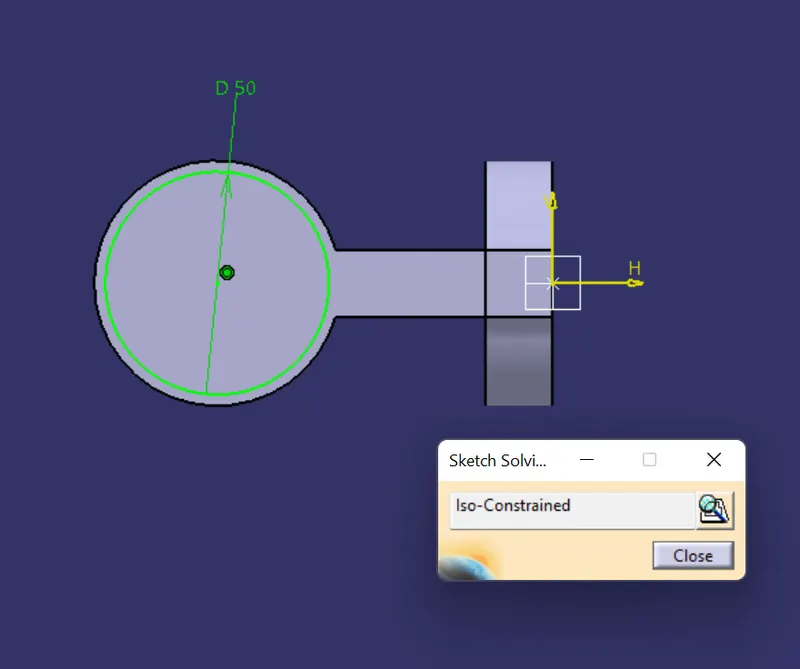
apply pocket on that sketch
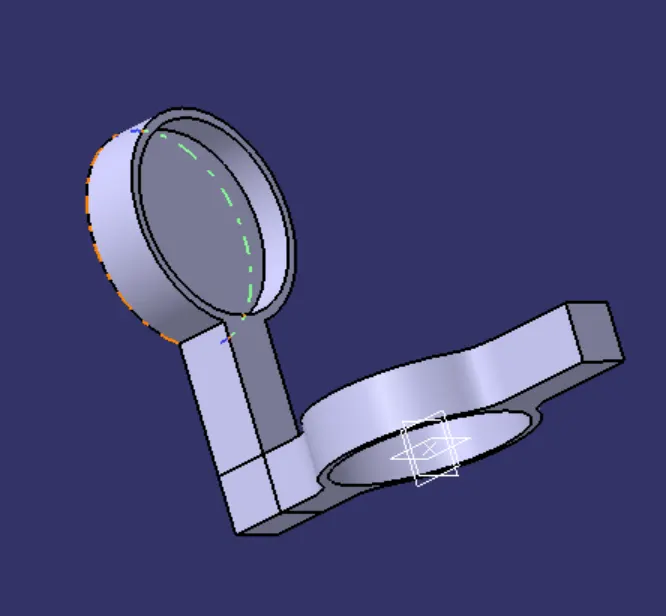
mirror the pocket and pad
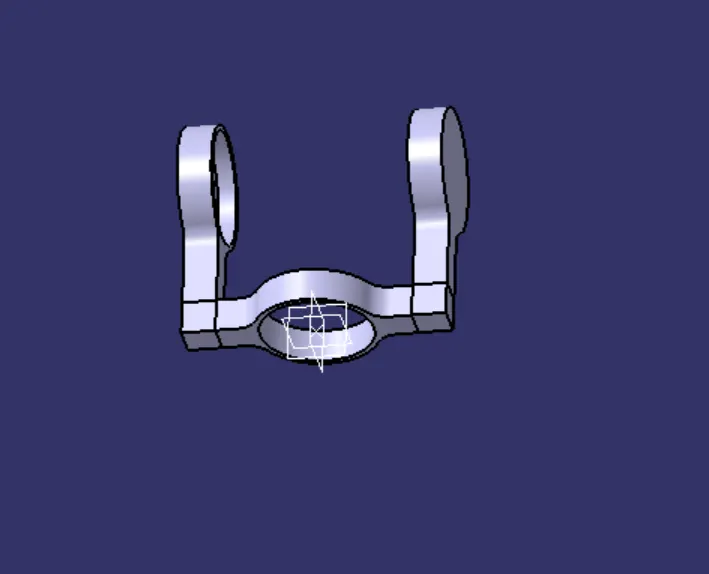
apply filets of all edges
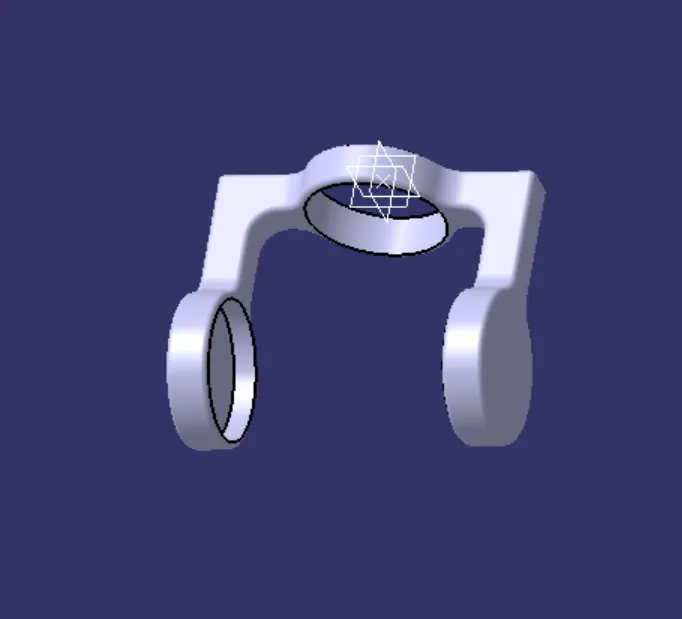
features tree
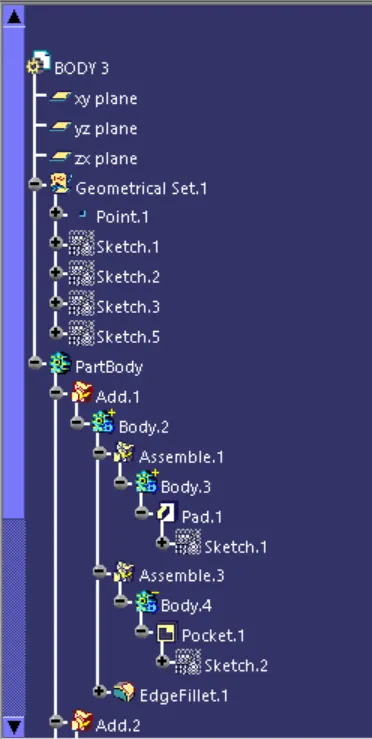
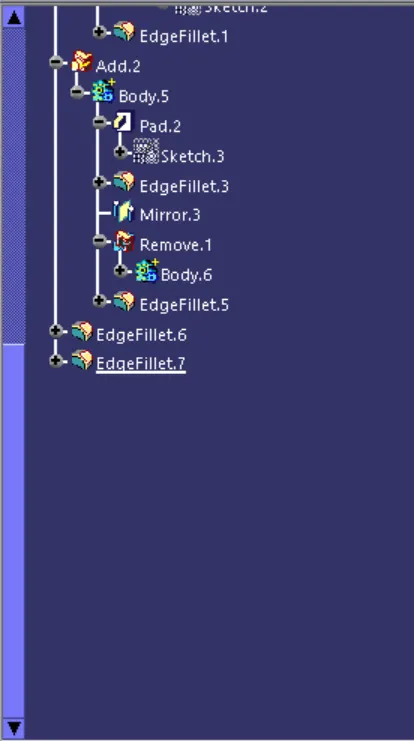
assembly:
insert all body parts in to the assembly work bench
make new part file in the assembly work bench
makes all refference point and refference line in all parts
then all refferences and planes can be published
coincidence the refference line and point of body 1 and dummy part file
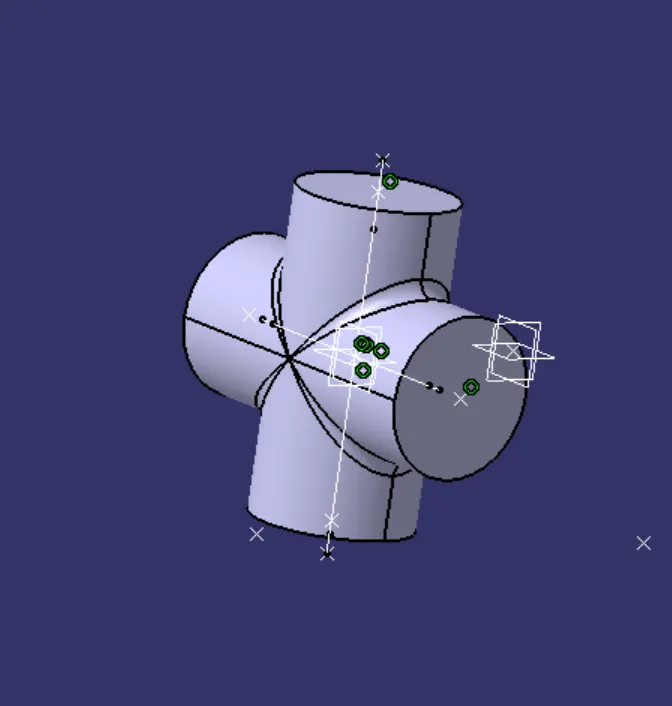
coincidence the refference line and point of body 1 with body 2
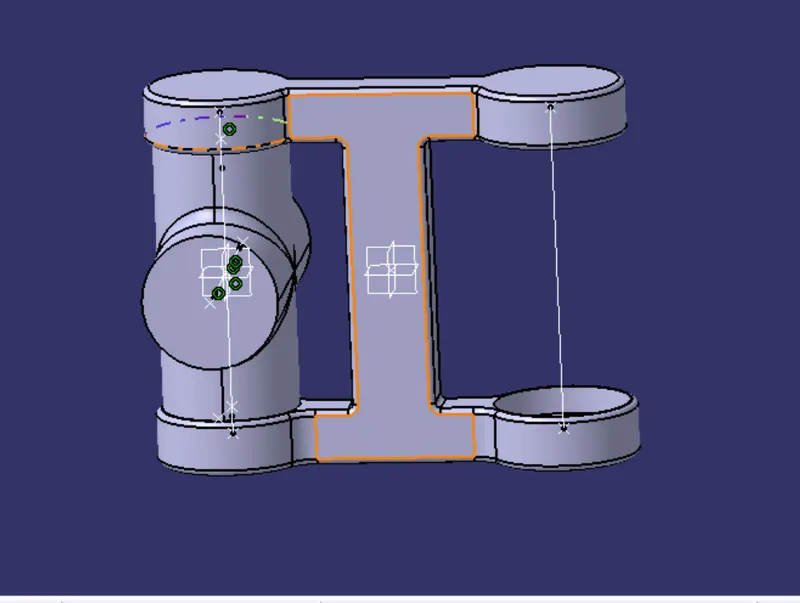
coincidence the refference line and point of body 1 with body 3
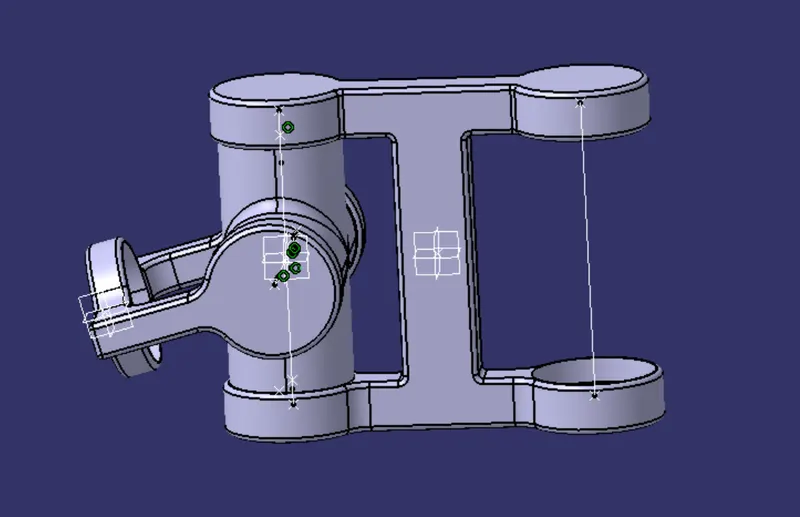
againh insert body 1
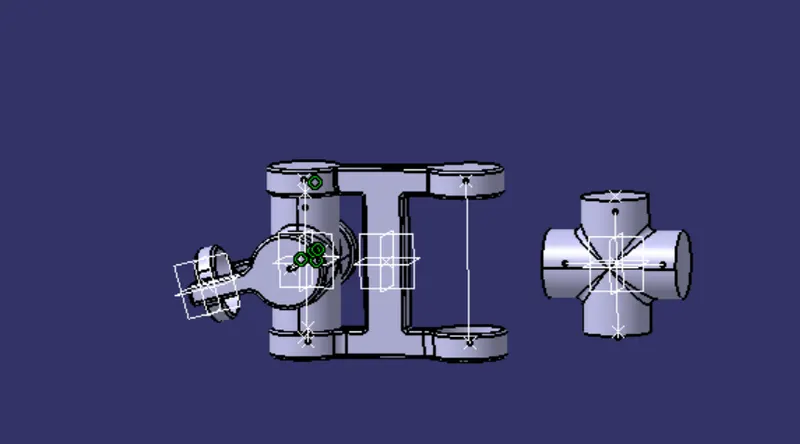
coincidence the refference line and point of body 2 with new inserted body 1
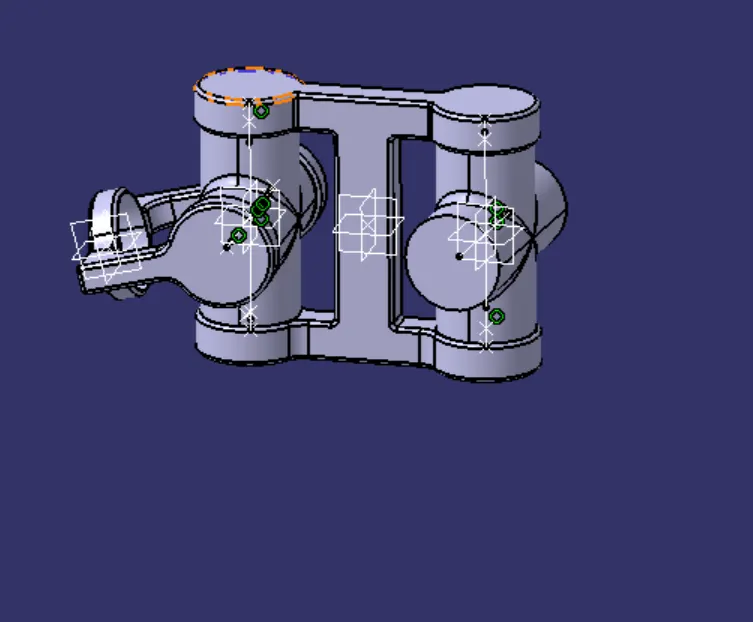
insert body 3
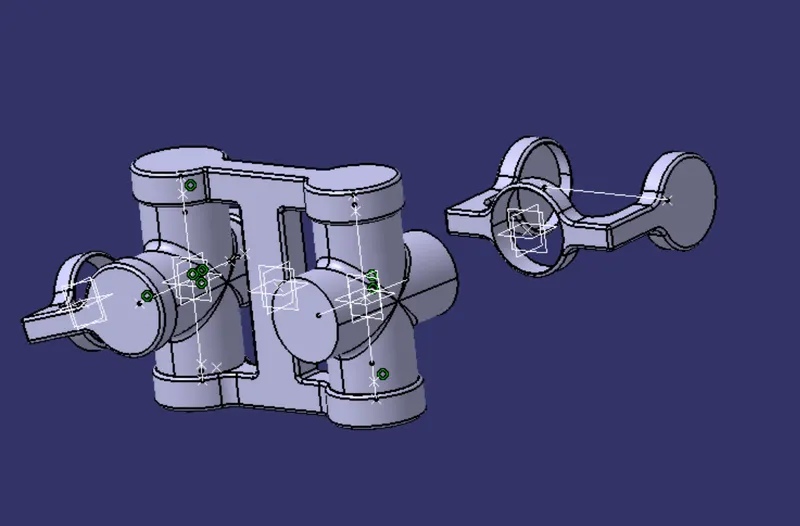
coincidence the refference line and point of new body 1 with new body 3
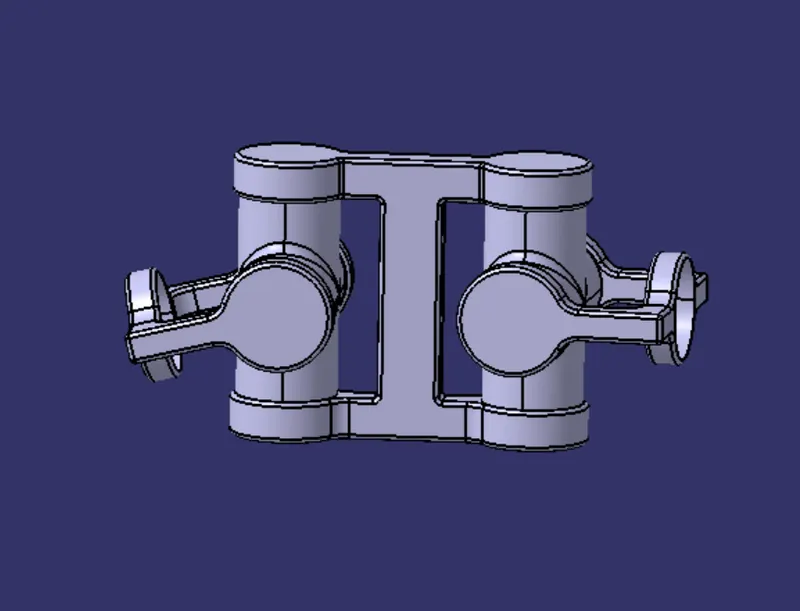
features tree image