Week 1-Model Creation in DesignModeler Challenge
OBJECTIVE: CREATE ALL THE PARTS OF THE BUTTERFLY VALVE ASSEMBLY AND MATE THEM ALTOGETHER TO CREATE A SINGLE PART AND THEN IMPORT IT INTO THE ANSYS DEISGN MODELER
PROCEDURE: (All files created in soldworks 2021 R1)
1- Main Housing:
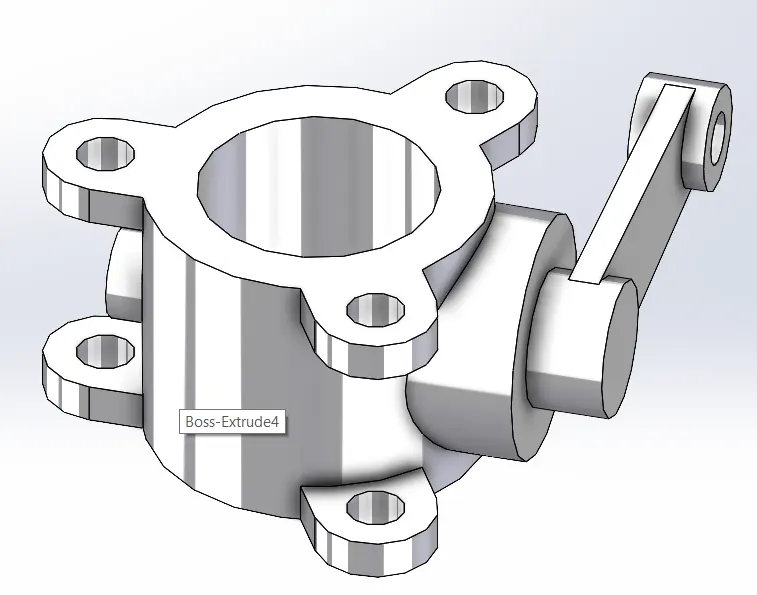
Commands Used: Sketch (Line, Circle, Constraints), Boss Extrude, Extrude Cut, Circular Pattern, Mirror, Plane Generation
Process: Please refer to the design tree in DOUBLEFLANGEHOUSING.sldprt
2- Shaft:
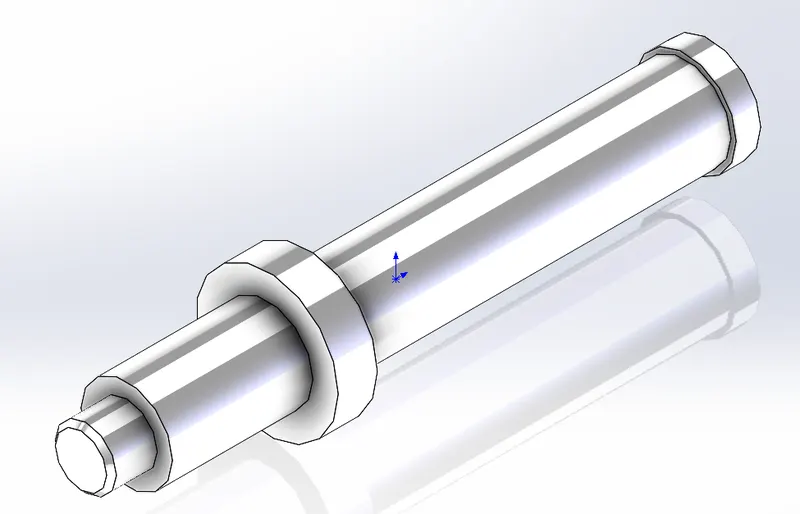
Commands Used: Sketch (Line, Chamfer), Revolve
Process: Please refer to the design tree in SHAFT.sldprt
3- Upper Plate:
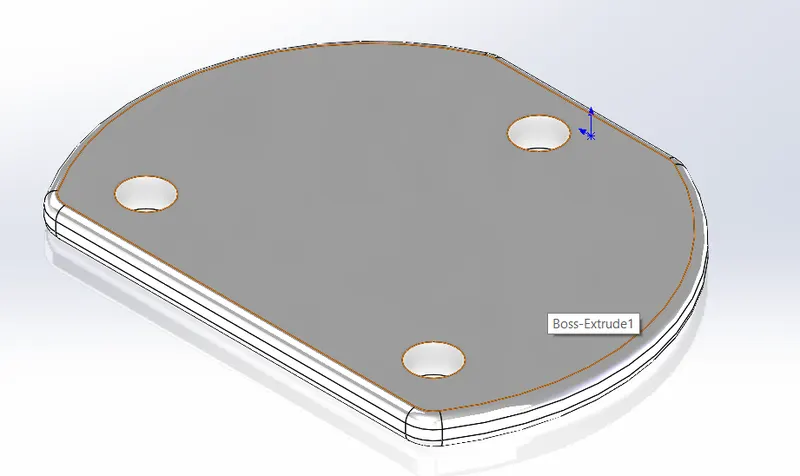
Commands Used: Sketch (Line, Circle, Fillet, Constraints), Boss Extrude, Fillet
Process: Please refer to the design tree in UPPERPLATE.sldprt
4- Lower Plate:
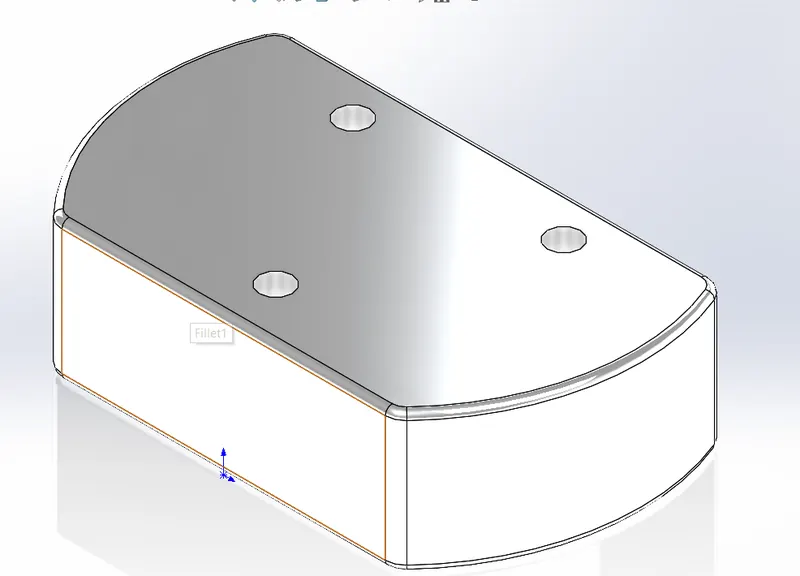
Commands Used: Sketch (Line, Circle, Fillet, Constraints), Boss Extrude, Fillet
Process: Please refer to the design tree in LOWERPLATE.sldprt
5- BUTTERFLY VALVE ASSEMBLY:
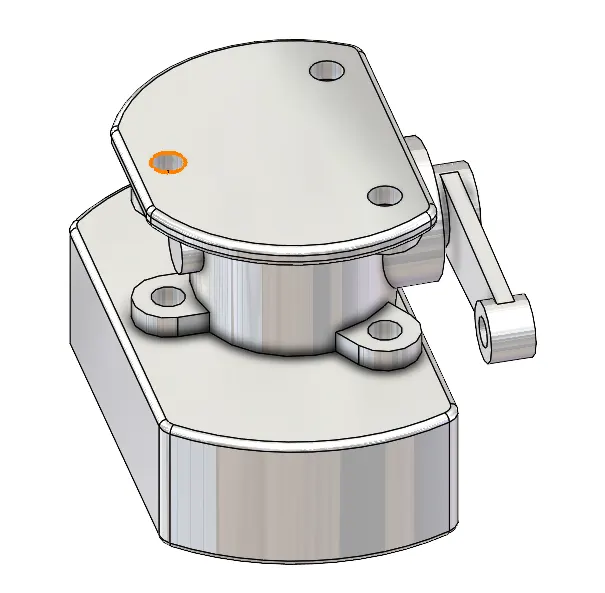
MATES USED: Parallelism, Co-Incidence, and Concentric
NOTE: Proper Alignment of Shaft inside the housing is not shown in the instructions or question statement. Grade deduction will not be accepted for this.
6- IMPORT IGS File to ANSYS Design Modeler
Static Structural Standalone Module --> Right-Click on Geometry and Import Geometry -->Select Assembly_C1.IGS
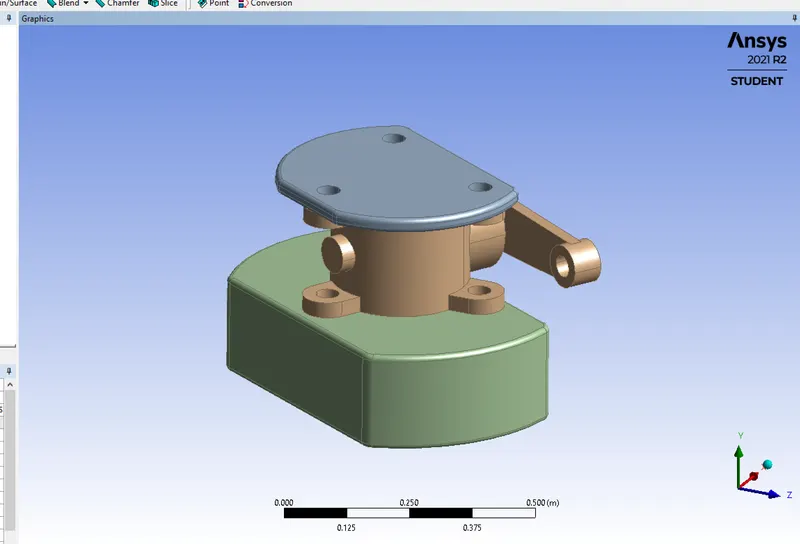
CONCLUSION: 4 PARTS OF THE BUTTERFLY VALVE CREATED IN SOLIDWORKS 2021 R1 AND AN ASSEMBLY WAS MADE WHICH WAS THEN CONVERTED INTO DIFFERENT FORMATS OUT OF WHICH PARASOLID FILE WAS IMPRTED INTO THE DESIGN MODELER.
NOTE: The Screws size and dimensions were not given so not present in the model