Week 1: Channel flow simulation using CONVERGE CFD
Aim:
To Setup a channel flow Cases.
Objective:
1. For this challenge, we will be setting up a channel flow tutorial.
2. As you watch these videos, set up the case in CONVERGE
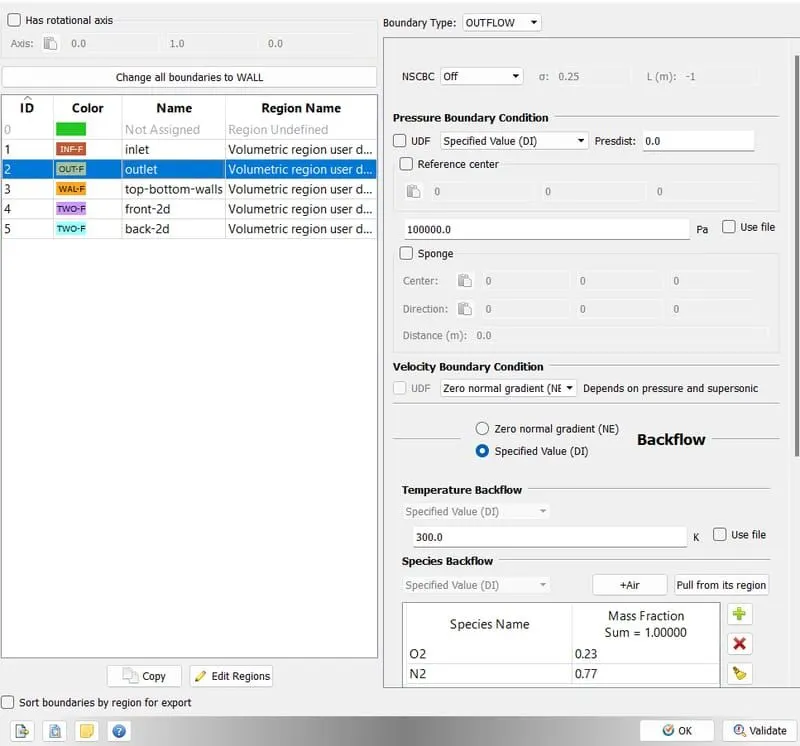
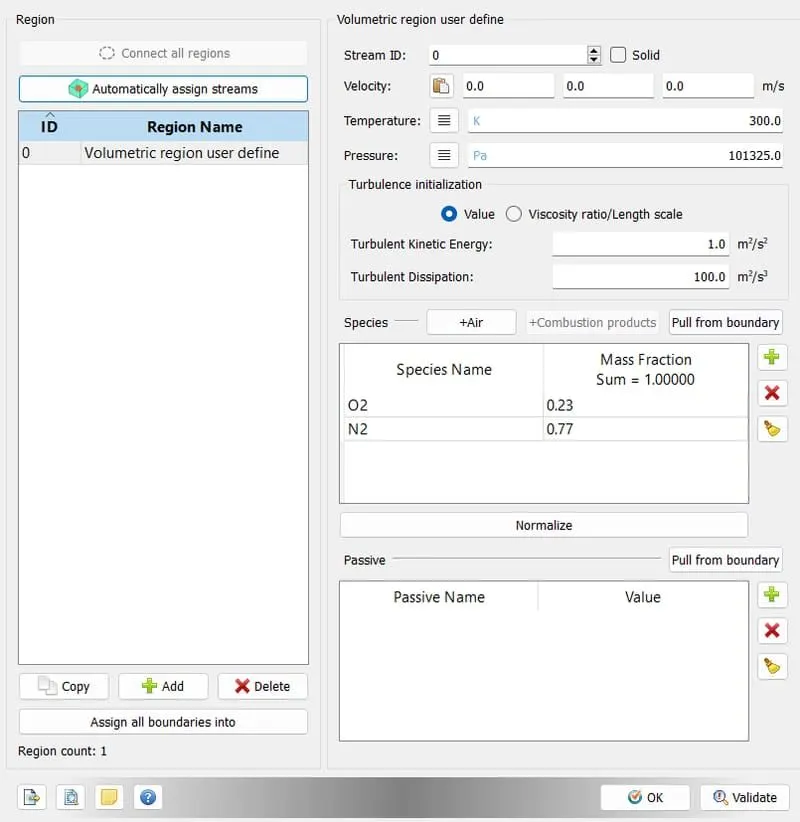
3. Make sure the inlet pressure and initial pressure are the same.
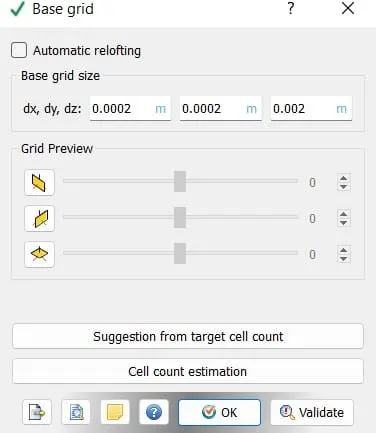
4. Once you have the base setup ready, run the case for three different base mesh sizes
i.e You need to run 3 simulations and compare the results between all the 3 simulations.
3 different base mesh sizes are,
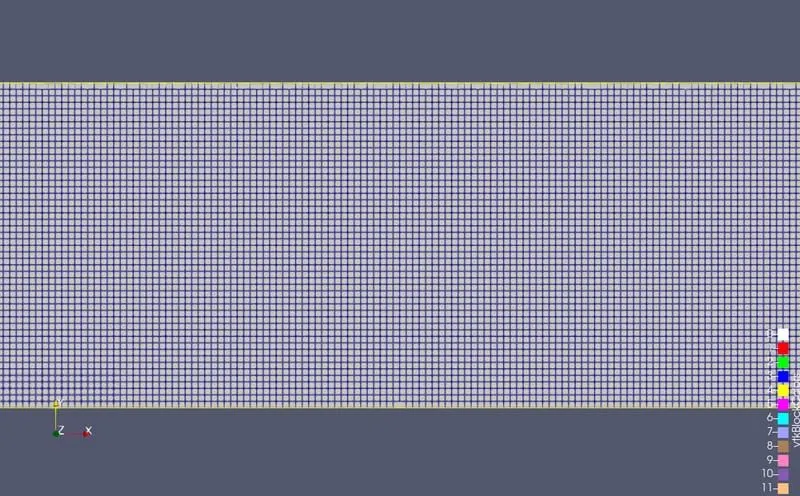
- dx = 2e-4m, dy = 2e-4m, dz = 2e-4m
- dx = 1.5e-4m, dy = 1.5e-4m, dz = 1.5e-4m
- dx = 1.0e-4m, dy = 1.0e-4m, dz = 1.0e-4m (If this is too much for your PC, use 1.2e-4m)
Theory:
Introduction:
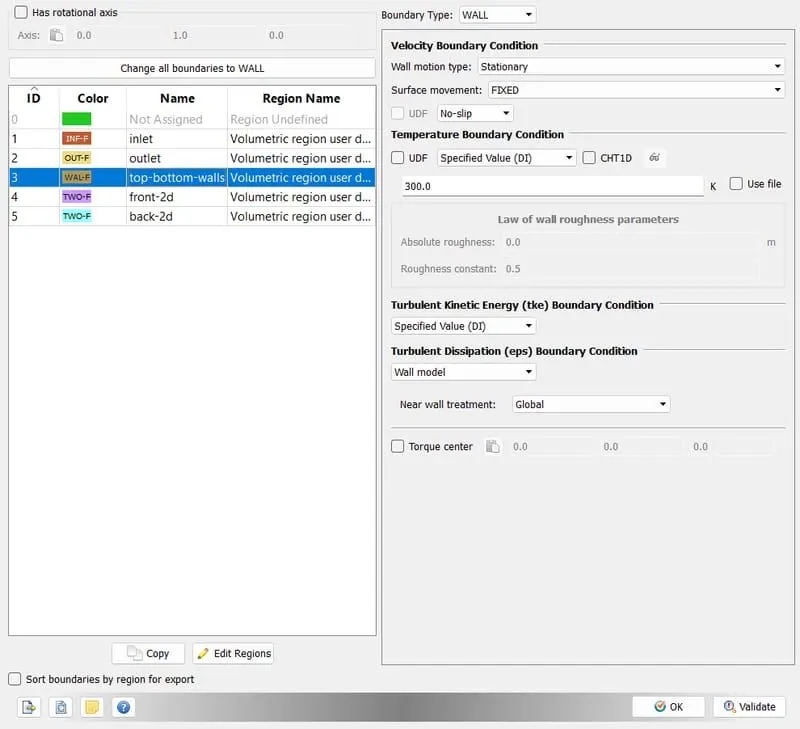
- Creating the box using converge and setting up the boundaries for the flow.
- Assigning the name to the boundaries and positions.
- Now setting up the case taking gases Air as a medium.
- After setting up the case we need to save and export the file to the folder we want to save.
- Then going to Post converter and converting the output files to simulate in Paraview.
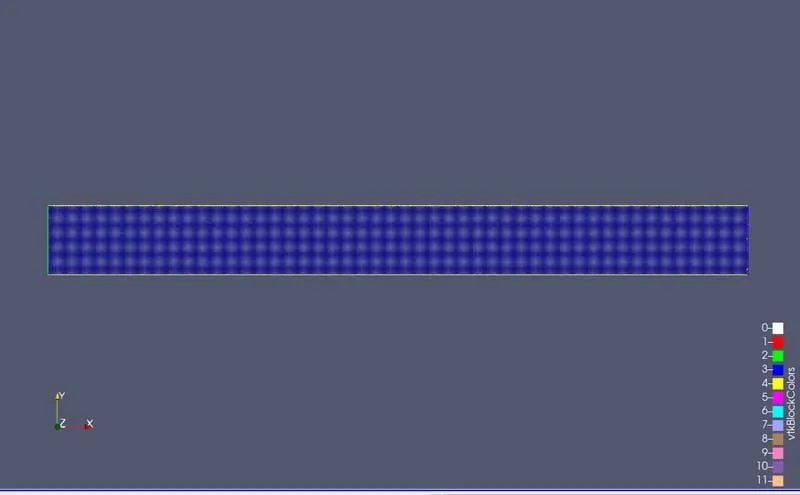
- As we convert it successfully we can go to paraview and import those files and using the z-axis to view the flow output.
- We can visualize the flow using ParaView and note the time of the iteration.
- Then we can save the file as mp4 on the desktop and upload to YouTube.
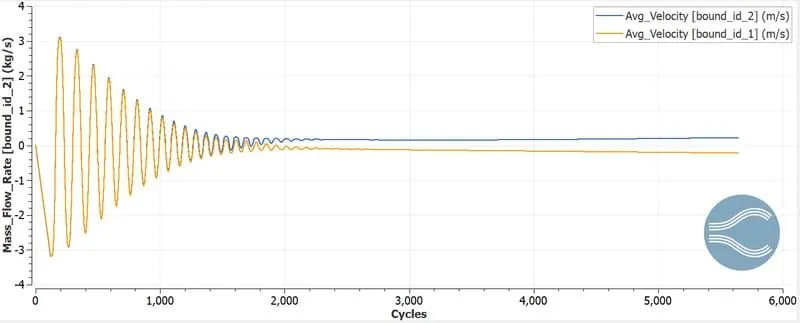
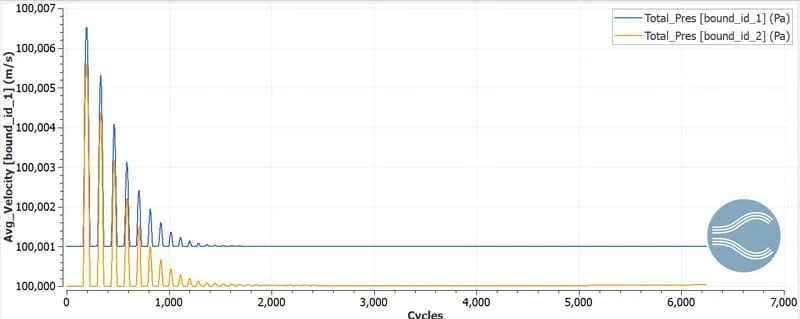
- Then plotting graphs.
Converge Model:
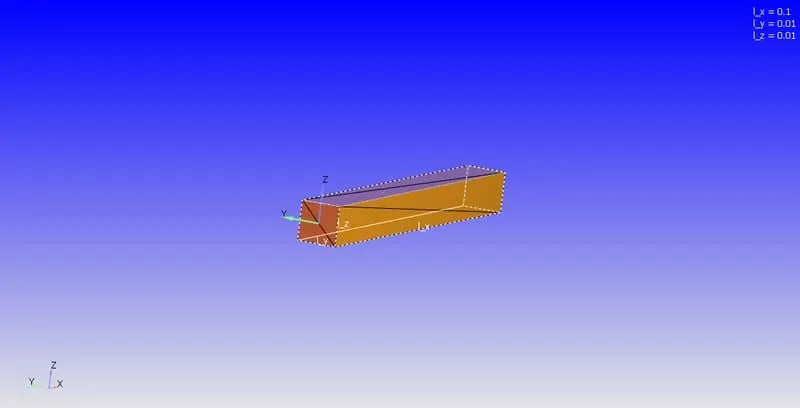
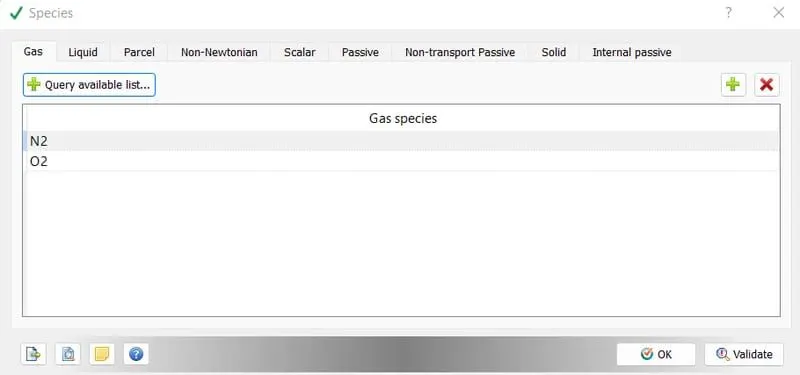
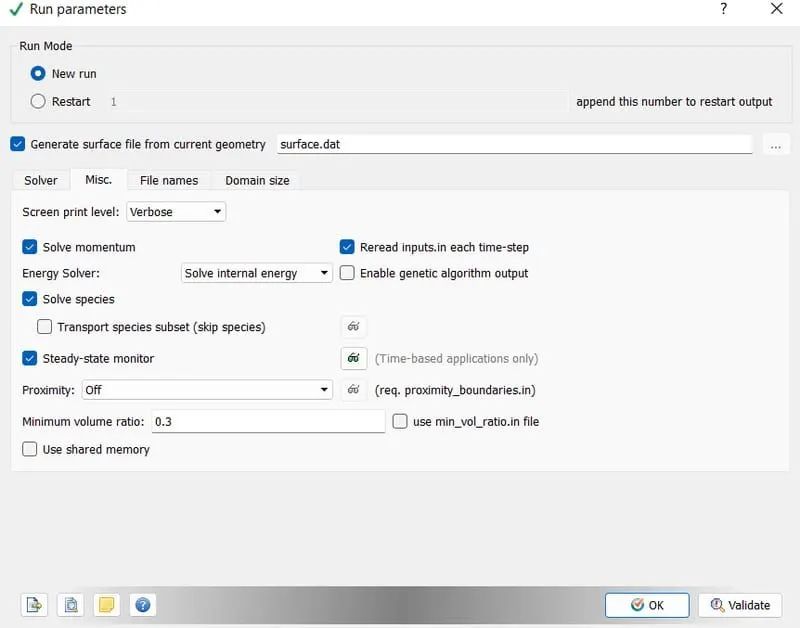
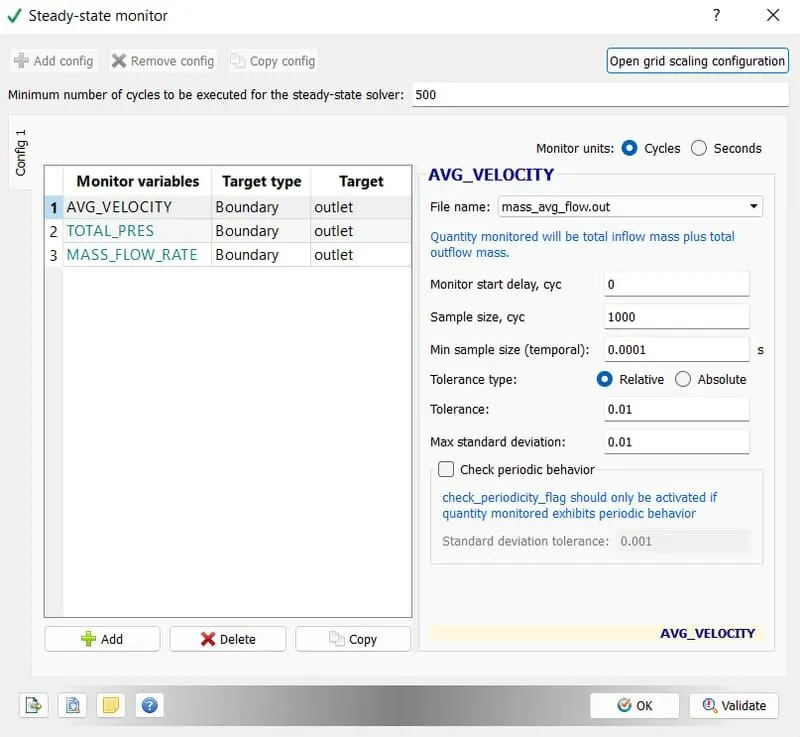
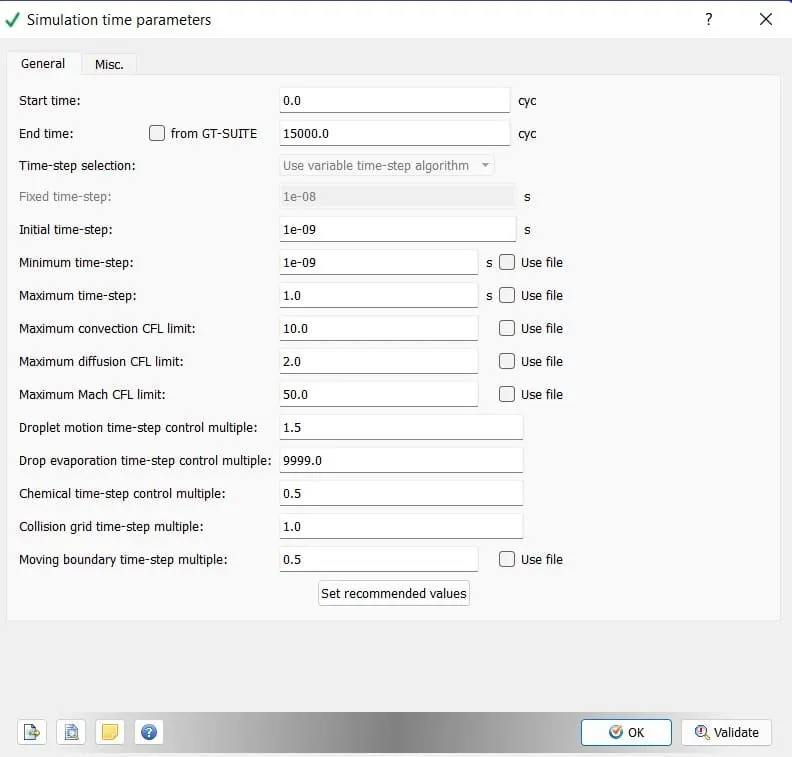
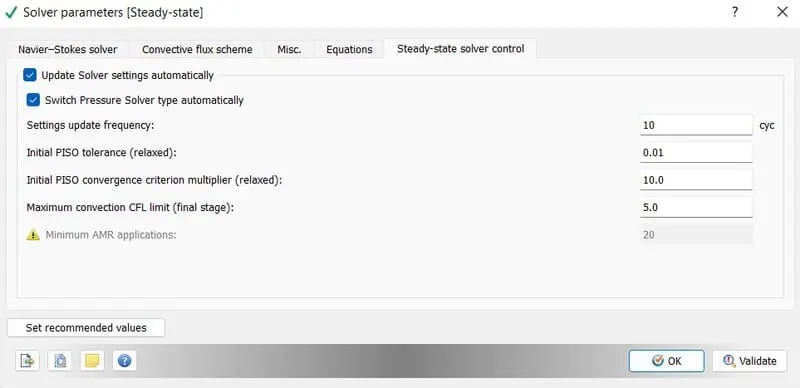
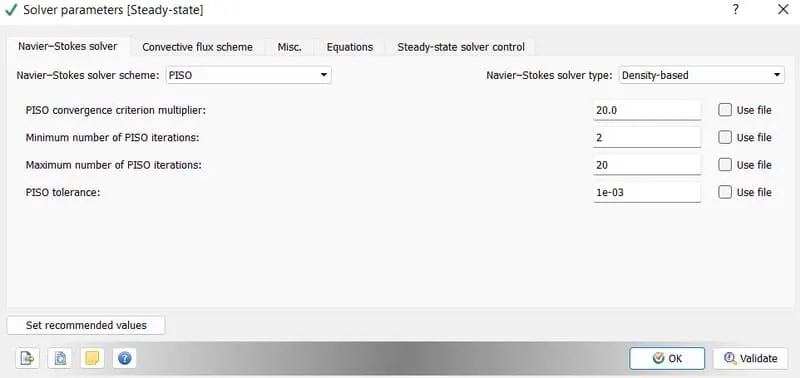
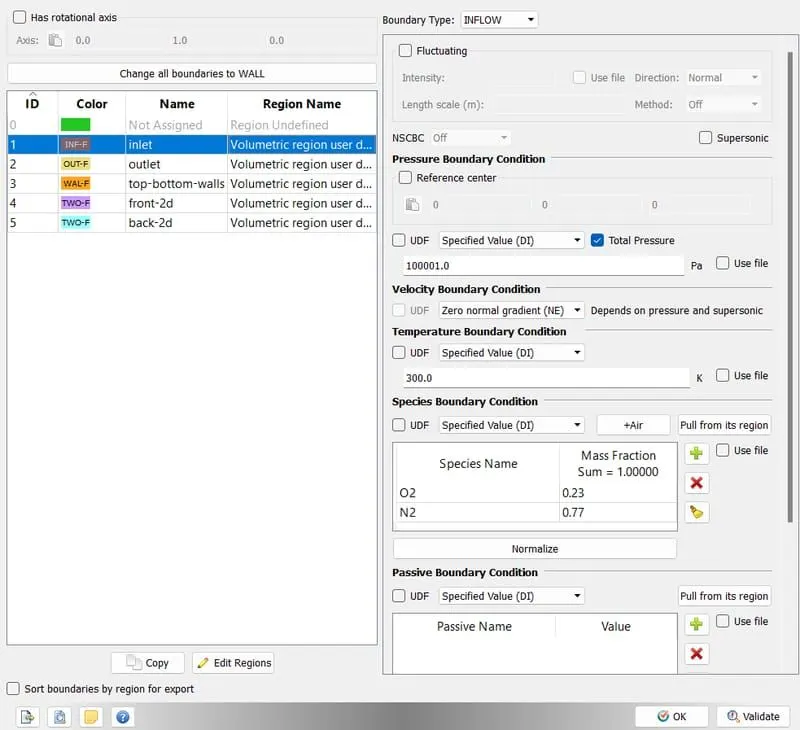
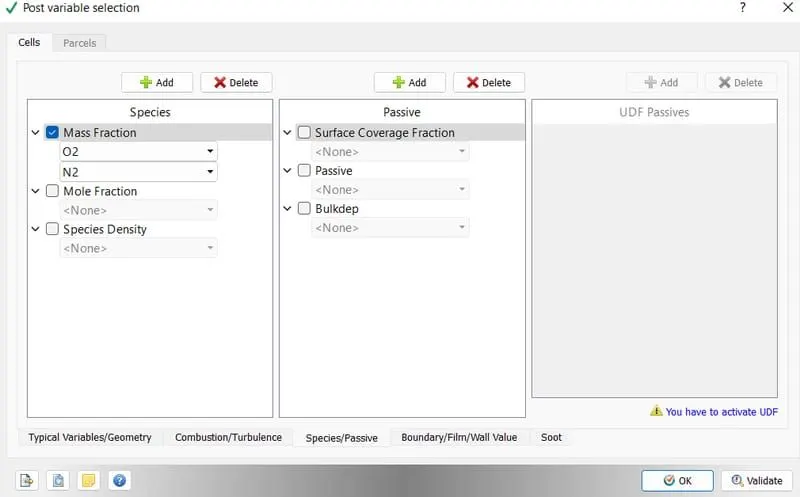
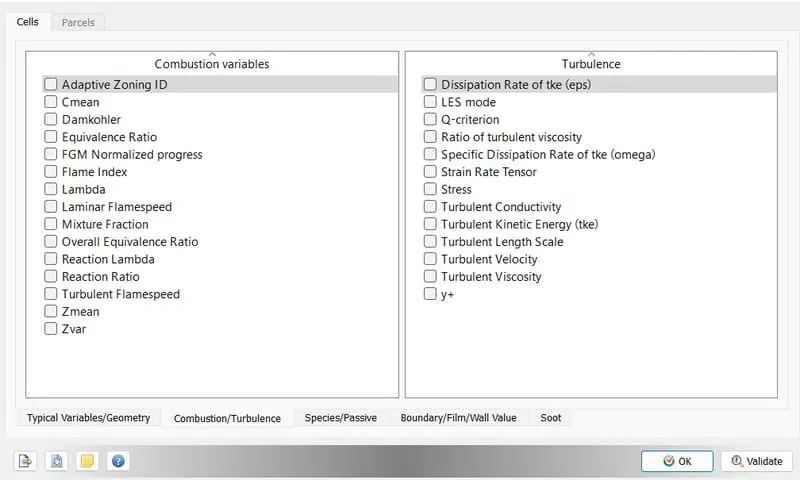
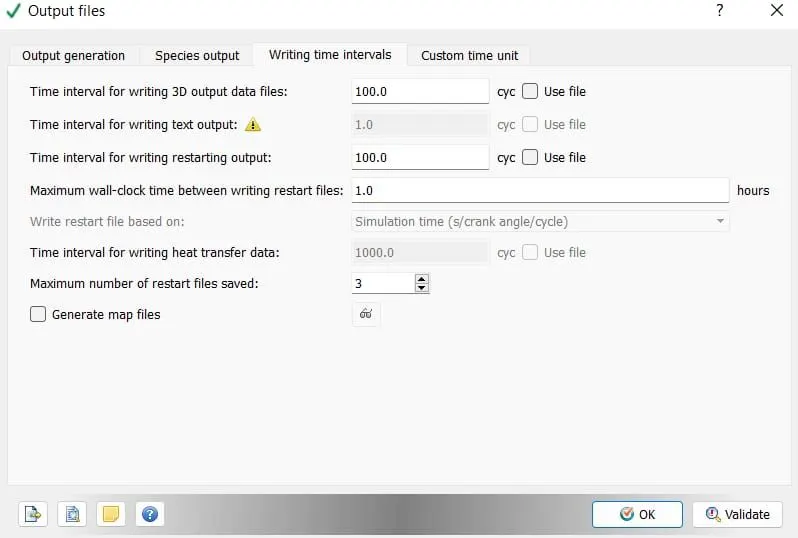
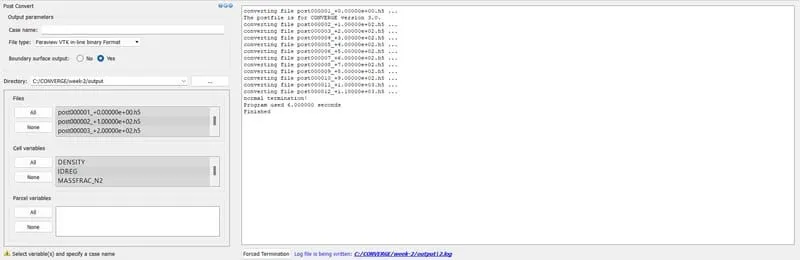
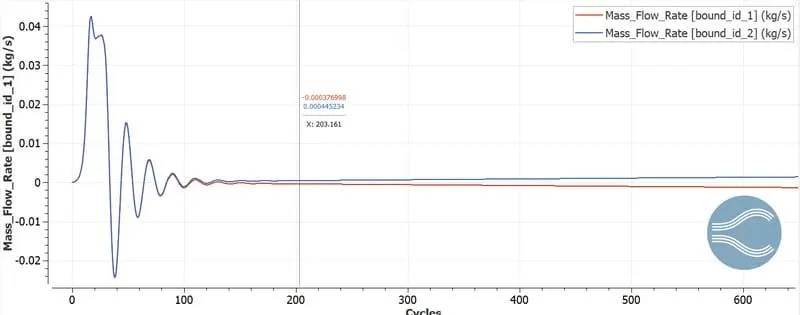
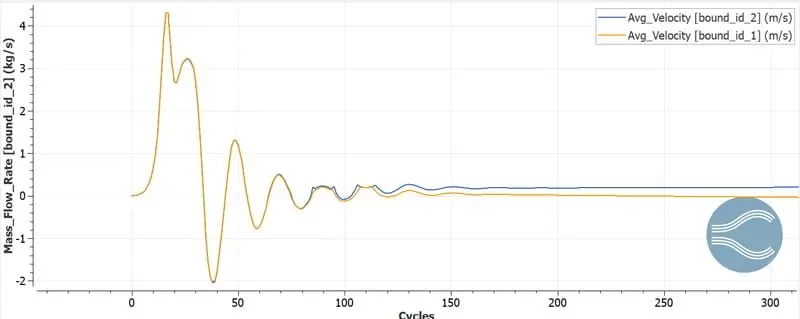
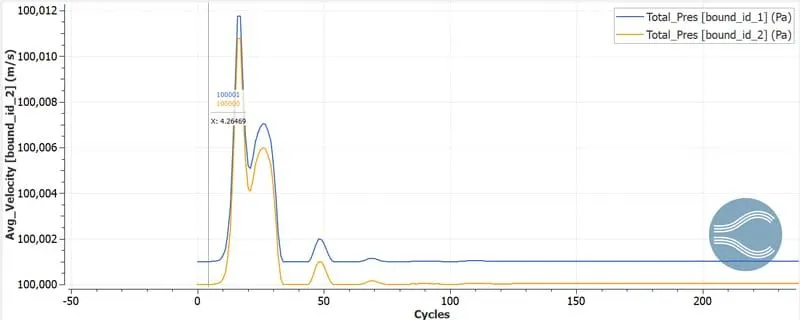
Case 1:
Case 2:
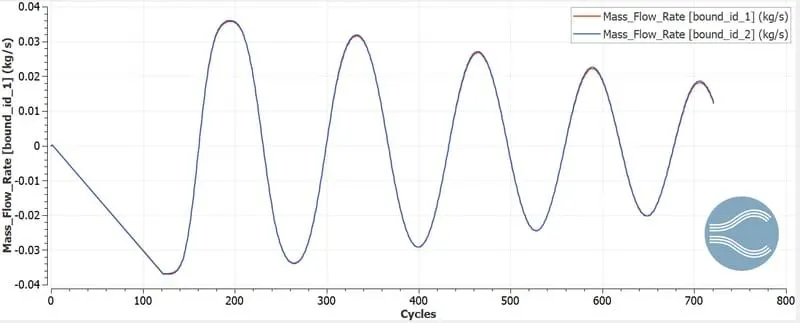
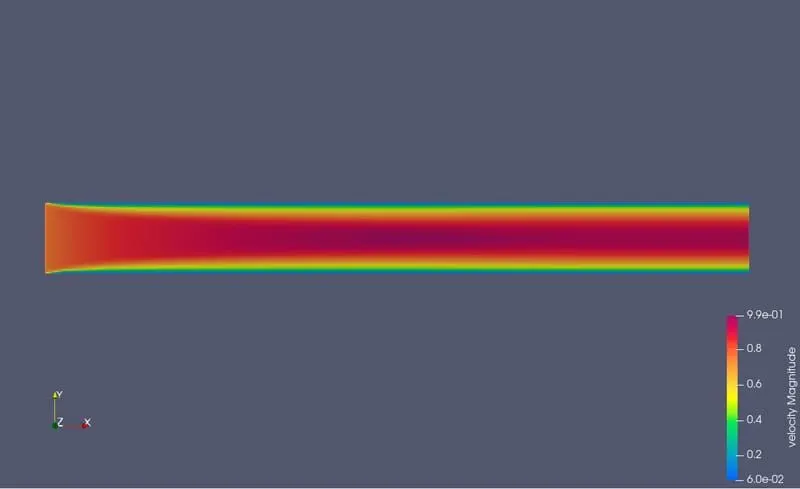
Case 3:
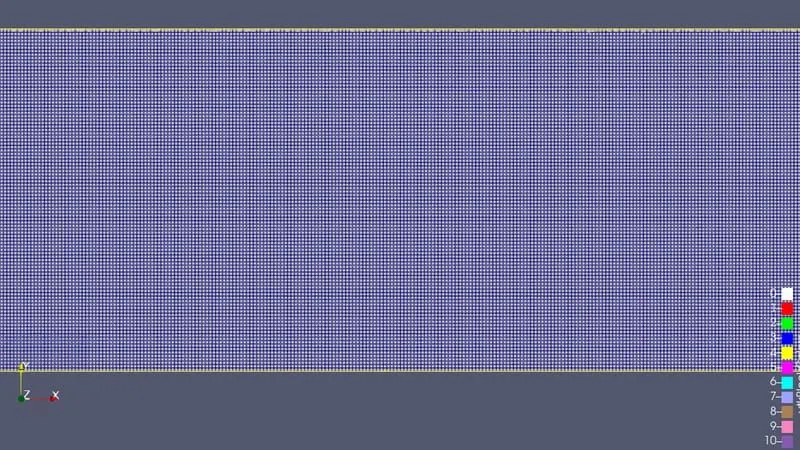
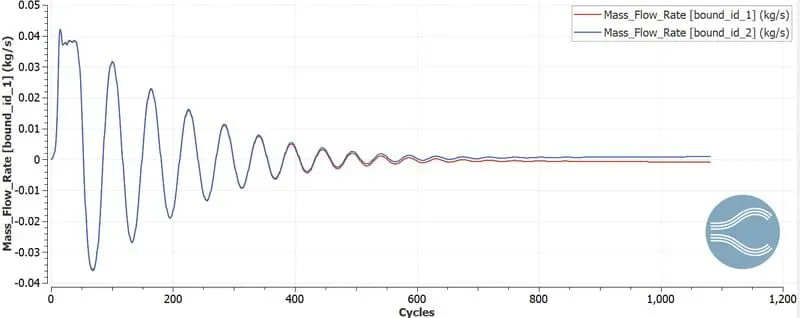
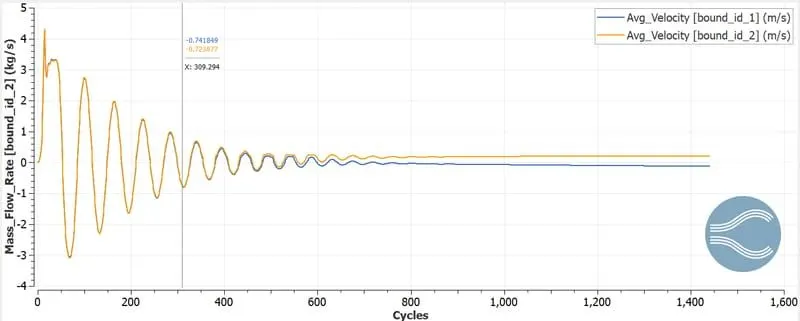
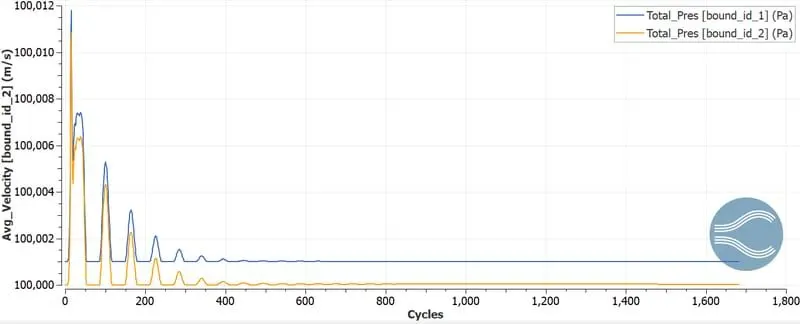
Conclusion:
The channel flwo simulation using Converge CFD is performed. Hence using different mesh size and accurate result has been occured as shown above with graphs.