Usage of Navigation tool , Timeliner and Clash Detection test using Naviswork
Solution.1)
Aim: Use the Architecture/ Structure Project file developed by you in Week 6 to 8. Export the Revit architecture and structure model to Navisworks Cache file following the export settings discussed in class.
Procedure:
- If using Naviswork for the first time, one need to download Naviswork 3D Viewer from the Autodesk Website and install it in your local PC/Laptop.
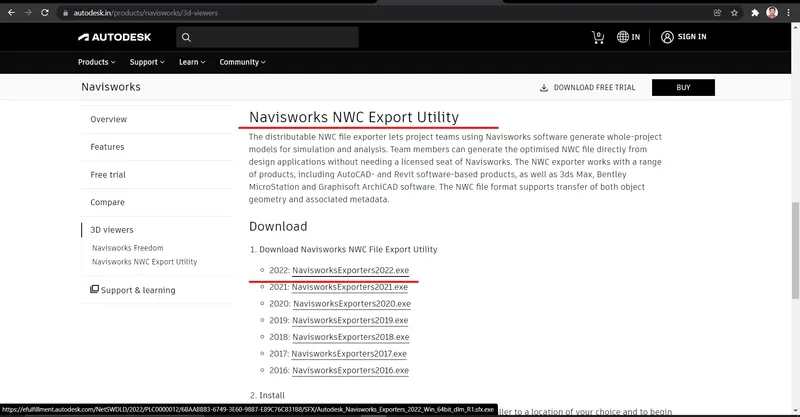
- Open the Architectural/Structural File, that we want to export to Naviswork Cache file.
- Go to File Tab, and click on export option.
- Select the NWC file format.
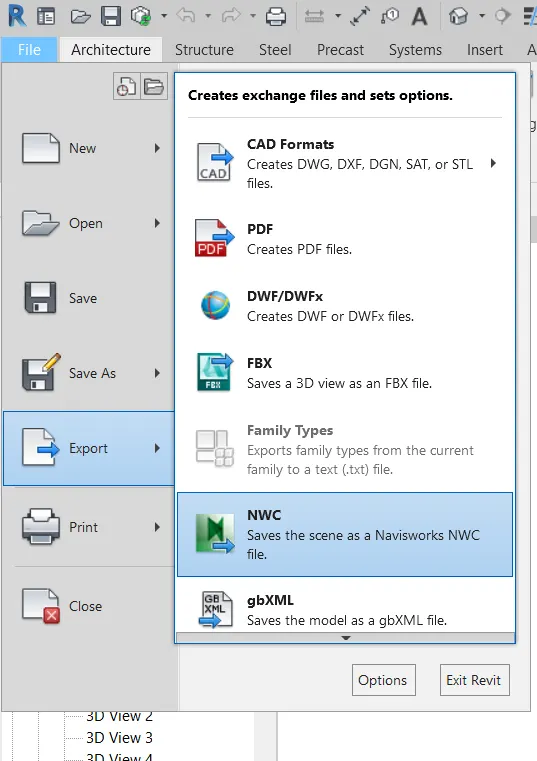
- A dialogue box will appear asking for loation where the exported file has to be save.
- Also, there will be option to change the Naviswork Settings to make changes as per the requirement.
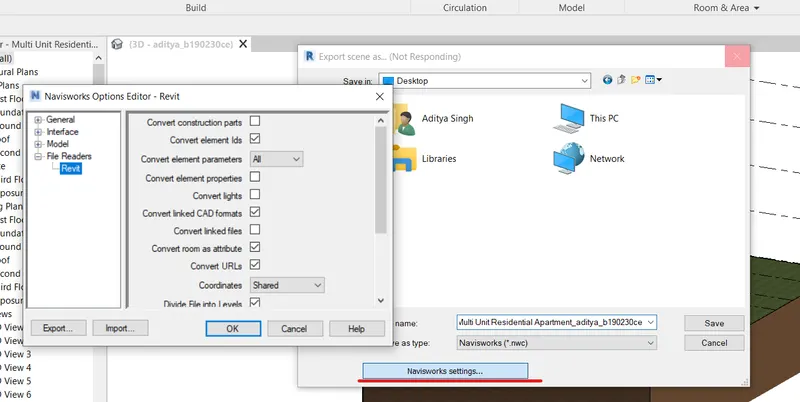
- After making the suitable selections as per your need, click on Ok button and then click on SAVE button.
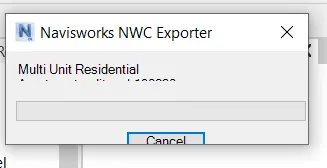
- The Revit Architectural/ Structural file has been exported as Naviswork File.
Result: The Architectural/Structural File has been exported as Naviswork Cache file.
Solution.2)
Aim: Use Navigate Tool to walk around the model and walk through the rooms created and record your moving as animation in your Navisworks file
Procedure:
- Open the NWC saved file for architecture.
- Now, on the left top corner there is option to append. Click on Append and add Structural NWC file that we have exported form Revit.
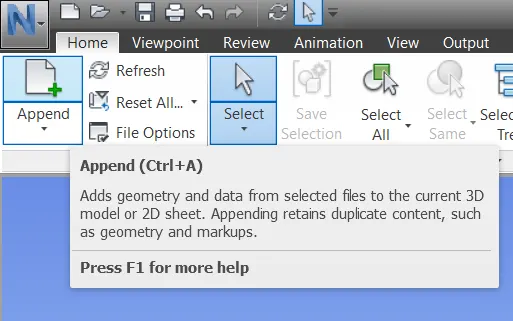
- Now, both the Architectural and Strucutral File has been opened in Naviswork Manage workspace.
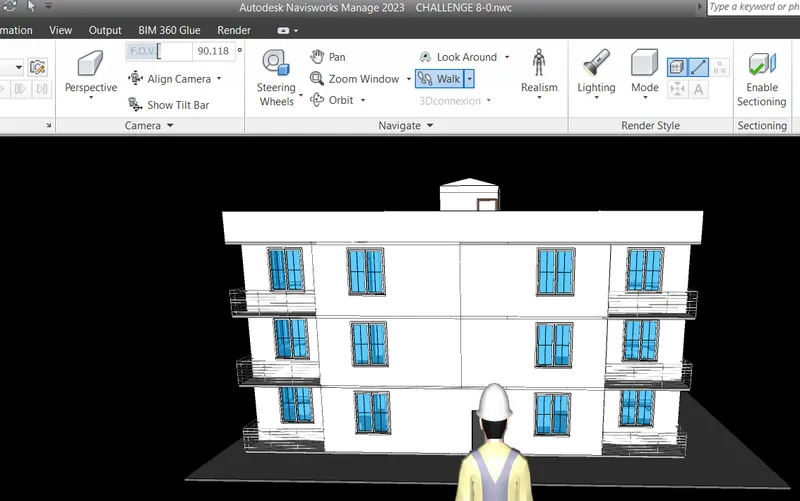
Solution.3)
Aim: Use Navigate tool to use Realism feature to walk through the model and record your moving as animation in Navisworks file.
Procedure:
- Go to ViewPoint Tab, click on Walk and Select Realism option placed near to it.
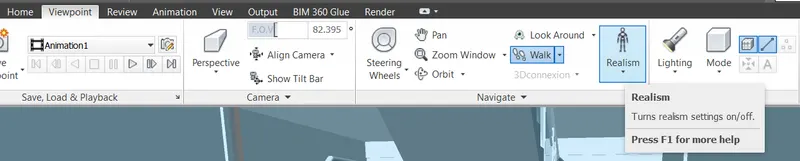
- Walk throughout the model, inside or outside to have a look out at the modelled building.
- We have placed the image of few of the location where we walked around using Naviswork, Realism Feature.
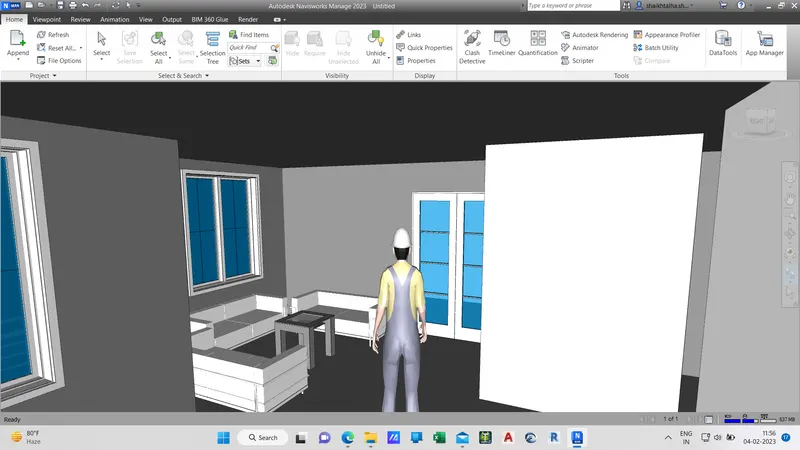
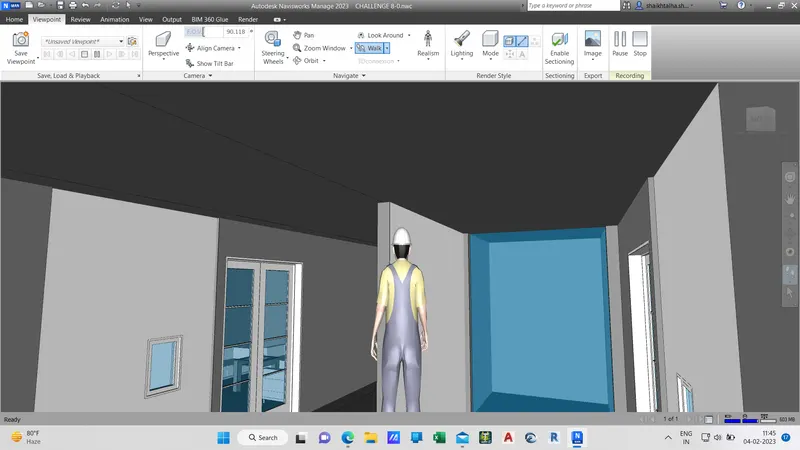
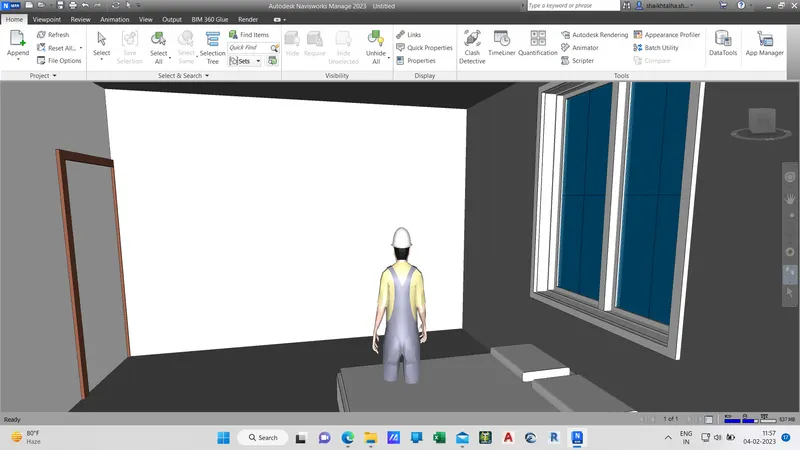
Result: We have successfully walked around the building and inside of the room using Realism feature of Naviswork.