Tool Test-2
or the given Intake Manifold component, check for the geometrical errors and mesh the Surfaces with the given 2D element Quality criterias given below.
|
S.No |
Quality Criteria |
Value |
|
1 |
Target/Average length |
3 |
|
2 |
Minimum Length |
1 |
|
3 |
Maximum Length |
5 |
Use tetra elements to mesh the Volumes defined in the model and check for the below quality after Volume meshing.
Procedure.
1. import the .igs model into the ANSA environment.
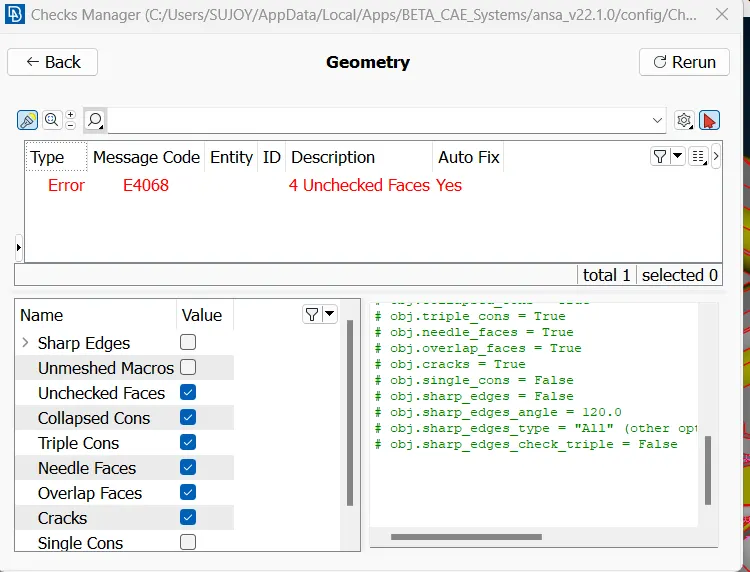
2. Run for geometry errors and fix the geometry for the given errors.
3. Run a topo to create a closed model without single or triple cons.
4. Start the meshing by using spot mesh from the classic mesh deck.
5. Divide the geometry as per requirement and start meshing the curves with ortho tria as the spot mesh setting.
6. For flat surfaces the use of tria mesh in the spot mesh option is recommended.
7. The volume mesh is done by defining the model in the volume mesh deck.
8. This is done by using define in the volume mesh deck. Then the set volume meshes as a tetra rapid volume mesh.
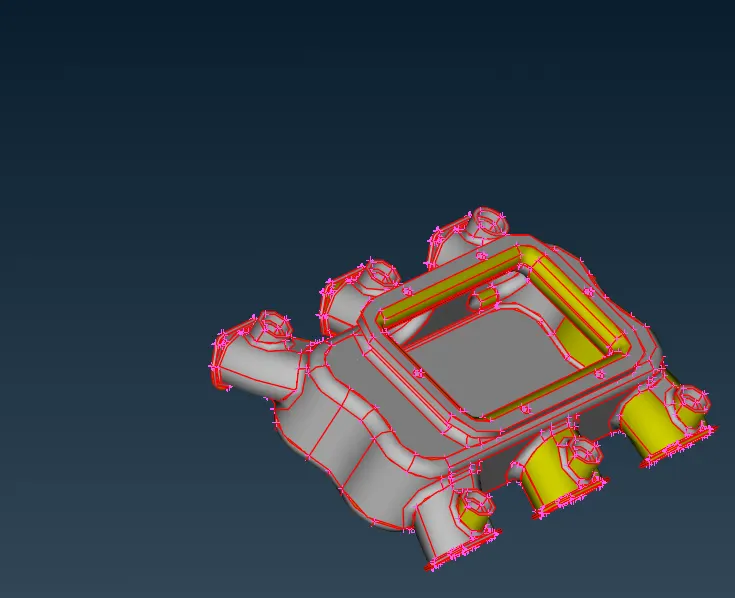
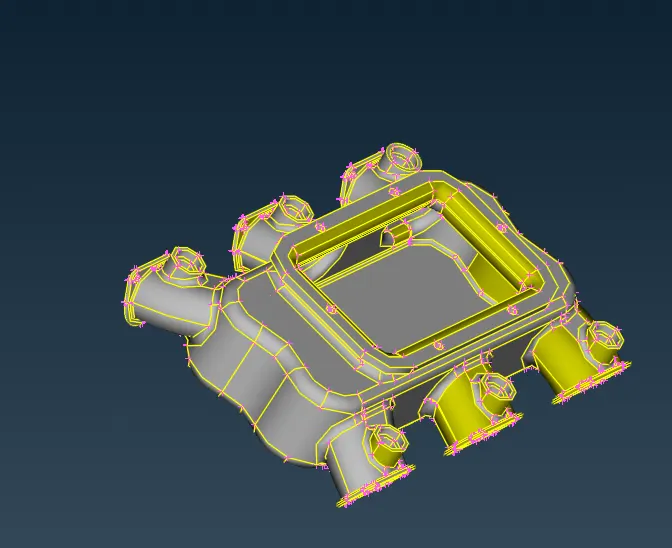
Imported model before topology
PIDs set and tetra meshing is done on the model.
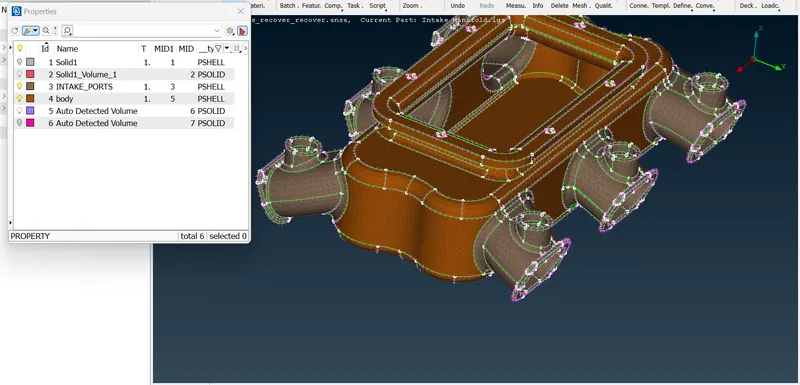
VOlume mesh is created for the intake manifold model.
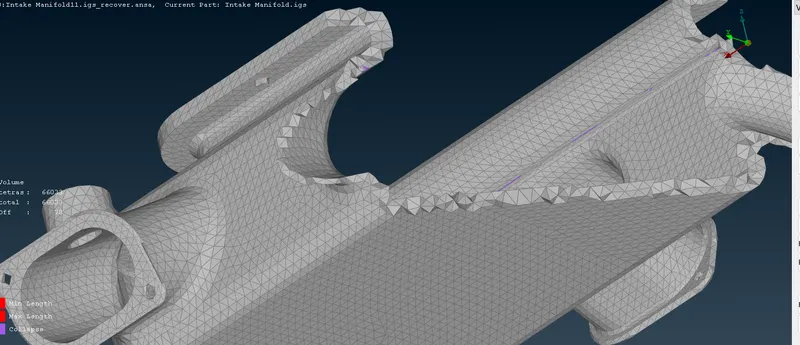
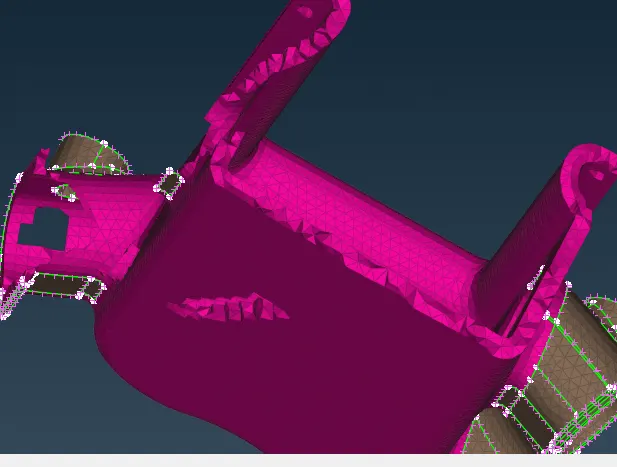
Thus the volume mesh is created for the given intake manifold.