To Generate seismic loading based on IS code and to run the analysis using TSD
Aim: To generate seismic loading based IS codal provisions and zone II.
Procedure:
- Open the previously save Tekla model
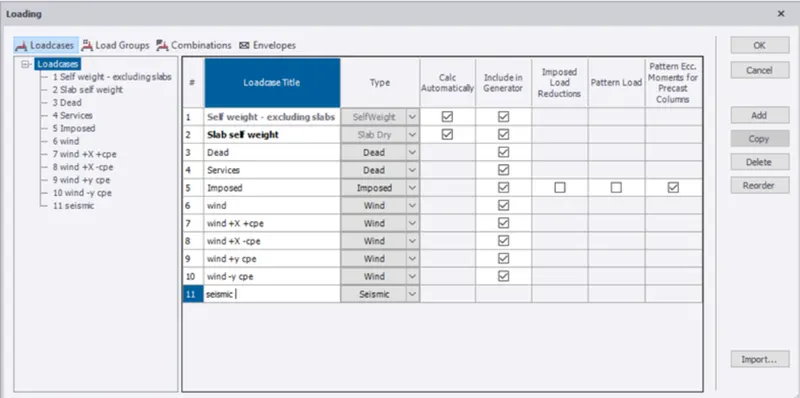
- Now go to the load cases and add the seismic load case, and click ok
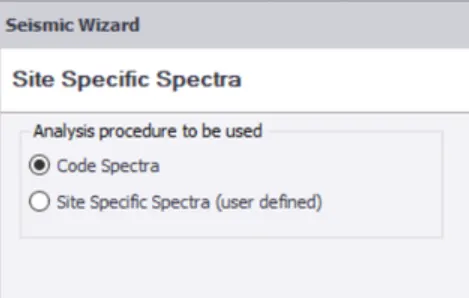
- Now go to the seismic wizard and select code specta and click Next.
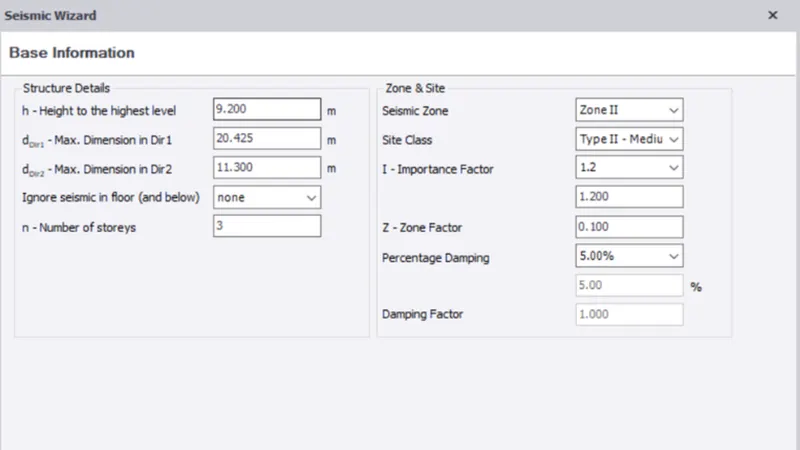
- Now enter the zone and click Next
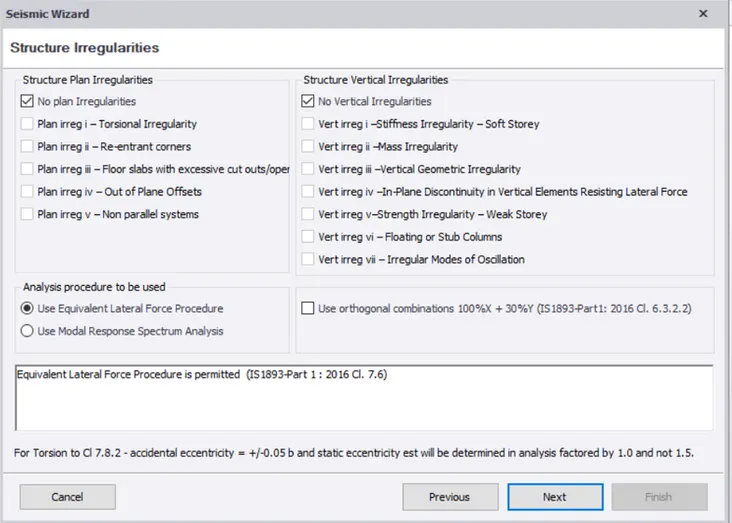
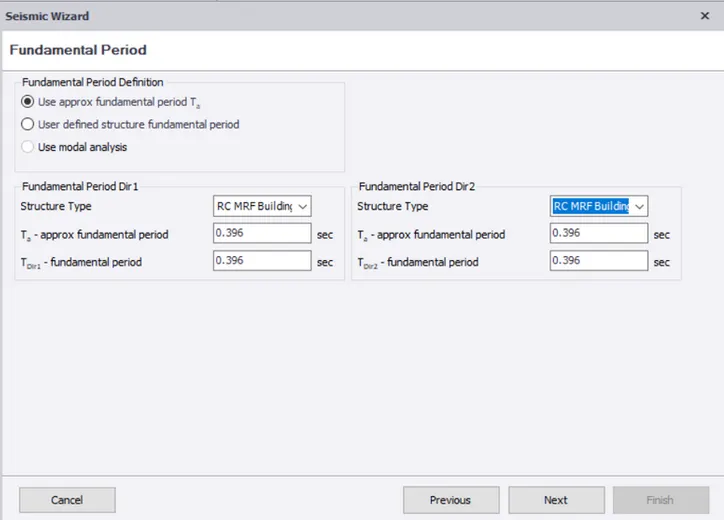
- Now we have to enter the structure type as RC MRF building, and click Next.
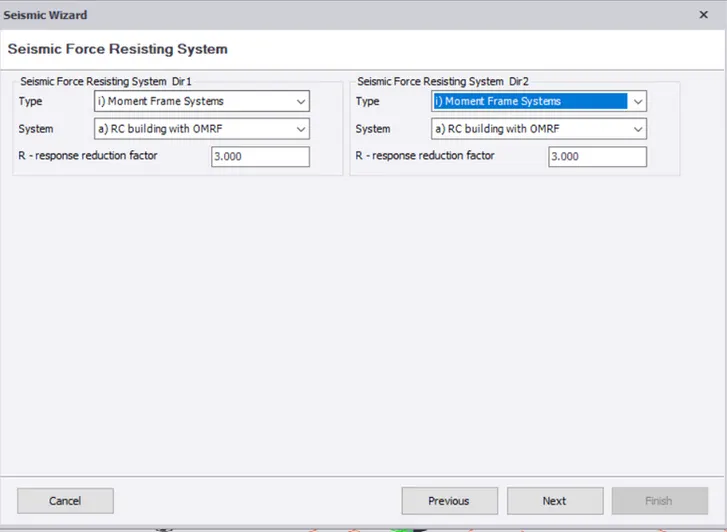
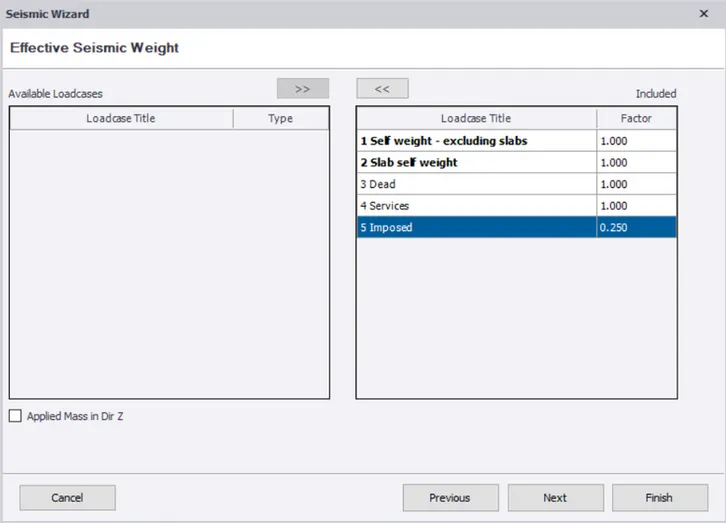
- Now include the load cases and click Next.
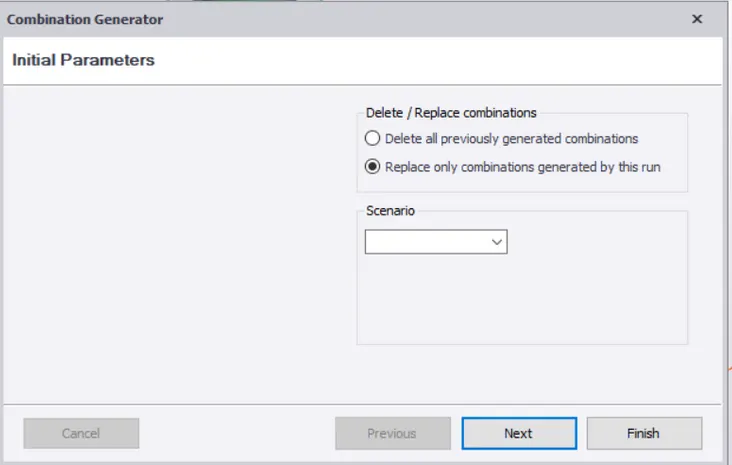
- Select "Replace only combinations generated by this run" and click Next
- Now all the load cases are generated.
- Suitable load cases can be selected and applied on the model, and click Next.
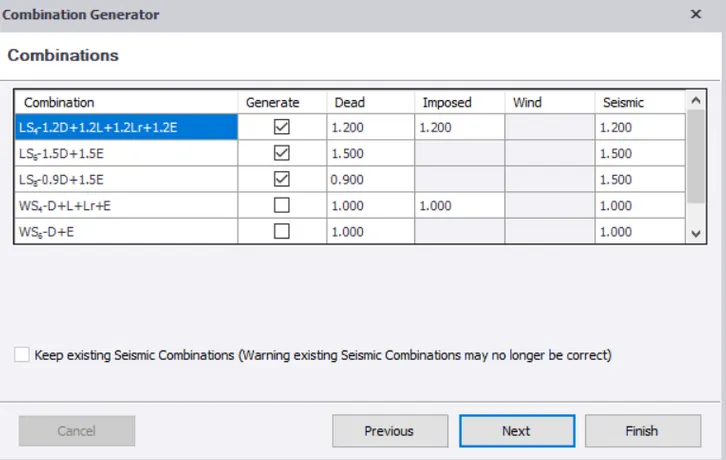
- Now provide the combinations and click Finish
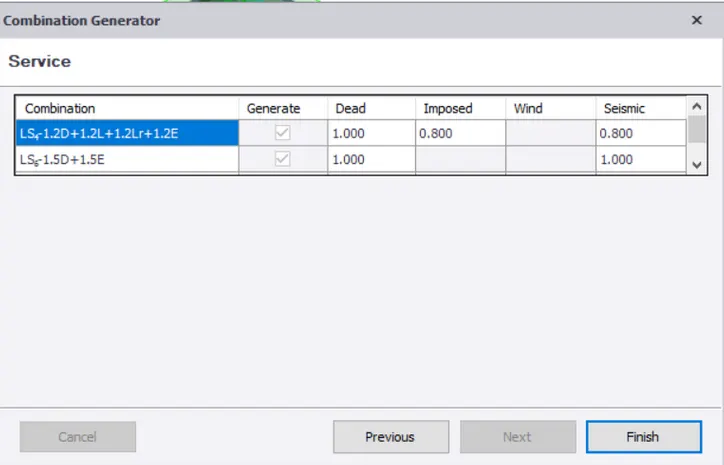
2.
Aim: To run analysis and understand the analysis.
Procedure:
- After providing the loads and load cases, click on analyse and select first order linear.
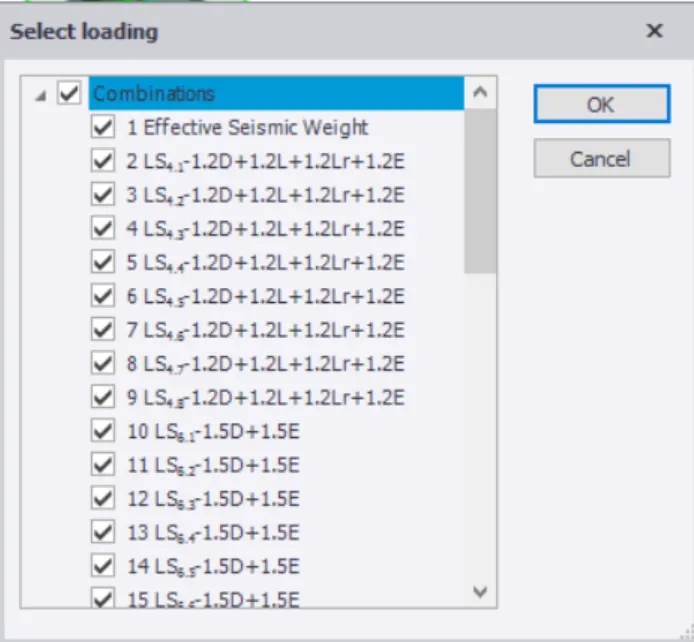
- After the analysis, go to the results and select shear force and check the results.
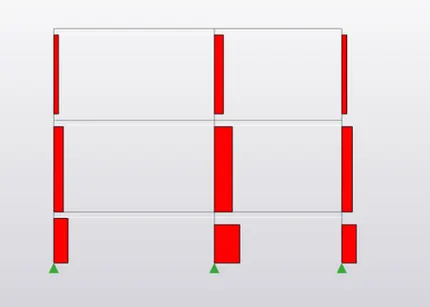
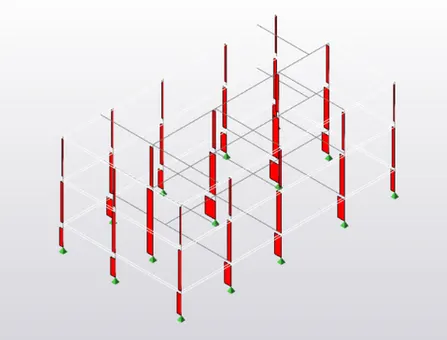
- We got a descending ascending value from bottom to top, which embarks it to be correct.
- Now we have to check the moment, and here we can find the member moment major as -40.98/28.03 KNm
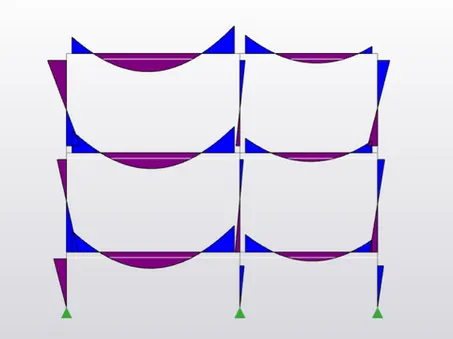
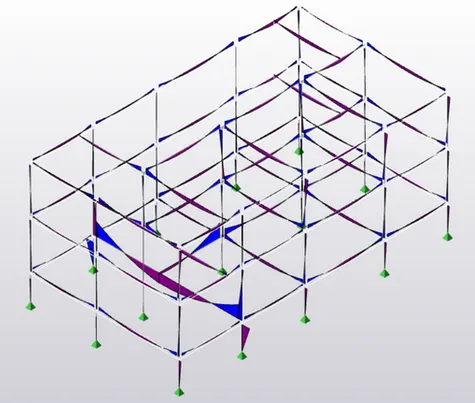
- From the moments, we can say that, this is correct.
- Now we have to check for deflection.
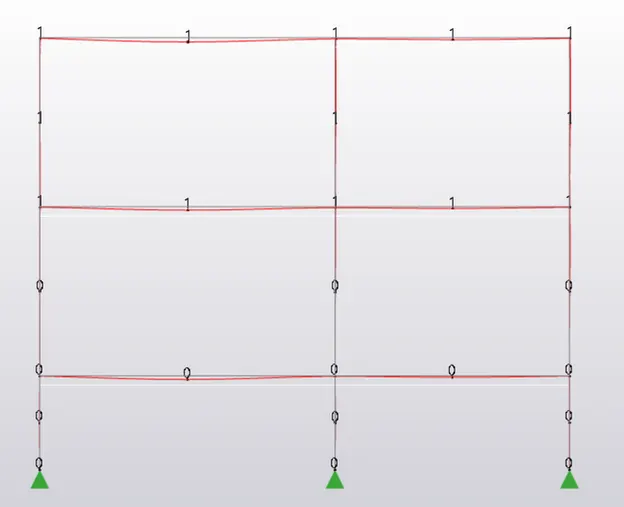
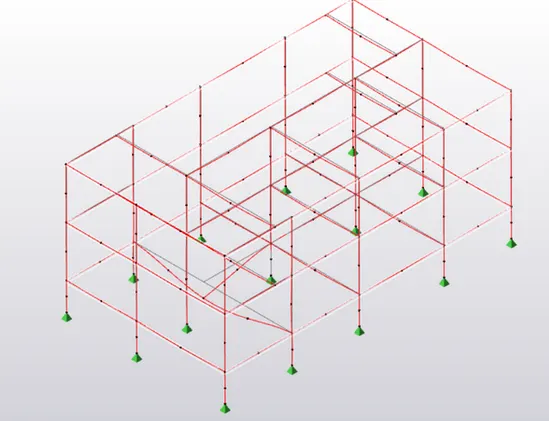
- When checking the deflection, we can see that the second beam at the ground floor is undergoing more deflection as compared to the others.
- This can be corrected by improving the concrete grade.