Simulation of the Forward Kinematics of a 2R Robotic Arm Using MATLAB
Objective: To write a program in MATLAB to simulate the forward kinematics of a 2R robotic arm, i.e., to create an animation showing the positions of the manipulator and links for different values of link angles.
Procedure:-
- We write a MATLAB program which calculates the position of the manipulator for different values of the link angles.
- The plots are generated for each case, showing the positions of the manipulator as well as the links.
- Each of the plots is saved in a matrix named 'M' in our code.
- Later, all these plots in the matrix are joined together and used to generate a video, simulating the forward kinematics of a 2R robotic arm.
Code:-
The code along with the explanation of different steps (mentioned as comments in the code) is described below:-
% A MATLAB program to simulate the forward kinematics of 2R robotic arm.

clear all
close all
clc

% Input parameters:-
% Lets assume the length of our first link to be 2 m.
l1 = 2;
% Lets assume the length of our second link to be 1 m.
l2 = 1;
% Lets define the angles made by the first and second links with the x-axis
% theta1 -> angle (in degree) made by 1st link; theta2 -> made by 2nd one
theta1 = linspace(0,90,16);
theta2 = linspace(0,90,16);

% Using a for loop for evaluating the position of the robot for different values of theta1 and theta2
% Defining a count variable
ct = 1;

for i = 1:length(theta1)
    for j = 1:length(theta2)
        % Defining the starting coordinates of our first link.
        x0 = 0;
        y0 = 0;
        % Defining the joint between the first and second link
        x1 = l1*cosd(theta1(i));
        y1 = l1*sind(theta1(i));
        % Defining the end point of link 2
        x2 = x1 + l2*cosd(theta2(j));
        y2 = y1 + l2*sind(theta2(j));

        % Now, that we have the position of the links, lets plot to get the location of the robotic arm.
        plot([x0 x1],[y0 y1],[x1 x2],[y1 y2],'linewidth',3)
        % Setting the axis limit to avoid changing of the scales of axis
        axis([-0.1 3.5 -0.1 3.5])
        % Labelling both the axis
        xlabel('X-Coordinate')
        ylabel('Y-Coordinate')
        pause(0.2)
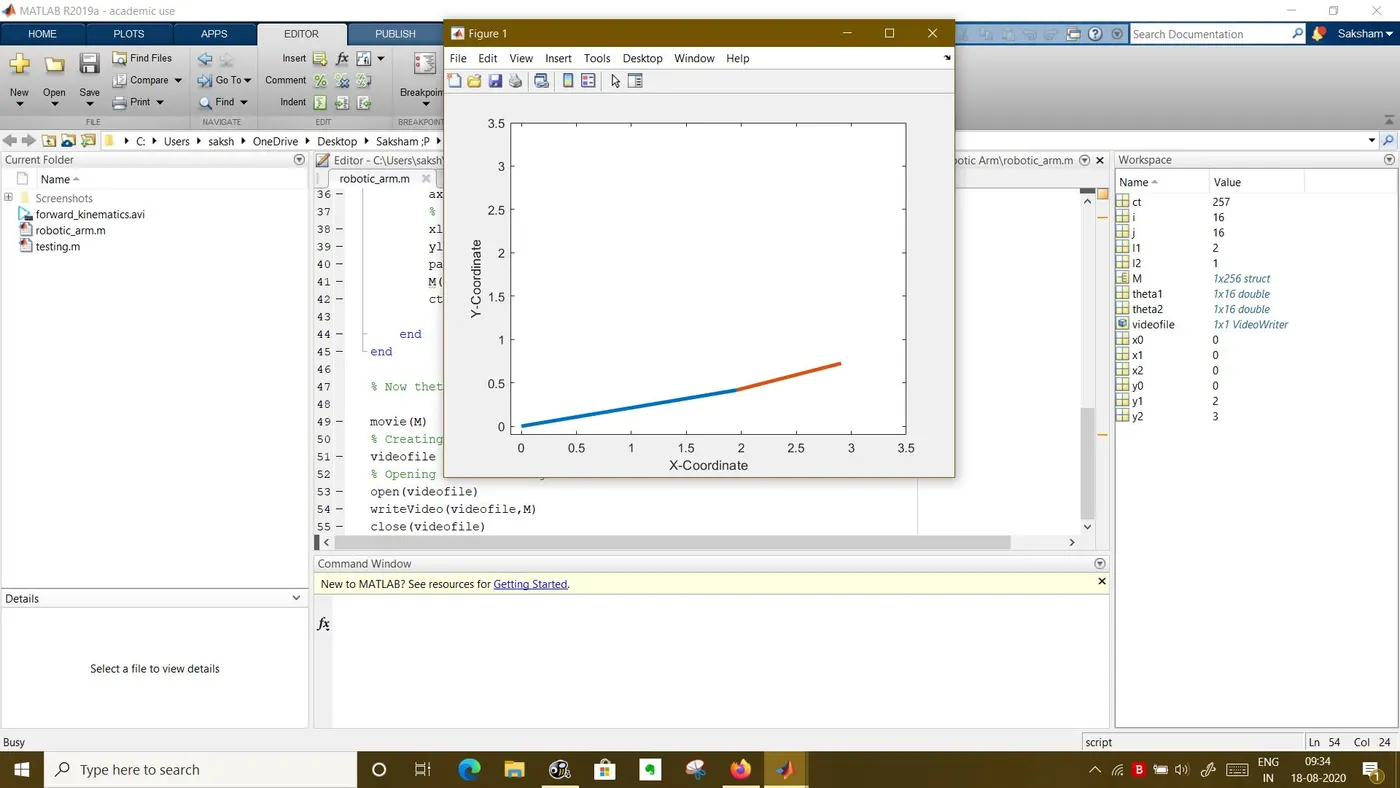
        M(ct) = getframe(gcf);
        ct = ct + 1;

    end
end

% Now thet, we have stored each figure on M, we use it to create animation.

movie(M)
% Creating the videofile
videofile = VideoWriter('forward_kinematics.avi','Uncompressed AVI');
% Opening it and writing the video
open(videofile)
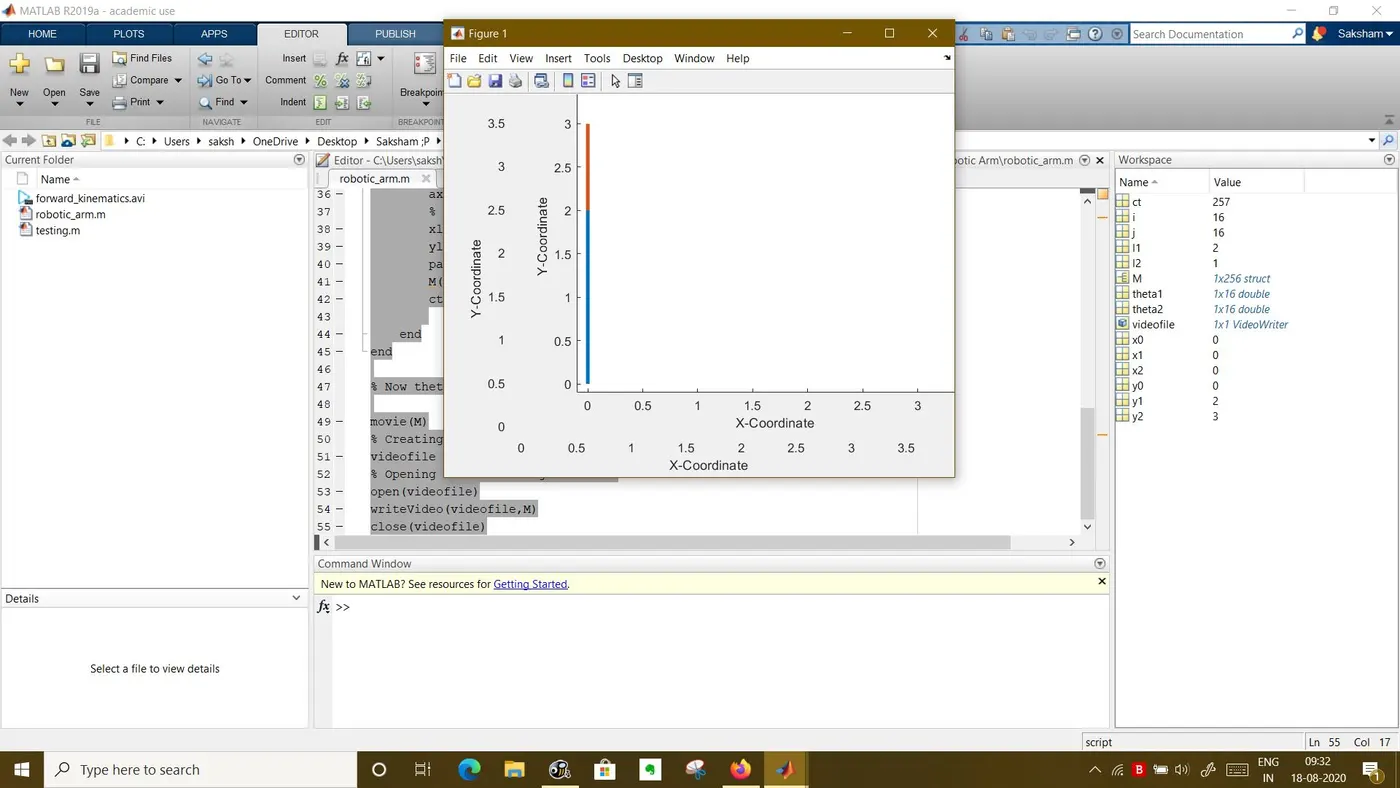
writeVideo(videofile,M)
close(videofile)
Result:-
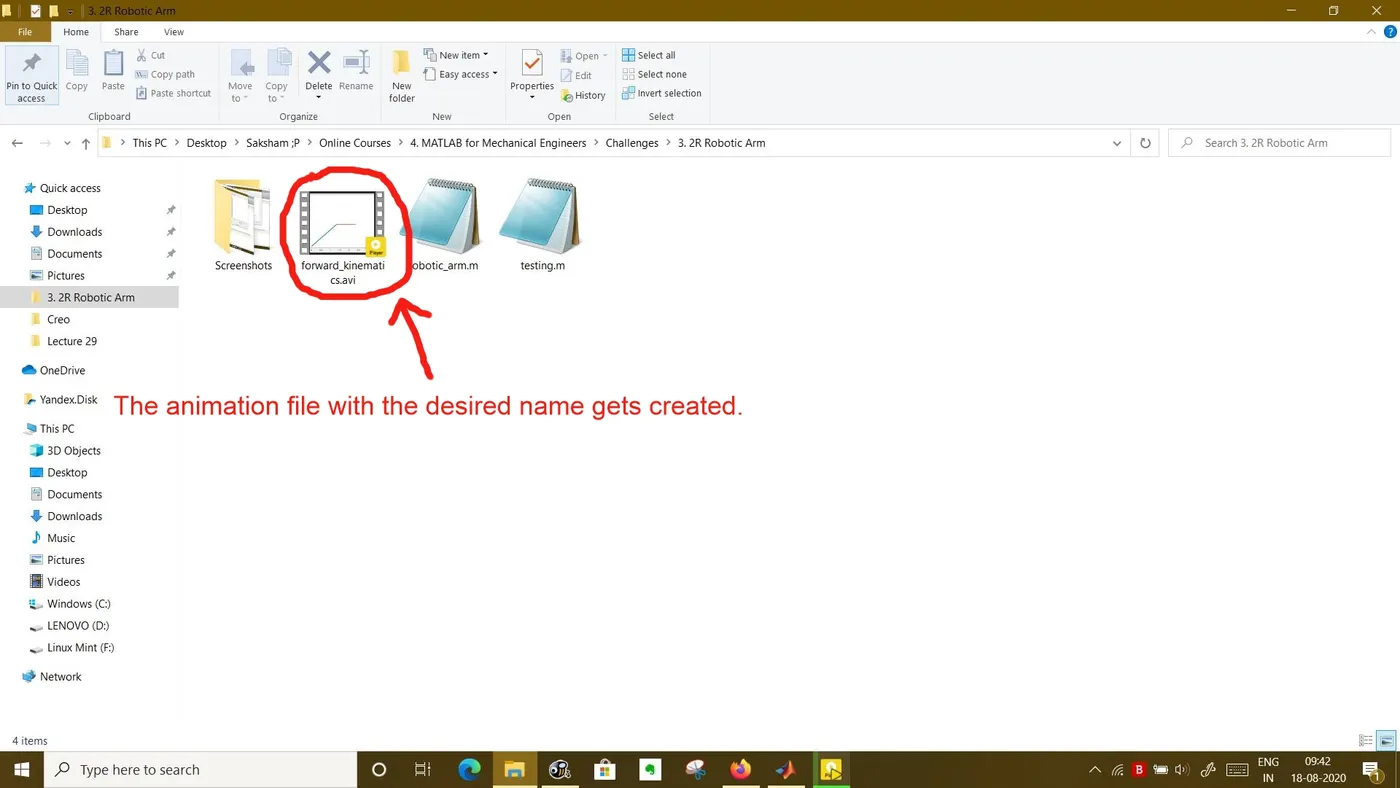
We get the animation which shows the positions of the manipulator as well as the links for different values of the link angles.
The link to the animation video is:
https://drive.google.com/file/d/1ng-PdkW2cXVq6VpIUArG5KZTRJ4AG1Fh/view?usp=sharing
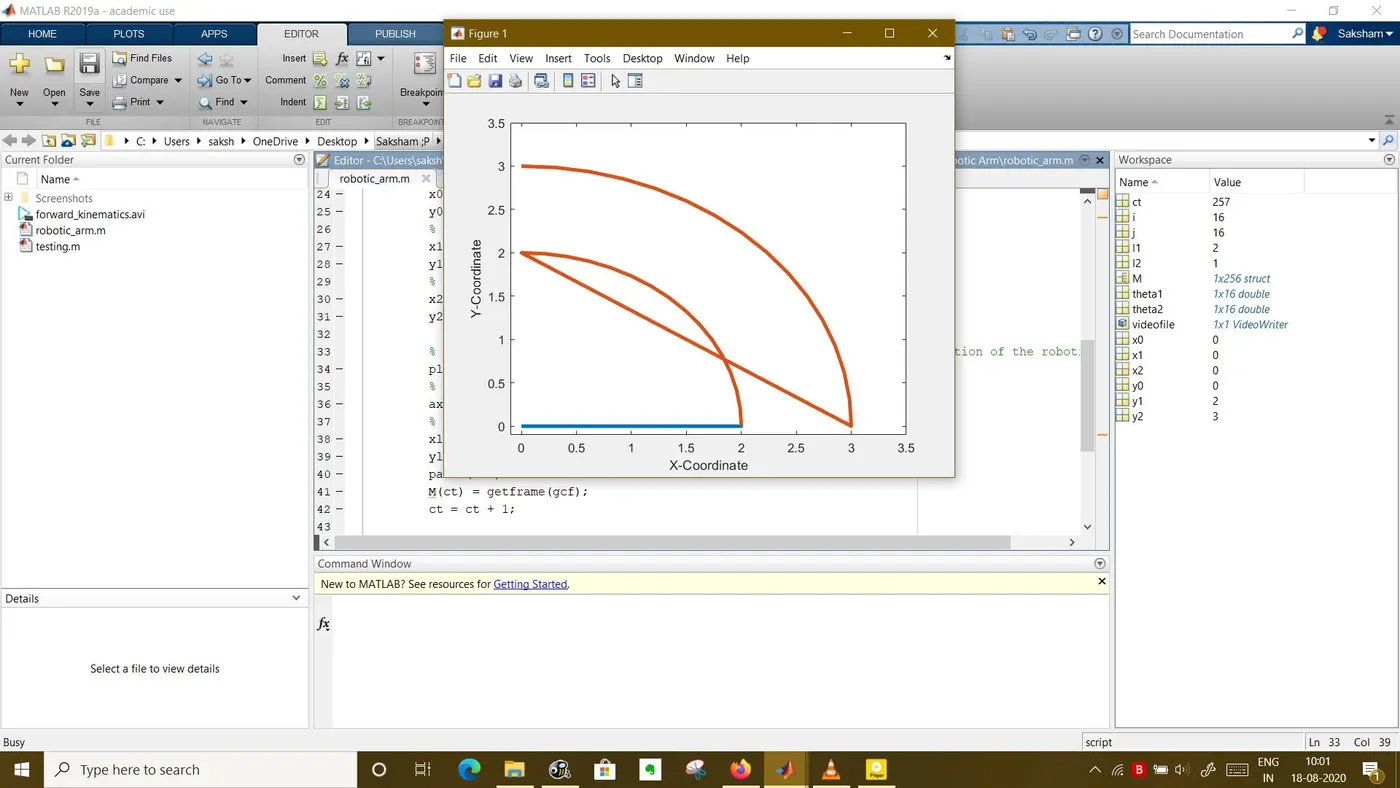
Screenshots of the Output:-
Screenshot 1 (Images getting saved to matrix M):-
Screenshot 2 (Video file being written):-
Screenshot 3 (We get the output file in the directory):-
Errors Mentioned While Programming:-
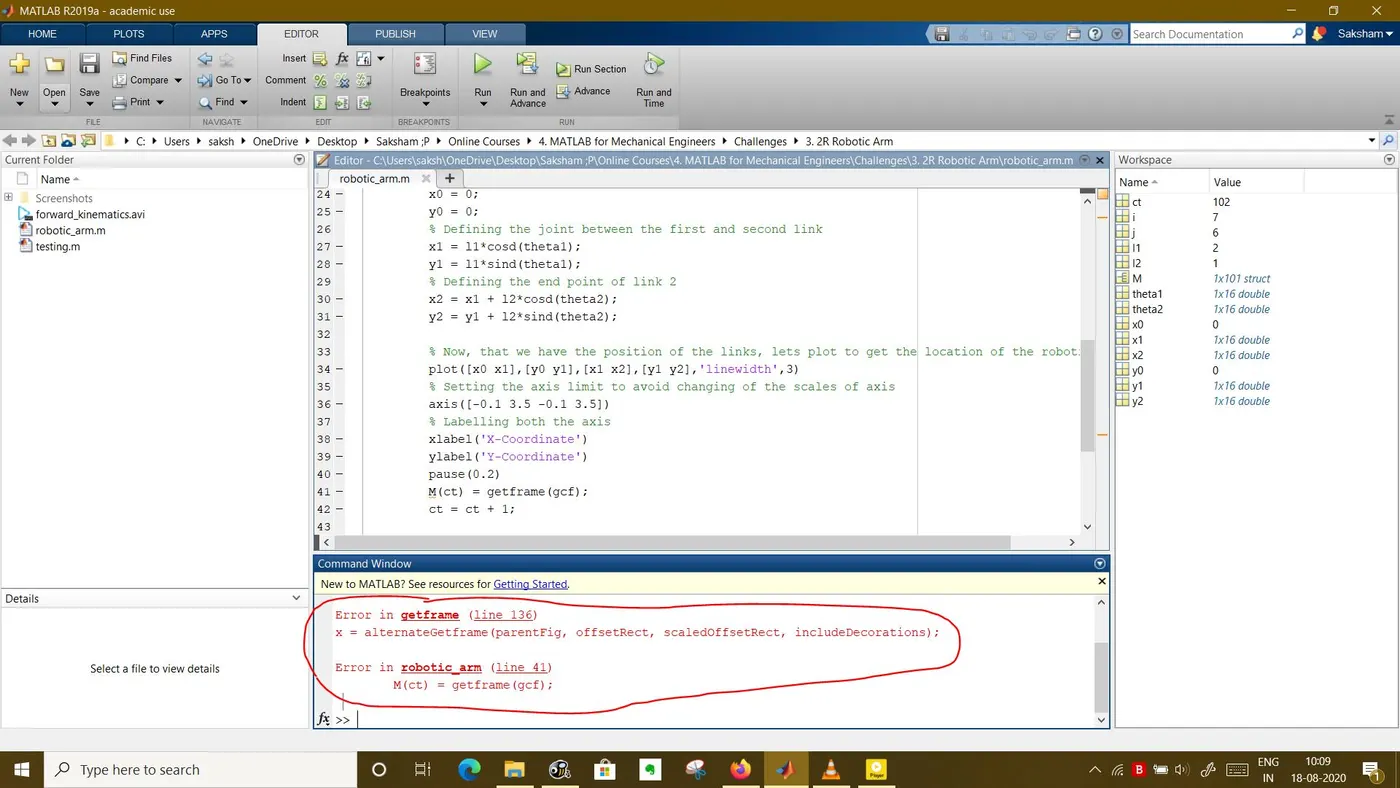
- Initially, I had got a weird plot and faced an error which said:-
Error in getframe (line 136)
x = alternateGetframe(parentFig, offsetRect, scaledOffsetRect, includeDecorations);Error in robotic_arm (line 41)
I found out that I was facing this error because inside the loop, instead of taking the corresponding element of theta1 and theta 2 matrix, I had just written "theta1" and "theta2", i.e., I had written "theta1" and "theta2" instead of "theta1(i)" and "theta2(j)". Modifying them fixed the error.
M(ct) = getframe(gcf);
Screenshots of Errors:-
Screenshot 1 (The weird plot I had got):-
Screenshot 2 (Error thrown on the command window):-