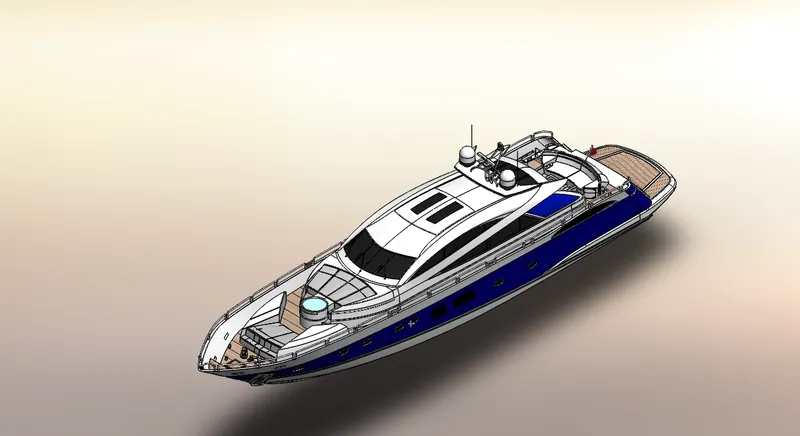
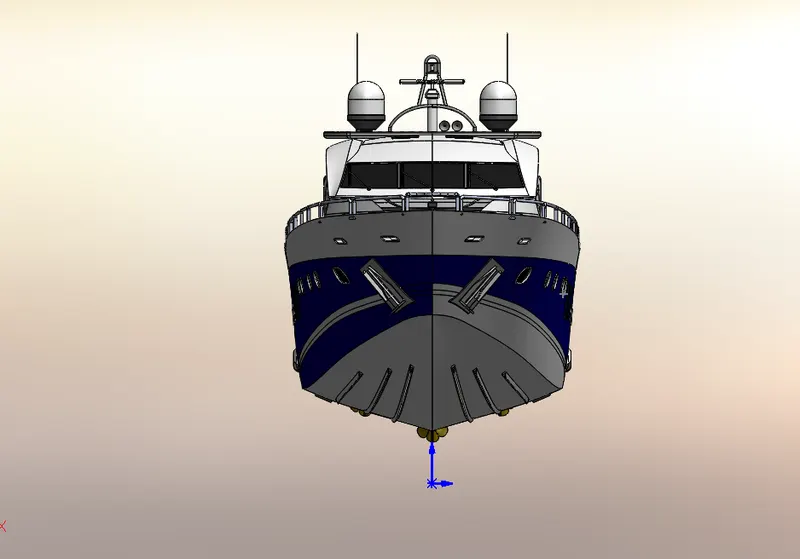
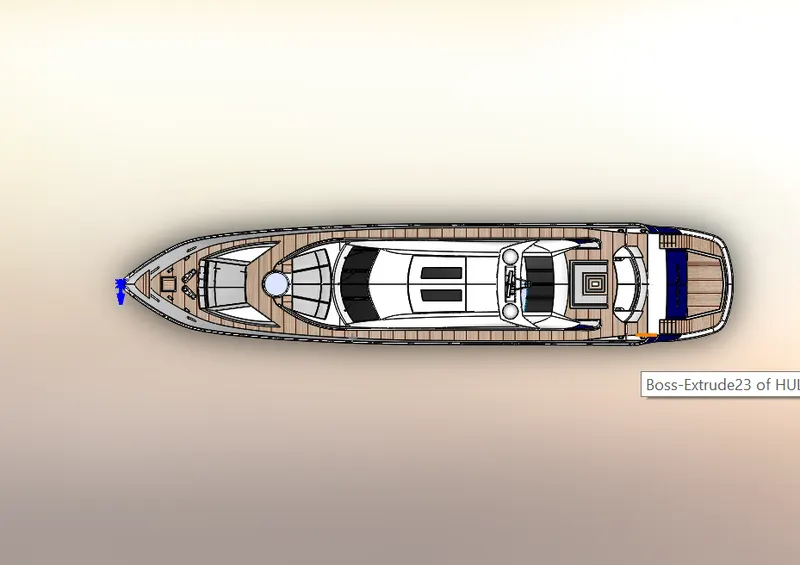
Radar Mast & Final Assembly of Yacht
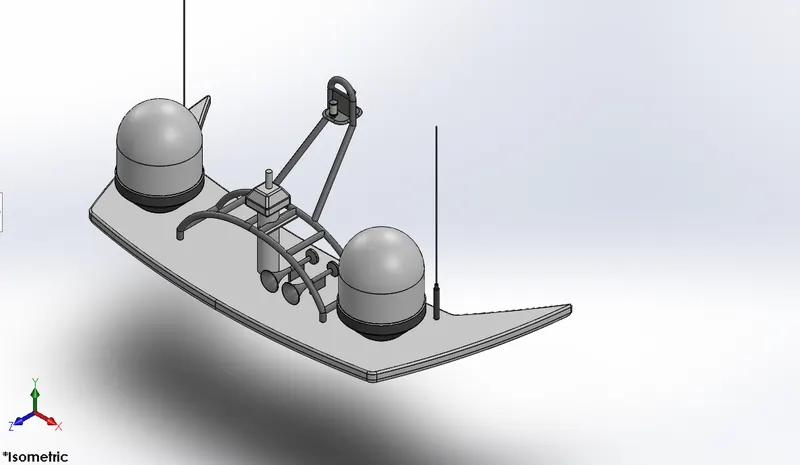
ISOMETRIC VIEW OF RADARMAST
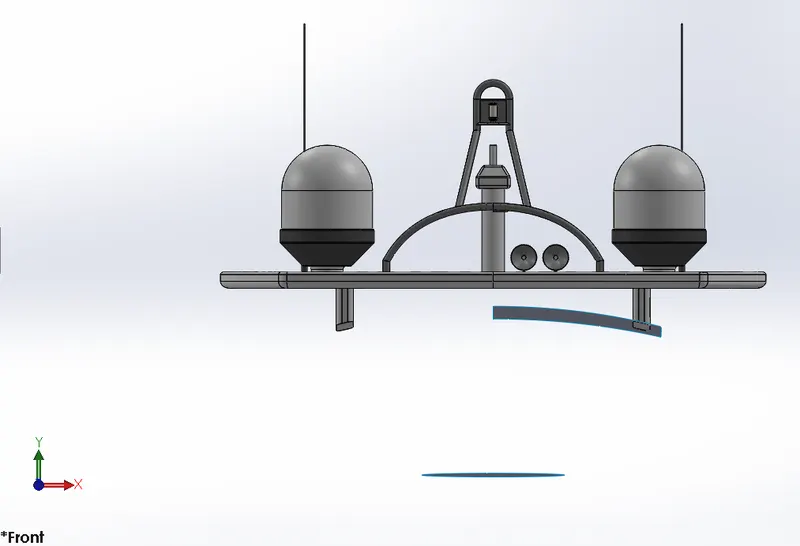
FRONT VIEW
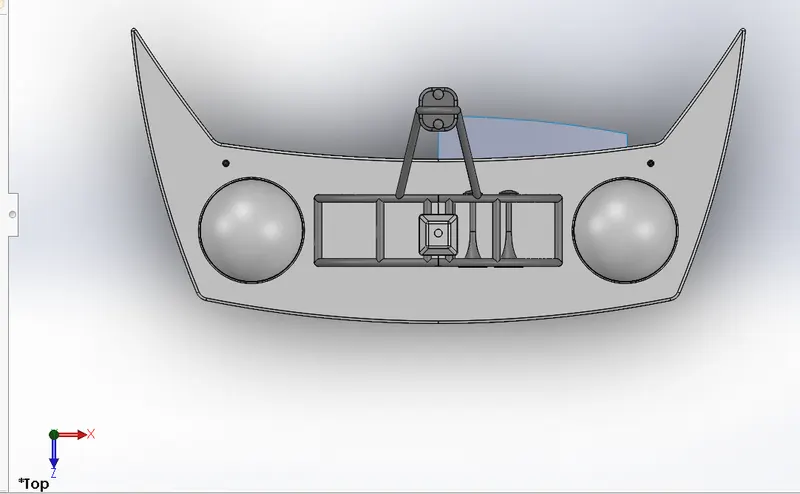
TOP VIEW
1ST TREE
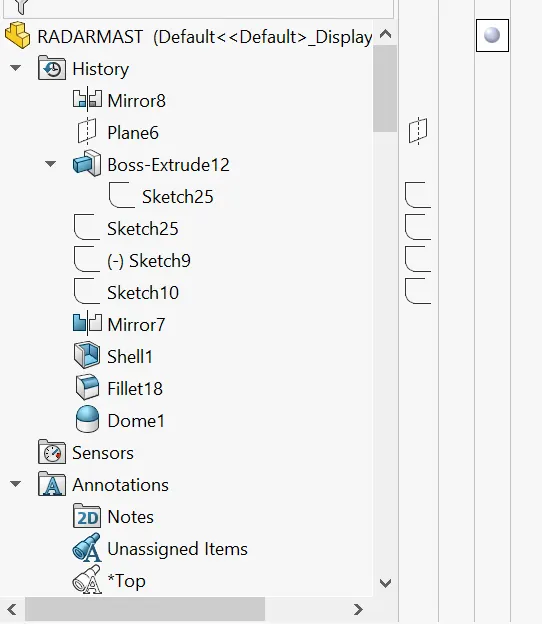
2ND TREE
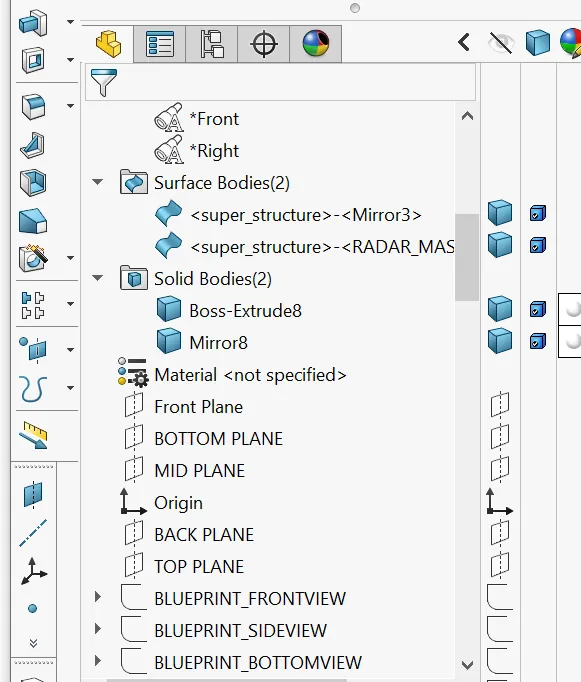
3RD TREE
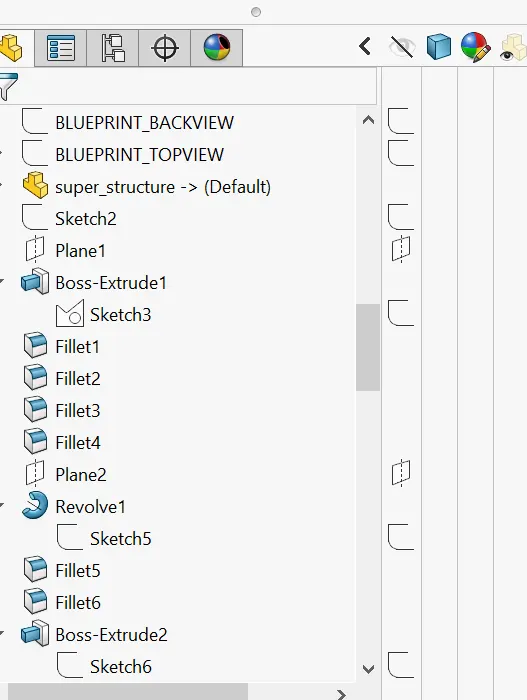
4TH TREE
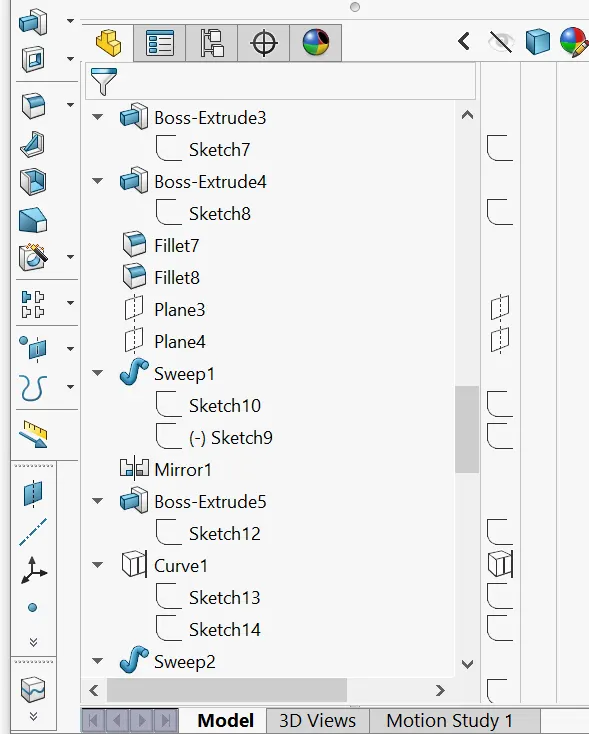
5TH TREE
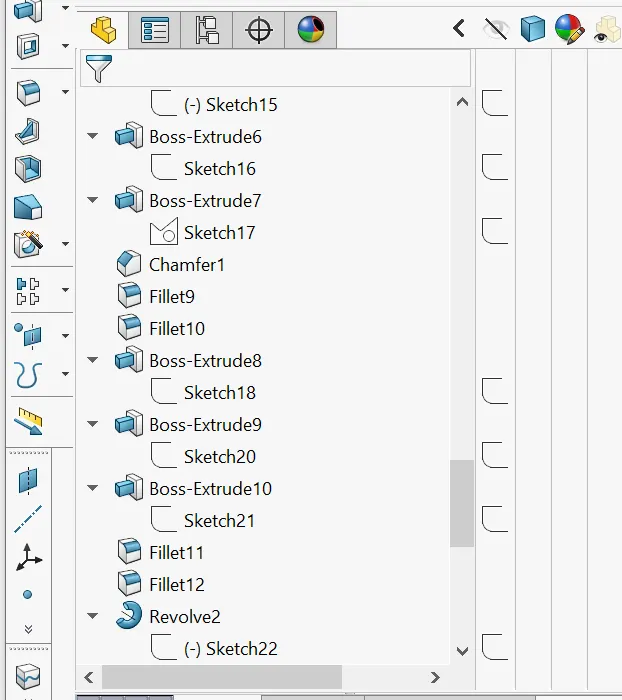
6TH TREE
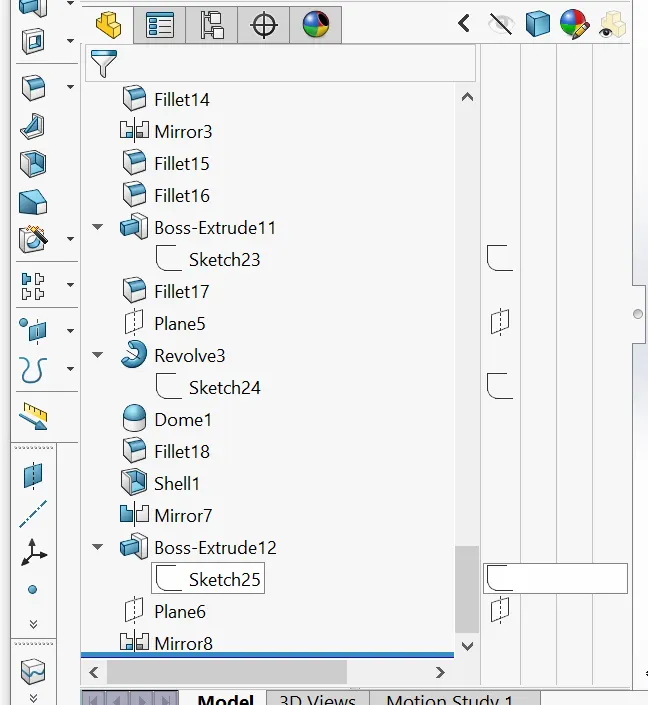
REPORT OF YATCH MODELLING
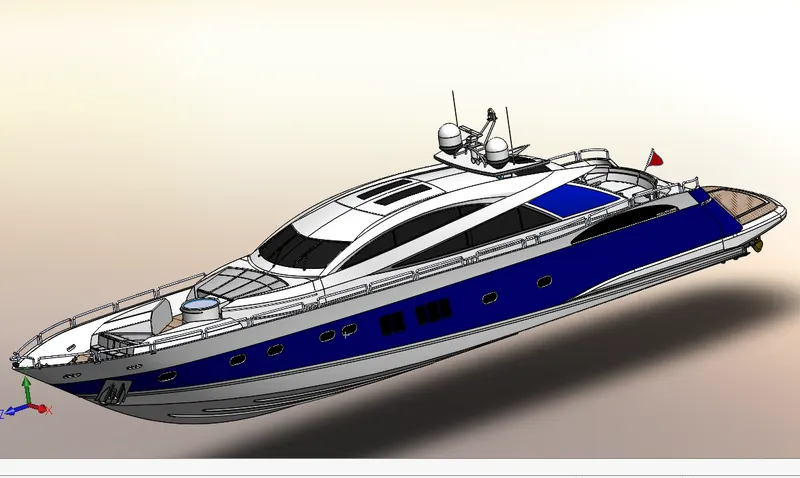
AIM & OBJECTIVE
- To apply different tools of surfacing in SolidWorks
- Make a model of the yatch using solidworks.
- Do assembly and rendering using Solidworks.
INTRODUCTION
Solidworks is a mechanical 3D CAD software used to create 2D & 3D models. It helps to design products better faste, and more cost effectively.
Yatch modeling completely depends on surface modeling. In the modeling the most important set p the blueprint. Then as per the requirement of parts in blue print do the process to get desired part.
COMMON TOOLS USED IN YATCH MODELING
- PLANE: Here the section view of the model is to be sketched.
- SKETCH: It gives the work base to create 2D & 3D sketches.
- SMART DIMENSION: By using this easy to provide the dimension value to the sketch to get the desired shape.
- FILLET: It provides round shape at corners edges.
- CHAMFER: It provides sloping edges at corners.
- EXTRUDE SURFACE: Used to get pre surface on another plane.
- REVOLVE SURFACE: Used to revolve the sketch with the reference of axis or lines in the surface form.
- SWEPT SURFACE: It proved a surface by closed profile along an open and closed path.
- OFFSET SURFACE: Used to provide appropriate tolerance.
- EXTEND SURFACE: Used for extension of surface.
- FILLED SURFACE: Used to fill the blank surface.
- CONVERT ENTITIES: Using to revolve the sketch with the reference of axis or line in the solid form.
- EXTRUDE CUT: Used to remove materials from the solid body
- SWEPT BOSS/BASE: It proved a solid body by closed profile along an open and closed path.
- PATTERN: It features the objects in a particular direction or path.
- PROJECTED CURVE: It combines two 2D continuous curves into a 3D curve.
- TRIM: It is used to cut the extra line of the surface.
- APPEARANCE: Using this can get a different look & apply different materials.
- SHELL: The shell tool hollows out a part.
- DECALS: Using this tools painted stickers to be applied.
VIEW(HEADS-UP): Following commands comes under this:
- Zoom to fit
- Zoom to area
- Previously view
- Section view
- View orientation
- Display style
- Hide item
COMPONENTS OF YATCH
- Blueprint setup
- Propeller
- Radar
- Hull
- Garage door
- Rear seat
- Front seat
- Middle seat
- Superstructure
- Radar mast
- Final Assembly of yatch
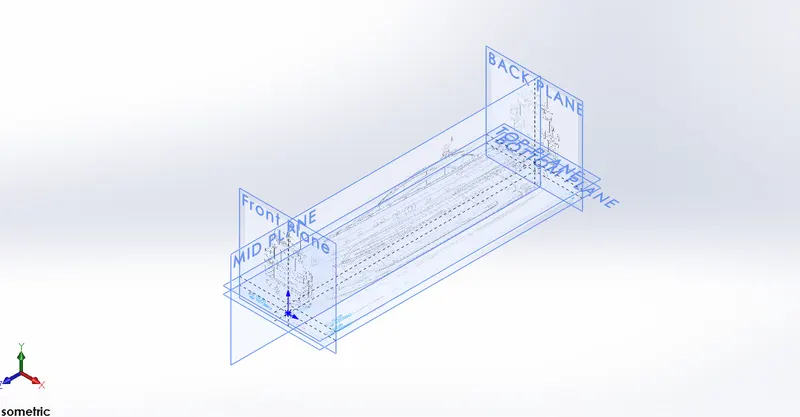
BLUEPRINT SETUP
Following steps need to get the setup:
Go to tools then sketch tools then sketch picture and browse the picture and browse the picture location file and click on OK. Then give properties data to get the exact setup.
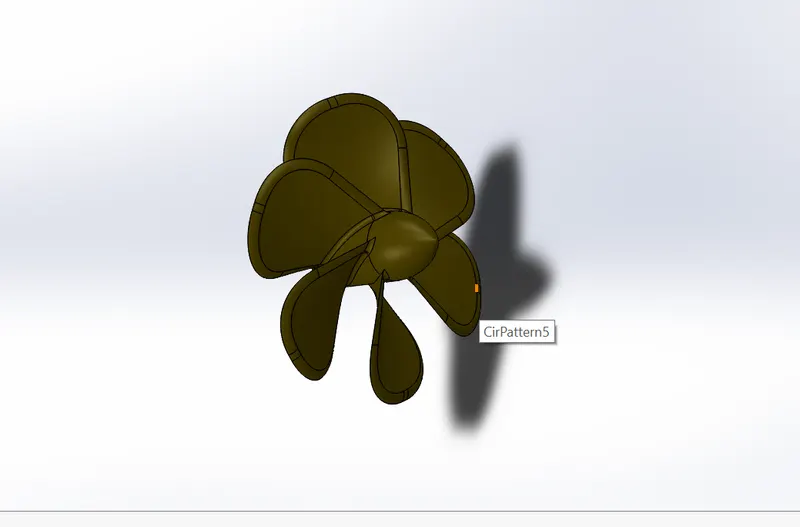
PROPELLER:
Its rotary motion through the air creates a different in pressure between the front and back surfaces of its blades. It provides thrust so that the yatch moves easily.
RADAR
It is used to detect the objects position signals etc. relative to the position of the yatch.
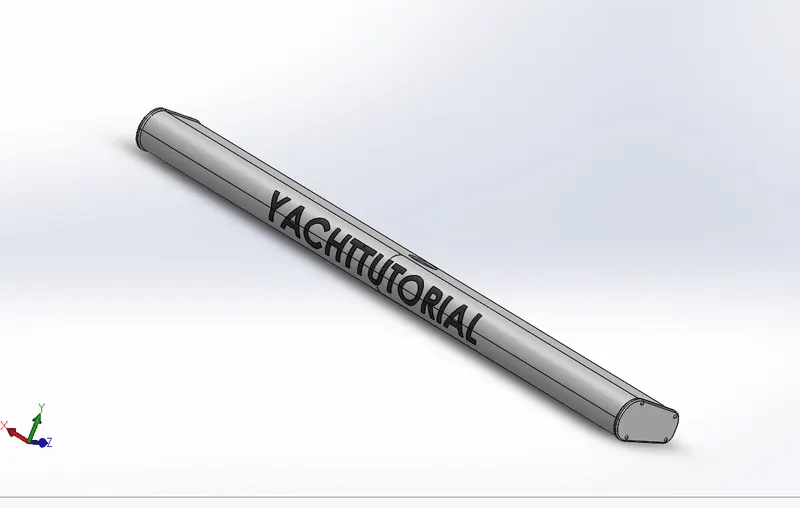
HULL
It is the waterlight enclosure of the ship, which protects the goods carrying area, machinery, and accommodation spaces of the ship from the weather, flooding and structural damage.
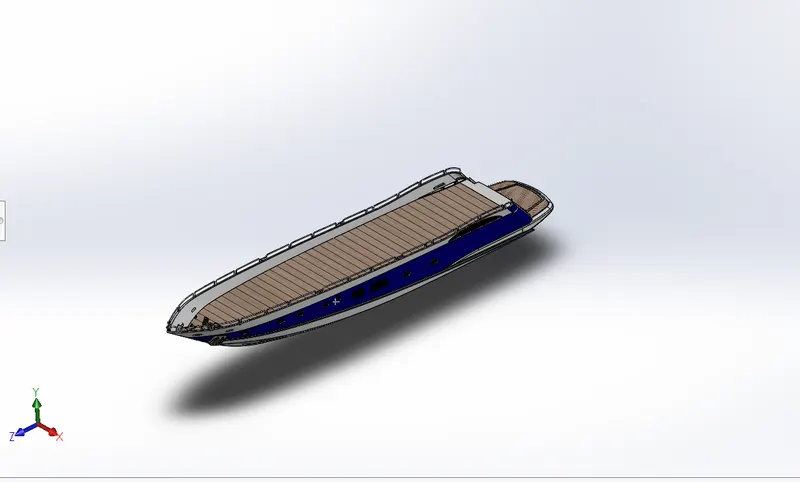
GARAGE DOOR:
It provides safety from bad weather, moisture etc.
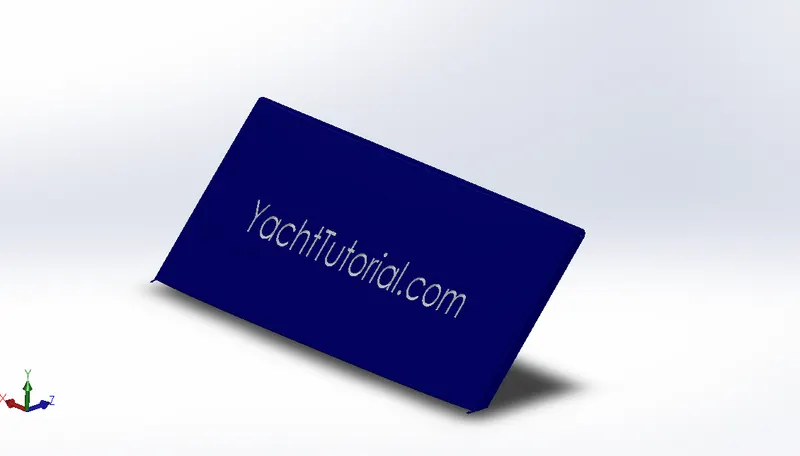
SEAT
It is used for the purpose of rest. It is also an important part of the superstructure.
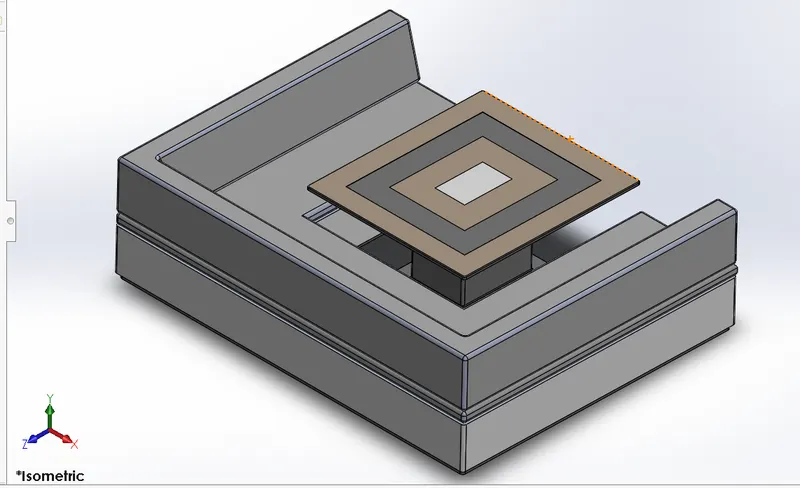
SUPERSTRUCTURE
A superstructure is an upward extension of the yatch. It is like a head & gives a pretty good look and mounted over the hull. By the base isolation whole yatch can be protected from the severe damage.
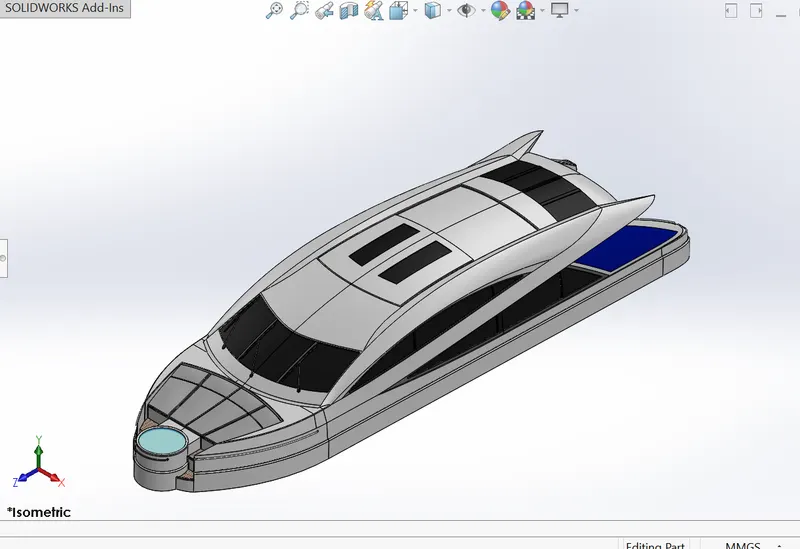
RADAR MAST
It is the complete assembly of the radar system which protects from the harmful things
ASSEMBLY OF YATCH
In the assembly part, all individual parts inserted into assembly tools of solidworks. Fix one of the components into the work base. Proved mates and related reaming part to the fixed one with respect to line, vertex & planes.