Project 2 - V&V SW Analysis II
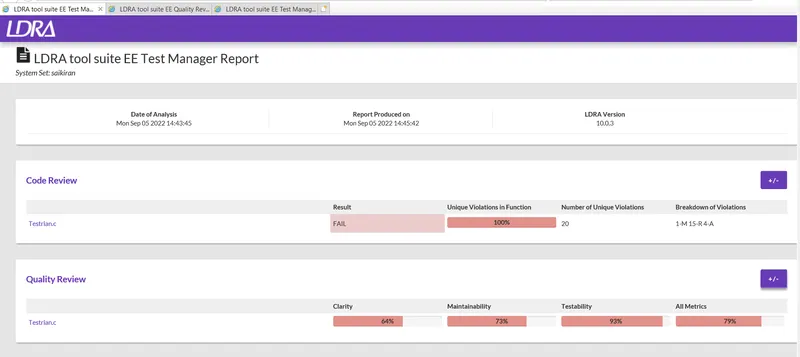
- Perform Static Code Review Analysis for “C:\**\LDRA_workarea\Examples\C_Testbed_examples\Testrain\Testrain.c” Generate Code review report and upload them.
Steps to follow:
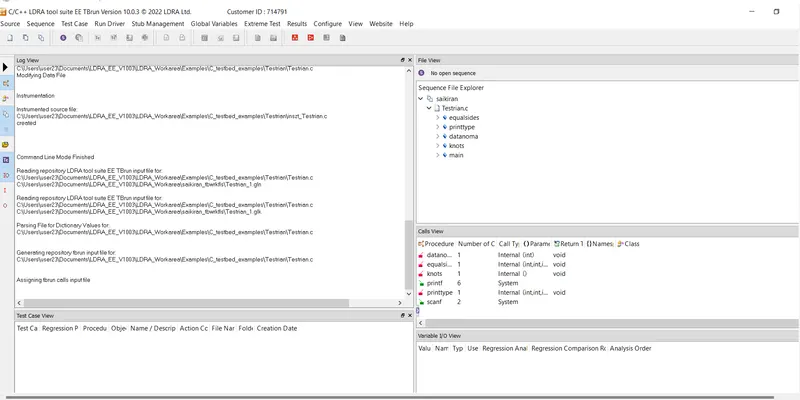
- Firsrt go to single fine and then sellect testrain.c file and open it.
- Then create a new sequence. while creating a sequence anable code coverage.
- After thet go to source and run static analysis.
- Take the results from the test manager report.
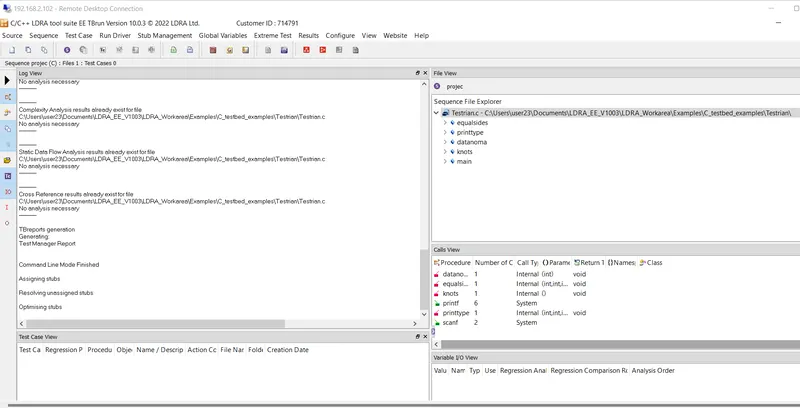
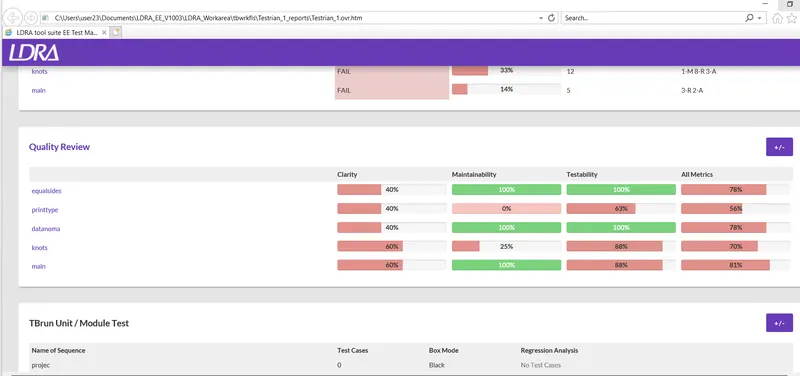
2. Perform Integration testing by including all the .C files available in the folder location C:\**\LDRA_workarea\Examples\Toolsuite\Cashregister_6.0\ **
A)Create the test cases manually as well as automatically using TBExtreme and upload the reports. B)store the test cases as .tcf file. Upload the location image where the .tcf file is stored.
Steps to follw:
- Go to the Source and open multiple files.
- give a file name and click create and sellect system.
- click on add and select the file you want.and then click ok.
- Then we have to go the configure option and then sellect satic options.
- find the file and sellect in include file and macros.
- Then go to source and run static analysis.
- Go to result and take report.
- Now create a new sequence.
- Go to extream test and click on tabular extreme test analysis.
- After go to source and click save file or set to tcf.