Project 2 - V&V SW Analysis II
1.Perform Static Code Review Analysis for “C:\**\LDRA_workarea\Examples\C_Testbed_examples\Testrain\Testrain.c” Generate Code review report and upload them.
CHOOSE FILE:
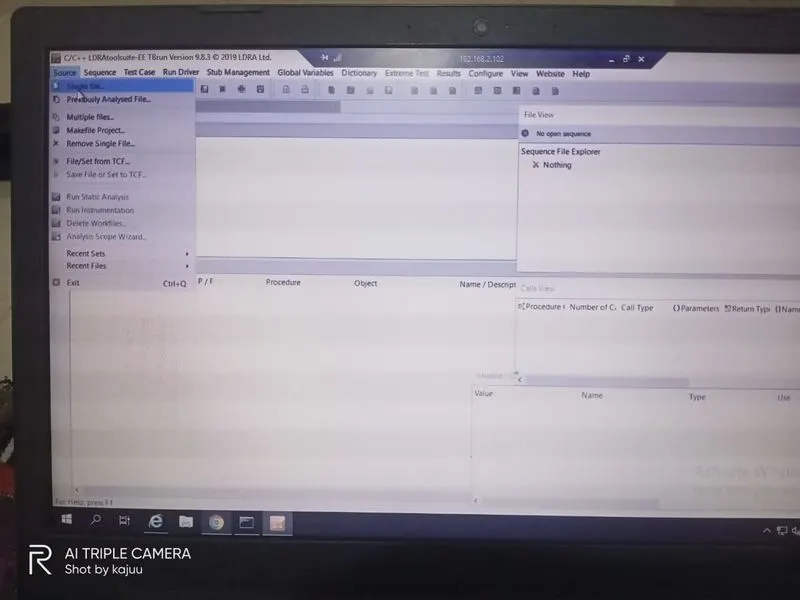
RUN STATIC ANALYSIS:
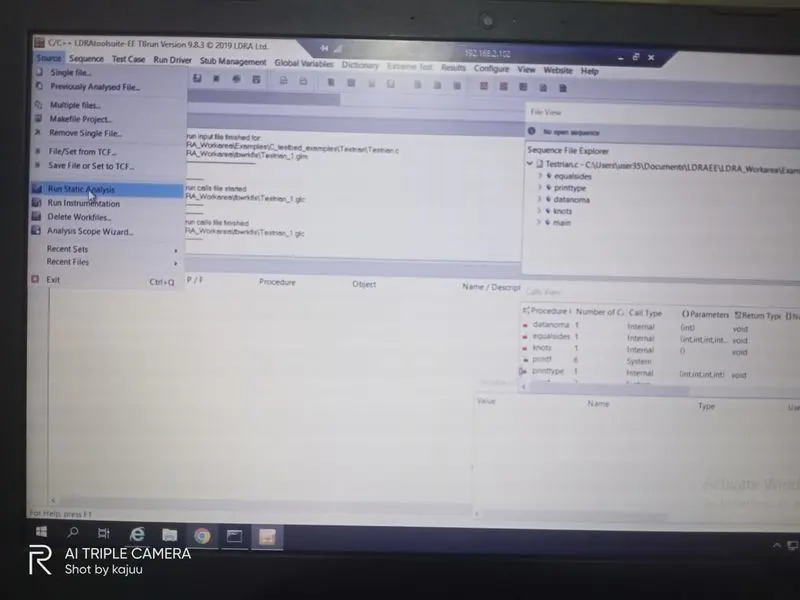
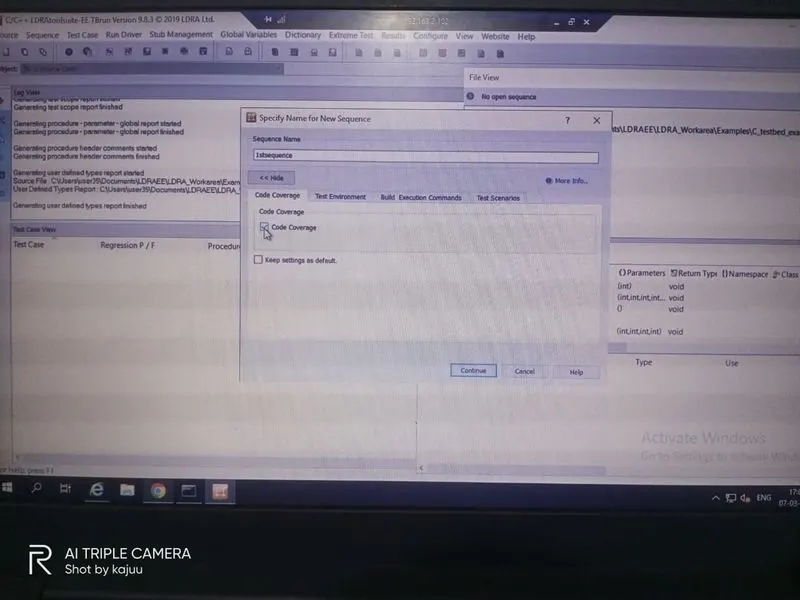
CREATE SEQUENCE:
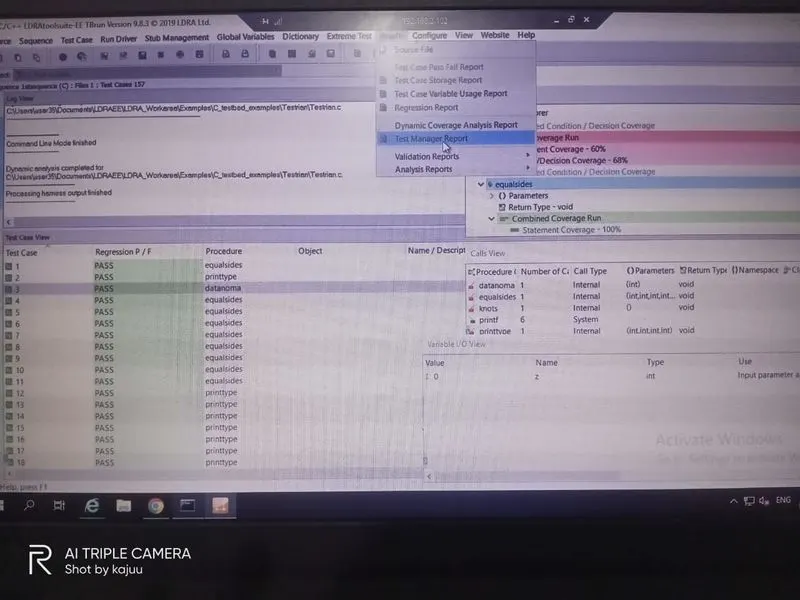
SHOW REPORTS:
....................................................................................................................................................................................................................................................................................................................
2.Perform Integration testing by including all the .C files available in the folder location C:\**\LDRA_workarea\Examples\Toolsuite\Cashregister_6.0\ **
A)Create the test cases manually as well as automatically using TBExtreme and upload the reports.
TO CREATE MULTIPLE FILES FOR INTEGRATION:
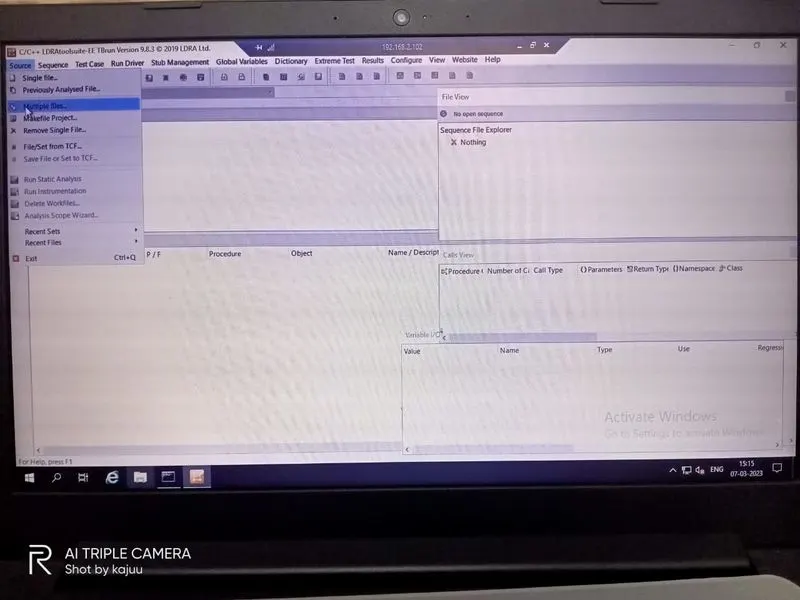
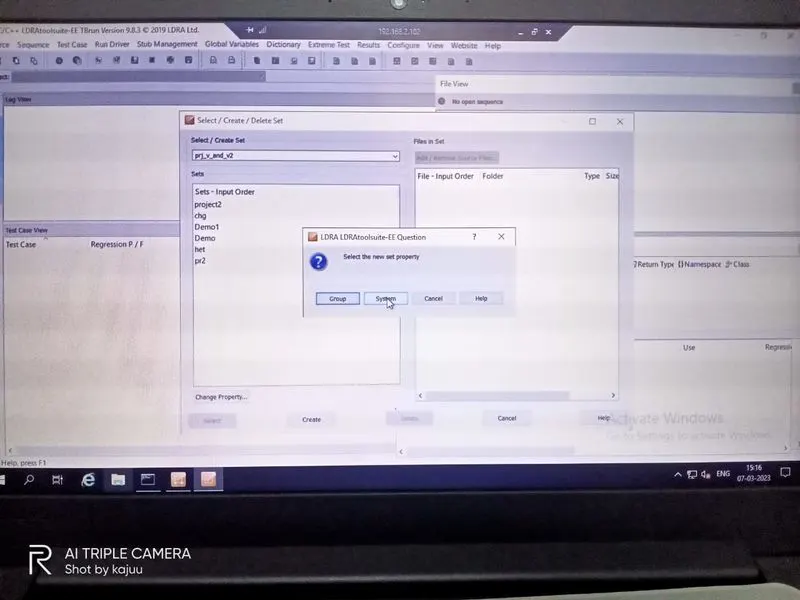
SELECT MULTIPLE FILES:
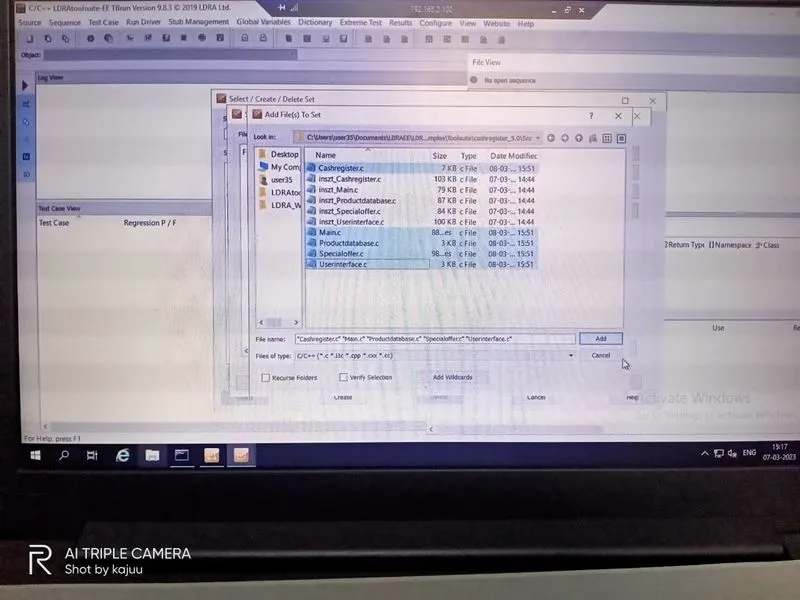
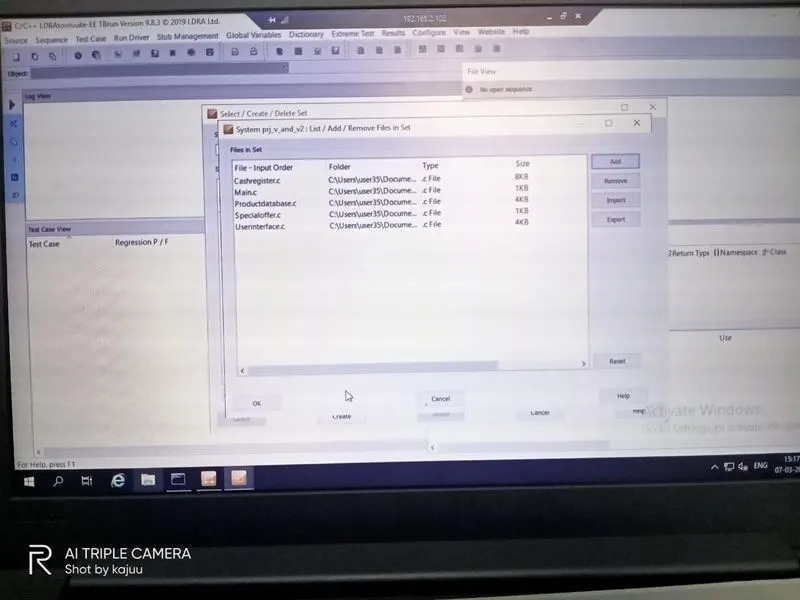
ADD FILES:
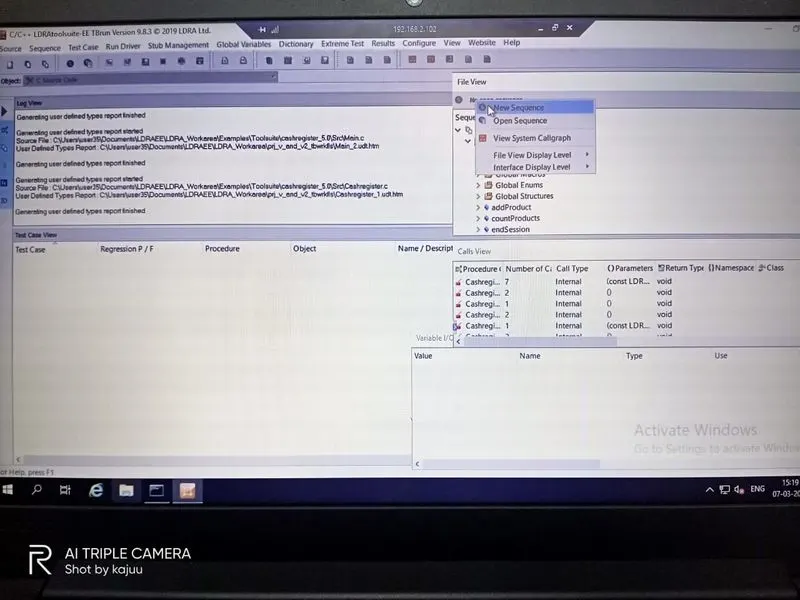
THEN CREATE NEW SEQUENCE:
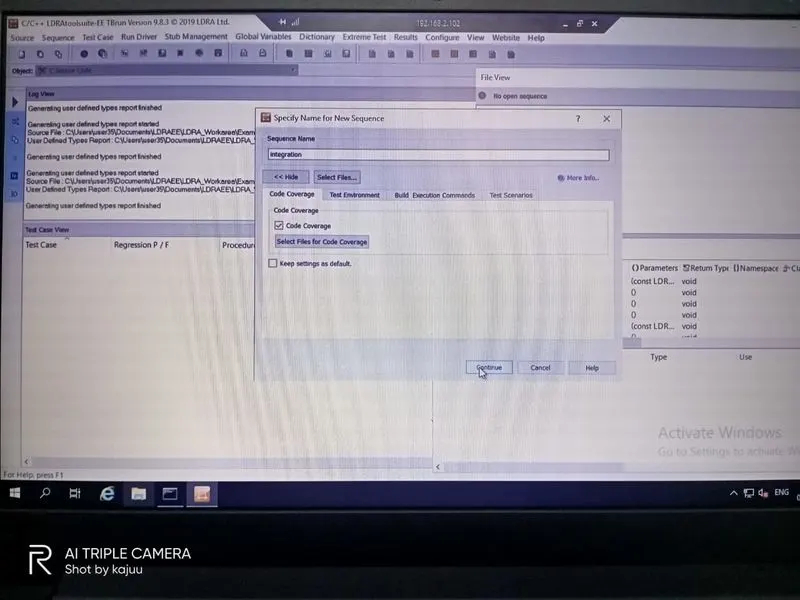
THEN CREATE MANUAL TEST CASES:
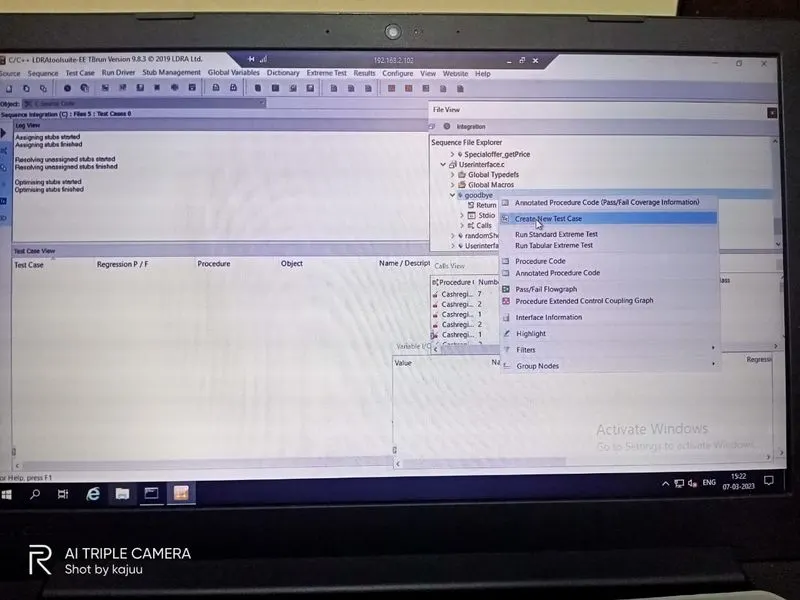
RUN MANUAL TEST CASES:
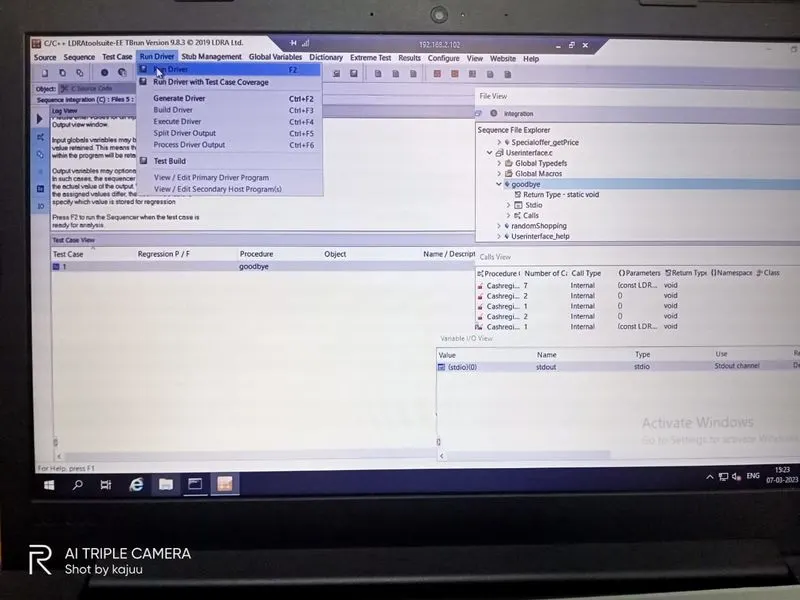
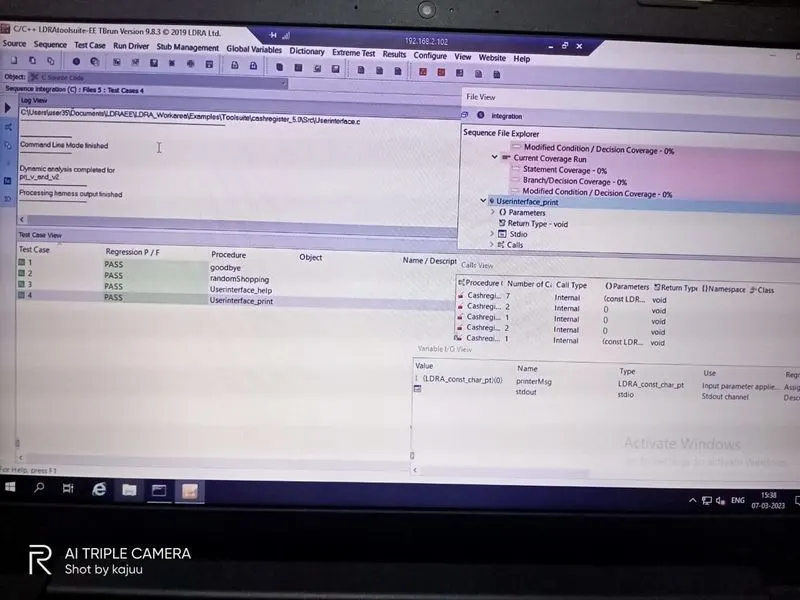
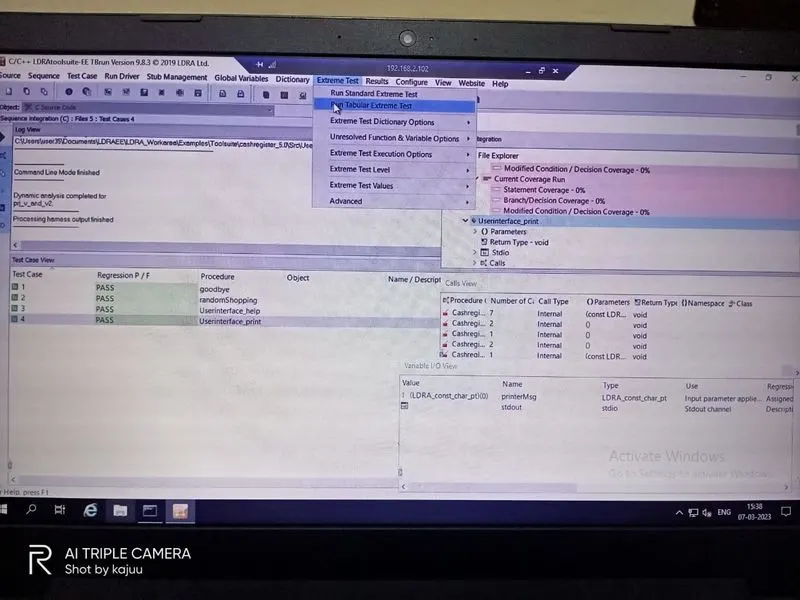
TO GENERATE AUTOMATIC TEST CASES:
TO SHOWS DYNAMIC REPORTS:
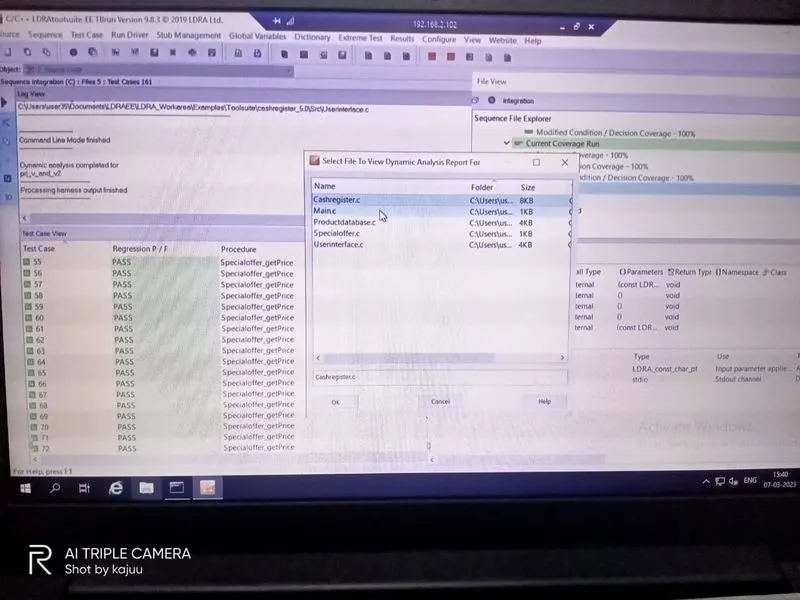
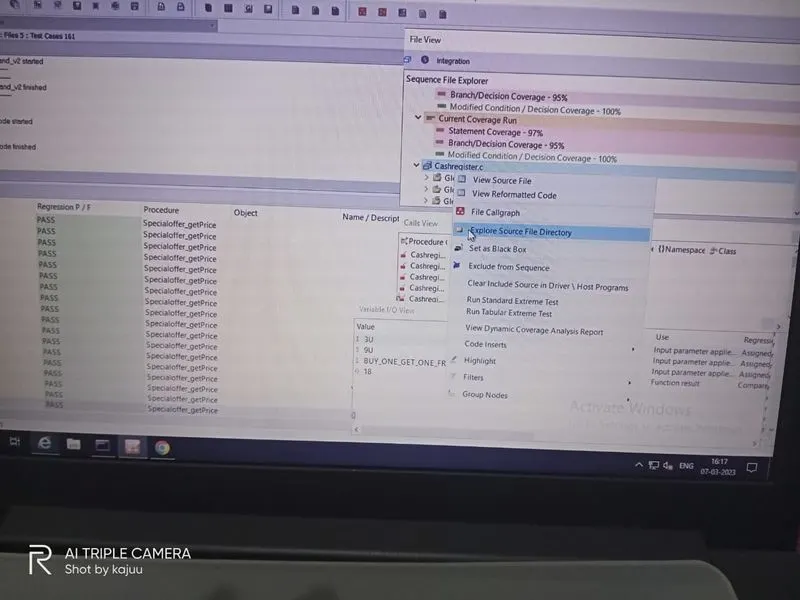
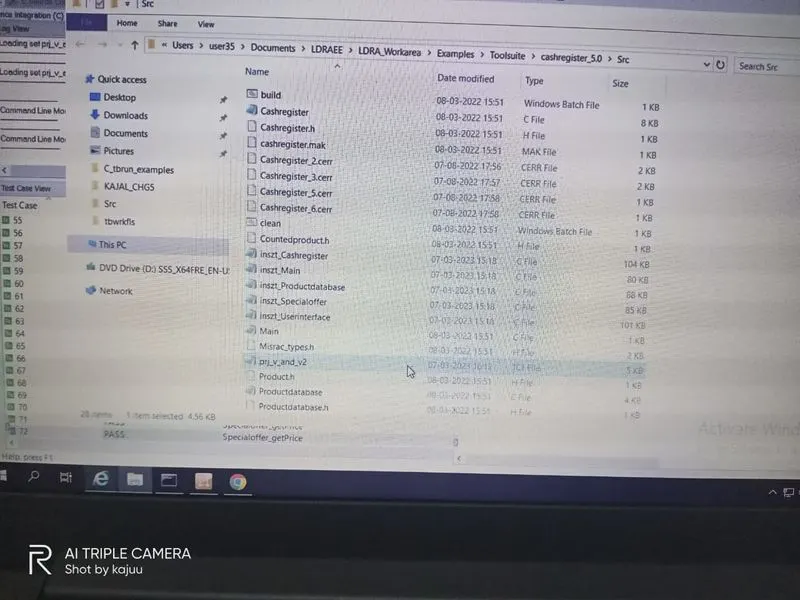
B)store the test cases as .tcf file. Upload the location image where the .tcf file is stored.
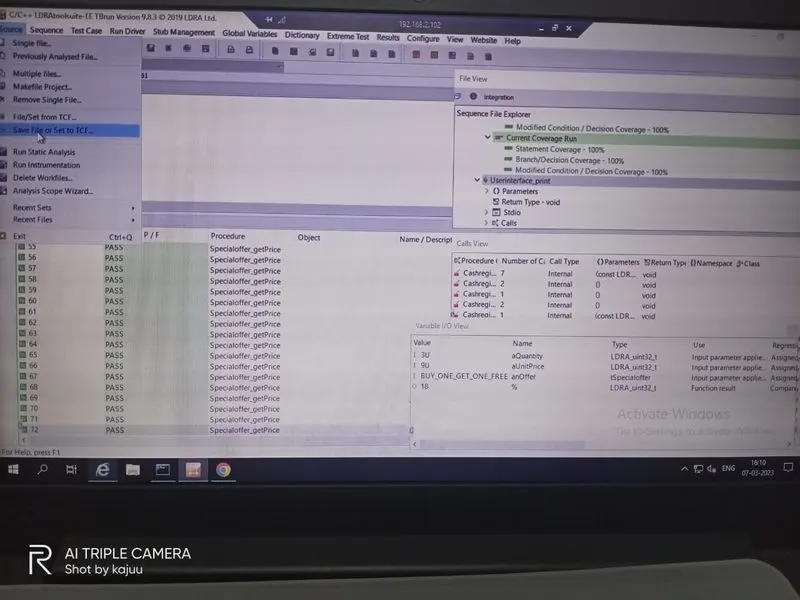
SAVE THE FILE AS .TCF:
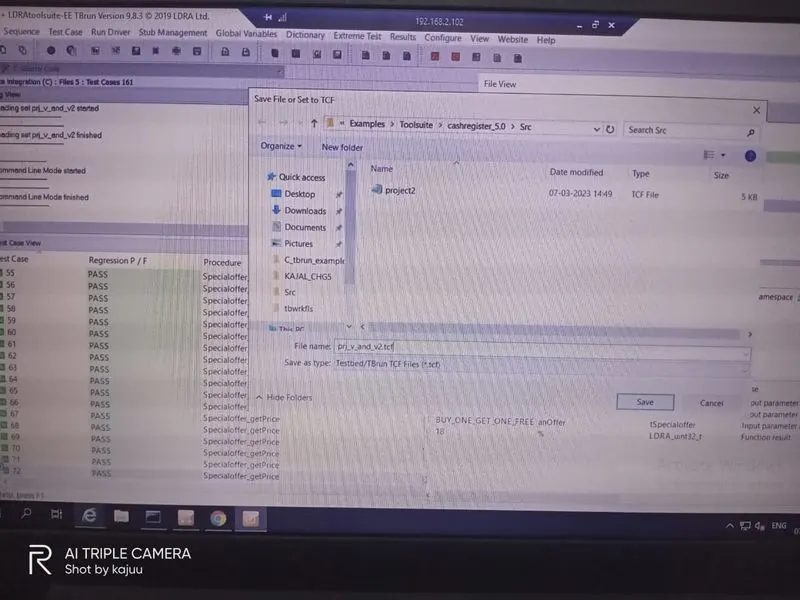
SHOWS SAVES .TCF FILE DIRECTORY: