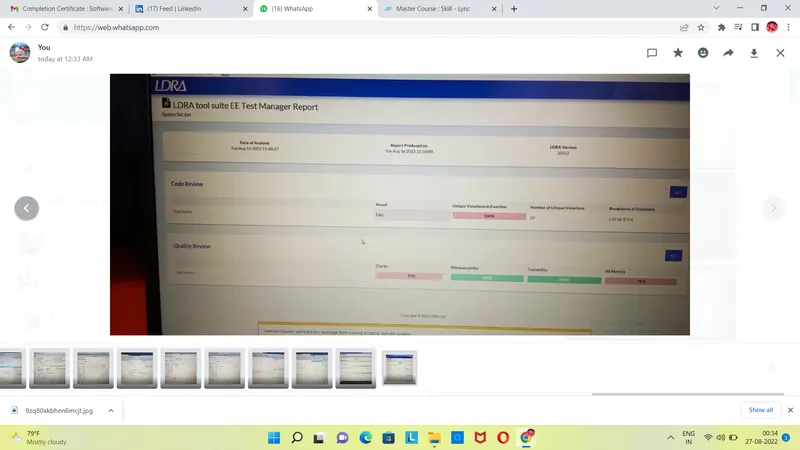
Project 2 - V&V SW Analysis II
1.
step 1: start LDRA TBrun.
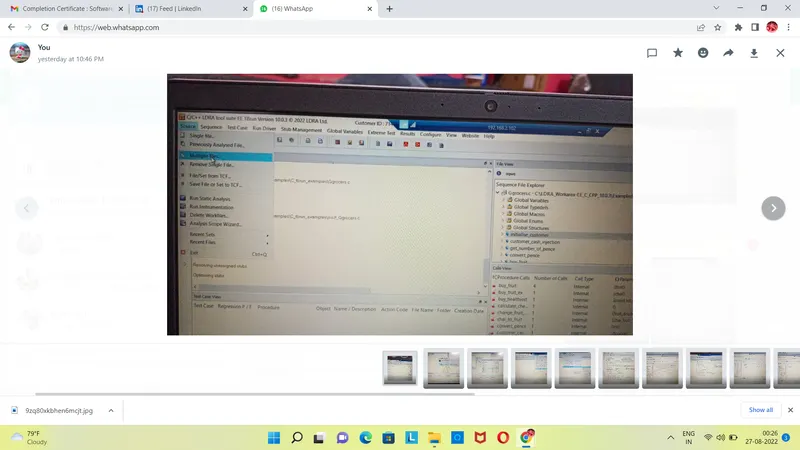
step 2: From the LDRA page select source->single file->LDRA_workarea->examples->C_Testbed_examples->Testrain->Testrain.c->open.(in log view all the files will run)
step 3: sequence->new->give any name(---)& select code coverage-> continue.
step 4: source->run static analysis
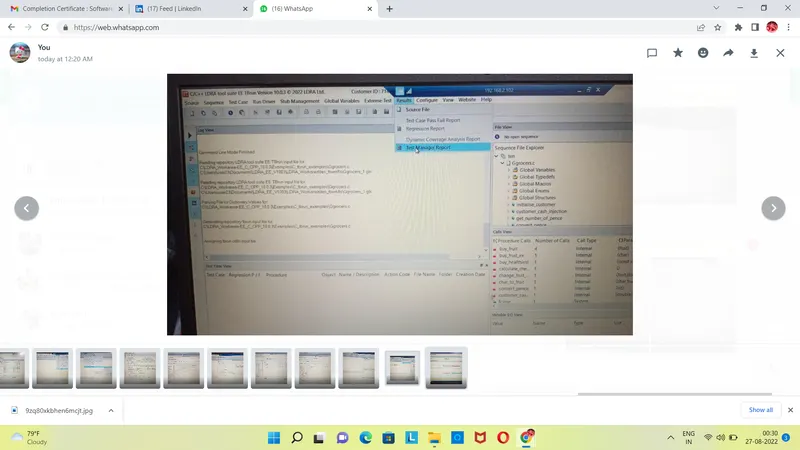
step 5: results->test manager report(report will be opened in Internet like a pdf)(there we can see our sequence name and what type of test we did)
First, we are going to use the LDRA launcher
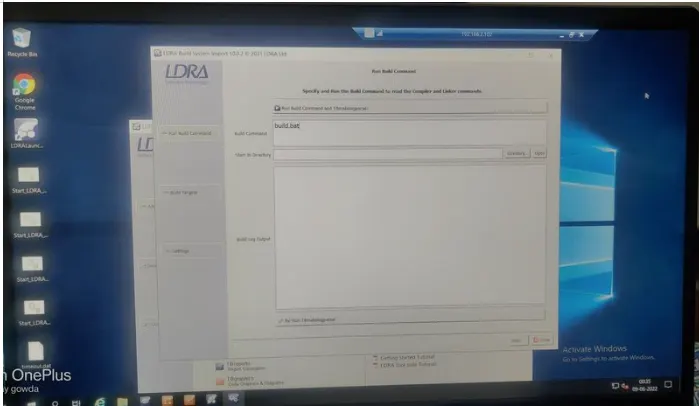
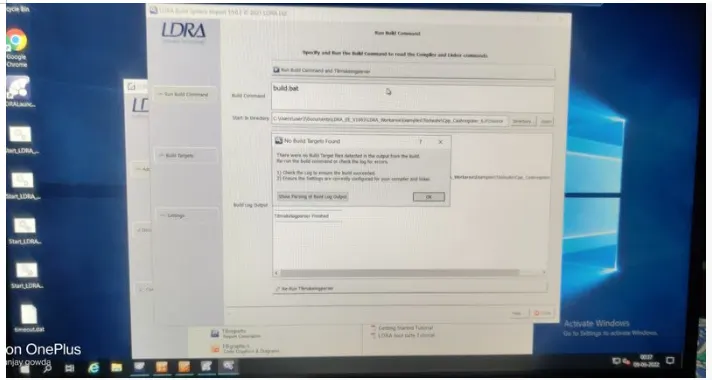
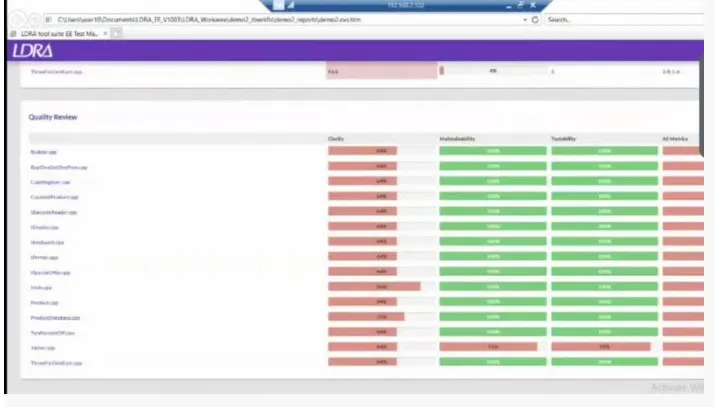
intergration is done completely and dynamic coverage report is generated.
2.
step 1: start LDRA TBrun.
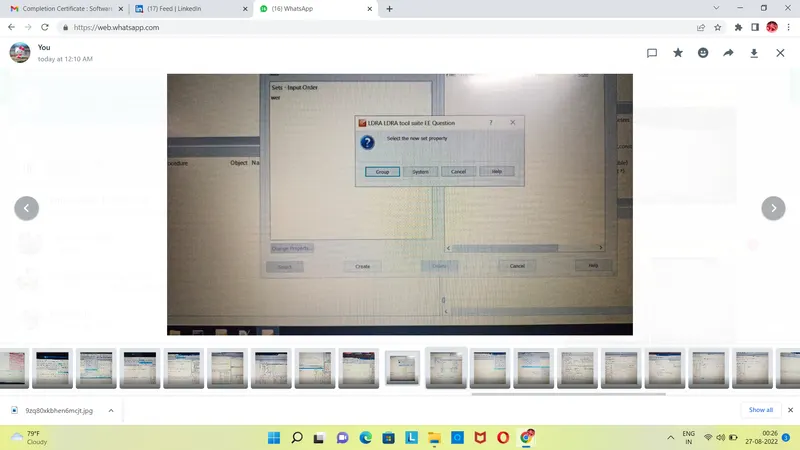
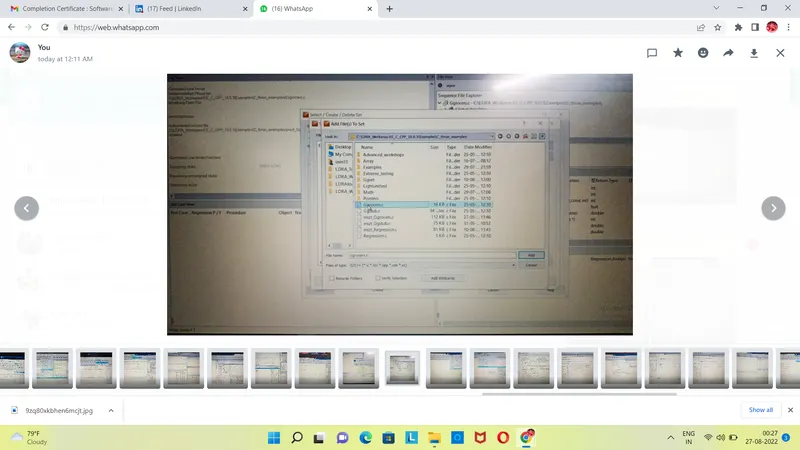
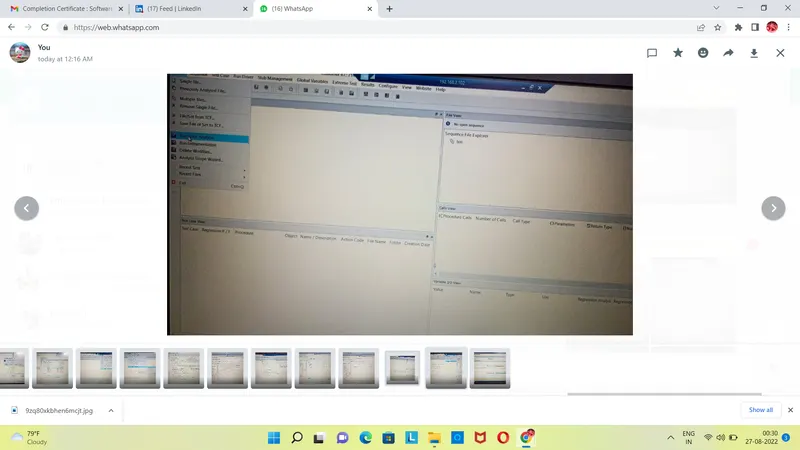
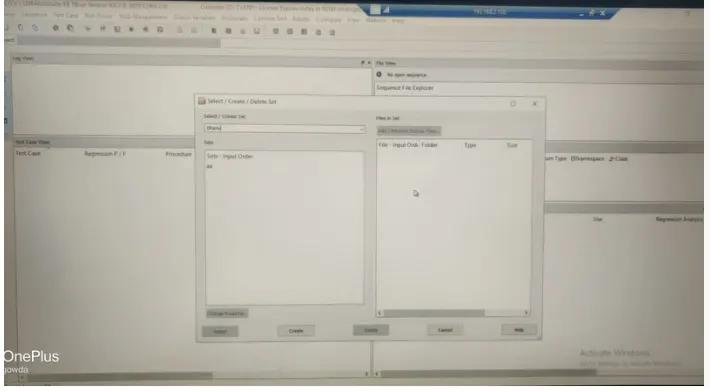
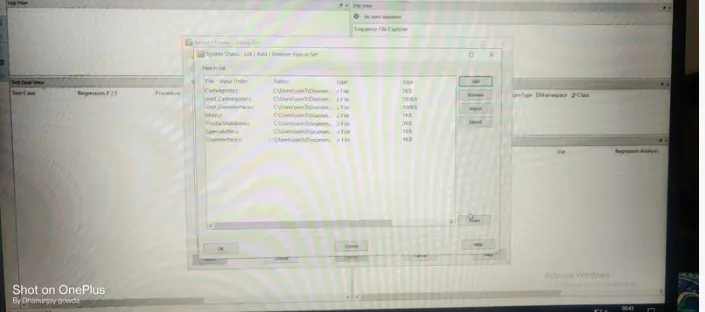
step 2: From the LDRA page select source->multiple file->select/create set (create a name)->create->system->add the .c files->click ok it ask run LDRA tested analysis (No)
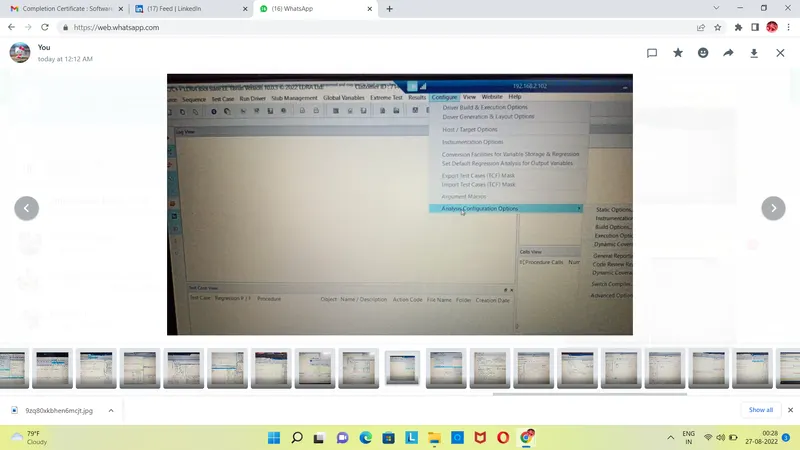
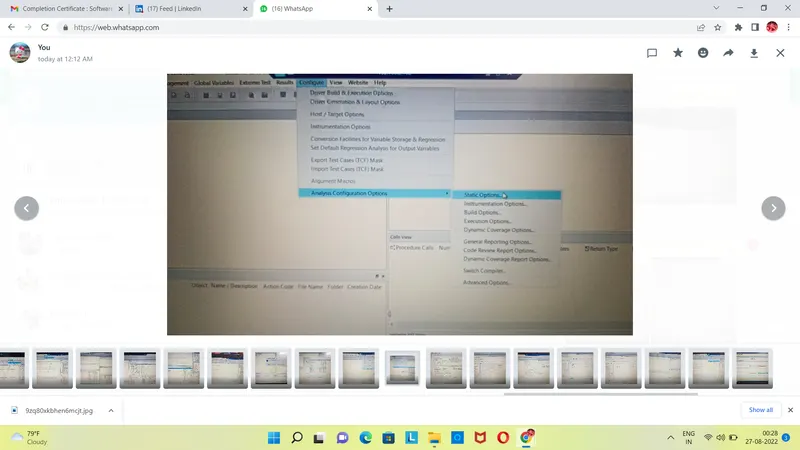
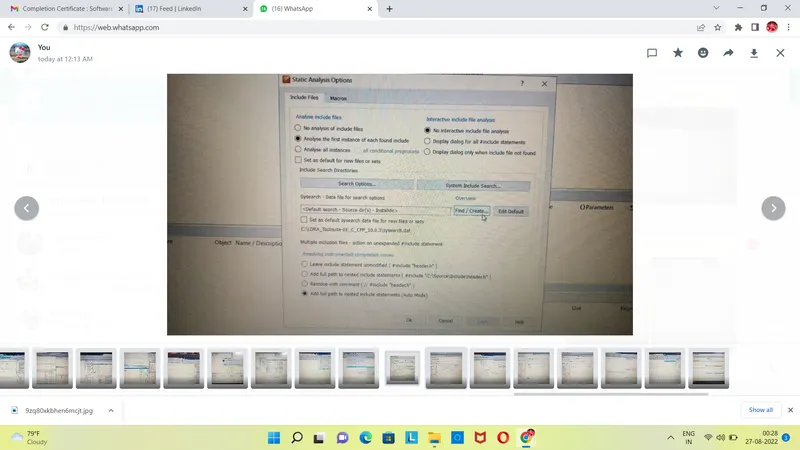
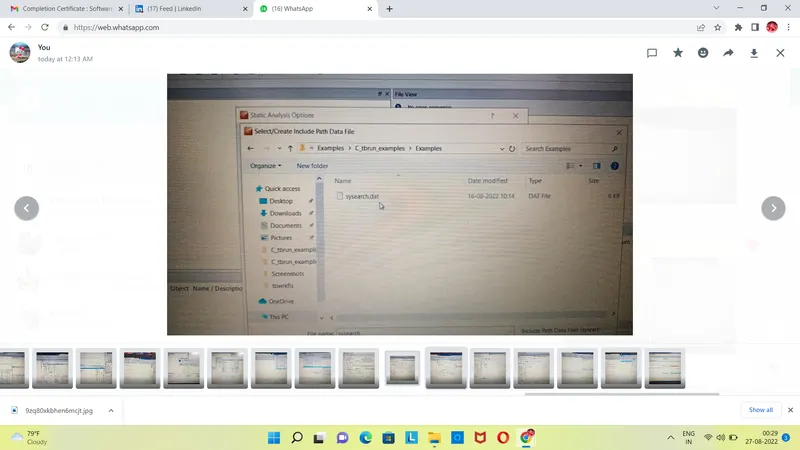
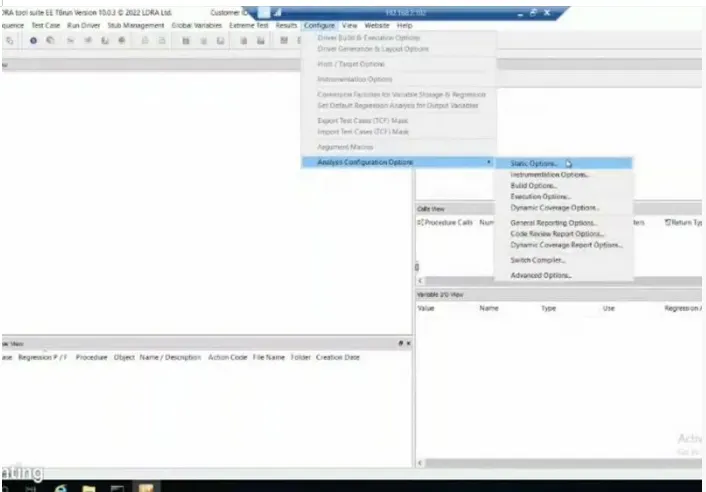
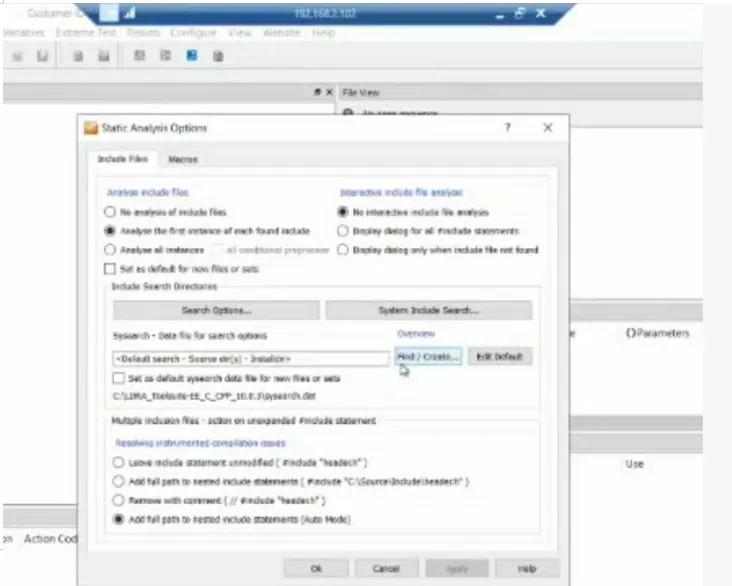
step 3: configure->analysis configuration options->static options->finc/create->example->c_tbrun-examples->again examples->.c files->select
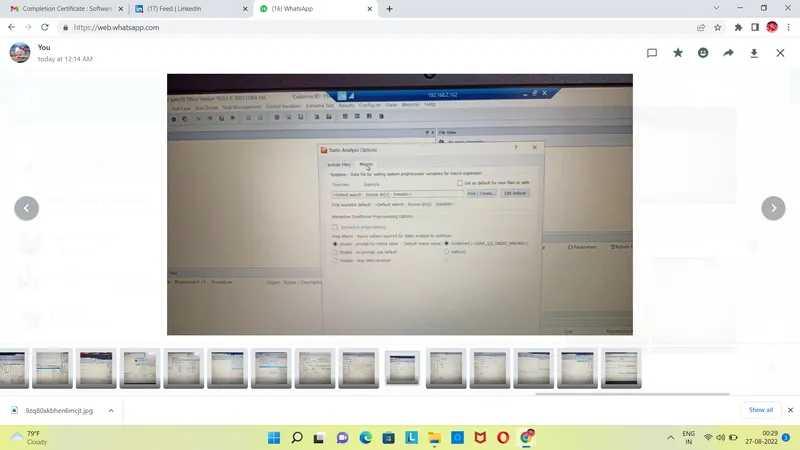
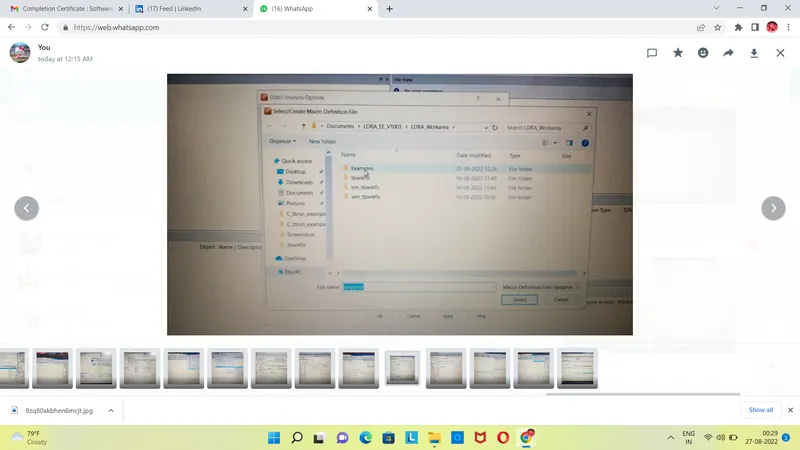
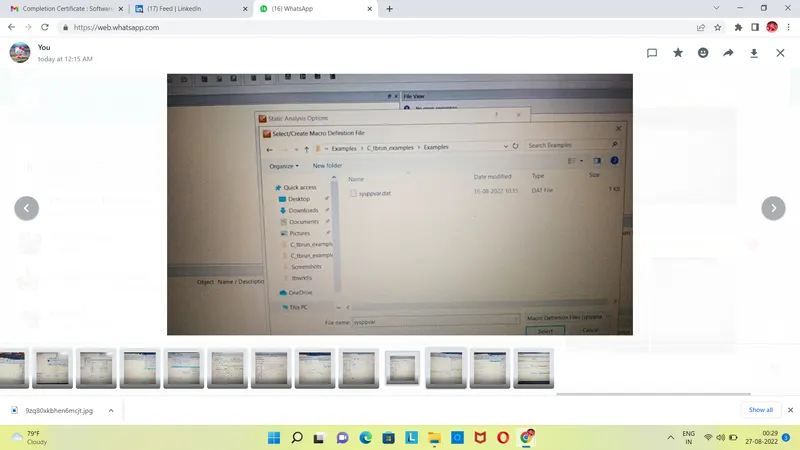
step 4: macros->find/create->Examples->c_tbrun_examples-examples-> select.(finally give apply and OK)
step 5: source-> run static Analysis
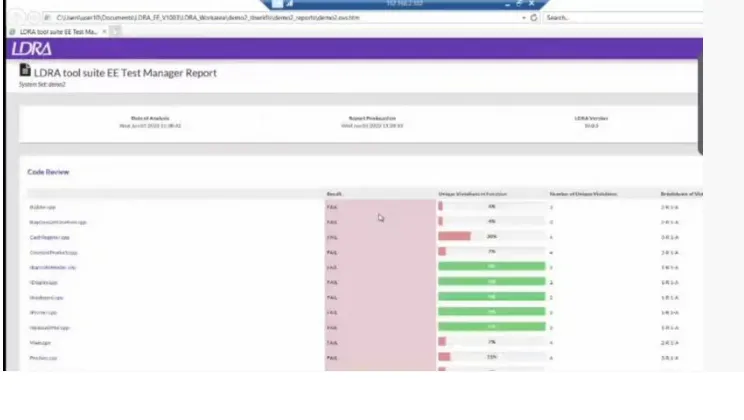
step 6: result->test manager report(report will be opened in Internet like a pdf)(there we can see our sequence name and what type of test we did)