Project 2 - V&V SW Analysis II
1. Static Code Review Analysis
- Select single file from source
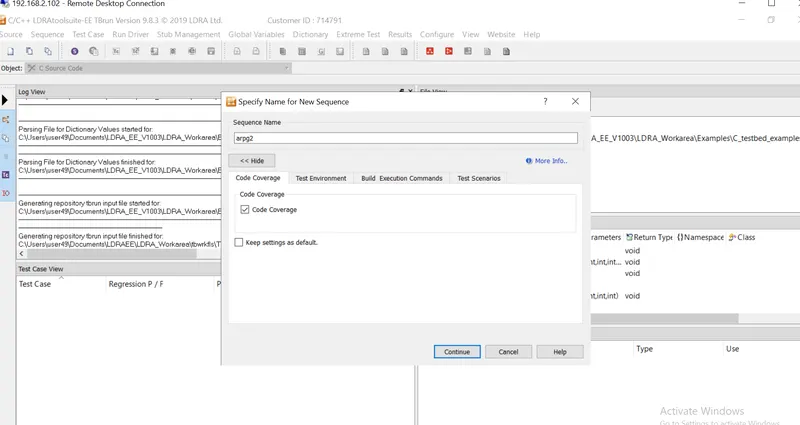
- Create new sequence 'arpg1' and make sure 'code coverage' enabled
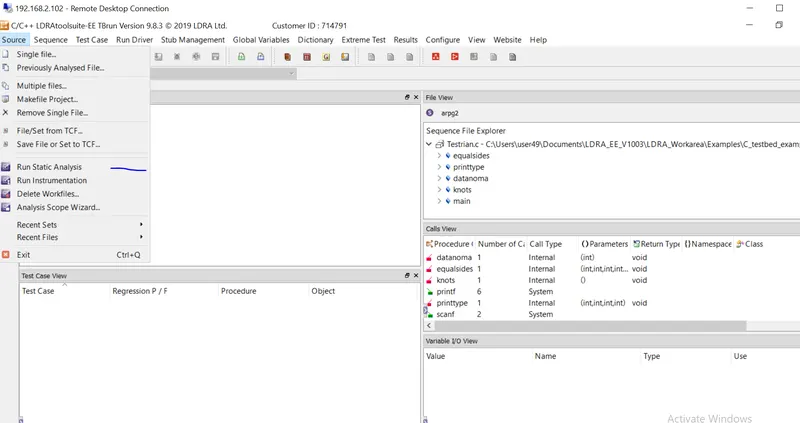
- Run Static Analysis from source menu
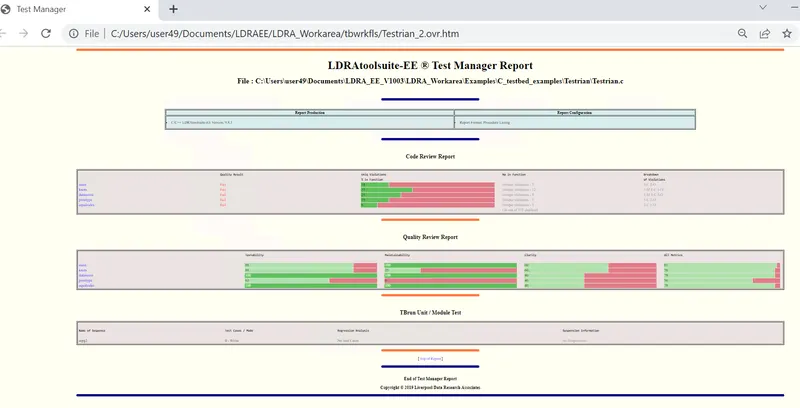
- Generate Report
2. Integration testing
- Open TBurn
- select Multiple files from Source menu
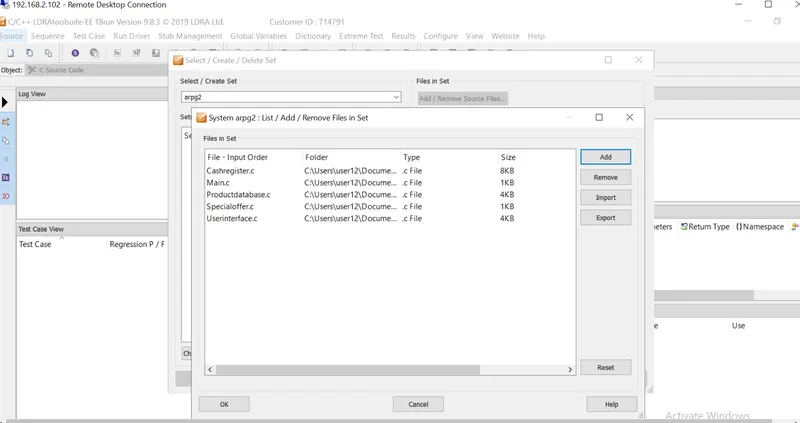
- create new set with name arpg2 and select System as set property
- add files to perform integration testing
- Do not run Testbed analysis
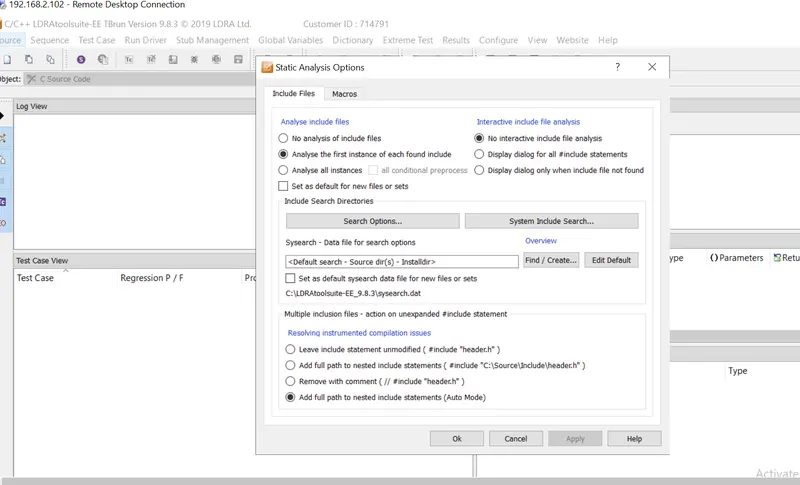
- navigate Configure -> Analysis configuration option -> Static option
- and select the integration test files source directory for the Sysearch and sysppvar from the popup window
- Run Static Analysis
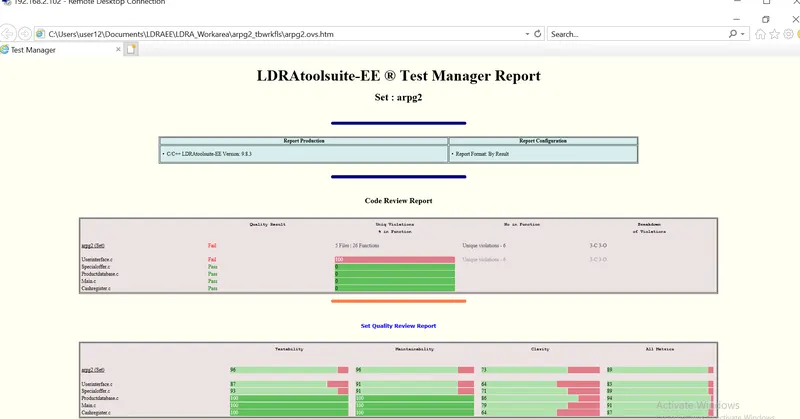
- Generate Report
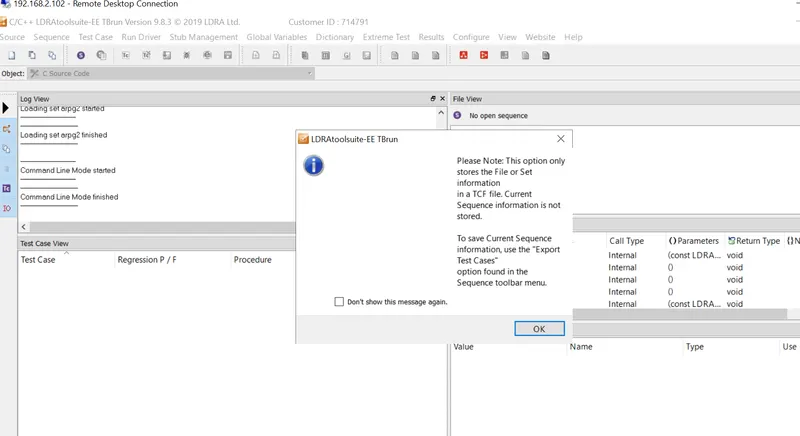
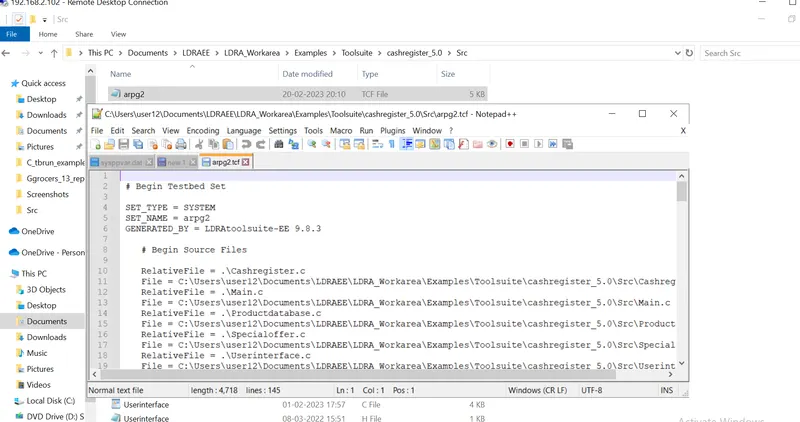
B)store the test cases as .tcf file:
1. Select save or set the tcf from source menu
2. Select the directory to crete tcf file