Project 2 - V&V SW Analysis II
1.Perform Static Code Review Analysis for
“C:\**\LDRA_workarea\Examples\C_tbrun_examples\Ggrocers.c” (Single .c file), modify the Code to
remove violations and make it compliant with MISRA: C 2012 & CERT standards.
Generate Code review report compliant with MISRA: C 2012 Coding Standards
Generate Code review report compliant with CERT Coding Standards.
Static code analysis is a method of debugging by examining source code before a program is run. It's
done by analyzing a set of code against a set (or multiple sets) of coding rules. Static code analysis
and static analysis are often used interchangeably, along with source code analysis.
We are going to open TBvision, open the Grocer. c file, and set the standard as Cert c.
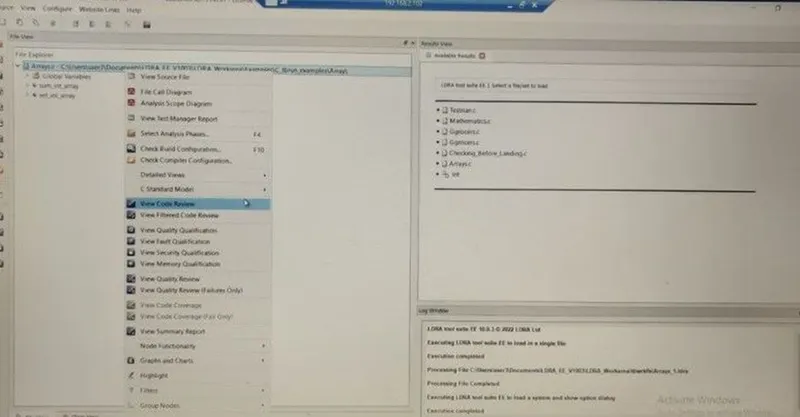
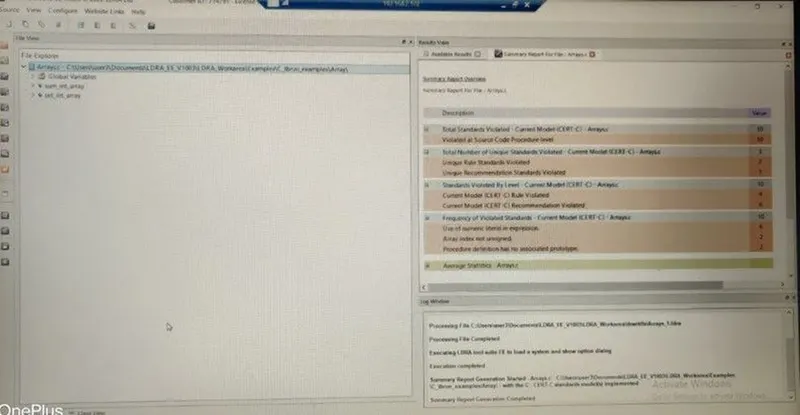
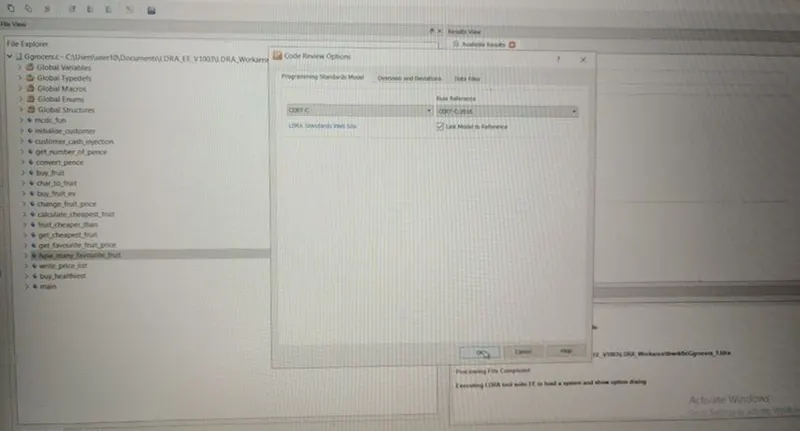
after setting to Cert c standard we are going to take a summary report.
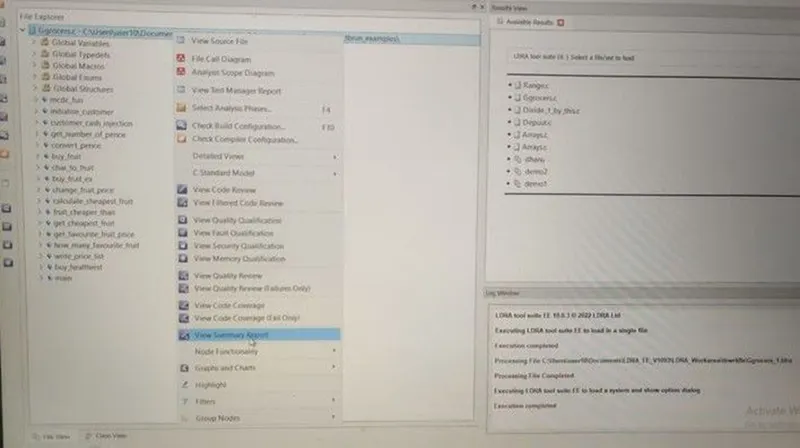
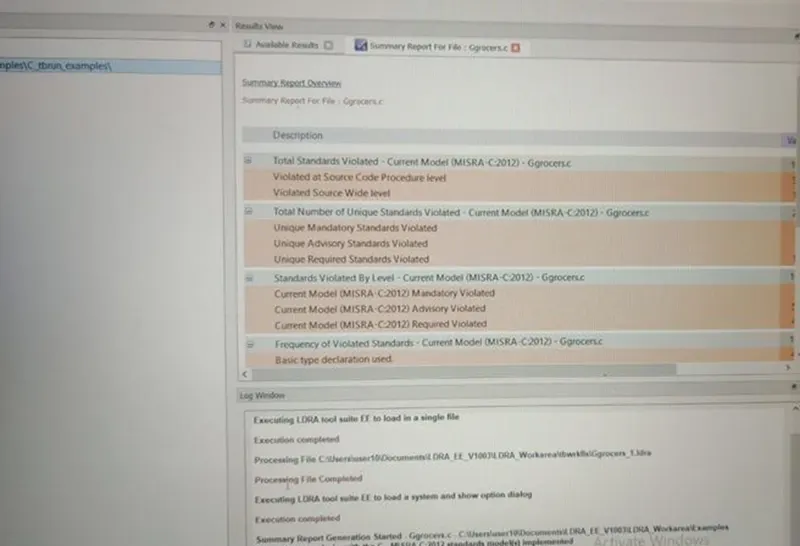
According to the summary report, the violations are found.
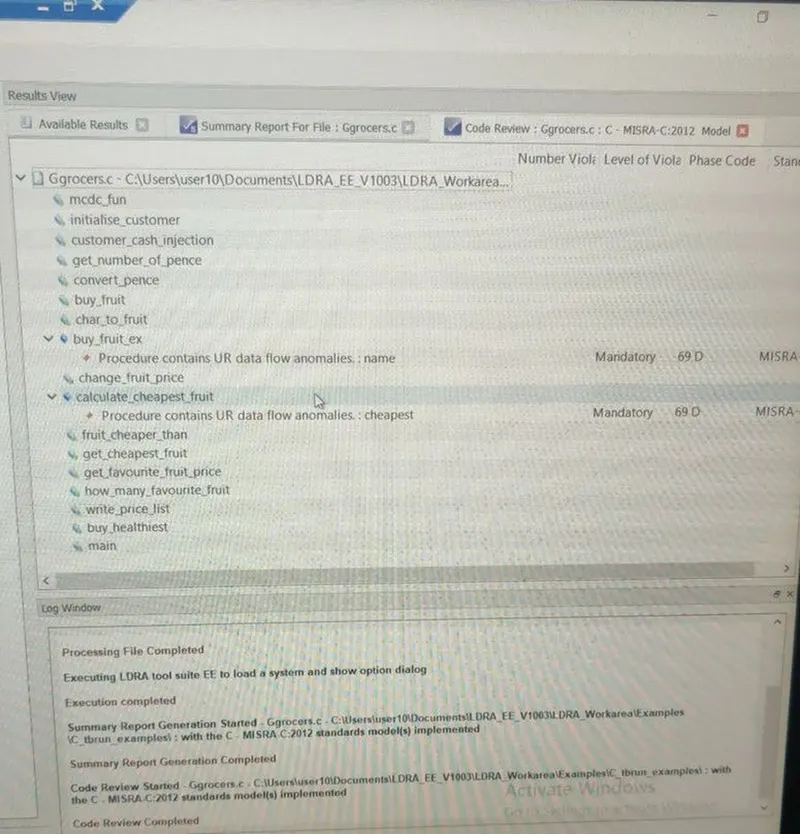
The violations are displayed
2.Perform Unit testing for “C:\**\LDRA_workarea\Examples\C_tbrun_examples\Ggrocers.c” (Loading
Single file)
Create the test cases manually as well as automatically using TBExtreme and execute the test cases
to get 100% statement, Branch/Decision, and MC/DC coverage.
Generate Dynamic Code coverage report, Regression report, and Test manager report.
Save the test cases as a .tcf file black box testing is a a software testing method in which the internal
structure/design/implementation of the item being tested is not known to the tester. Only the external
design and structure are tested.
white box testing is a software testing method in which the internal structure/design/implementation
of the item being tested is known to the tester. Implementation and impact of the code are tested.
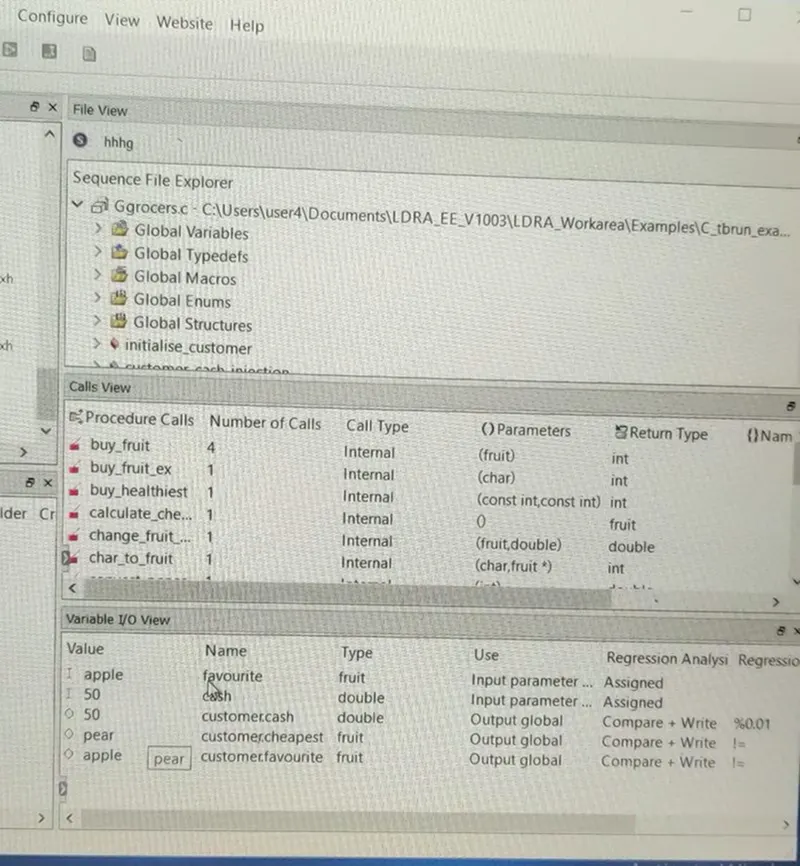
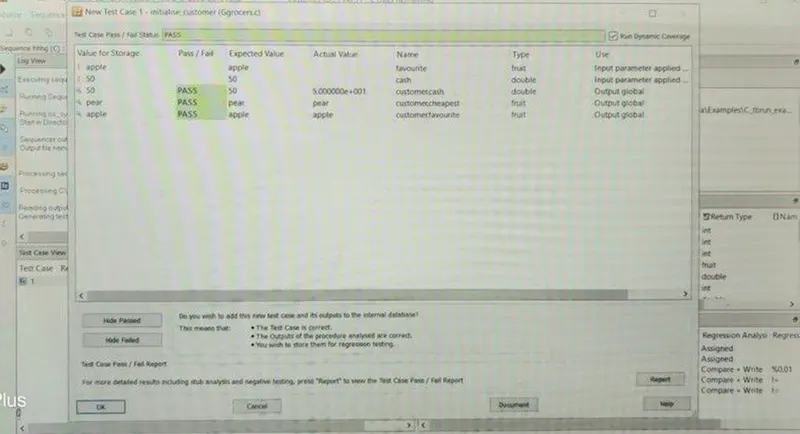
The test case is saved in the.tcf file
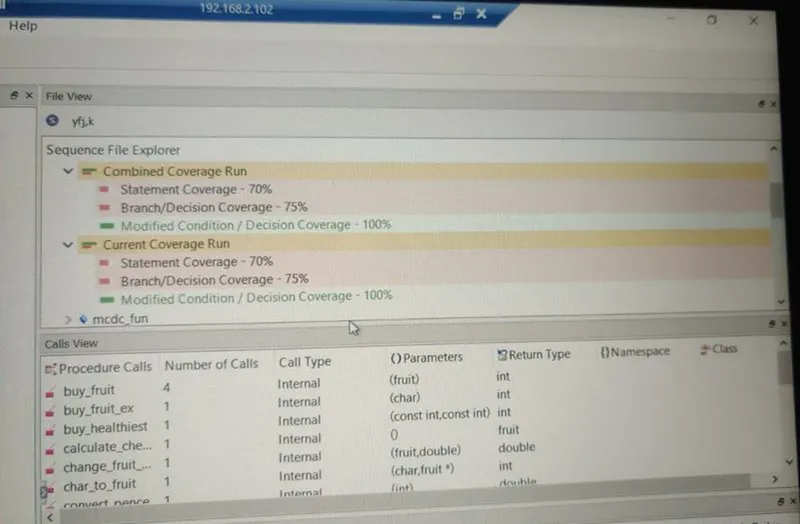
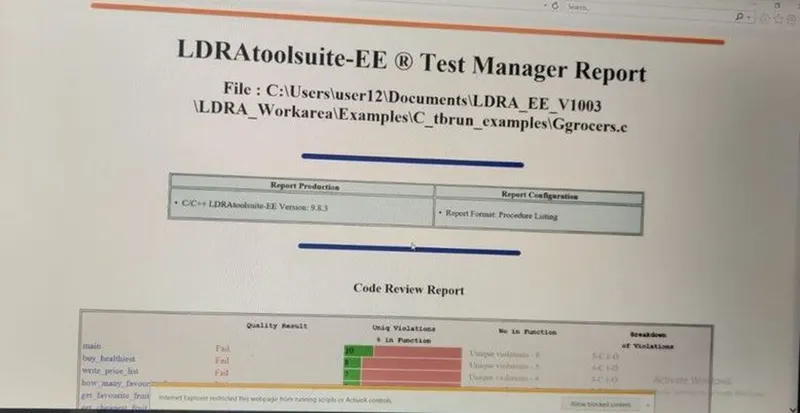
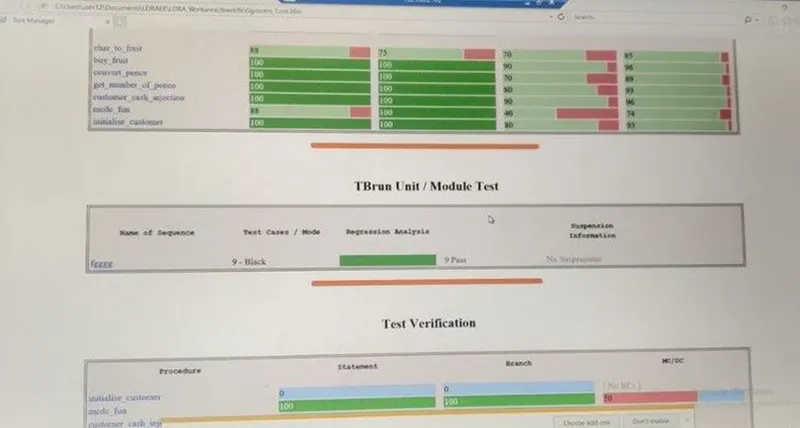
From the above figure, I have white box testing for the Grocer.c file and got the coverages and test
manager report.
Perform Unit testing for “C:\**\LDRA_workarea\Examples\C_testbed_examples\Advanced\Big_gear.c”
(Loading Single file)
Create the test cases manually as well as automatically using TBExtreme and execute the test cases
to get 100% statement, Branch/Decision, and MC/DC coverage.
Generate Dynamic Code coverage report, Regression report, and Test manager report.
Save the test cases as a .tcf file.
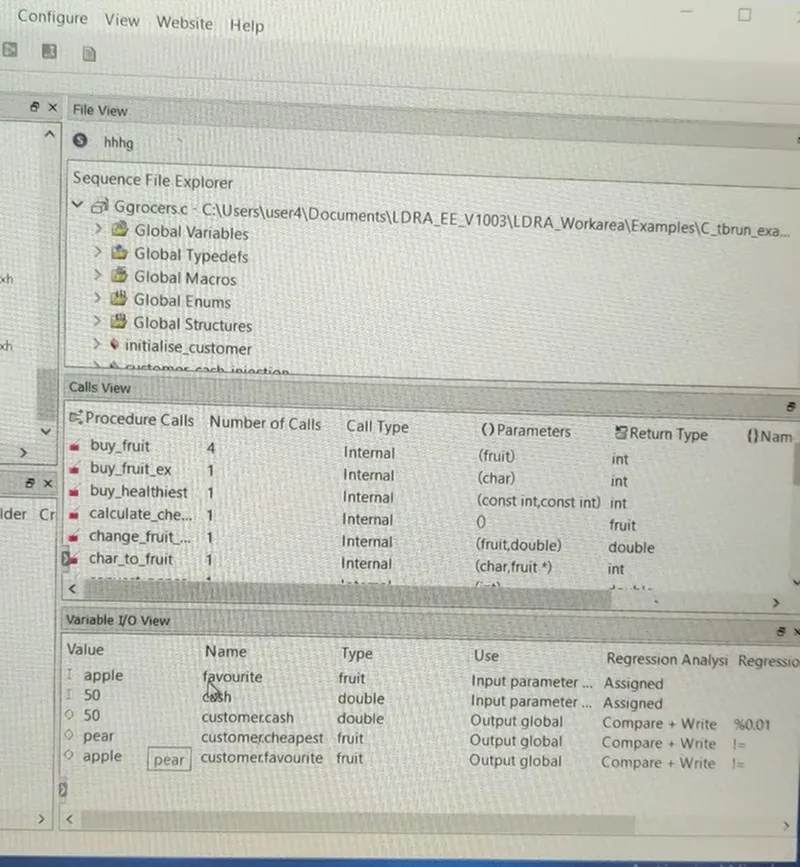
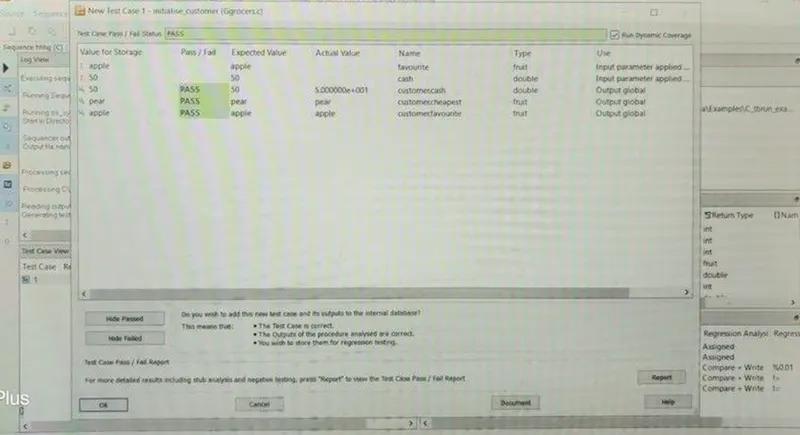
The test case is saved in the .tcf file
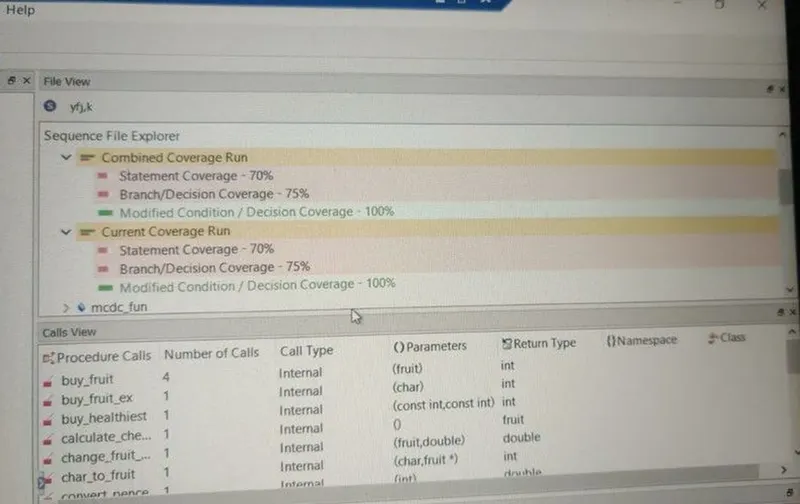
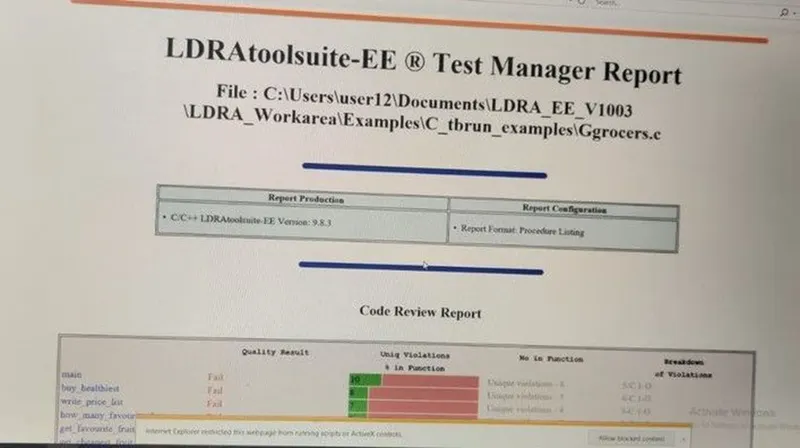
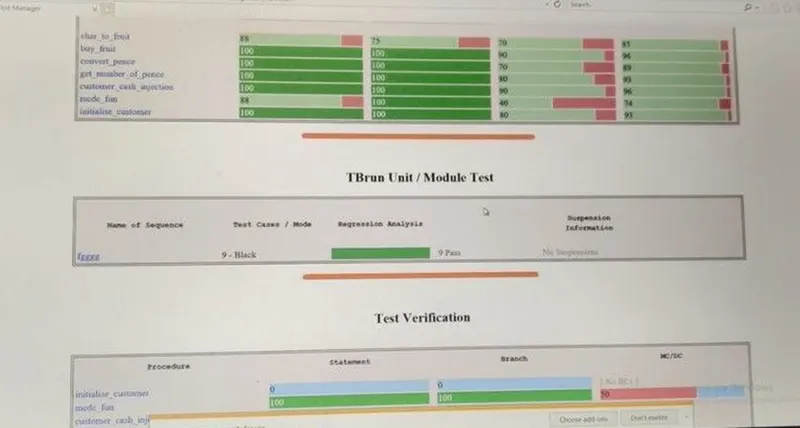
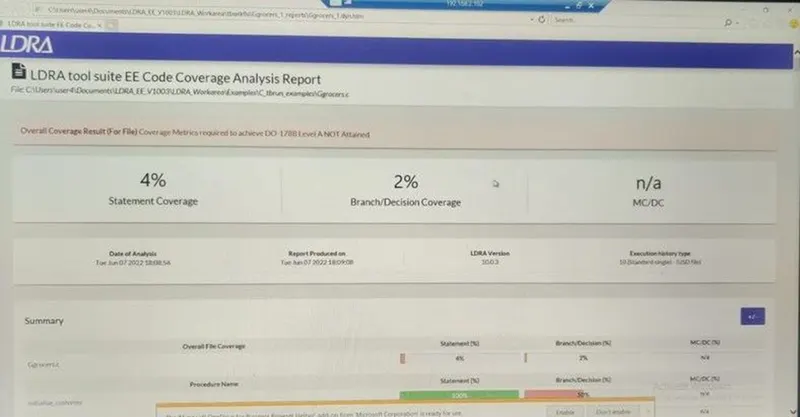
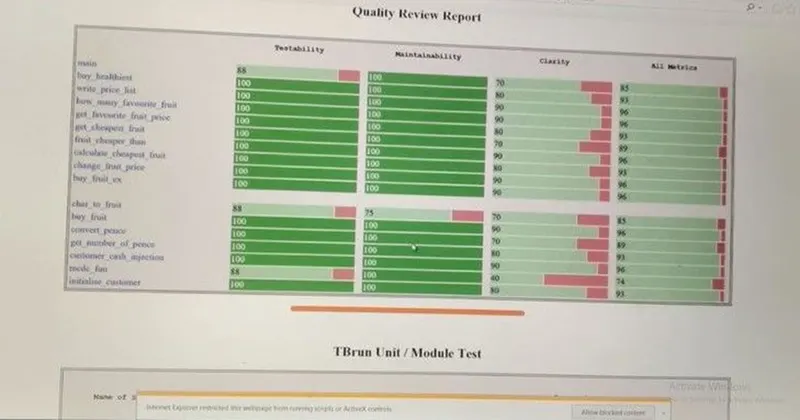
From the above figure, I have white box testing for the Grocer.c file and got the coverages and test
manager report.
Perform Integration testing for “C:\**\LDRA_workarea\Examples\Toolsuite\Cashregister_6.0\
Cashregister.tcf” (Multiple files/Set creation using tcf file or manual way)
Create the test cases manually as well as automatically using TBExtreme and execute the test cases
to get 100% statement, Branch/Decision, and MC/DC coverage.
Generate Dynamic Code coverage report, Regression report, and Test manager report.
Save the test cases as .tcf file.
Integration testing is a type of testing meant to check the combinations of different units, their
interactions, the way subsystems unite into one common system, and code compliance with the
requirements. For example, when we check login and sign-up features in an e-commerce app, we view
them as separate units.
Software Engineering defines a variety of strategies to execute Integration testing, viz.
Big Bang Approach :
Incremental Approach: which is further divided into the following
Top-Down Approach
Bottom-Up Approach
Sandwich Approach – Combination of Top-Down and Bottom-Up
First, we are going to use the LDRA launcher
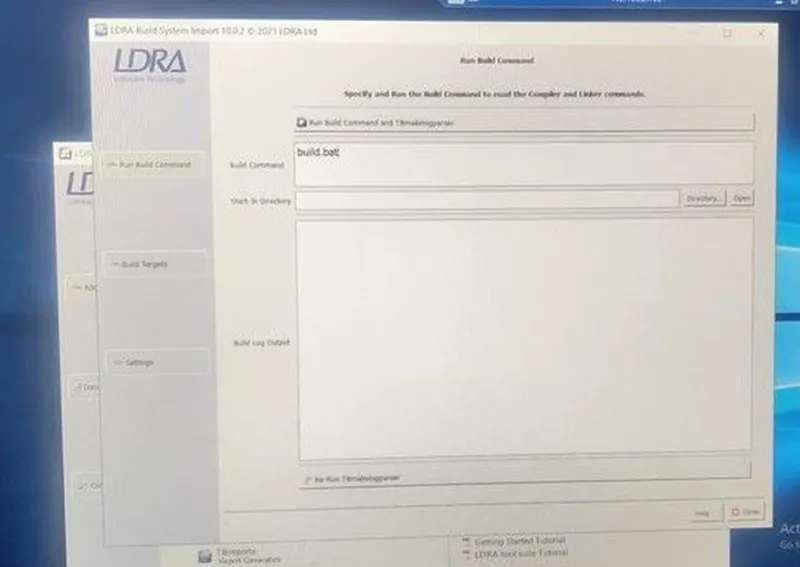
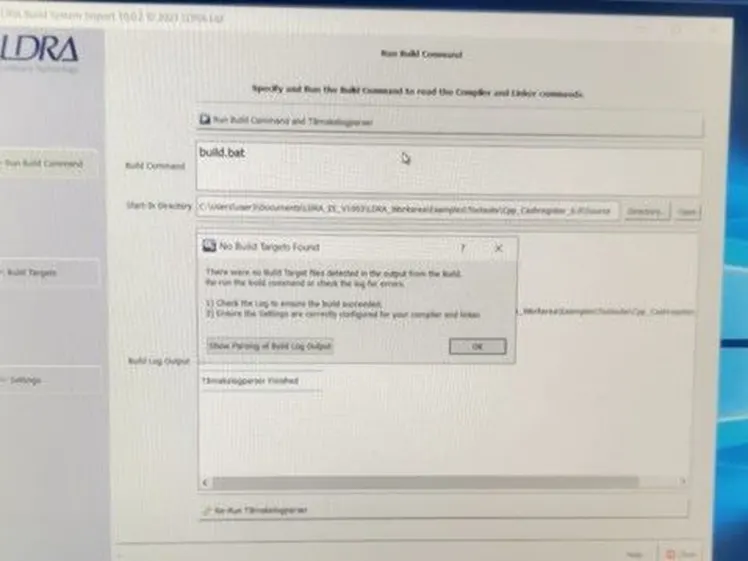
create a file as a demo
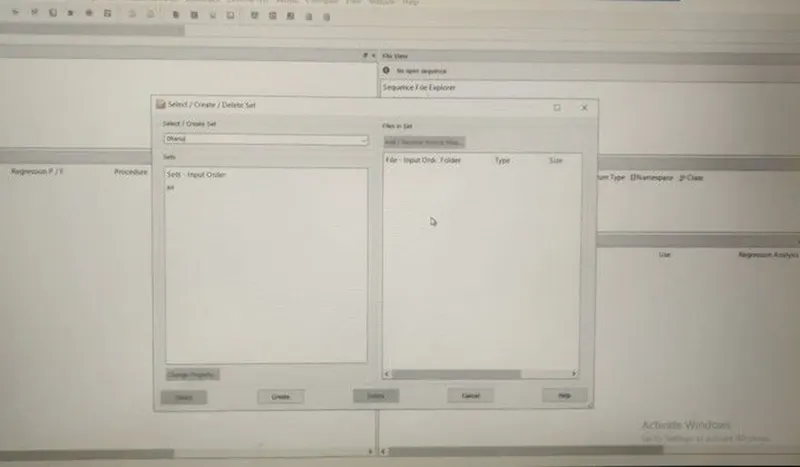
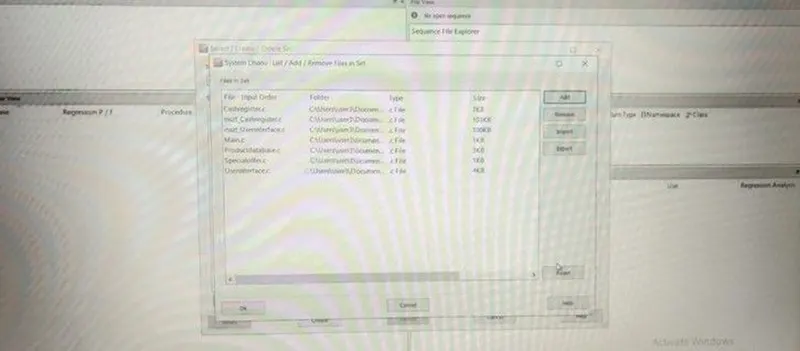
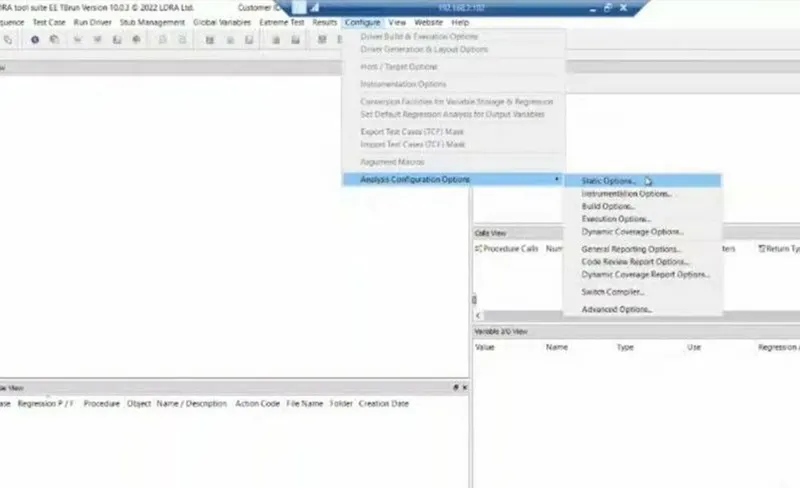
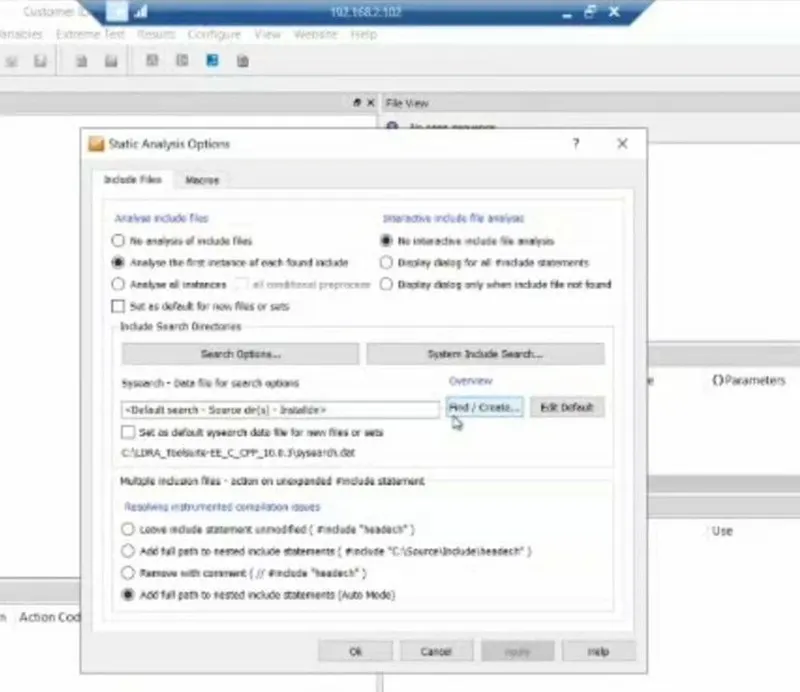
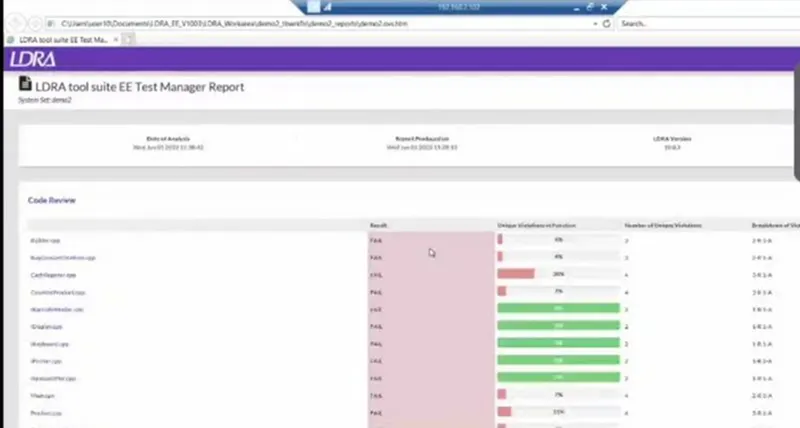
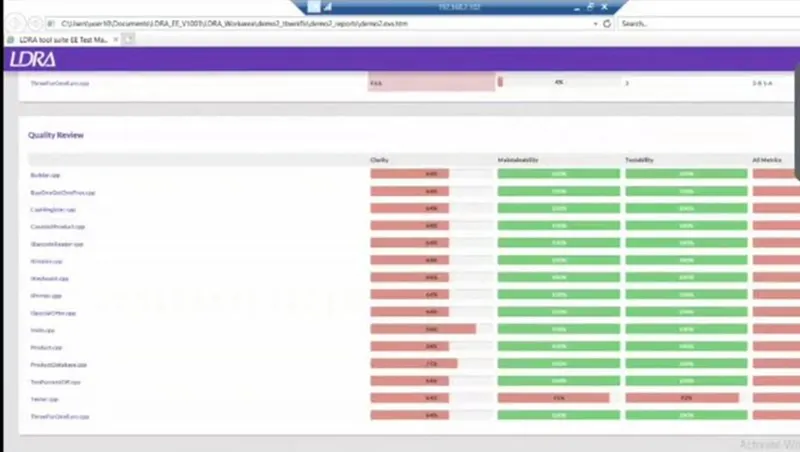
integration is done completely and a dynamic coverage report is generated.
With integration testing, you can find the defects in a structure while interactions happen between
modules. So, as a tester, if you would like to have a streamlined development process, where
implementing new functionality into production is easy, you should perform integration testing.