Project 2-Meshing of Rear Wheel Holder challenge
Aim :-
Model the Rare Wheel holder component as per mentioned quality criteria by extracting mid surface with appropriate procedure.
procedure that followed during this challenge.
1. After importing the model, check to see if any free edges are present in the parent components.
2. Create the duplicate surfaces of the parent component and organize them in a separate component collector.
3. Now to perform meshing, use F12 to select auto mesh; assign parameter files and criteria files as specified in the requirement mesh.
4. Clear the quality criteria by changing the mode to "quality" and rectify all parameters that are going to fail.
5. Assign the property to each portion's thickness.
Total model that has assigned during this clallenge
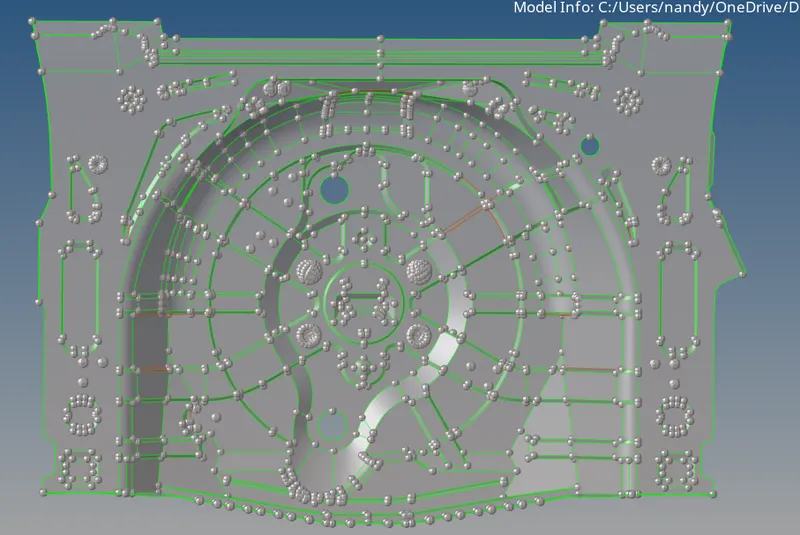
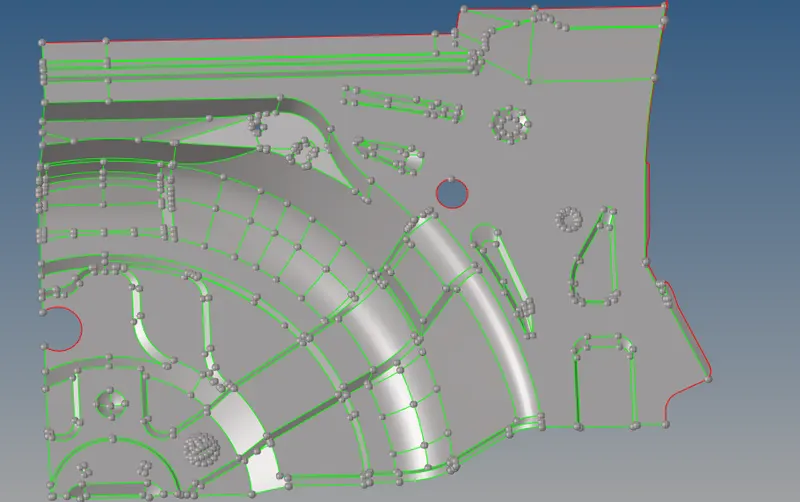
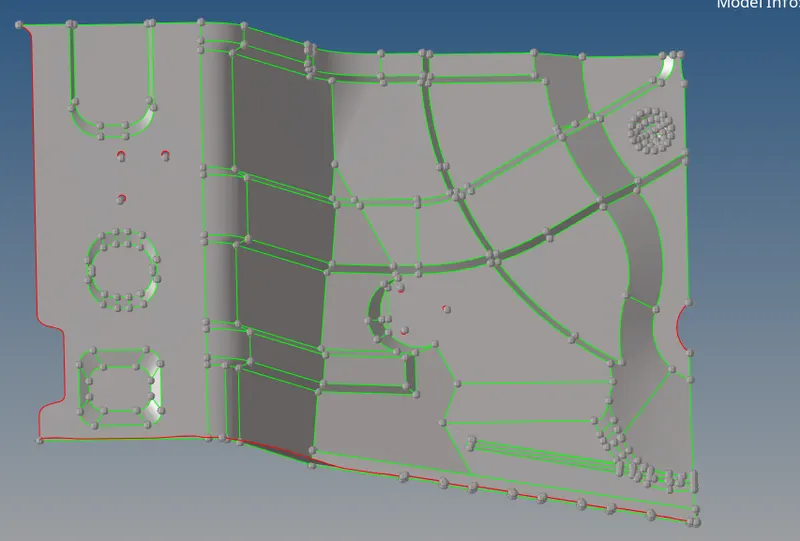
the below mide surface extracted by using midsurface in geometry mode using offset & skin method & to extend all rib like portions , extend tool in sufaceedit panel is utilized.
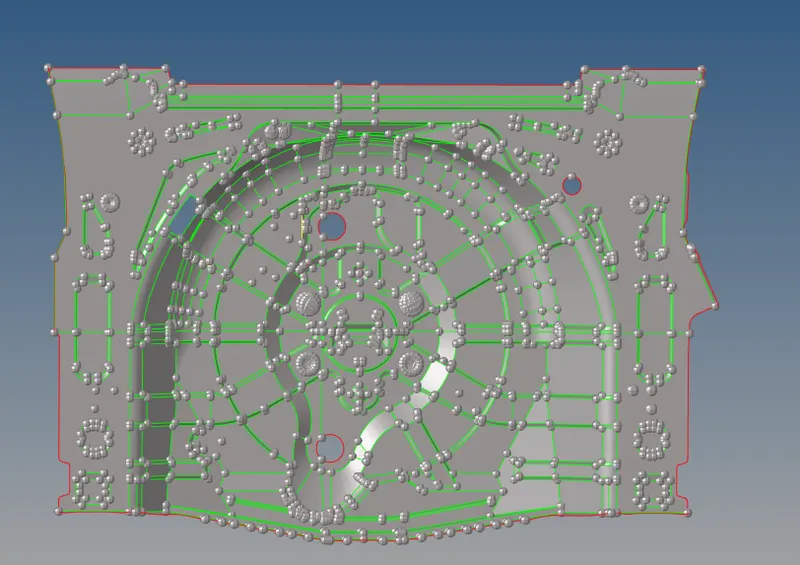
for reducing complexity & good visualization etire part is segmented in four portions.
Part 1 mid surface
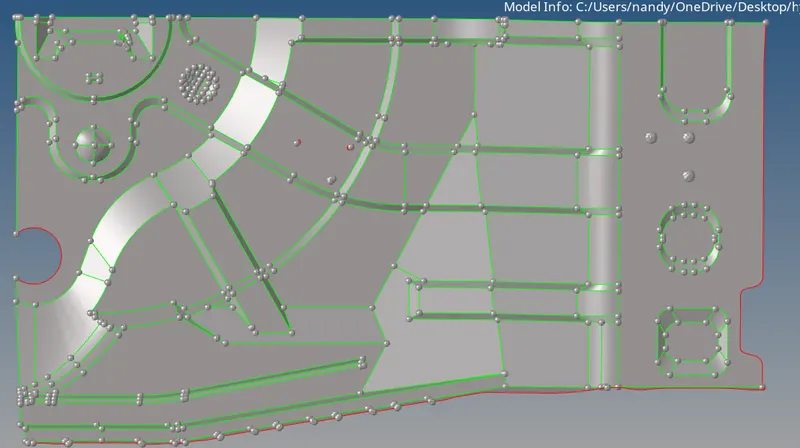
Part 1 mesh
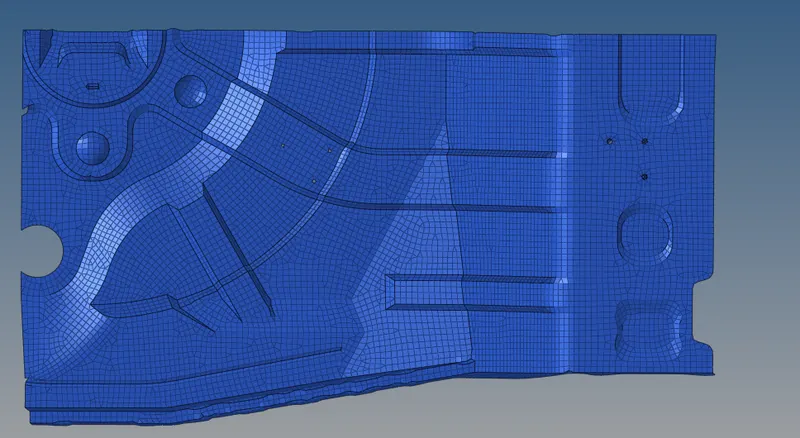
Part 2 mid surface
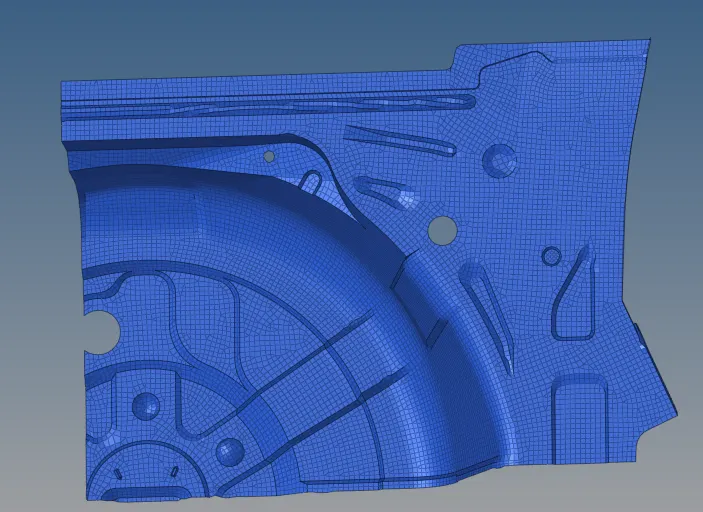
Part 2 mesh
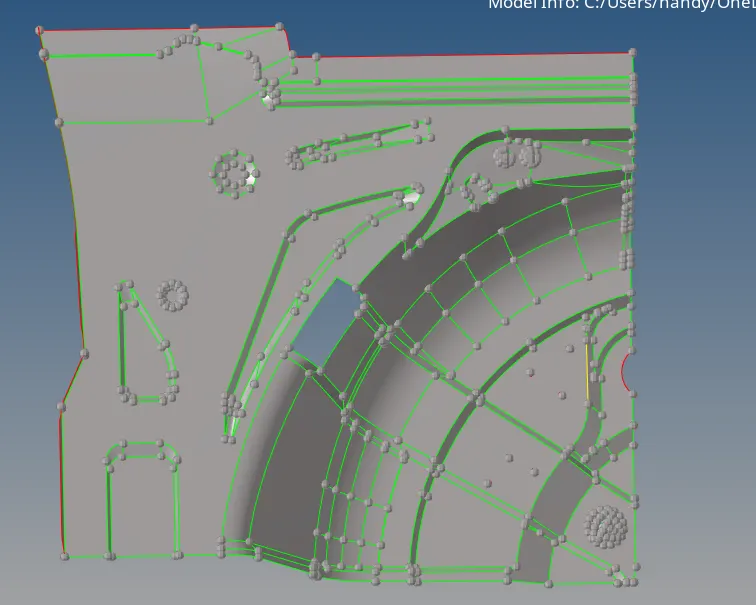
Part 3 mid surface
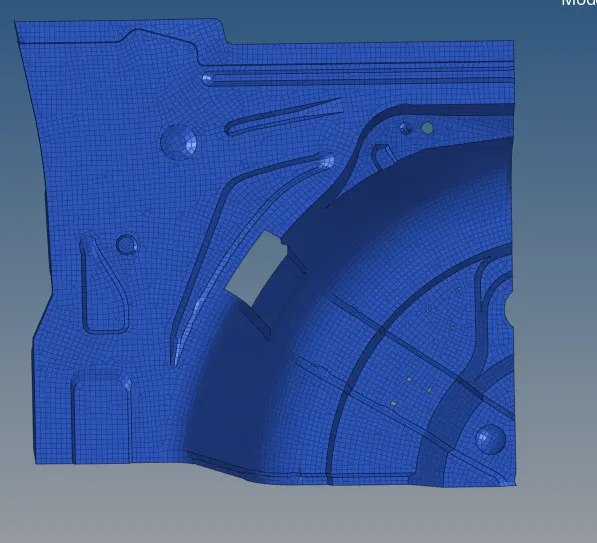
Part 3 mesh
simillar way for part 4 mid surface extracted.
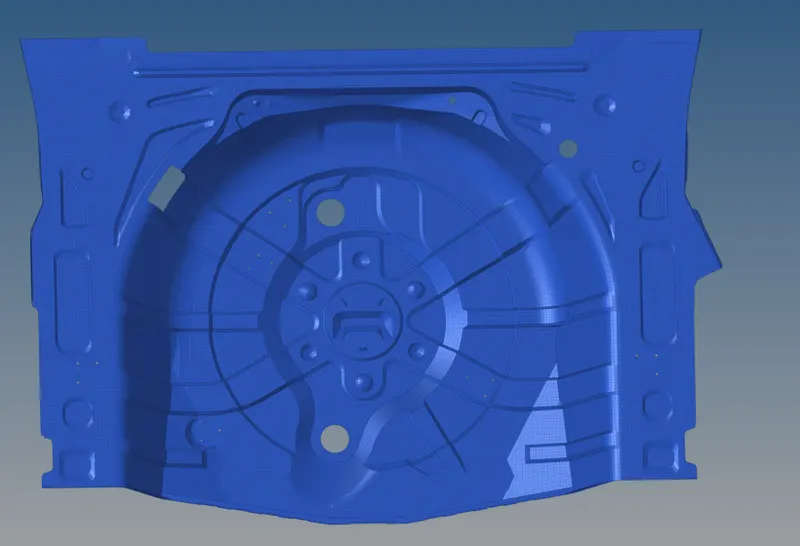
Total view of meshing that have done for all body by extracting mid surface.
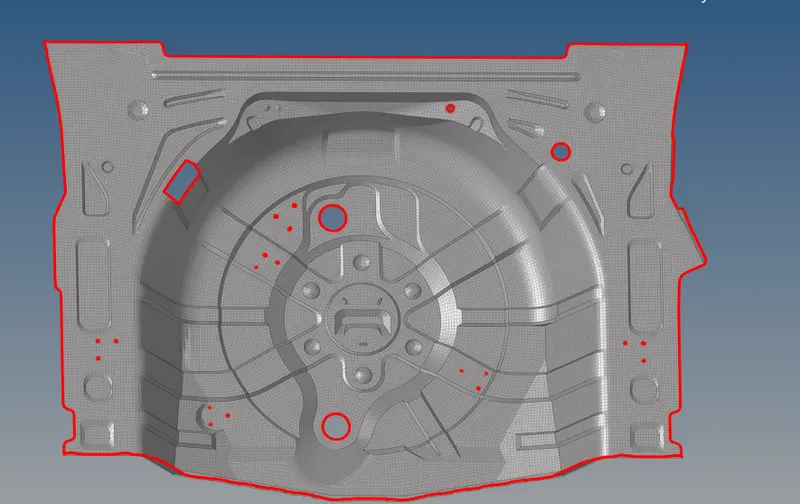
After compleation of meshing free edged for elements are inspected as shown below capture.
subsequently normals of the extracted mesh surface was inspected is represented below.
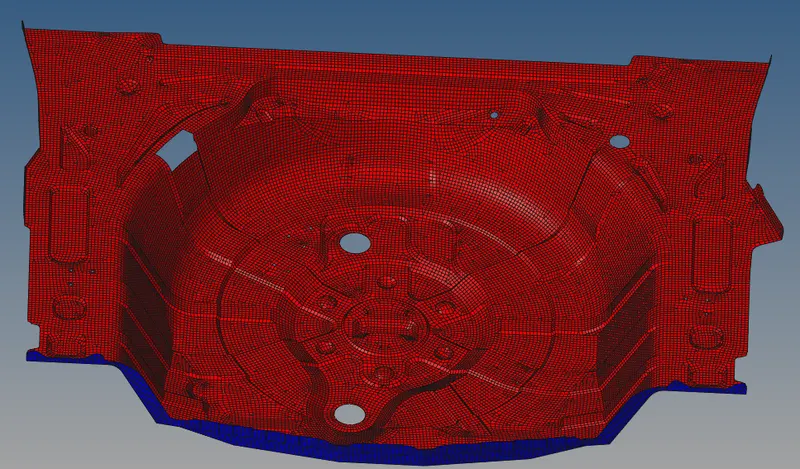
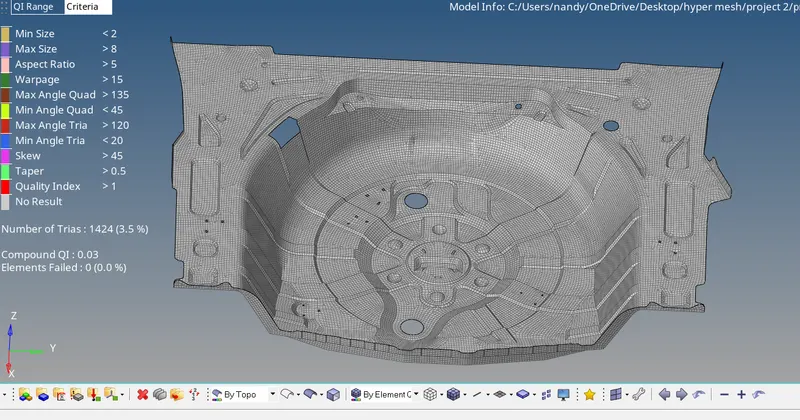
After clearing all quality issues o elements are failed Plese see below capture
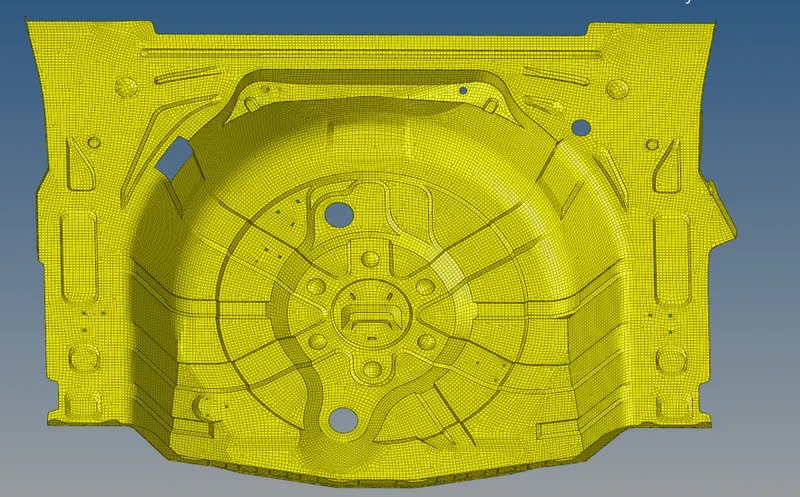
Checking of property assignment
Conclussion:-
Heance Conclude that