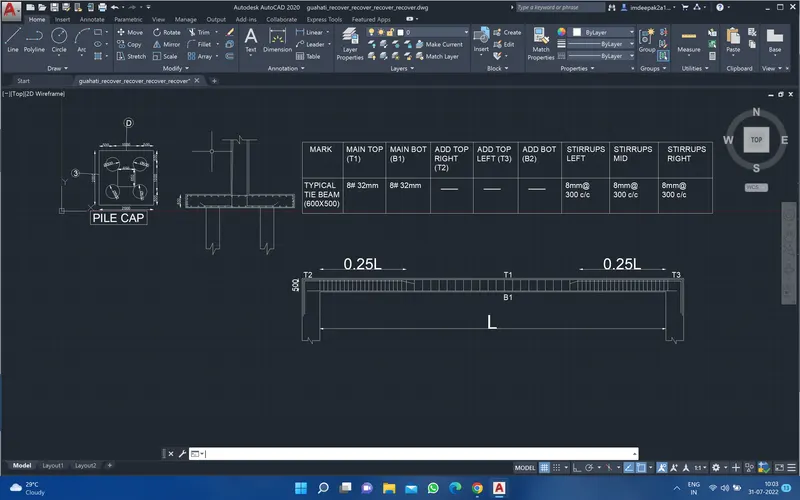
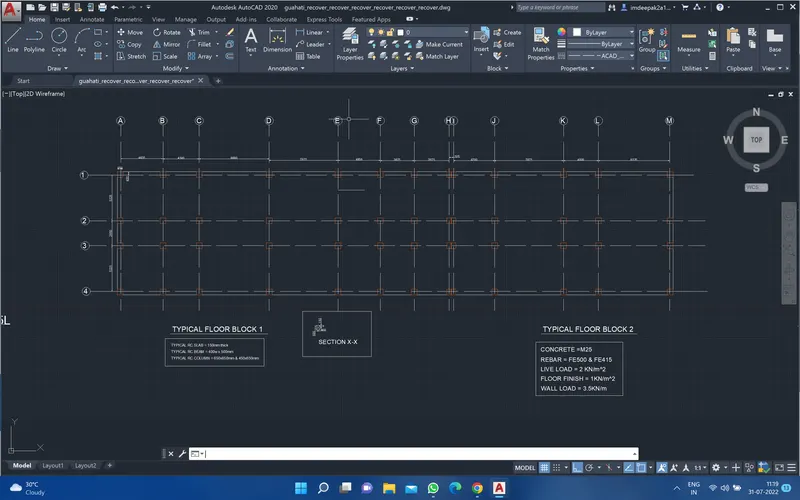
Project 2_Design & Analysis of a Hostel building at Guwahati, Assam
Ans. Aim-Design G+3 building in ETABS of given Boys hostel plan and run analysis
Then exprot the base model in the SAFE model and design pile cap model .
1. Data required for ETABS analysis
. Pinned support Base + 5 story (plinth to roof +1 mumty)
. Column (450X650 & 650X650) , Beam 400X550 Slab 150mm thick No shear wall necessary
. Floor live load 2KN/m^2
. Terrace live load 1KN/m^2
. Floor Finish + Ceilling finish 1KN/m^2
. Wall load 3.5 KN/m
. Terrice wall 1KN/m
2. Then got o your etabs model and edit the grid and story on the basis of the given hostel plan 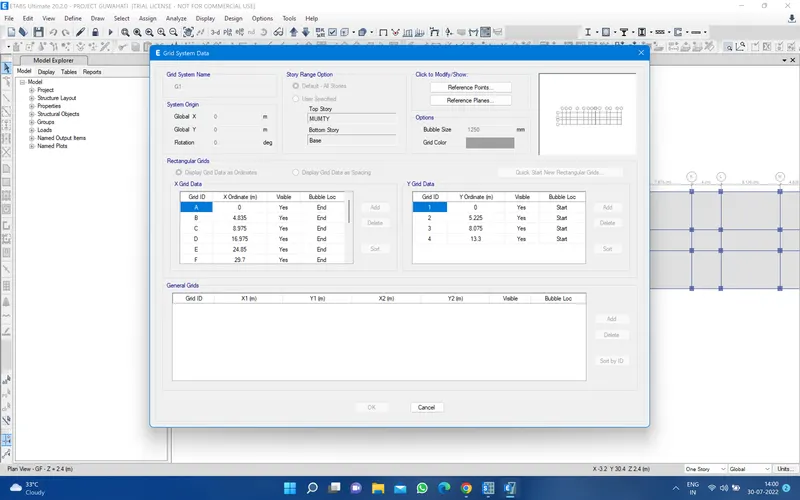
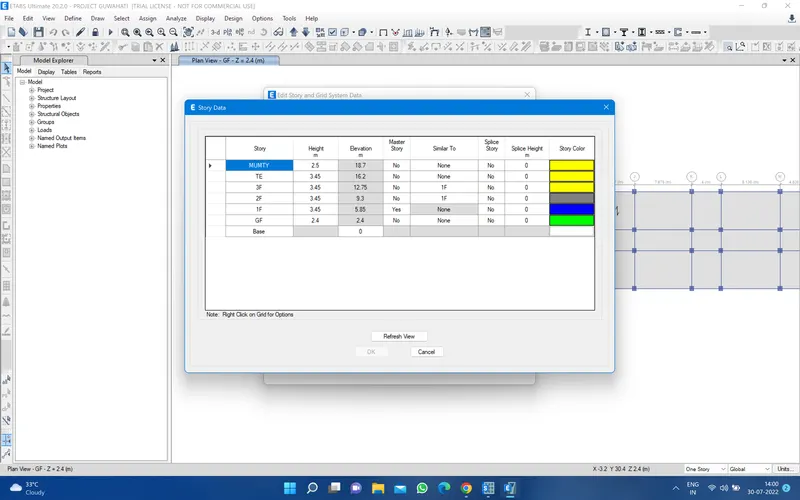
3. Then go to define material property and define M25 concrete and rebar 500 and 415 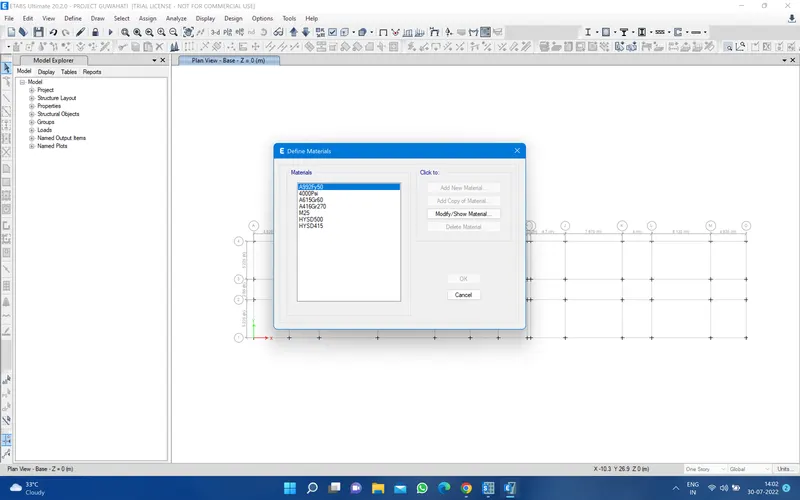
Then define the section property and go to frame section and define beam 400x550 and column 650x650 and 450x650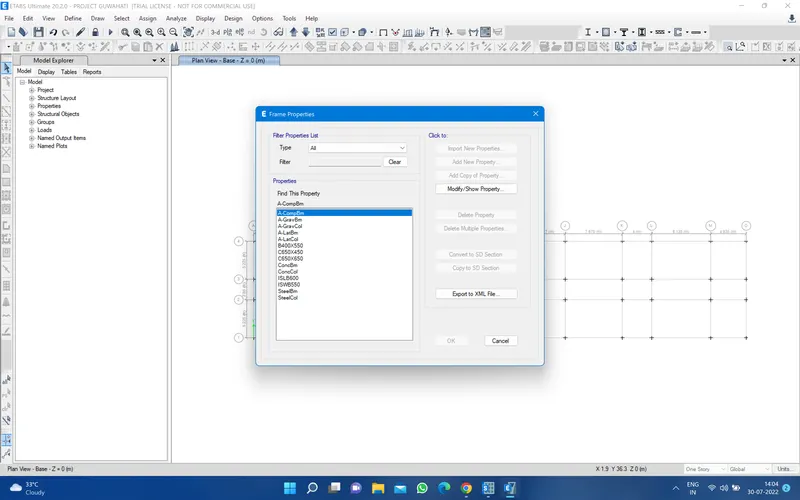
Again go to define section property and define one way slab 150mm and two way slab 200mm for stair
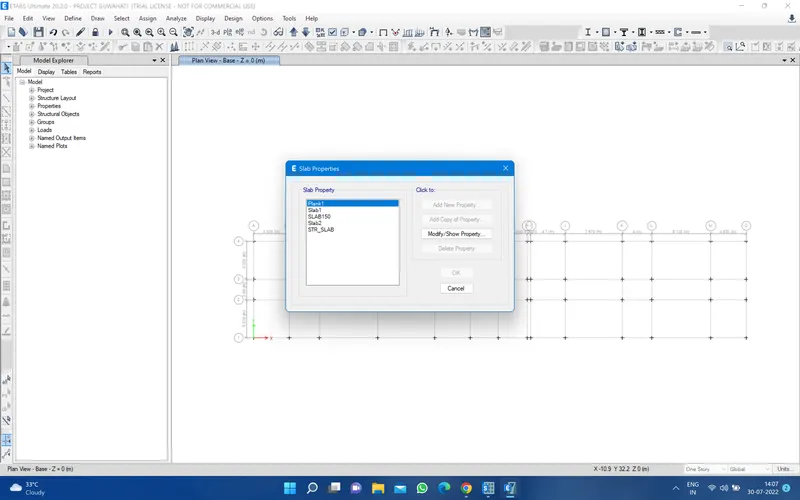
Then go to left bar and select the quck draw column and and go to property and select the column size and assign it 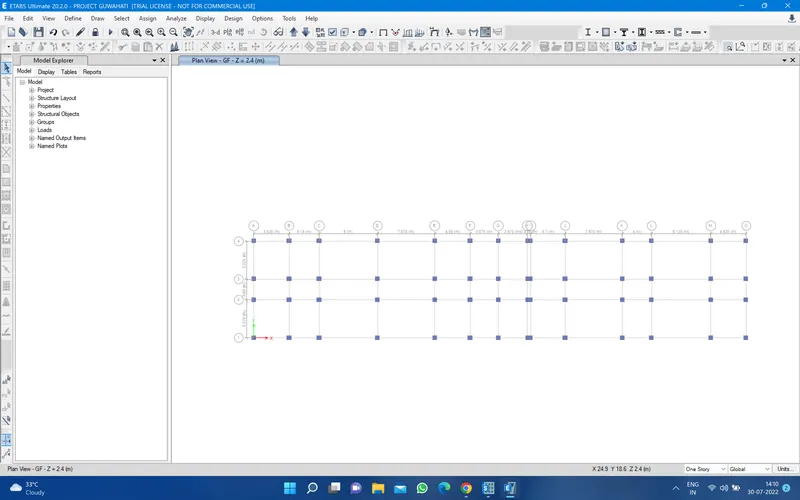
Then go to quick draw beam and go to property and select the size of the beam assign in the floor plan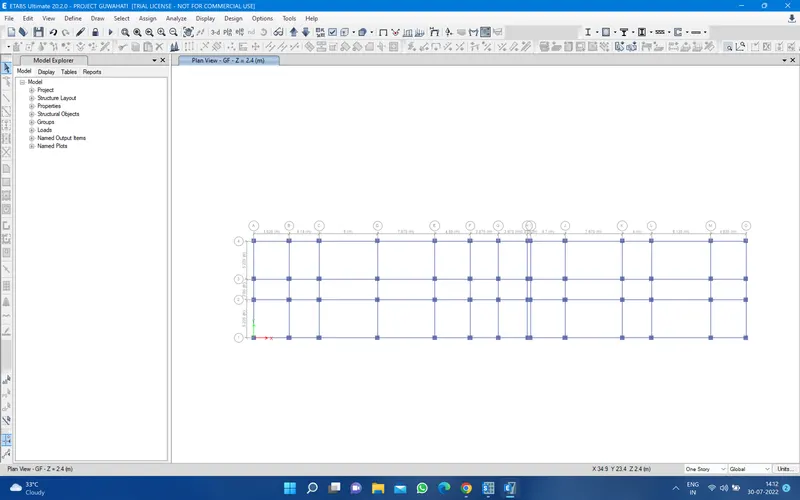
Then go quick draw floor and then go to property and select the size and assign it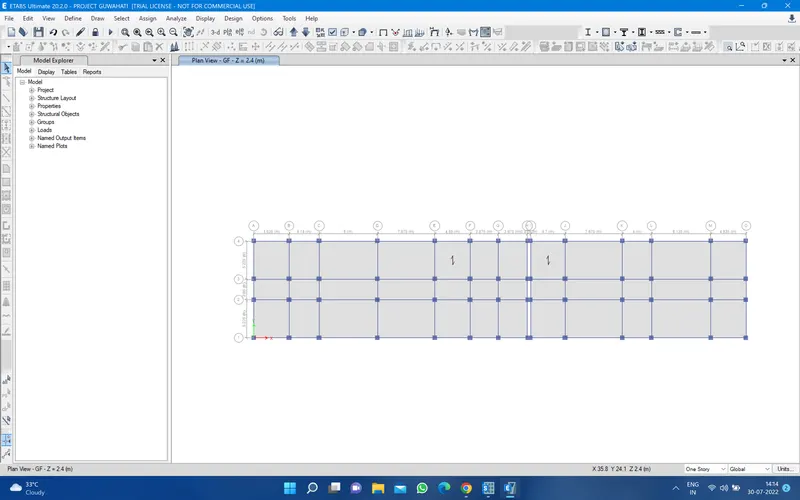
3. Now go to define load pattrens like dead load, live load, EQx and EQy , wall , terrace wall , floor live load , Terrace live load , floor finish + ceilling finish for that just go to define and load patterns 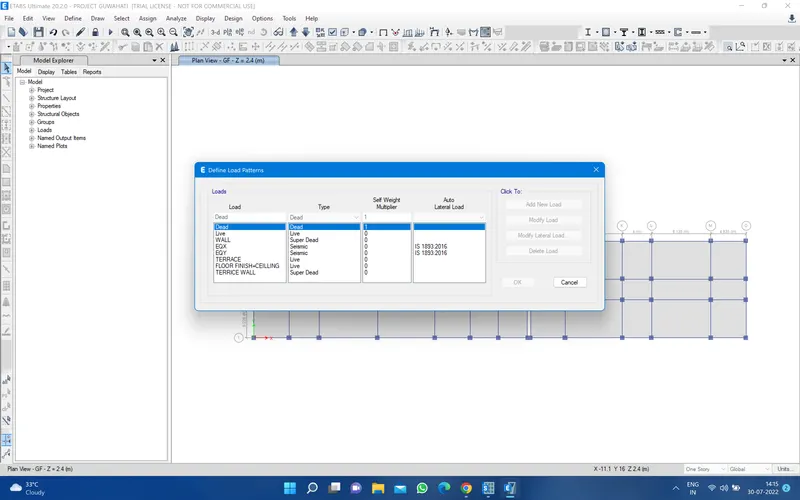
then go to define mass sorce and define the all load in specific load patterns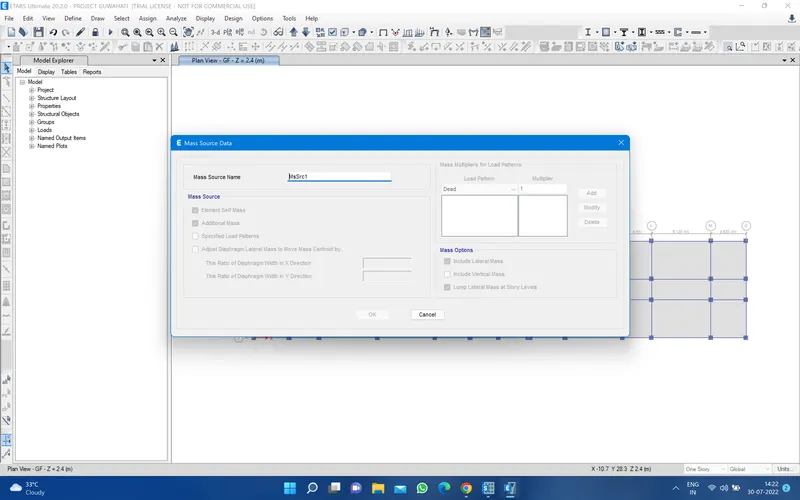
then go to lo0ad combination and define it nad load cases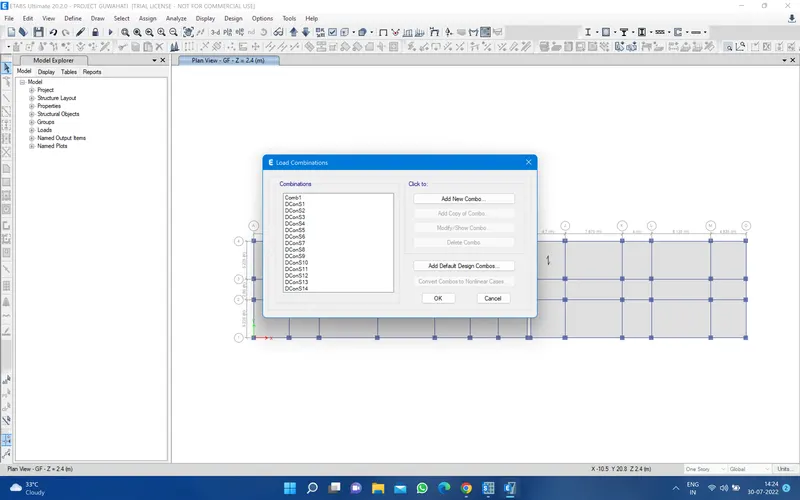
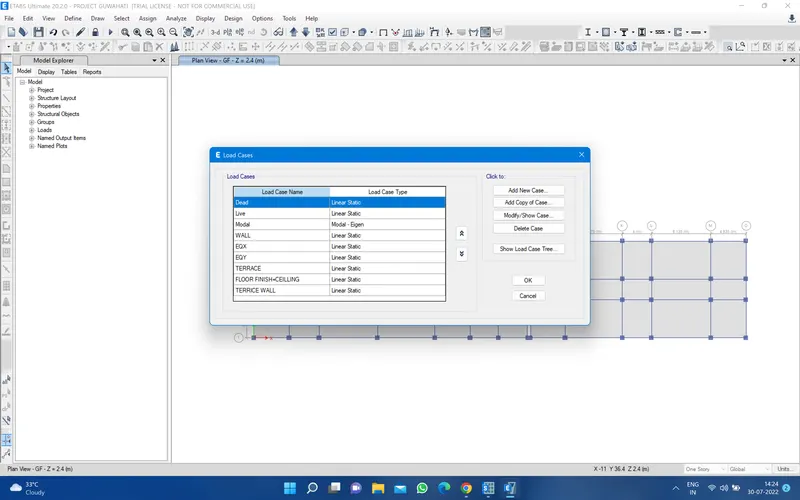
4. Now assign the load for that just go to select and select the all beams then go to assign and the frame load or sell or sell load where you want assign select them and assign it
on the terrace apply 1 kn/n load on fram uniform 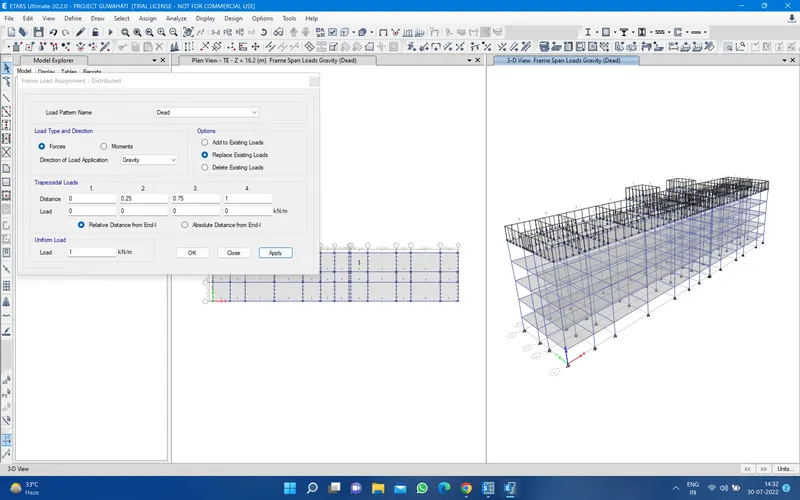
and ground to 3 f apply 3.5 KN/m uniform fram load 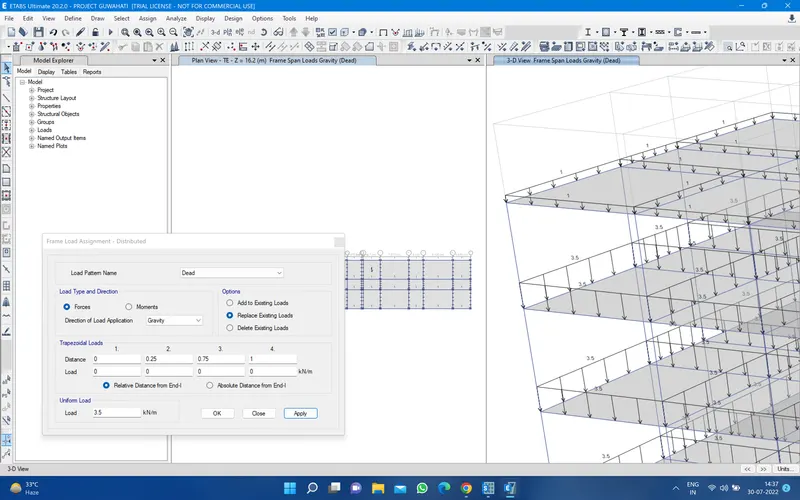
then select the slab and apply live load floor finish 2 KN/m^2 and 1 KN/m^2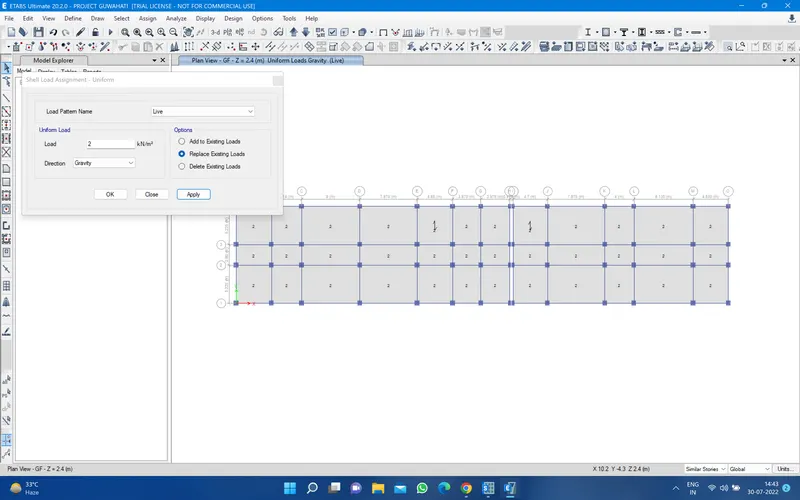
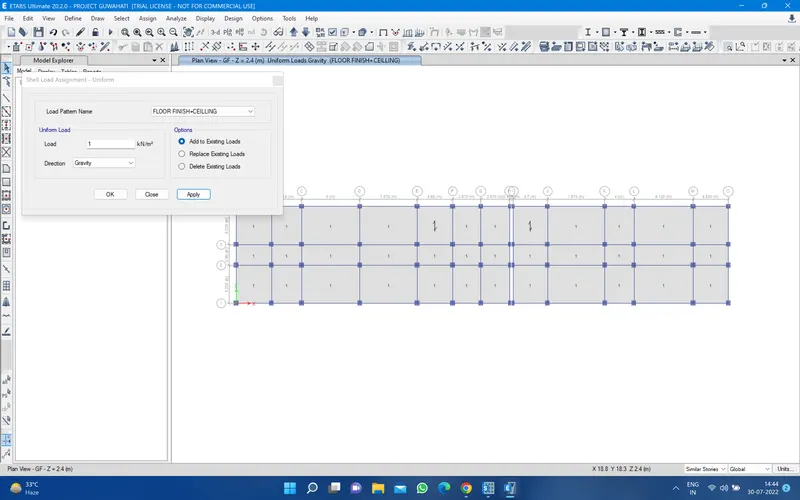
on the terrace apply 1 KN/m^2 live load and 1 KN/m^2 floor finish
5. then go to assign shell and go to diaphragms and apply it
6. Then go and run analysis the model and
7. After run analysis the model in ETABS jut go and export the base model in the SAFE model for that go to file and select the export file and select the SAFE v12 f2 file
Then you have a window called option for exprot to safe and select the story base and export floor load from above
then select the load case select all case and all the combination and click ok and save file any were
Now going to safe model and import the model go to file and select the import file and select the SAFE f2k file
8. DATA REQUIRED FOR THE PILE CAP DESIGN
Diameter of the pile =500mm
Length of the pile =10m
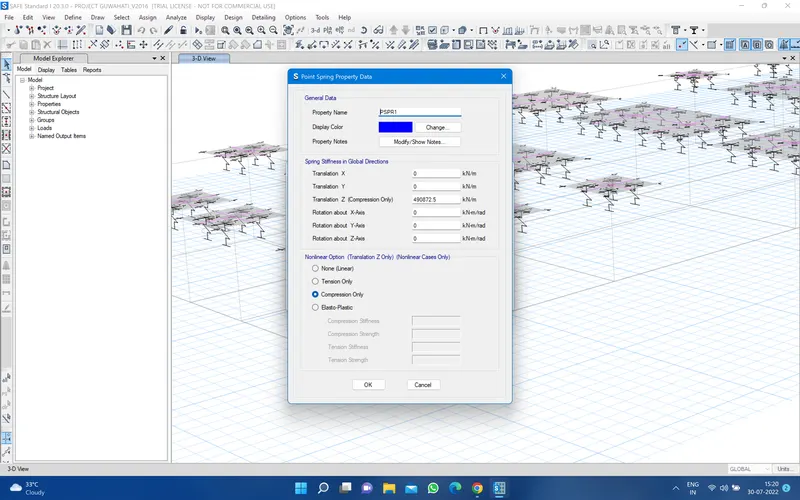
point spring of the pile =AE/L= 196349X25000/10000=490872.5 KN/m
center to center distance between piles 1000mm
and pile cap edge to pile center distance 500mm
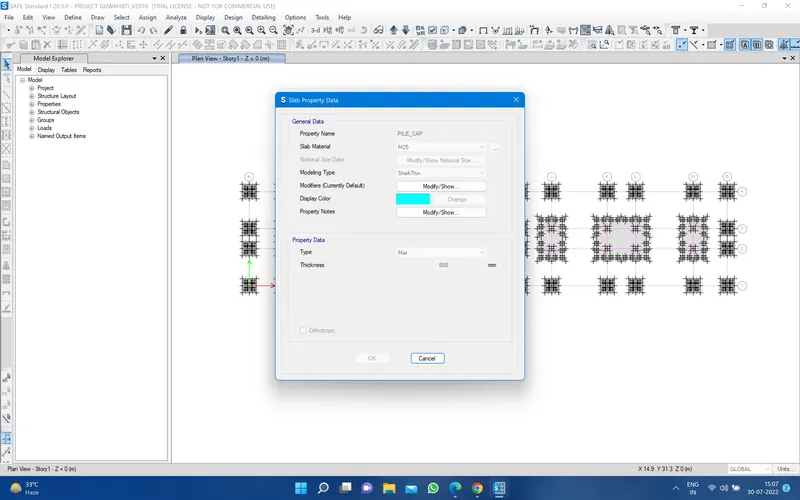
thikness of the pile cap =800mm
9. Then go to define the material m25 concrete and rebar 500
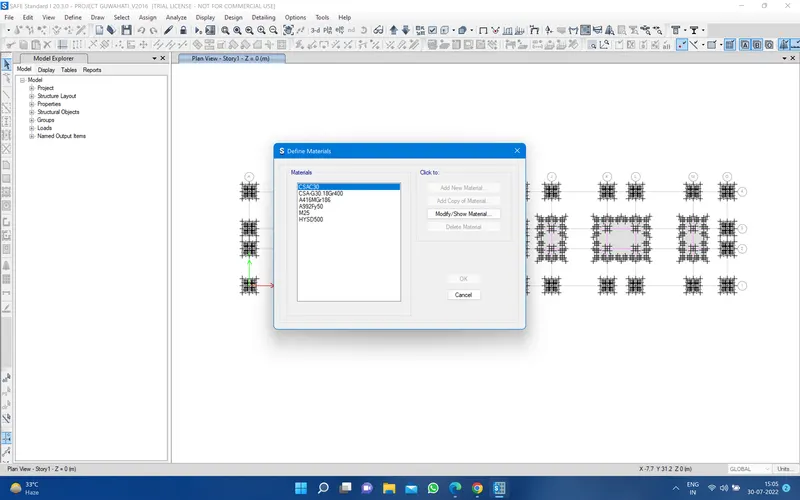
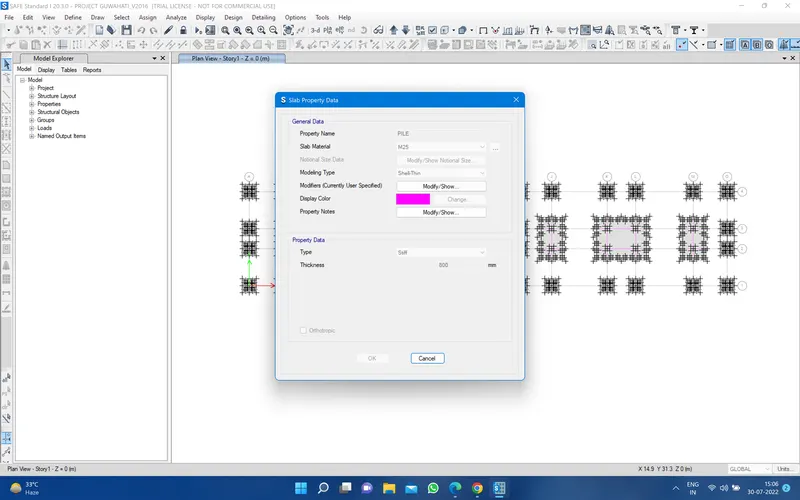
Then define the section property and slab section and define the column and pile and pile cap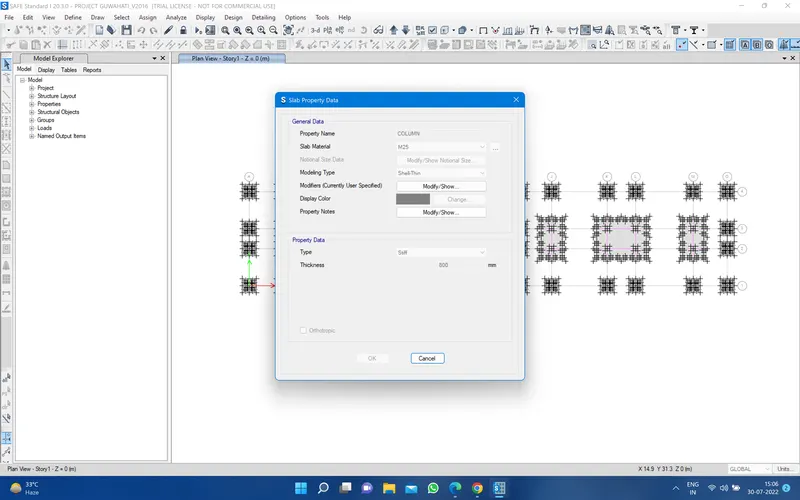
then go to define sprin property and pint spring 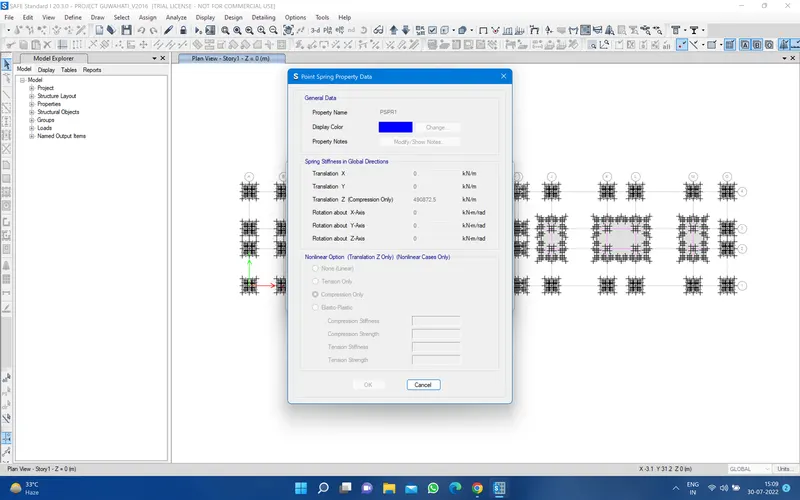
for assign the pile cap just draw the point for that and go to draw rectangular floor and draw it 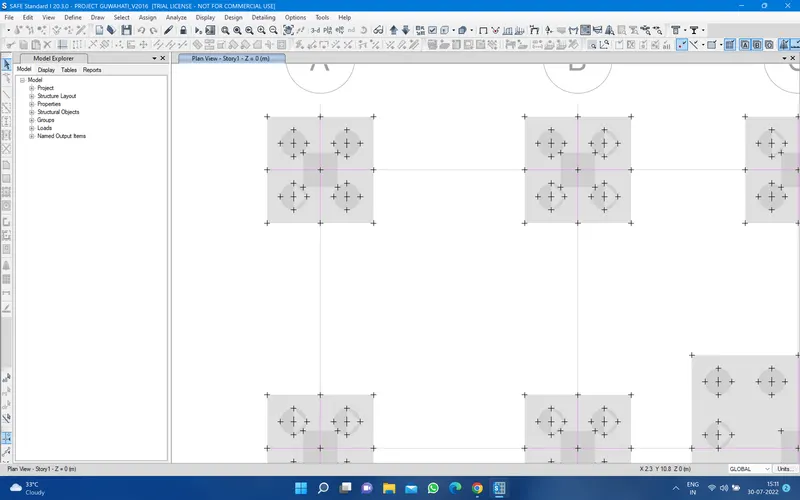
After the pile cap design then draw the points for the piles after draw the point just go to quick draw area arround the point and select the pile and set the dia of the pile and assign it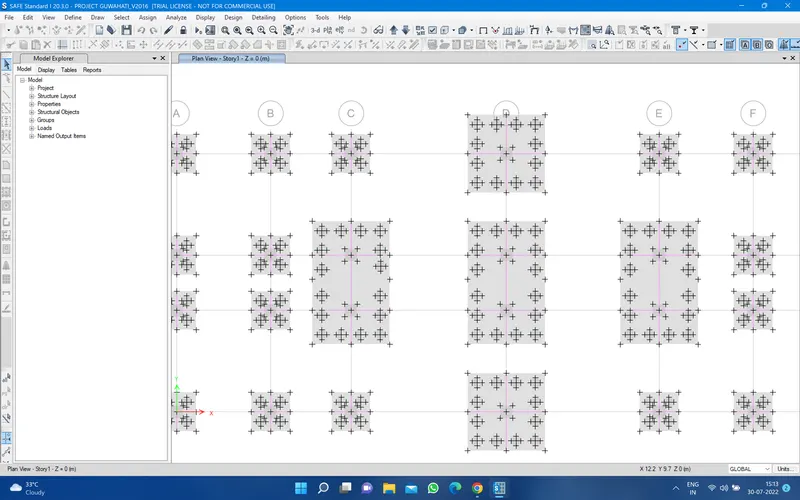
after the pile assign the column and set the column size and assign it in the plan
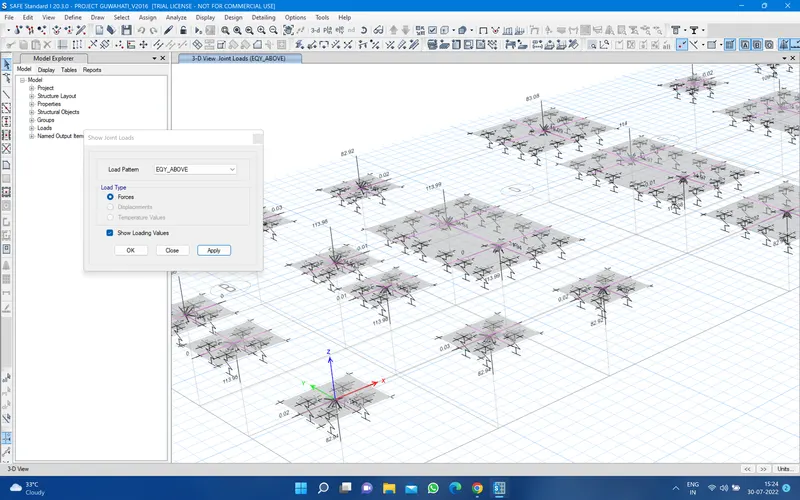
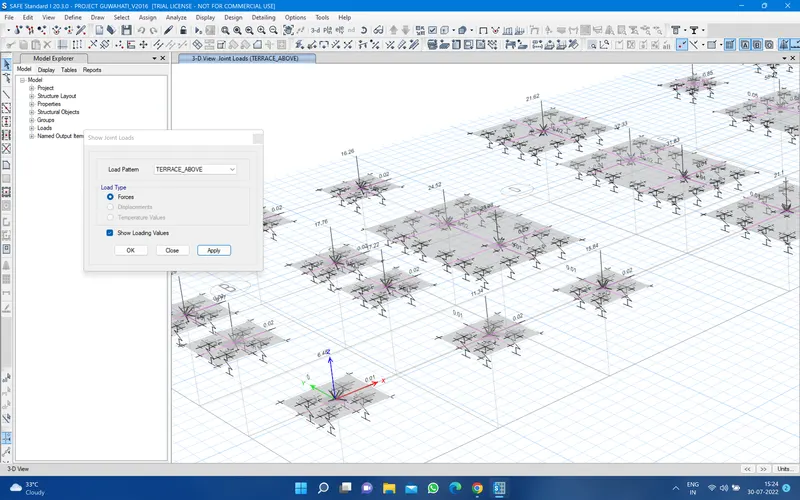
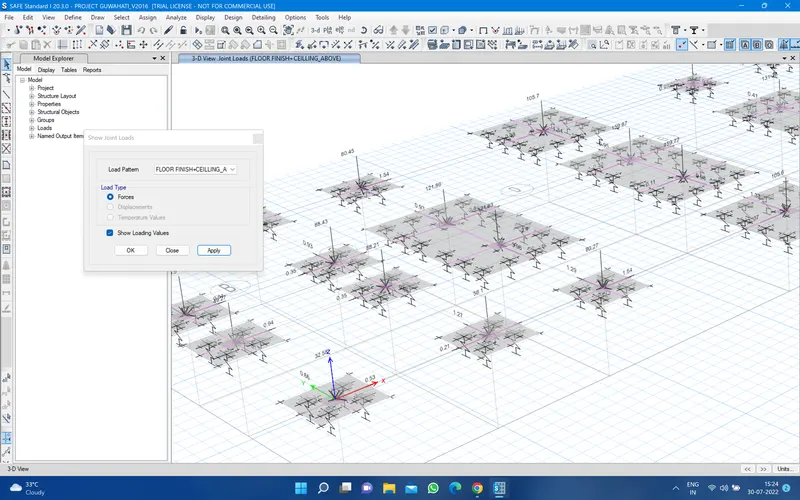
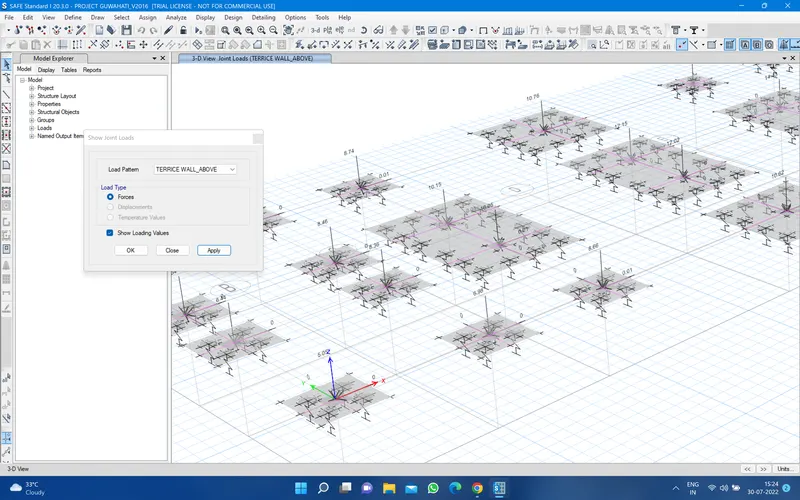
10. then select the all pile center point and and go to assign then go to joint and point spring load and assign it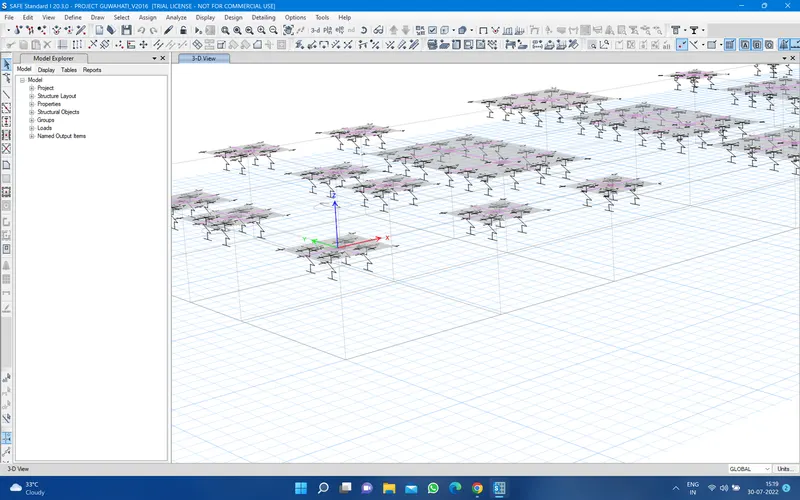
8. DATA REQUIRED FOR THE PILE CAP DESIGN
Diameter of the pile =500mm
Length of the pile =10m
point spring of the pile =AE/L= 196349X25000/10000=490872.5 KN/m
center to center distance between piles 1000mm
and pile cap edge to pile center distance 500mm
thikness of the pile cap =800mm
9. Then go to define the material m25 concrete and rebar 500
Then define the section property and slab section and define the column and pile and pile cap
then go to define sprin property and pint spring
for assign the pile cap just draw the point for that and go to draw rectangular floor and draw it
After the pile cap design then draw the points for the piles after draw the point just go to quick draw area arround the point and select the pile and set the dia of the pile and assign it
after the pile assign the column and set the column size and assign it in the plan
10. then select the all pile center point and and go to assign then go to joint and point spring load and assign it
Then go to show joint load and apply all above load on the plan 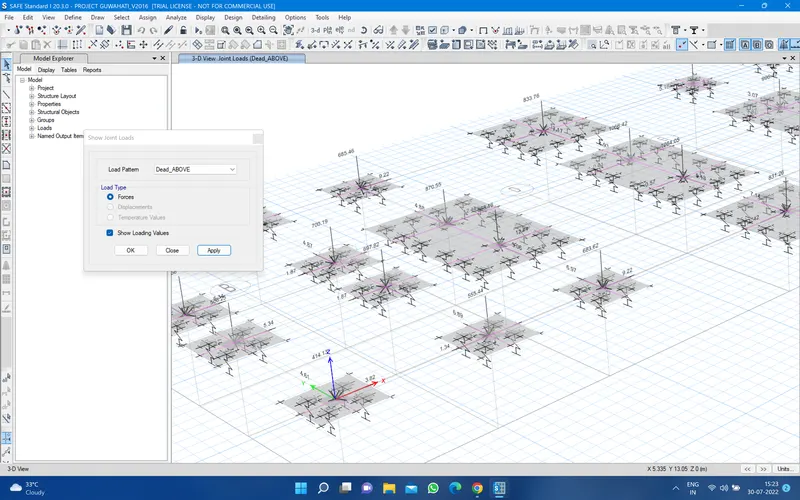
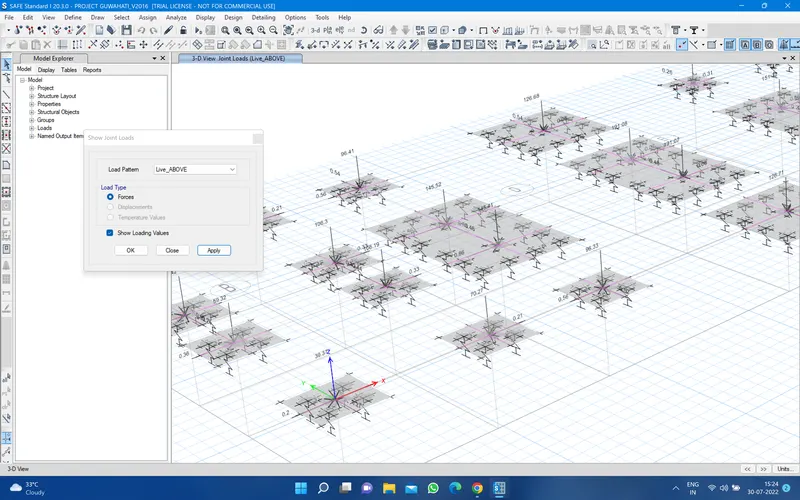
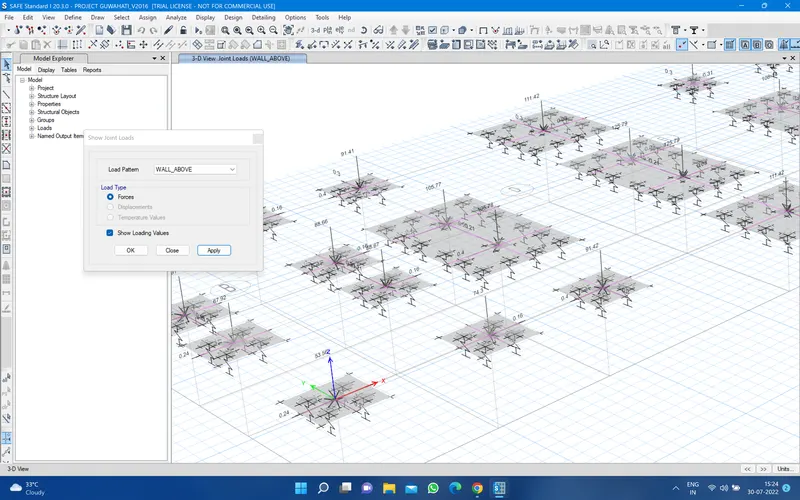
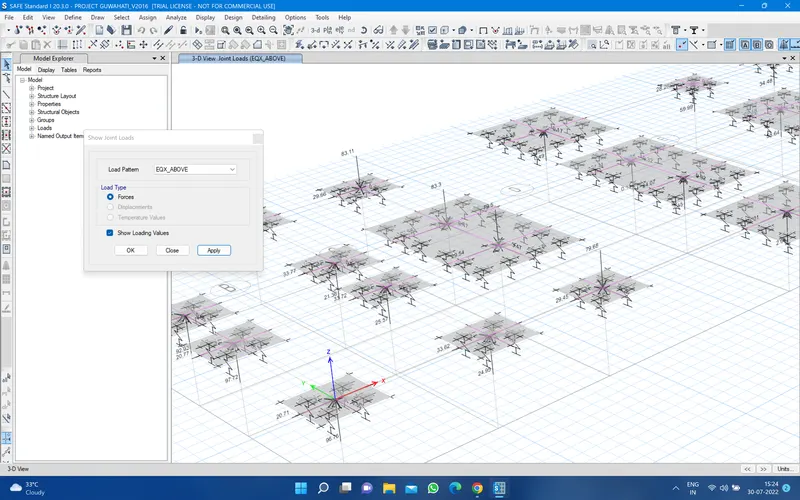
11. after compilation the model run the model
you have a displace model all good 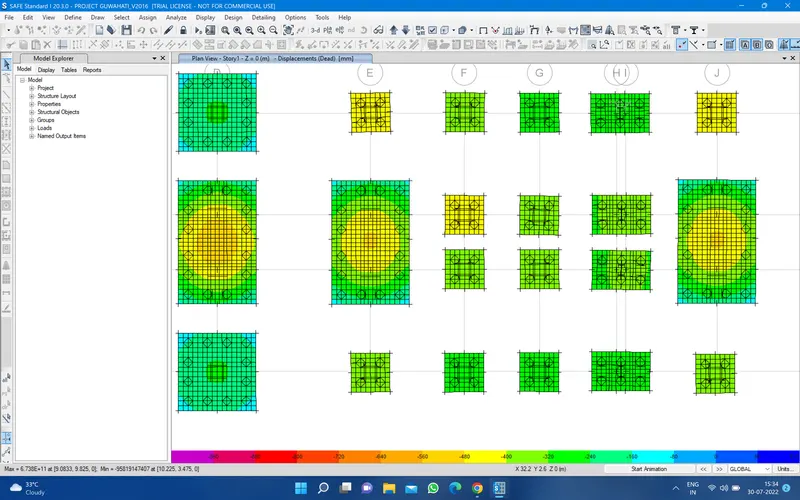
then go to strip and apply moment as i see all good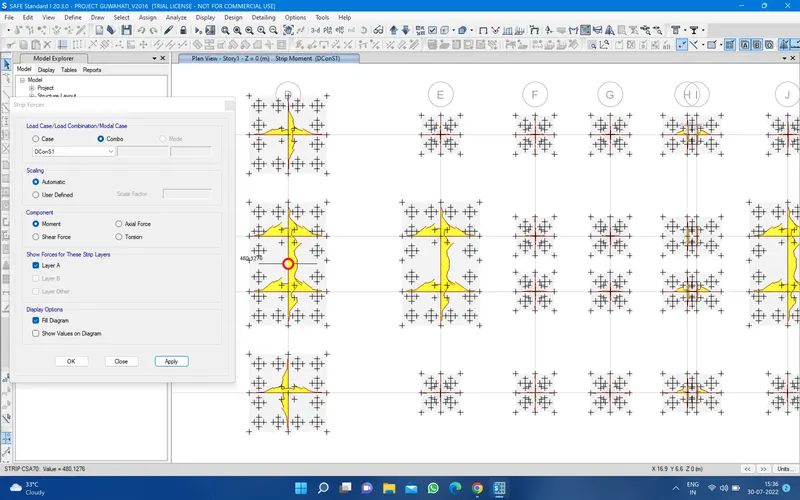
Shear force
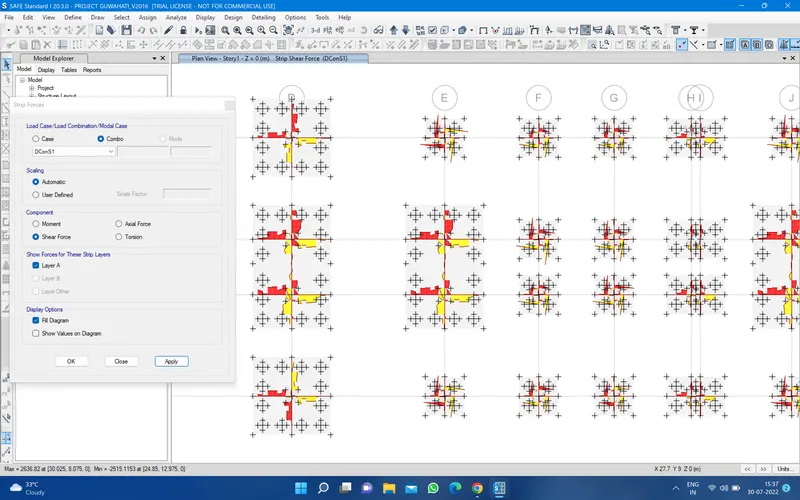
then going to punching design all the punching design is less then 1 so all good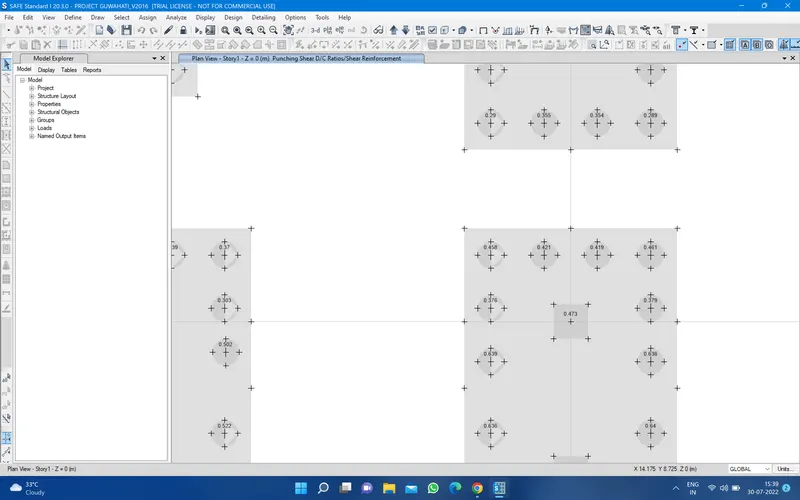
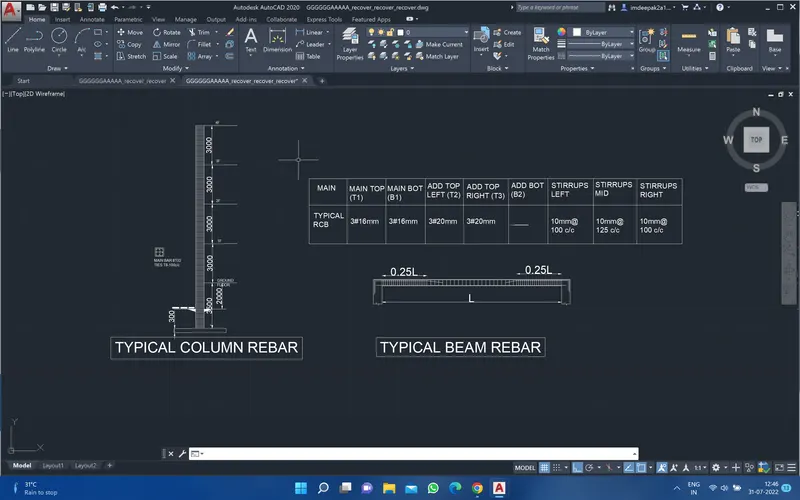
- Beam reinforcements for ground floor