Project 2_Design & Analysis of a Hostel building at Guwahati, Assam
Project 2_Design & Analysis of a Hostel building at Guwahati, Assam
In this project, participants will get to experience the entire design process from modelling, analysis, design, and preparation of construction drawings. The architectural drawings of a G+3 RCC building is provided. The following information on the building is to be used:
- Location – Guwahati, Assam
- Function – Hostel block in an academic institute
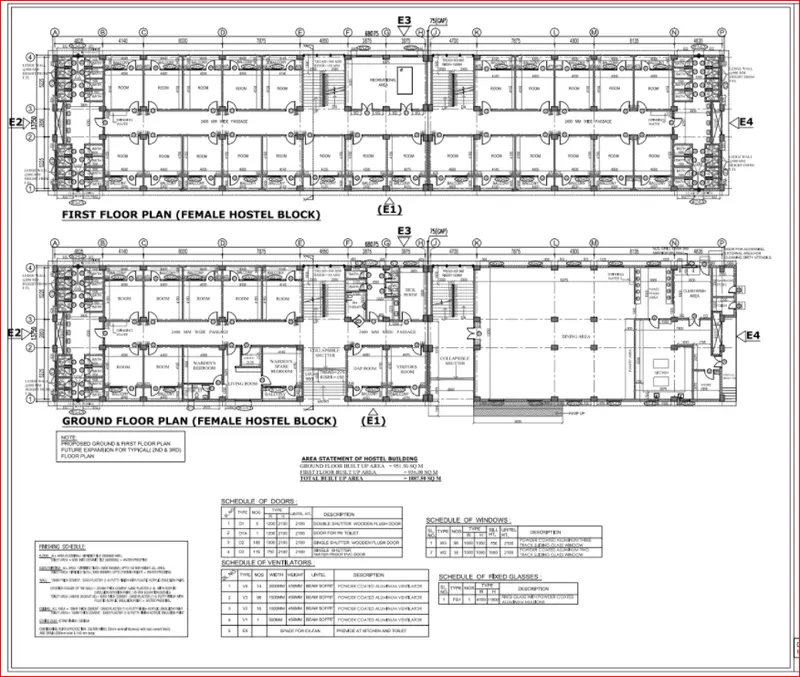
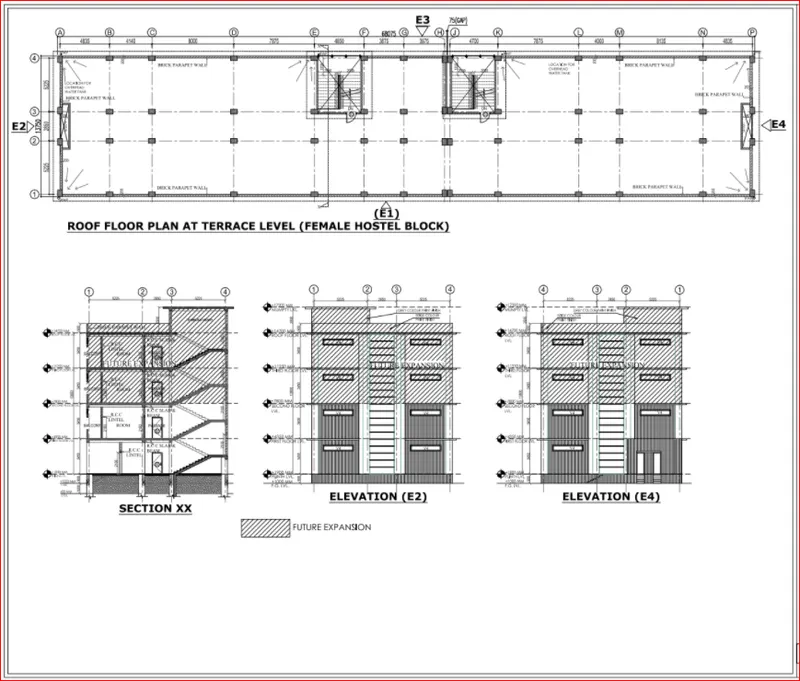
The walls will be made of AAC blocks. Other loadings are to be calculated as per the architectural drawings.
The buildings rests on type 3 soil. Piles of length 10 meters and 500 mm diameter with a load-carrying capacity of 280 KN is to be used.
The ground floor level will be at a height of 2 meters above the existing site level to avoid floodwater enter the building.
M25 grade of concrete with Fe500 for longitudinal reinforcement and Fe 415 for shear reinforcement is to be used.
The following design IS codes will be required for reference:
- IS 875 part 1
- IS 875 part 2
- IS 13920
- IS 1893
- IS 2911 part 2
- IS 456
- SP 34
Students will have to produce the following:
- Etabs model for the two blocks on either side of the expansion gap
- Foundation details illustrating the pile & pile cap reinforcement
- Tie beam details connecting the pile caps
- Column reinforcement
- Framing plan for typical floor
- Beam reinforcements for ground floor
AIM: To design and analysis of G+3 hostel building in etabs and foundation in safe.
Procedure:- first create etabs model
step 1: open the etabs software.
click on built up option from instialisation window.
then put all correcect code.
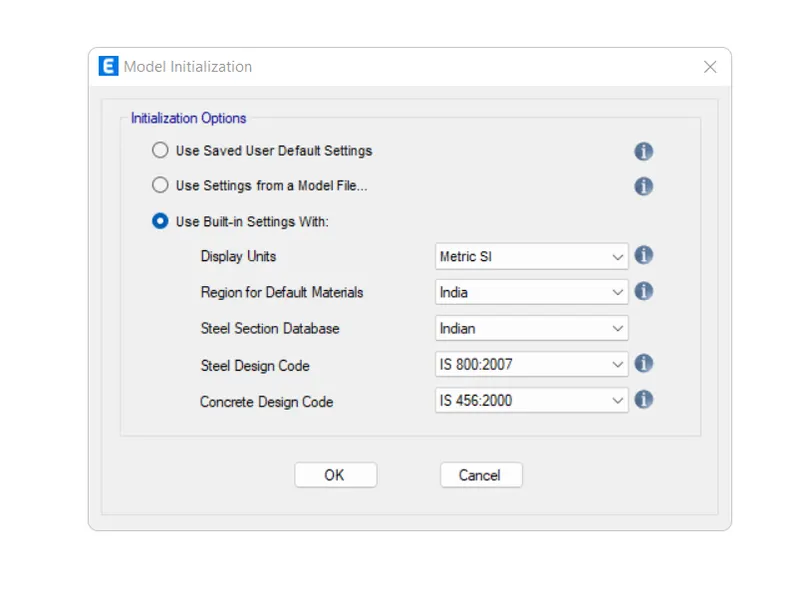
step 2) grid setting.
set grid of X direction and Y direction accordingly plan.
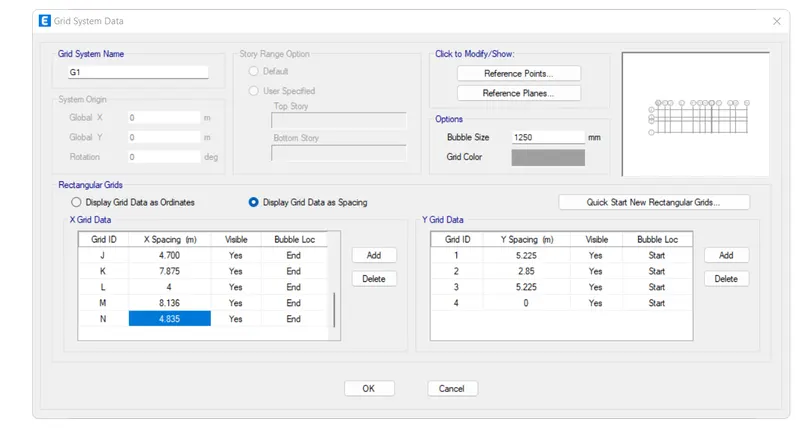
now add storie data.
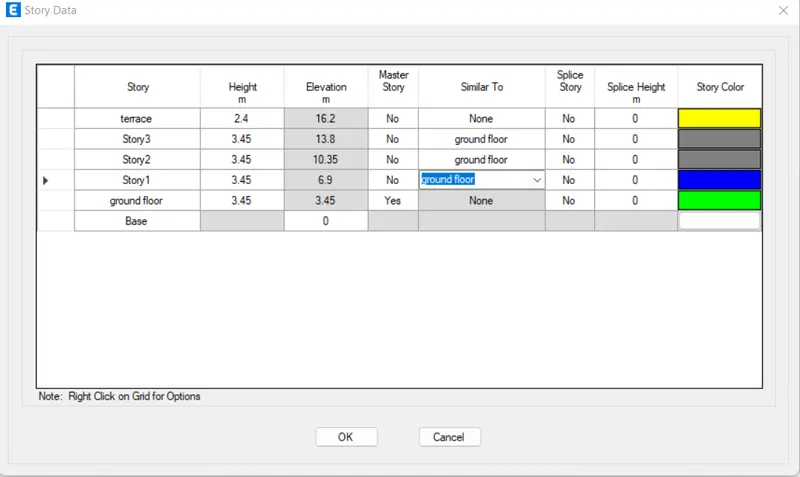
now our frame plan is ready on etabs screen.
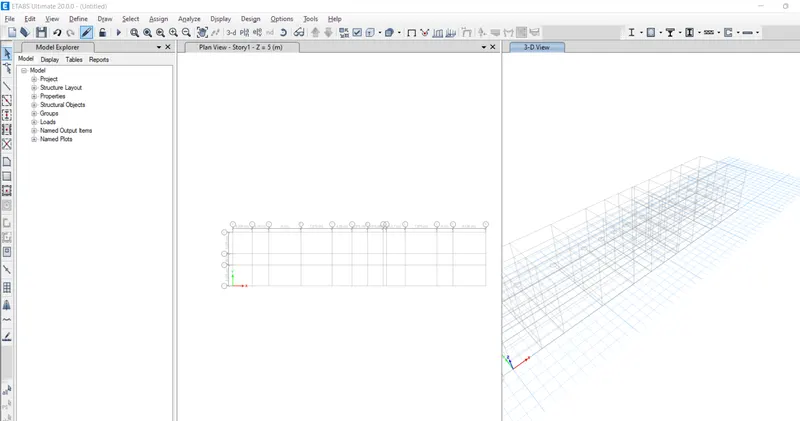
step 3) now define materials property.
go to define tab and select material option.
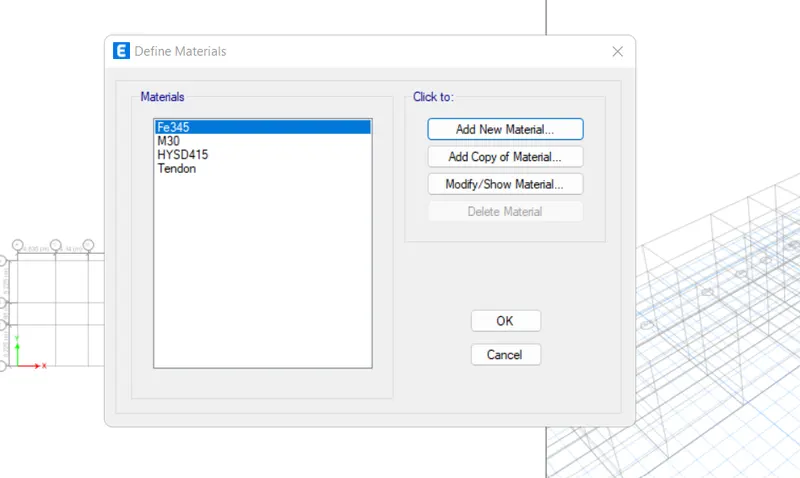
click on add new material option.
and add M25 grade concrete.
and also rebar of fe415 and fe500 fck.
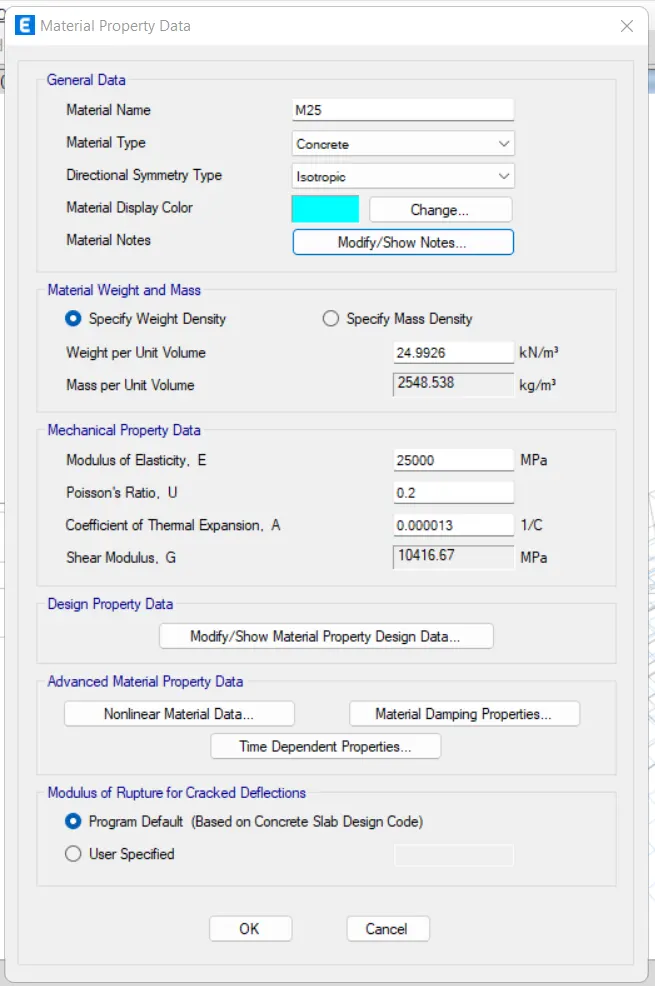
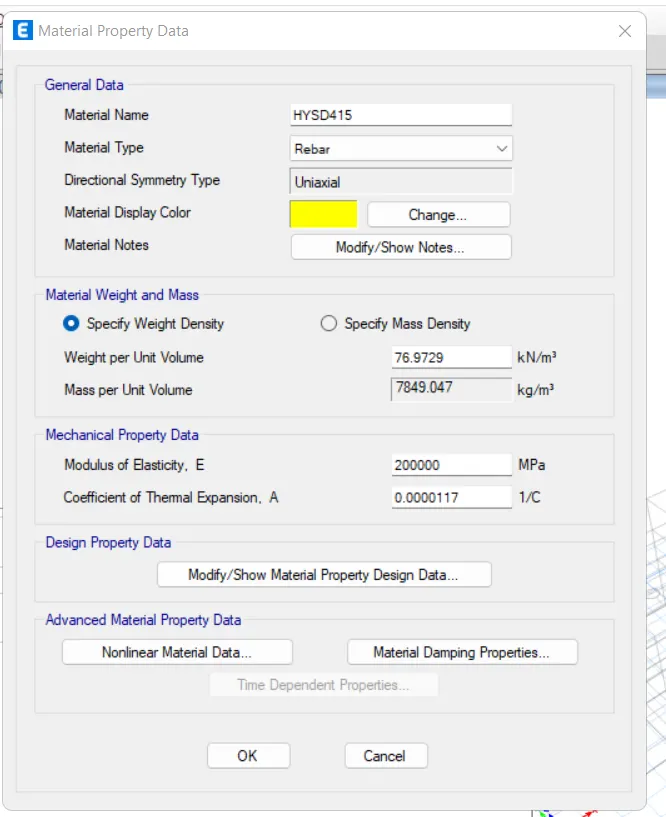
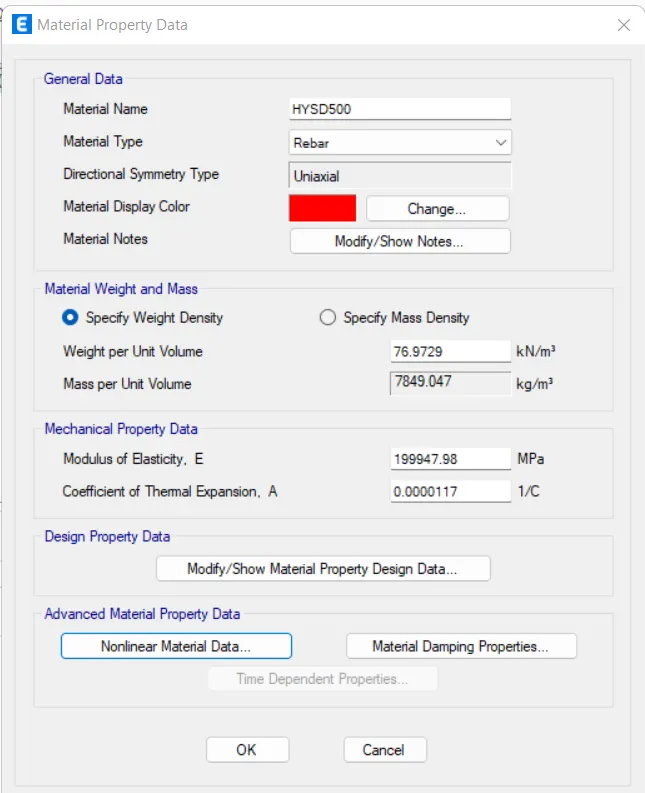
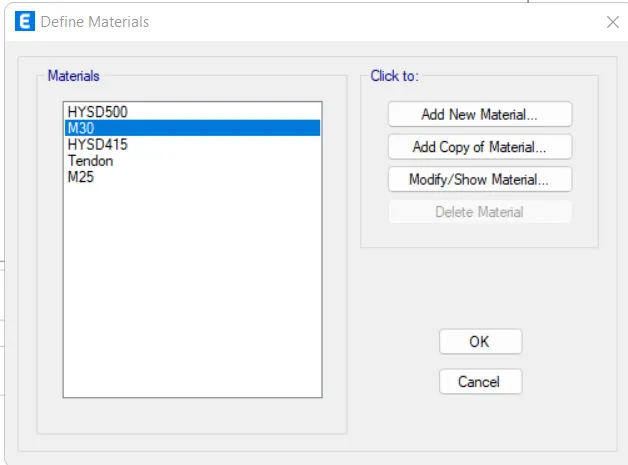
step 4) section property
go to define.
and click on frame section .
then click on add new property.
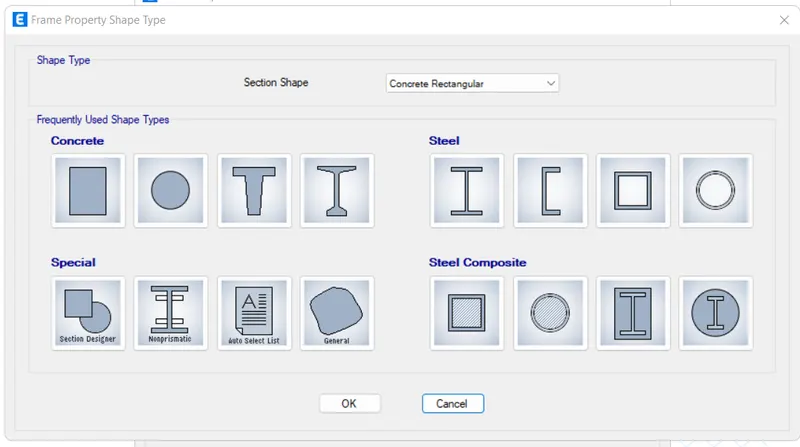
select rectangular section.
and press ok.
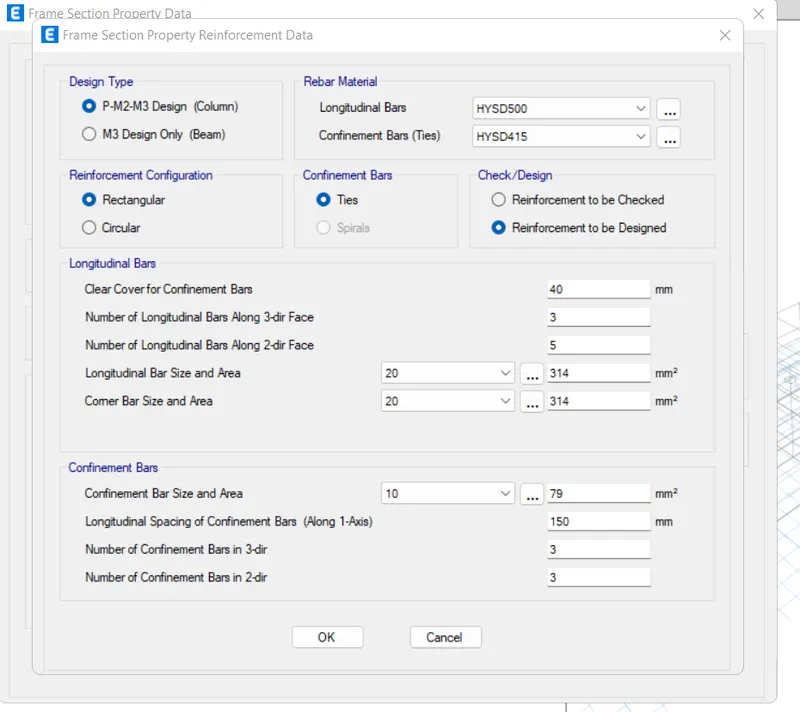
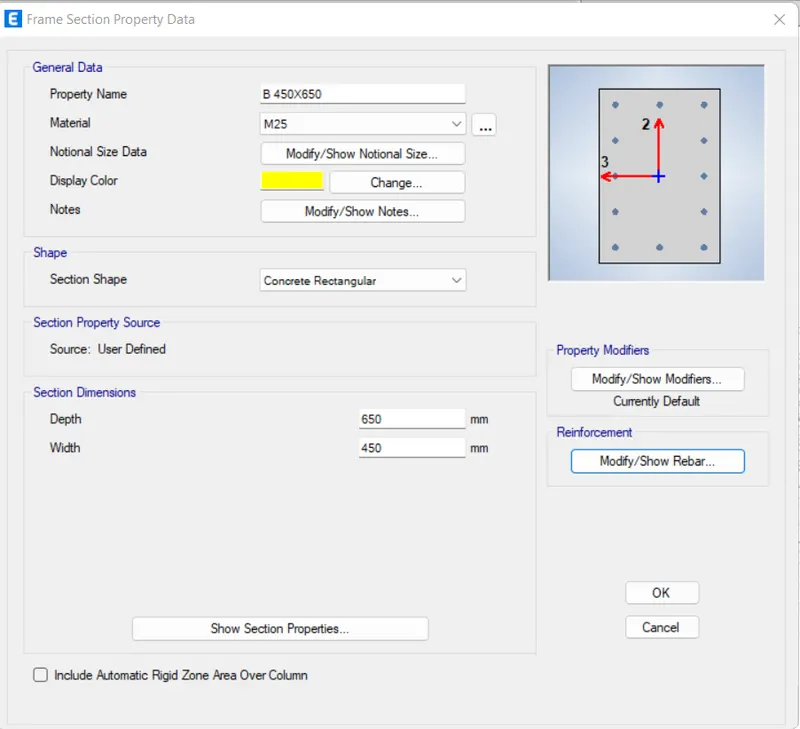
now for column.
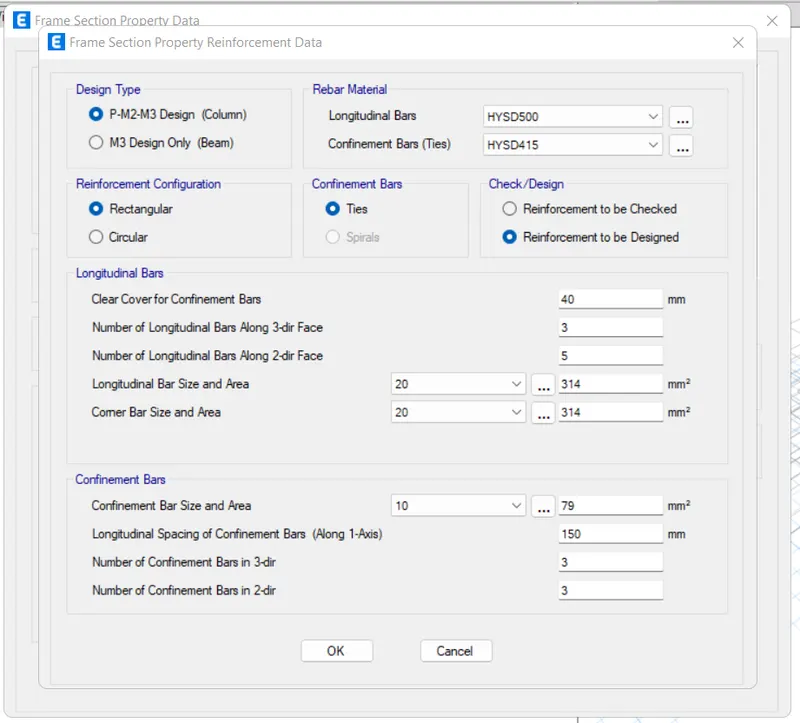
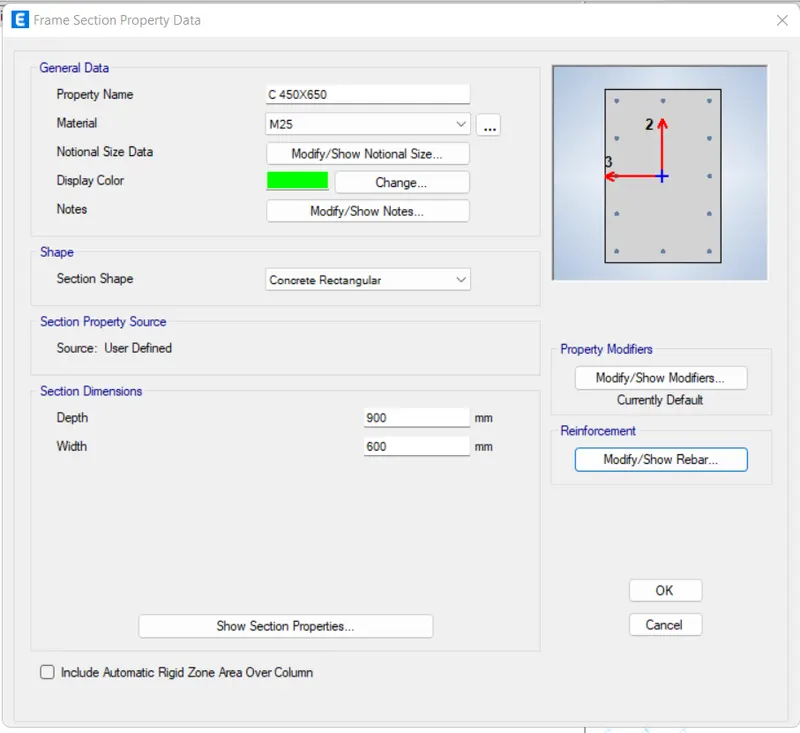
again add column of size 650X450.
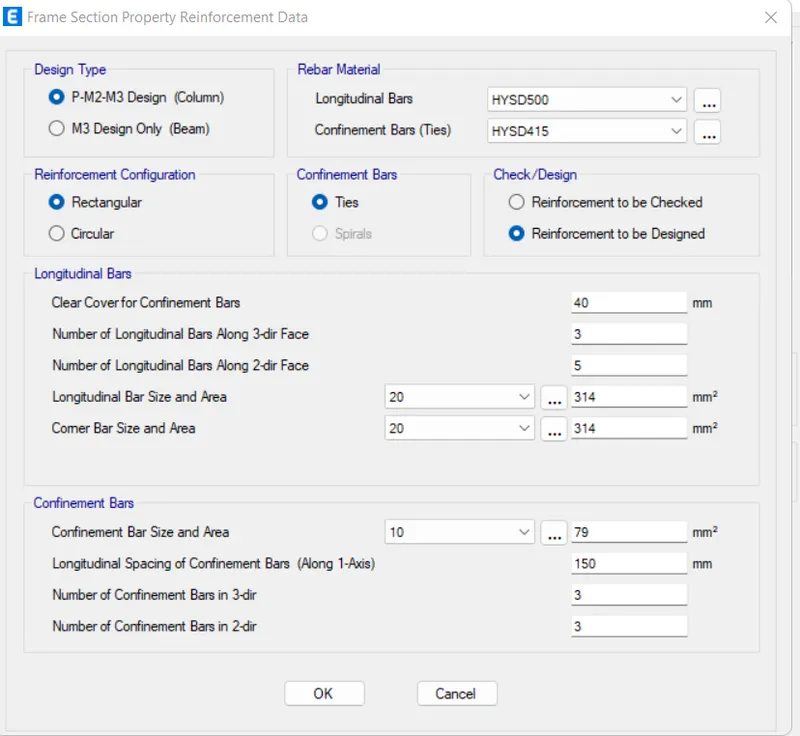
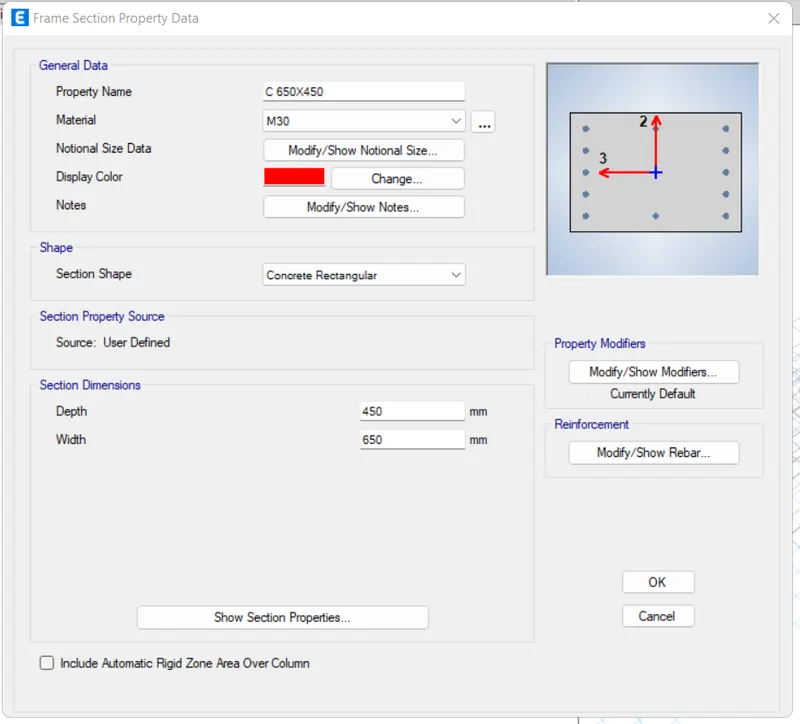
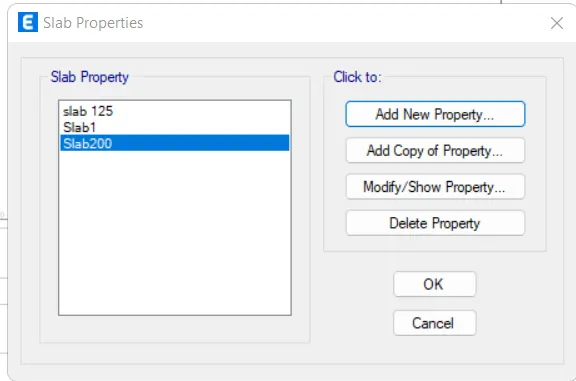
step 5) slab properties
go to define.
then select slab section from section proprties.
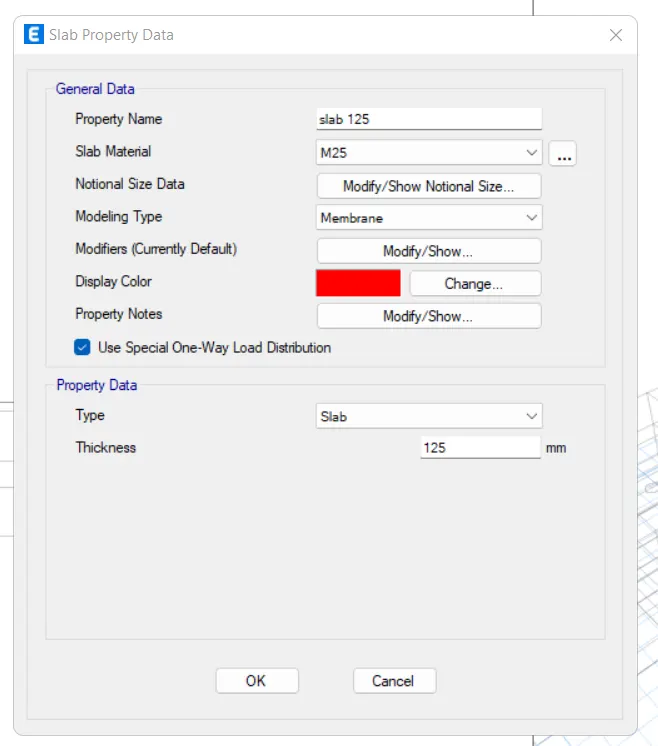
now also take 200 slab thickness seprate for staircase.
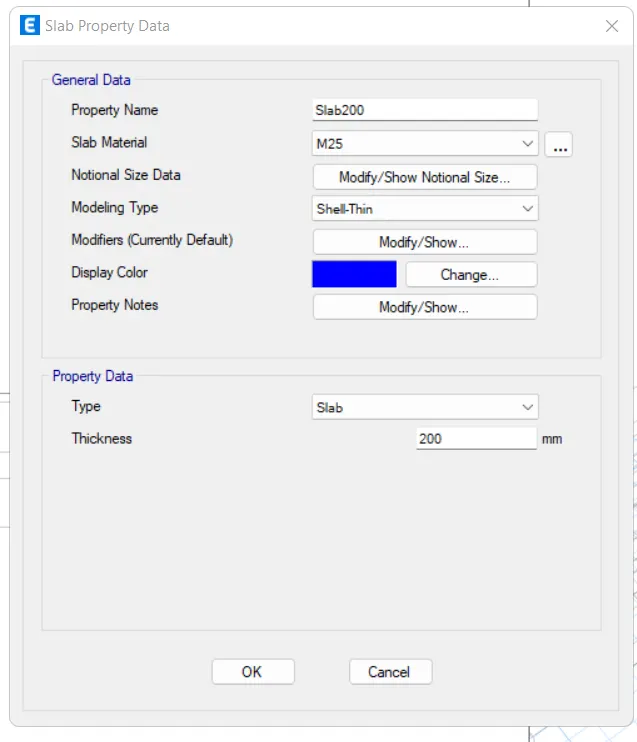
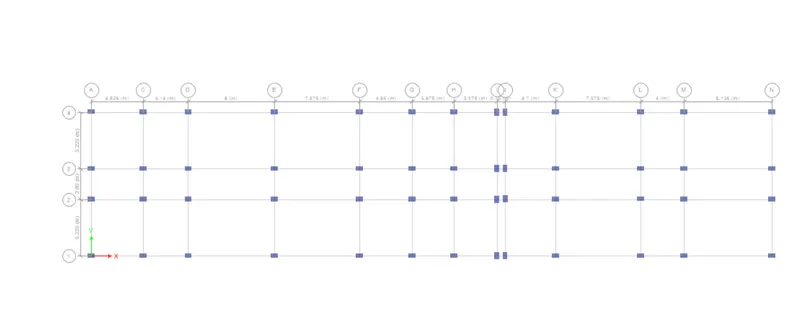
step 6) draw column using quick draw option.
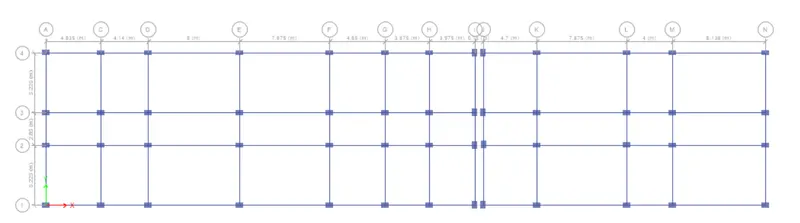
step 6)
draw beam B 450X650 to for all stories.
by changing working plane as all stories.
using quick draw beams.
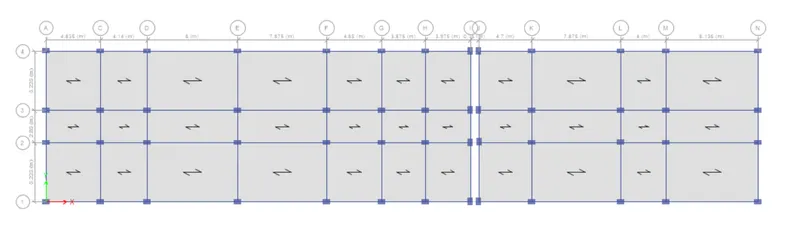
step 7) add slab using quick draw floor/wall option.
step 8) now go to base plan from plan option.
and select all joints.
and assign restraint joint option from assign.
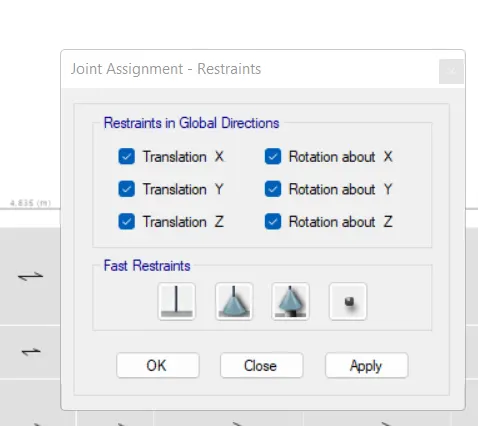
step 10) now go for load pattern from define option.
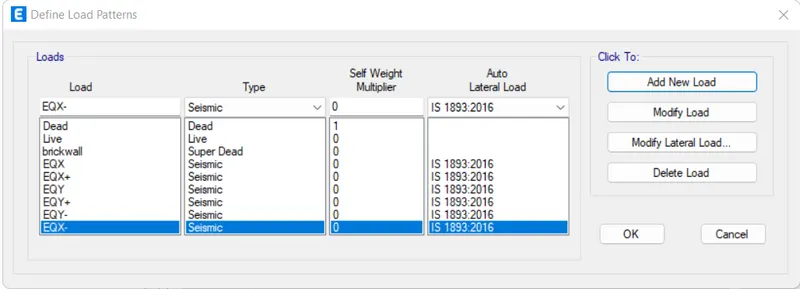
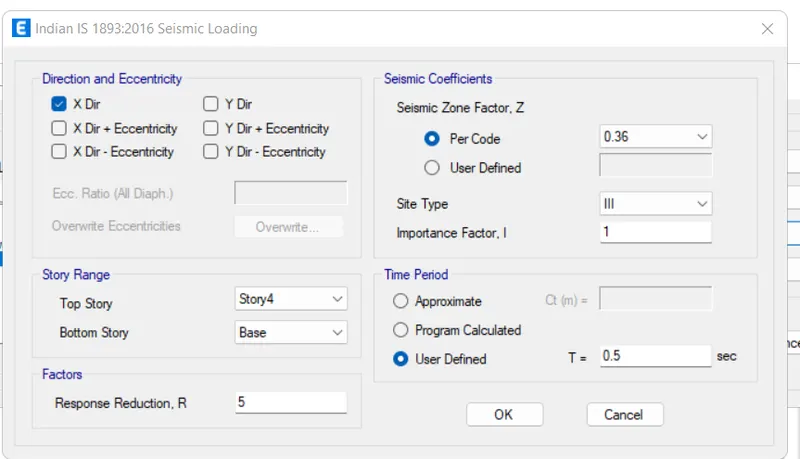
then select EQX and click on modify lateral load, new tab will appear.
in that select X direction as per IS 800-2002, seismic zone factor for guwahati, aasam is taken as 0.36 as mentioned below
select site type as 3.
click Ok.
similarly do for all seismic load.
Step 11) now select floor for all stories to apply LL load on floor.
go to select click on object in that slect floor.
click on select button and click close.
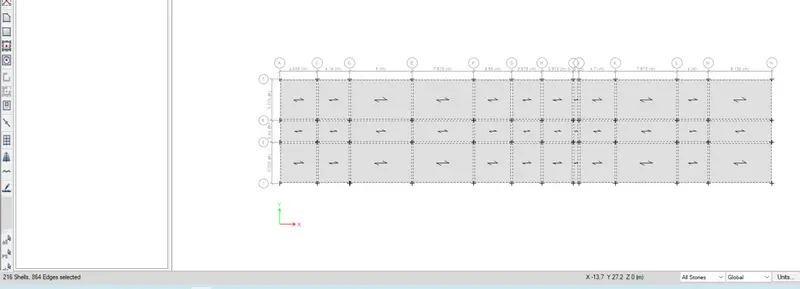
then click to assign option assign option select shell load, from shell load select uniform option.
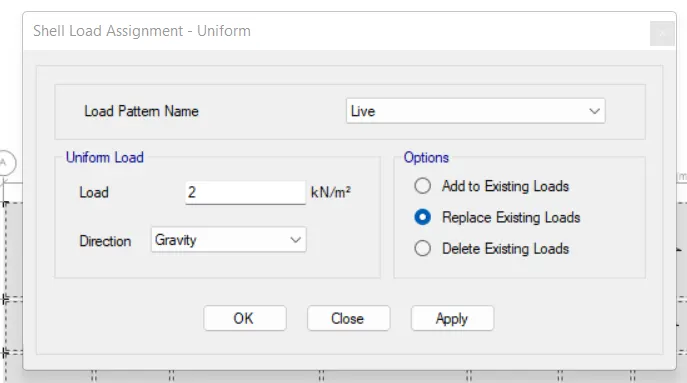
and click ok
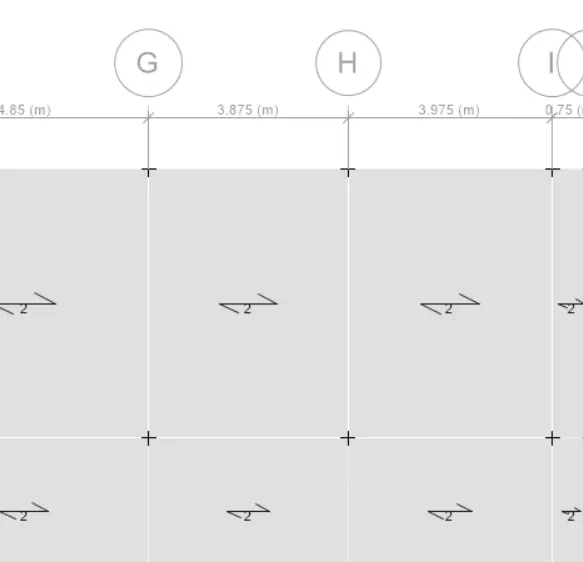
step 12) assign load on beam
select object type option then select beam and click on select button.
and then close it.
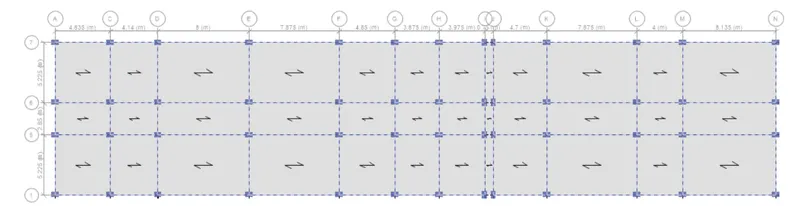
now click on assign option and then select frame load.
click on sistributed load option.
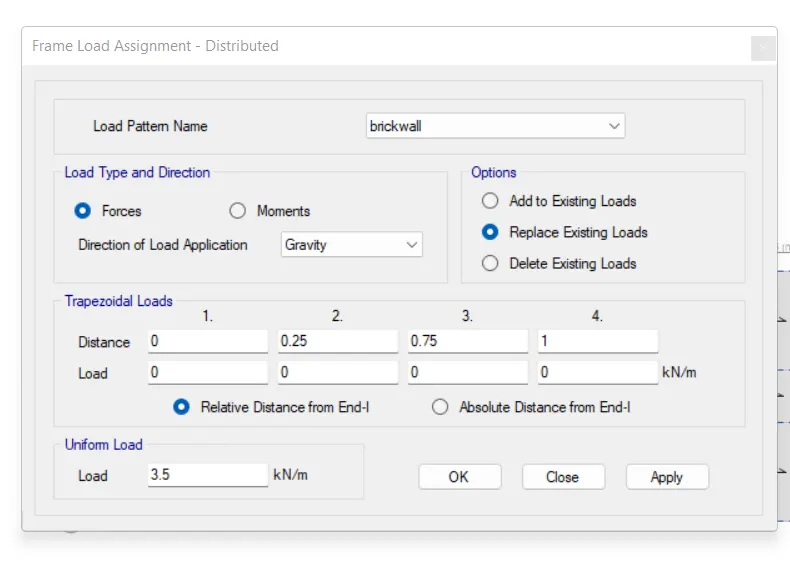
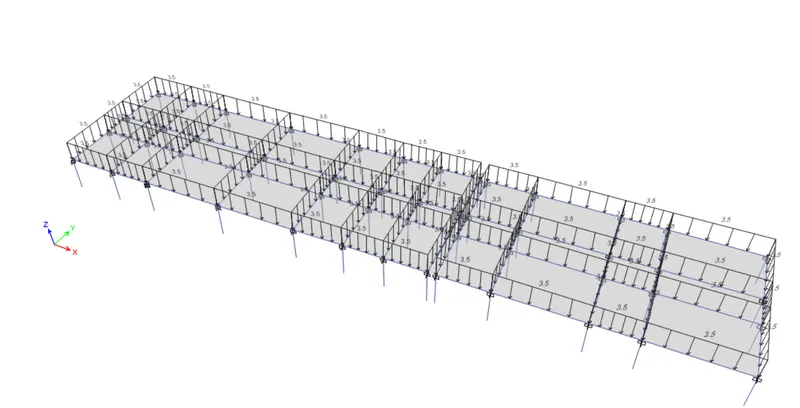
step 13) mass source
from define option select mass source.
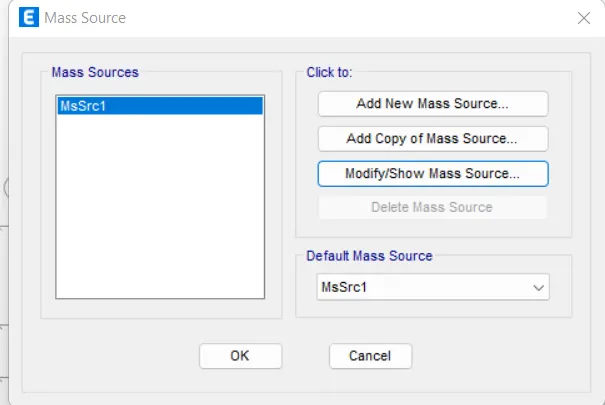
in that click on modify mass source.
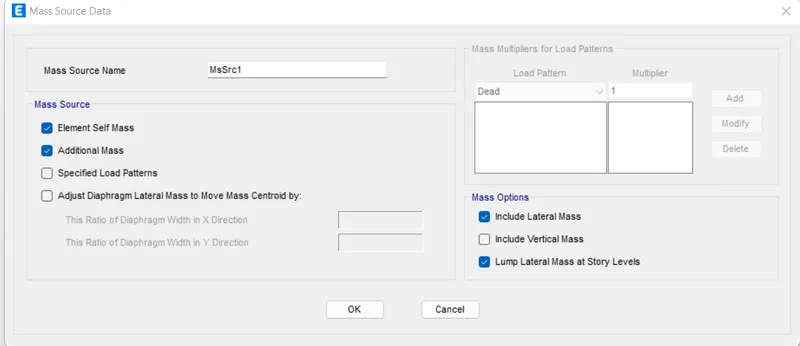
in that add load pattern in mass source data.
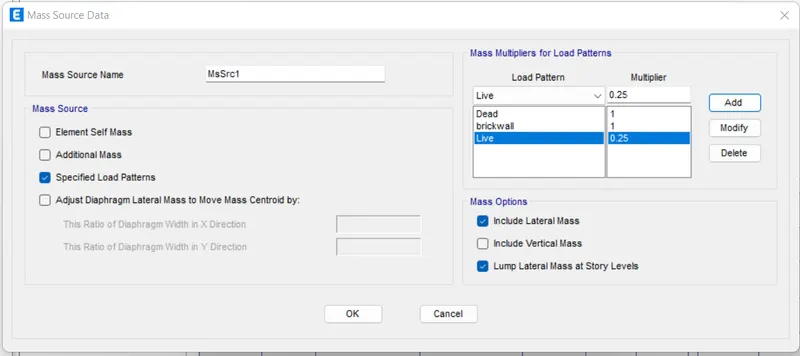
step 14) load combination.
select load combination from define option.
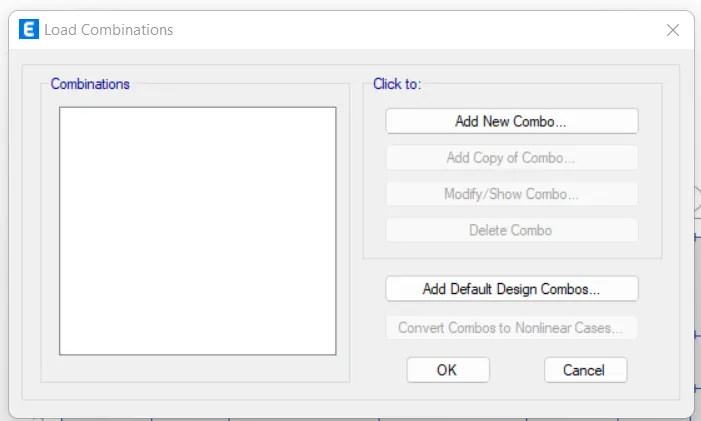
in that click on add default design combos.
in that click on concrete frame design.
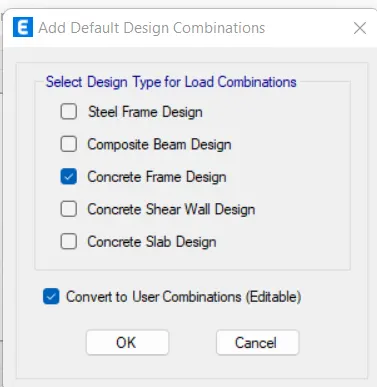
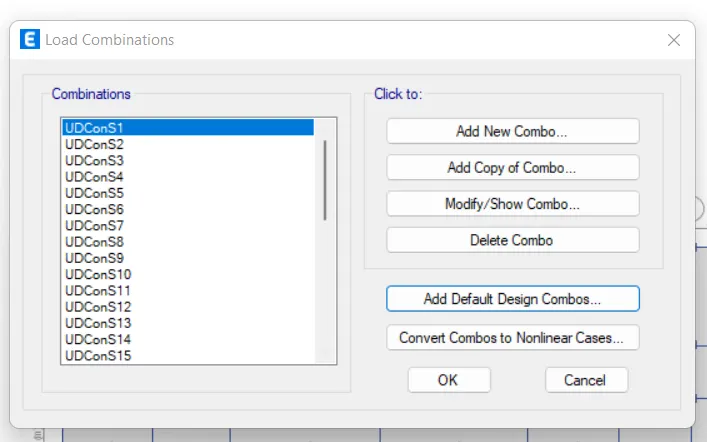
step 15) select floor for diaphram
select option then object type then floor.
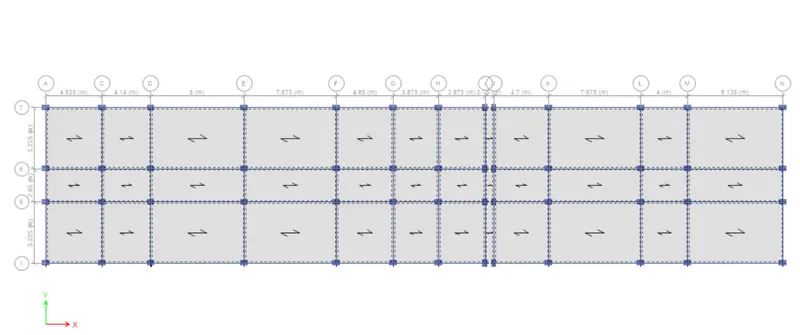
then select diphram from shell option from assign.
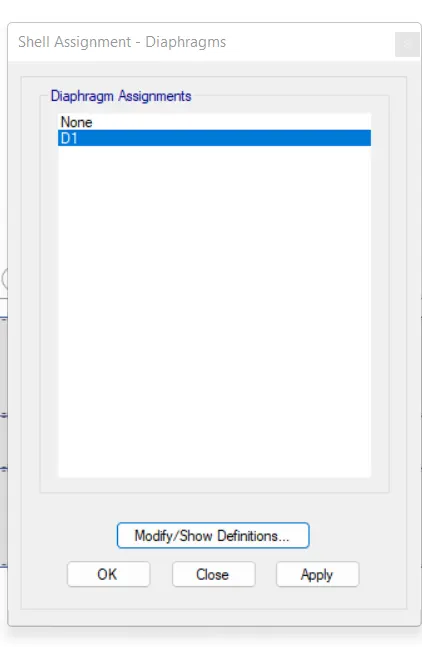
then click on D1 press apply and then close diphram is assign to slab.
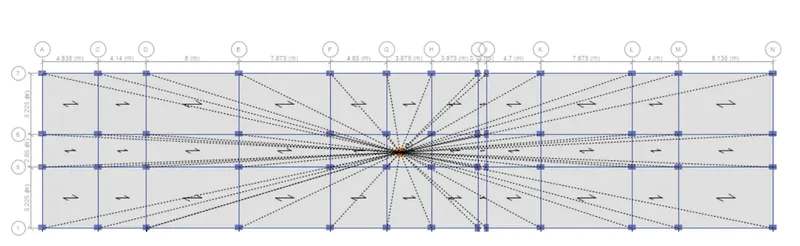
step 16) Run analysis.
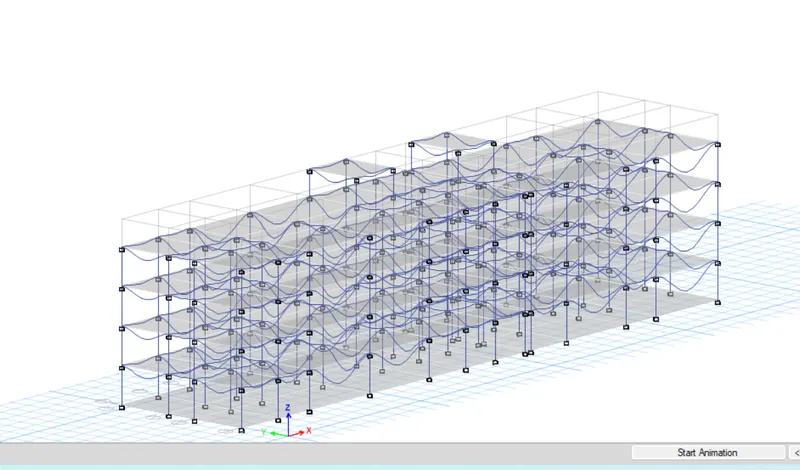
Step 17) now beam design and column design by selecting start design option.
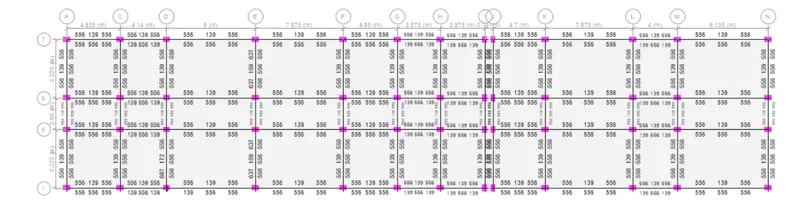
after that we select display design information from design option..
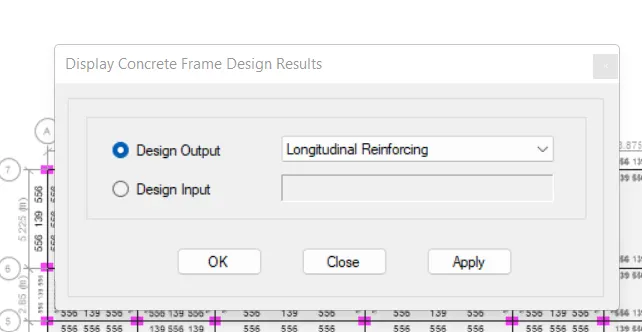
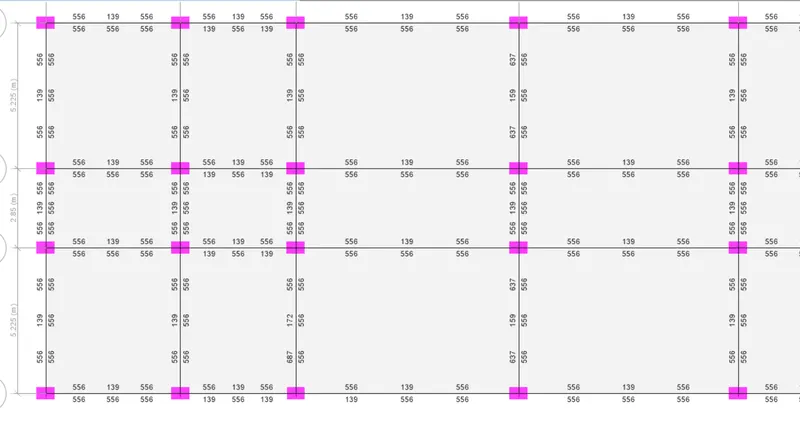
also check for shear reinforcement.
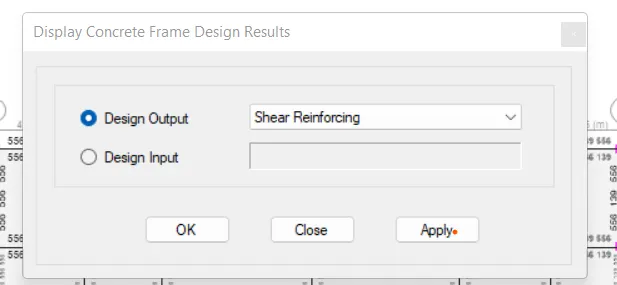
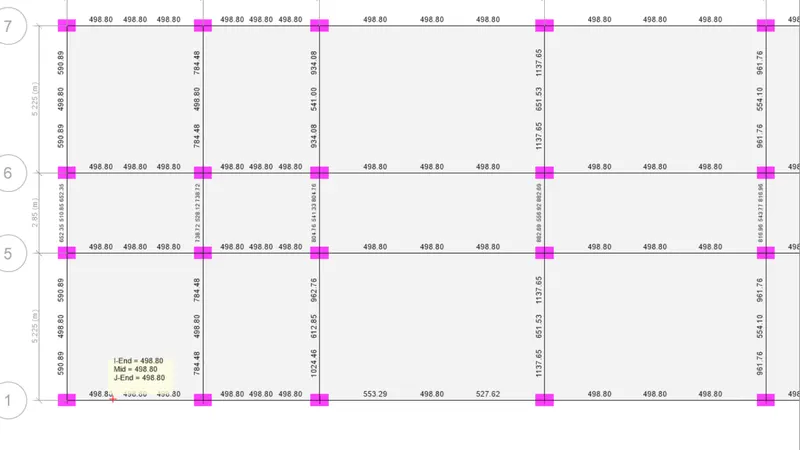
and for column we need 2340 sq.mm reinforcement required.
step 18) export base floor load and load from above in safe.
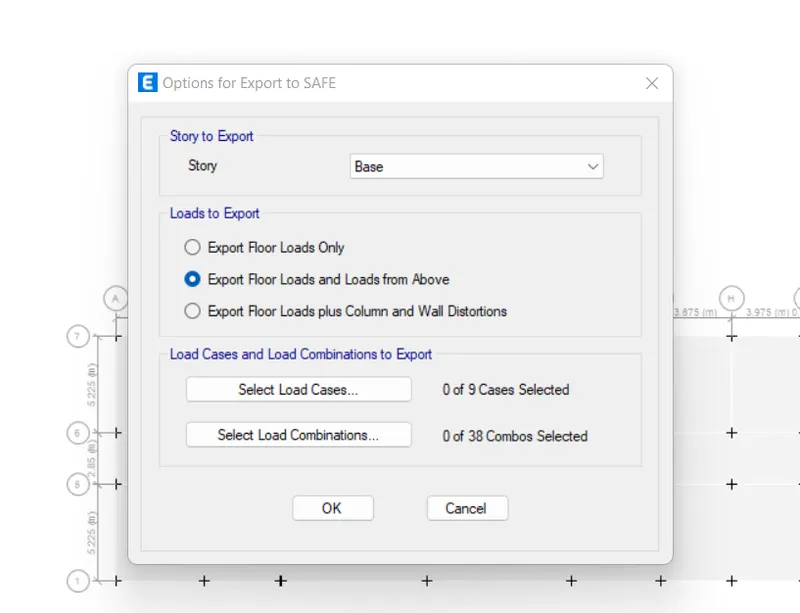
SAFE model (foundation Design)
step 1) after exporting etabs model to safe then open the safe and import file.
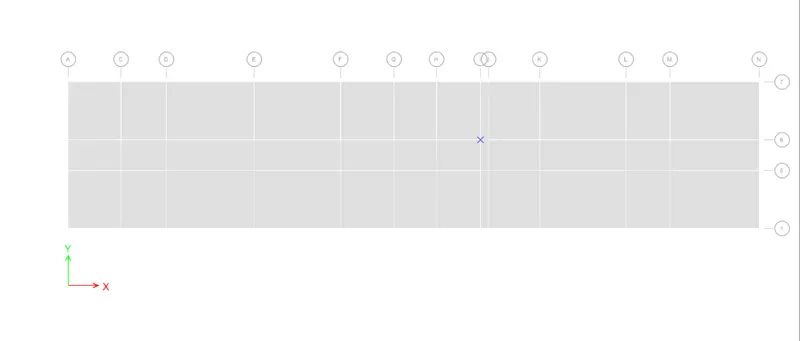
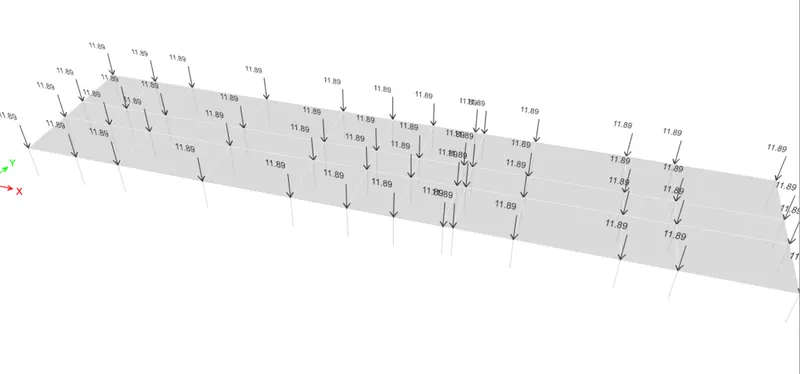
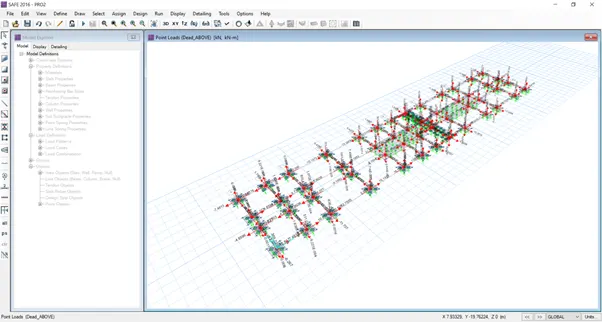
step 2) now show load from display option.
dead above load.
Step 3)
soil type = 3.
piles of length = 10m.
pile dia = 500mm.
load carrying capacity = 280KN.
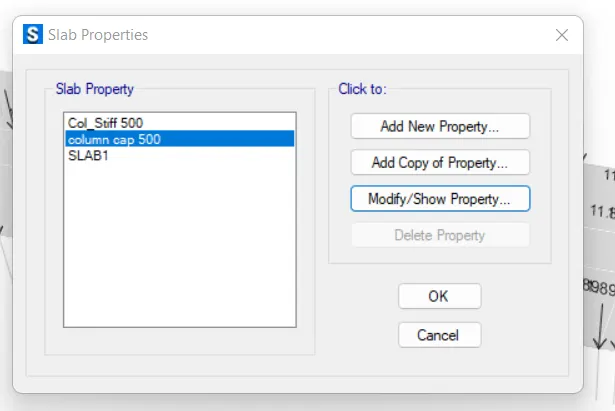
pile cap = slab type = mat = 500mm thick.
column cap slab = stiff 500mm thick.
so firstly define the slab property.
Step 4) define slab property.
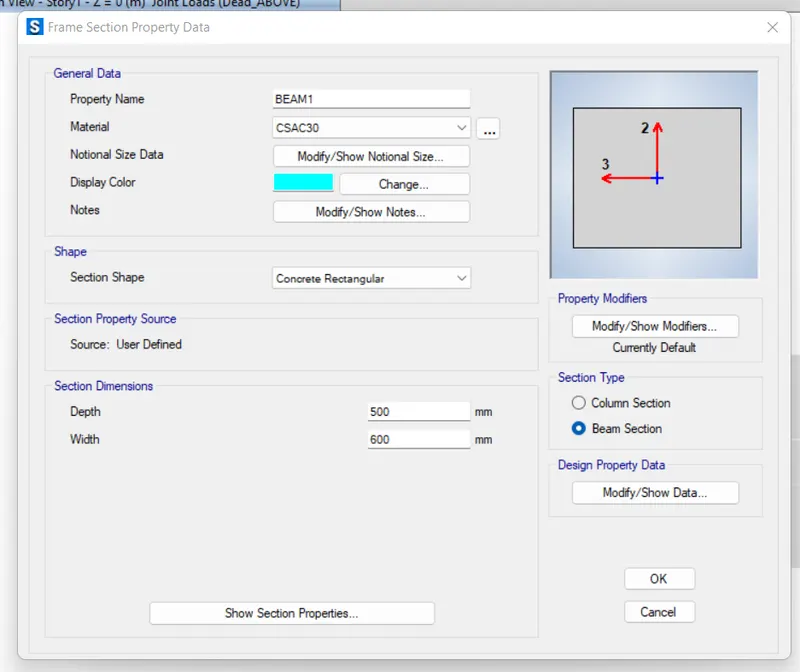
step 5) RC beam section of tie connection of foundation is 600X500mm is assigned.
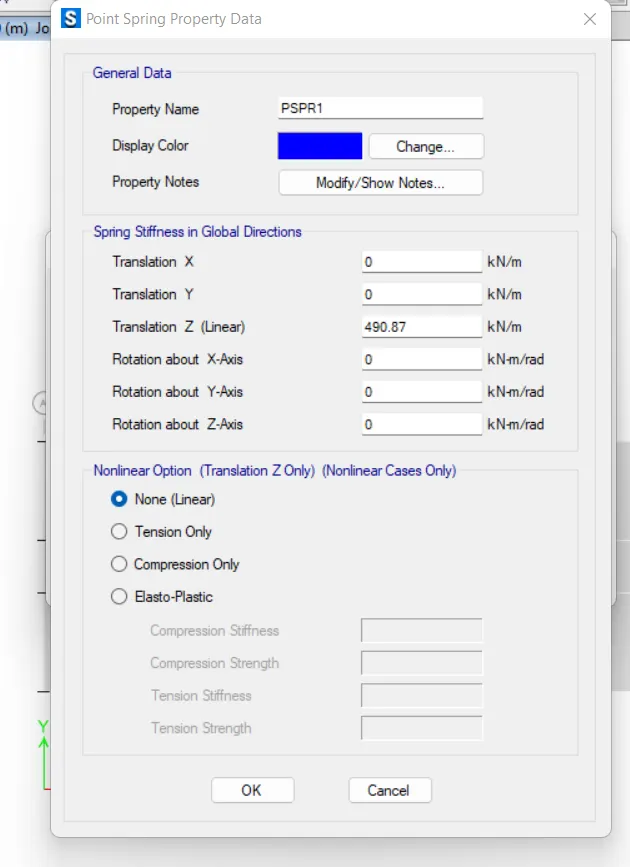
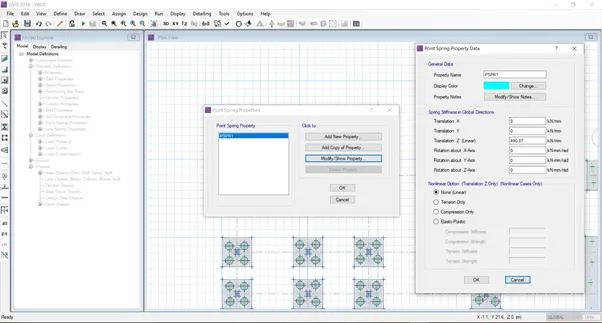
step 6) for piles the point springs are assigned.
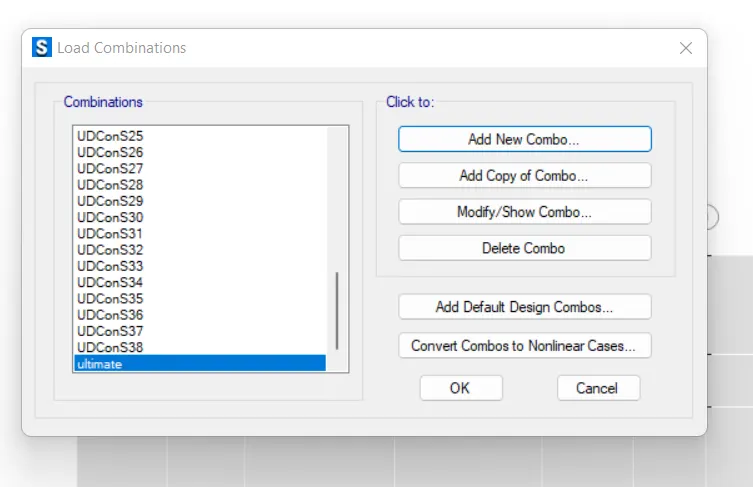
step 7) for bearing pressure checking the service load combination is considered for flexural design the ultimate load combination is considered.
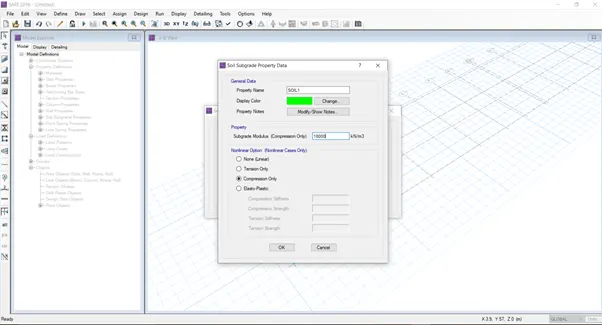
Step 8) Define the soil.
.
step 9) Draw the points for the reference of the pile.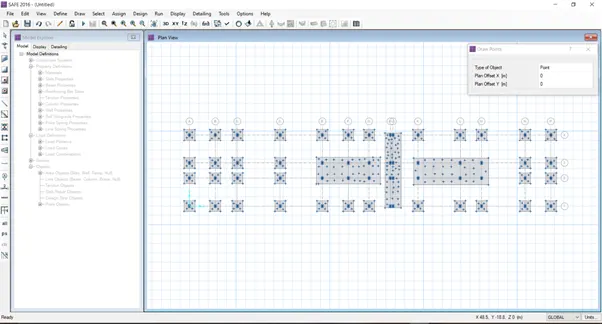
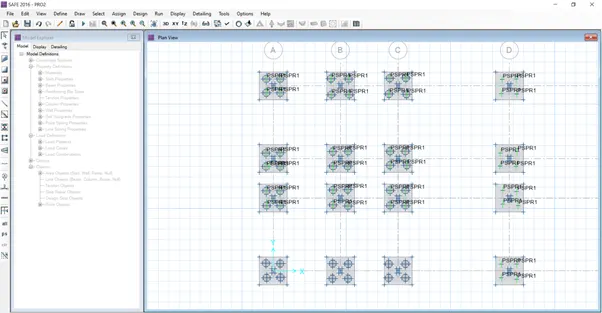
Step 10) draw piles And assign the point springs.
.
.
step 12) Draw columns below the loads.
.
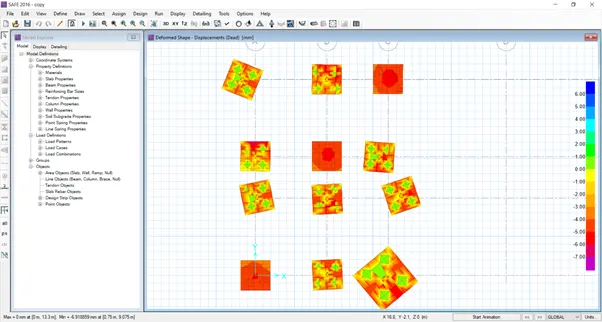
step 13) Run model Display the deflection.
.
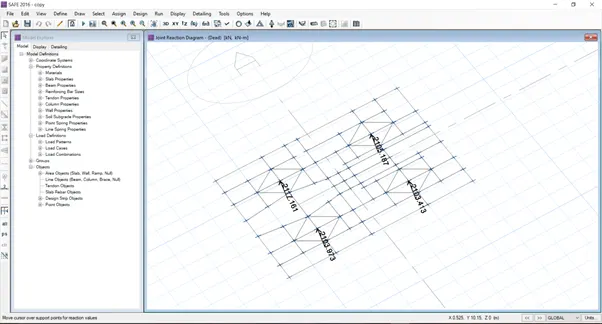
Step 14) Reactions.
.
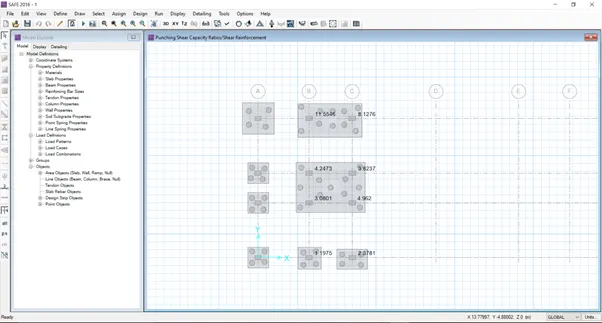
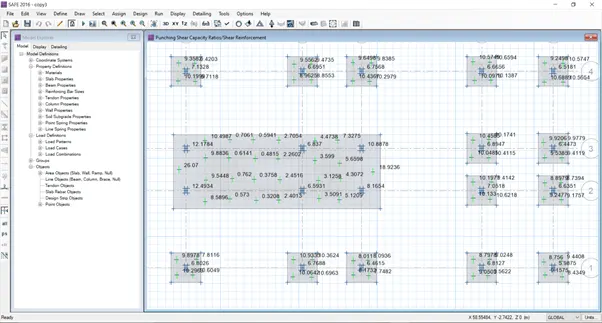
Step 15) Punching shear.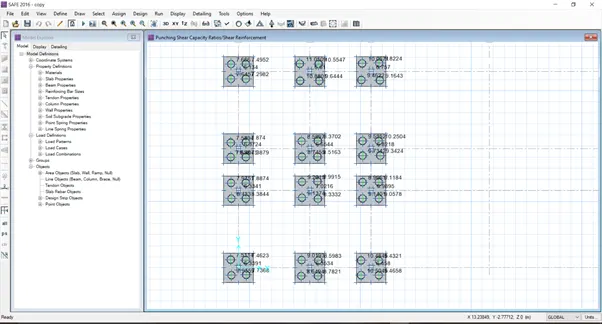
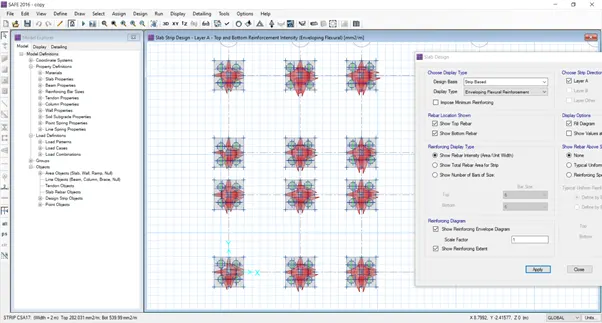
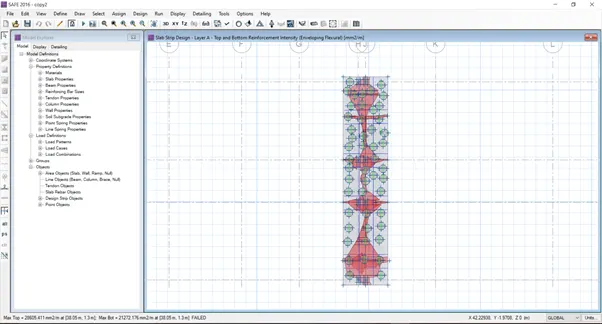
Step 16) Design reinforcement.
Since load was heavy the model divided to 3 pasts and analysis was done.
.
.
.
.
Result:
G+3 Hostel building design and analyse is done in etabs & the foundation design and analysis in safe also done.