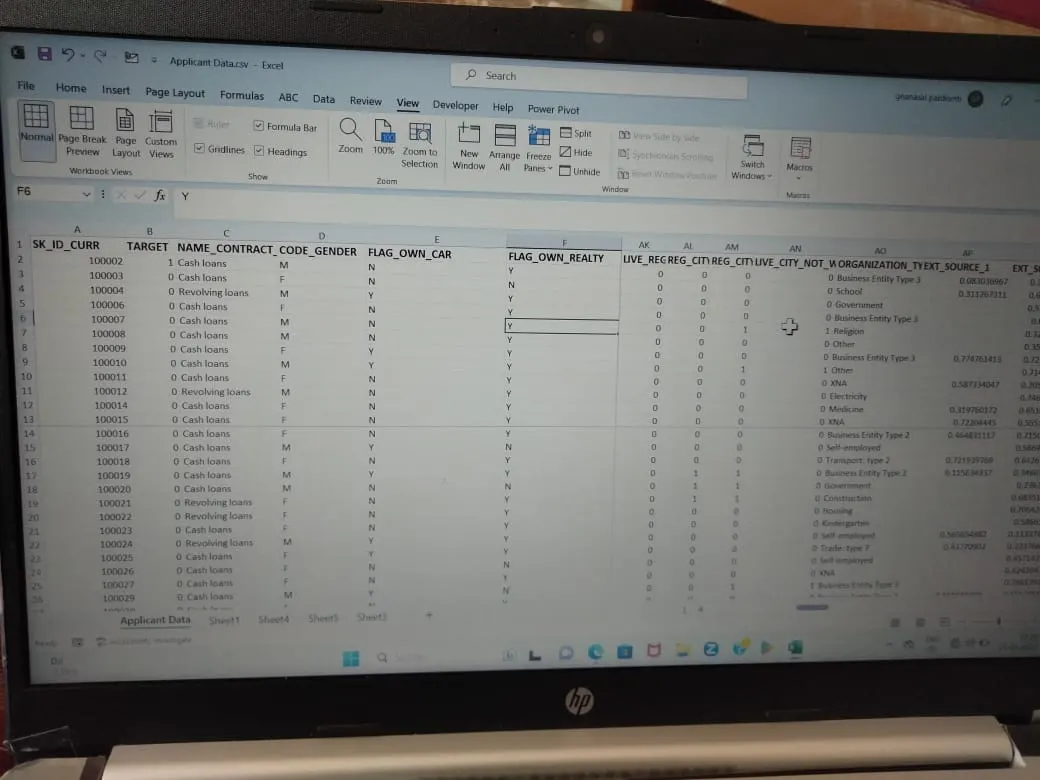
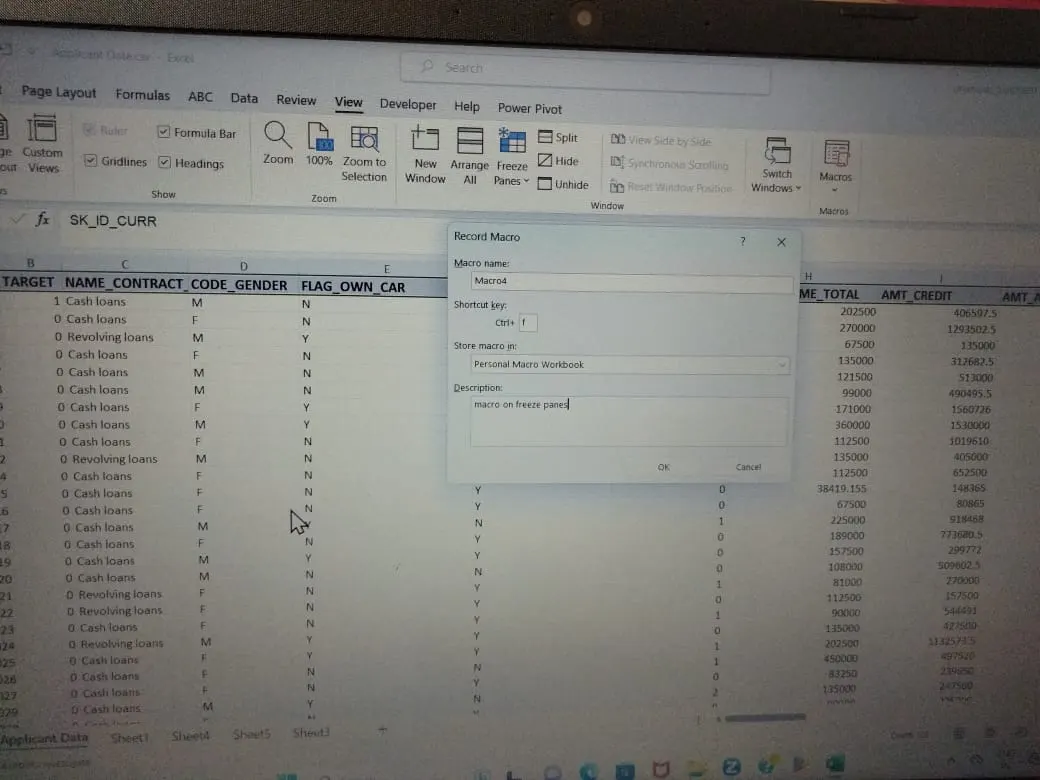
Project 2 - Create a report using PowerQuery, Macro VBA, List Functions and Data Validation functions for Data Reporting of Supply Chain Management companies
- Data Summary of All Female Client’s for Income and Loan Amount using New Functions (hint: use unique,sort,filter functions) if These functions are not supporting in your software please give a theoritical answer.
-
Sure! Here are the definitions of the functions you asked for:
unique : This function returns a list of unique values in a range or array. it can be used to extract unique values from a list or table.
FILTER: This function returns an array that meets the specified criteria. it can be used to filter data based on specific conditions.
SORT: This function sorts the contents of a range or array. it can be used to sort data in ascending or descending order.
- Check Spelling mistakes in the workbook using VBA Code
Sub HighlightMisspelledCells()
Dim cl As Range
For Each cl In ActiveSheet.UsedRange
If Not Application.CheckSpelling(word:=cl.Text) Then
cl.Interior.Color = vbRed
End If
Next cl
End Sub- Create VBA Code to convert selected data into pdf from applicant data :
Sub ExportSelectedSheetsToPDF()
Dim ws As Worksheet
Dim sheetArray As VariantSet sheetArray = ActiveWindow.SelectedSheets
For Each ws In sheetArray
ws.Select
ws.ExportAsFixedFormat Type:=xlTypePDF, Filename:= _Applicant.Data.csv
ThisWorkbook.Path & "\" & ws.Name & ".pdf"
xlQualityStandard, IncludeDocProperties:=True, IgnorePrintAreas:=False, OpenAfterPublish:=True
Next wssheetArray.Select
End Sub