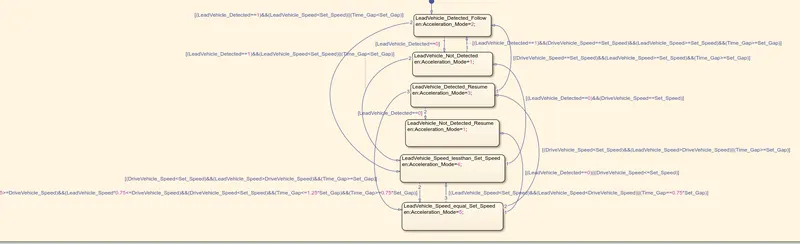
Project 2 Adaptive Cruise Control
STEP1:
Open a blank simulink page and we need to create a data dictionary file for it using the above data
1.Create a Simulink Data Dictionary (SLDD) file from the following input. Ensure all variables are correctly updated in SLDD file.:
- Open a blank simulink model page
- Click on modelling icon and click on model settting
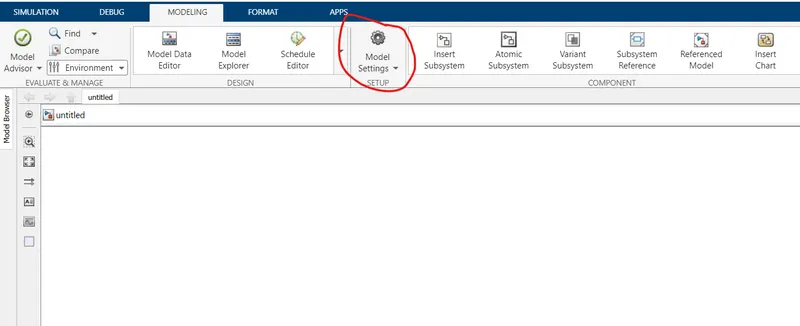
- Select MODEL PROPERTIES
- A dialog box will open select EXTERNAL DATA
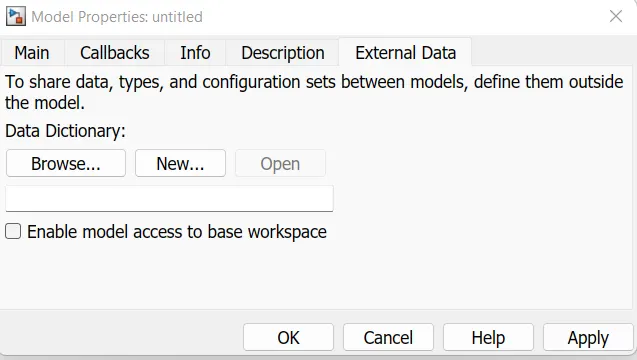
- Select NEW and create a new Sldd File, I have crated a file named cruise and press OK
- On bottom corner left side model data icon will be shown select the icon and click EXTERNAL DATA
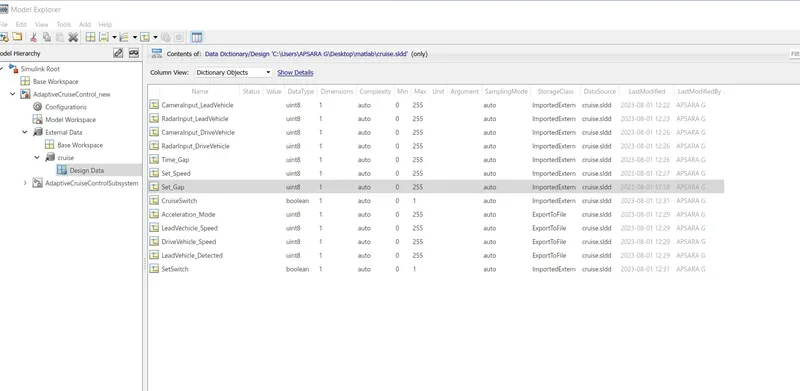
- Now it will show the sldd file you have created click on that file it will show the sub icon of DESIGN DATA
STEP 2:
We need to create the model as per the given requirement creat in an subsystem
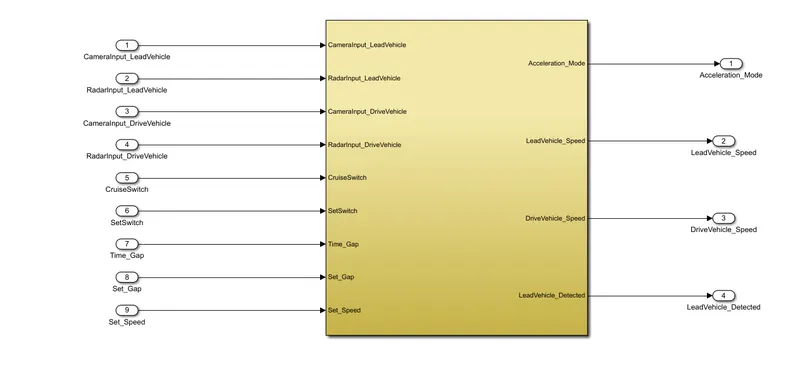
Creating an subsysyem for Vechicle and ACC
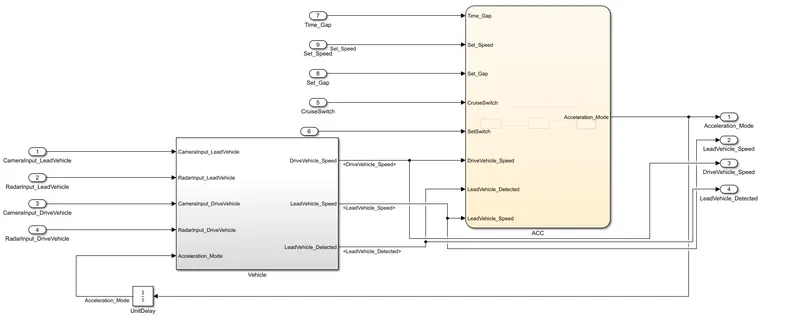
Inside the subsystem of Vechicle there is Leadvechicle and Drivevechicle subsystem
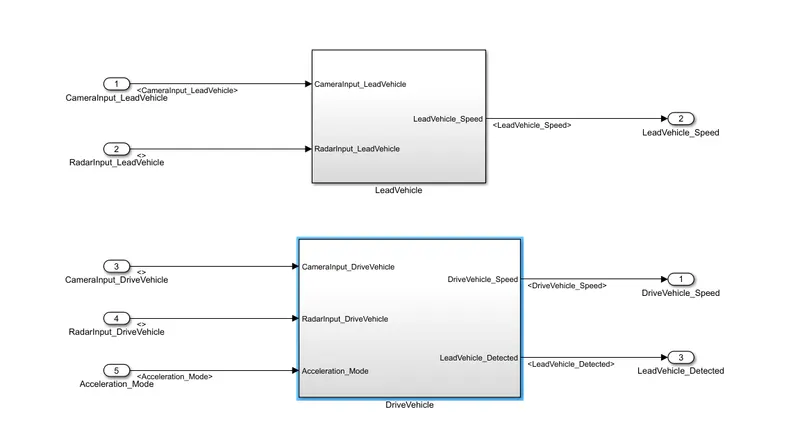
Inside the subsystem of Lead Vechicle
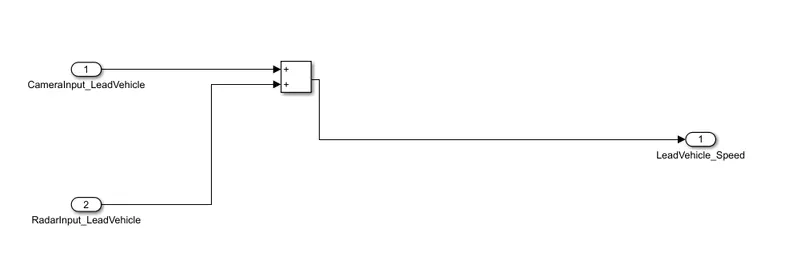
Inside the subsystem of Drive Vechicle
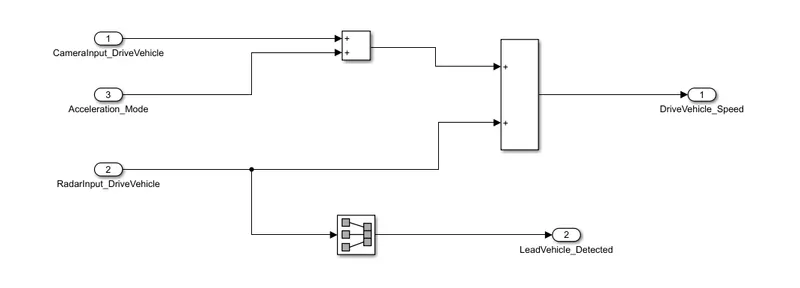
Inside the of chart of Acc
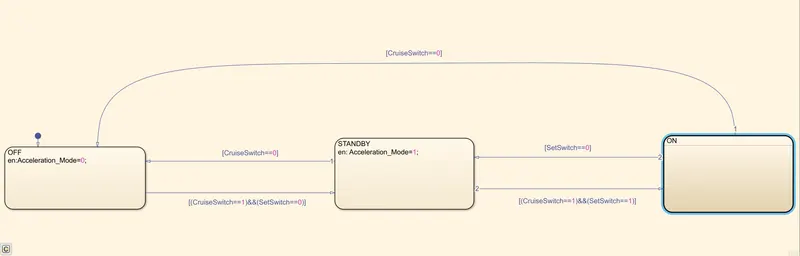
Inside On Chart: