Project 2
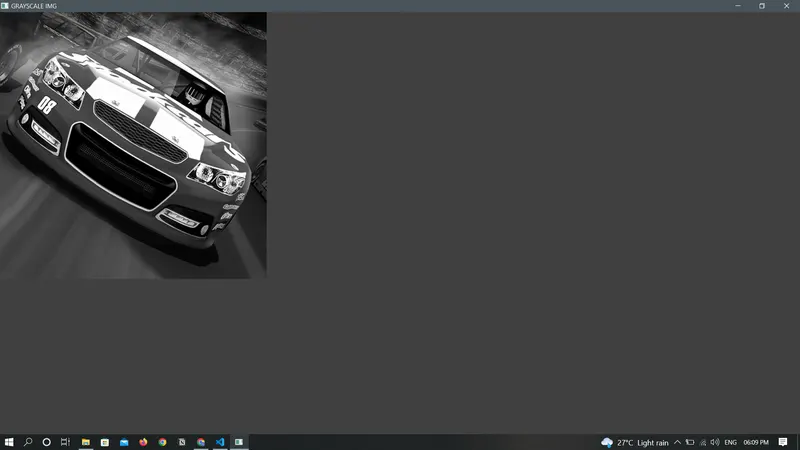 Original IMage converted to Grayscale Image
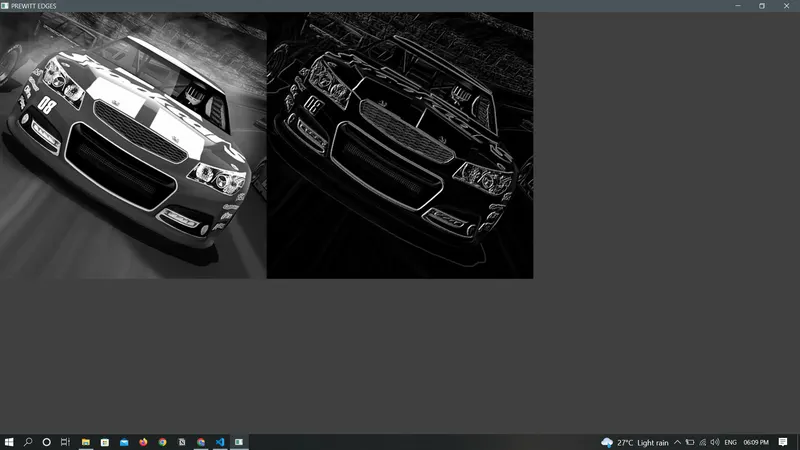 Prewit Filter Applied
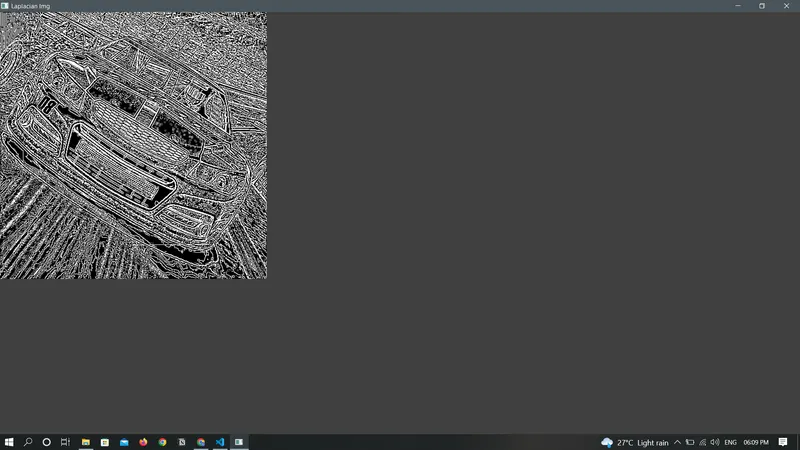 Laplacian Filter Applied
import cv2
import numpy as np
import matplotlib.pyplot as plt

#Image read function
def read_img (image_path):
    img = cv2.imread(image_path) #reads in bgr fromat
    return img

#Display Image function
def disp_img (img_window,read_img):
    image = cv2.imshow(img_window,read_img)
    cv2.waitKey(0)
    cv2.destroyAllWindows()

#Prewit filter is defined vertical and horizontal
#both are then convolved on the image separately
#the output of the above convolution operation is then added for the final result
def prewitt_filter(image):
    #image = gaussian_filter(image,5,5)

    vertical_filter = np.array([[-1,0,1],[-1,0,1],[-1,0,1]])
    horizontal_filter = np.transpose(vertical_filter)

    vertical_filtering = cv2.filter2D(image,-1,vertical_filter)
    horizontal_filtering = cv2.filter2D(image,-1,horizontal_filter)

    abs_grad_x = cv2.convertScaleAbs(vertical_filtering)
    abs_grad_y = cv2.convertScaleAbs(horizontal_filtering)
    grad = cv2.addWeighted(abs_grad_x,0.5,abs_grad_y,0.5,0)

    return grad

#Laplacian filter is defined
#this operater uses single kernel and unlike prewit operater .THe laplacian does not give orientation of the edges.
#Here the zero crossing denotes the edge ,hence the convolving in X&Y direction is not required in Laplacian
#It is a inbuilt opencv funtion fuction which takes image and kernel size(3,5,7 suggested for better o/p) as argument
def Laplacian_filter (image ,kernelsize) :
    laplacian_img = cv2.Laplacian(image ,cv2.CV_64F ,ksize=kernelsize)

    return laplacian_img

#Code Execution
og_image = read_img('car.jpg')
gray_img = cv2.cvtColor(og_image,cv2.COLOR_BGR2GRAY)

disp_img('GRAYSCALE IMG',gray_img)

#PREWIT
prewitt_img = prewitt_filter(gray_img)
disp_img('PREWITT EDGES',np.hstack((gray_img,prewitt_img)))

#Laplacian
lap_img = Laplacian_filter(gray_img,3)
disp_img('Laplacian Img',lap_img)