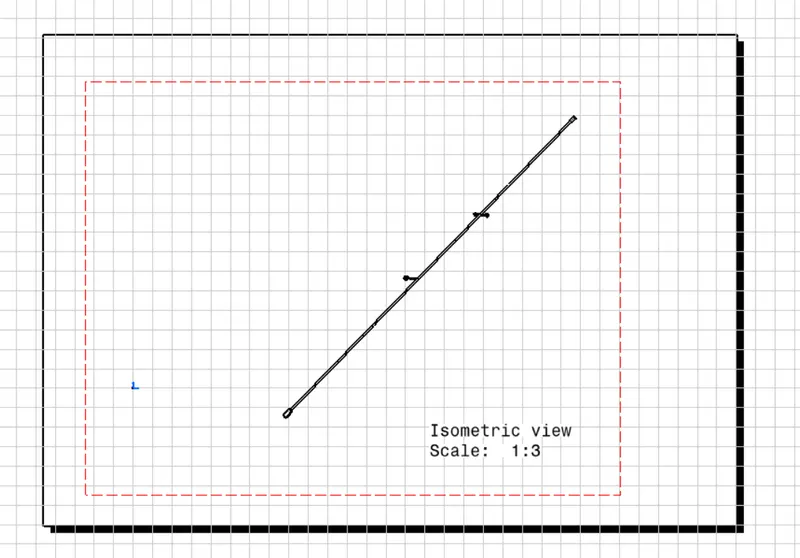
Project 2
DT06-2S
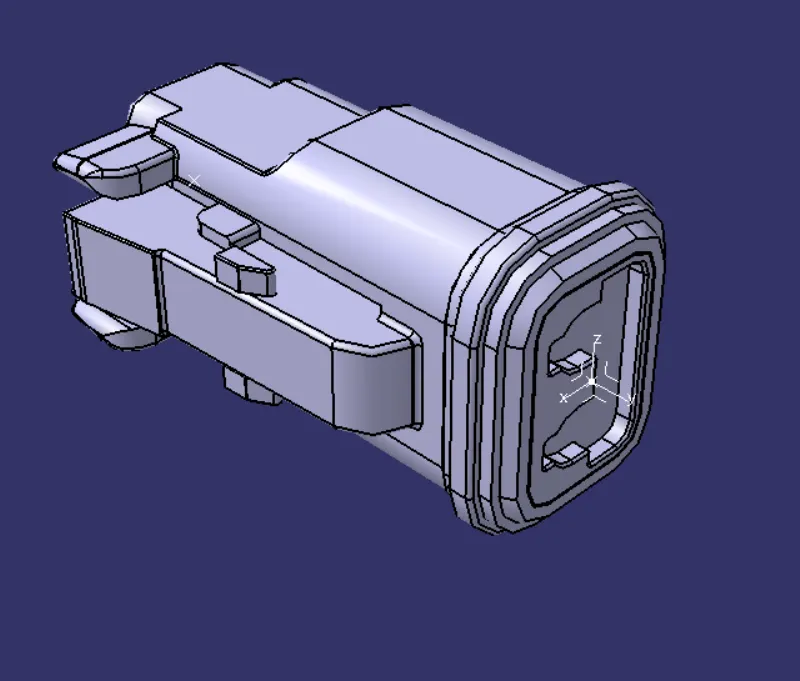
- Create two points both sides.
-Create the axis
-Open the Electrical Part Design
-Define the bundle connection point
-Define connnector connection point
DT06-4S
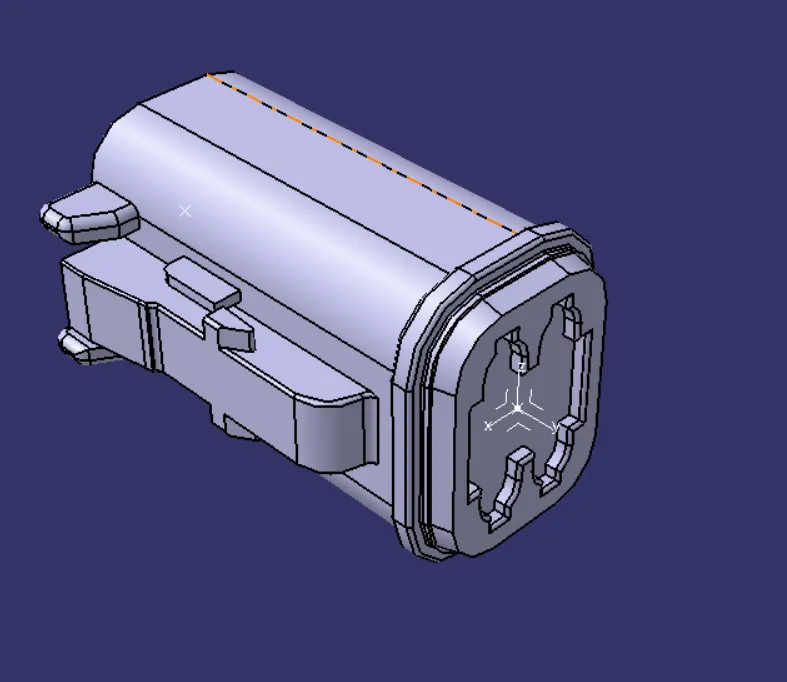
- Create two points both sides.
-Create the axis
-Open the Electrical Part Design
-Define the bundle connection point
-Define connnector connection point
C-776438
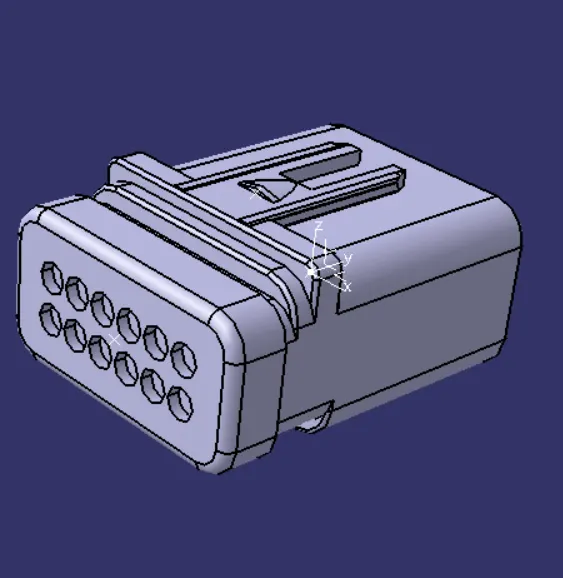
- Create two points both sides.
-Create the axis
-Open the Electrical Part Design
-Define the bundle connection point
-Define connnector connection point
FURR TREE CLIP
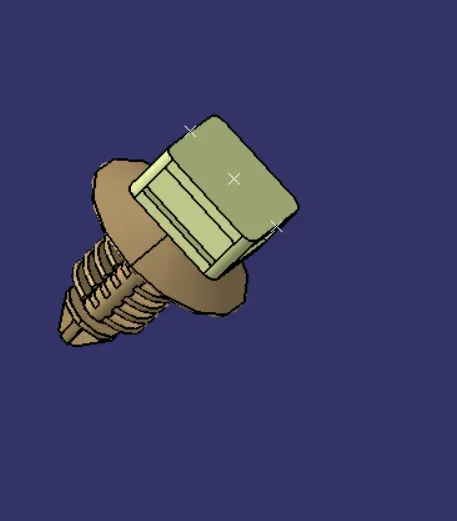
- Create two points both sides.
-Create the axis
-Open the Electrical Part Design
-Define the bundle connection point
-Define connnector connection point
ASSEMBLY
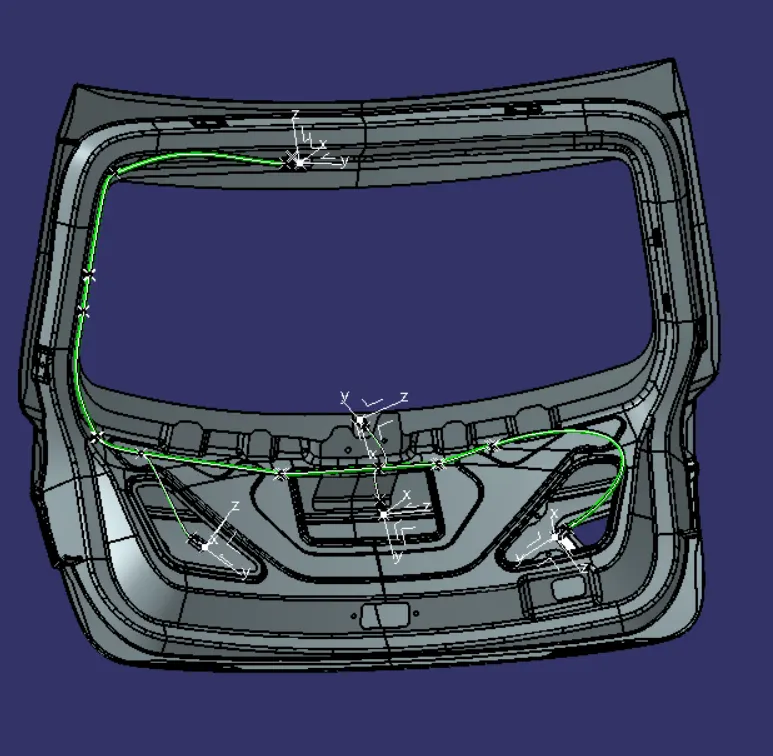
- Bring all products in the Electrical Harness Assembly page.
- Place the fur clips in orderon the backdoor.
- Then place the connector on the fur clips.
- Use Multi-Branching command for connections.
WIRIING HARNESS FLATTENING
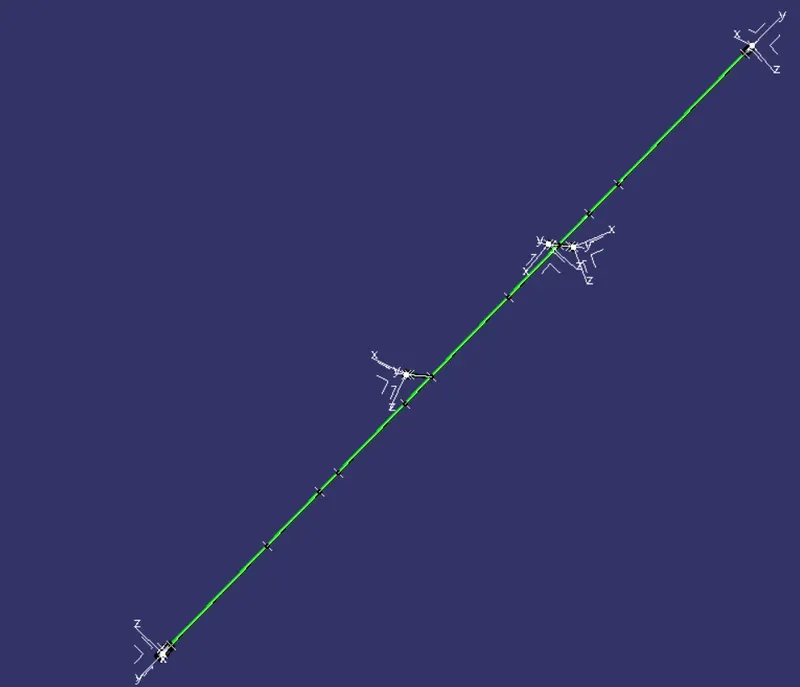
- Extract this geometrical bundle to the Wiring Harness Flattening.
- Use Flattening Parameters to flattened the geometrical bundle.
2D DRAFTING