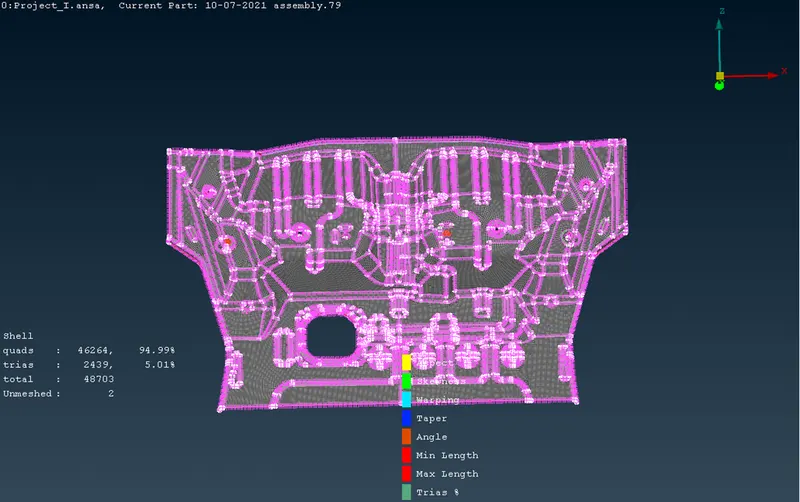
Project 1 - Meshing of Floor Panel
AIM: Prepare a post-processing for Floor panel by eliminating geometrical error, using ANSA pre-processing software.
OBJECTIVE:
- Generate mid-surface manually and perform geometry clean-up on the component.
- Generate mesh with proper mesh flow, with target element size of 5 unit.
- Check the quality of the element according to the given quality criteria.
|
S.No. |
Quality criteria |
Value |
|
1 |
Aspect ratio |
5 |
|
2 |
Skewness |
45 |
|
3 |
Warping |
15 |
|
4 |
Taper |
0.5 |
|
5 |
Min. Length |
2 Unit |
|
6 |
Max. Length |
8 Unit |
|
7 |
Min angle Quad |
45 |
|
8 |
Max angle Quad |
135 |
|
9 |
Min angle Tria |
20 |
|
10 |
Max angle Tria |
120 |
|
11 |
Tria % |
10 |
THEORY:
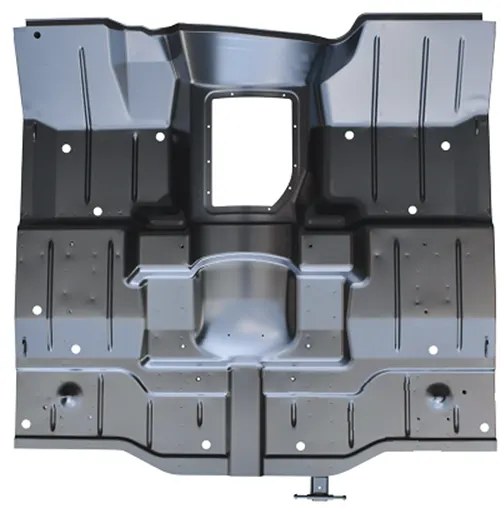
Car Floor panel is a sheet metal component. Whose function is to hold seat, wire harness etc. hence it should be durable with high strength and toughness.
PROCEDURE:
- Firstly we need to open .step file of Floor panel model.
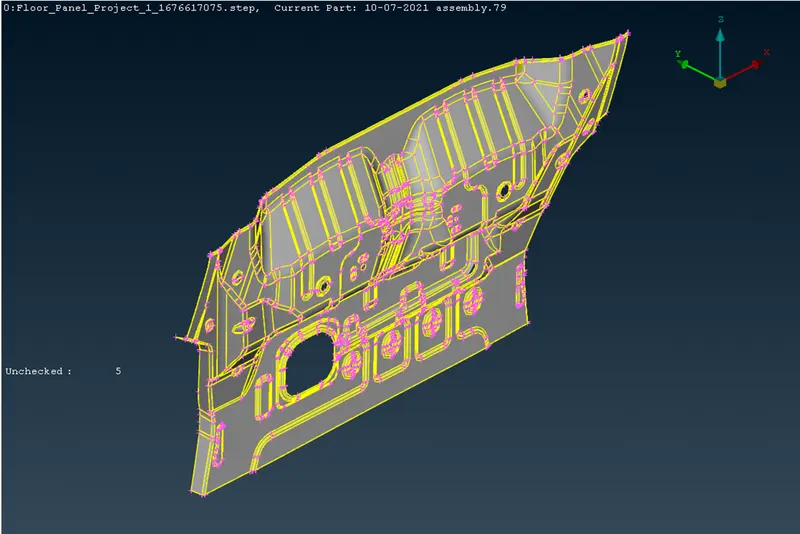
- Then we need to check all the parent geometry. And repair the geometry.
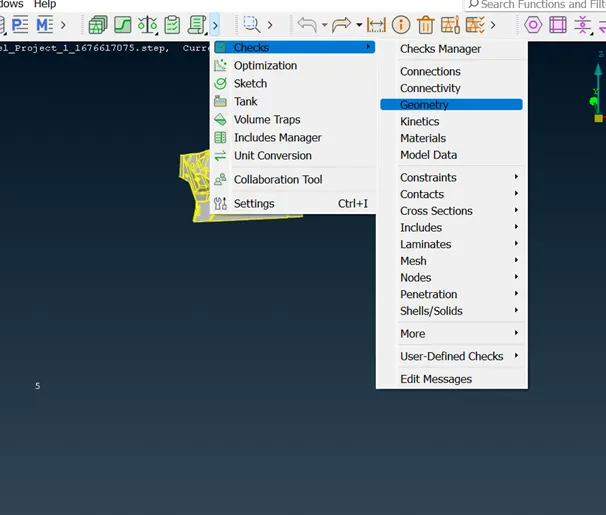
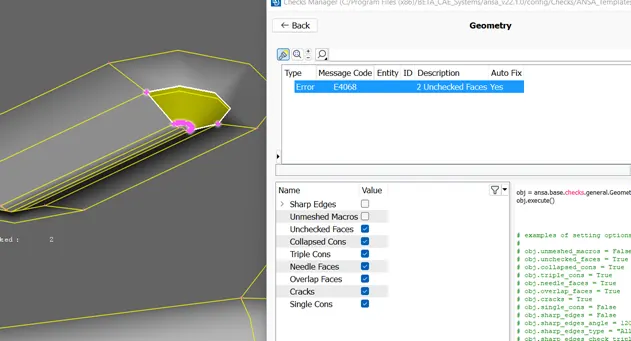
- Here we can see that there is deformation in parent component, therefore we need to repair this area with the help of new face command.
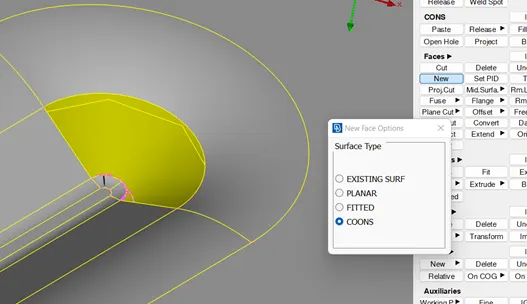
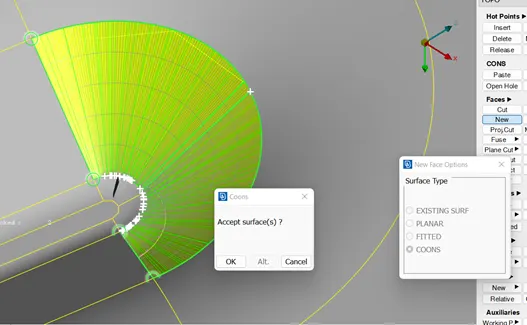
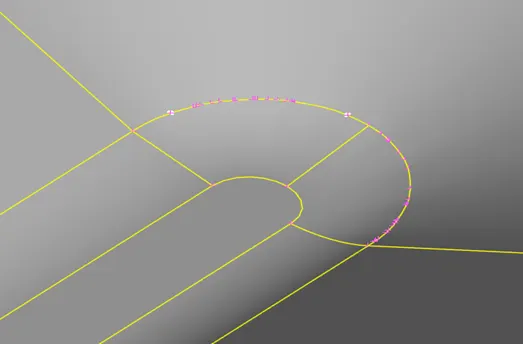
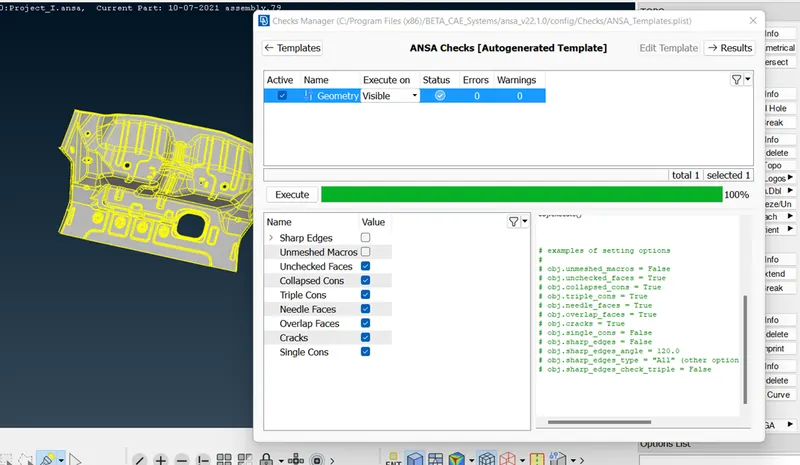
- Now geometry check is OK, but there is unusual hole into the geometry so we need to repair that before going to mid-surface generation.
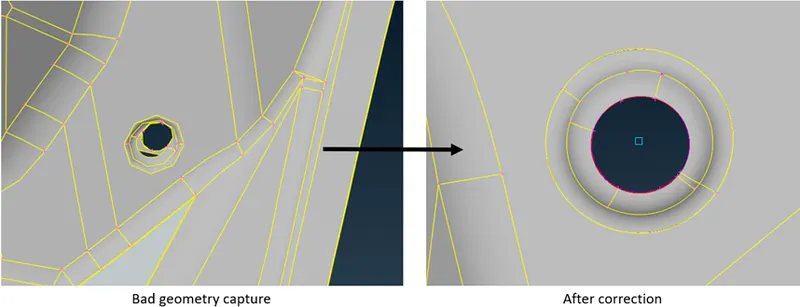
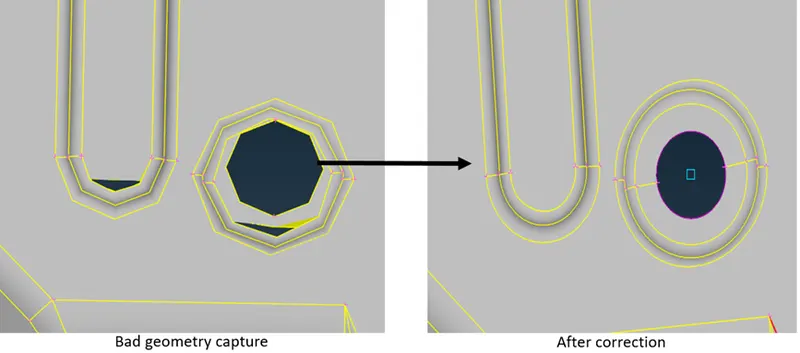
- After this we need to create mid surface with the help of off-set command (before this we need to check the thickness of the component)
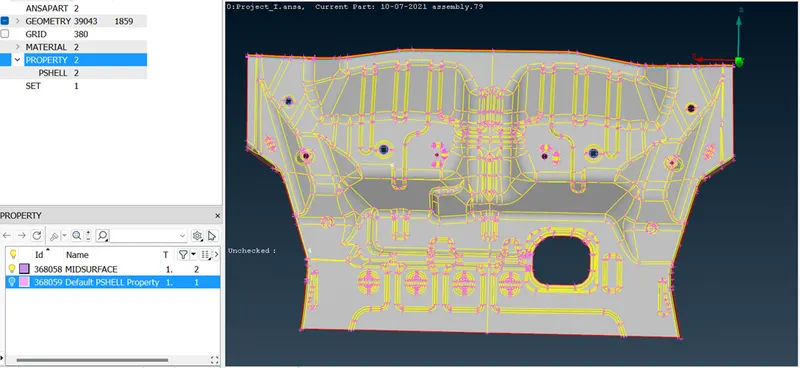
- Then we need to create different PDI for mid-surface we have created, so that we can provide thickness and different property to that mid-surface. And check the mid-surface geometry again.
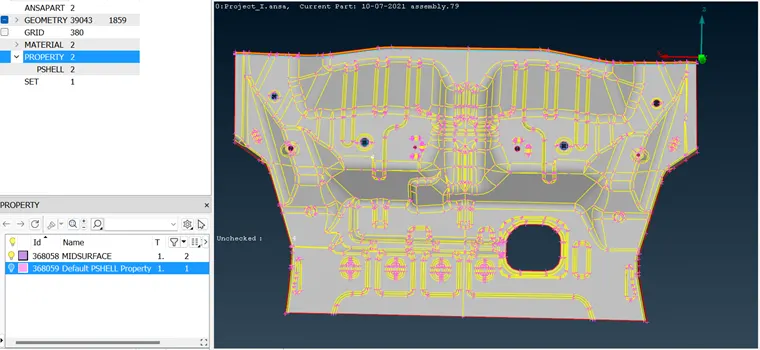
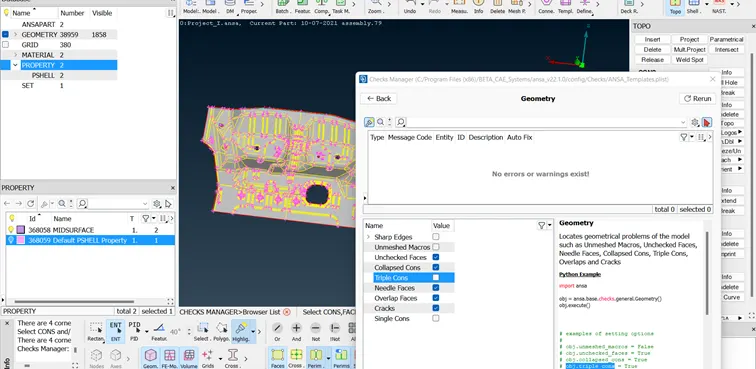
- Now before creating mesh we need to alter shell element length as 5 unit for both perimeters and Macros.
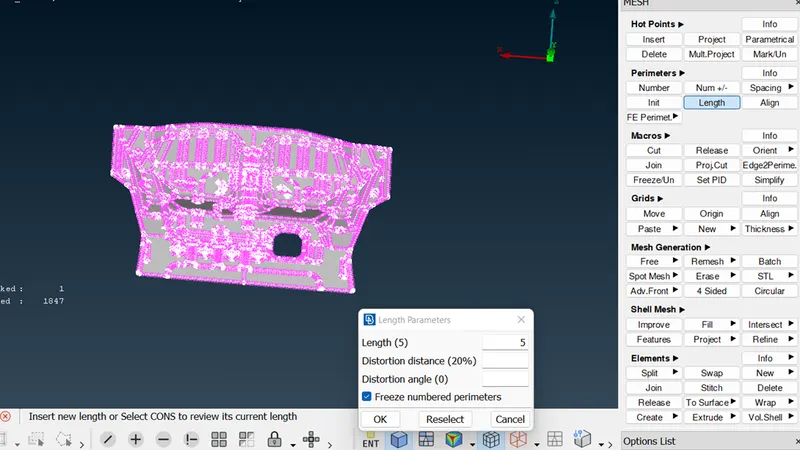
- Now we need to clean the geometry and prepare proper construction line for better mesh flow and avoid minimum element length.
- After this we need to give input of given quality parameters. And mesh parameters
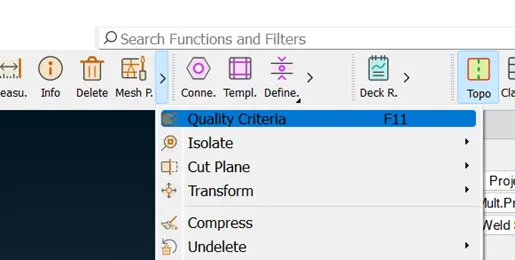
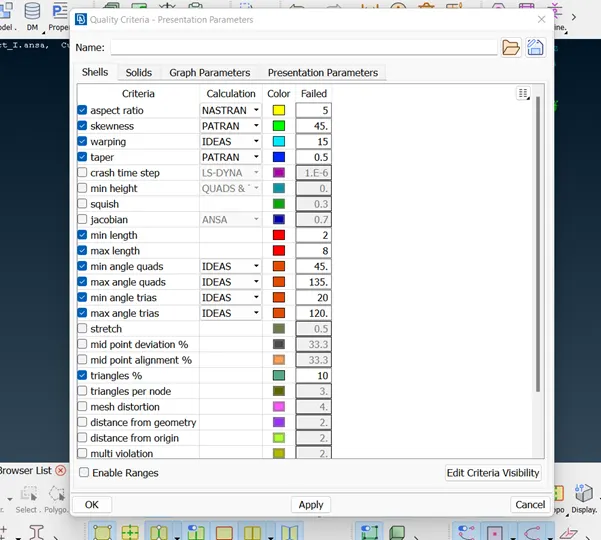
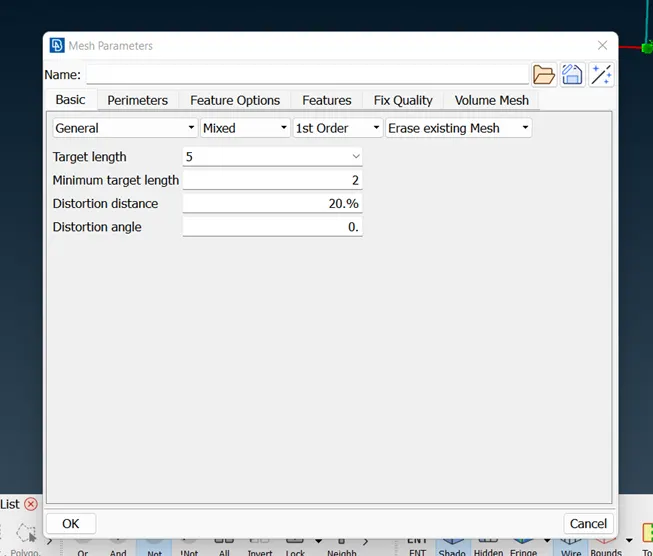
- After this we have to create mesh.
Classic mesh > Mesh generation > Best > select surface > click middle mouse button.
Then we need to check mesh flow and for improving mesh flow we need to use commands like Reconstruction, Improve, Fix quality, Split, Join, Swap.
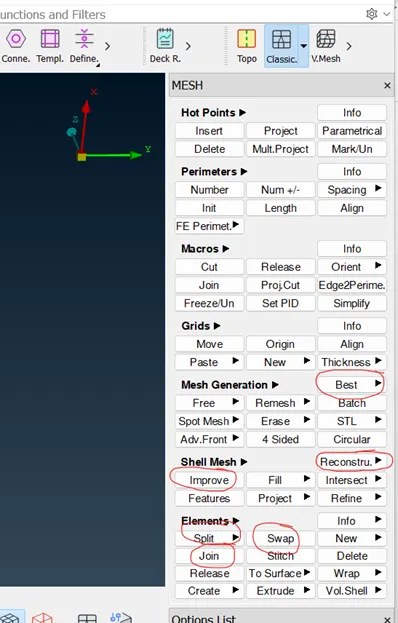
- Simultaneously we need to check quality criteria and improve quality at the same time.