Project 1 - Data Cleaning and Transformation using Pivot table and Charts for the Report on requirement of Team Hiring
For most of the solutions. PFA excel file.
a.
Please check excel file.
b.
Please check excel file. Stored in sheet "b".
c.
Please check excel file. Stored in sheet "c".
d.
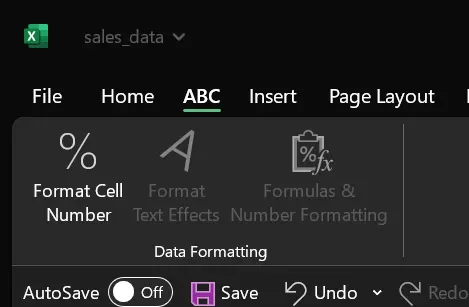
PFA screenshot.
e.
Please check excel file. Stored in sheet "e".
f.
Please check column "G" & "K".
g.
Date Formatting was carried out using several excel formulas and available tab option.
Step 1 - Column AB = Extracting Data = IF(ISNUMBER([@[Order Date]]),YEAR([@[Order Date]]),RIGHT(LEFT([@[Order Date]],FIND(" ",[@[Order Date]])-1),4))
Step 2 - Column AC = Date Formatting
Step 3 - Column AD = Expected Result = =SWITCH([@[Order Year Formatted]],2003,2019,2004,2020,2005,2021)
h.
Please check excel file. Stored in sheet "h".
i.
Please check column "N" & "O".
j.
Please check column "B".