Project 1 : CFD Meshing for Tesla Cyber Truck
Aim:-CFD Meshing for Tesla Cyber Truck
Project :-
Import the Model And its delete the half part by plane cut method.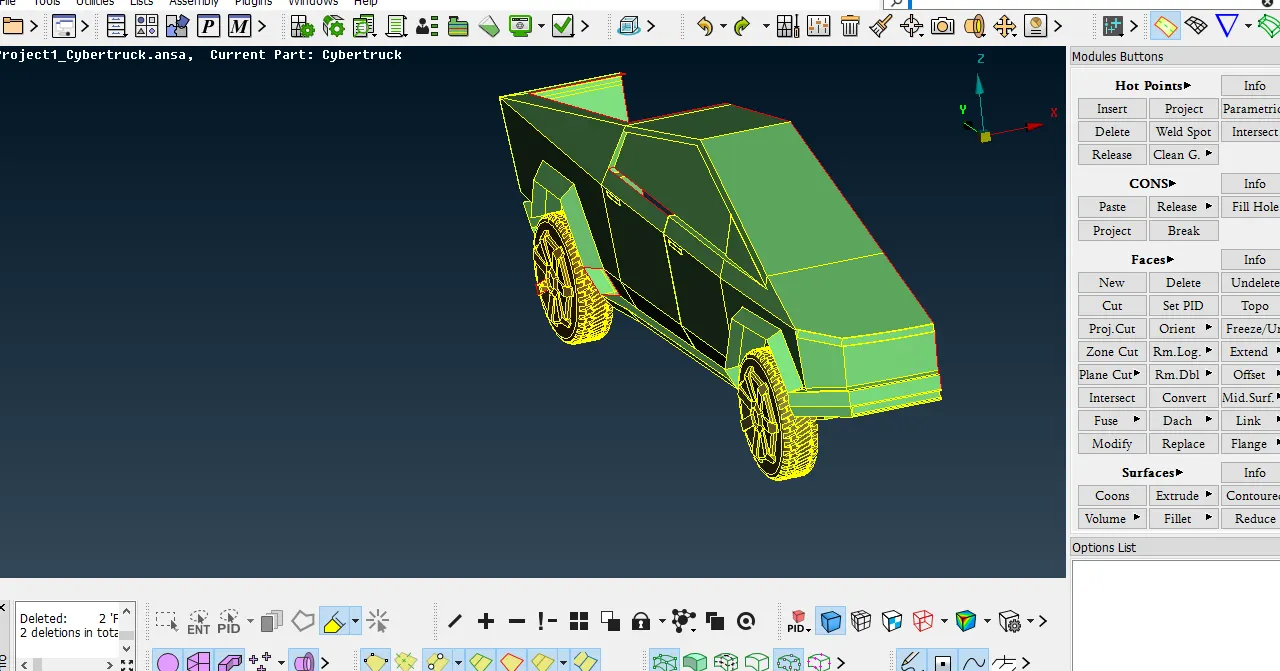
Check The Geometrical Error single cones and resolve it.
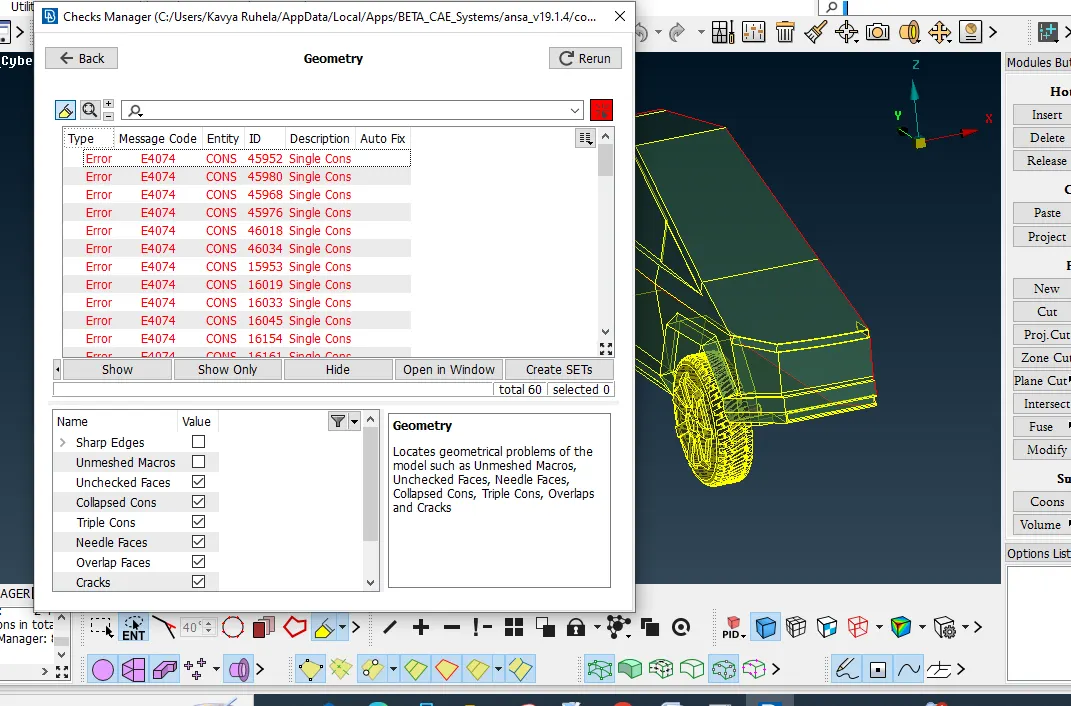
Solvesingle cones.
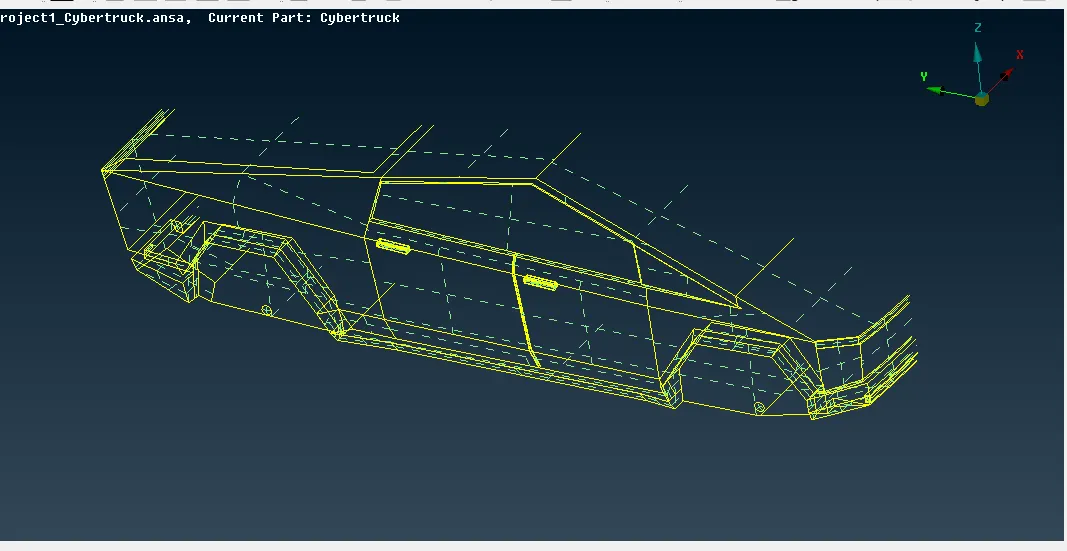
Create PID as shown in the picture.
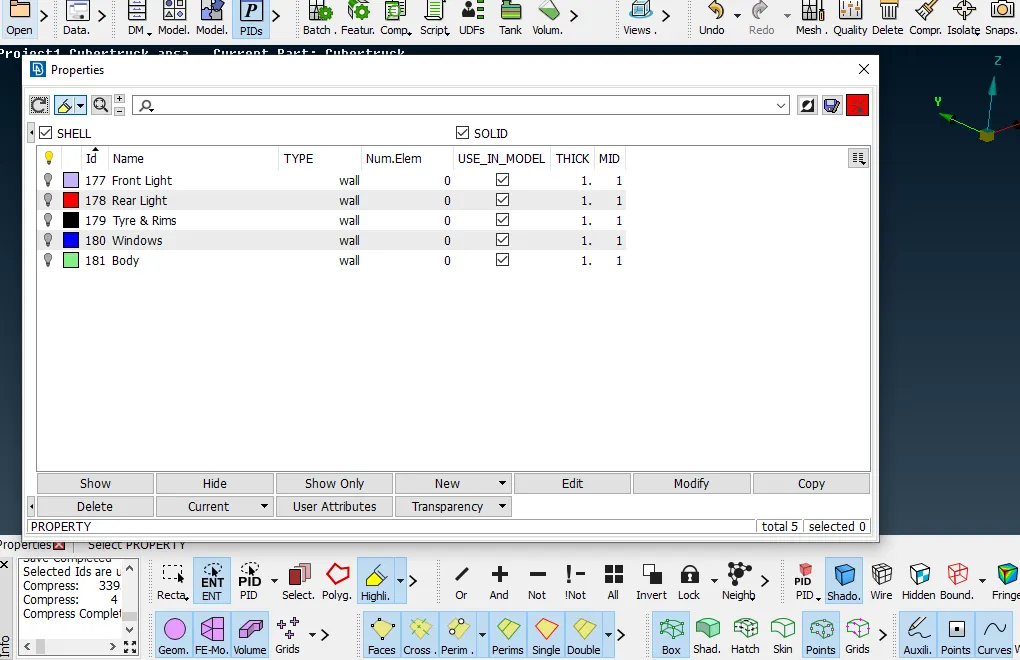
Assign PID in model
Select the PID
- Target lengths for the different parts of a model are as follow:
- Body - 3 mm , Minimum Length -1mm , Maximum Length -5mm
- Lights - 4 mm, Minimum Length -2 mm , Maximum Length -6mm
- Rims and Tyres - 2 ,Minimum Length -0.2mm , Maximum Length -3mm
- Rear Light - 4 mm , Minimum Length -2 mm , Maximum Length -6mm
- Window - 4 mm,Minimum Length -2mm , Maximum Length -6mm
Rear Light Off Elements is zero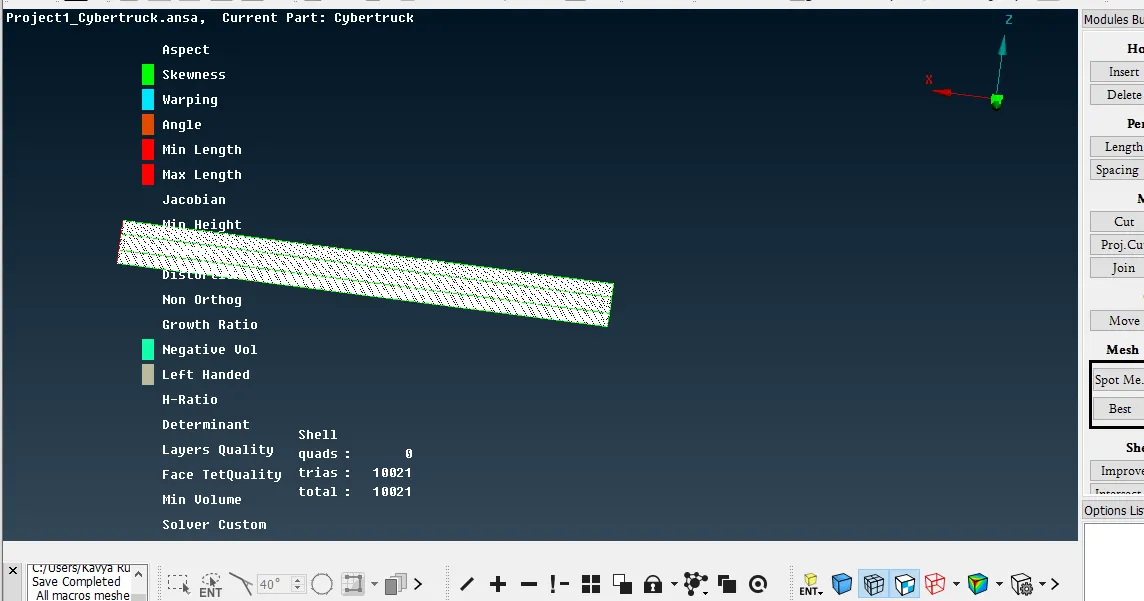
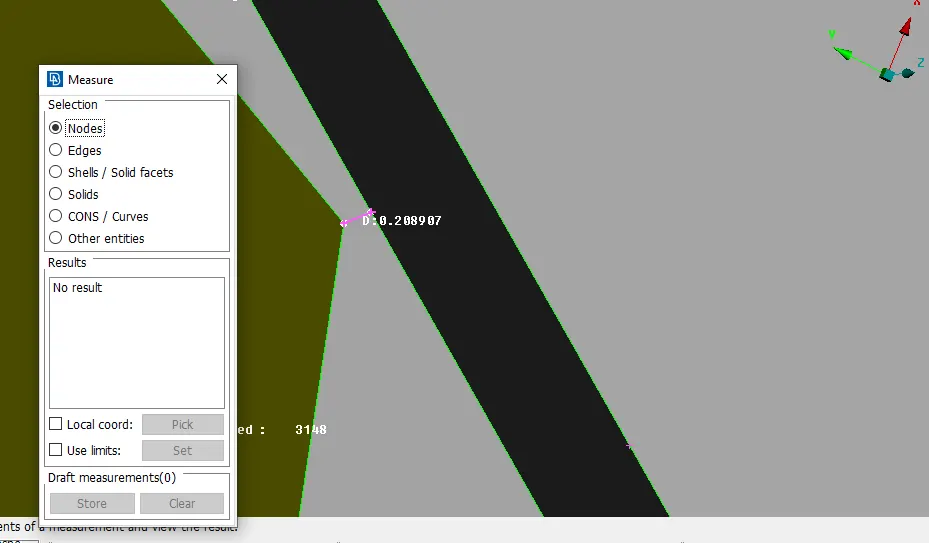
In Tyre we found min distance is 0.2 then for Quality Check Parameters we should take the 0.2 minimum length is 0.2mm.
Off elements is zero tyre mesh.
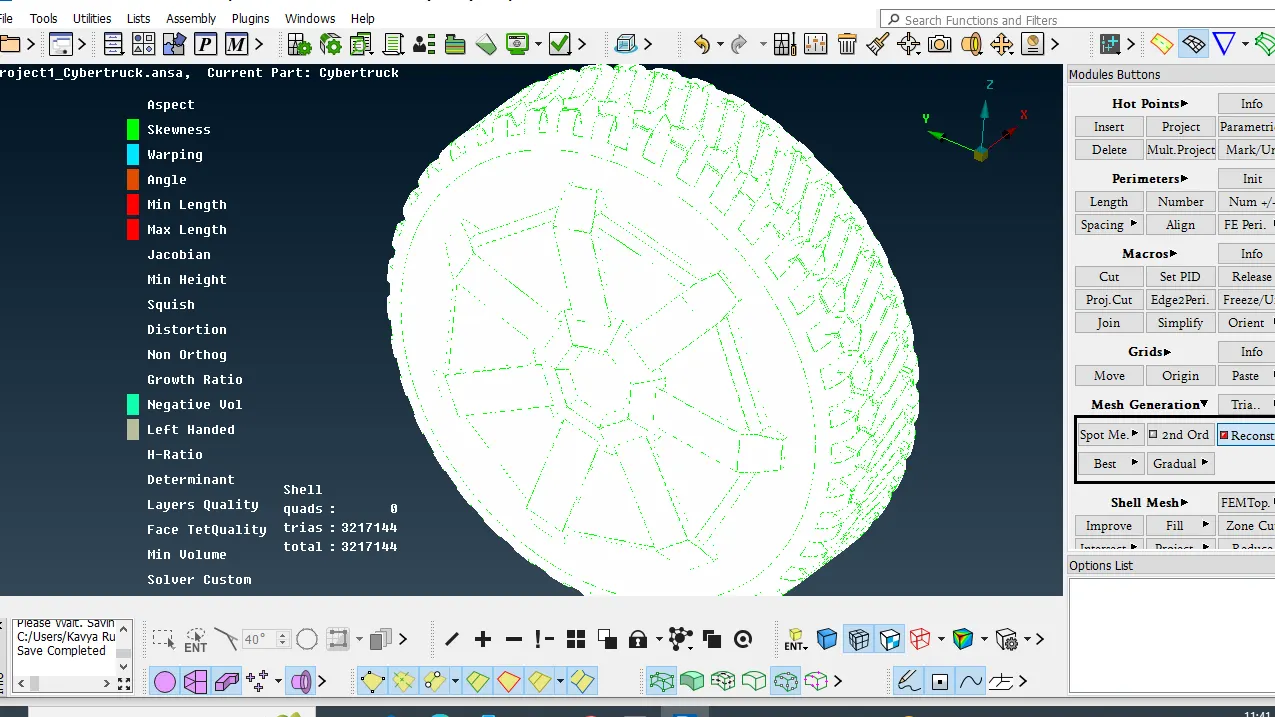
Symmetry the half model.and check geometry error.
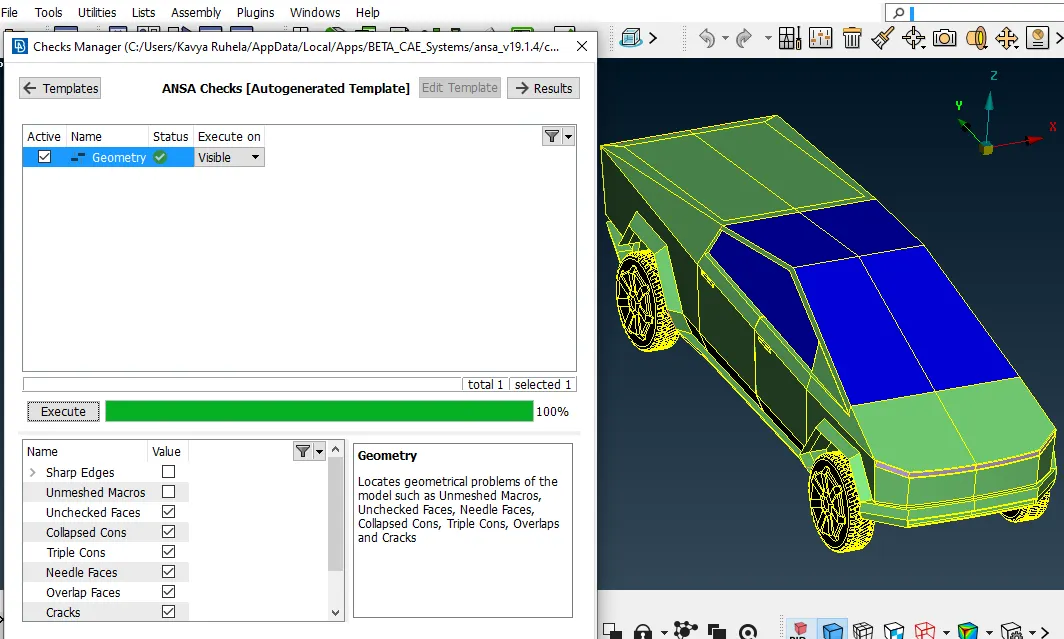
check the off elements .its find zero.
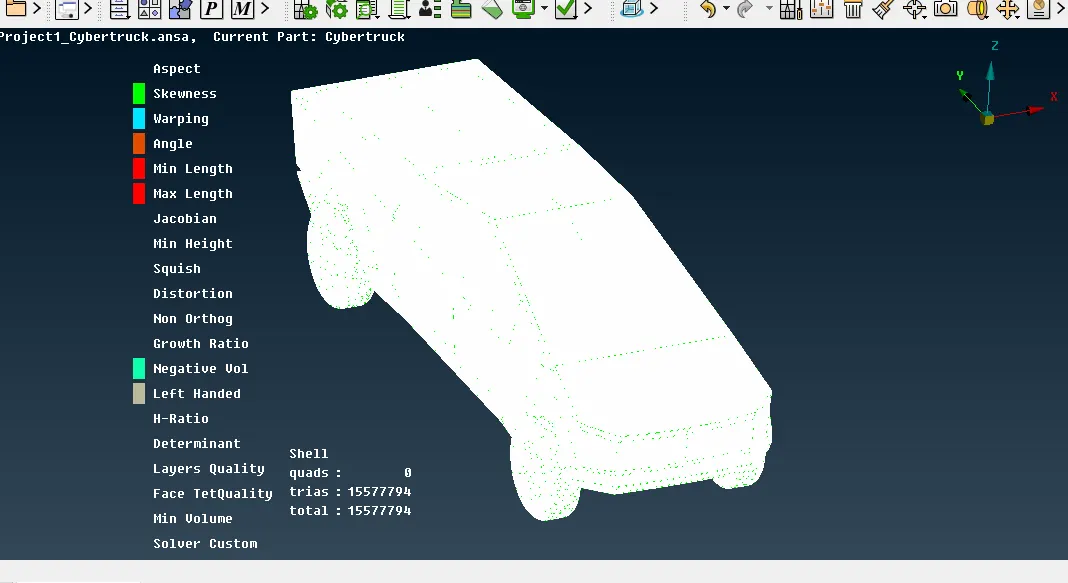
Meshing complete.
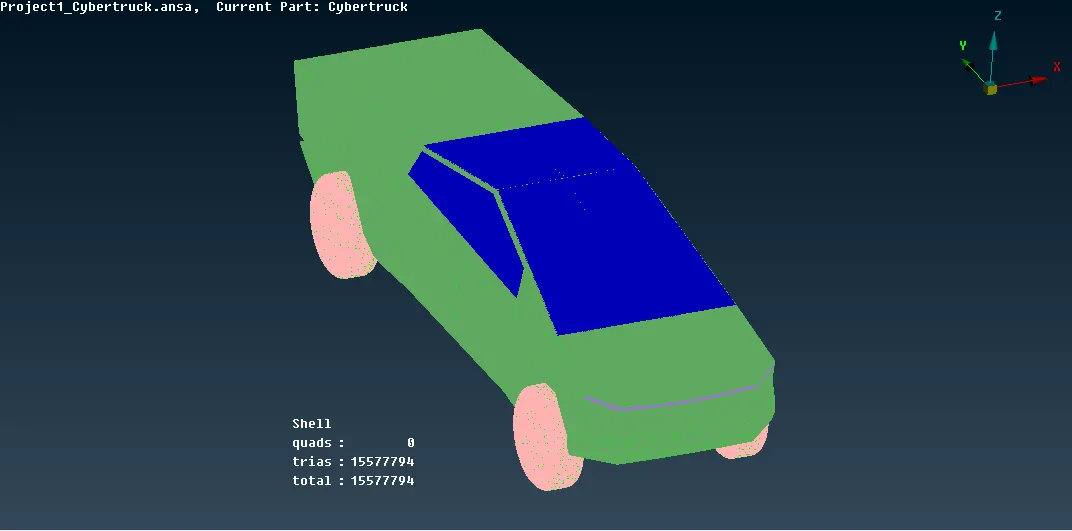
WInd Tunnel Create
creates the points in front side and rear and top surface the creat the curves then create surfaces
Measure the length of the car is 5960 mm. its the value of X
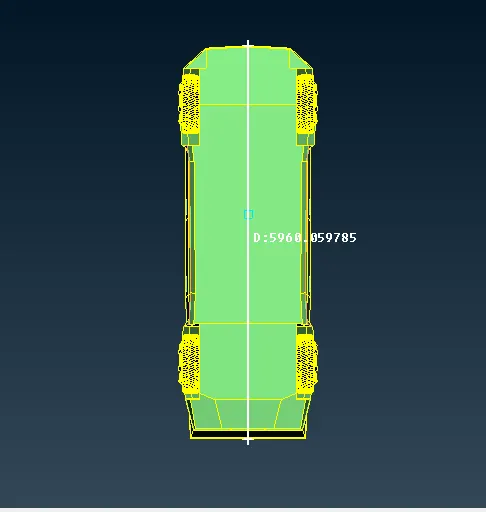
Create the Point as per the following
Front Face -4X+X1(it is the distace centre point to front face)
Rear Side -6X+X2(it is the distace centre point to Rear face)
Top Face -3X+X3(it is the distace centre point to Top face)
Right Face - X
Left Face-X
Create the points. steps Section Pont →Relative →middle click →define distance acording to the direction.
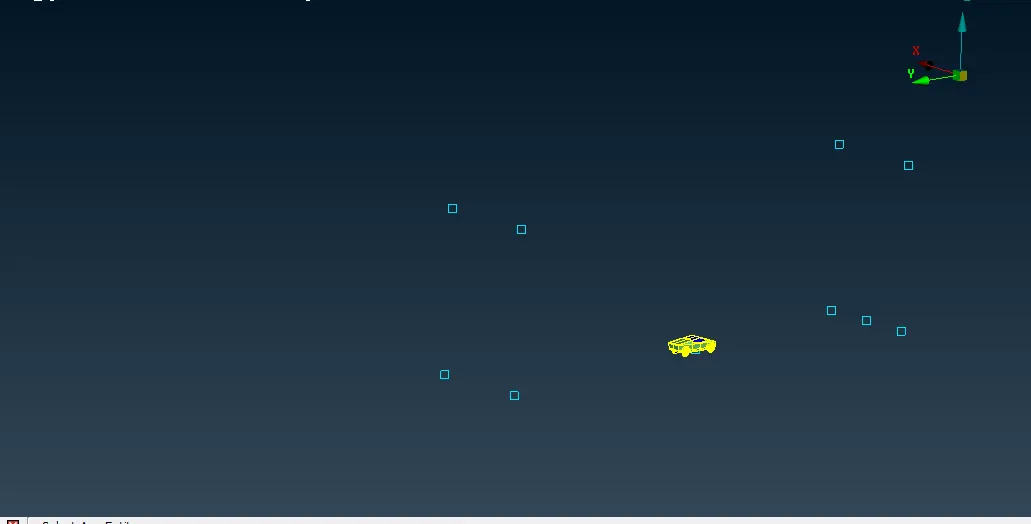
Create lines through curve
Curve Section → Create →click Start point & End Point centre click →ok
Shoud must on the curve Tool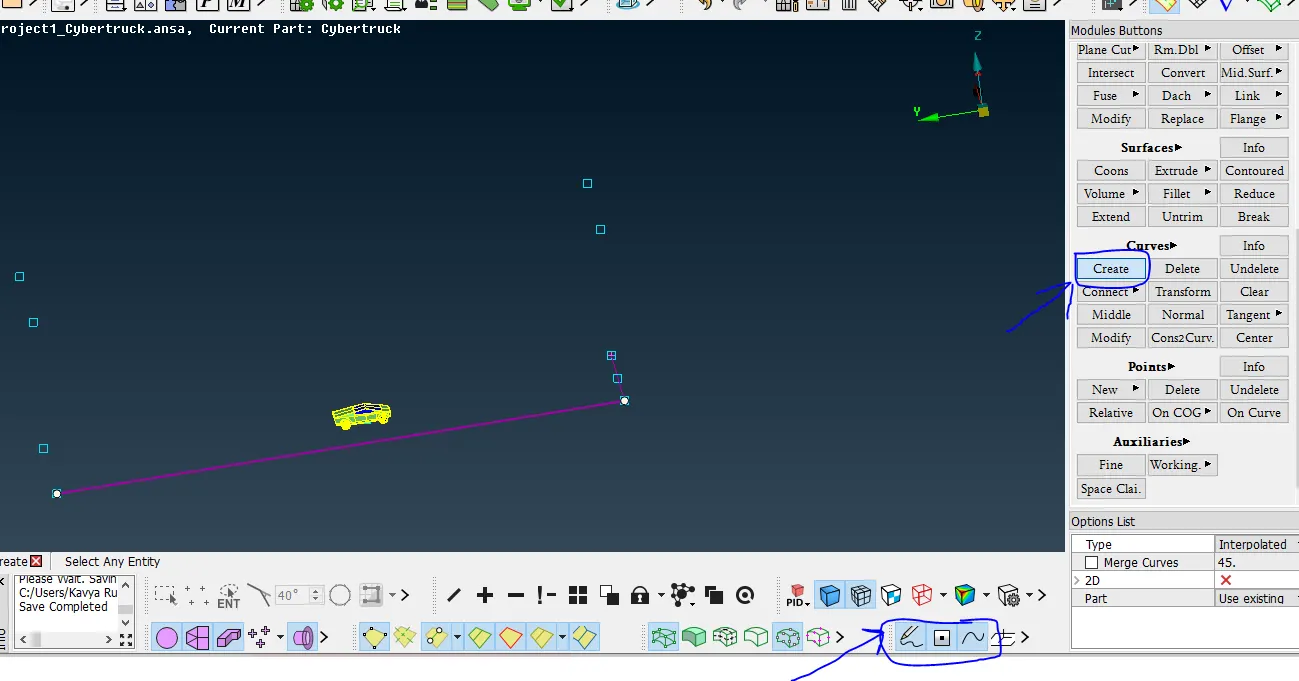
Create Face & Create PID & Assign PID.
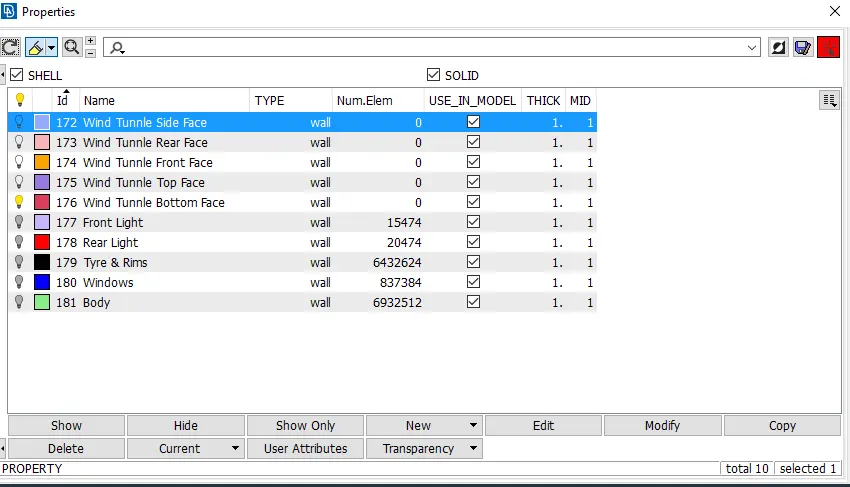
after create the wind tunnle face delete the points .
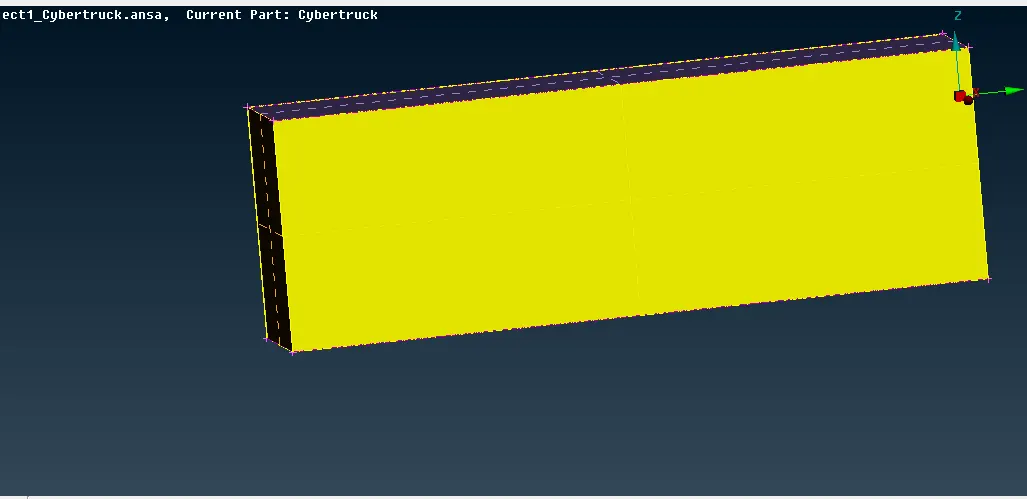
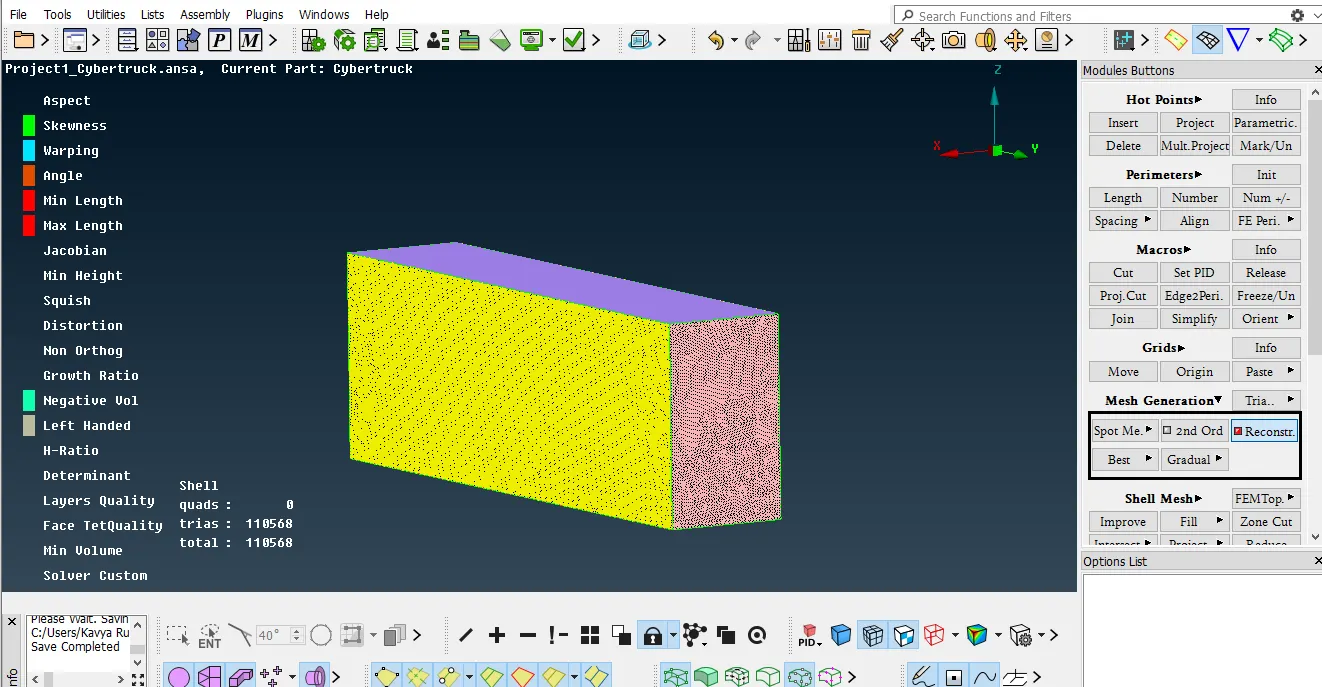
Target Length of wind Tunnle
Bottom Face -80mm
Top Fce-400 mm
Front & Rear Face Spacing 1.1 mm
Off elements is zero in result.
Conclusion :
- The imported CAD model of Tesla cyber truck is Topologically Cleaned & Corrected all the feasible surface errors to perform external aerodynamic analysis.
- Surface mesh is generated with the required element size.
- Reconstructed the mesh as per the mesh quality required at Corners & at Intersection of edges.
- Worked with the errors occured in the Mesh.
- Created a wind tunnel For external aerodynamic analysis.
Please find the model link
https://drive.google.com/file/d/1Mrnm3xAIT3e710UI4BkLNB5TIxK8sXi3/view?usp=sharing
https://drive.google.com/file/d/1J49Urs9NrFpWfCXv0BoRFQvfIG0hZOvv/view?usp=sharing