Project 1
Car Dash Board.
Objective:
To extract the mid-surface, 2D meshing for car dash board as per the Quality criteria in ANSA.
Introduction and sequence of operations.
- Geometrical clean-up
- Mid surface Extraction
- Meshing as per the Quality criteria
- Set PID’s for each part.
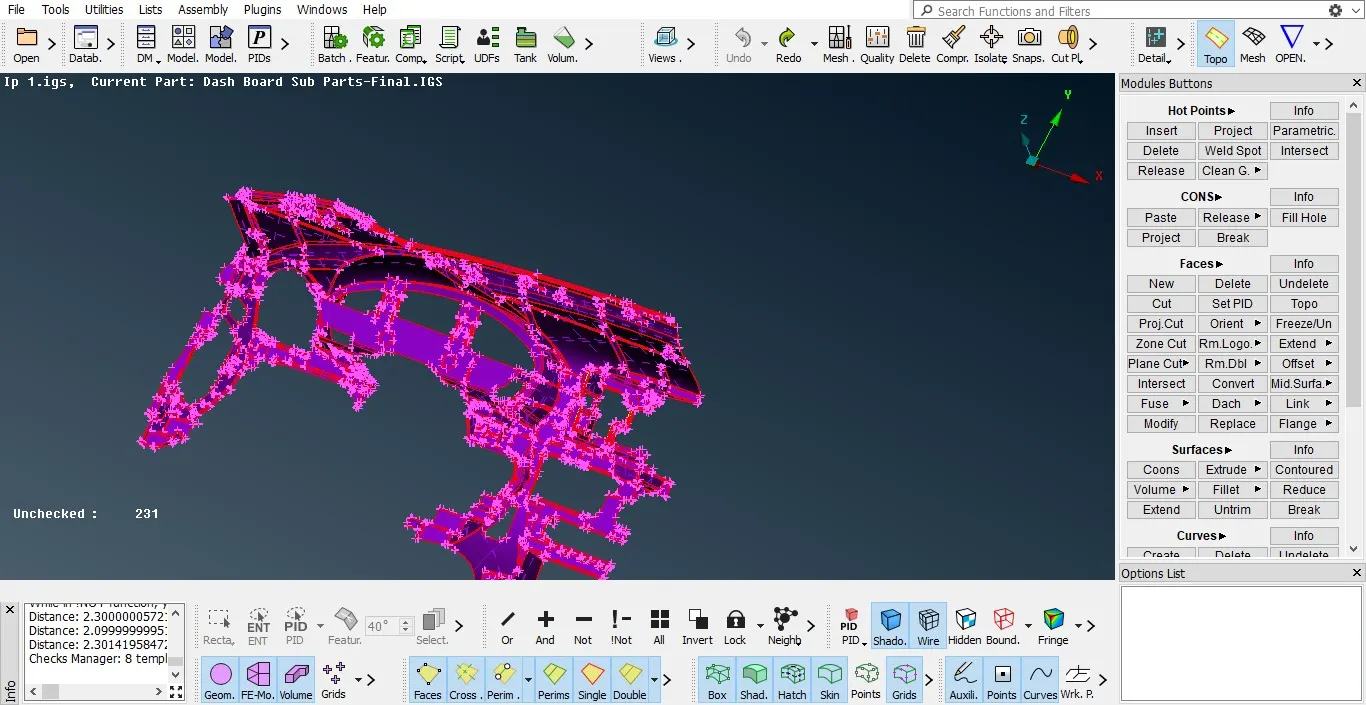
Import the model, to prepare the model for meshing first we need to perform the topology and length perimeter before going for geometrical clean up.
After topology
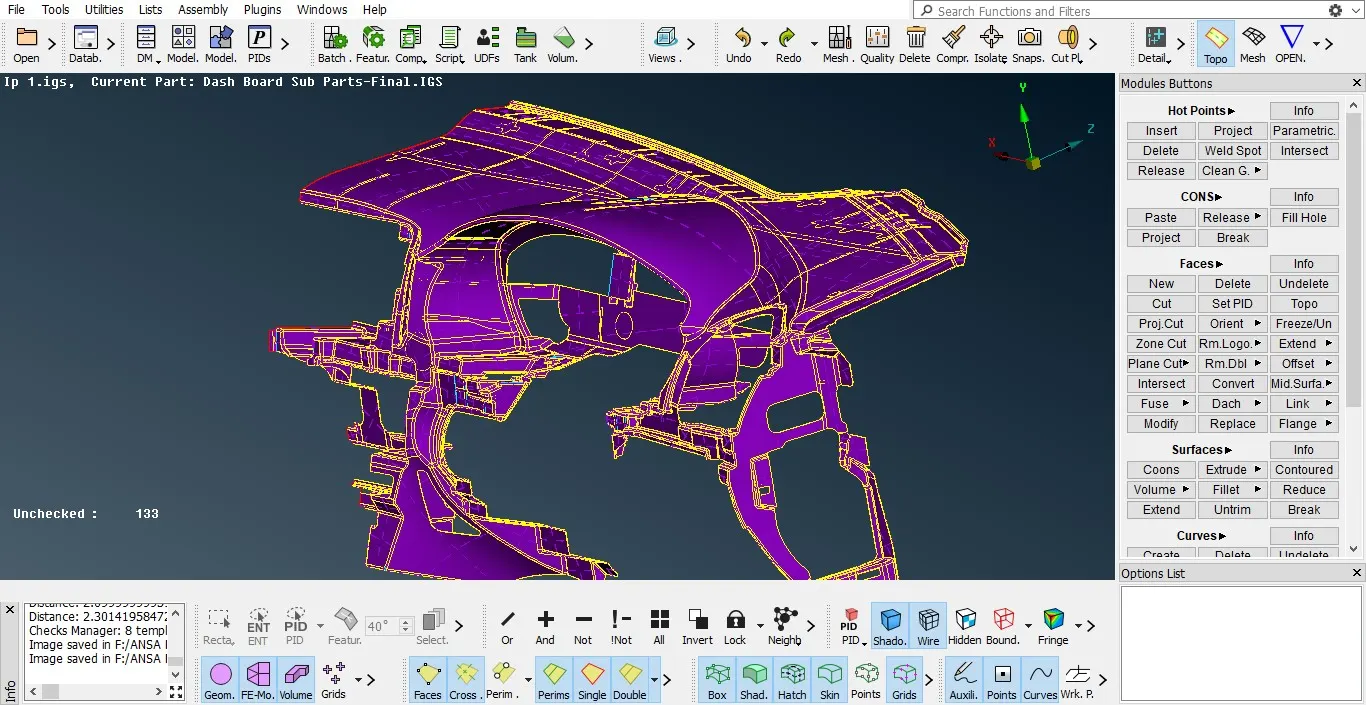
Orientation of the model
This is complex model so we need to take of the orientation of the entire model here we can understand the orientation of the model by its colour.
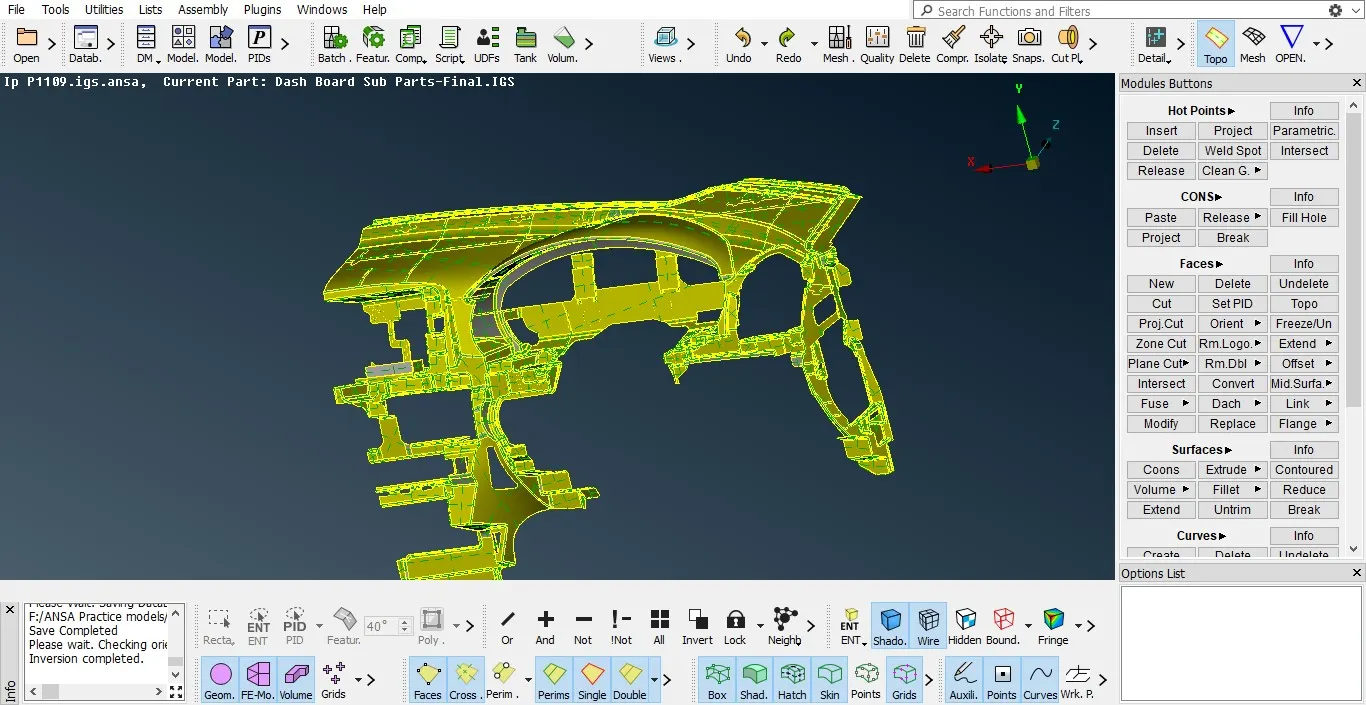
Geometrical cleanup:
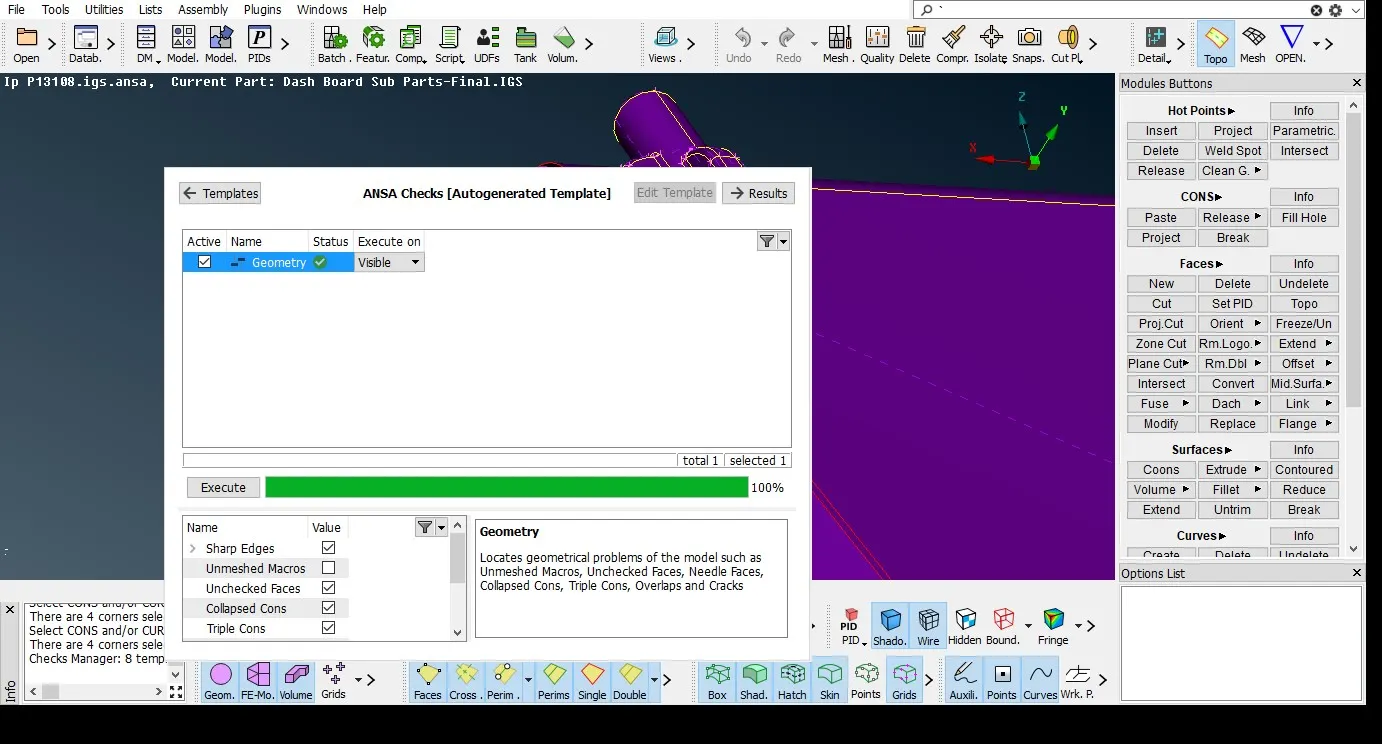
Cleaning-up the triple, concave , cracked surfaces and mixed etc.
Triple cons: multiple edges joined at one place , more than two edges.
Mixed cons:combined edges or faces.
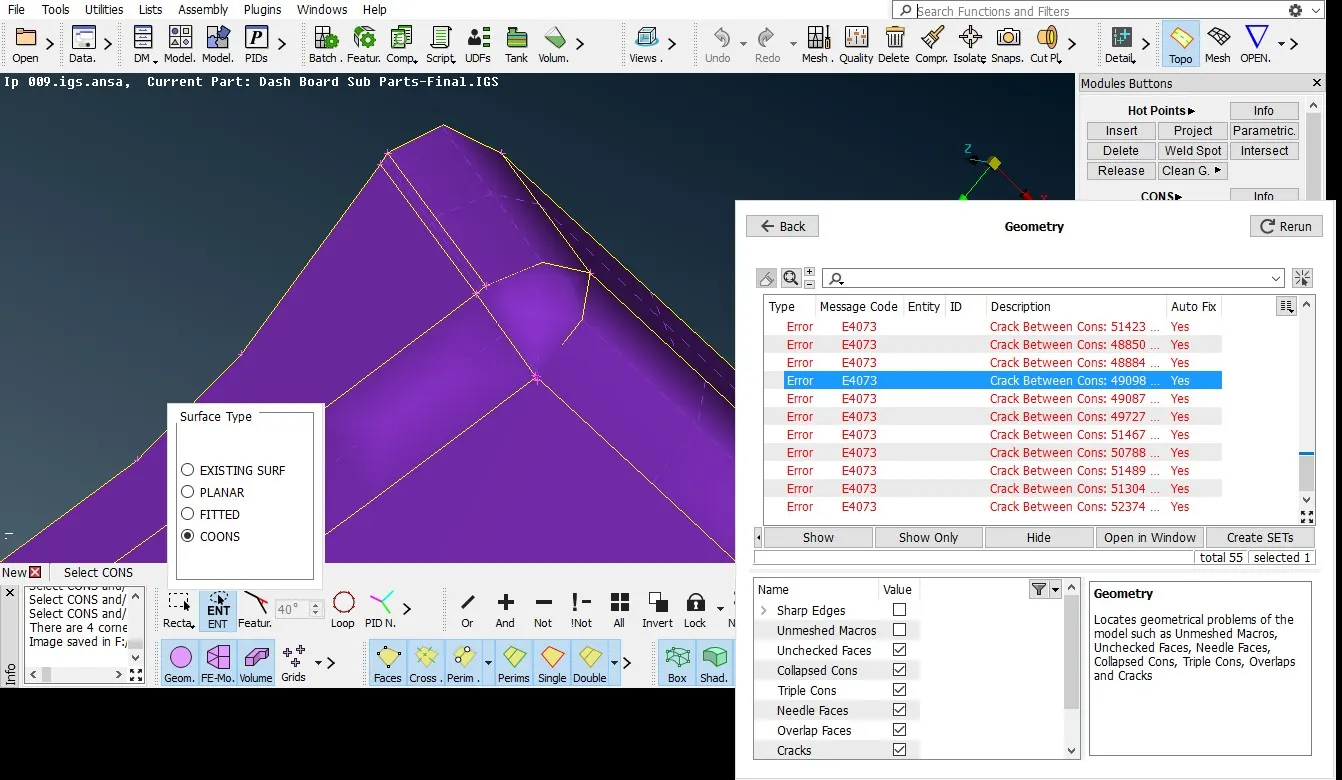
Cracked face: slight gap or slit on the surface or gap between the two edges.
Concave or convex :overlapped boundaries of the faces.
After geometric clean-up
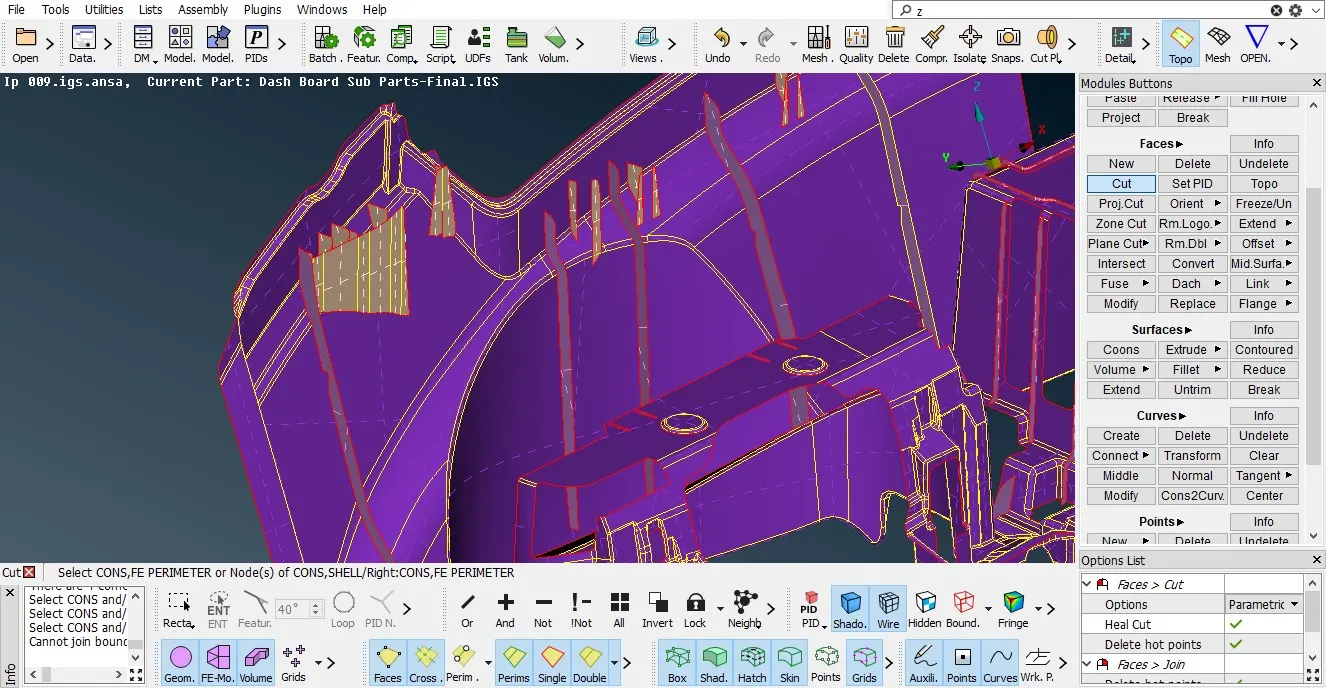
Extracting Mid-Surface: we can extract the mid-surface using Auto mid-surface, middle and offset manual method. I have preferred offset command for the mid-surface generation here.
Reasons for Off-set Method for extracting mid –surface
- Model should have closed volume to create auto mid-surface.
- Complexity of the model due to that unable to extract the auto mid-surface using casting.
- Due to many intricate and small surfaces generates distorted geometry through auto mid-surface.
- Manual mid-surface extraction produce less geometrical distortions and errors.
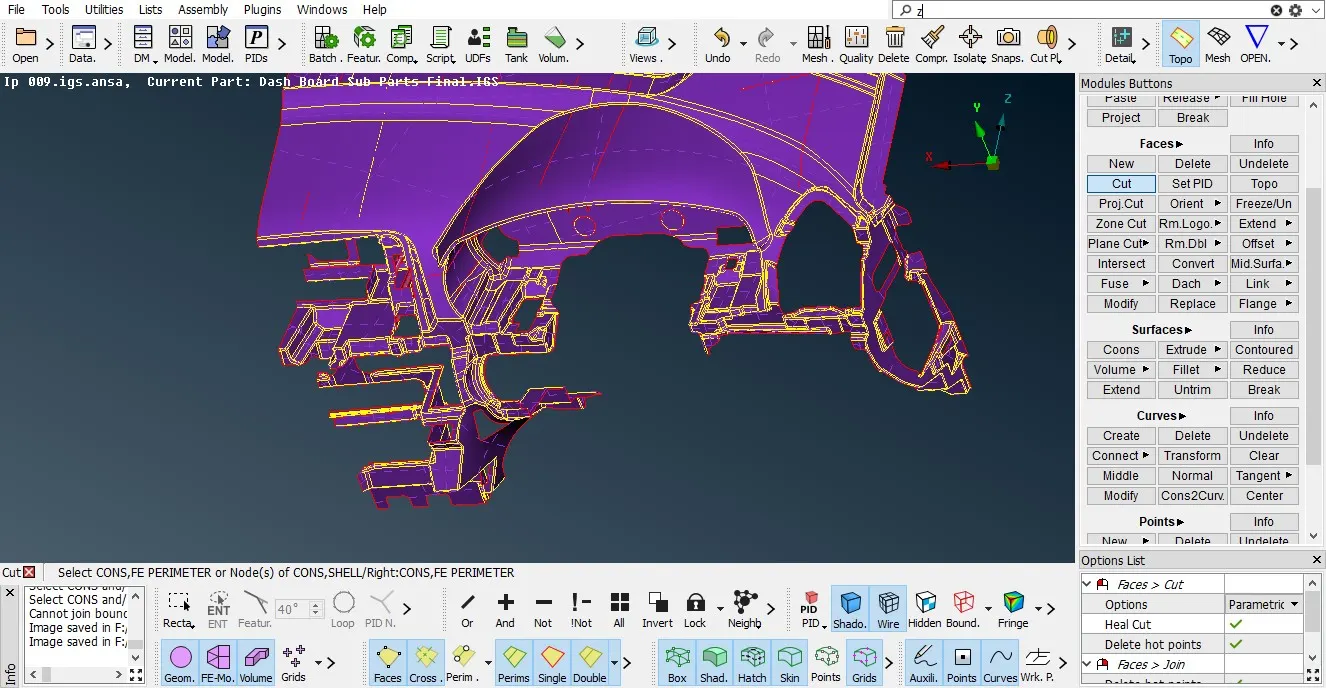
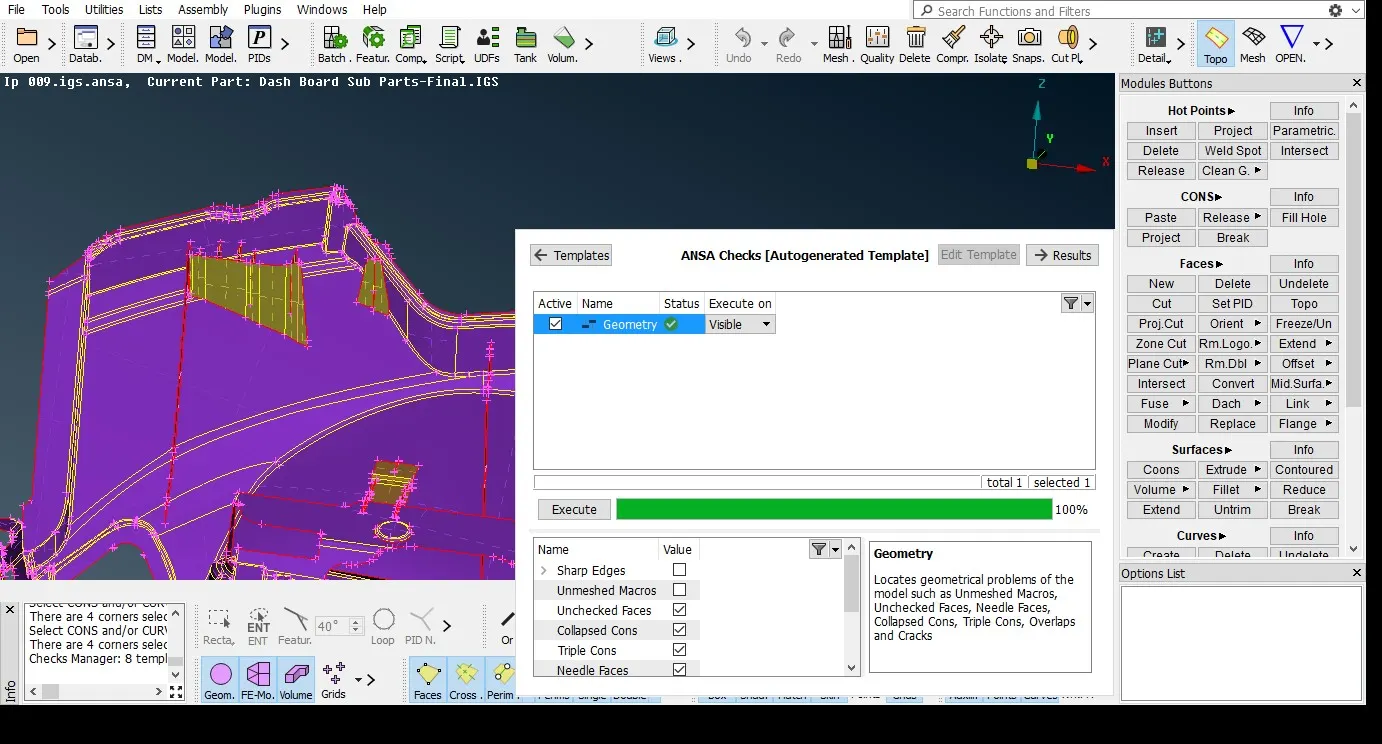
Geometry check for mid- surface: we need to check the geometrical errors of the model before meshing it
MESHING:
Before going to mesh the model we need to update the quality criteria and mesh quality as per the given quality data for the object. We need to choose the following details to get proper or smooth mesh. I have used batch mesh generation tool here.
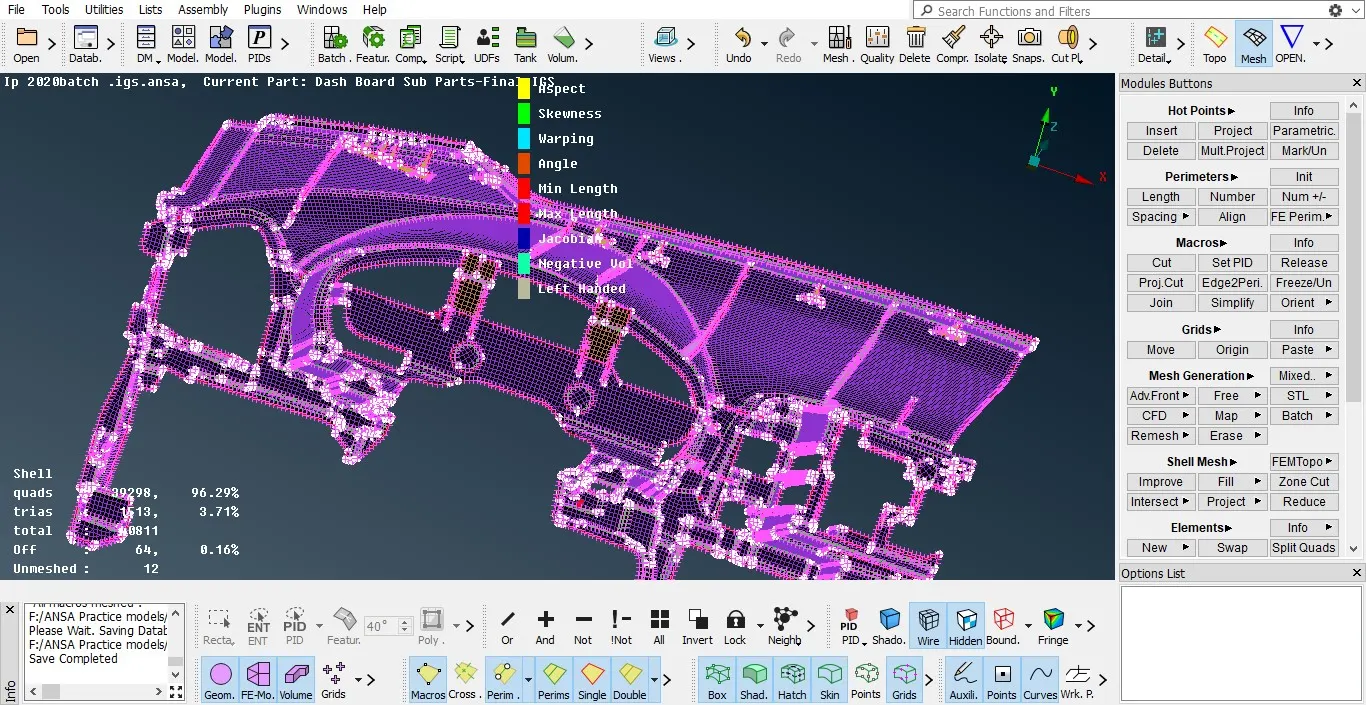
Batch mesh →new mesh scenario→ click on content to import the model then select the part → click on green arrow→
Set PID’s for each part:
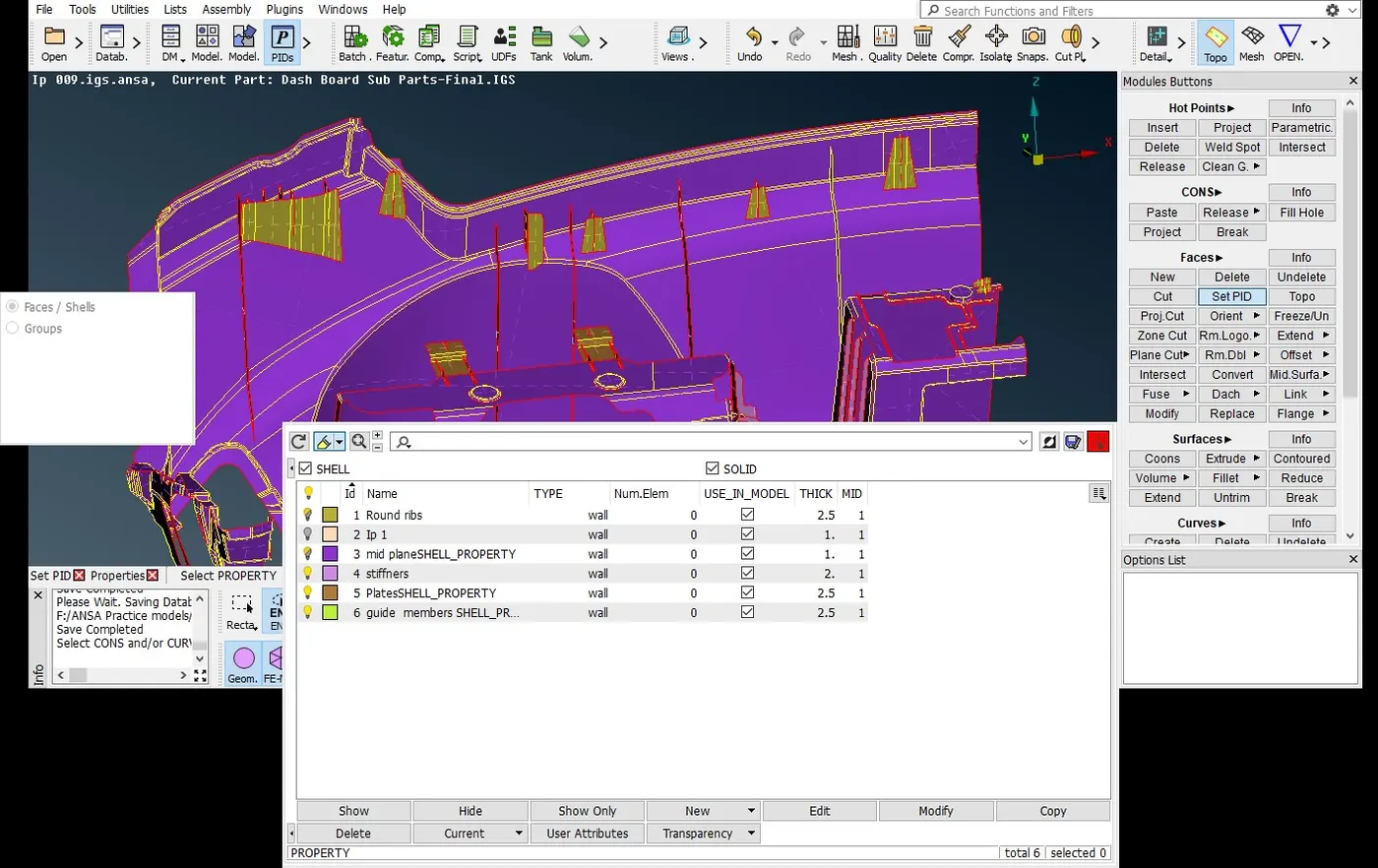
Topology → faces→ setPID- PID window →New
In PID we can assign and modify the property ID as well color code of the each part.
Thickness assigned:
here i have combined the all mid surfaces as one single model and assigned thickness to it
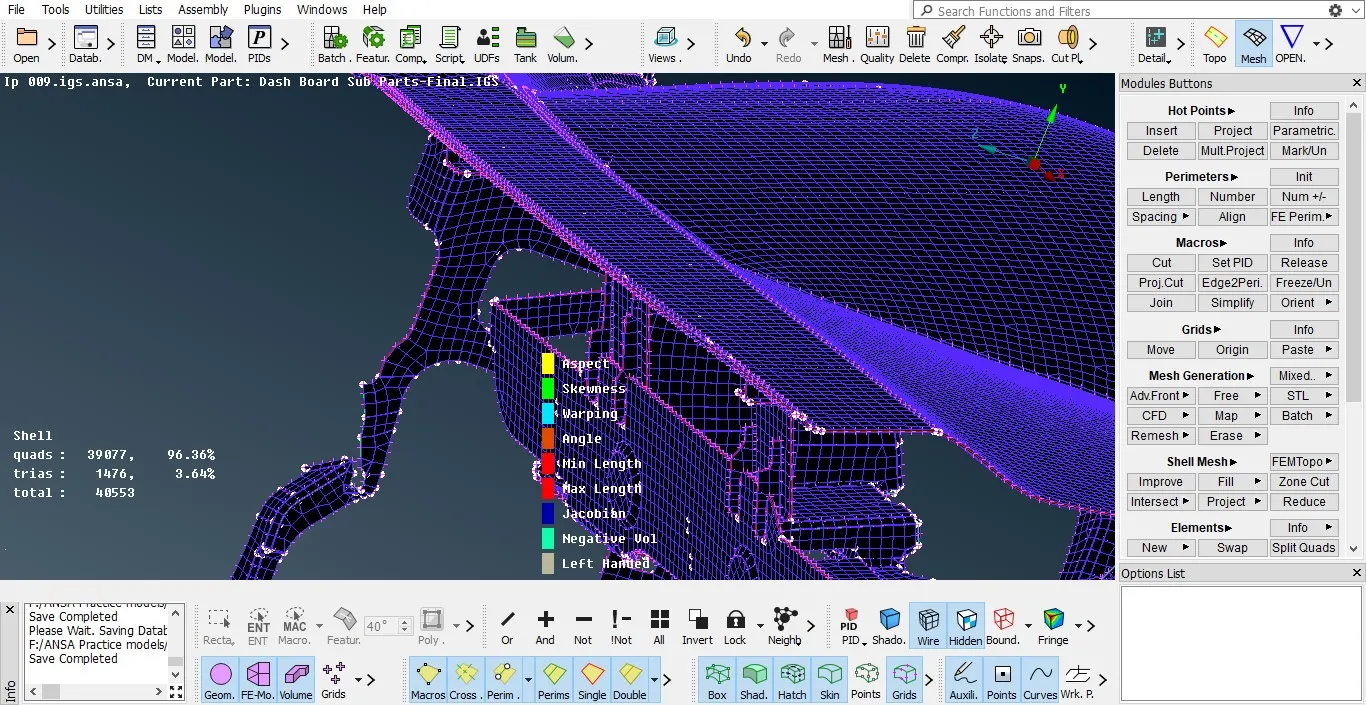
Out comes:
Learned how to generate mid-surface for complex model.
Learned to clean up the geometrical errors for small and complex models.
Understood the how to use offset tool and its importance.
Thickness assigned for all parts with different PID’s
Conclusion:
Meshing and mid-surface generation has done for the car dash board model in ANSA using offset method and also maintained the quality criteria as per the requirement with zero off elements.
https://drive.google.com/file/d/186sKE5DYJkVFHozeWT4F94eS_5wpVY6b/view?usp=sharing