Project 1 - 2D meshing on the instrumental Panel
PROCEDURE:
STEP 1: GEOMETRIC CLEANUP
Commands Used:
TOPO Module: Orient, Topo, Offset, Delete, Cut, New, Dach, Project, New face.,etc.
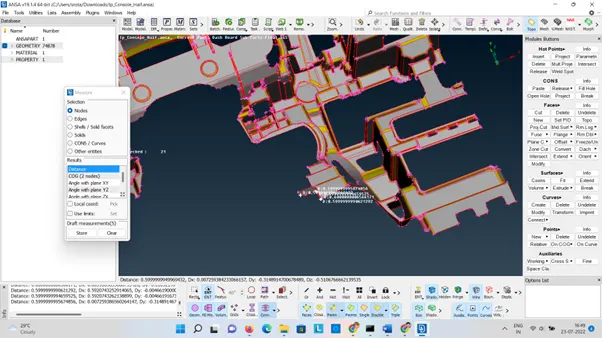
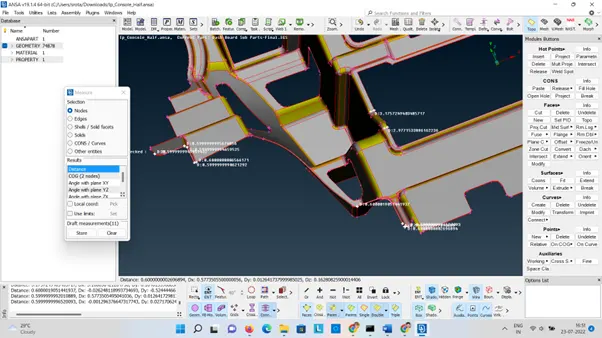
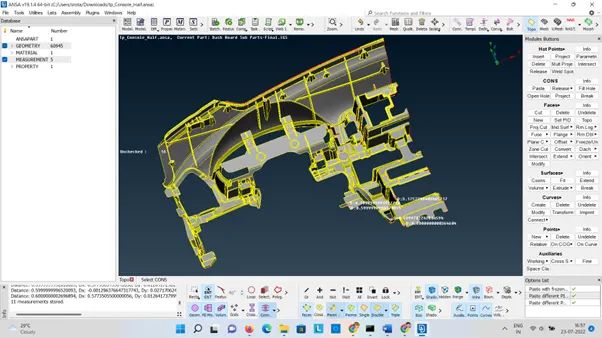
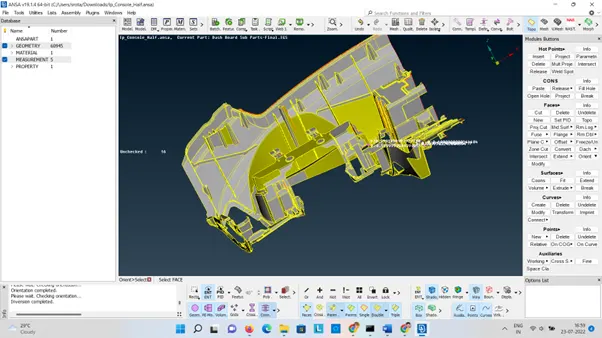
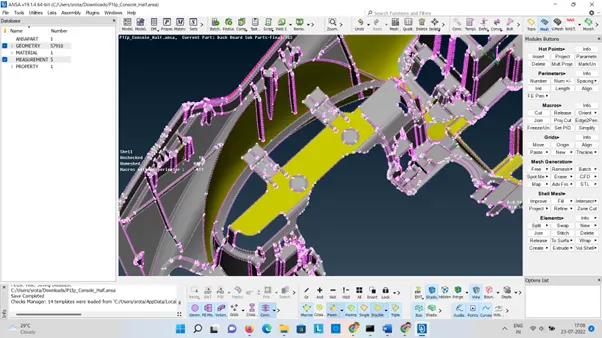
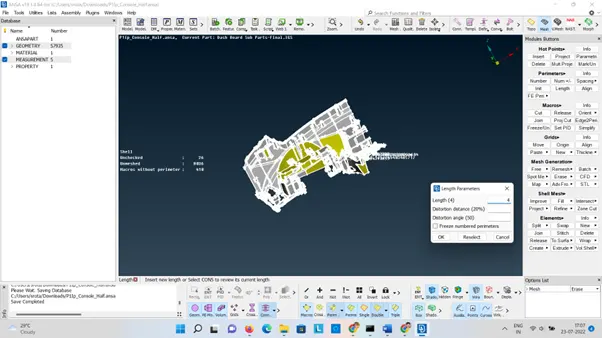
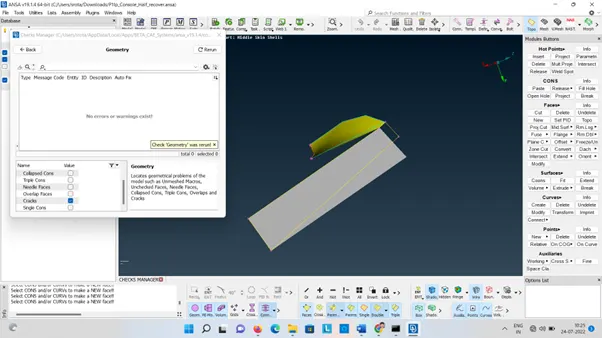
After creating the middle surface check geometry by check manager option and clear all the errors one by one.
Before Geometry cleanup:
STEP 2: OFFSET MID SURFACE
Commands used:
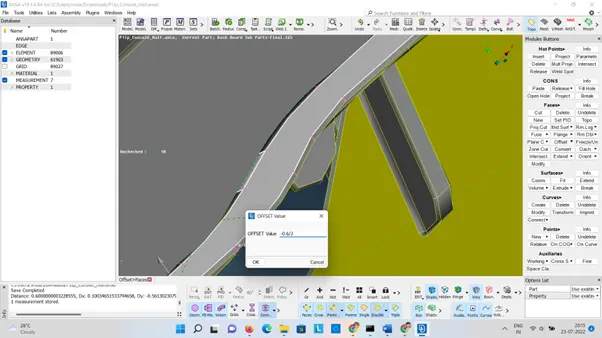
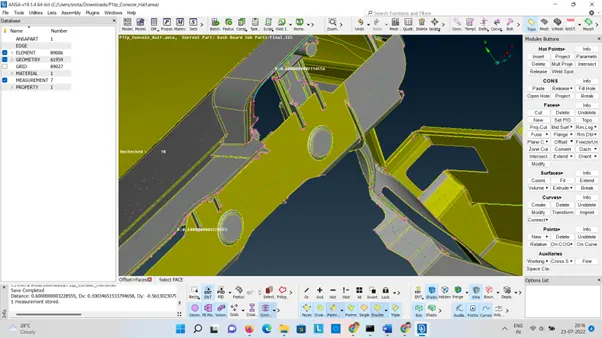
TOPO Module: Orient, Topo, Offset, Middle ., etc.
• Orient the cad model and check all faces are connected, if not try Topo to connect.
• Measure the thickness of the cad model.
STEP 3: ASSIGN PID & THICKNESS
- Assign the PID for all the individual parts and mention the thickness.
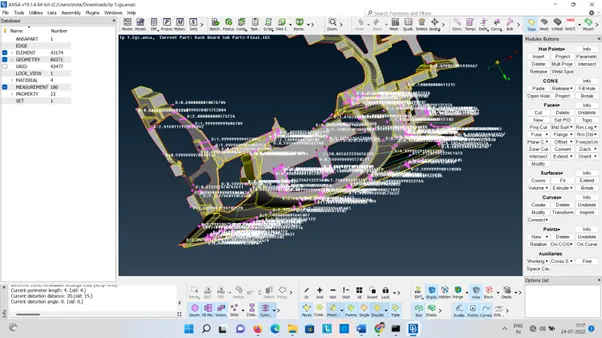
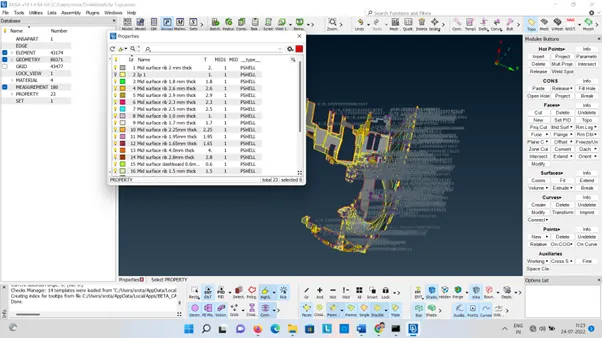
-
Commands Used:
MESH Module: Macros(cut, join, set PID)
Hot points (insert, delete, project)
Mesh generation (Spot mesh, Erase)
Sheel mesh (Smooth, Reconstruct)
Element (join, split, new, freeze/unfreeze)
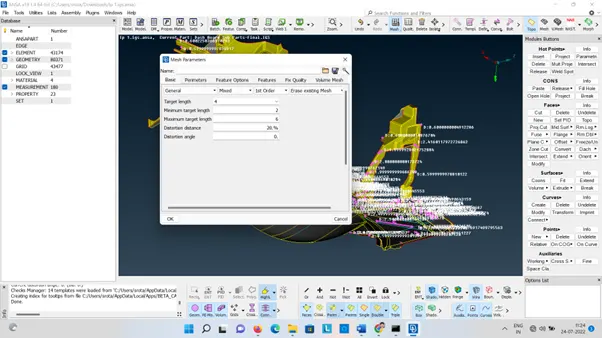
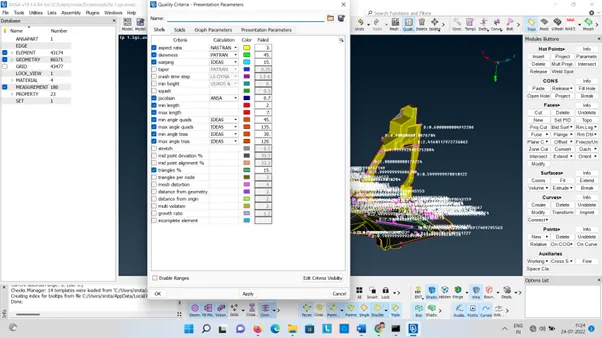
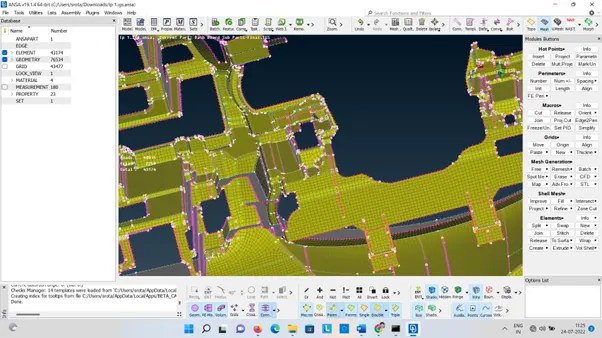
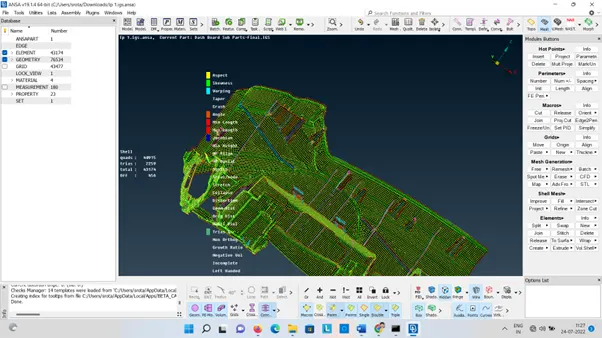
Specify the quality criteria that needed and mesh all the areas.
Before meshing create a temporary macro by using the zone cut option in hole perimeters.
Remove the tria in hole perimeters and create a good mesh by reconstruct and smooth option. 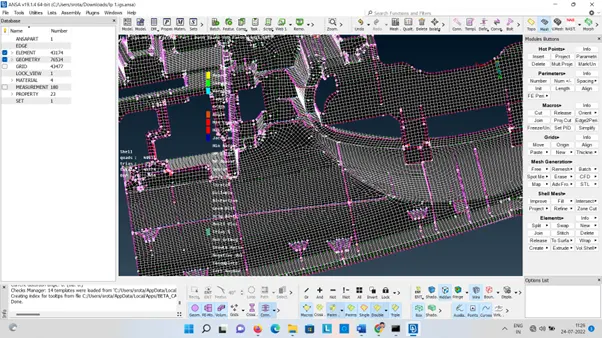
-
LEARNING OUTCOMES:
Good understanding about ANSA GUI.
How to make geometrical cleanup in Topo module.
How to create mid surface.
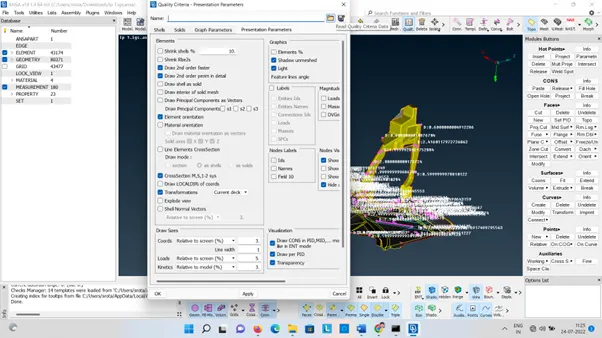
How to assign quality criteria in mesh parameters and presentation parameters.
How to assign PID and giving thickness.
How to create and edit 2d mesh.
Google Link:
https://drive.google.com/file/d/1Gy-mbvTUCJYF6xfr9OPou6NrN6NvSWyD/view?usp=sharing