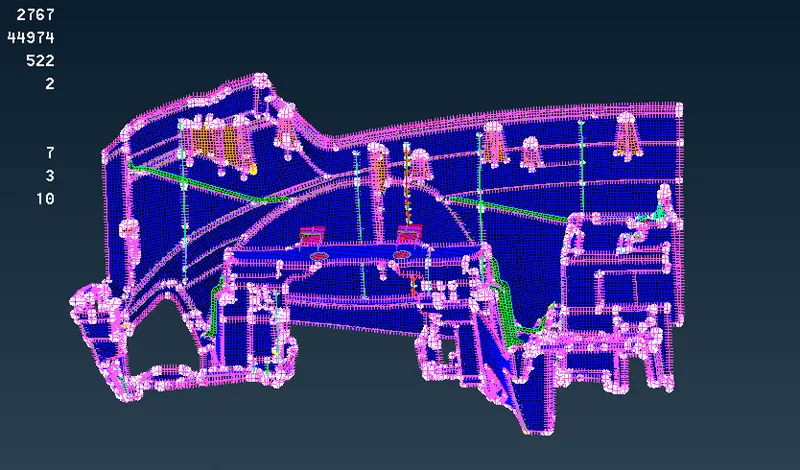
Project 1 - 2D meshing on the instrumental Panel
AIM:
For the given dash board , check for the geometrical errors and mesh with the given element Quality criteria and mesh it .
PROCEDURE:
step1 :
- Import the given model into the ANSA software
FILE > OPEN> GIVEN MODEL
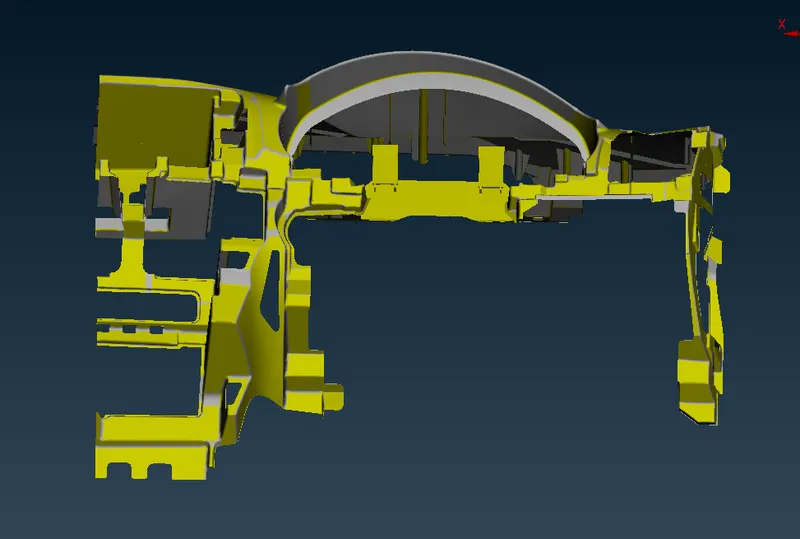
- Topology use in the given model
FACE > TOPO
Step2 :
- Change the orientation of the model
- Check geometry and clean the all errors
TOOLS > CHECKS > GEOMETRY
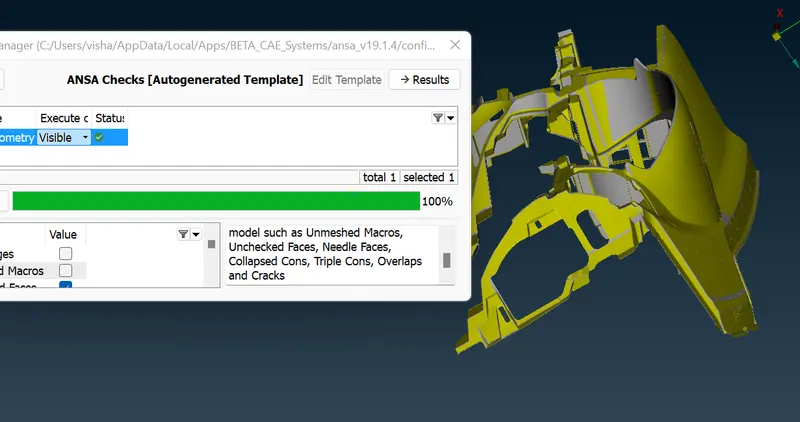
- Checking the thickness of complete model
Step 3 :
- Mid surface of the almost all model parts is created by using offset
FACE > OFFSET
- Extenstion sides in the model is midsurfaced by using middle tool
setting red ,green and blue color correctly
FACE > MIDDLE > MULTI
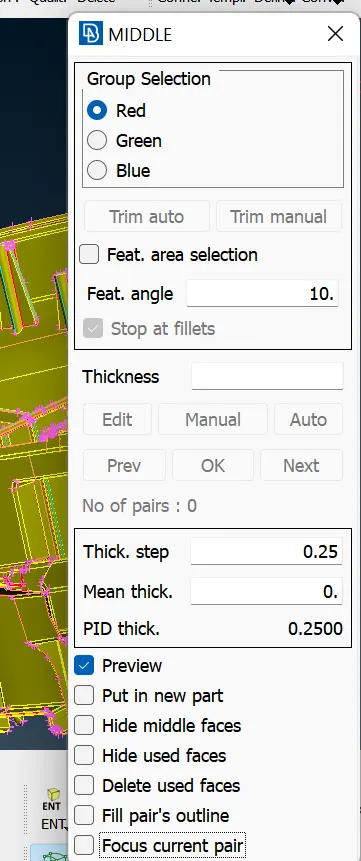
Step 4:
- setting the quality criteria in given values
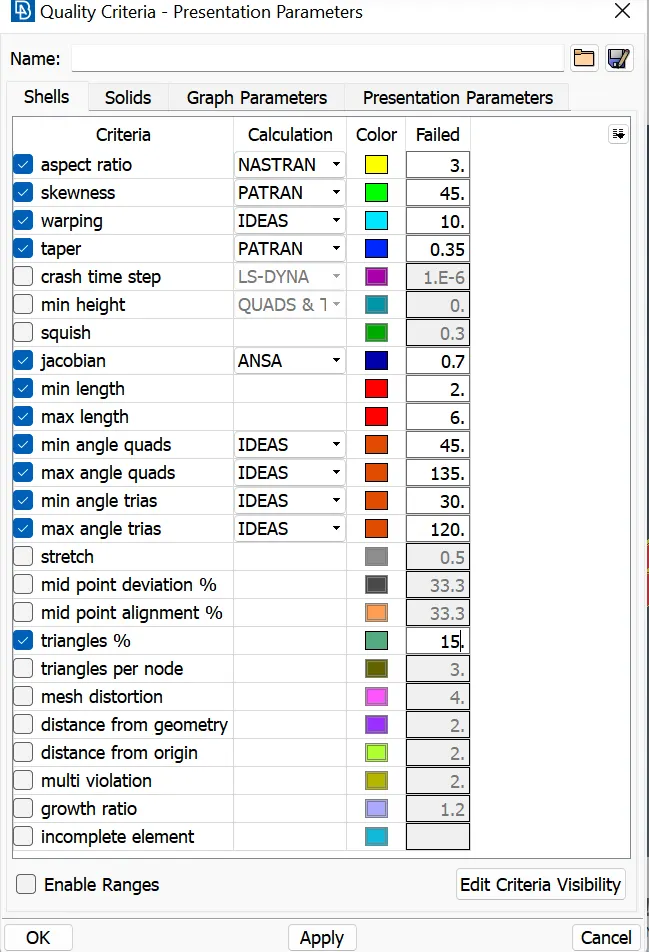
- setting the mesh parameter in given values
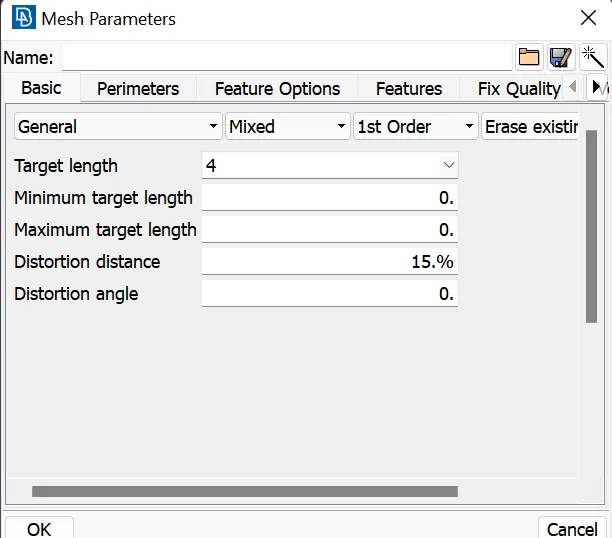
-Setting different PIDs for easy meshing
FACE > SET PID
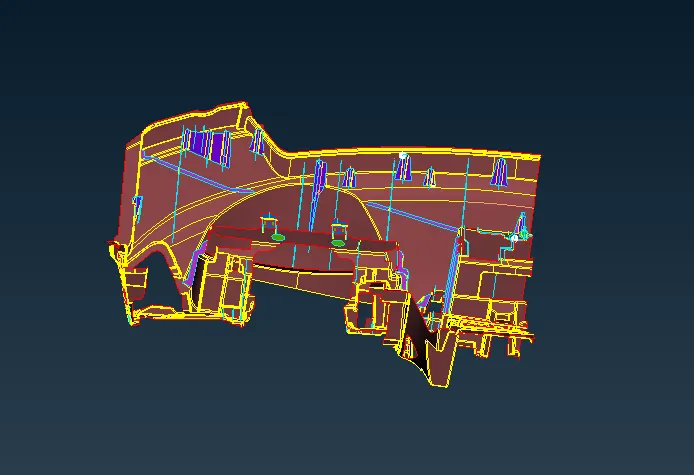
Step 5:
- All model perimeter length can change in to 4
PERIMETER >LENGTH
- Big parts of the model can be mesh by using the batch_mesh
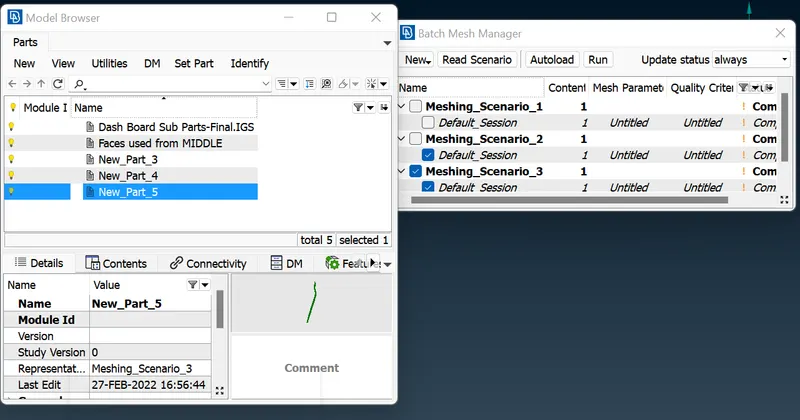
- Extenstion sides are mesh by using best-mesh
MESH GENERATOR > BEST
Step 6 :
-checking the quality criteria meshed parts and correcting errors in the model
by using reconstruction , smooth & split tools
SHELL MESH > RECONSTRUCTION / SMOOTH
ELEMENTS > SPLIT
Final model:
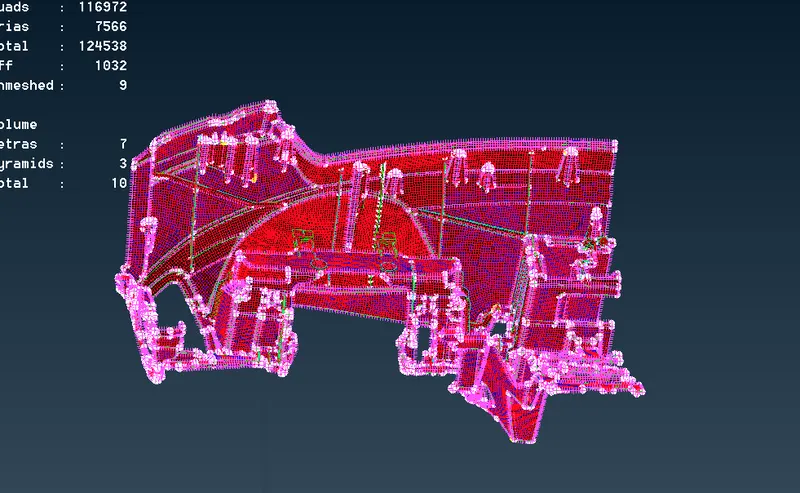
GOOGLE DRIVE link :
https://drive.google.com/file/d/1BdzdSIMKH3HtfLB1XQFZJ9E5hK1_2t5g/view?usp=sharing