Project 1
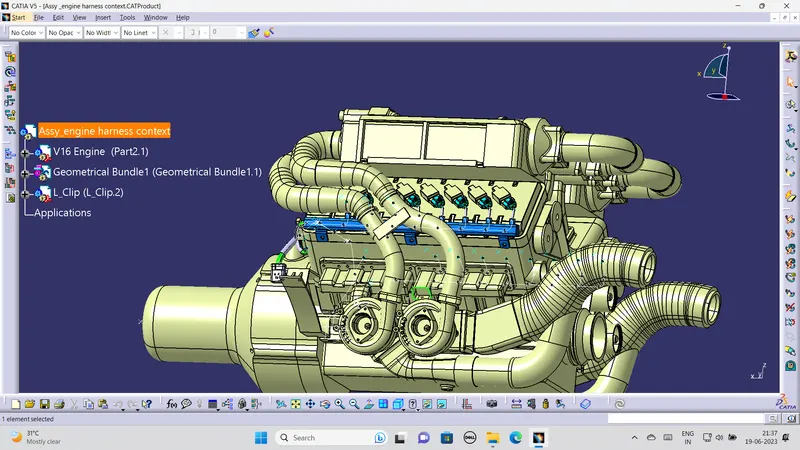
The given assignment is to create wiring harness in given engine .For that we need connectors ,channel top &bottom ,clamps ,fur tree clip ,bundles and cot tubes as per bunde diameter .1st we need fix the connector in the desired connecting sensor which is in oil temperature sensor injection sensor. After connecting the connectors with sensor we have fix the p clamp ,fur tree clip wherever it is needed that images is attached below.
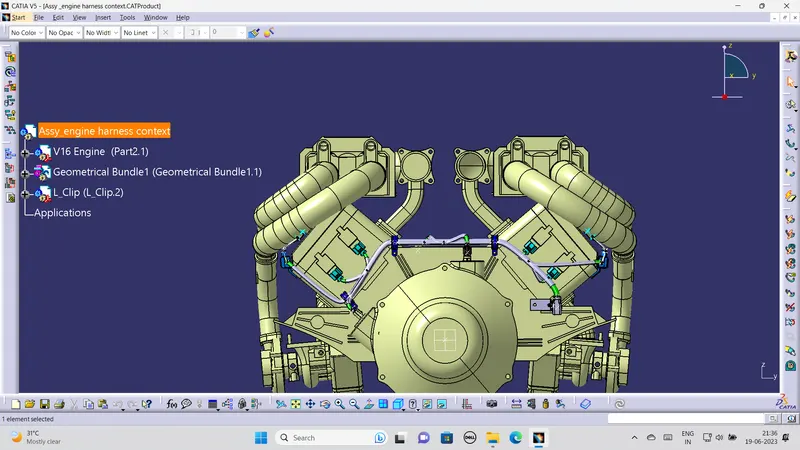
After completing the fixations of connectors and clamps we need to connect and interconnect with eachother through clamps .The main bundle which are in 15mm diameter with that main bundle we can make branches by using branch point the bundle diameter for the oil temperature sensor 10 mm diameter to channel on left side and right side in channel we can use the external curve to make bundle of 10 mm diameter to injection sensor with diameter of 5 mm bundle the image is attached in the below. all bundle should in with appropriate diameter and bend radius about 1.4 mm .
we can use the slack which is used to reduce the tension in the bundle we use the slack to 5 percentage .The complete bundle connection image is attached below .
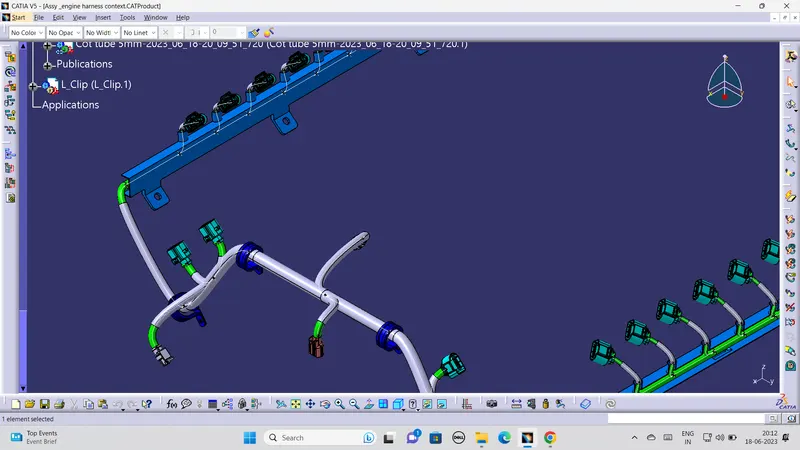
After completing the bundle connection we have to protect the bundles by using corrugative tubes from the sharp edges and from engine temperature .Mainly it is used to avoid the wear and tear of the bundle .the applied cot tubes of the image is shown below .
After completing the cot tubes assemble we need to check wheather it is fully connectod or not that means bundle is fully connectod or not .For checking that we need go to EDIT >SEARCH> the poup dialogue will be open .In that go to Advanced > electrical>bundle segment > fully connected >Select false that time nothing listed means the bundle was fully connected which means whatever we did in the bundle connection was right .The image which is attached below
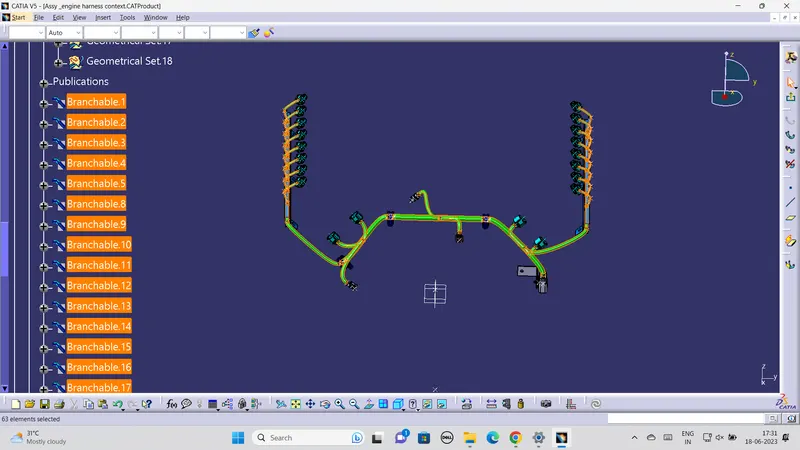
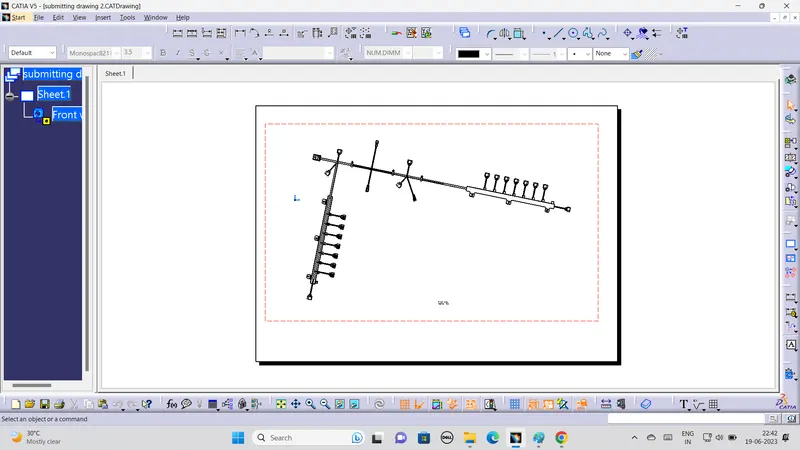
After completing all the above steps we need to do flatening and drawing the flatening which is used to measure the bundle length .Drawing which is used to show the diamensions. we have to extract the geometrical bundle to flatening product in that workbench select flaten icon and select all bundles we need to do flaten. the flaten image is which is attached below .
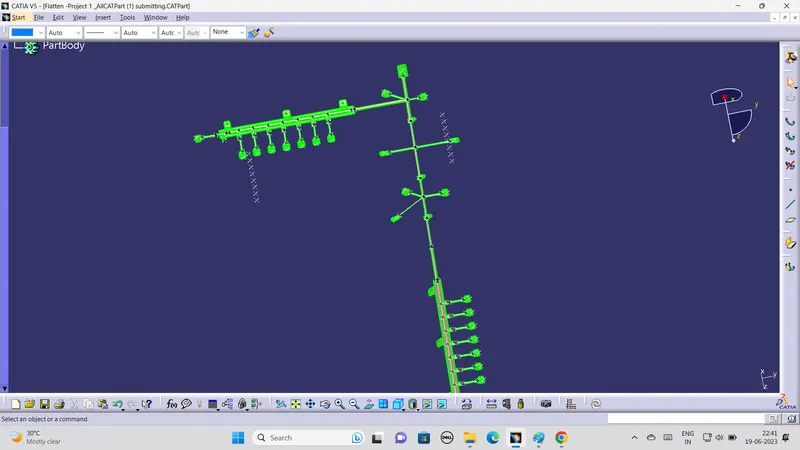
After completing the flaten process we have to make drawing of the flaten bundle by creating the new document product in drawing work bench the image which is attached below .