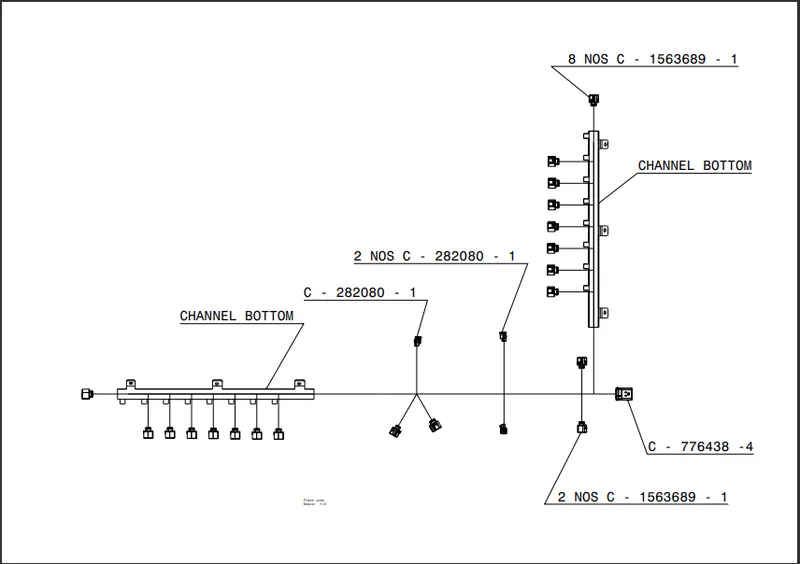
Project 1
AIM:
- To route the wiring harness for the given engine.
- Application of all Packaging rules, Industry best practices studied in this course shall be demonstrated in design.
- Apply Protection coverings as required.
DESIGN CRITERIA AND PACKAGING ASSUMPTIONS:
- Wiring harness routing shall provide ease in manufacturing, accessibility, easy removal, and easy maintenance of attached equipment and wiring harness.
- Routing through small structural holes and openings shall be avoided, minimize chaffing and handling of the wiring harness during installation.
- Avoid the harness routing and clipping in the Blind zone of the Operator during harness assembly or in service.
- Routing shall offer protection against possible damage through common misuses such as being handhold and temporary support for test equipment.
- Provide additional slack to the harness according to the surroundings and harness bending requirements. Ensure the routing meets the clearance requirements with different surrounding parts.
- Avoid routing over the bolts, near to the bolted joints. It may damage the harness or puncture the harness. Keep harness away from panel mounting screws.
- Avoid harness routing near sharp edges, if not possible provide protection to the harness. The maximum distance between two clips on a straight branch is 200mm.
- Provide Clips and clamps if the harness is going to bend at multiple locations. The use of too many sheet-metal brackets should be avoided.
- The branch length should be more than 50 mm.
- Min distance between clip and branching point to be 25 mm. Min distance between two branch breakouts should be 50 mm.
GIVEN -
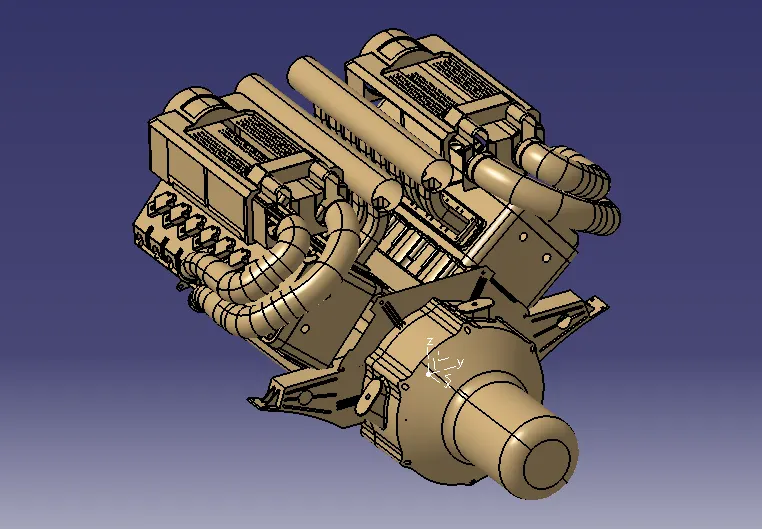
1 - ENGINE
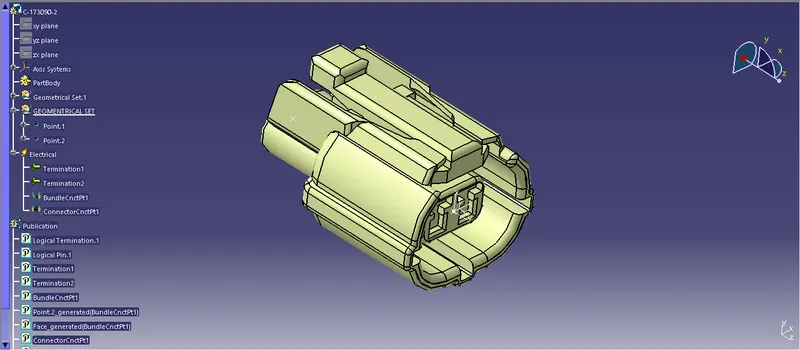
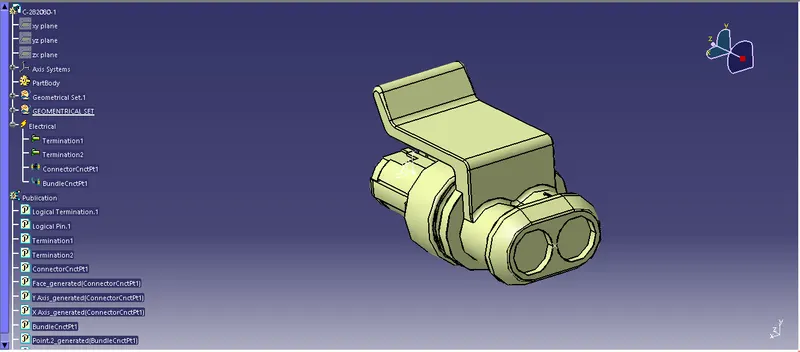
2 - CONNECTOR
Defining all the Mechanical components into electrical and support components
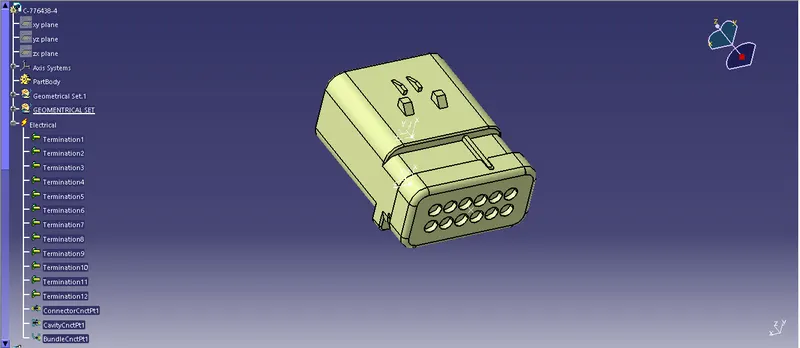
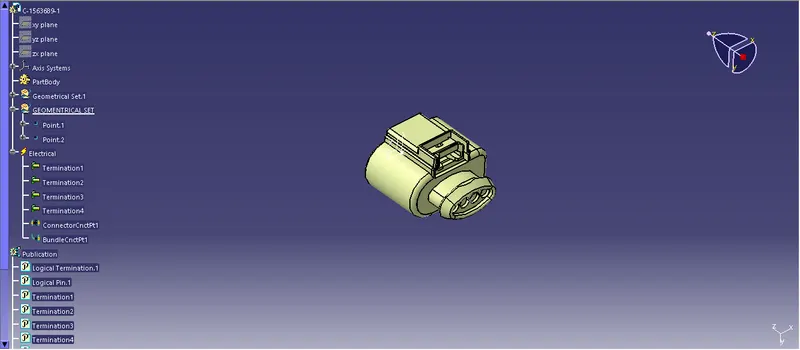
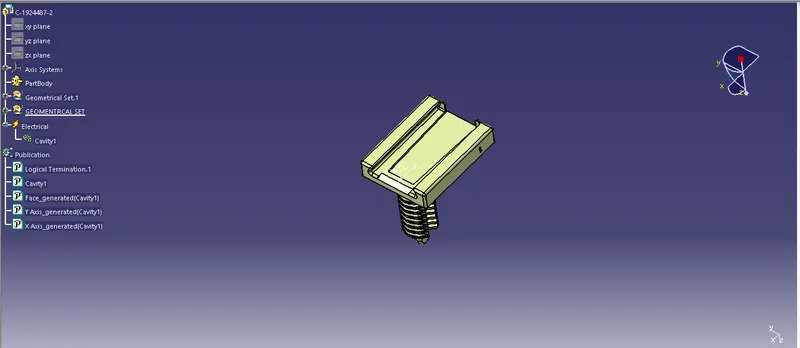
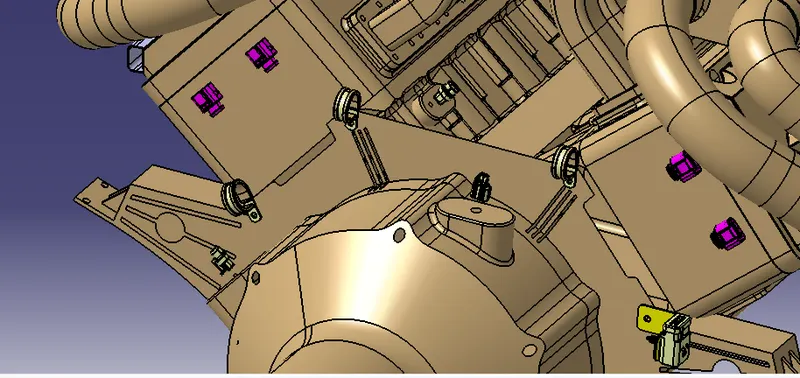
3 - CLIPS AND CLAMPS
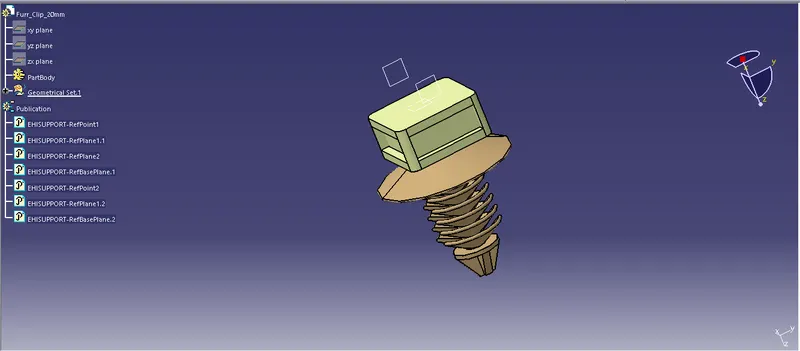
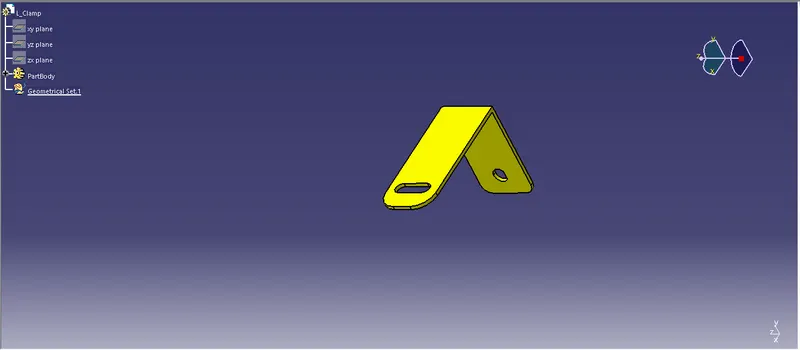
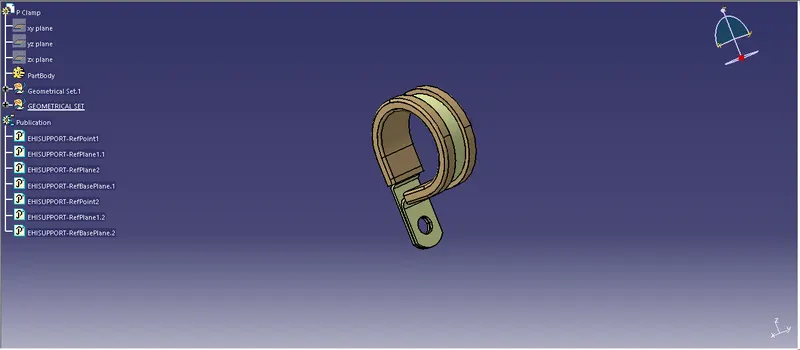
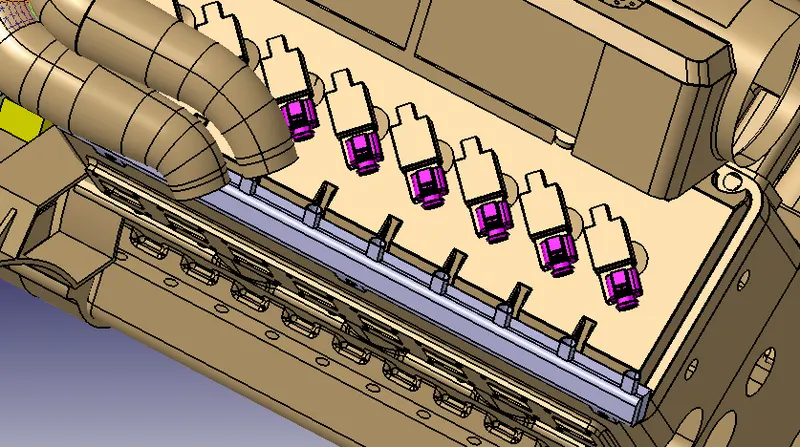
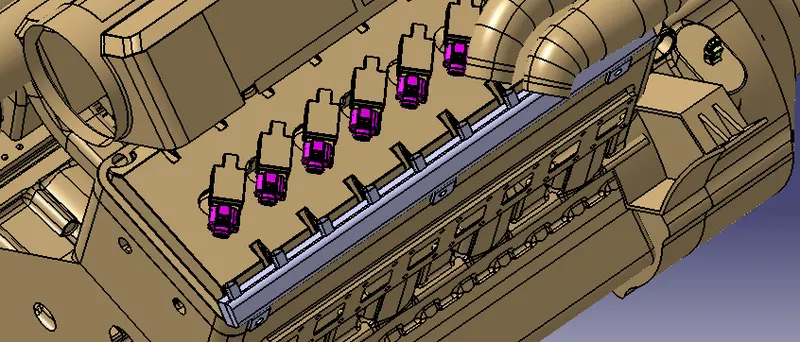
4 - BOTTOM AND TOP CHANNEL
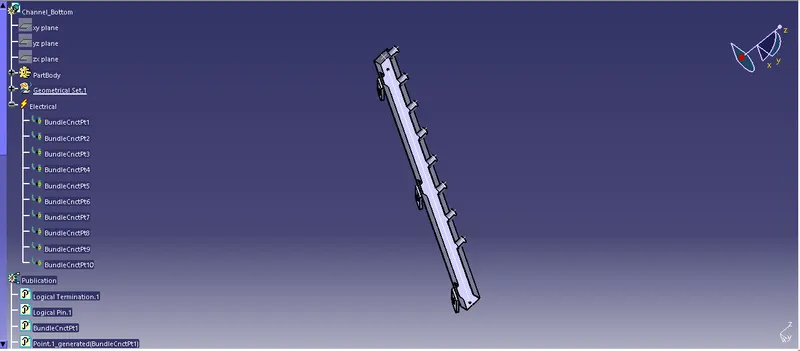
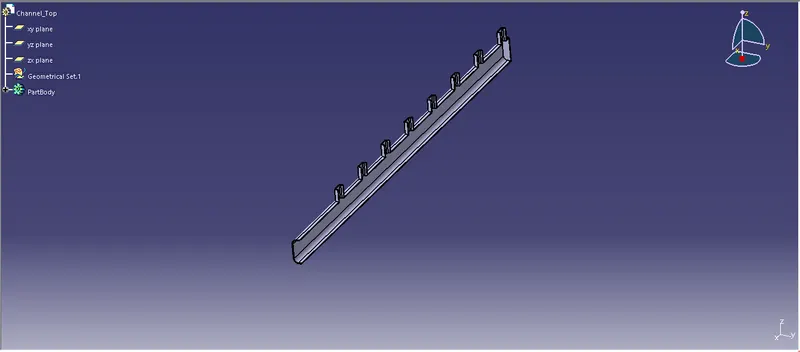
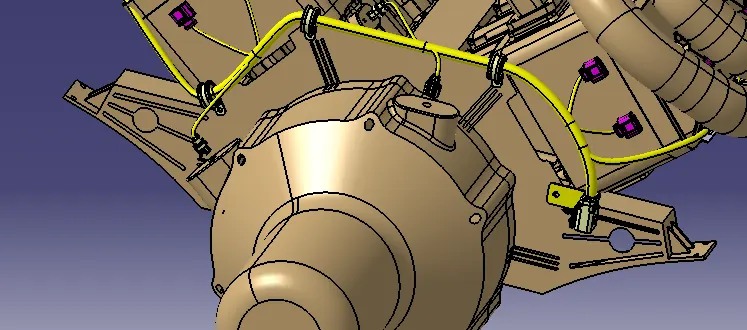
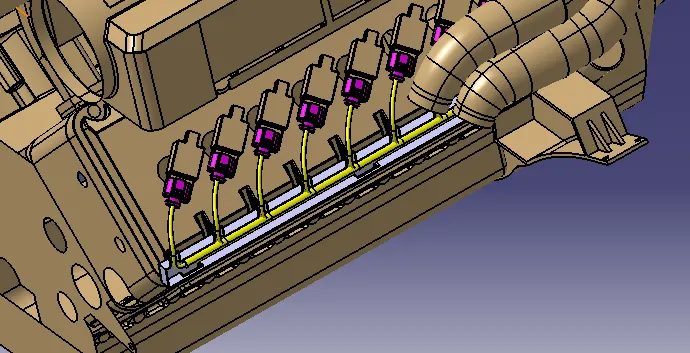
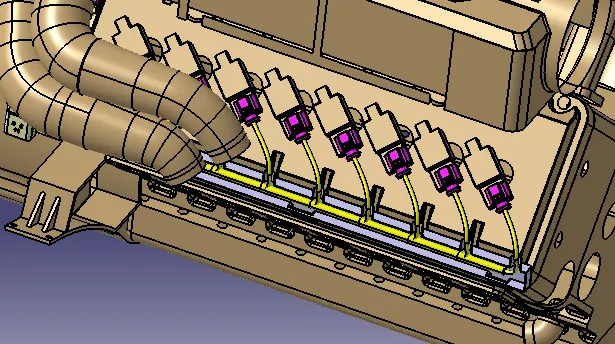
Routing the wiring harness:
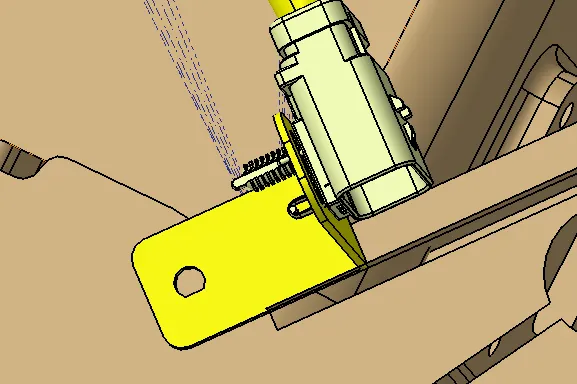
A sheet metal bracket was created for the interconnection connector to be placed near the engine.
All the clamps and fir tree clips are positioned. Plastic channels were placed for connecting the injection routing connectors.
ROUTING
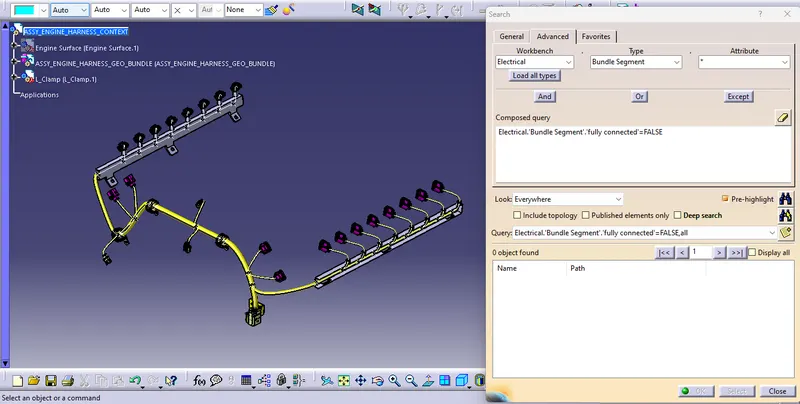
BUNDLE CONTINUITY CHECK:
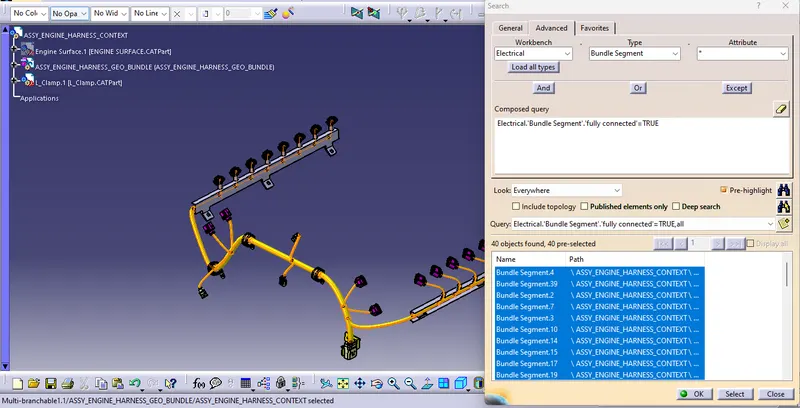
First, we have to make sure that multi branchable is selected and then we have to go in WORKBENCH>TYPE-BUNDLE
EDIT>SEARCH>ADVANCED>ELECTRICAL
SEGMENT>ATTRIBUTE-FULLY CONNECTED
Selecting the "TRUE" option will show all the connected bundle segments while the selecting "FALSE" will show all the non-connected bundle segments.
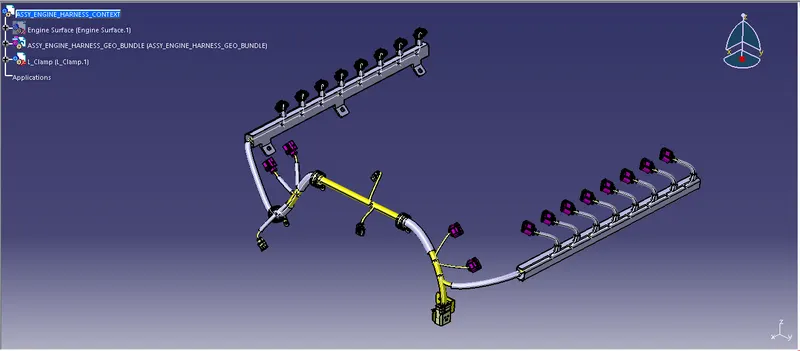
PROTECTIVE COVERINGS ON THE HARNESS:
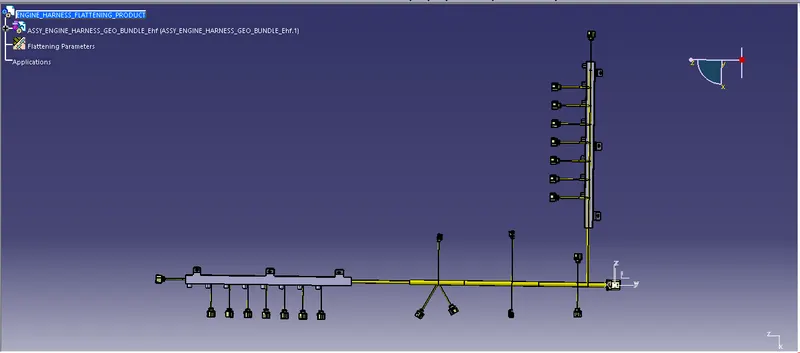
WIRING HARNESS FLATTENING:
- This is Flattening option using this option we can flatten the electrical harness.
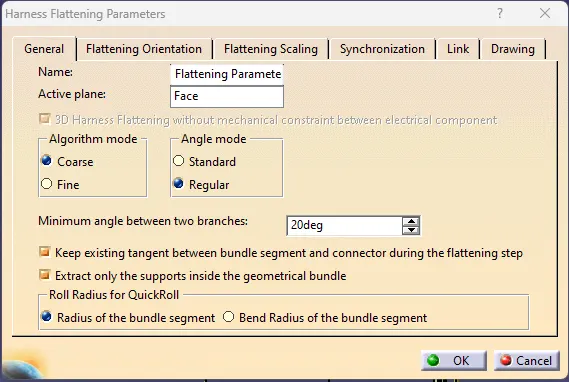
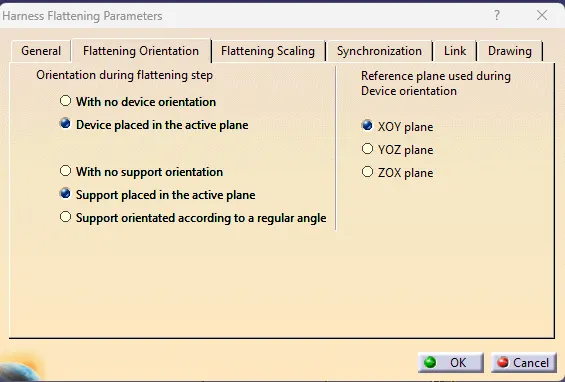
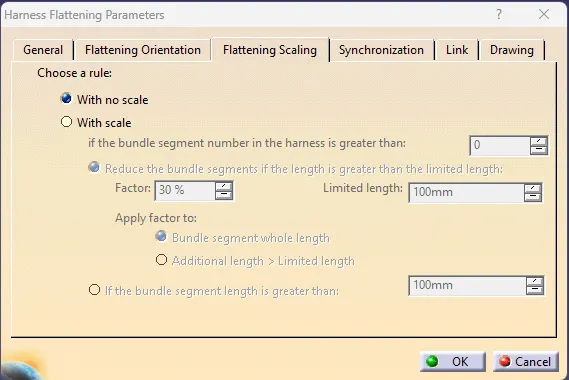
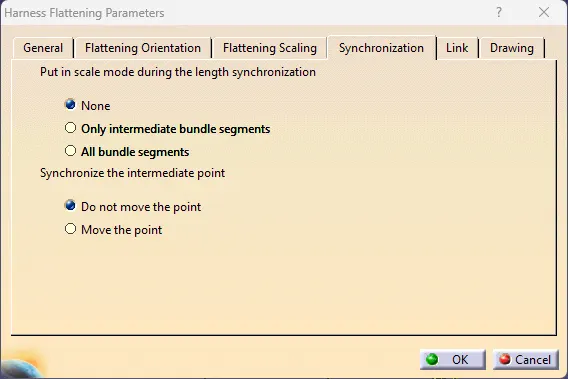
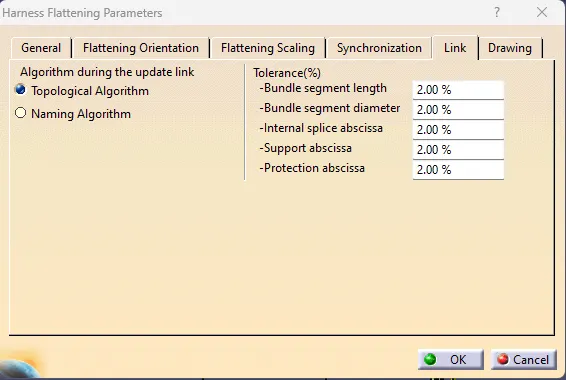
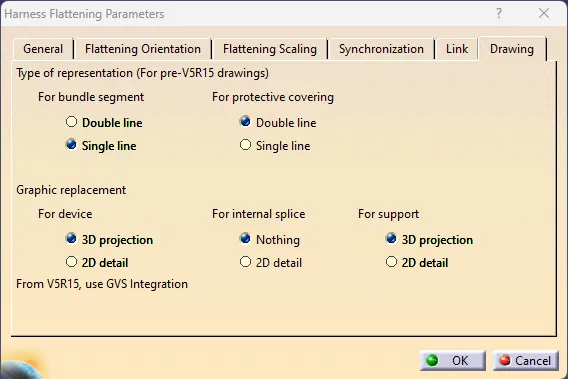
- Next change some option in Harness Flattening Parameters.
- After that use extract option and it will change in to EHF (ELECTRICAL HARNESS FLATTENING).
- After that use Flatten option to flatten the harness.


HARNESS FLATTENING PARAMETERS
DRAWING SHEET