Photo Realistic Rendering
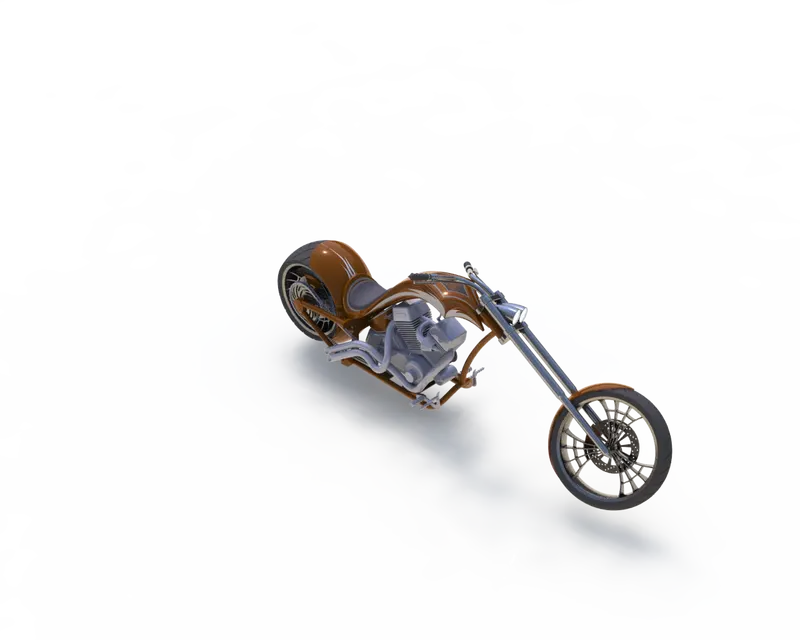
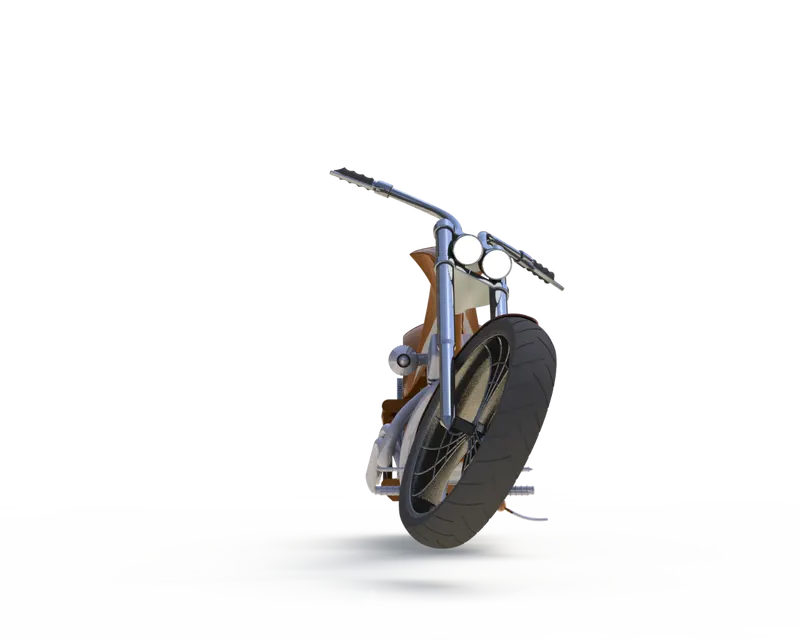
TITLE OF PROJECT:AMERICAN CHOPPER
OBJECTIVE:
To render the american chopper model in a realistic manner as much as possible..
INTRODUCTION:
In solidworks the rendering process all done with photoview360.it is too handy option for rendering our models.
To open this photoview 360,go to solidview add ins tab and click photoview 360 icon.and then the render tool tab will appear...
In that render tool various opt are available like edit appearence,copy apperarence,final render,integrated preview etc....
METHODOLOGY & DESCRIPTION:
SOLIDWORKS ADD INS----------->PHOTOVIEW 360------>RENDER TOOL
| NAME | OBJECTIVE |
| edit appearence | you can edit and update the appearence of model |
| copy & paste appearence | you can copies from one entities and then paste to another entities |
| edit scene | To change background color and background environment. |
| edit decals | more over it's like a stickering |
| preview rendering | to deplay preview how the model looks like |
| final rendering | make detailed to final render and compare two render and view statically. |
screenshots:
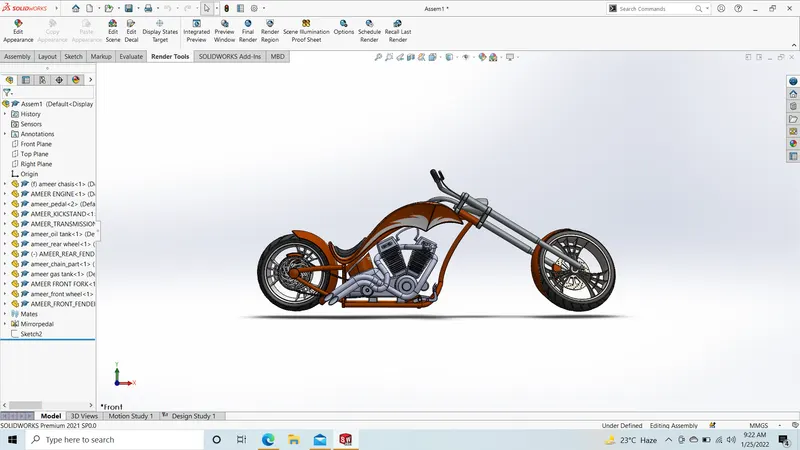
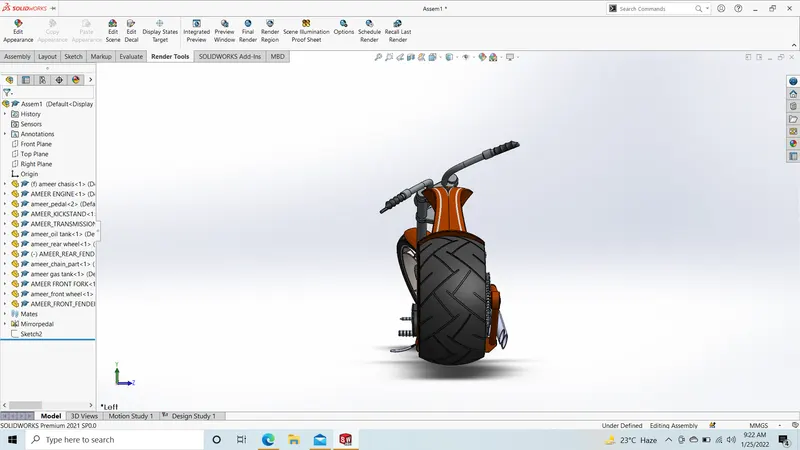
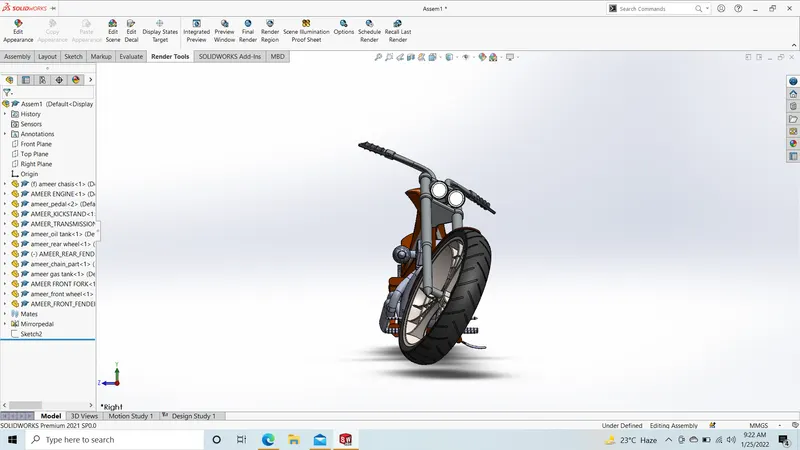
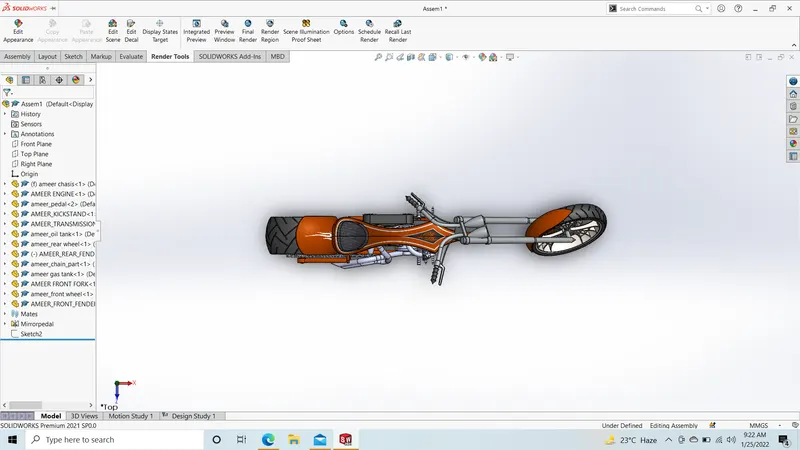
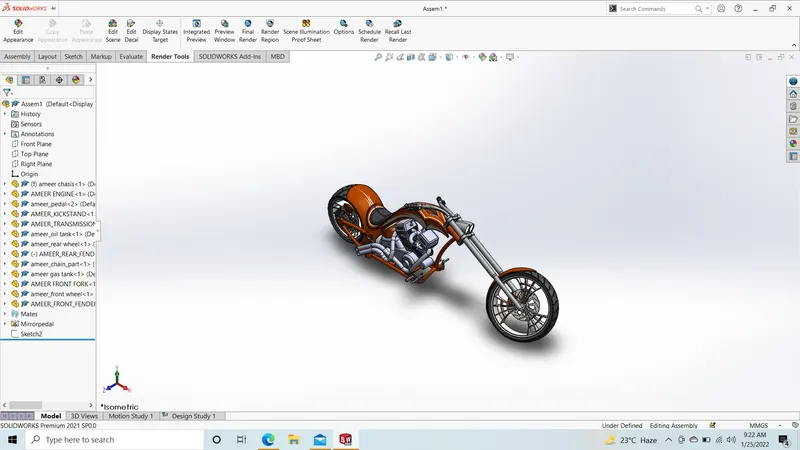
rendering img:
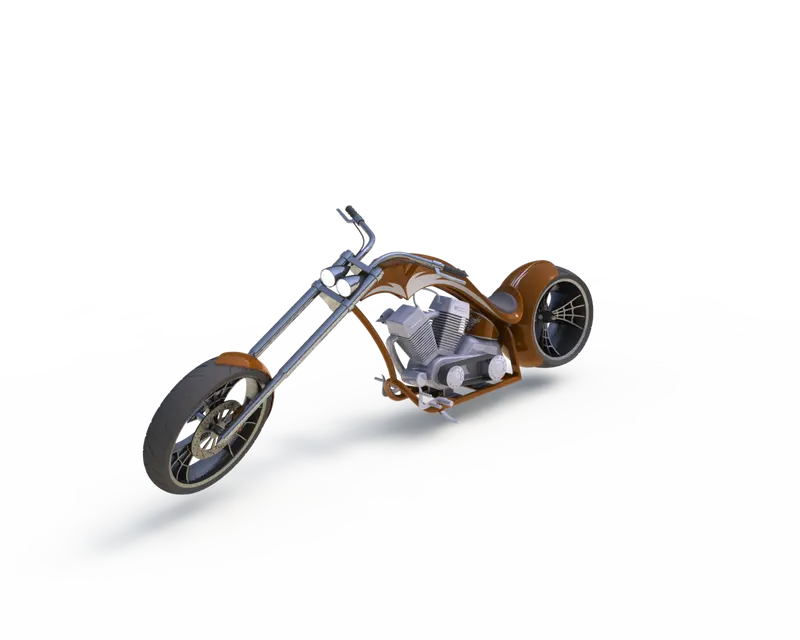
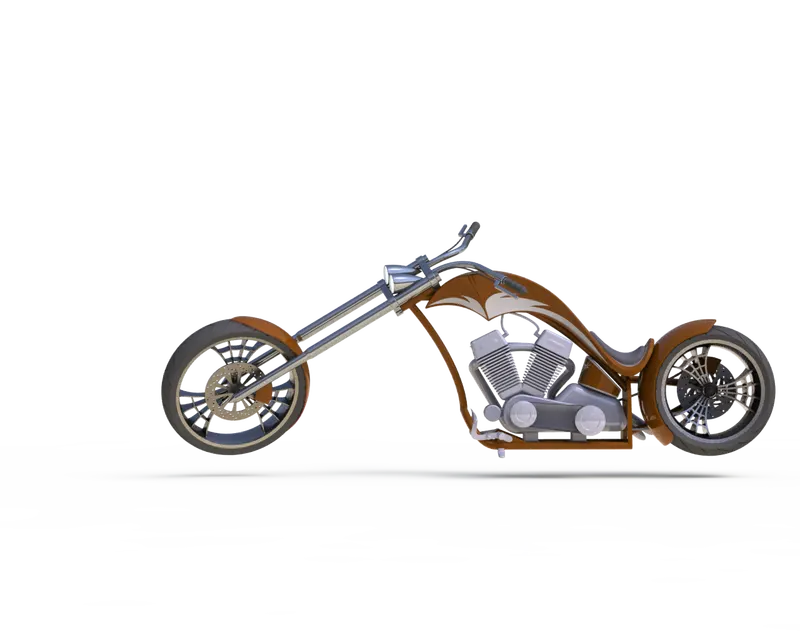
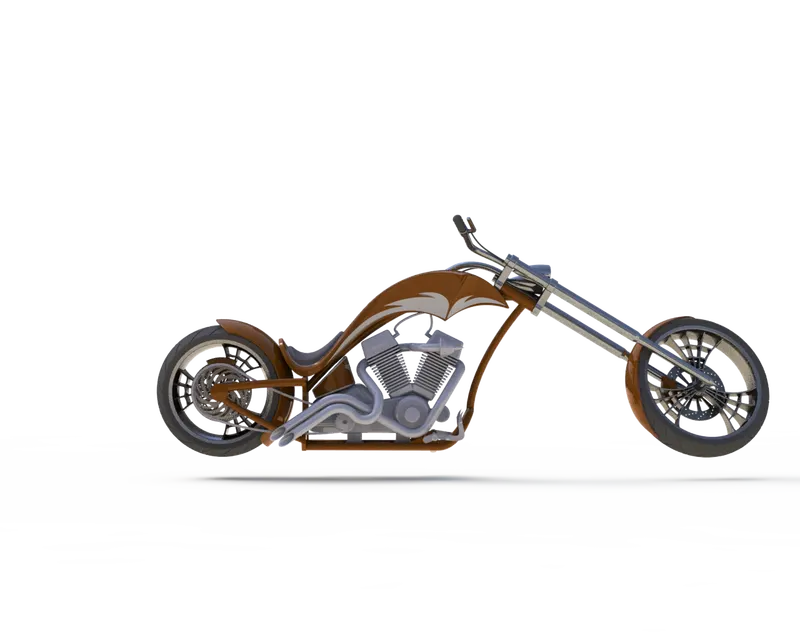
CONCLUSION:
while creating that chopper part and assemble,it easy to handle and create more realistic model as much as possible...easy to understand.