Mid-Surfacing and Meshing of Side Door Trim using HyperMesh
Objective
To extract the midsurface of the side door trim and perform meshing according to given quality criteria.
Procedure
- Mid Surface Extraction
- Thickness of the trim is less than 6mm, so checking the thickness of the trim at various locations such as edges,ribs, dog houses and at the bolt surfaces.
- Thickness of the trim is not unifrom over the entire geometry, so we manually extract the mid surface of the trim.
- The top surfaces of the trim lying in the same plane are selected using "select by face" option.These surfaces are duplicated and offsetted by a distance of 1.4mm into the trim surface.These duplicated surfaces are saved under a new component and named as main_body_2.8mm.
- Rest of the surfaces extracted are manually and extended to the main body surface.
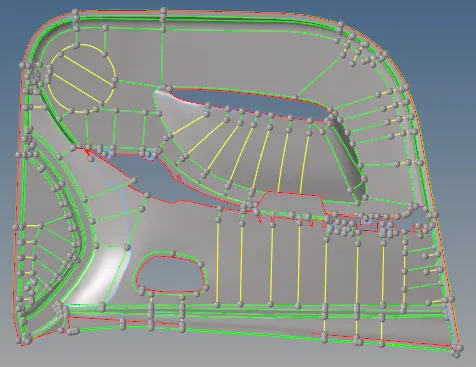 Fig: Main Body MidSurface
 - For the ribs,the fillets on the ribs having diameter less than 1mm are defeatured.The middle surfaces are extracted using the final edit tool which generates the middle surface by using only 2 surfaces of the ribs that represent both sides.The surfaces extracted are saved under a new compoenent names as Ribs.
- The extracted ribs are extended to the main body midsurface to achieve the proper connectivity.
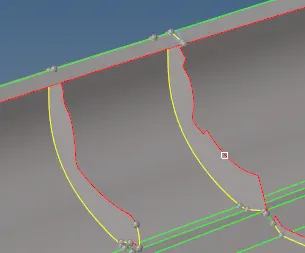 Fig: Ribs (Extended to Main Body)
 - For bolt surfaces, the hole lines from the trim geometry are projected to the main body middle surfaces and they are trimmed out.
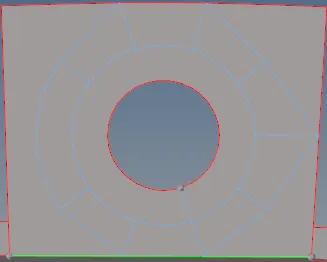 Fig: Bolt (Hole Trims)
 - Surfaces are further divided into smaller sections in order to achieve better mesh flow.
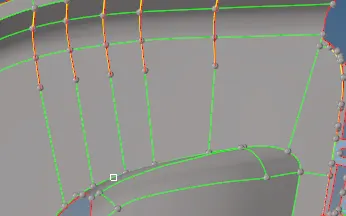
Fig: Surface divided into small sections
- Meshing
- For meshing,mixed element type with the target element length of 4mm is used.Minimum length and maximum length are 2mm and 6mm respectively.
- Ribs and doghouses are meshed first, to achieve better node connectivity.
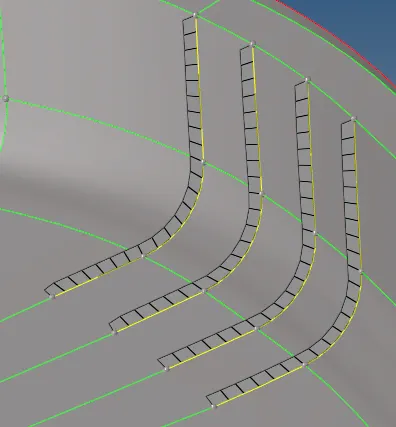
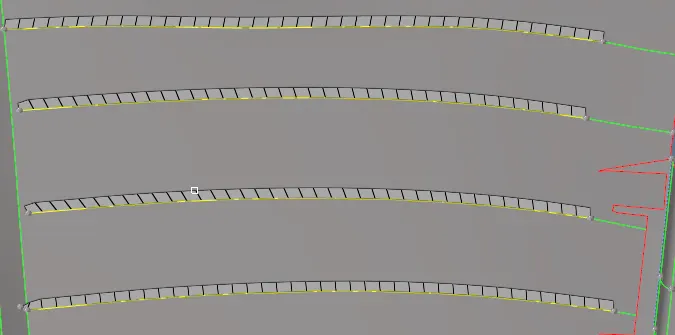 Fig: Ribs (Meshed)
 - Rest of the surfaces are meshed in smaller sections.Remeshing the surfaces to get better flow.
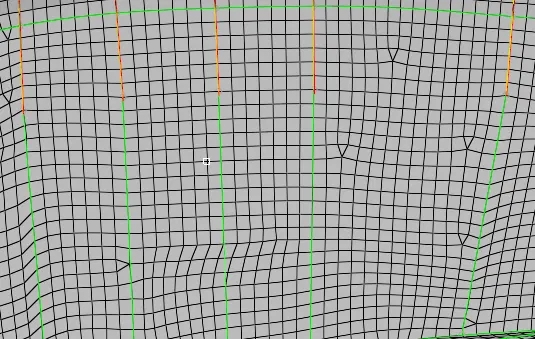 Fig: Meshed Surfaces (Sections)
 - Perform the quality check to check for the failed elements,and fix them.
- Check for the opposite trias on the surface and remove them.
- Check for the rotating quads and remesh those elements.
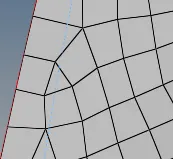
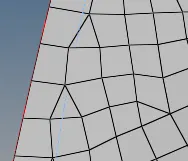 Fig: Rotating Quad Fig: Remeshed Surface
 - Check for free edges present in the surface and eliminate those.
- Create a new property and assign the thickness to the mid surface components.
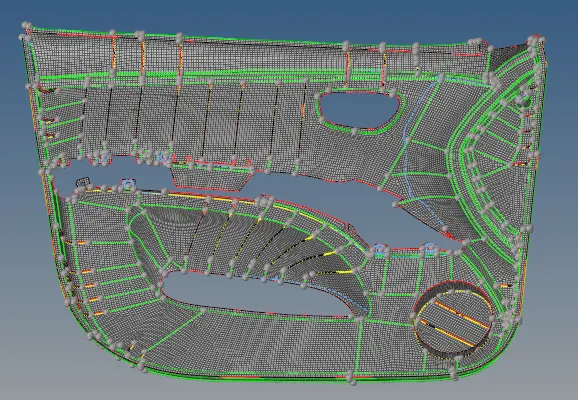
Fig: Side Door
Learning Outcomes
- Manual midsurface extraction.
- Create midsurfaces for failed parts by extracting a midsurface from two faces that represent the two sides.
- Defeaturing of curve surfaces (Fillets).