MESHING OF SIDE DOOR AND DASHBOARD MODELS OF A CAR USING ANSA
MESHING OF SIDE DOOR AND DASHBOARD MODELS OF A CAR
ANSA,developed by BETA CAE Systems, is a popular pre-processing tool used in CAE industries.
Objective:
To perform geometry cleanup and create 2D mesh for side door and dashboard models of a car with the given element quality criteria and also to assign midsurface thickness to the shell elements using ANSA.
Methodology:
- Geometry cleanup
- Midsurface extraction
- Meshing as per criteria
- Quality checks
- Assigning suitable PID
Procedure:
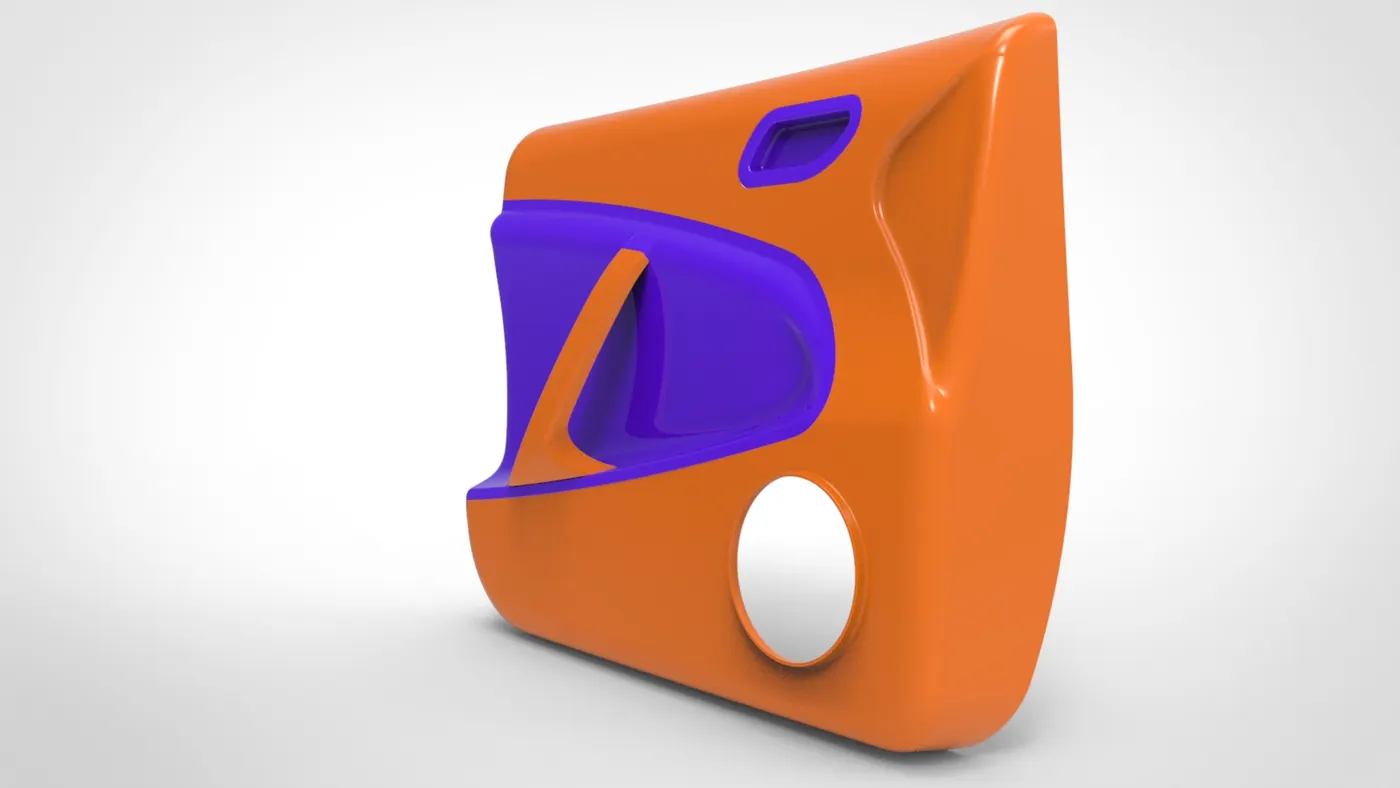
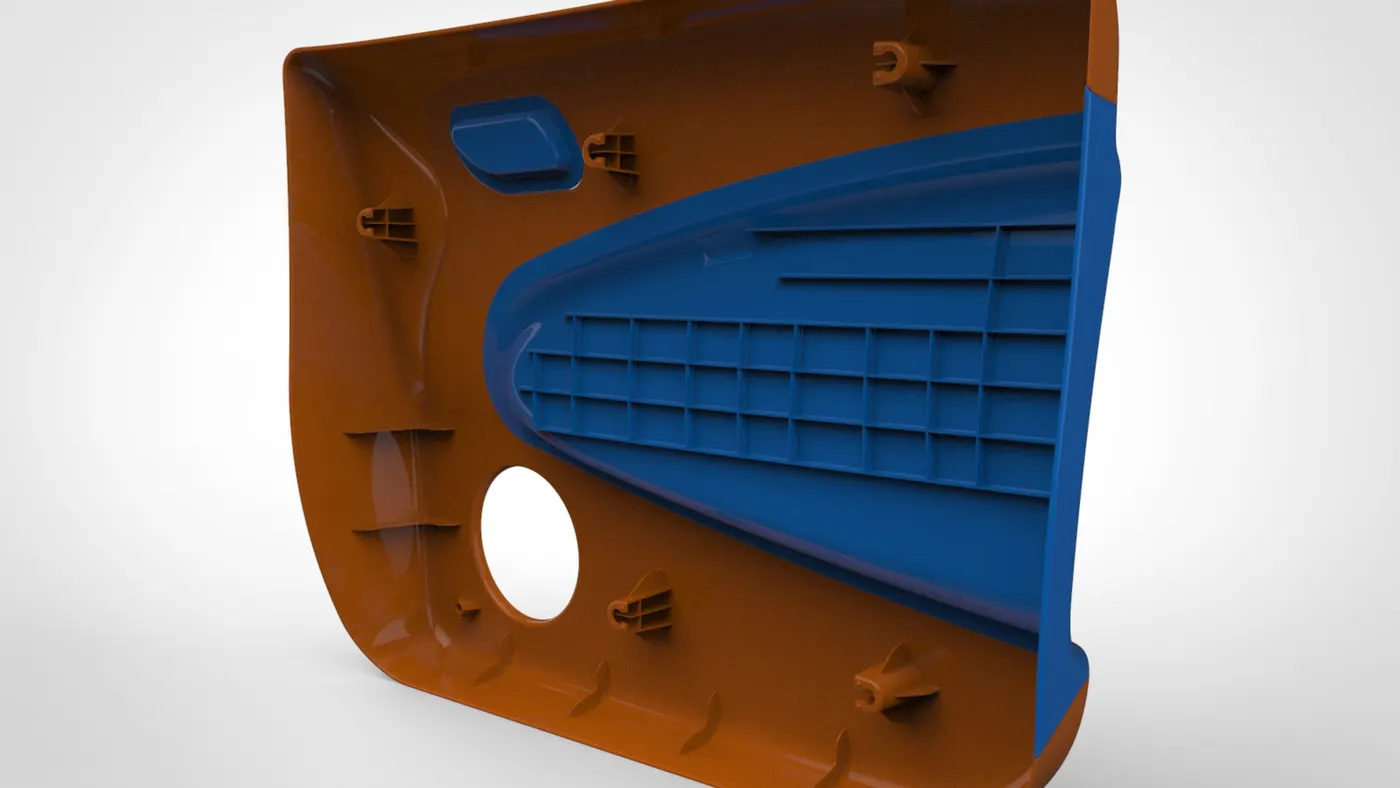
1. Side door model of a car
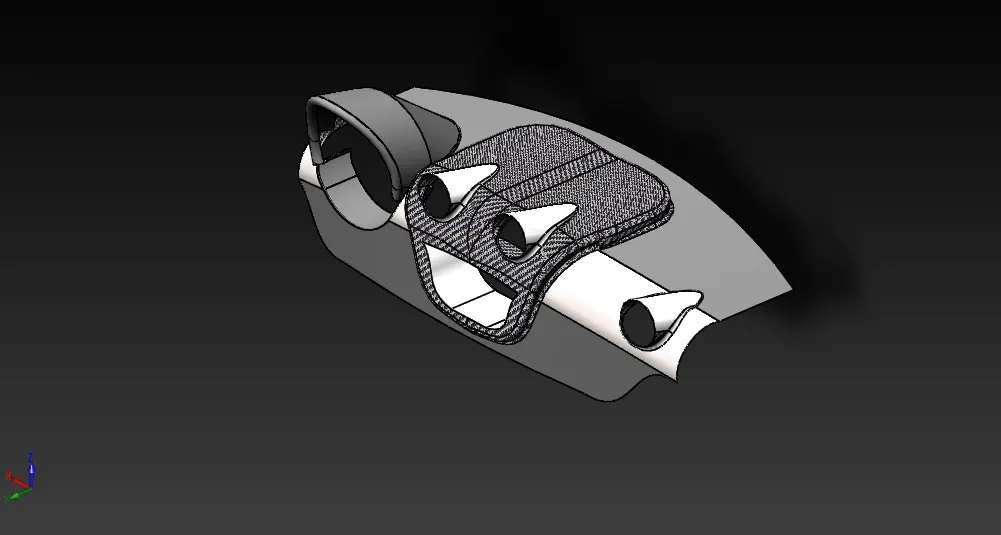
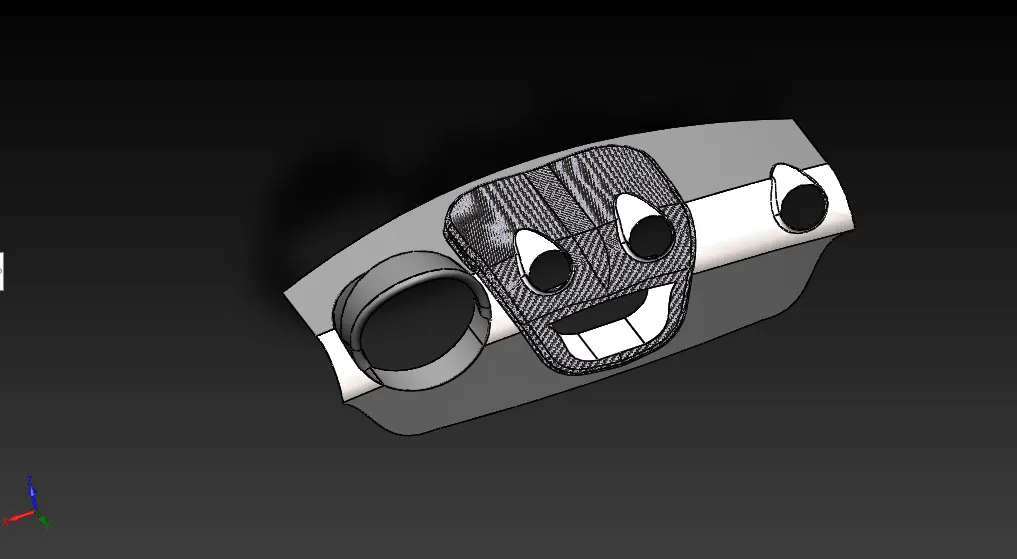
2. Dashboard model of a car
Geometry cleanup:
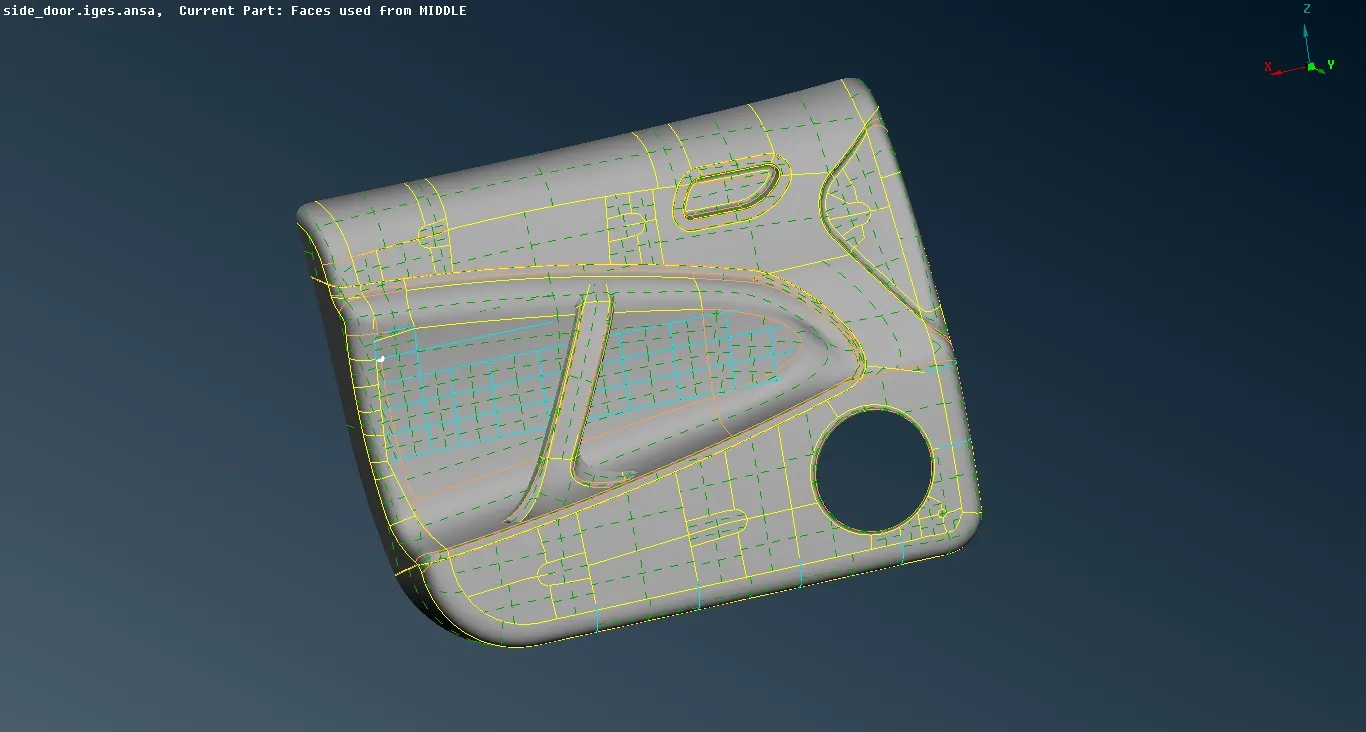
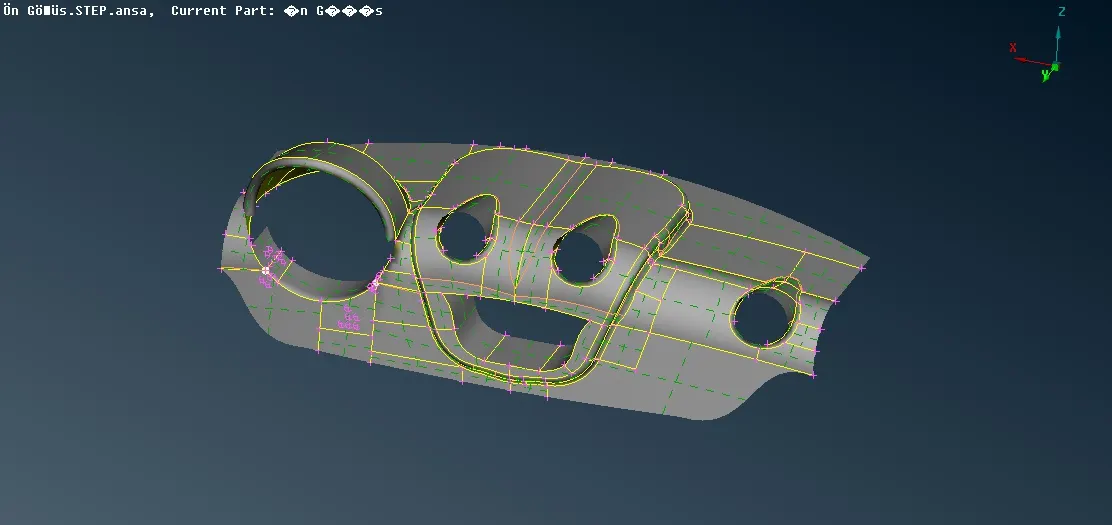
The side door model and dashboard model are imported into ANSA.
A topo operation is performed on the model to view the single cons,double cons and triple cons.
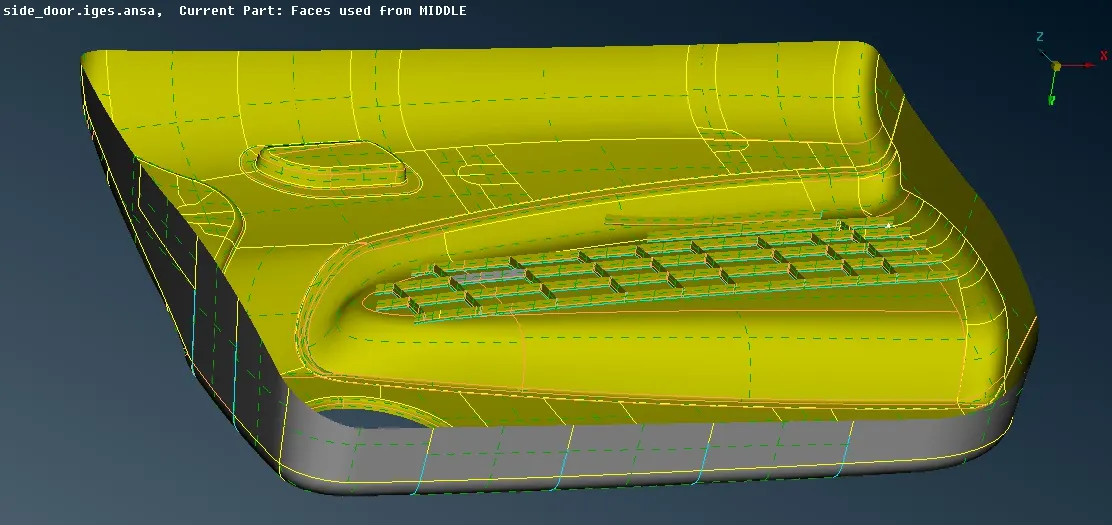
The model is oriented in such a way that the outside face is in grey colour and inside face is in yellow colour.
The models are checked for all topological errors.
The single cons,triple cons and other errors are rectified using Autofix option and manually by deleting-creating faces wherever necessary.
Each model is divided into many parts using Set PID option.
Each model is once again performed with geometry cleanup and errors are fixed.
1. Side door model of a car
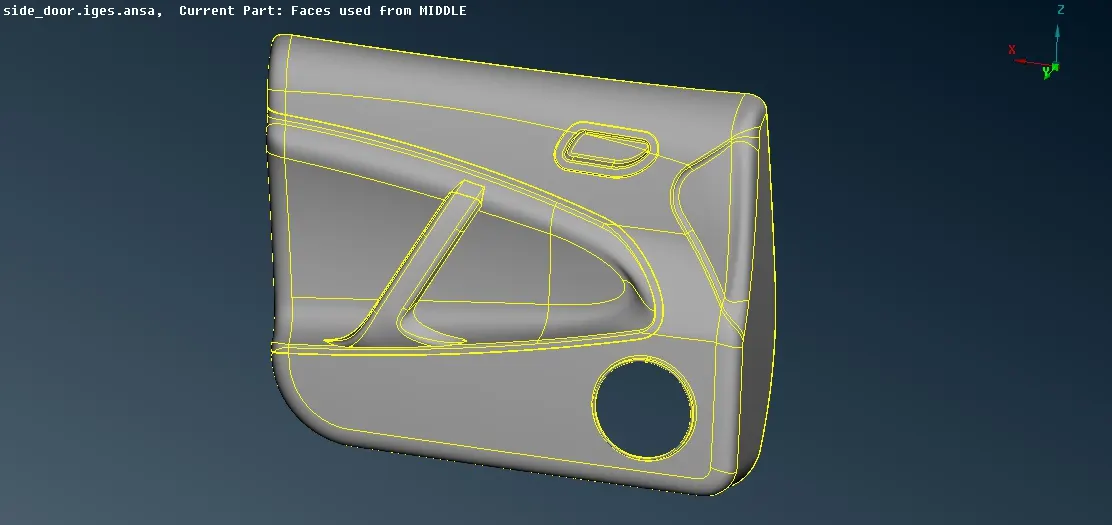
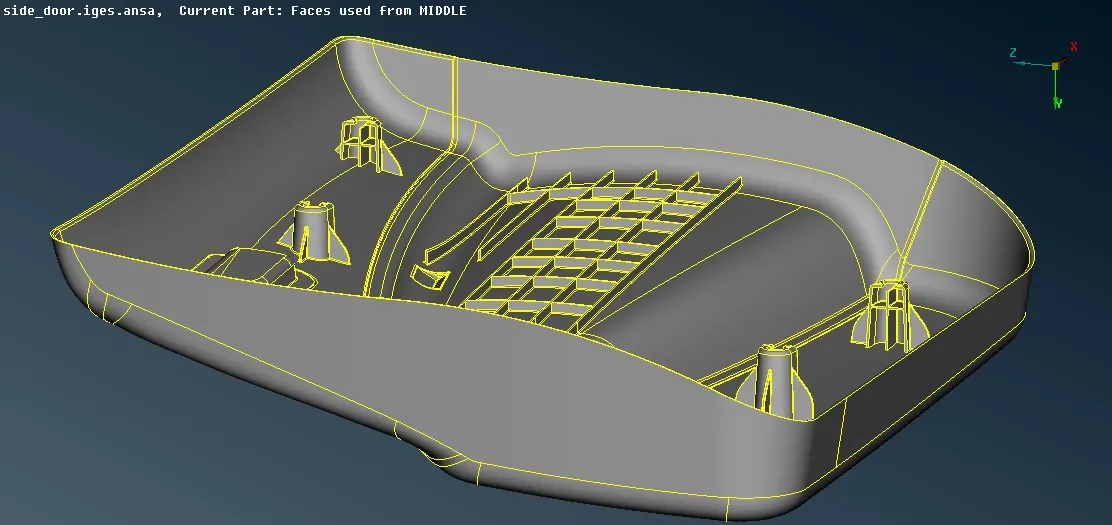
2. Dashboard model of a car
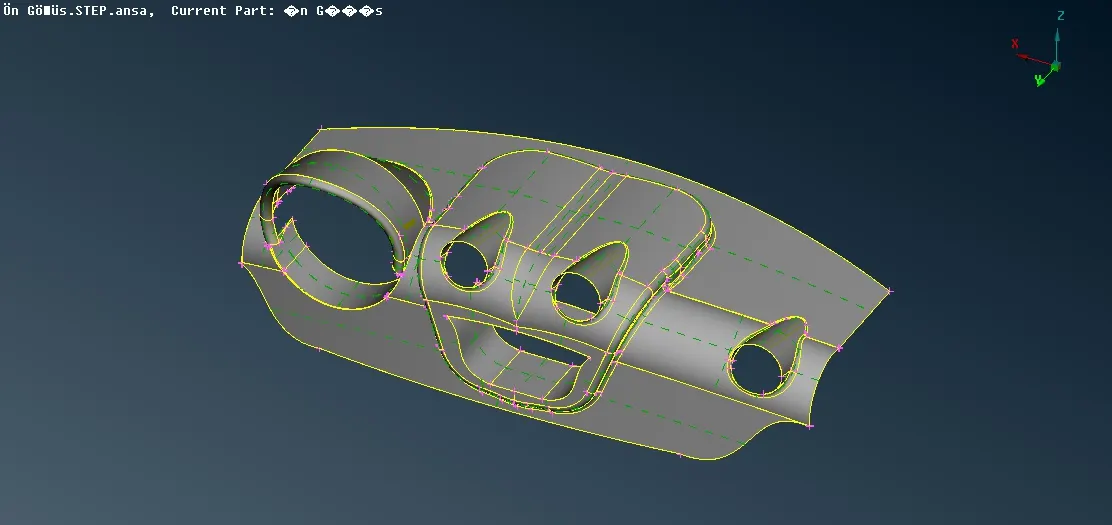
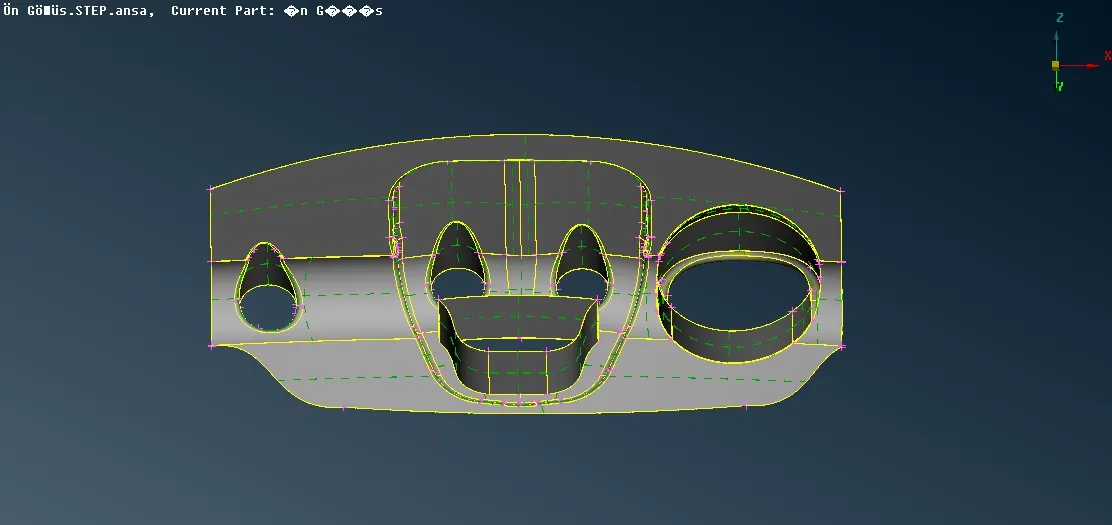
Quality criteria:
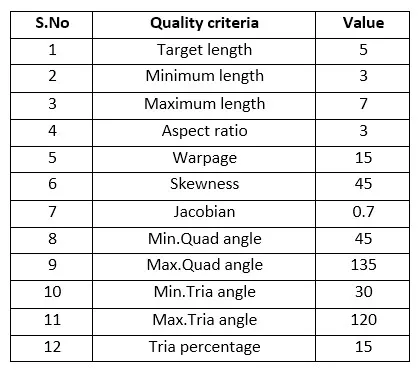
The following quality conditions are imposed to perform meshing on both the models.
The element qualities and parameters are entered in quality and mesh parameter tabs and they are saved.
Midsurface extraction:
As the thicknesses of each part in the geometry seems to be very less,it is better to go for 2D meshing instead of going for 3D meshing.
As it is a complex part,manual midsurfacing methods are preferred than auto midsurface extraction methods.
Thickness of each area is measured to perform mid-surface extraction.
Offset is a manual method of extracting midsurface of a geometry.
The side to be offset is chosen and suitable offset distance is entered.
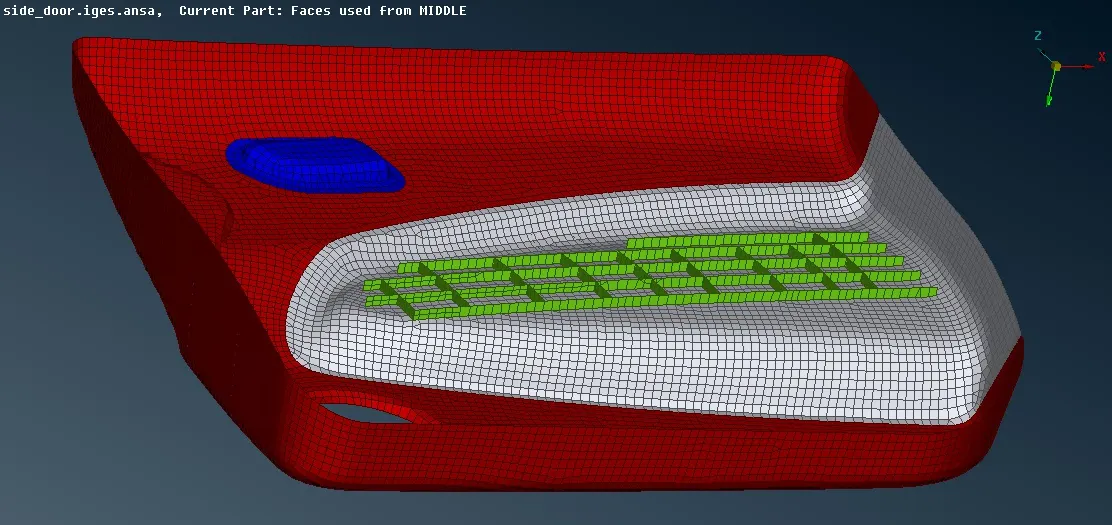
All the ribs that are present in the model are subjected to the multi-middle and single-middle options to extract their mid surfaces.
The extracted midsurfaces patched with attached surfaces as viewed in original geometry using extend and intersect options.
Alternatively, project cons option is used to drag mid surface edges normal to adjacent faces to patch with surfaces attached.
A topo operation is performed on the midsurface models.
1. Side door model of a car
2. Dashboard model of a car
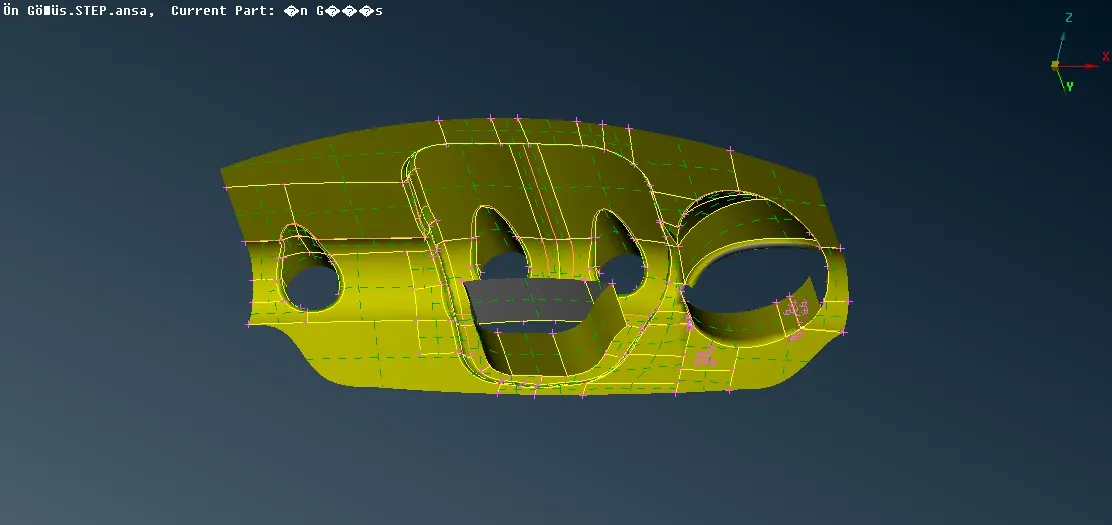
Meshing:
The geometry faces are divided in areas of complex regions using cut and project-cut options.
Unwanted edges in the models are toggled using join option as they affect mesh flow.
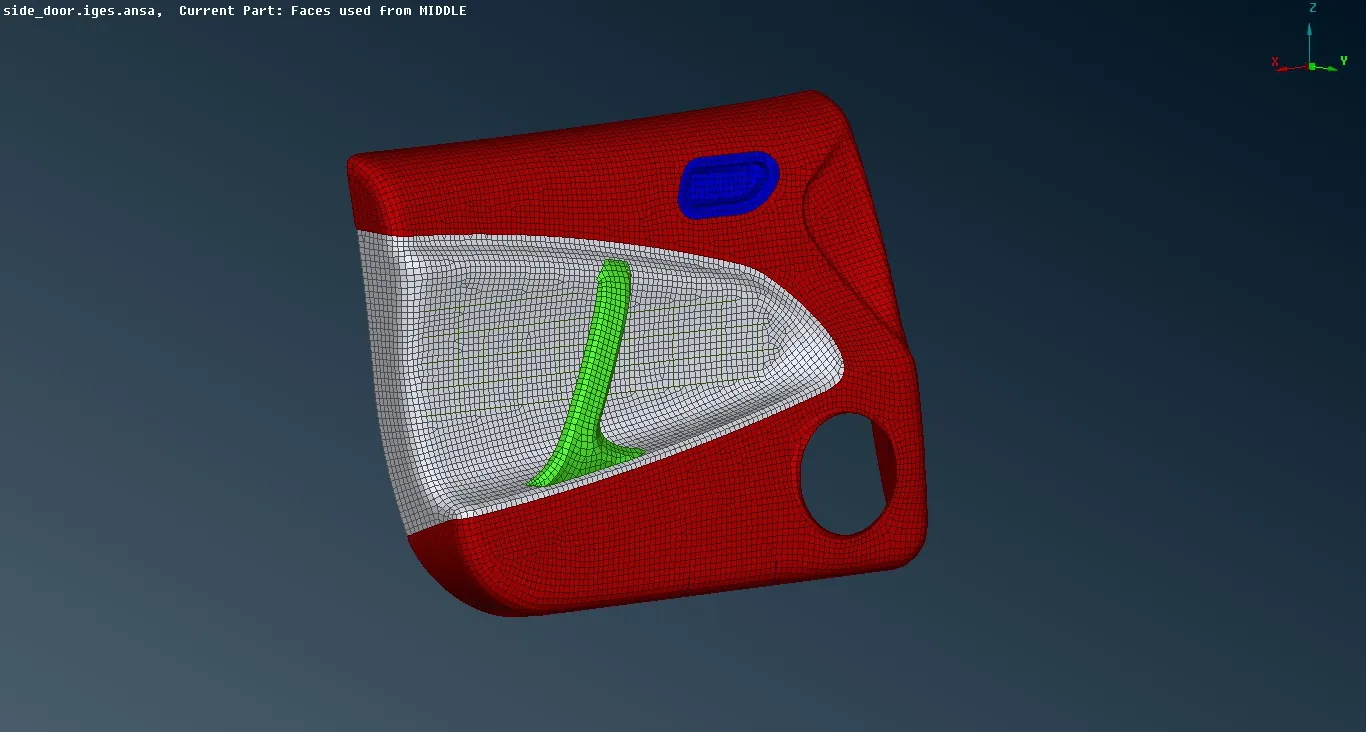
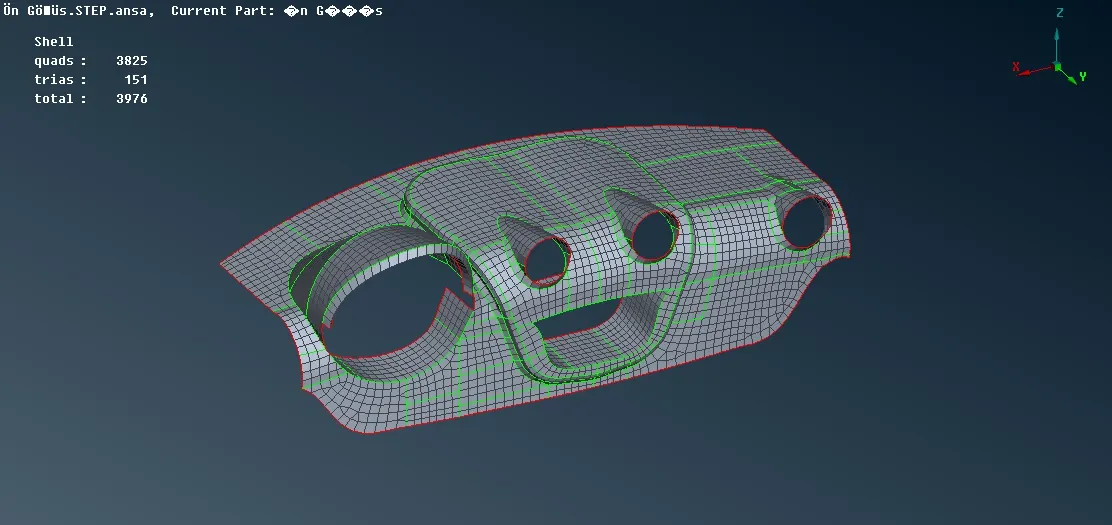
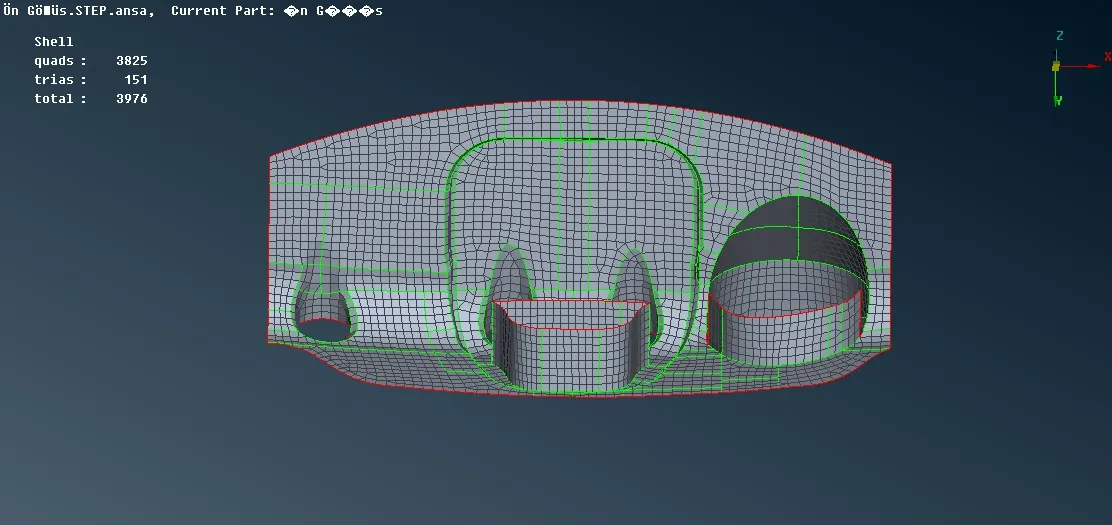
The geometry faces are divided into rectangular faces wherever possible so that Map meshing is employed to generate perfect quad mesh elements.
The unmappable geometry faces are generated with tria and quad elements using mixed type free mesh option in mesh generation tab.
1. Side door model of a car
2. Dashboard model of a car
Quality checks:
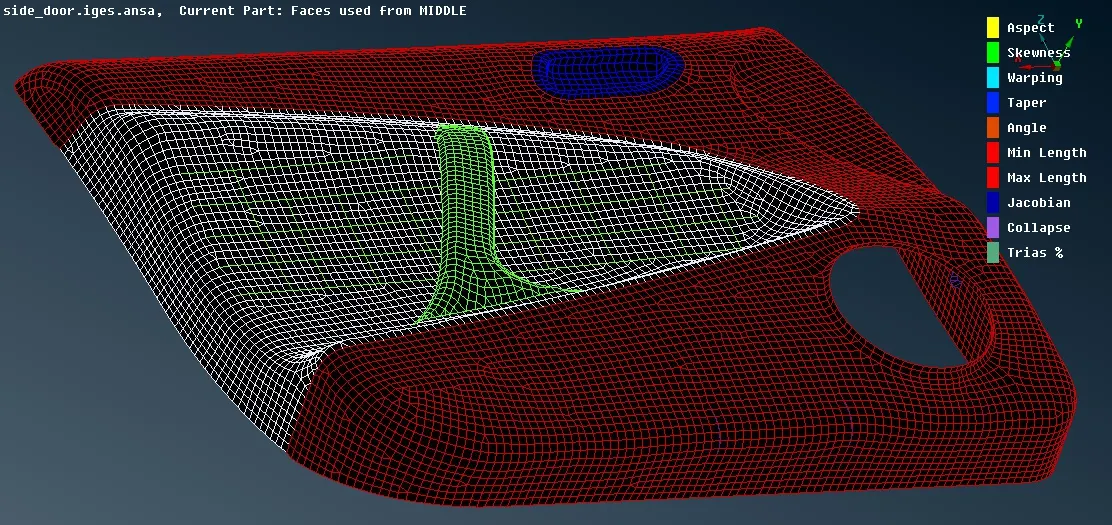
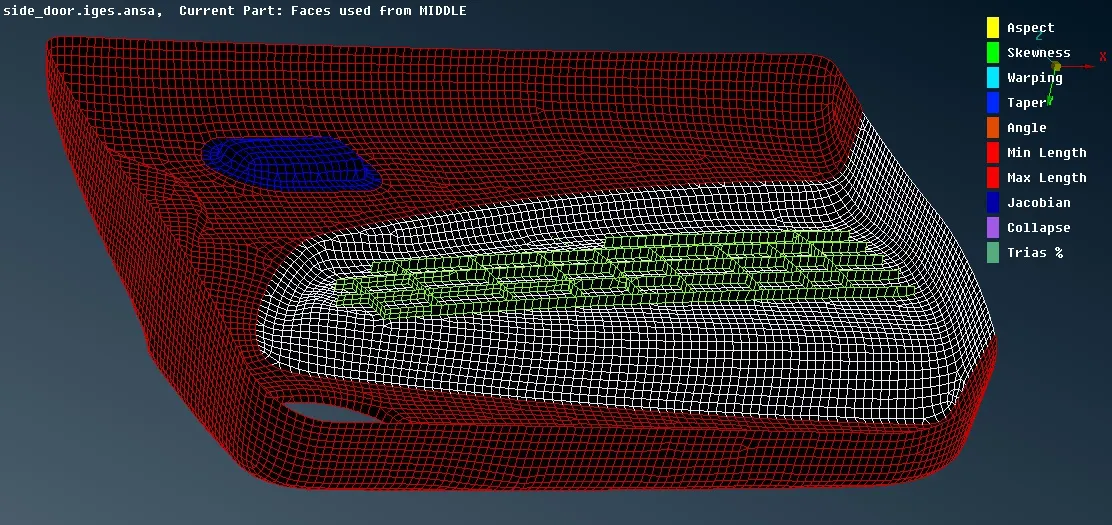
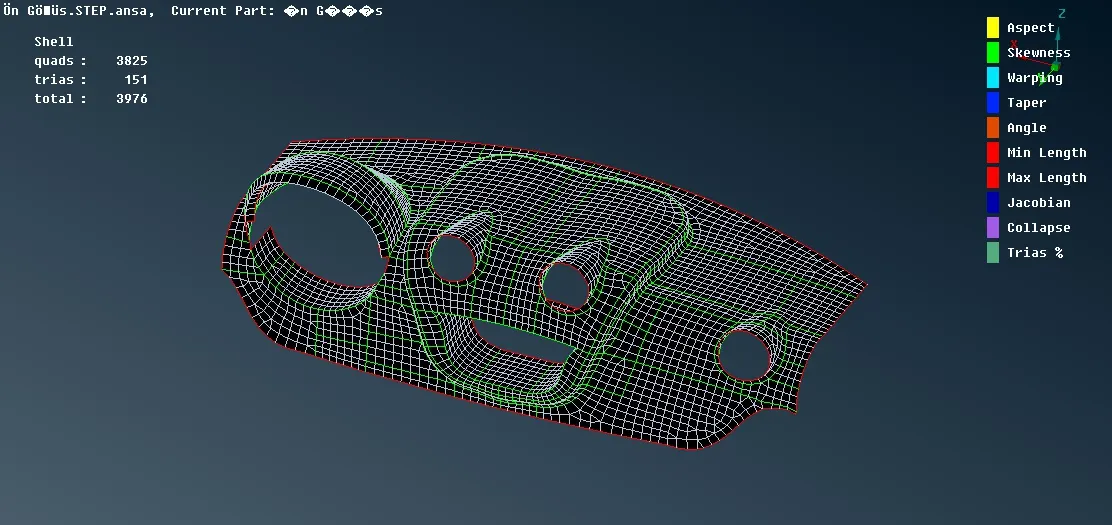
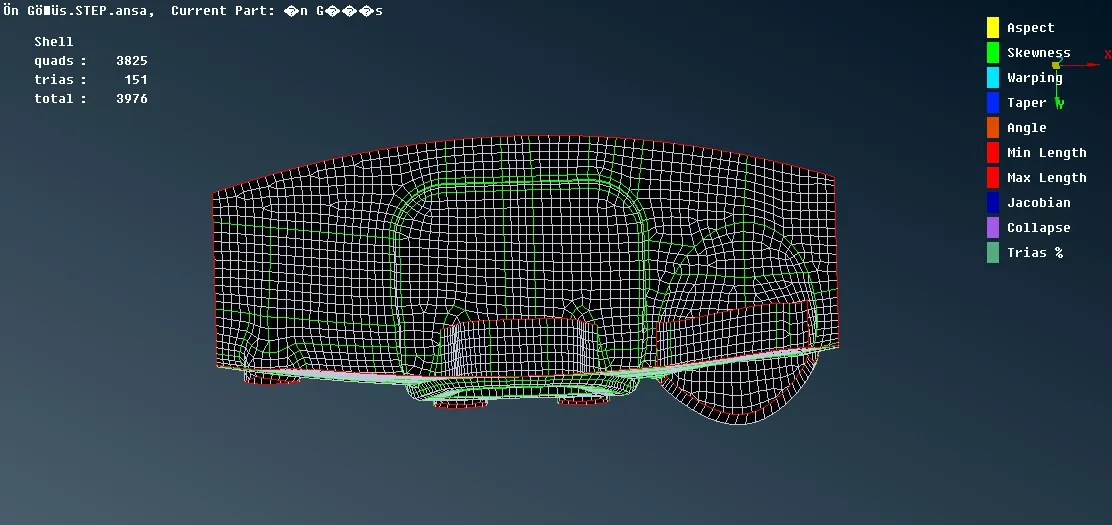
The meshed elements are viewed in Hidden mode to check their quality.
The quality violating elements are remeshed again to achieve good quality by using reconstruct and smooth options.
The meshed elements are released from the geometry.
1. Side door model of a car
2. Dashboard model of a car
Assigining suitable PID:
While creating midsurfaces for each part itself,relevant thickness is assigned using PSHELL property.
After extracting the midsurface,Set PID command is executed to assign thicknesses.
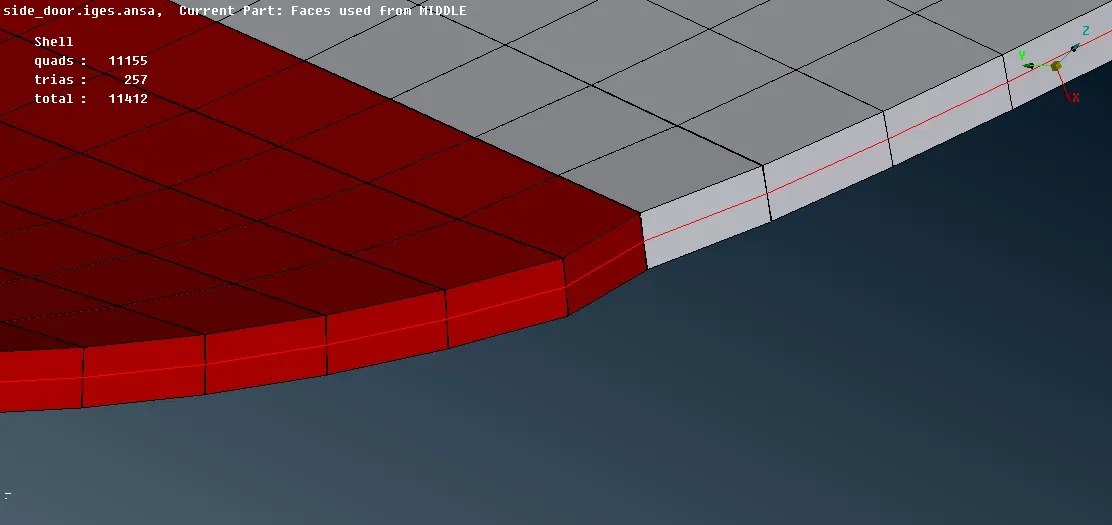
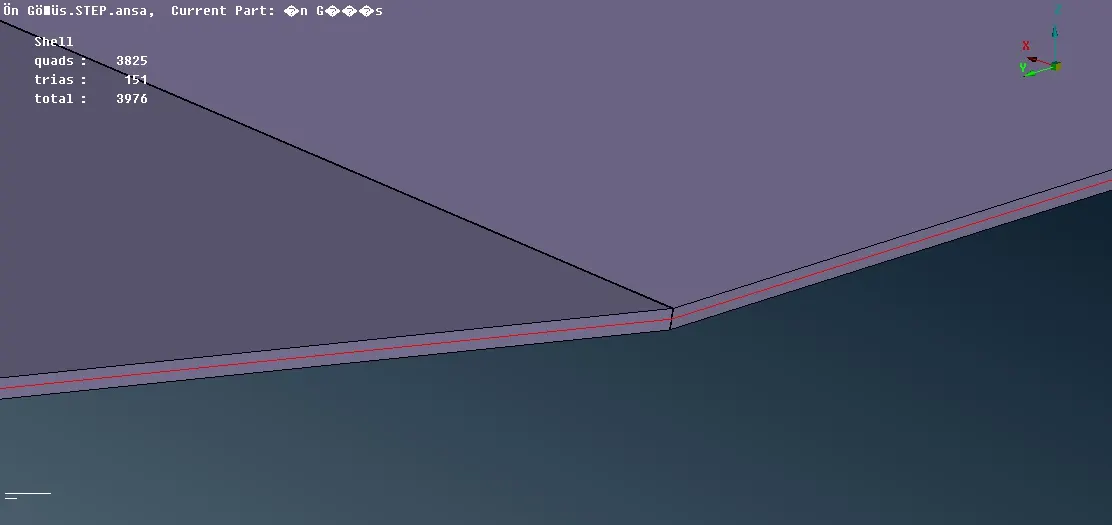
The meshed elements are viewed in 3D using Draw shell as solid option from presentation tab.
1. Side door model of a car
2. Dashboard model of a car
Conclusion:
Thus, the side door and dashboard models of a car are cleaned and meshed with the proper element quality criteria using ANSA.
The meshed models are now ready for performing any FE analysis.