Hood design-Week 2
Hood design process
1. Download hood skin data
Open software – File-New-Assembly
Click on add component
Select hood Outer panel activate assembly and then create new
Create new- click on model- hood inner panel
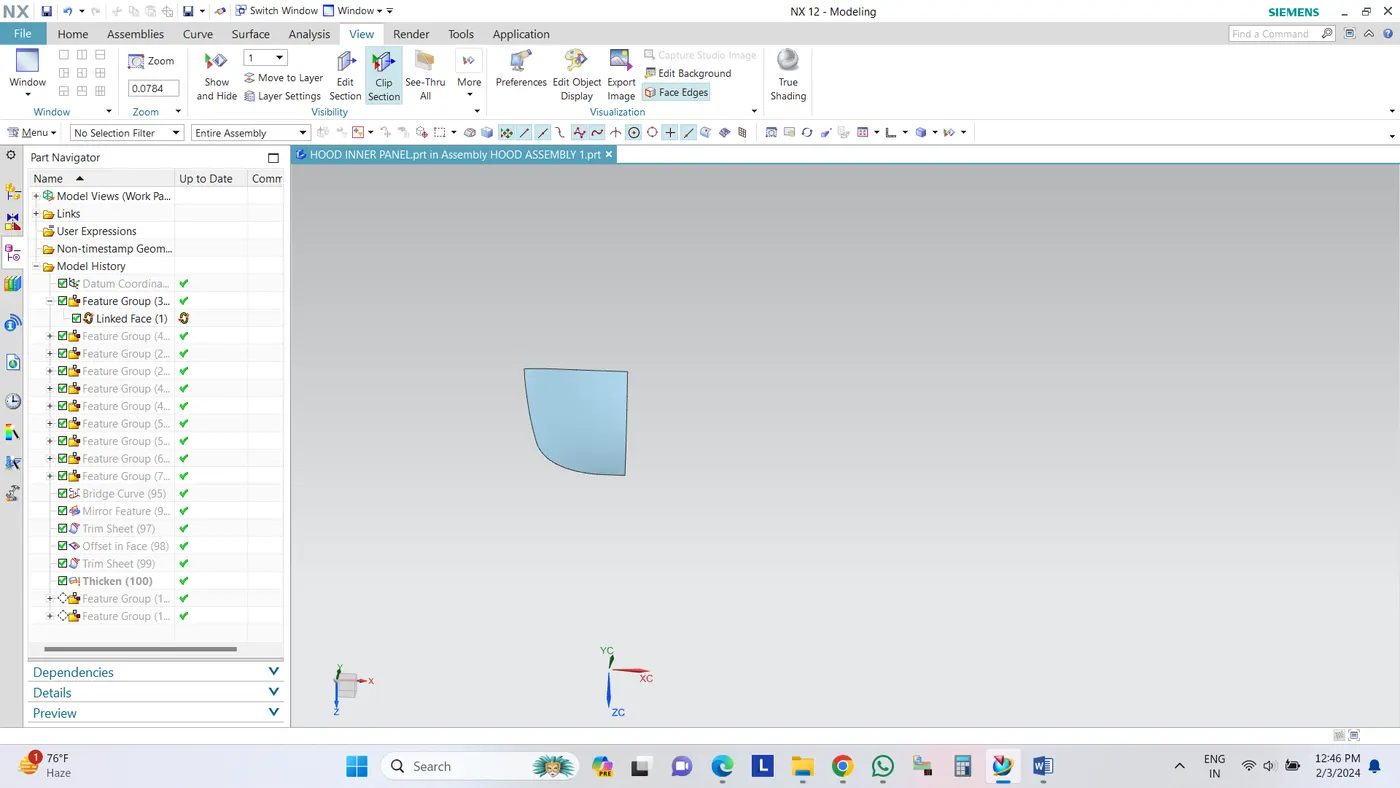
Use wave geometry linker to link the component
To break the link,
Double click on the linked face, setting- untick associative and then ok.
2. CREATING TOOLING DIRECTION AND FLANGE
HOME-SKETCH OPTION-SELECT THE PLANE-OK
Click on the line option- select the edges and create a line on it
After creating tooling axis give offset to the surface of 1.7mm
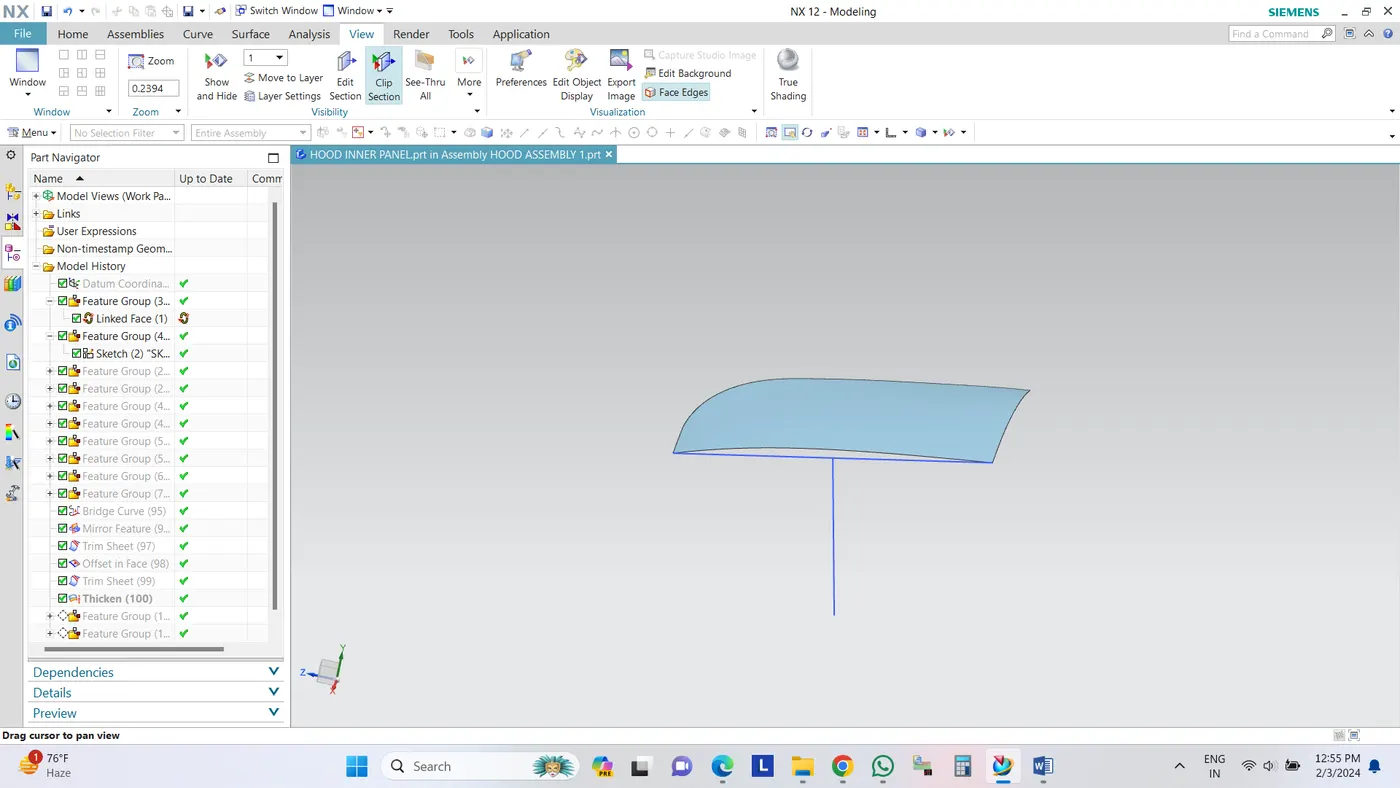
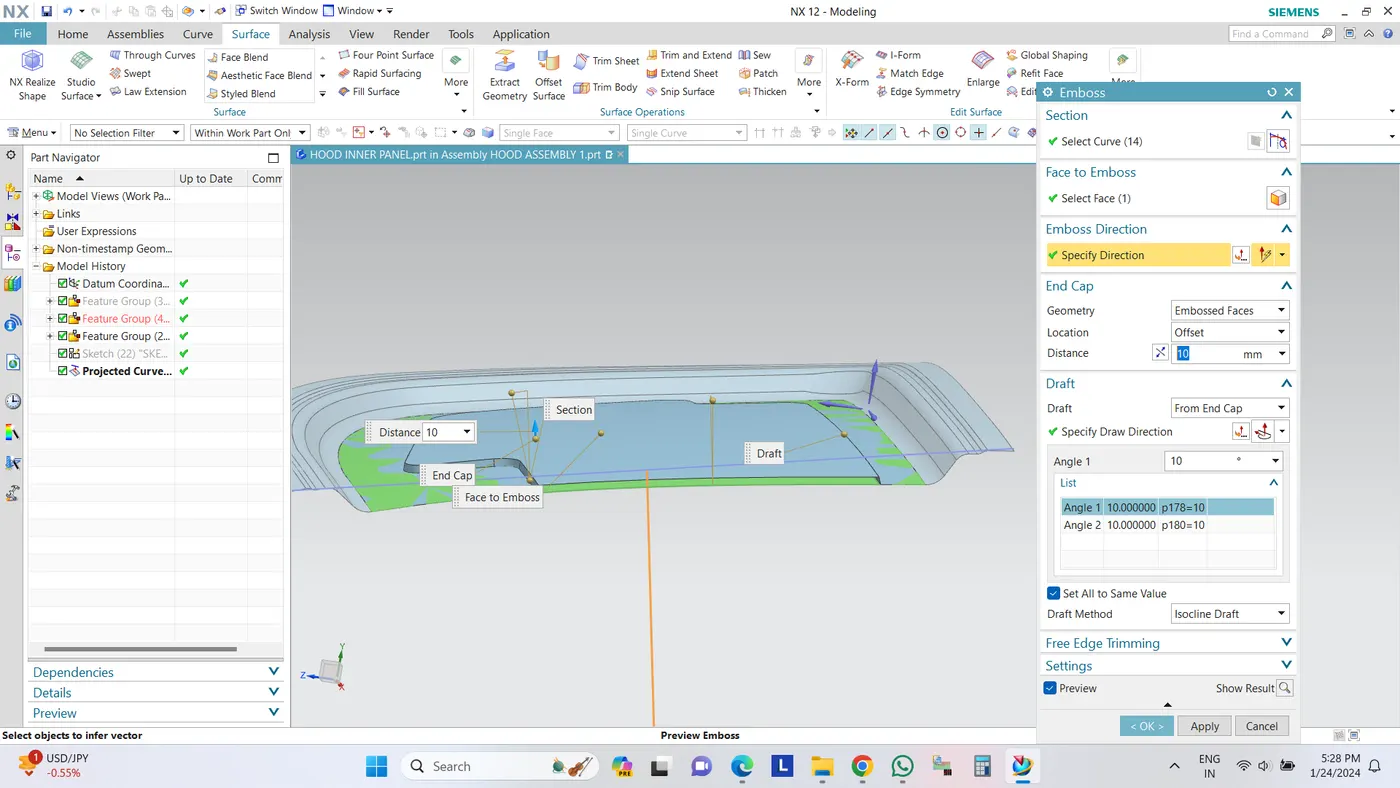
3. CREATE EMBOSS AND CUTOUTS
Go to surface command – offset surface- give offset to the model
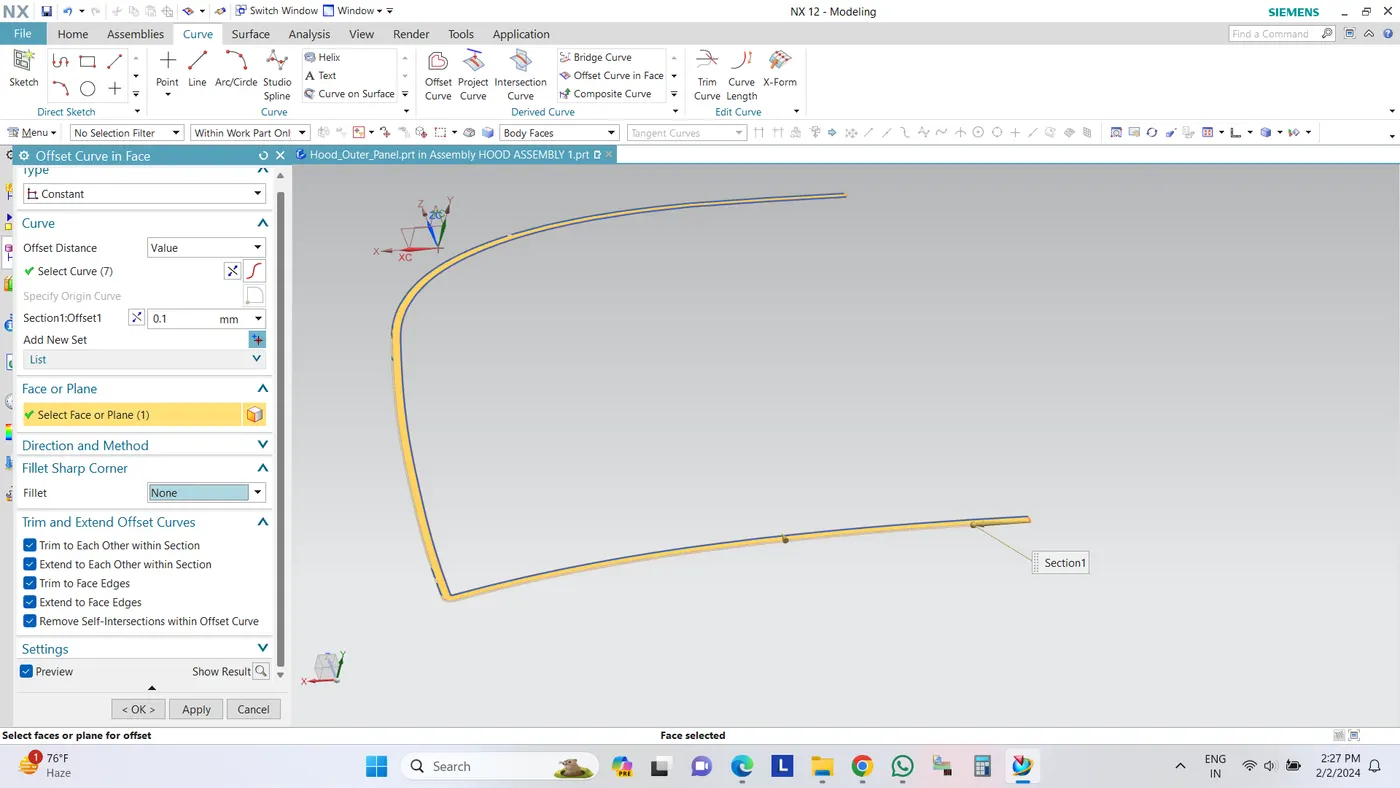
Select the curve command – offset curve in face option-select the curves edges-select the face- give offset distance and ok.
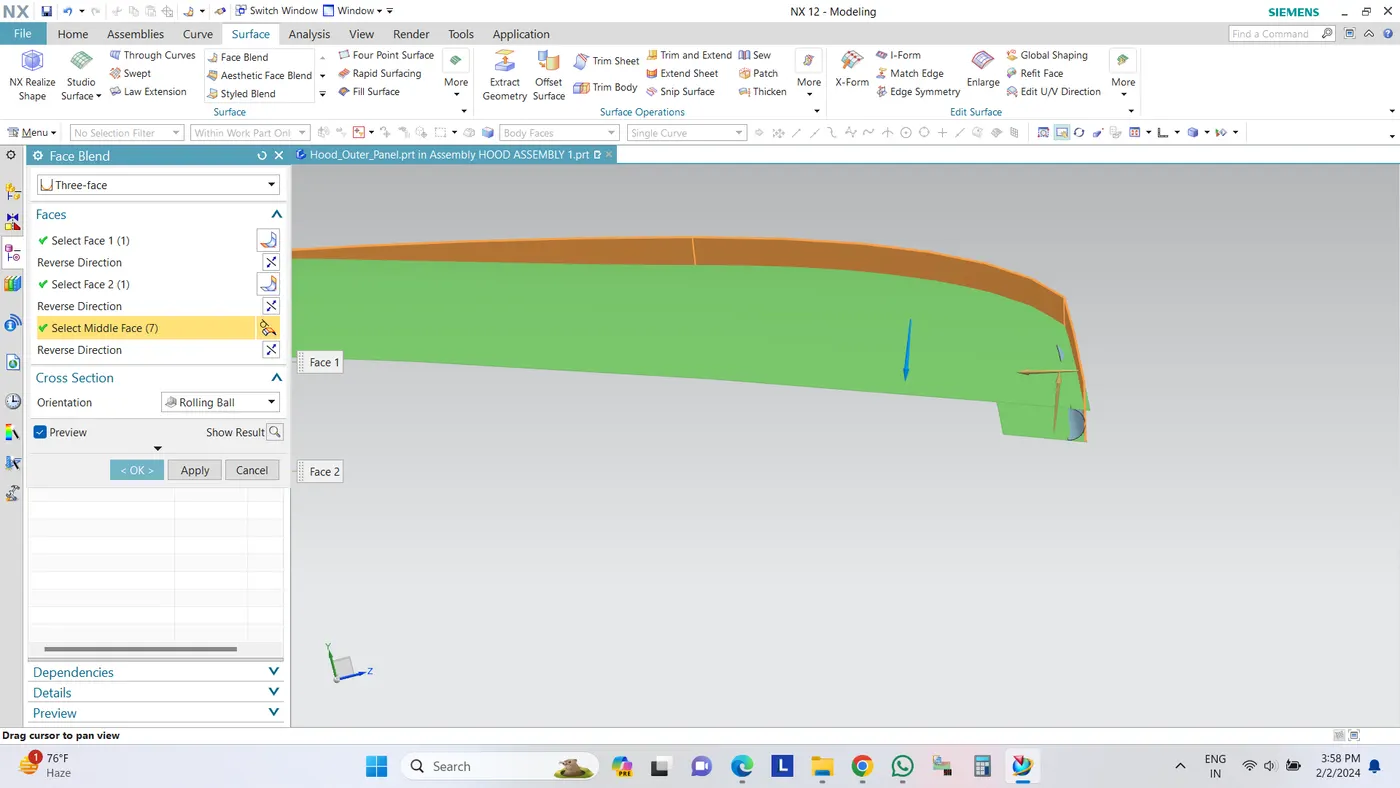
Use face blend option to give blends.
Give draft angle as 10
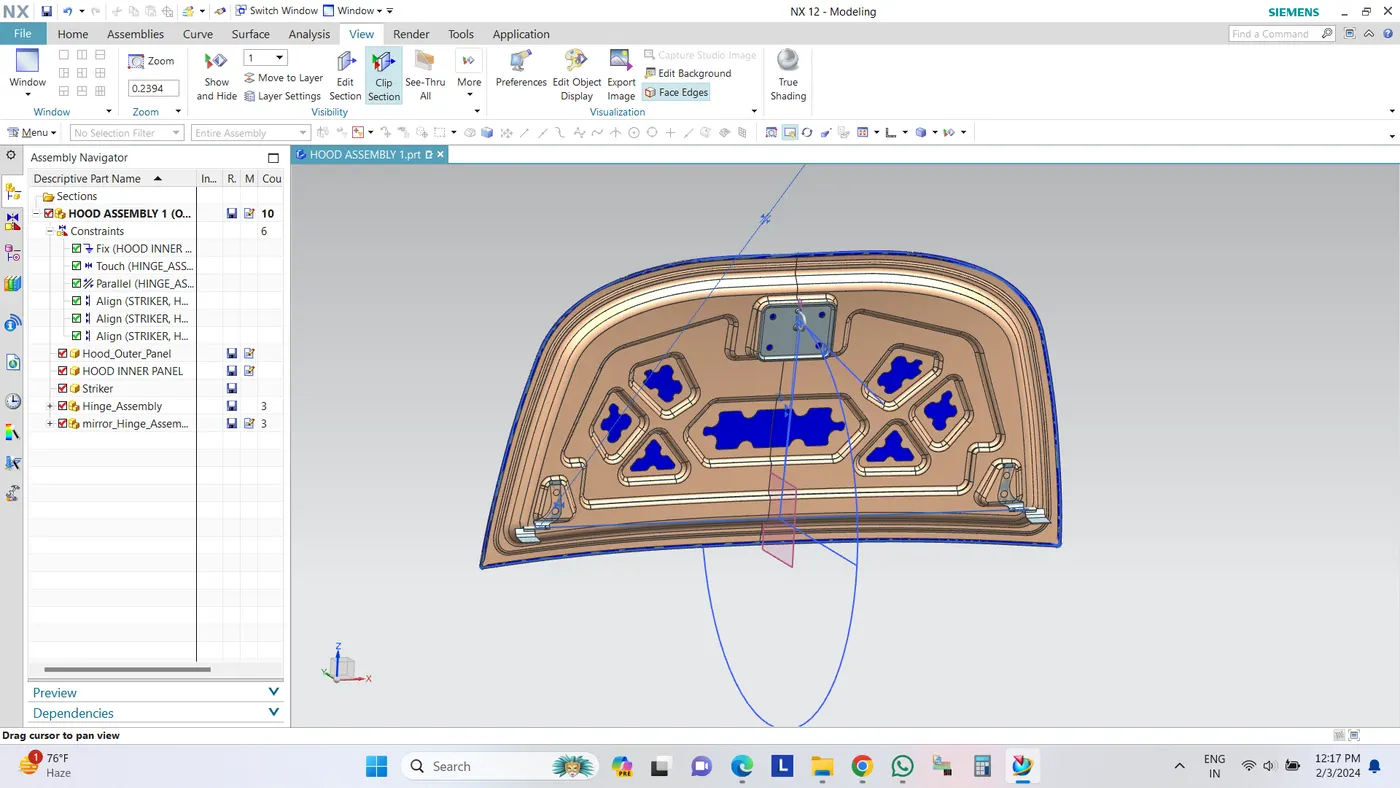
After giving blends, add Striker and Hinge assembly.
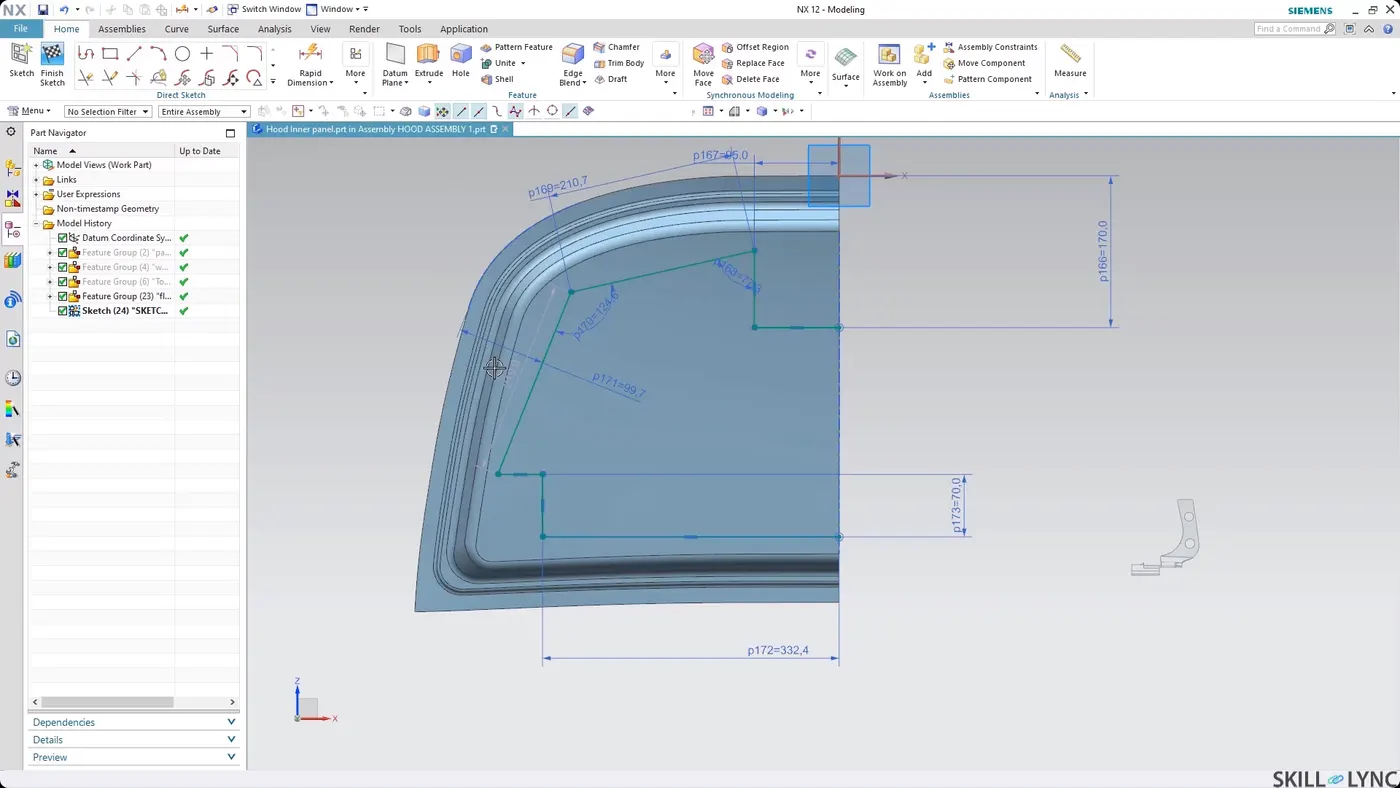
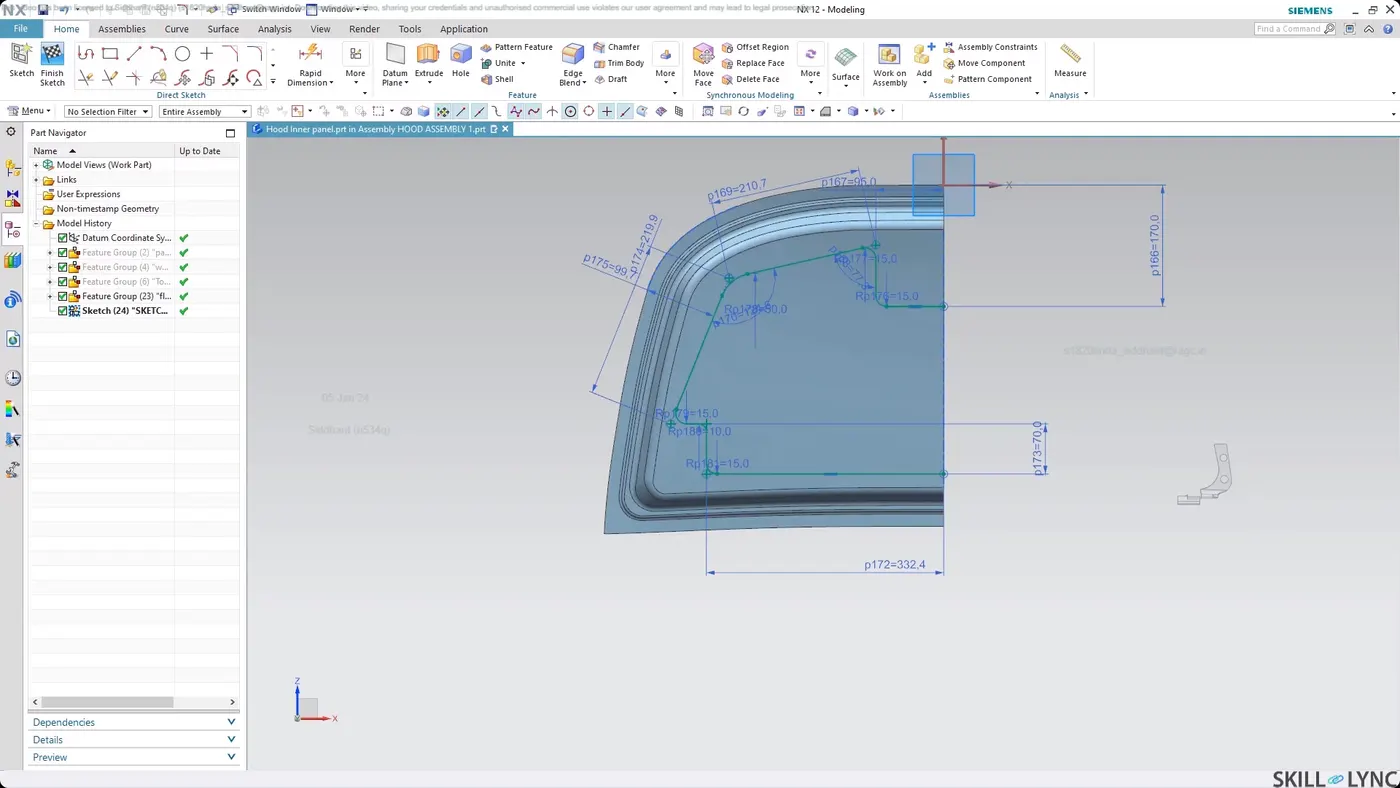
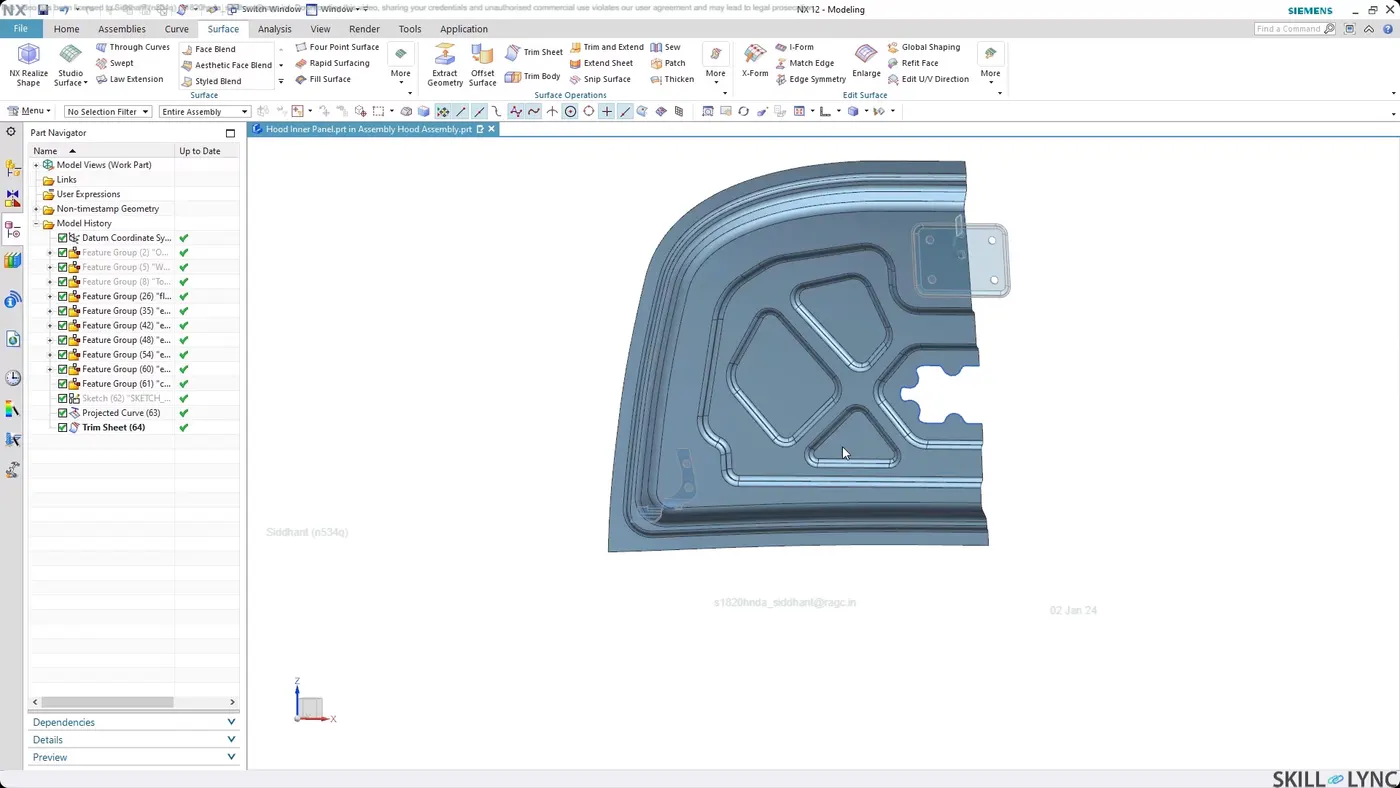
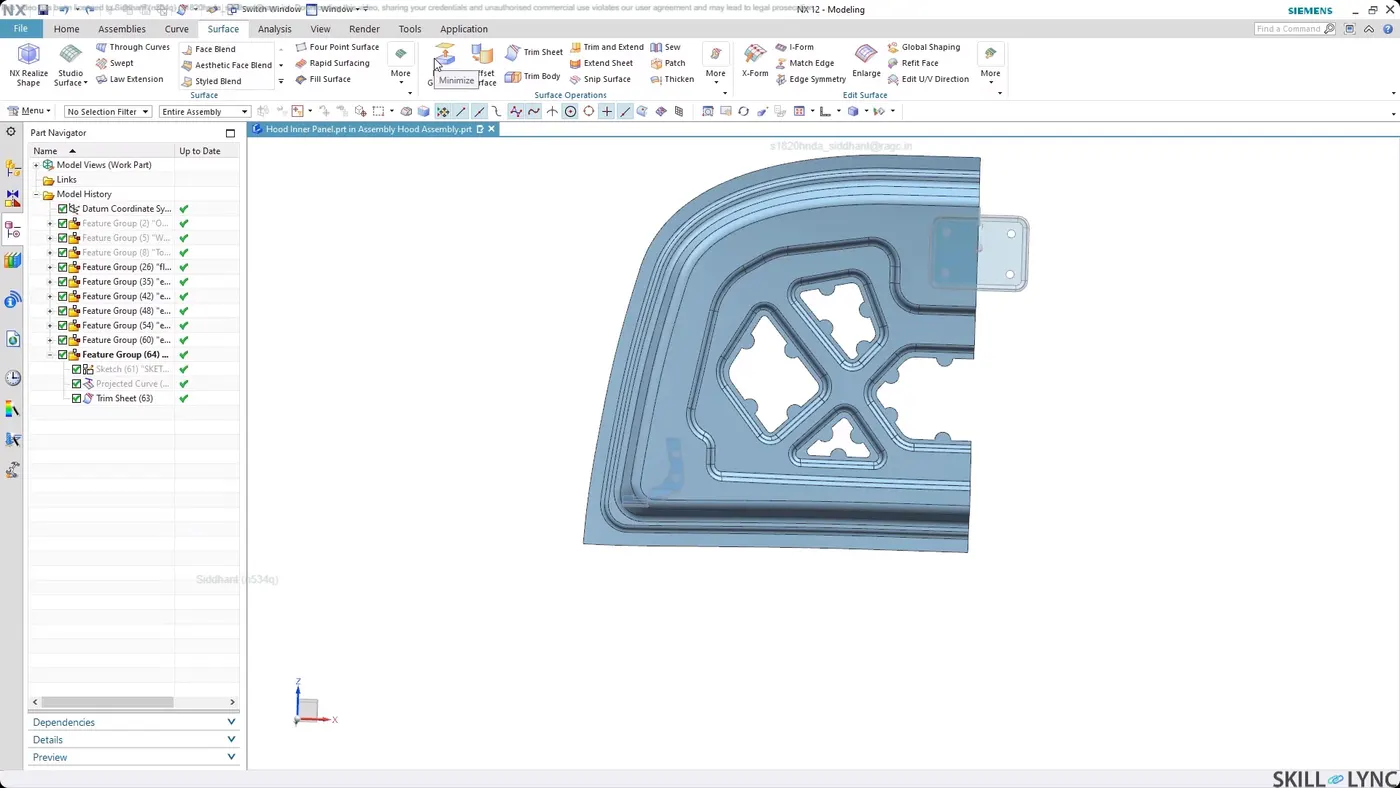
4. HINGE MOUNTING
Create base for the mounting
create sketch, give end blend once done and radius of 6 mm.
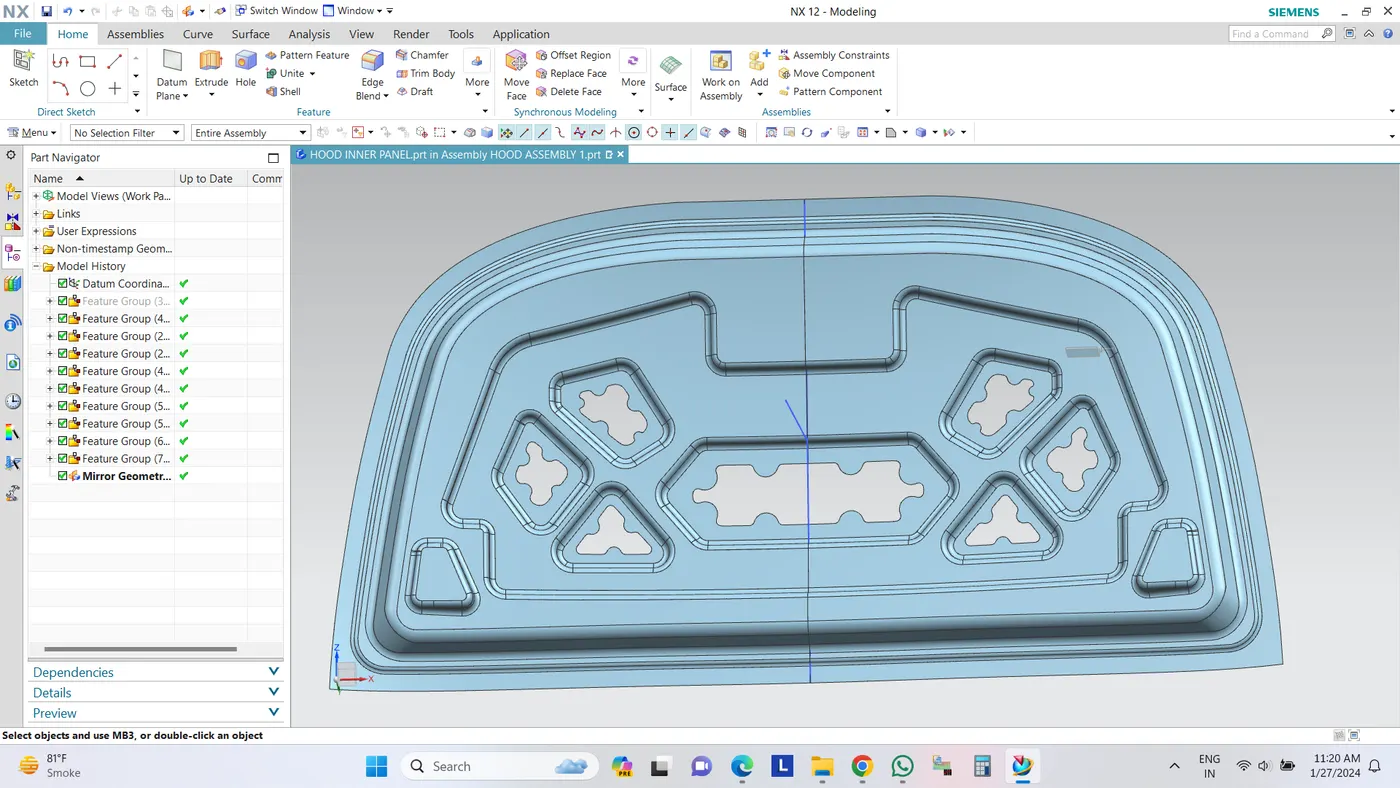
Go to Home-Menu-Insert-Associative copy-Mirror Geometry
After creating mirror geometry, check for gaps in the middle of the hood and then, use sew to join.
Surface option-Sew command-select body.
If there is gap in the hood,use Extend sheet command and than use trim option select the centre plane to trim.
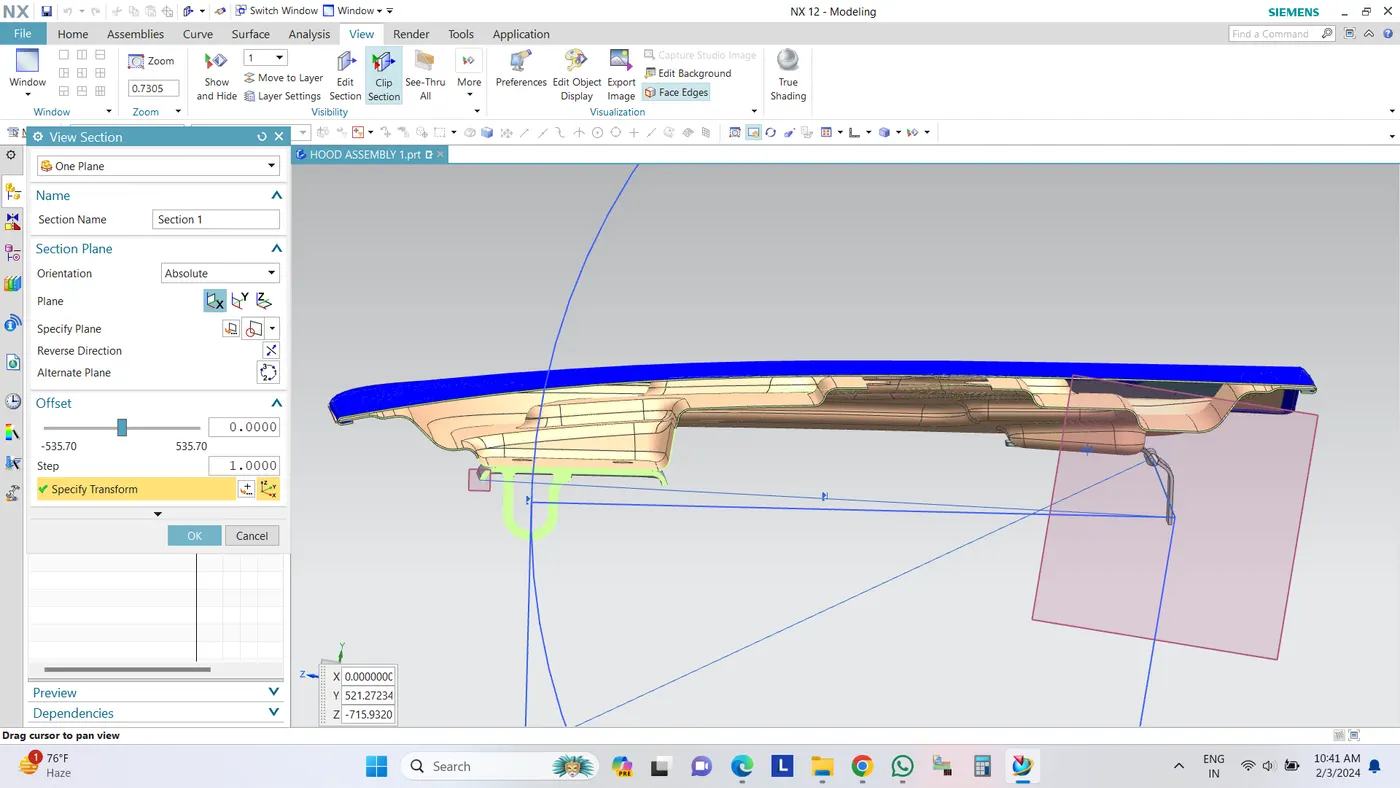
Activate hood assembly- go to Assemblies option give assembly constraints.
Click on Touch constraints select the rear face of the hinge- select the face of the hinge mount created and apply.
5. STRIKER MOUNTING
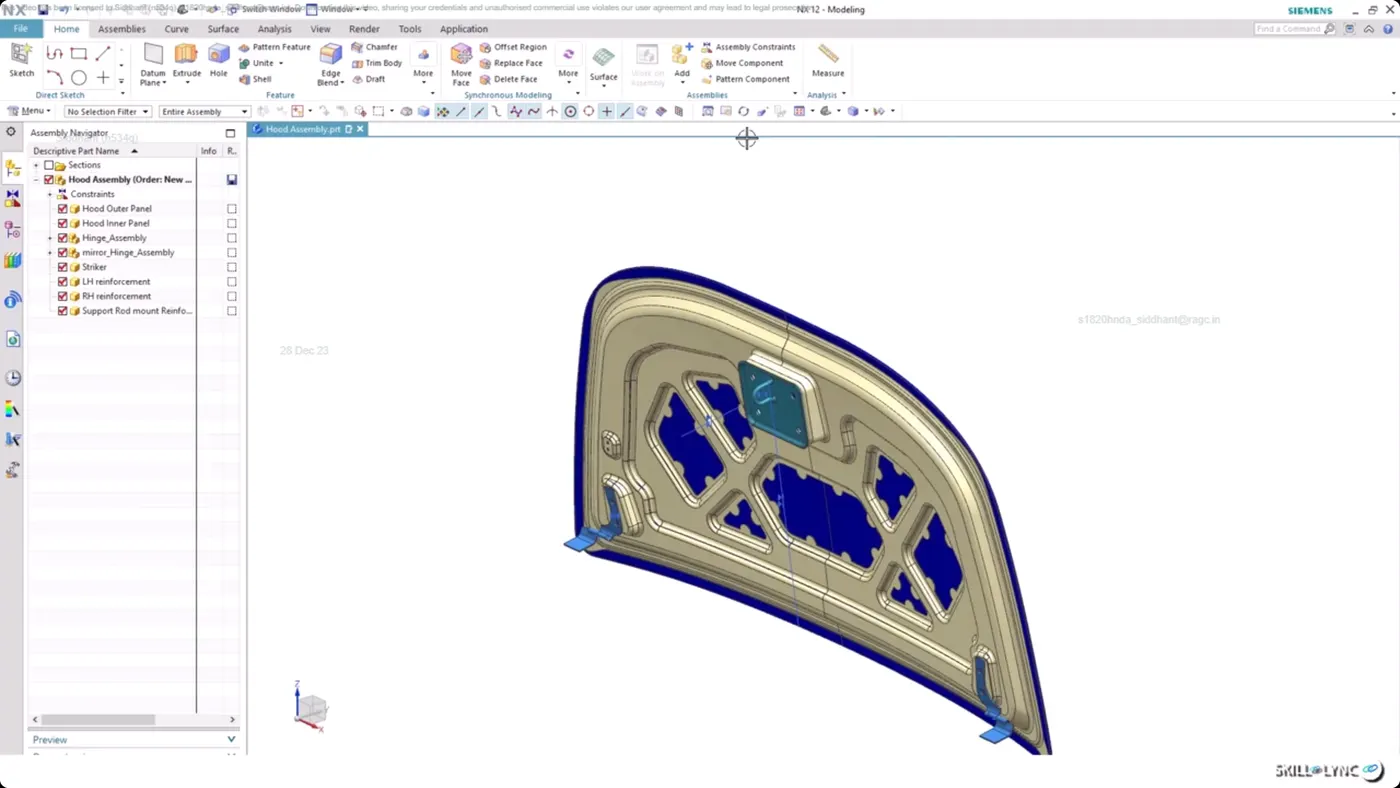
6. HEMMING
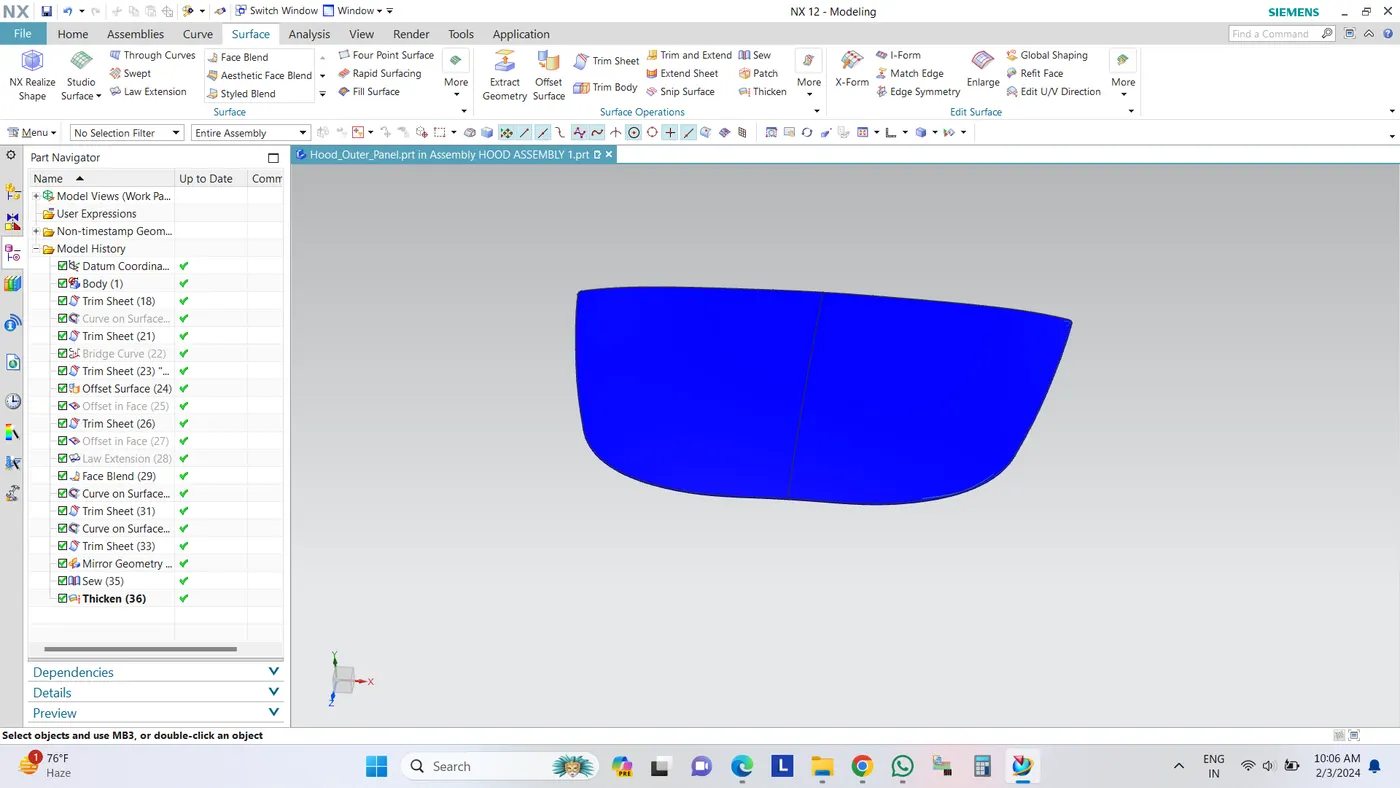
Activate outer panel and hide all other parts,
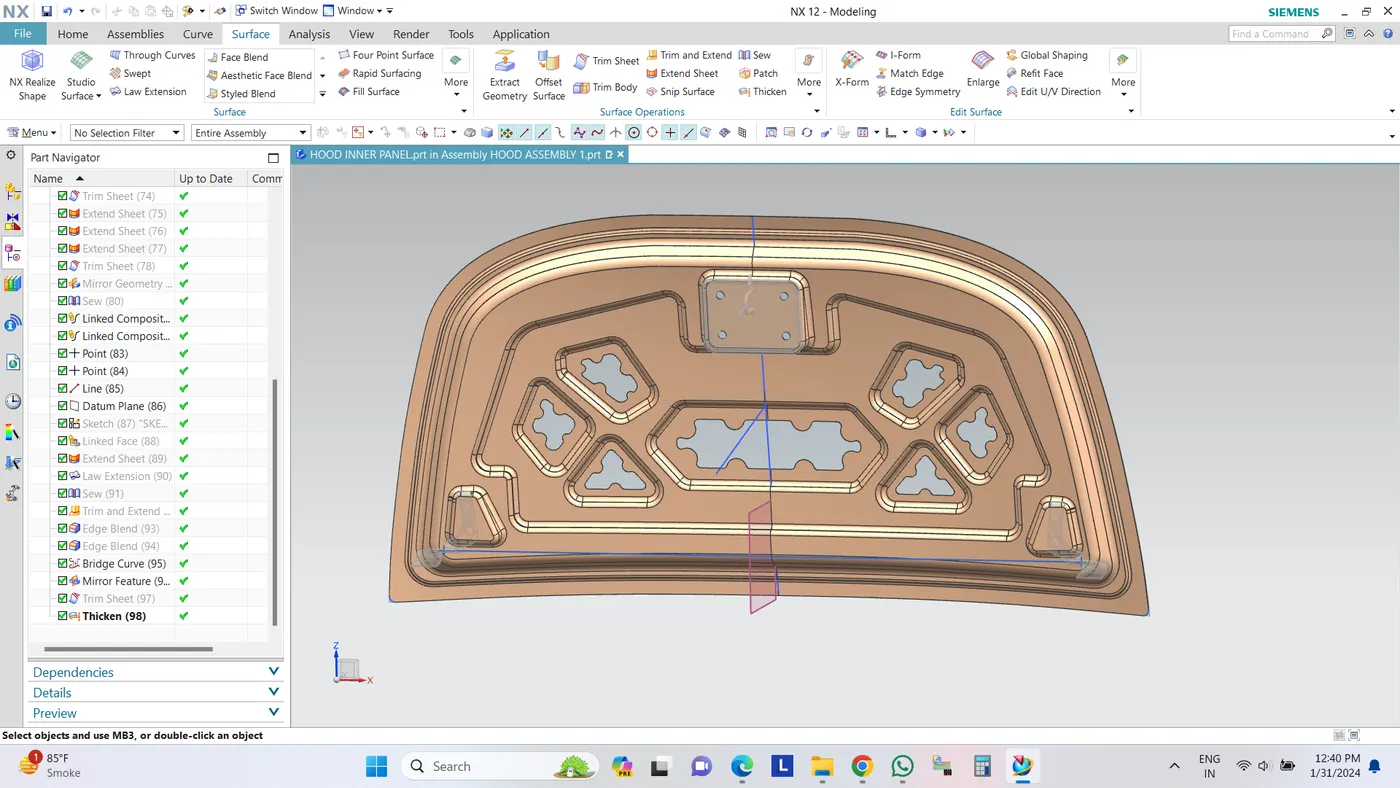
Go to surface toolbar-Trim sheet option-select the hood,
Create a Bridge curve at the bottom end,
Go to Curve toolbar-offset curve in face- give offset of 0.1mm,
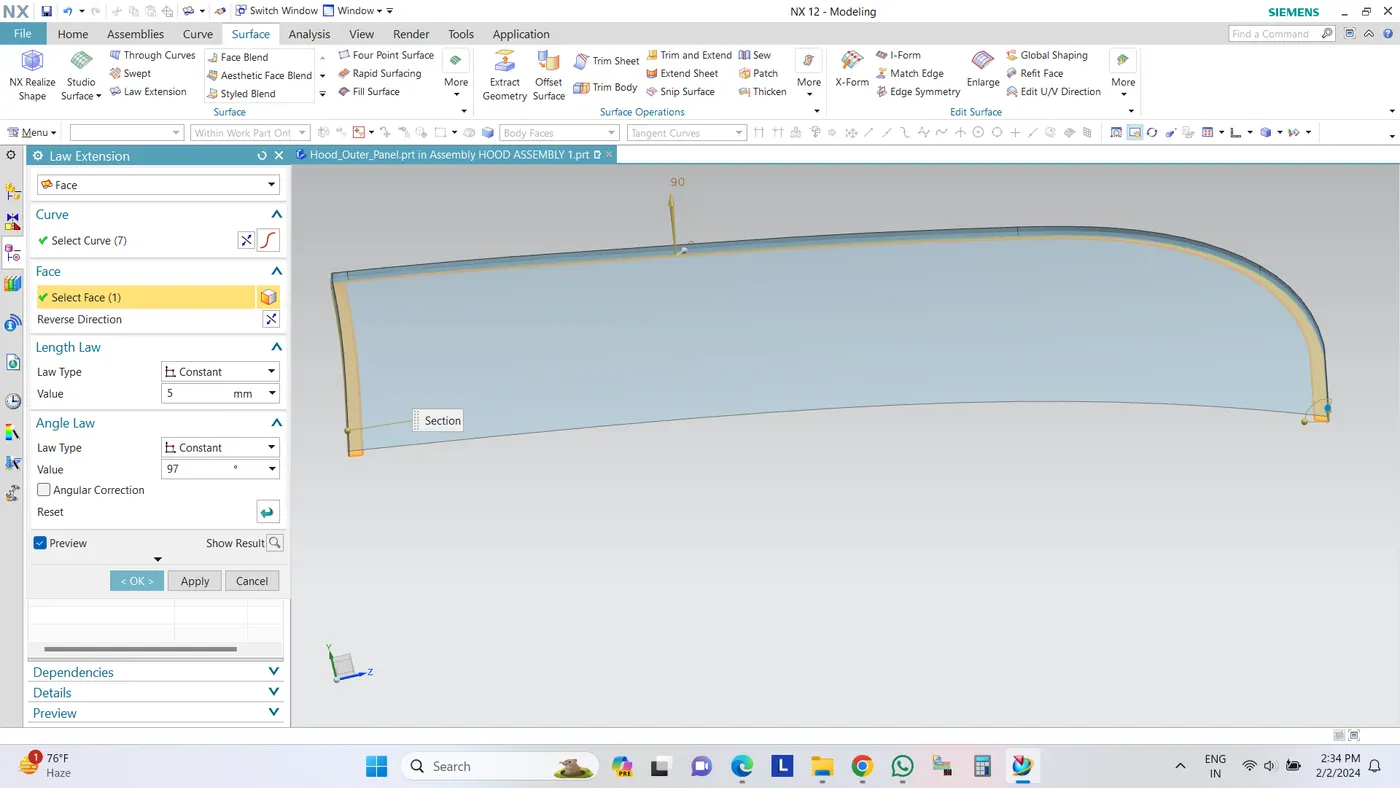
now use Law extension option and then create a Three face blend option, after that provide a Hem release at the complicated corners.
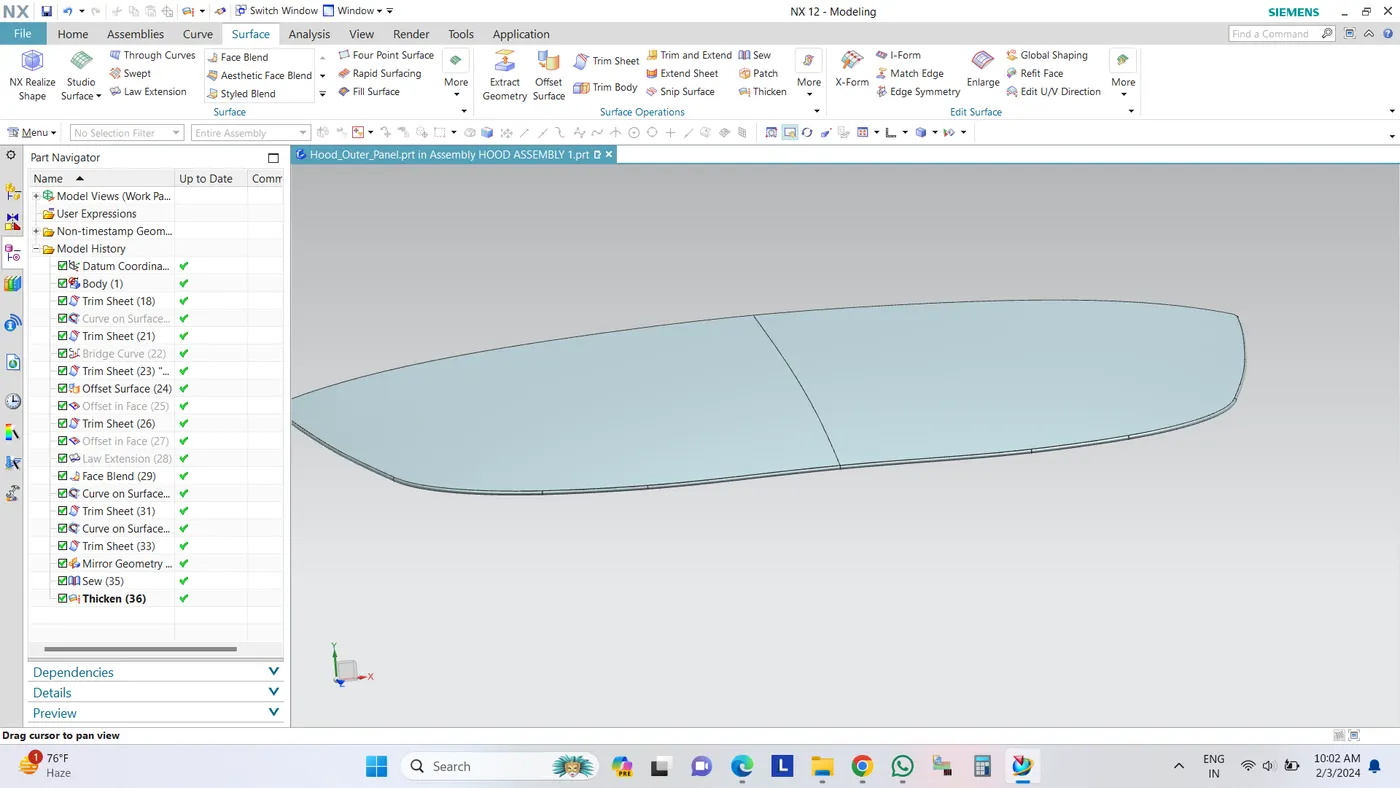
Once created use Sew command to check for any gaps and than use update display option,
click on the Thickness option and position of thickness for outerpanel should be downward.