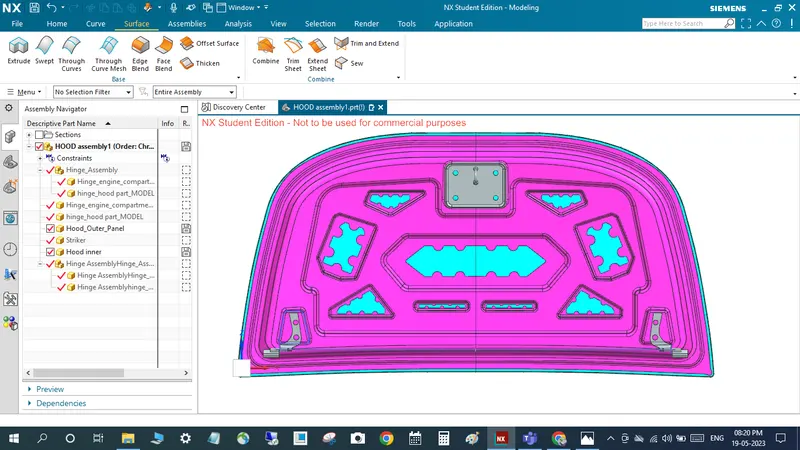
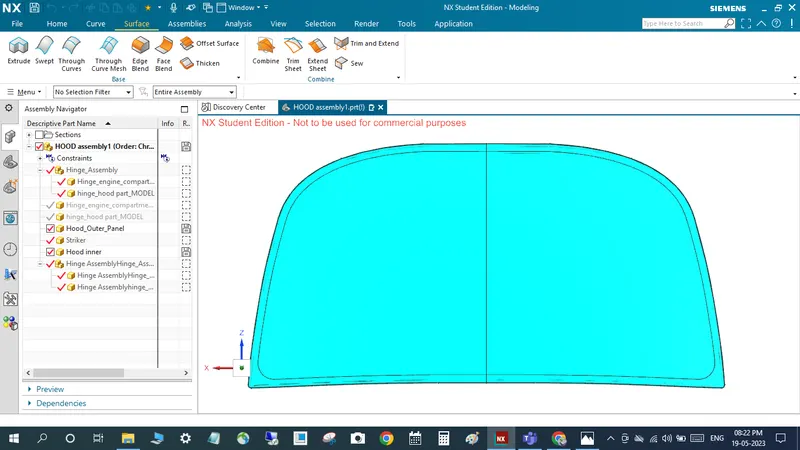
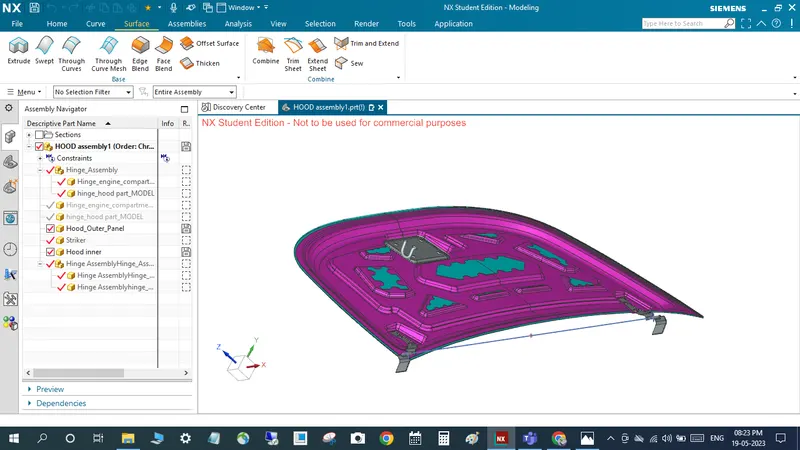
Hood design-Week 2
Given outer panel body
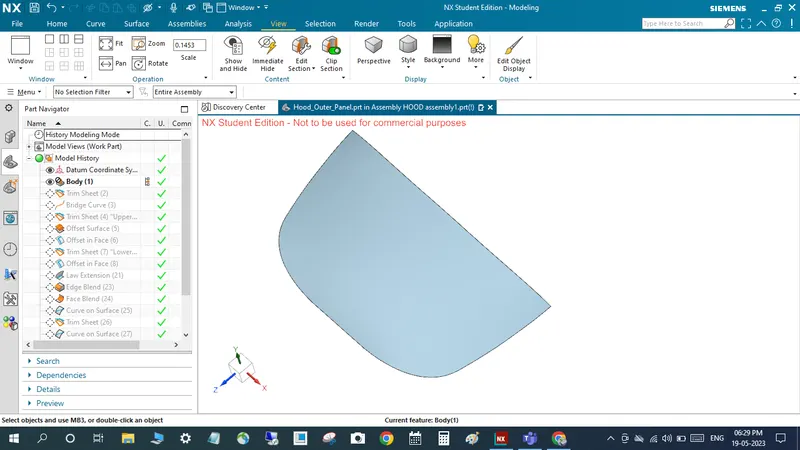
TO create datum coordinate system
to trim sheet command to trim with the yz plan
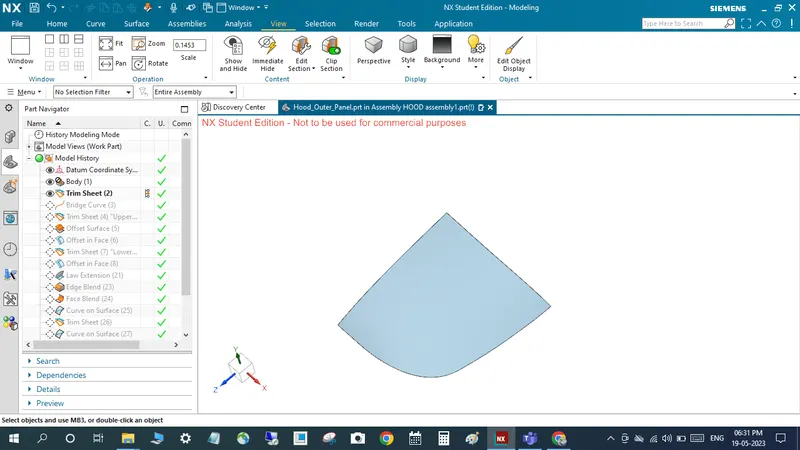
to use bridge curve command to create un sharp for corner area
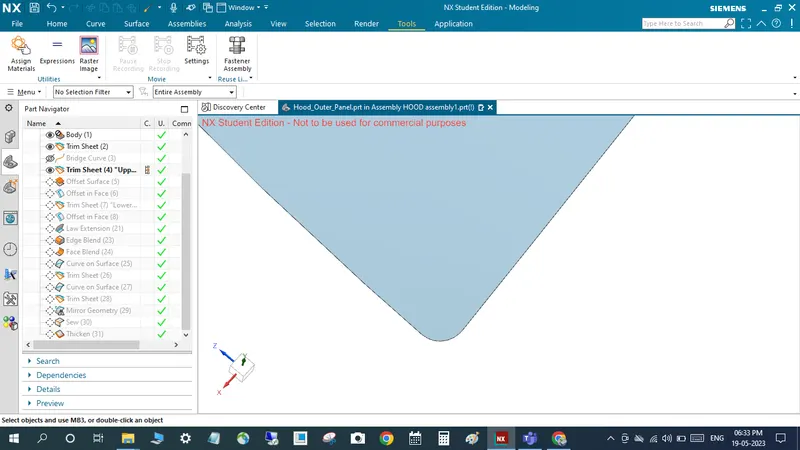
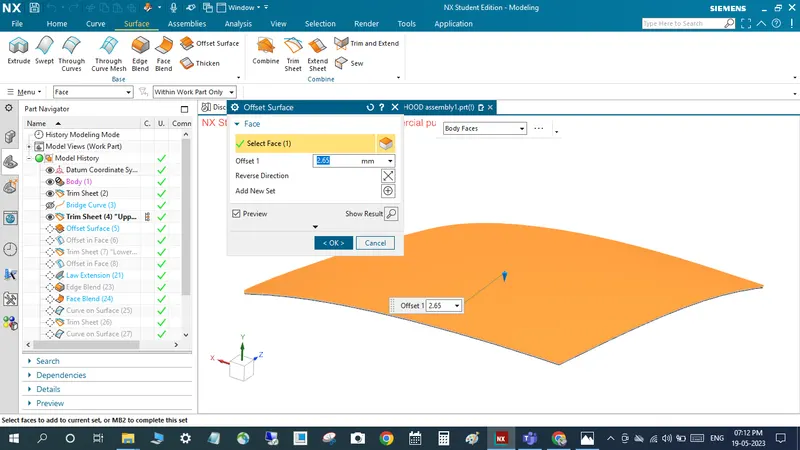
After that 2.65mm offset down side
Offset in face for flange creation
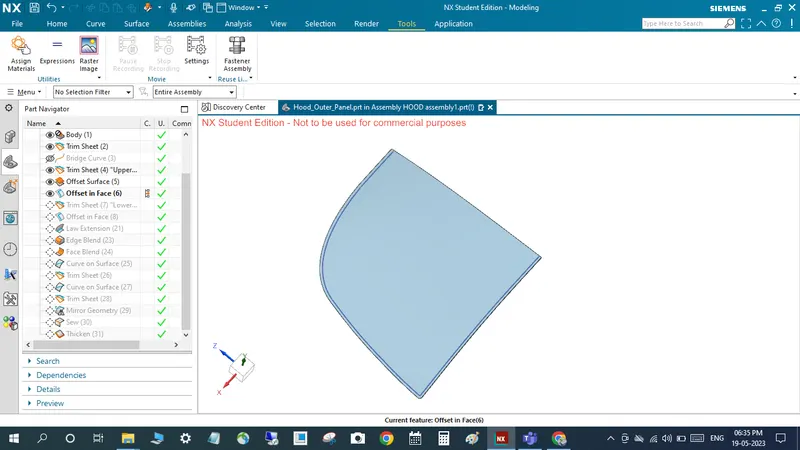
After that 0.2 mm face offset
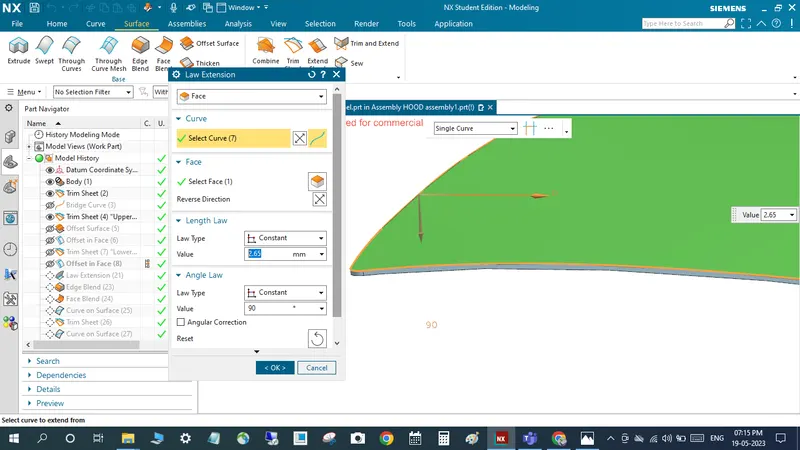
Use command of law extension to make 2.65mm length and 90deg
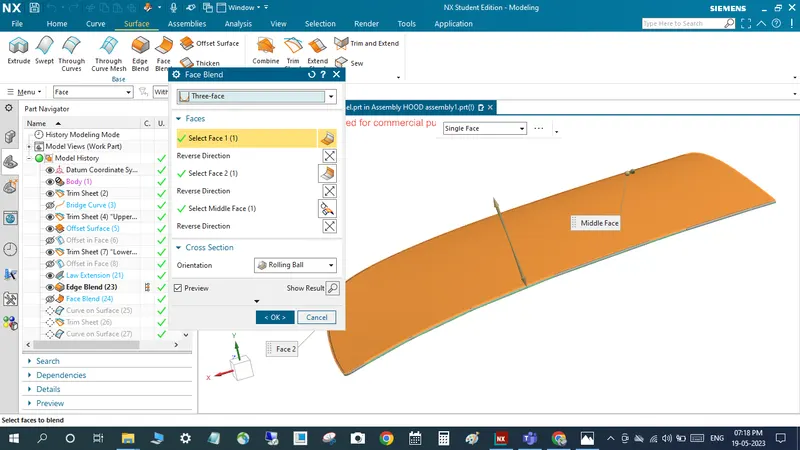
After that to use face blend command for create blend for hemming purpose
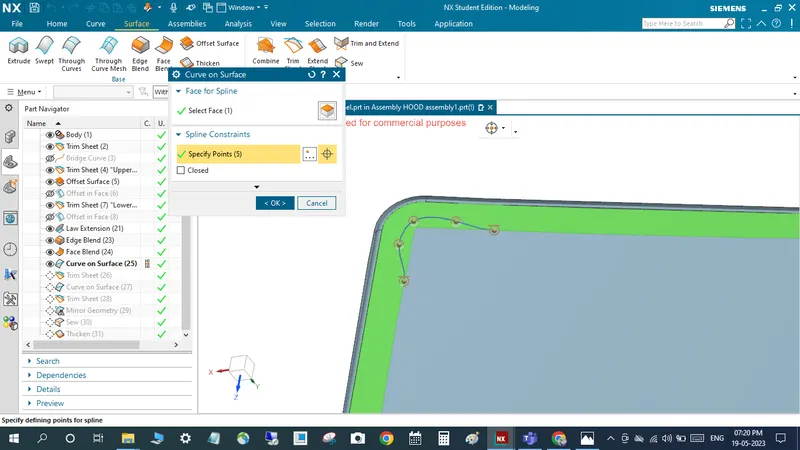
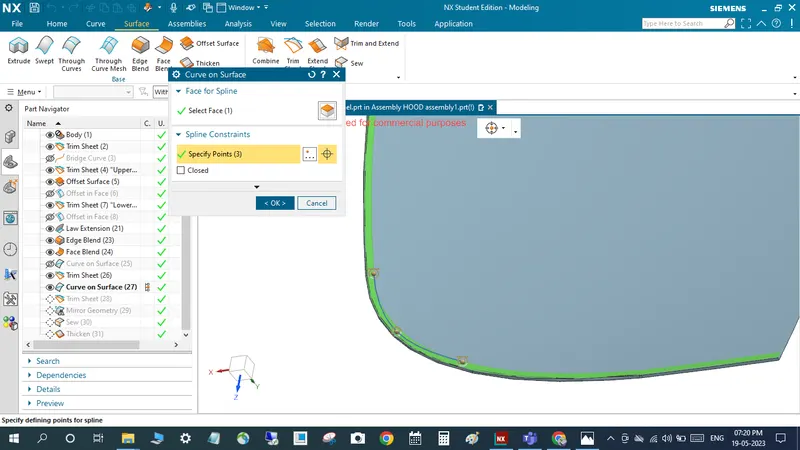
To use curve on surface for Relief rear section and front area also
After that to use mirror geomentry for mirrring purpose
After that sew operation for properly join
After that finally thicken 0.75mm using thicken command
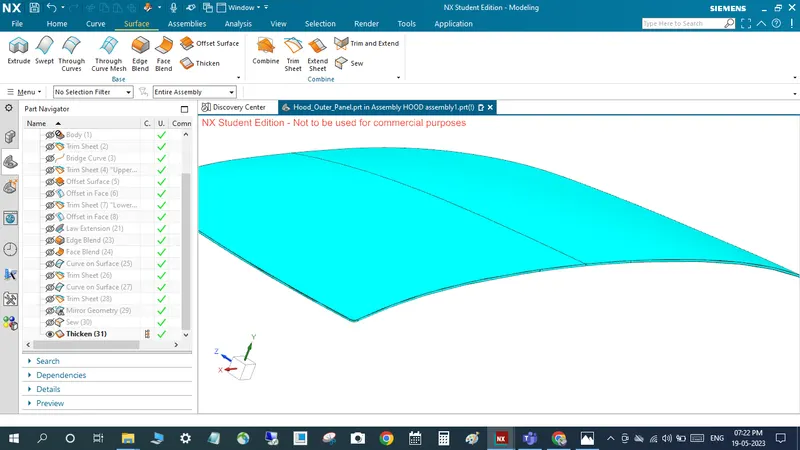
After that creation of inner hood panel from outer pannel for using wave geomentry linker command
and create offset and flanges using through curve option and trim
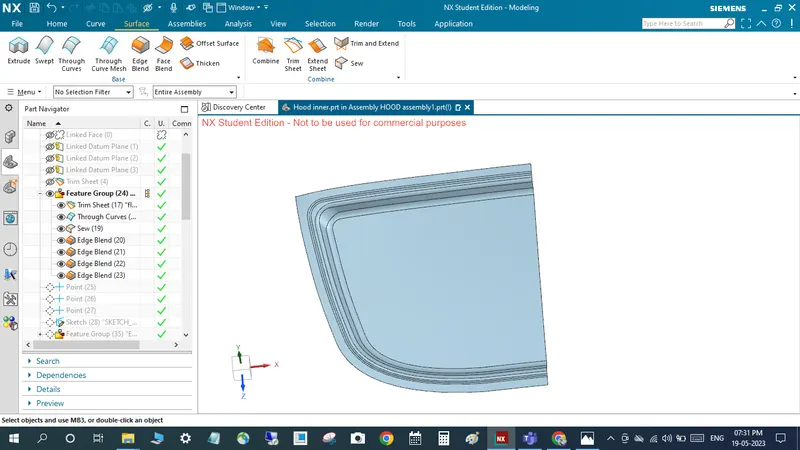
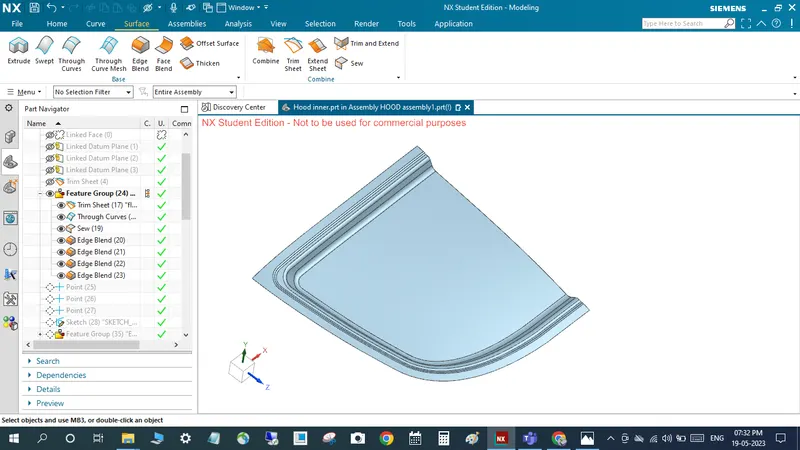
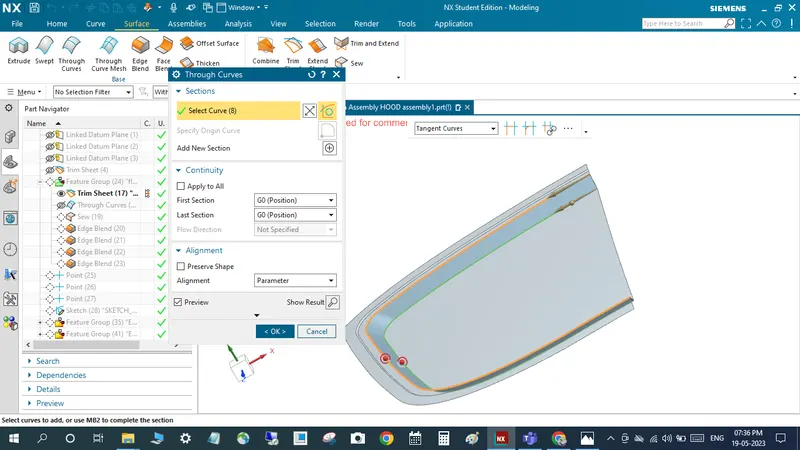
After that sew and provide blend for sharp curve and to create the tooling axis
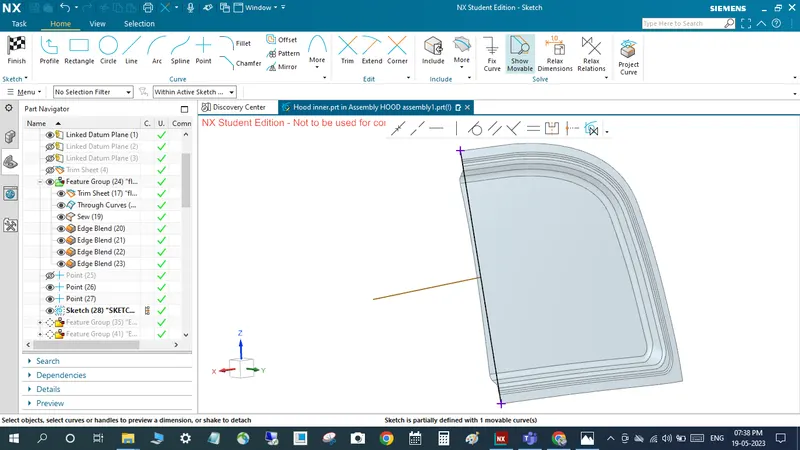
to create sketch for emboss with tooling dirction
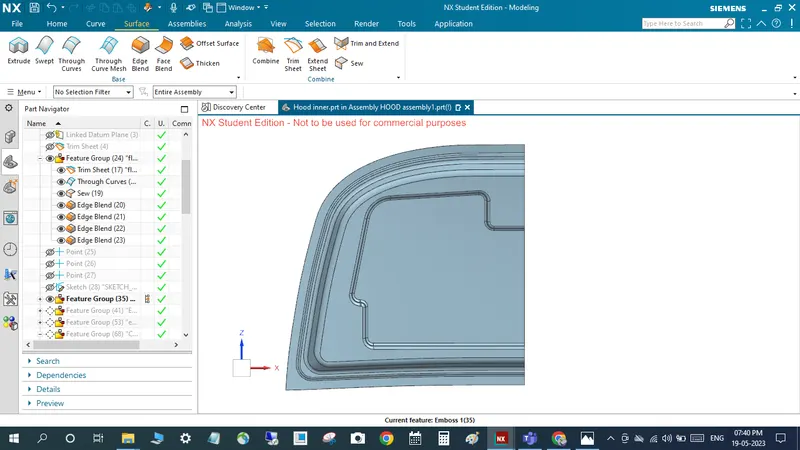
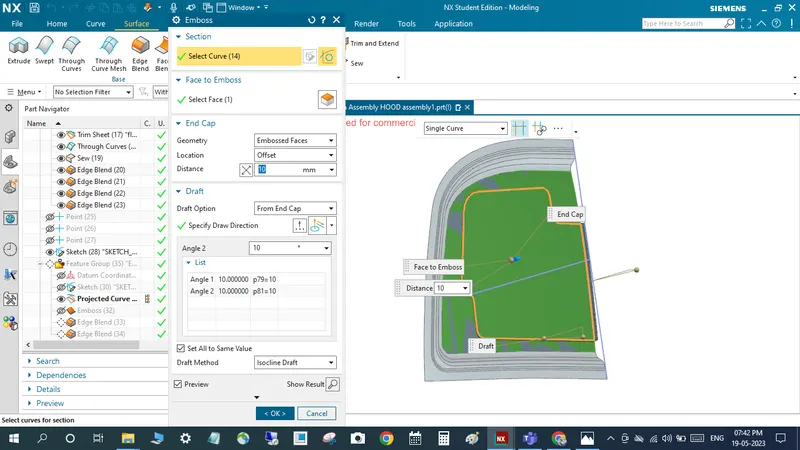
to create another emboss toward tooling direction 8.5 mm depth distance
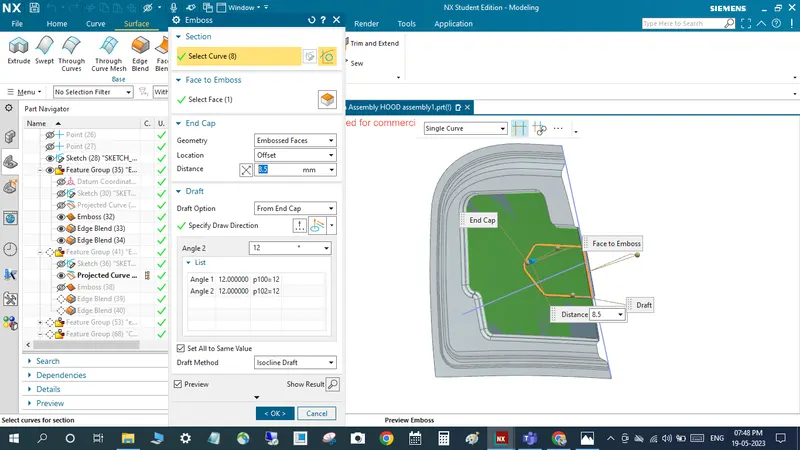
back and front side respectively below image
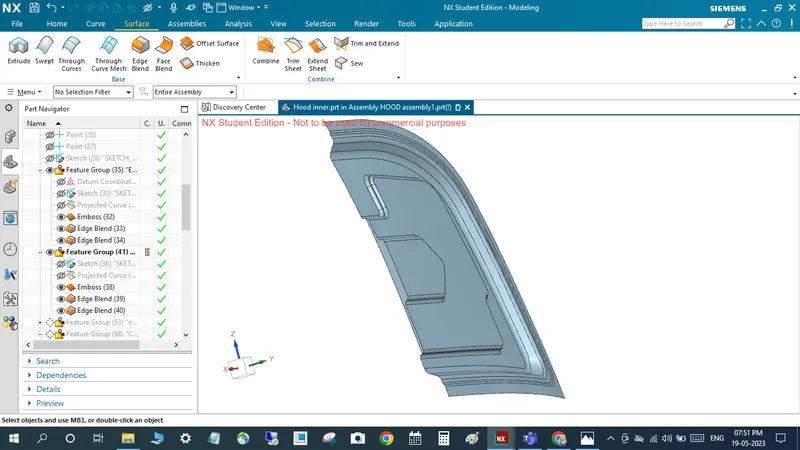
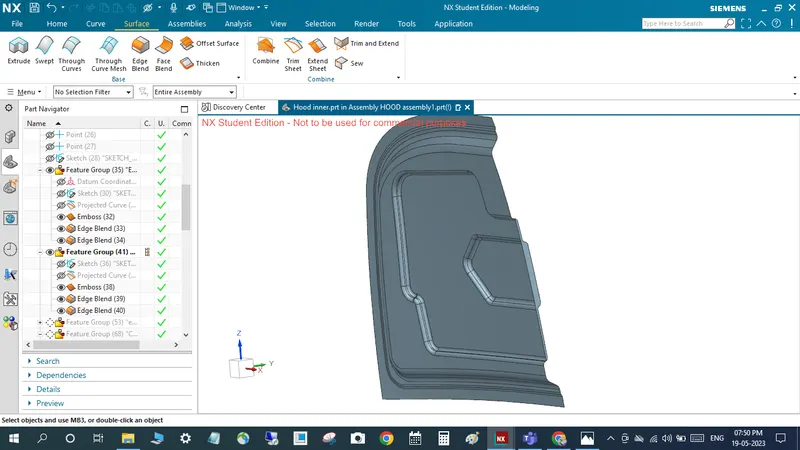
to create another embosses also
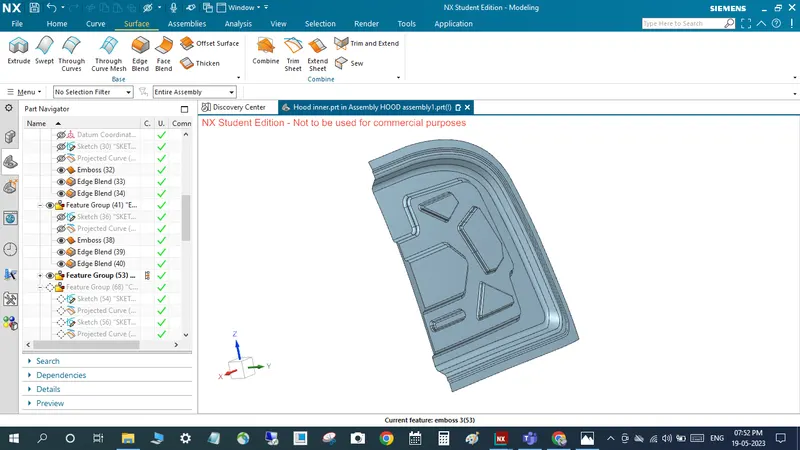
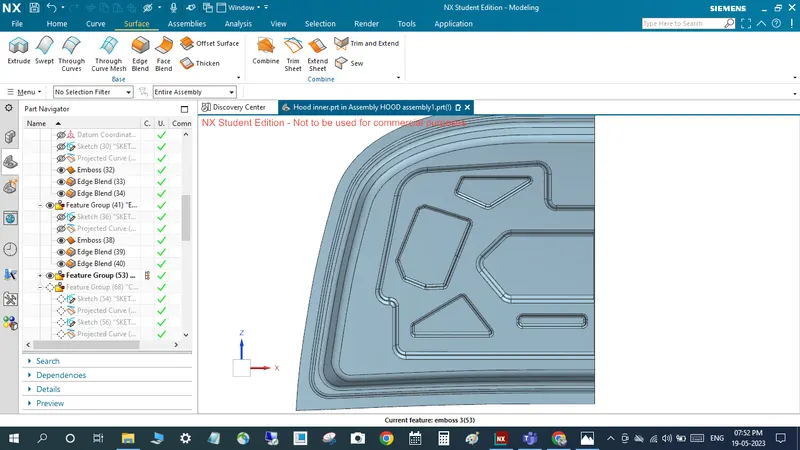
after that create cutout for emboss first draw the sketch and to use projection curve command to project the desired face and trim it
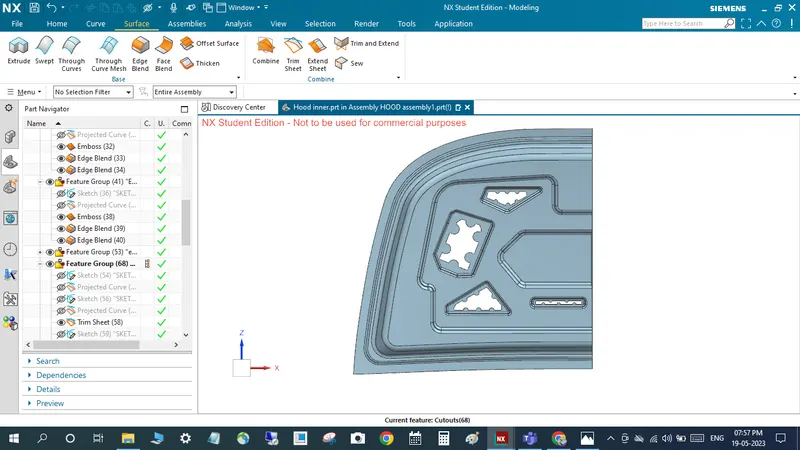
to create the sketch for hinge mount
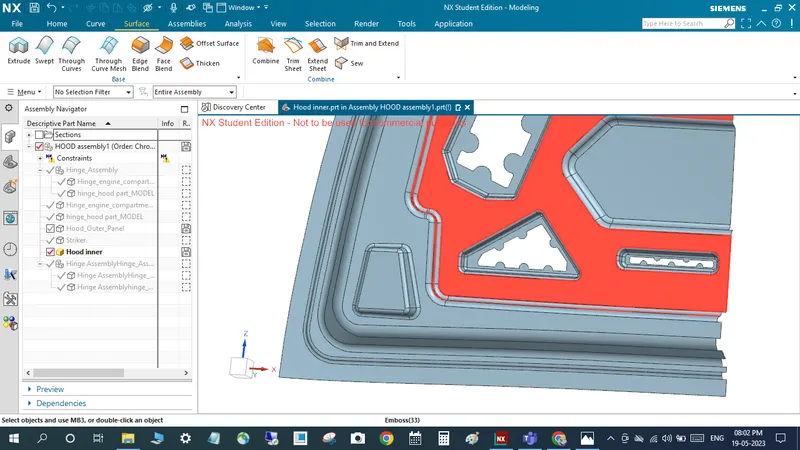
to create stiker hinge mount for using law extension and trim and extent sheet and sew option
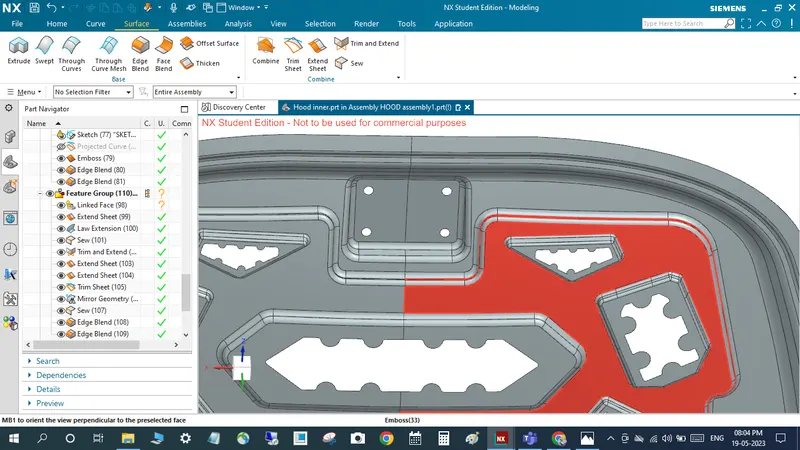
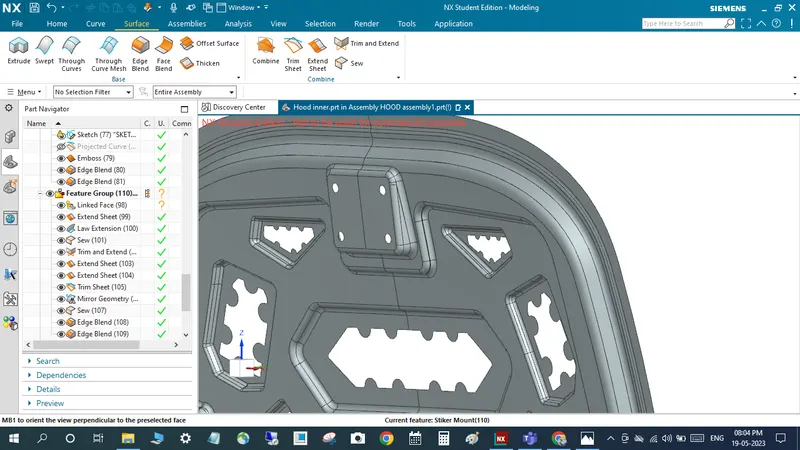
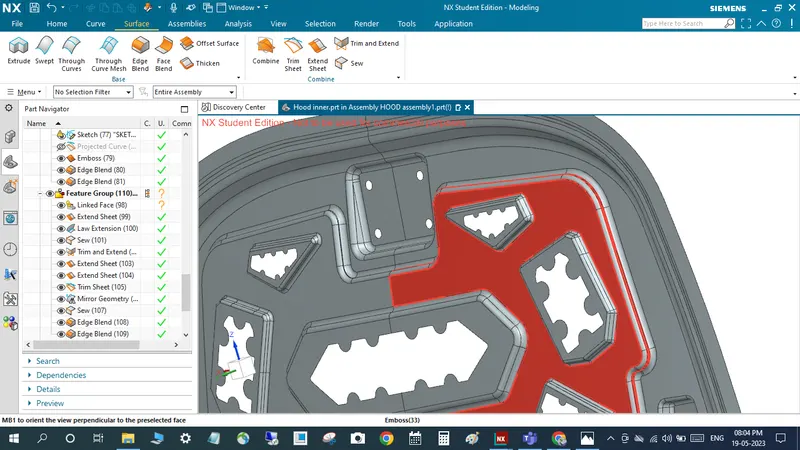
this is hood trajectory path means properly meet with latch (properly closed )
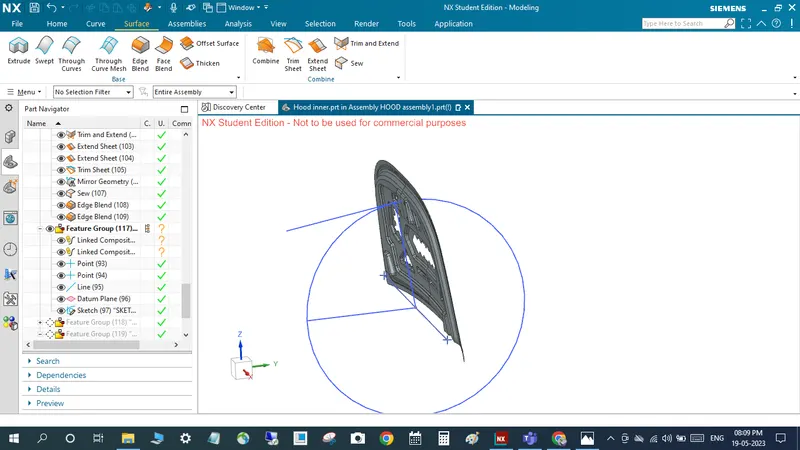
after that corner side trim using bridge curve command
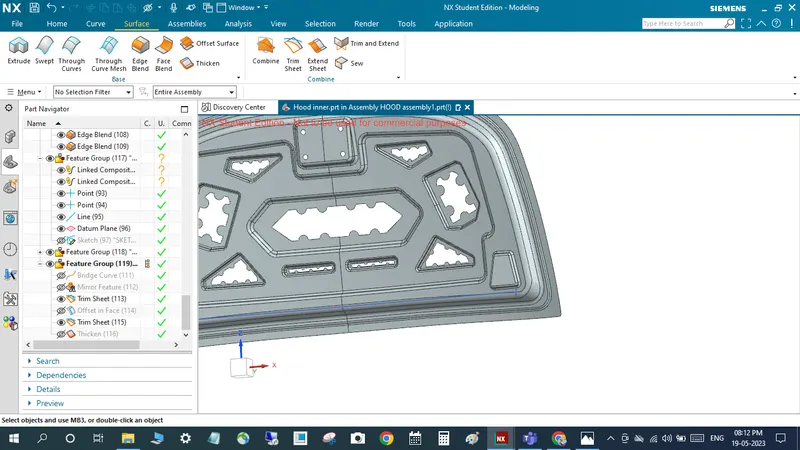
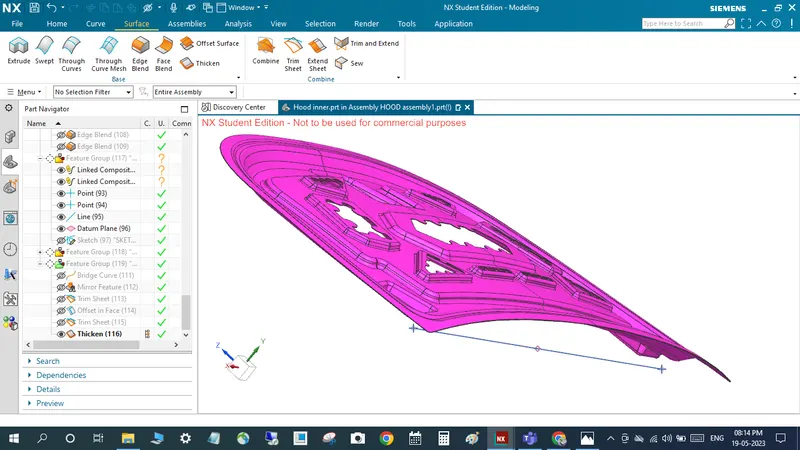
finally using thicken command to make thiken 0.75mm direction towards outer pannel hood
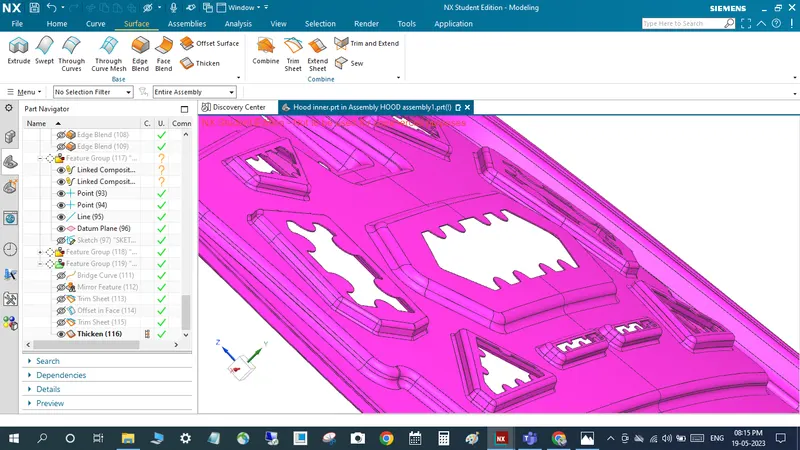
finally all part assemble together