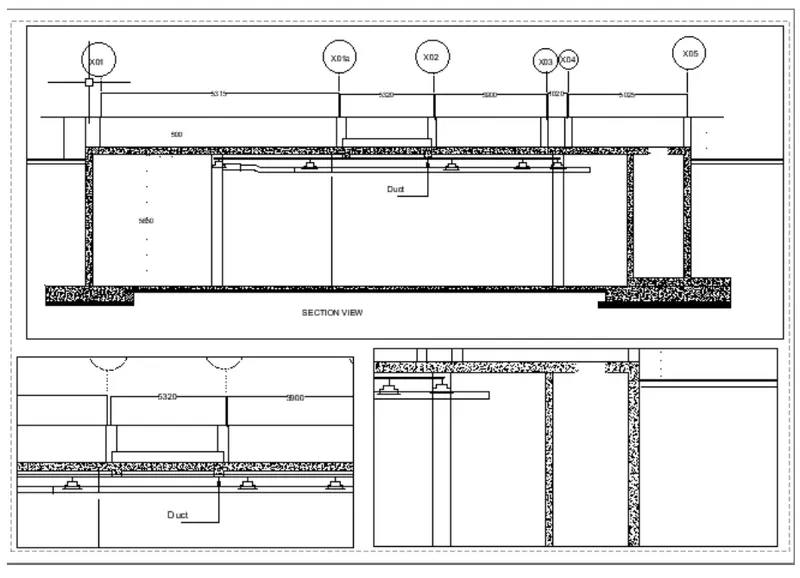
Creation of Multiple viewports, Scaling the drawing and setting in Template in AutoCad
Q1. Create a layout of the Plan and Section A of the project in Challenges 7, using the template Tutorial-mArch.dwt in a scale as given in the Figure. Use the MV command to create the viewport of the size as shown in Figure. Also, use ATTEDIT command to edit the information in the title block. Use A1 size for the layout. Take a plot.
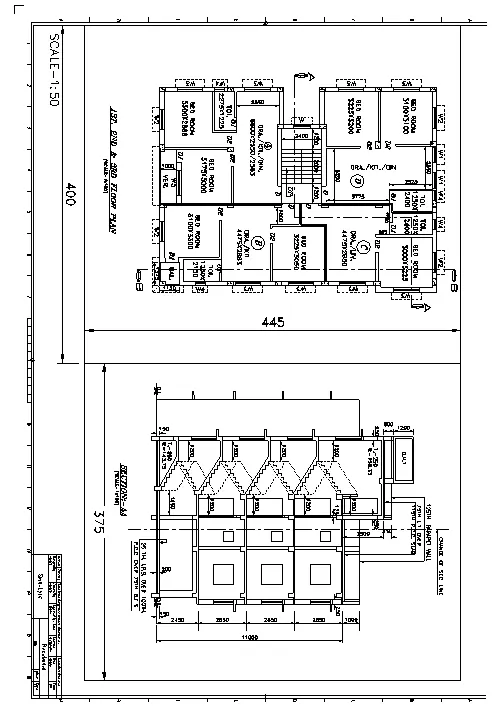
AIM:Create a layout of the Kitchen drawn
INTRODUCTION: A layout is a 2D working space for creating drawing sheets. The area within a layout is called paper space, where you can add a title block, display scaled views of model space within layout viewports, and create tables, schedules, notes, and dimensions for your drawing.
PROCEDURE:
- In the command prompt type units > mm> decimal
- In the command prompt type limax >100,100
- In the command prompt type limits>0,0
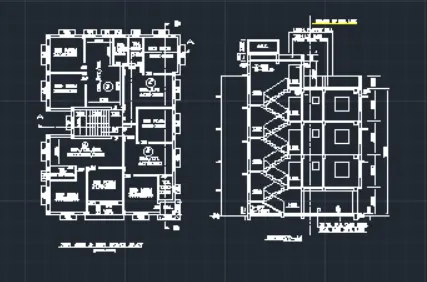
- In the command prompt type layout > template>Tutorial arch.m
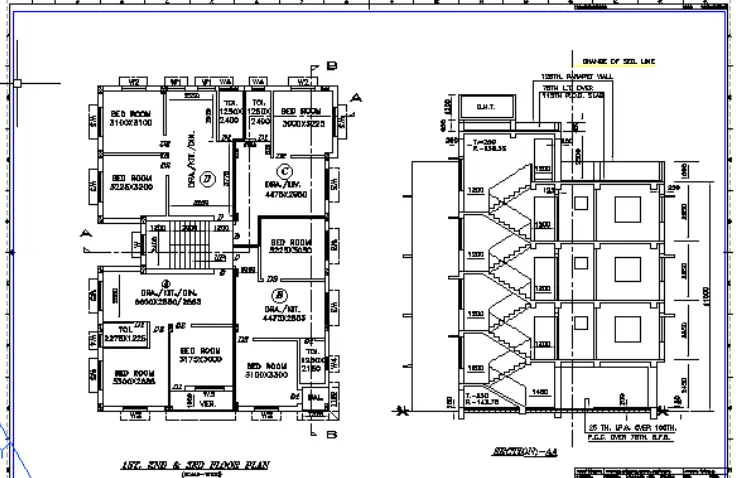
- In the command prompt type Ms to specify the centre of the plot
- Then click on the tittle box to edit the title
- In the command prompt type Mv to add the view
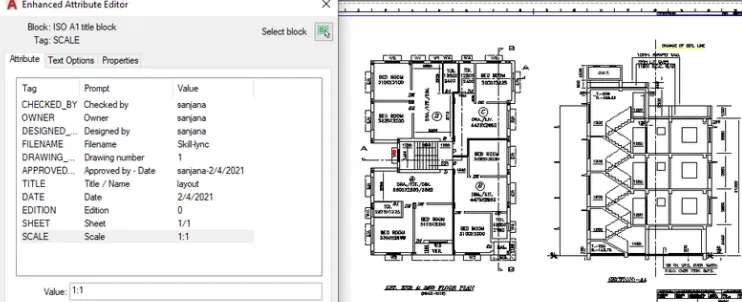
- In the command prompt type ctrl +p to plot it
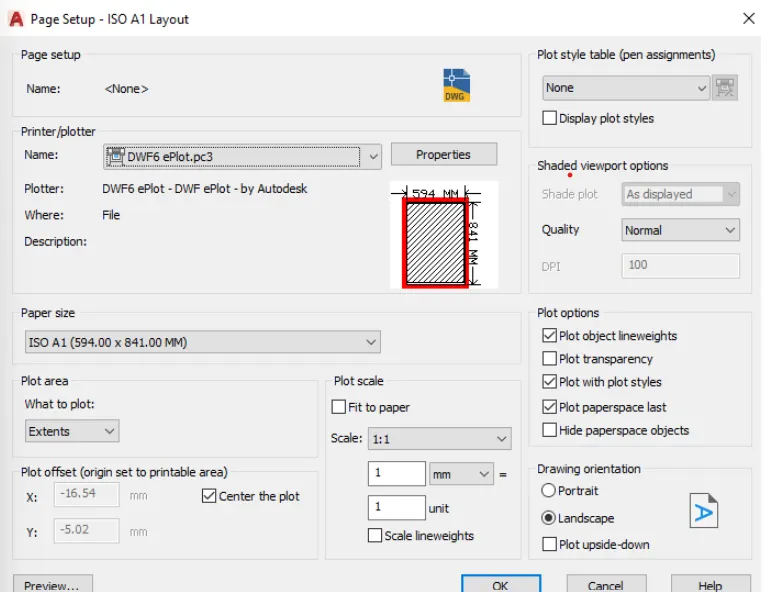
- In the command prompt type pagesetup
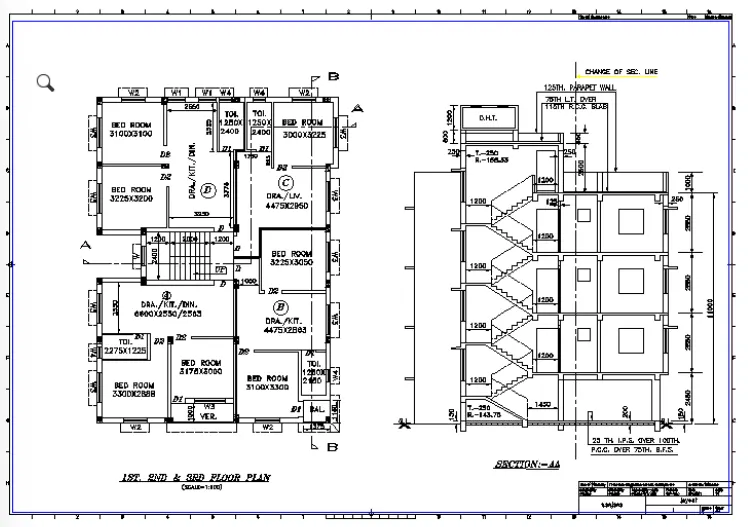
RESULT:
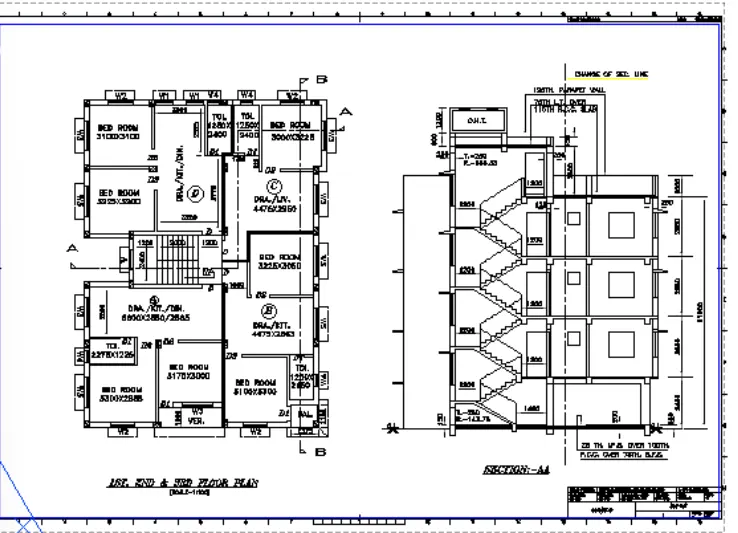
Q2. Create a layout of the Kitchen drawn in Challenge 9 as shown in Figure. Use the scale as shown in the Figure. Use A4 Size page for the layout. Take a plot.
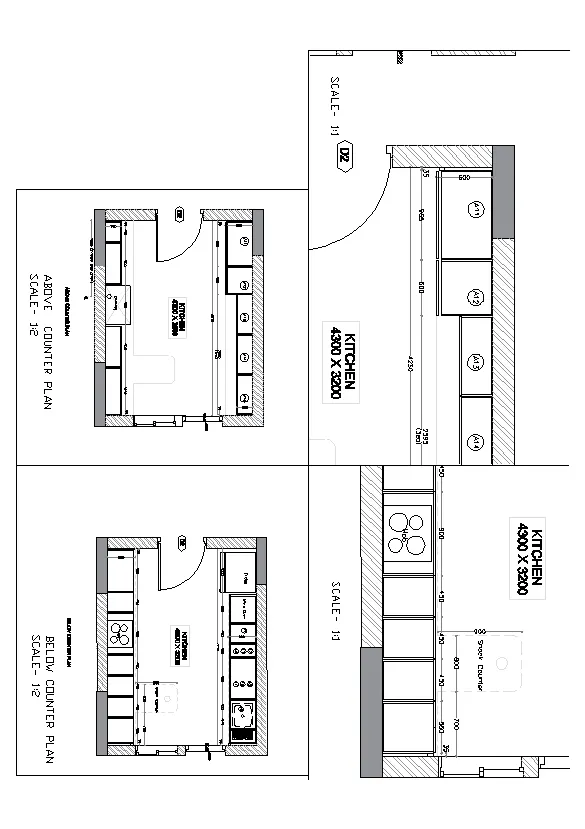
AIM: To create layout of the kitchen drawn in challenge 9. Use A4 size page for the layout and take a plot
INTRDOUCTION: A drawing template file is a drawing file that has been saved with a .dwt file extension, and it specifies the styles, settings, and layouts in a drawing, including title blocksThe default drawing template files are provided as samples.
PROCEDURE:
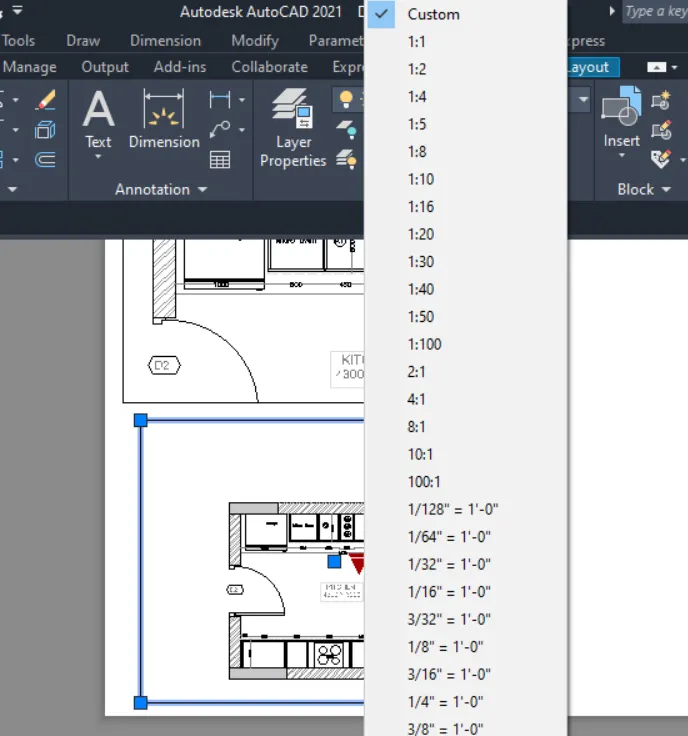
- In the command prompt type ps and ms to adjust the view
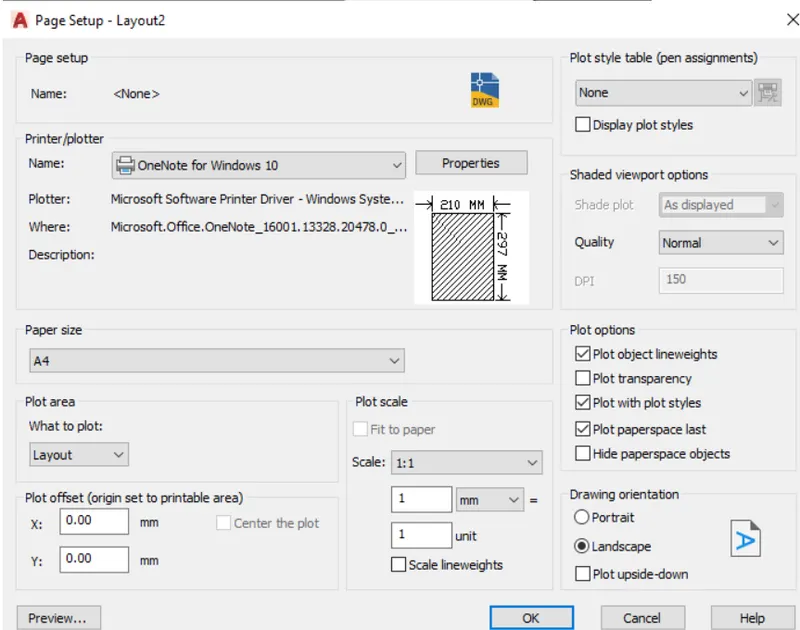
- In the command prompt type pagesetup to make the size to A4 change
- Click on the arrow mark to change the view
RESULT:
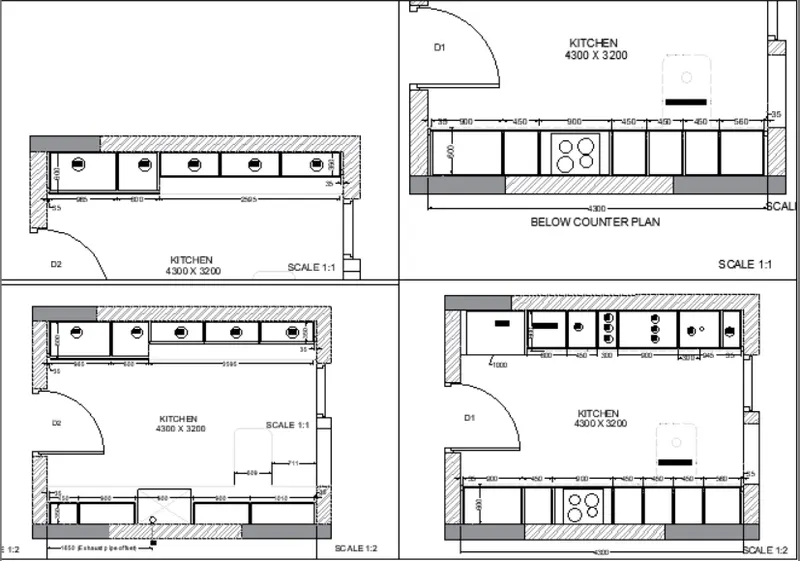
Q3. Create a layout of the section created in Challenges 9.
Use scale as mentioned in the Figure. Use MV command create multiple viewports. Take a plot.
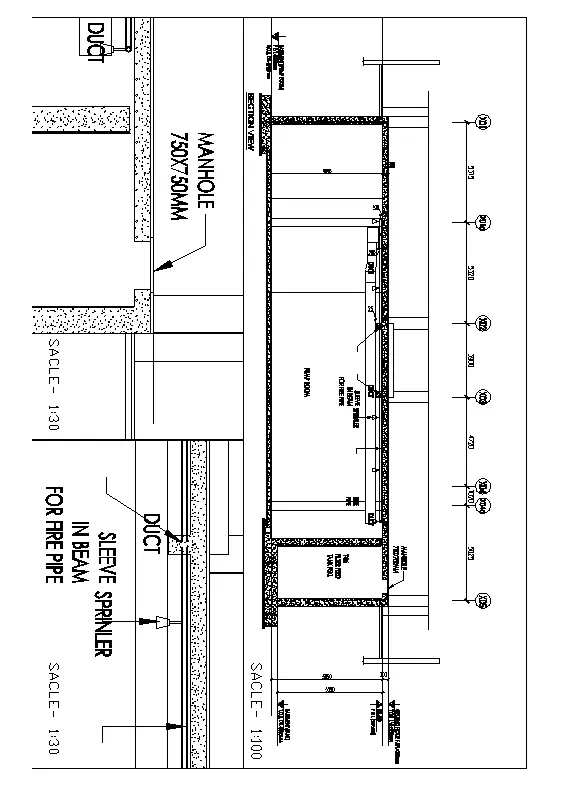
AIM: To Create layout of the section created in challenges 9
PROCEDURE:
- Open the file in which challenge 9 is created
- go to layout in the command prompt type MV
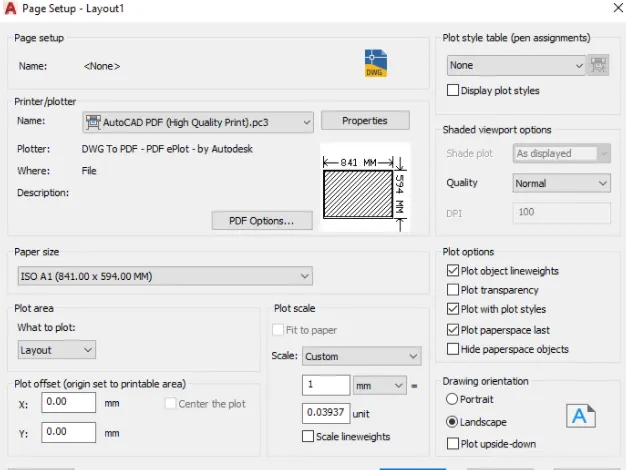
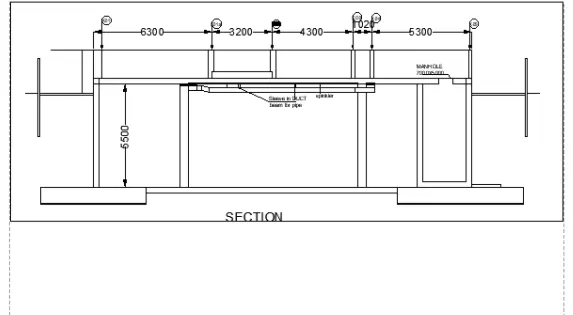
- change the scale accordingly scale
- In the command prompt using Ms and ps adjust the view accordingly
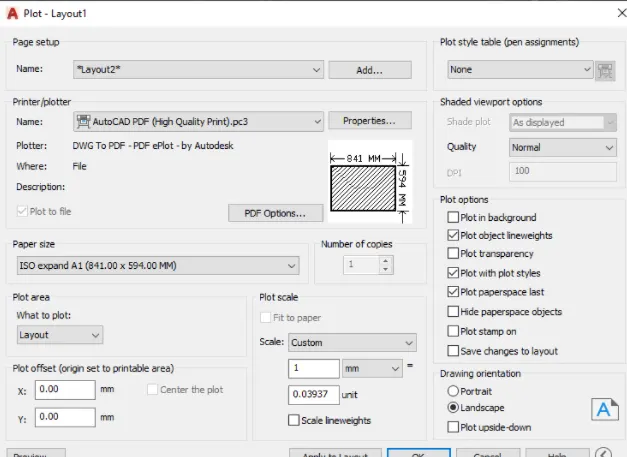
RESULT: