Creation of geometries by Coordinate system methods using AutoCad
Aim:
To create the geometries from P1 to P2 using all co-ordinate system method using AutoCAD
Introduction:
The geometries from P1 to P2 using all Co-ordinate system method using AutoCAD. The Co-ordinate system used are Absolute Co-ordinate system, Relative rectangular Co-ordinate system, Relative Polare Co-ordinate system, Direct distance entry method.
1.Absolute Co-ordinate system P-1:
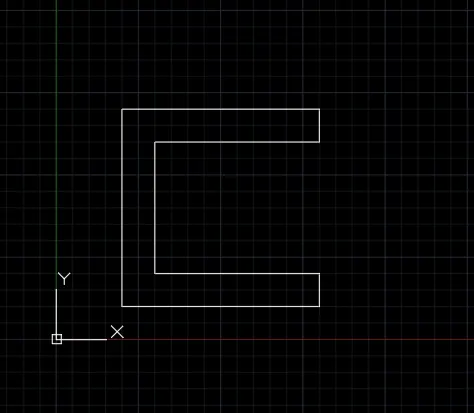
The Co-orddinates are given below,
1.(2,1)
2.(8,1)
3.(8,2)
4.(3,2)
5.(3,4)
6.(8,6)
7.(8,7)
8.(2,7)
9(2,1)
Using the above Co-ordinates the sketch is drawn in AutoCAD
2.Relative Rectangular Co-ordinate system P-2:
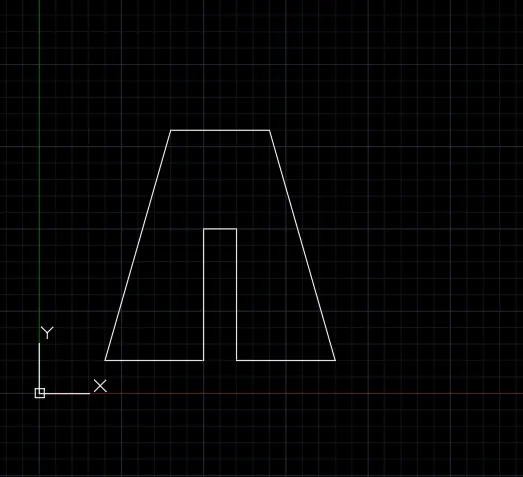
The Co-ordinates are given below,
1.(2,1)
2.(@3,0)
3.(@0,4)
4.(@1,0)
5.(@0,-4)
6.(@3,0)
7.(@-2,7)
8(@-3,0)
9(@-2,-7)
Using the above Co-ordinates the sketch is drawn in AutoCAD
3.Relative Polar Co-ordinate system P-5:
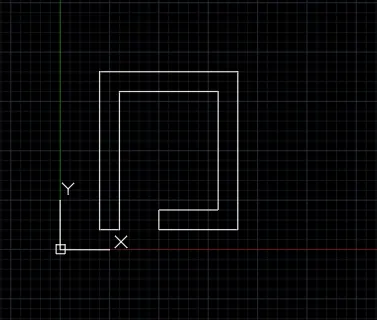
The Co-ordinates are given below,
1.(2,1)
2.(@1<0)
3.(@7<90)
4.(@5<0)
5.(@6<270)
6.(@3<180)
7.(@1<270)
8.(@4<0)
9.(@8<90)
10.(@7<180)
11.(@8<270)
Using the above Co-ordinates the sketch is drawn in AutoCAD
4.Direct Distance Entry Method P-4:
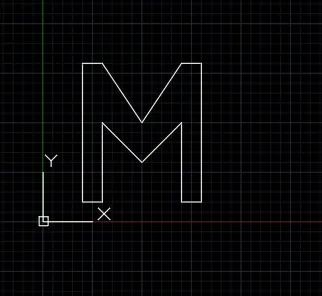
Step 1:
The start point is (2,1)
Step 2:
By positioning the cursor and then by entering the distance the sketch is drawn in AutoCAD
Civil Related Problems:
5. Profile-Wood
Absolute Co-ordinate System:
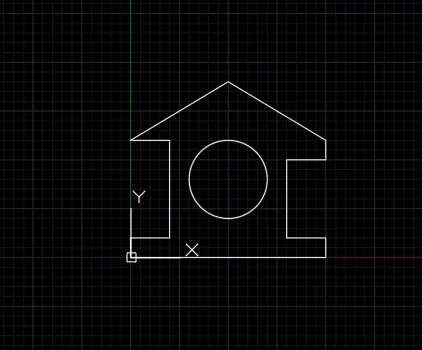
The Co-ordinates are given below,
1.(0,0)
2.(0,1)
3.(2,1)
4.(2,6)
5.(0,6)
6.(5,9)
7.(10,6)
8.(10,5)
9.(8,5)
10.(8,1)
11.(10,1)
12.(10,0)
13.(0,0)
14.Co-ordinate of circle is (5,4) and the radius of circle is 2
Using the above Co-ordinates the sketch is drawn in AutoCAD
6.Queen Post Truss:
Direct Distance Entry Method
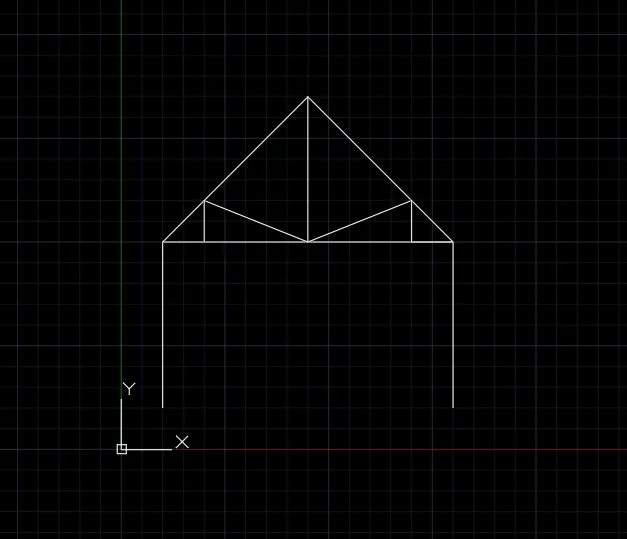
Step 1:
Start point (1,1)
Step 2:
By positioning the cursor and then by entering the distance the sketch is drawn in AutoCAD
7.Mono Pitch:
Relative Rectangular Co-oridinate System
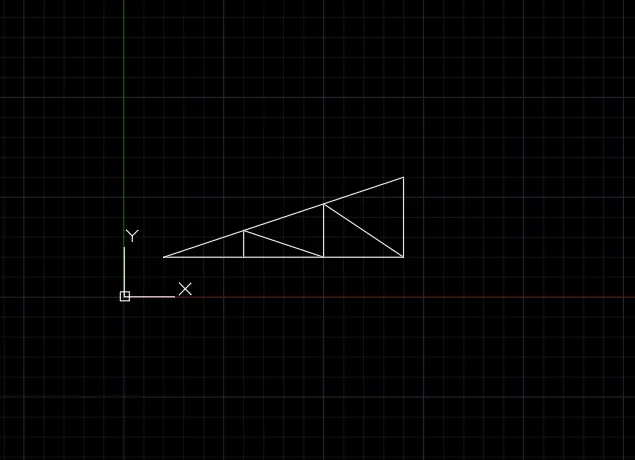
The Co-ordinates are given below:
1.(1,1)
2.(@2,0)
3.(@0,0.667)
4.(@2,-0.667)
5.(@0,1.333)
6.(@2,-1.333)
7.(@0,2)
8.(@-6,-2)
9.(@6,0)
Using the above Co-ordinates the sketch is drawn in AutoCAD
RESULT:
The geometries from P1 to P2 using all Co-ordinate system method using AutoCAD is sketched and results are obtained.