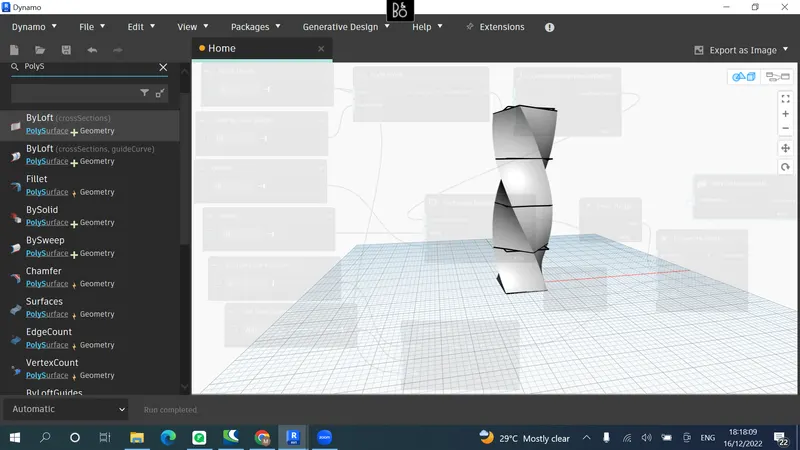
Creating Conceptual mass in REVIT and Creation of Sinusoidal curve and a Parametric stadium using Dynamo
Aim :
1) Using Dynamo create a set of sinusoidal points and create a curve and create a surface out of the curve.
Introduction: This week is about Creating Conceptual mass in REVIT and Creation of Sinusoidal curve and a Parametric stadium using Dynamo.
Procedure:
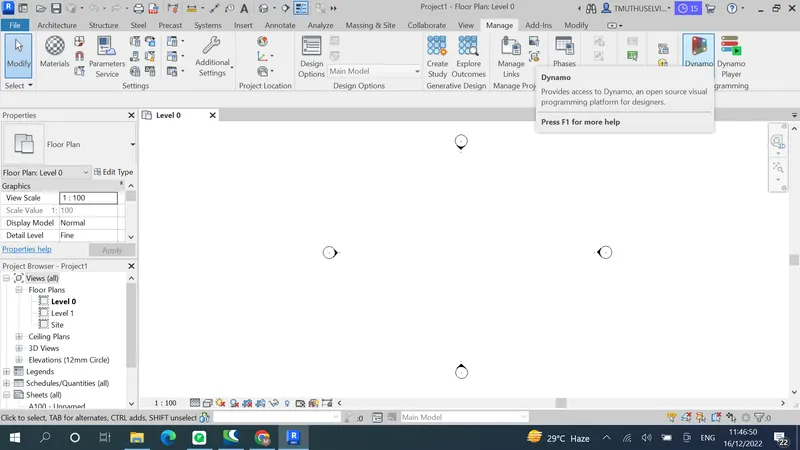
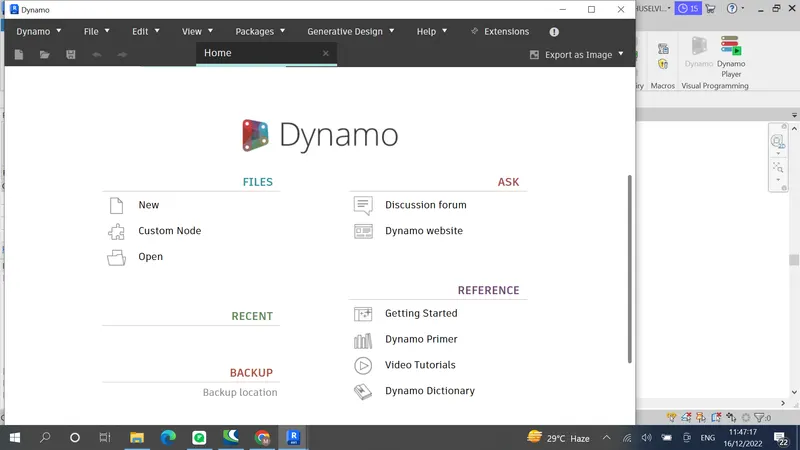
Open Dynamo from manage tab
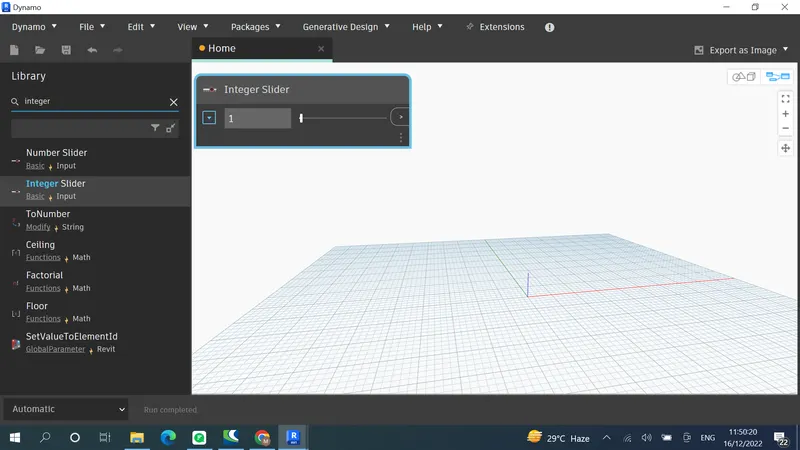
Slider
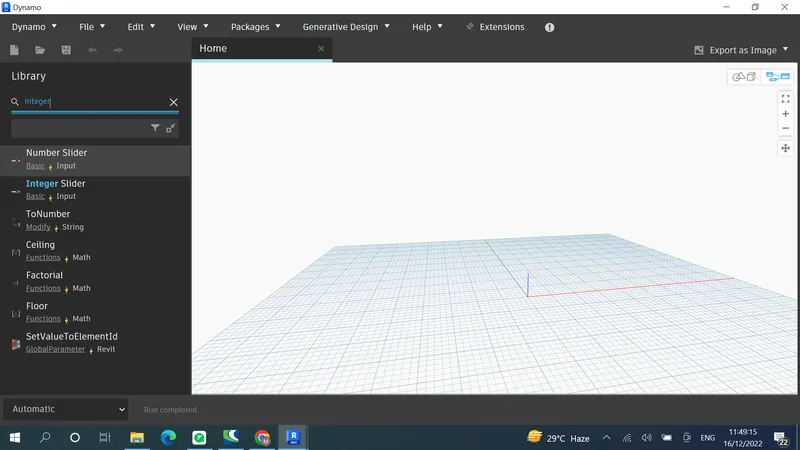
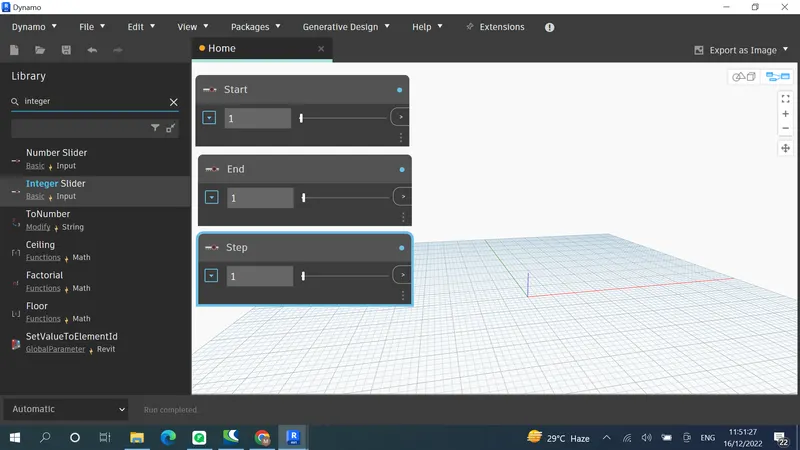
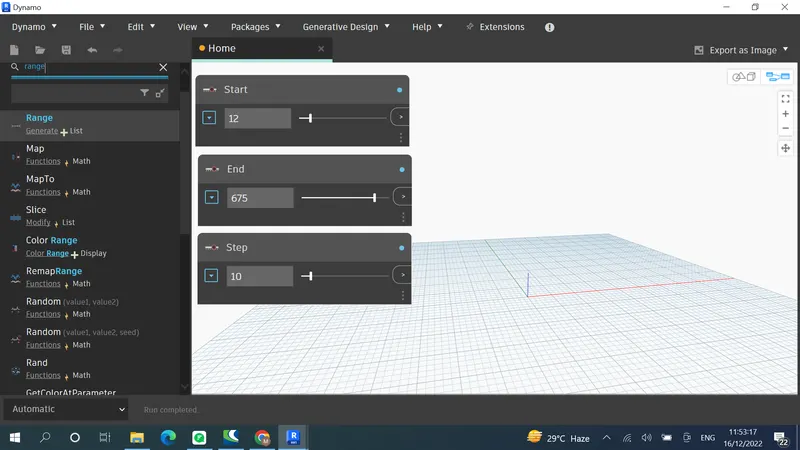
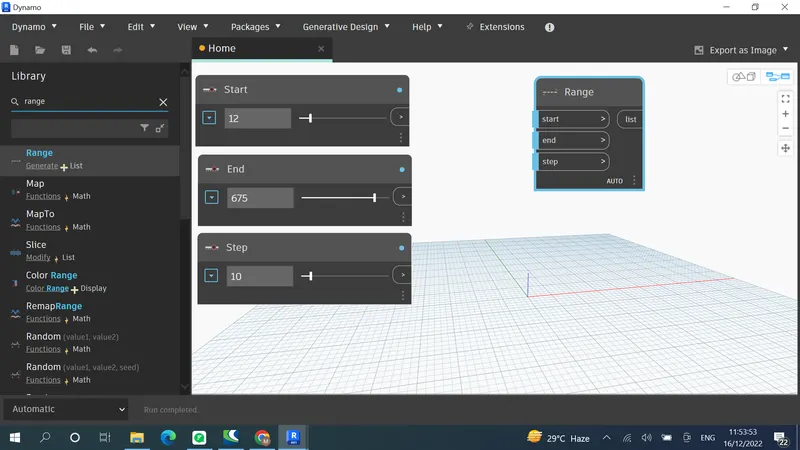
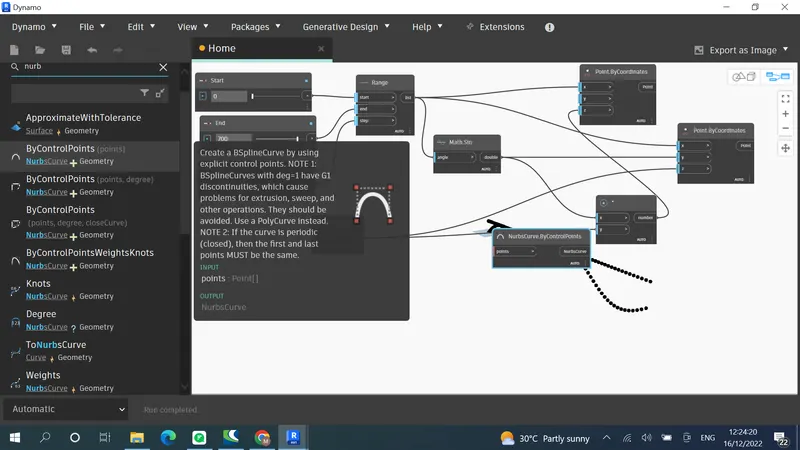
Range
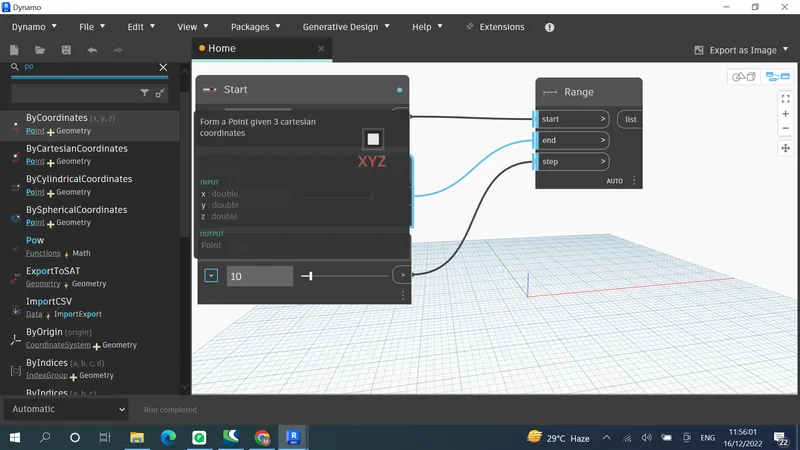
Coordinates
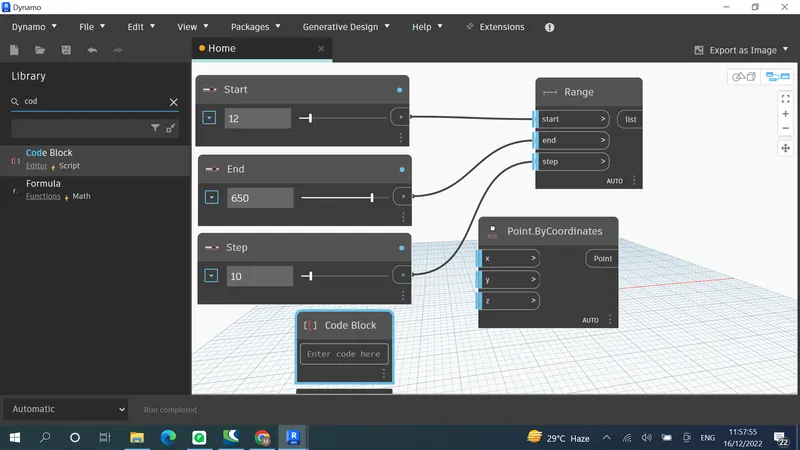
Code block
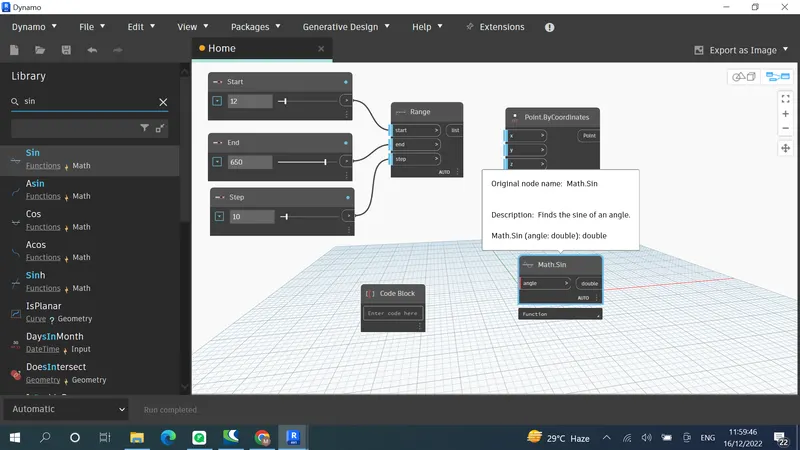
Sine function
Connect Range to X
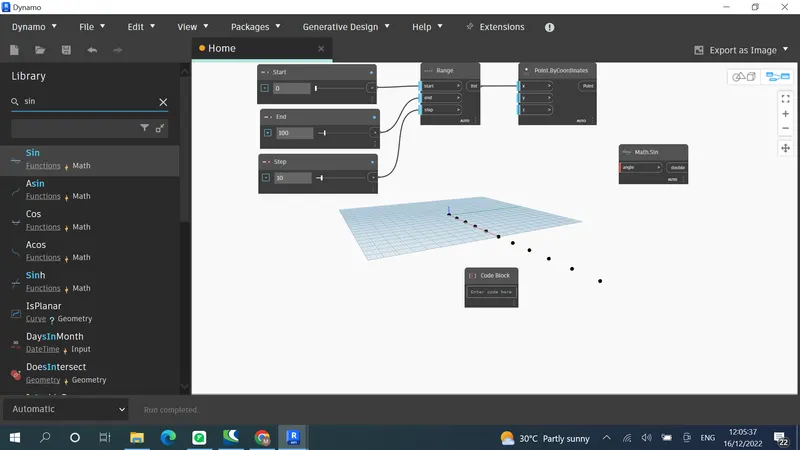
Range to angle
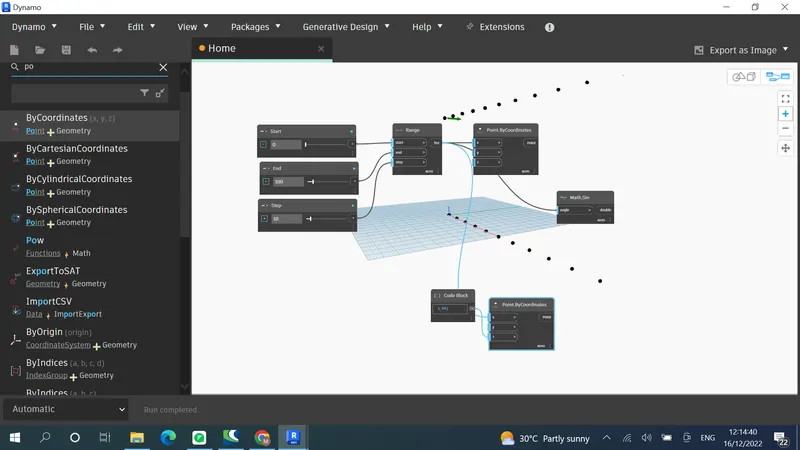
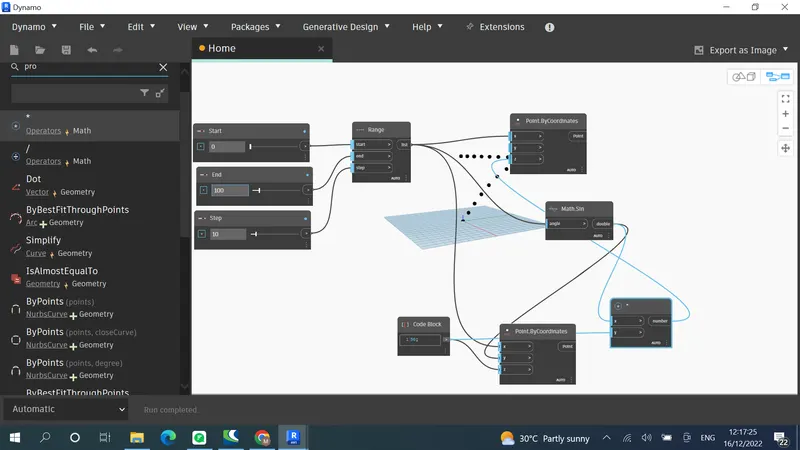
Increase End slider for curve
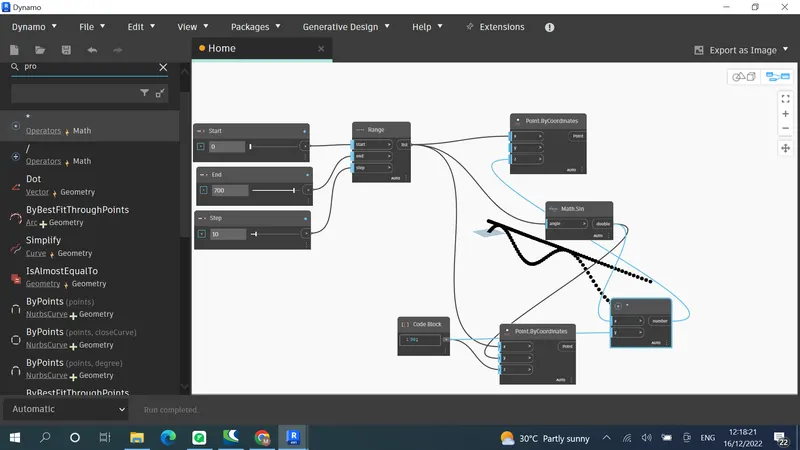
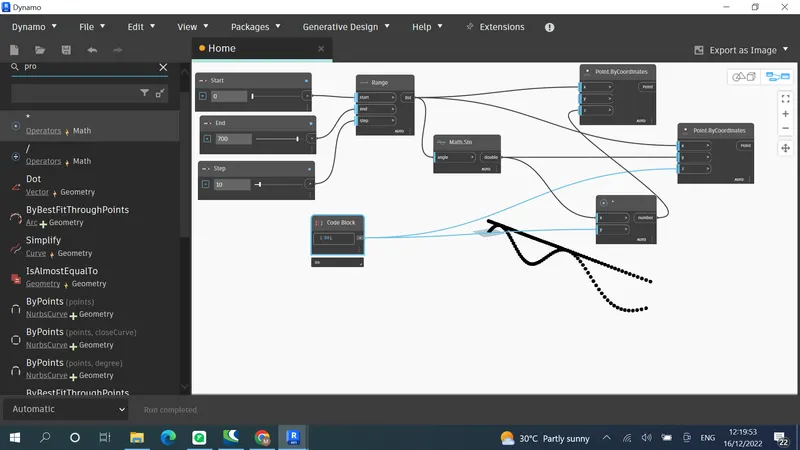
Creating curve by joining points
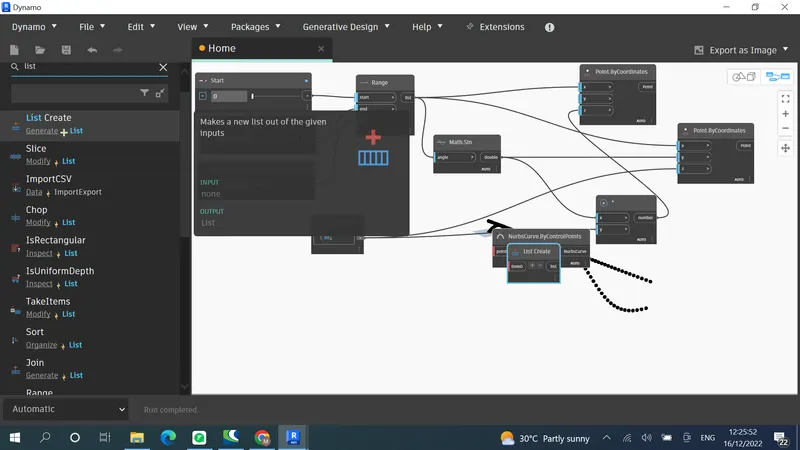
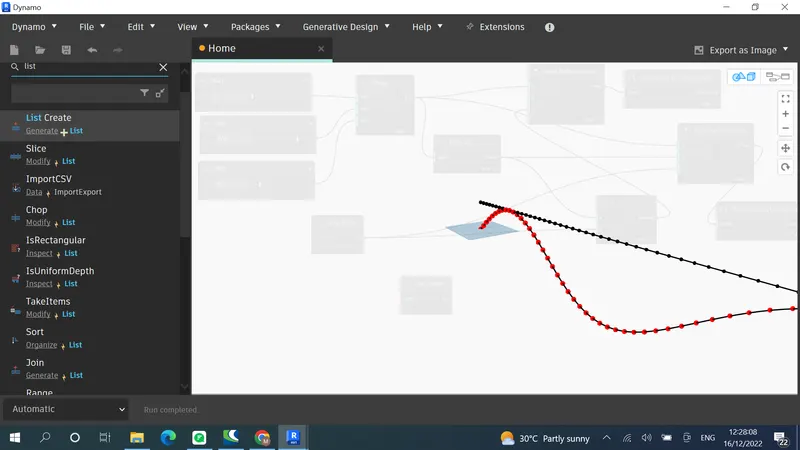
We need this Z line for creating surface
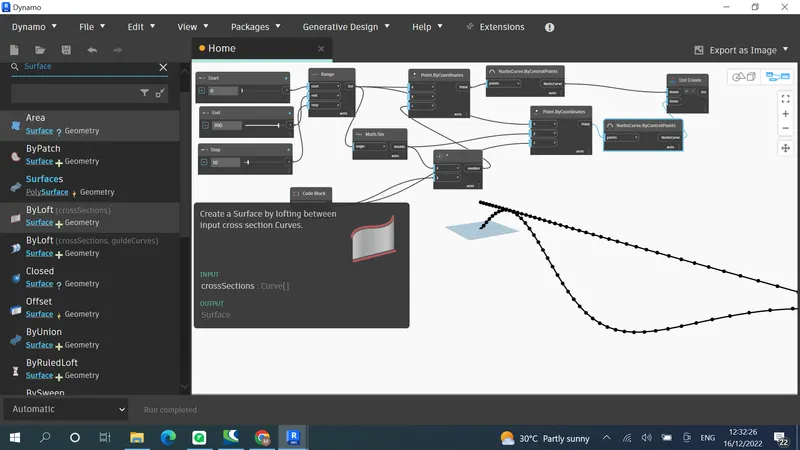
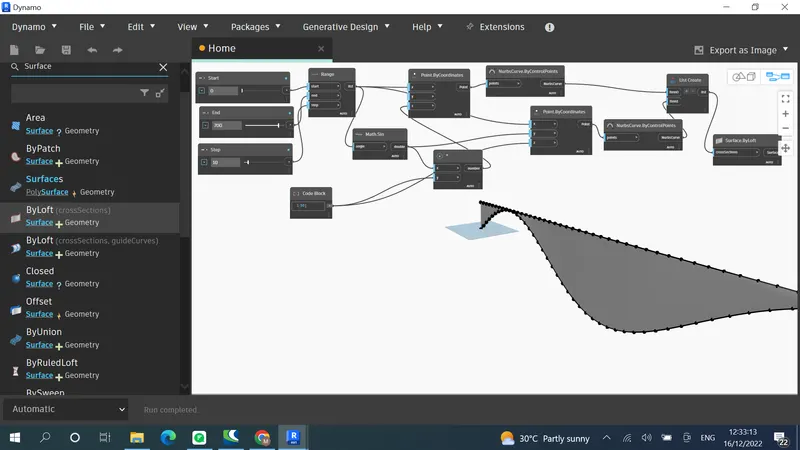
Result:
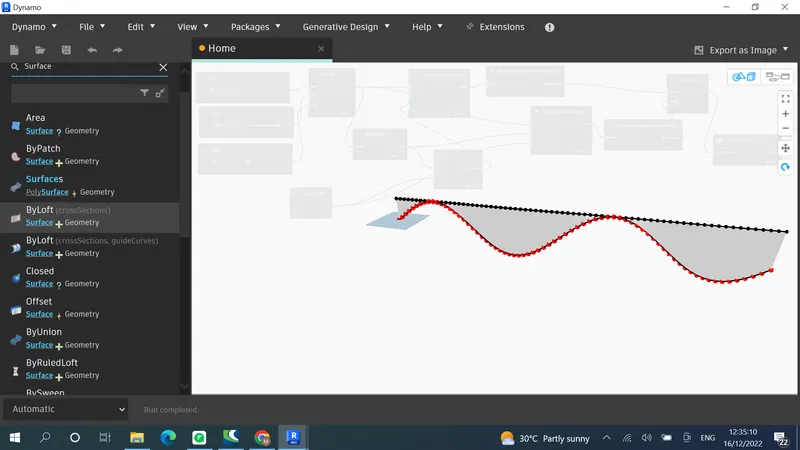
Aim:
2) Create a conceptual layout of floor plan in dynamo . Using the tools available in dynamo link the lines to appropriate model elements in Revit by choosing the wall types and wall parameters. Make use of the sliders to slide through the height of the wall and length of the wall.
Introduction: In this we will create a floor plan layout using dynamo
Procedure:
Wall has 4 coordinates so 4 point by coordinates
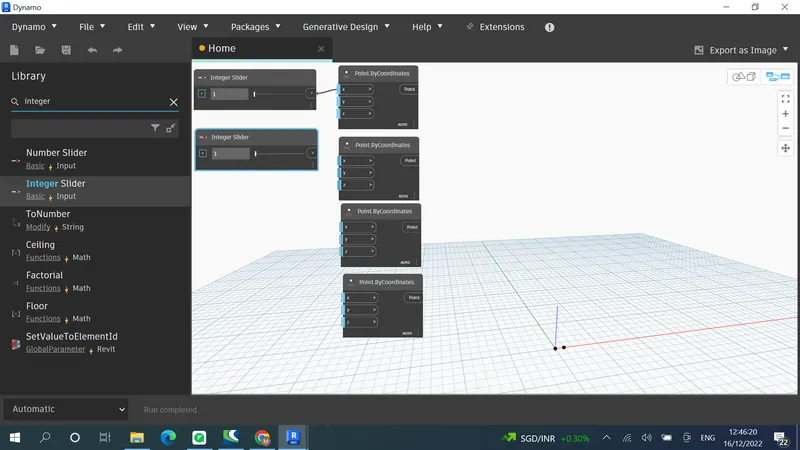
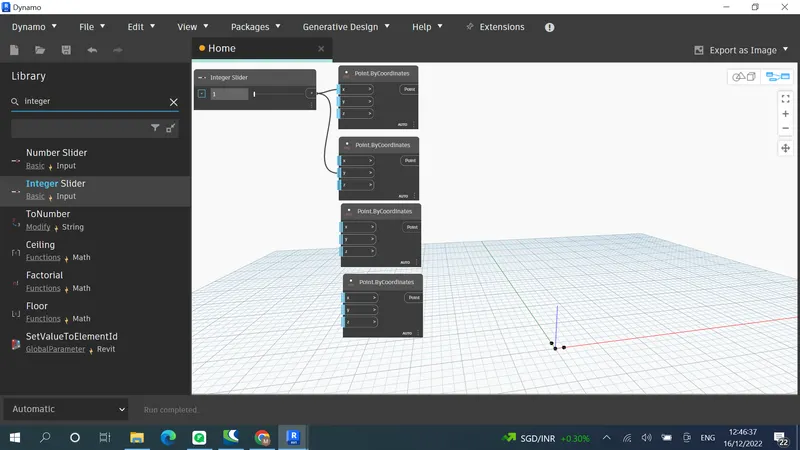
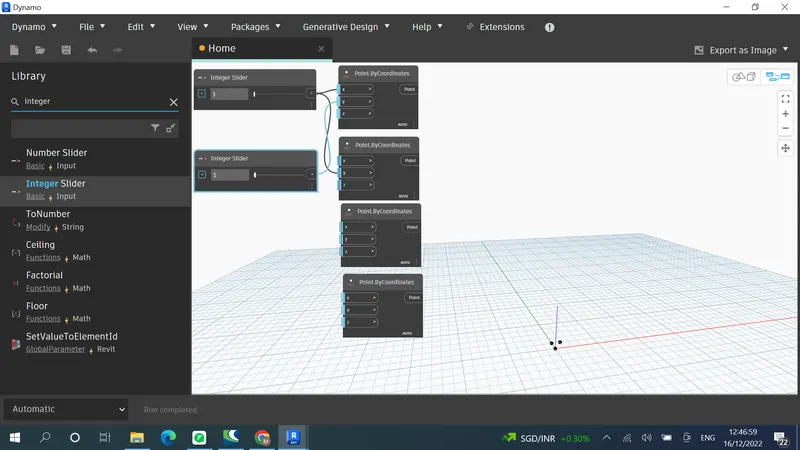
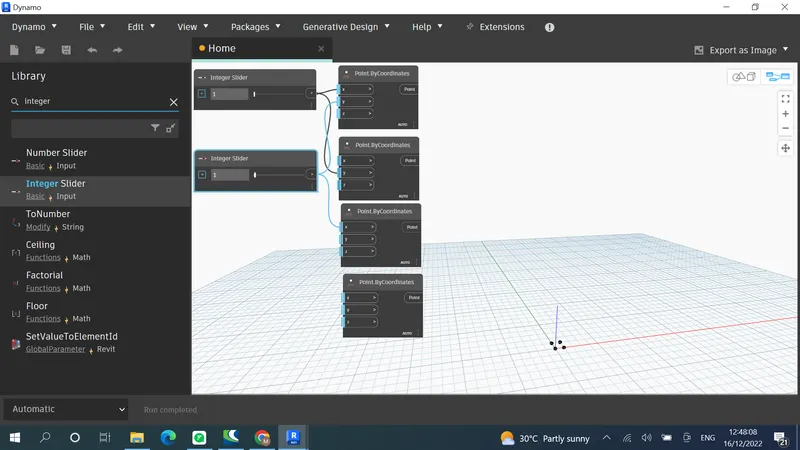
Create Lines
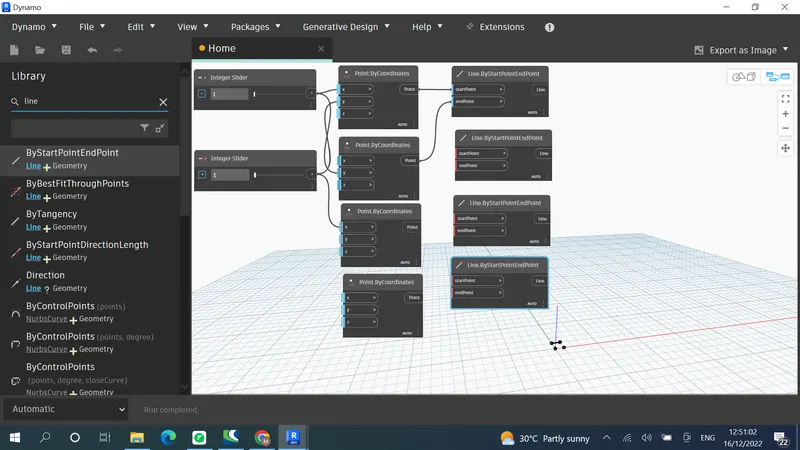
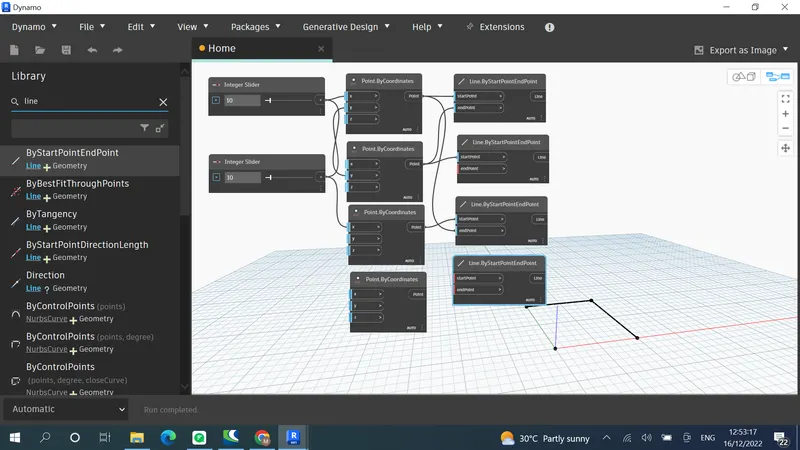
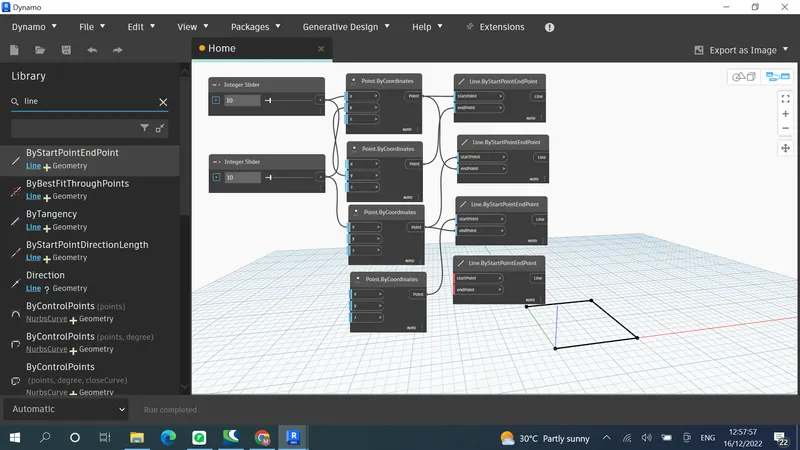
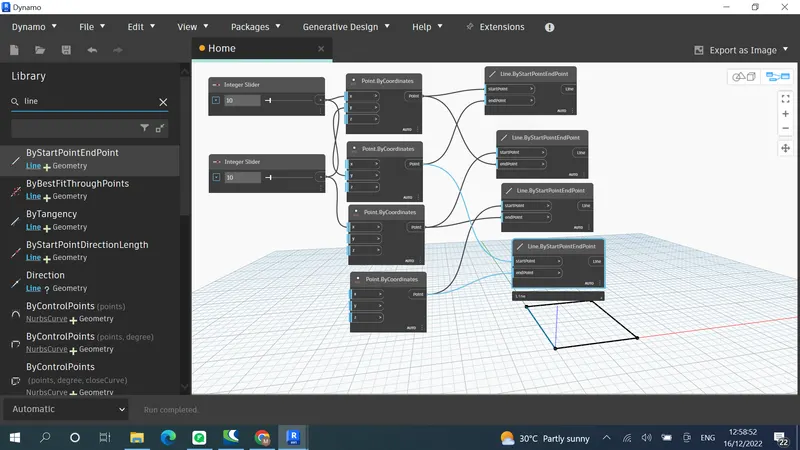
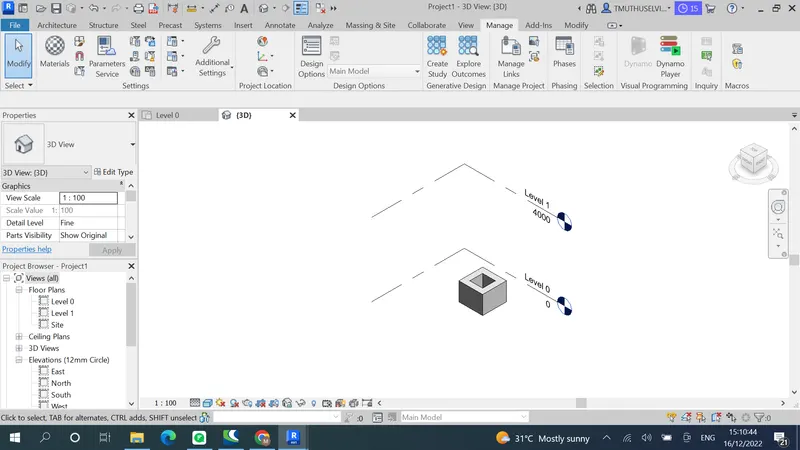
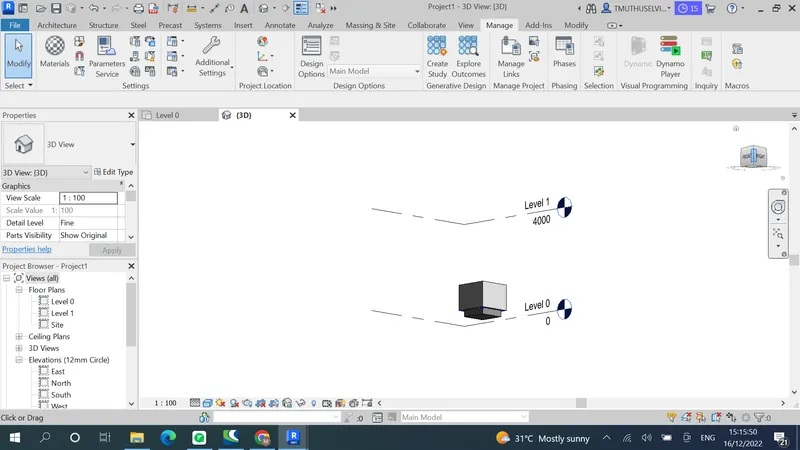
Open Revit in Construction template to view the created dynamo layout
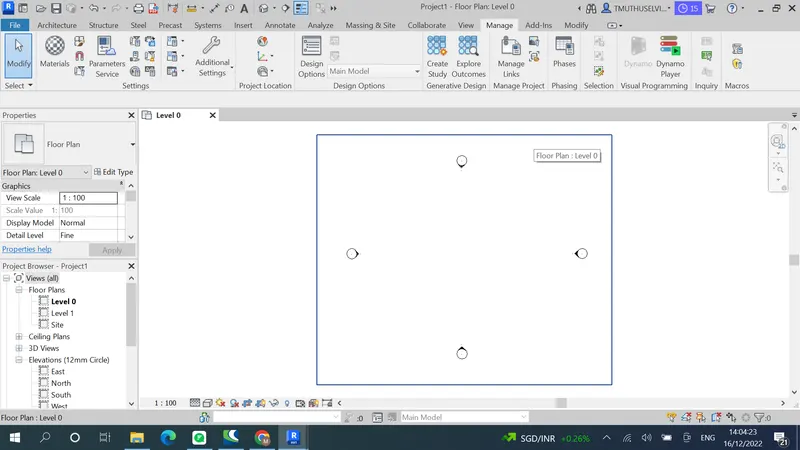
To connect them use List
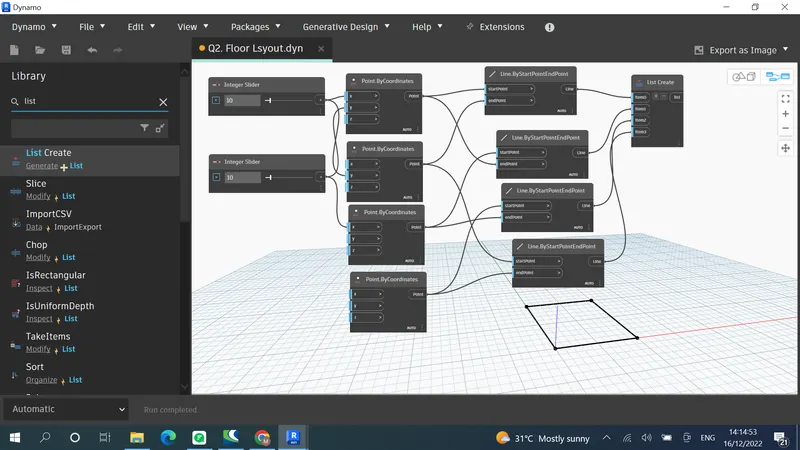
Add Levels & walls
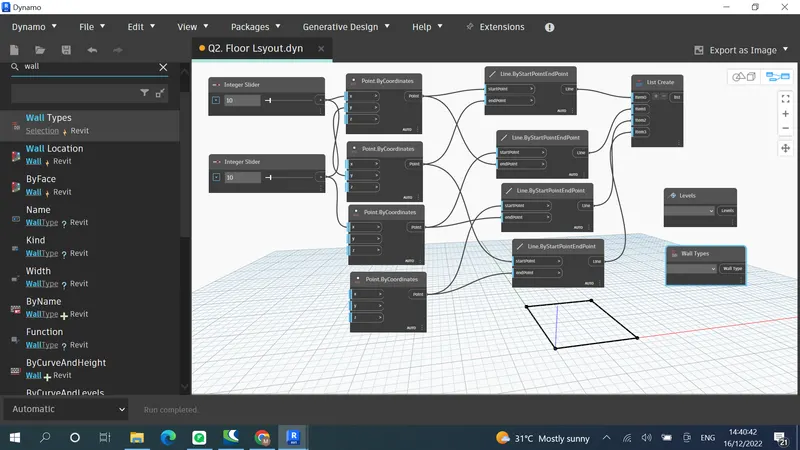
Connect by wall curve & height
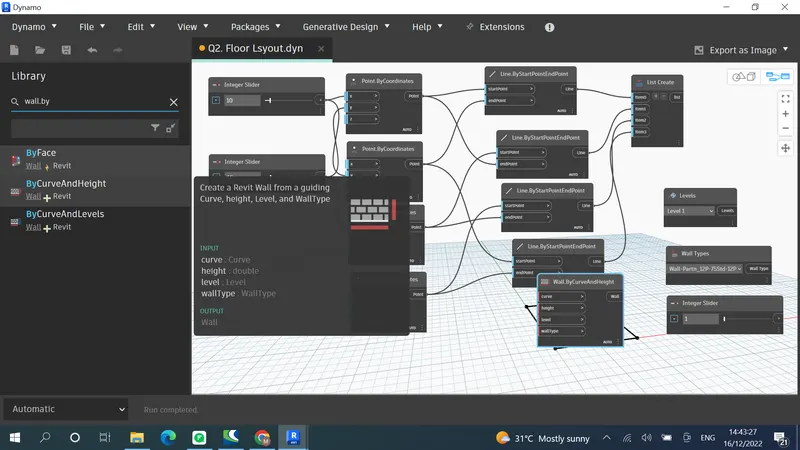
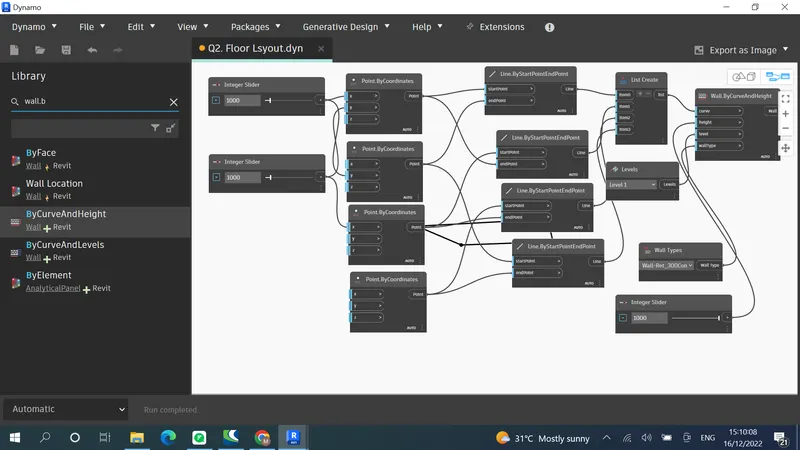
Create floor
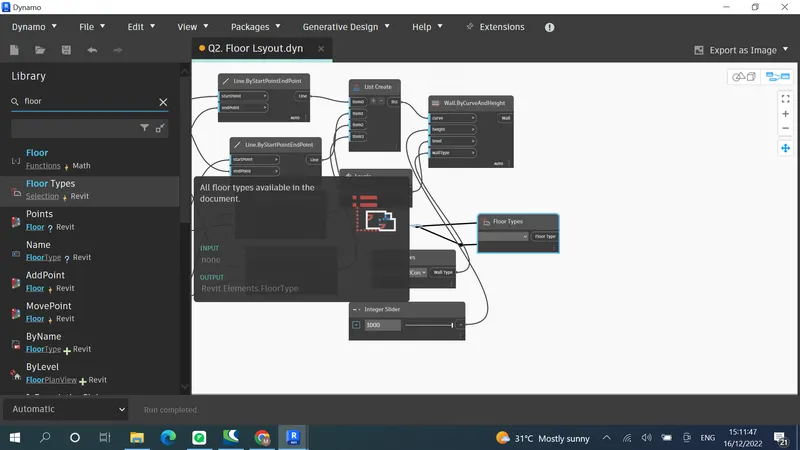
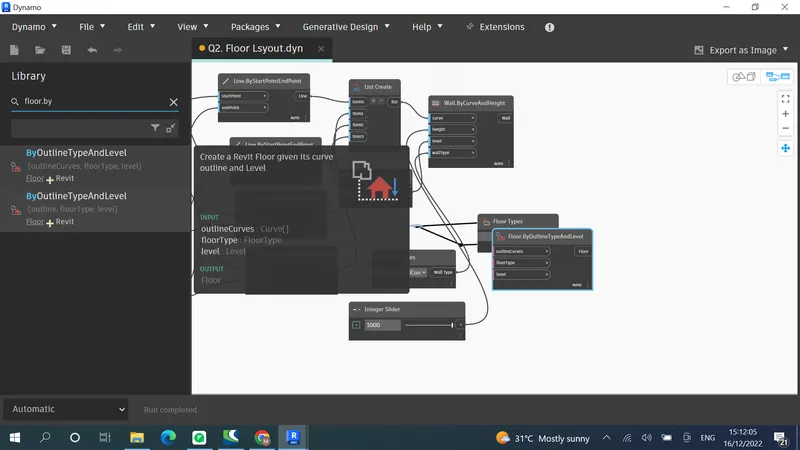
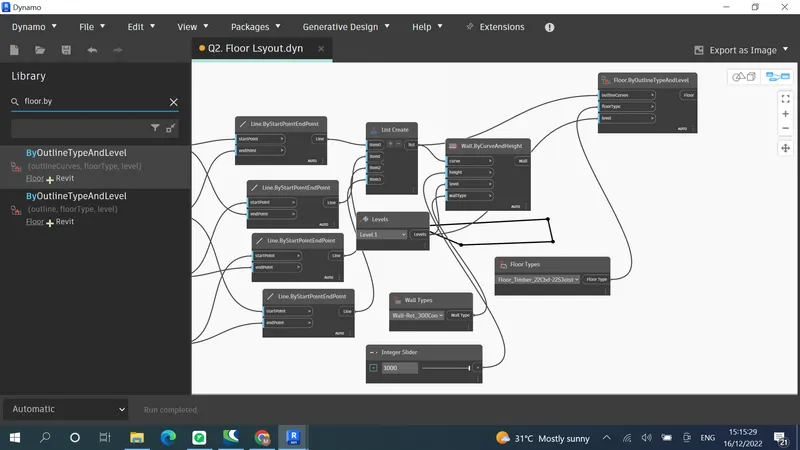
Result :
Aim:
3) Create an array of model elements in Revit. Use dynamo to vary the properties of model elements by using the slider or code block
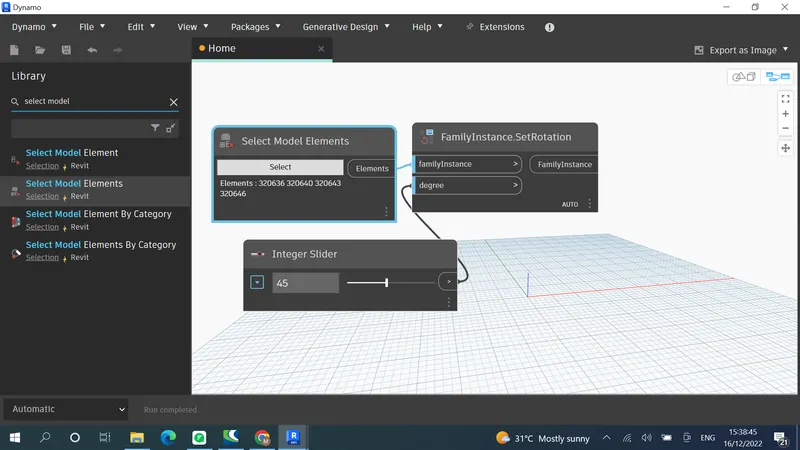
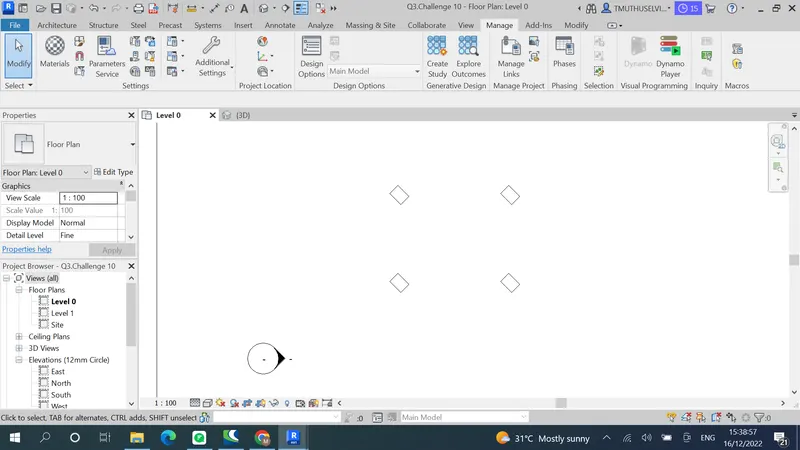
Introduction : This questions helps us to use array in Revit and to rotate in Dynamo
Procedure:
Create column in revit
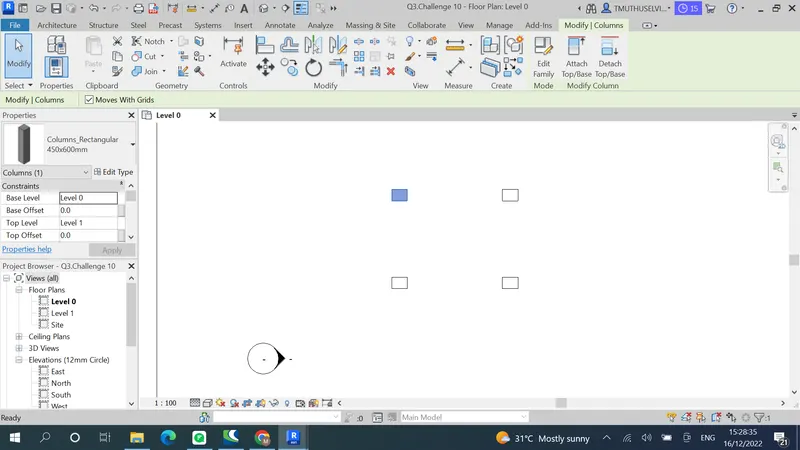
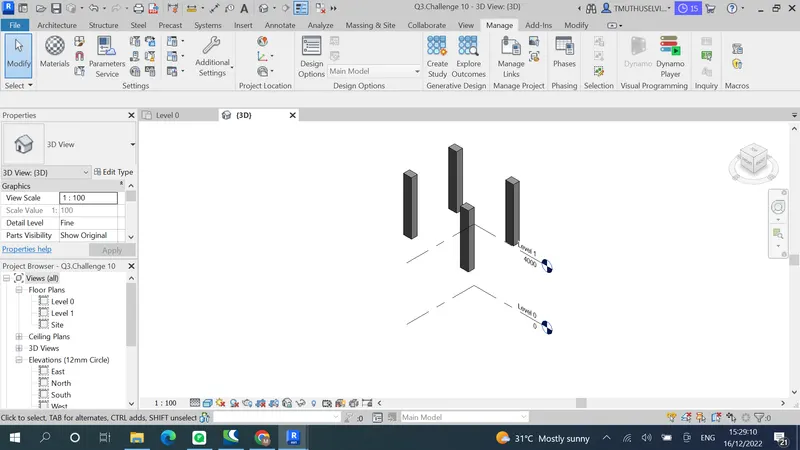
Go to dynamo Select model element & Select model elements both are available we go for plural
Result:
Aim:
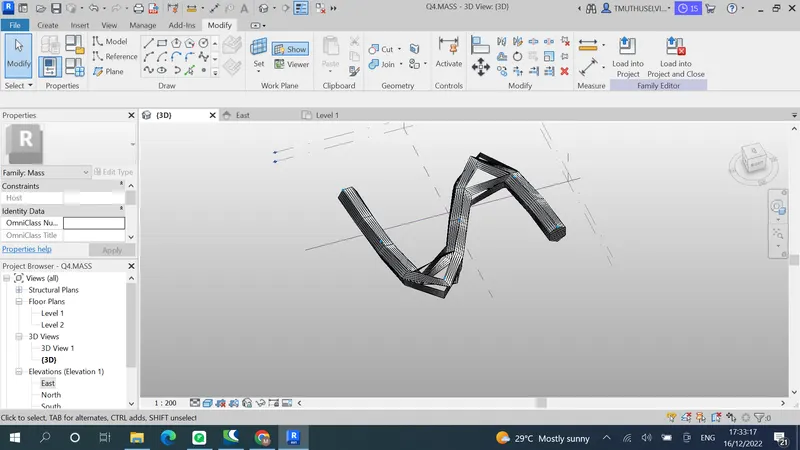
4) Create a conceptual mass in Revit and develop a parametric column by dividing the surfaces and apply the concepts similar to used in parametric walkway modelling. Use triangular bent or square shaped panels to add finish to the parametric column
Introduction: This question helps to use mass in revit and create parametric element in dynamo
Procedure:
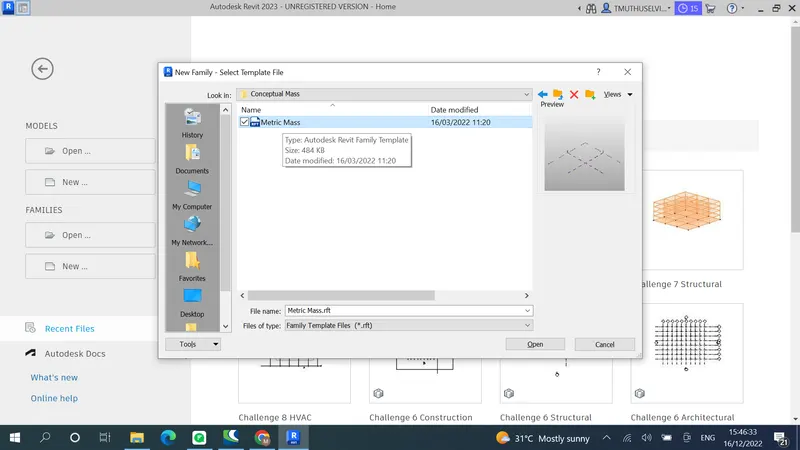
Create a floor at 12' height.
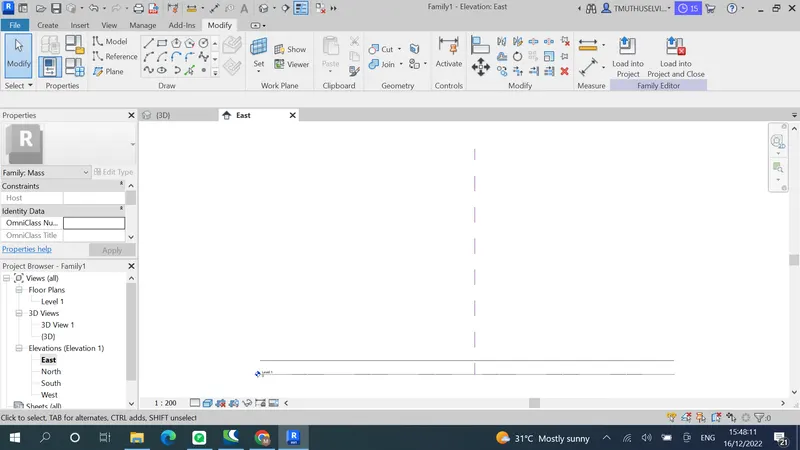
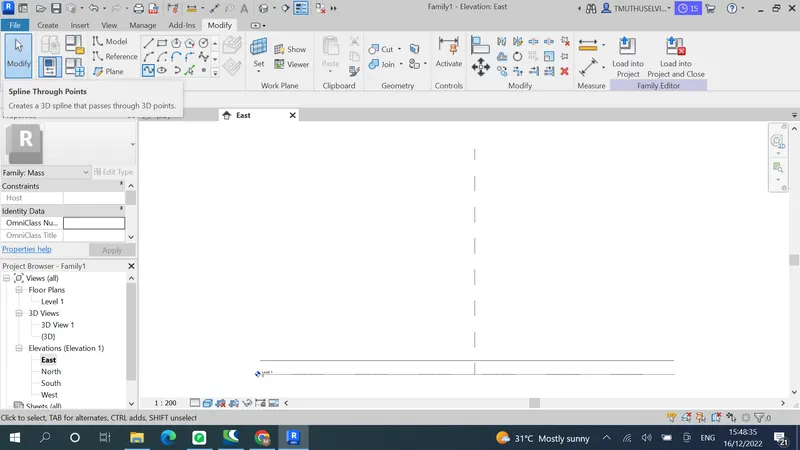
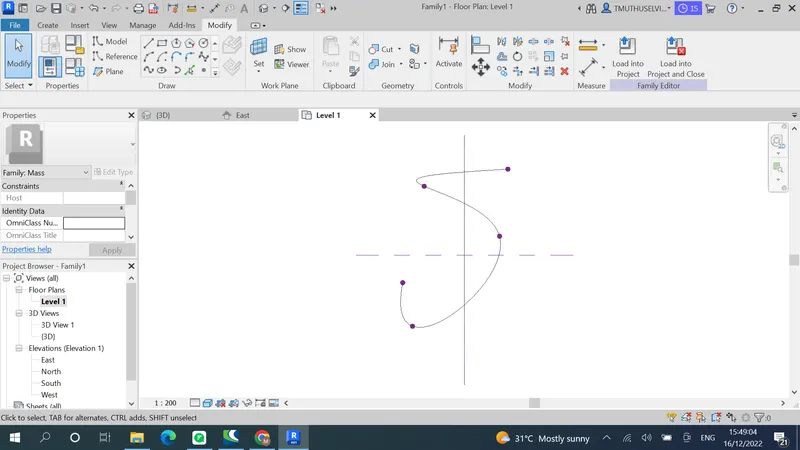
Now set plane
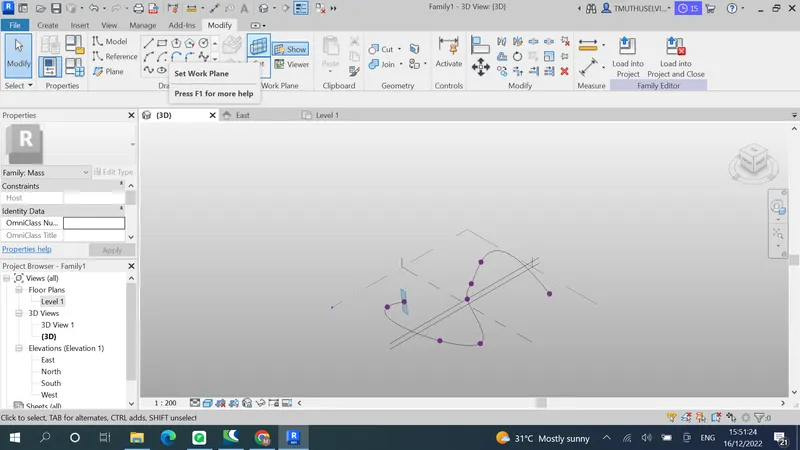
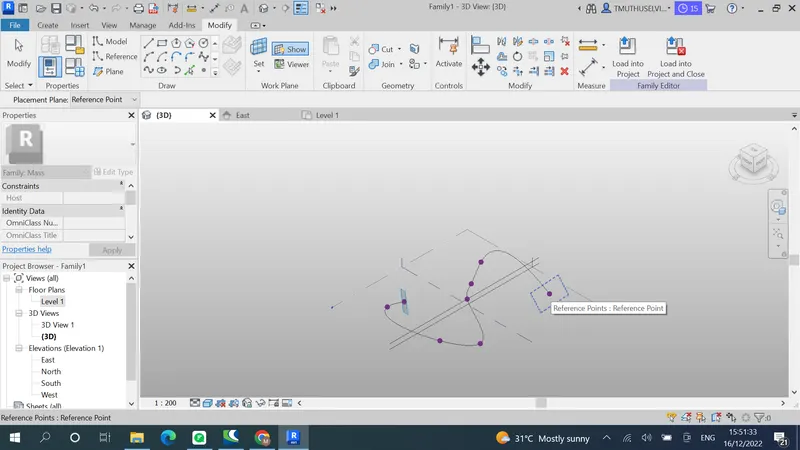
Now create polygon at 12' height
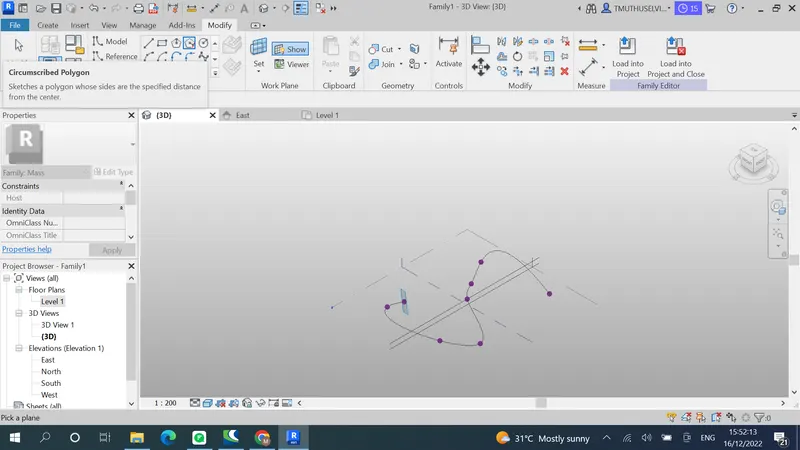
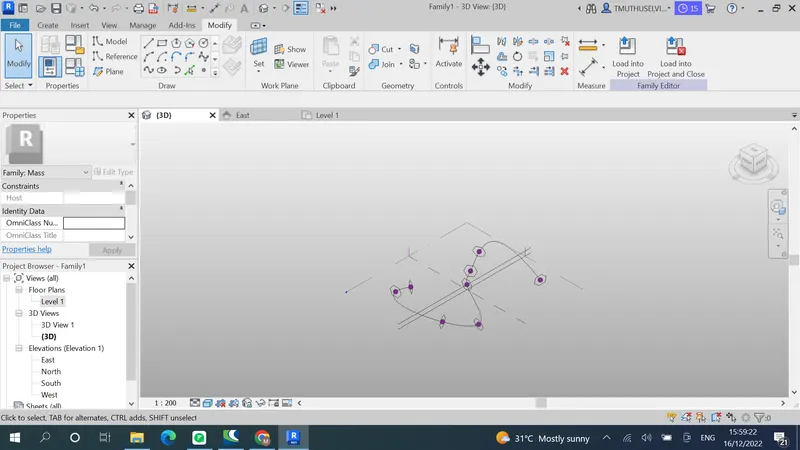
Make this spline as form by selecting spline and first hexagon
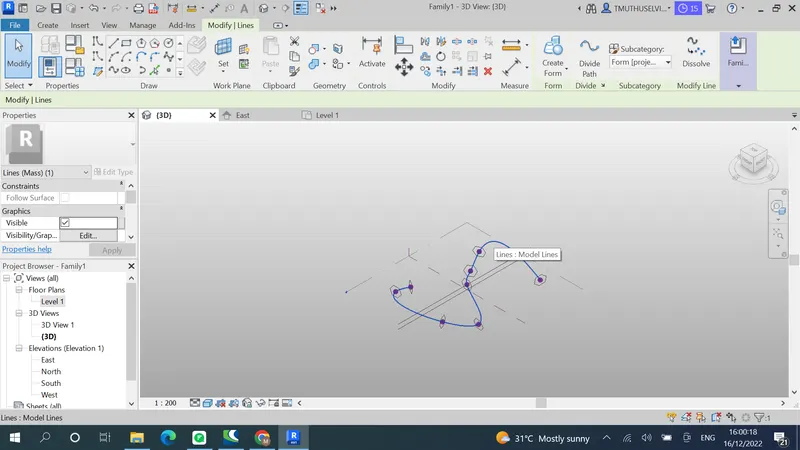
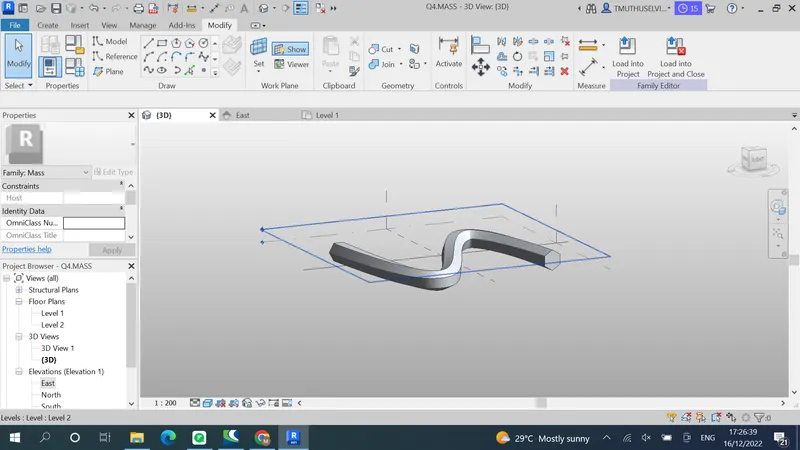
Now give triangular bent property
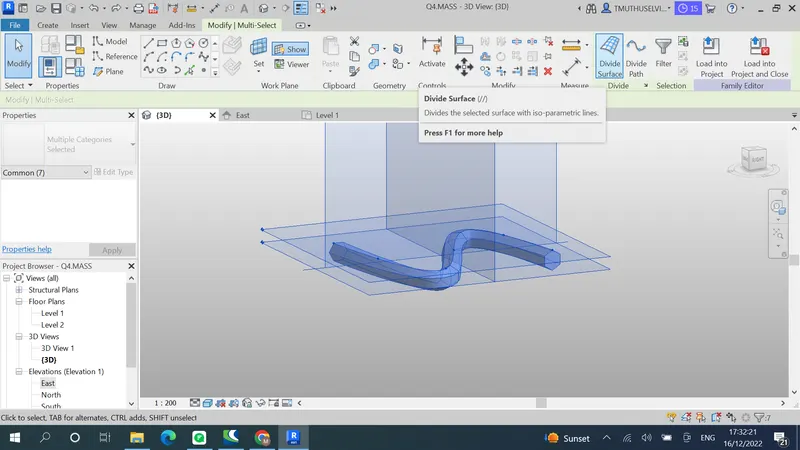
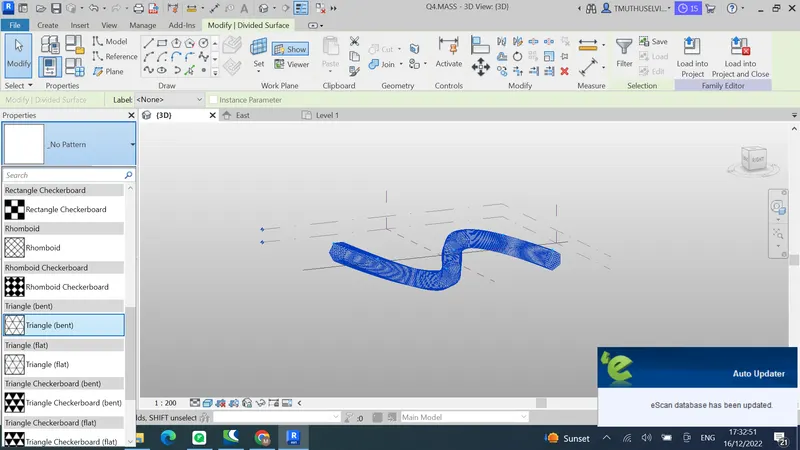
Result:
Aim:
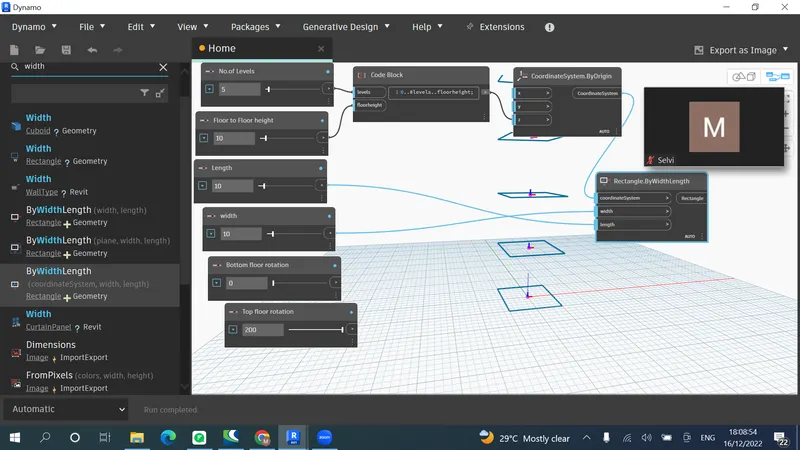
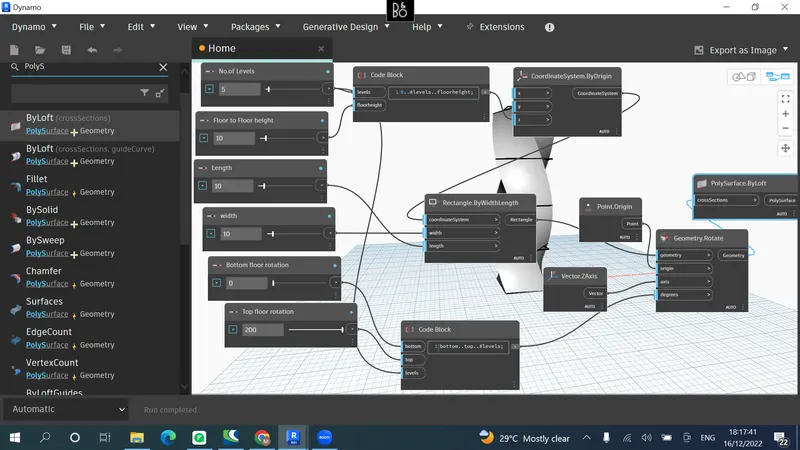
5) Use Dynamo to work on developing a Parametric Stadium. List your parameters and use the visual programming approach to complete the modelling, You can use the concepts discussed in parametric high rise tower in class for reference.
Introduction: Parametric stadium will be created using dynamo
Procedure:
Result: