Crash Box Simulation with different Shell Thickness using LS-DYNA
Objective: Perform crash test for a crash box with different shell thickness, write a detailed report comparing and explaining the results obtained.
Question:
In this assignment, the student needs to simulate a crash test for a crash box for which mesh is given. A crash box is a highly energy absorbing structure that crashes on application of loads and reduces impact on other components nearby. A full-fledges crashbox is a highly sophisticated design but in this case we will go with a rectangular channel which can thought of as the most simple crashbox.
Case Setup and Execution:
Open the given keyword file in LS PrePost.
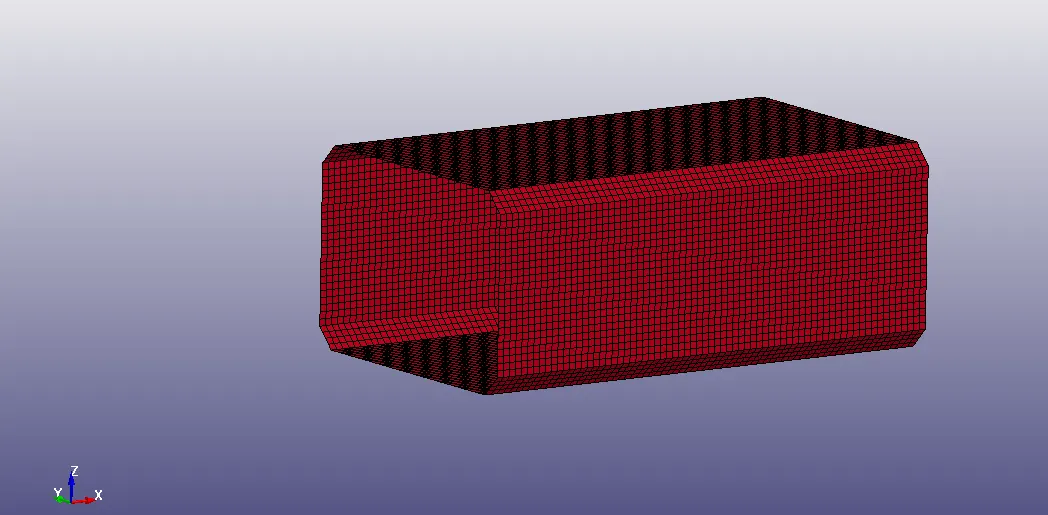
Geometry: The model is a simple rectangular channel with shell elements.
Unit System: gm-mm-ms
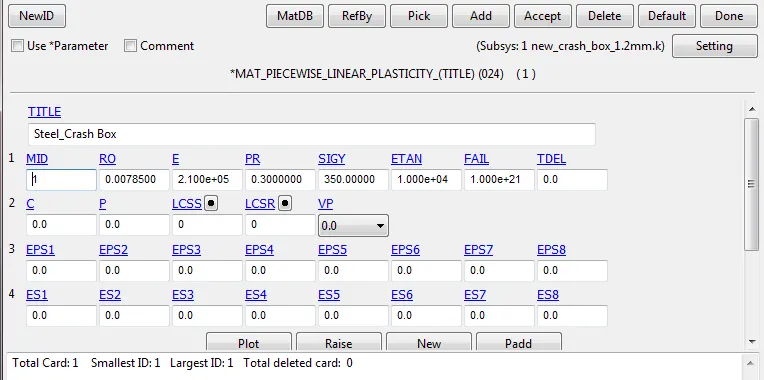
Material: Steel
'MAT-24-Piecewise_Linear_Plasticity' material card is defined with material id 1 for crash box.
Section:
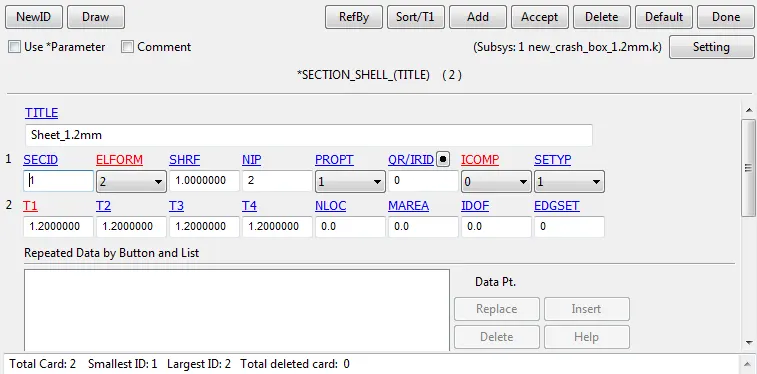
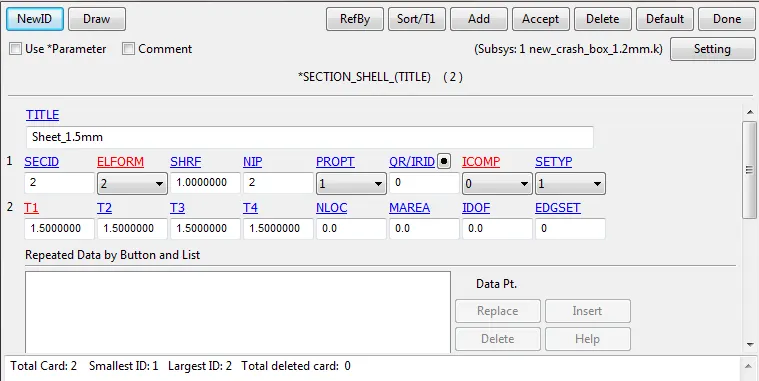
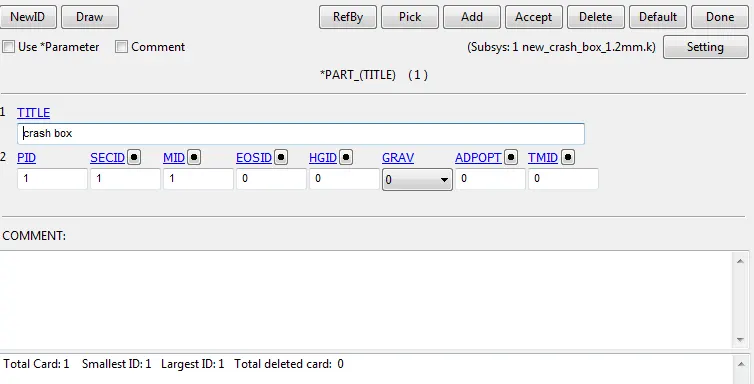
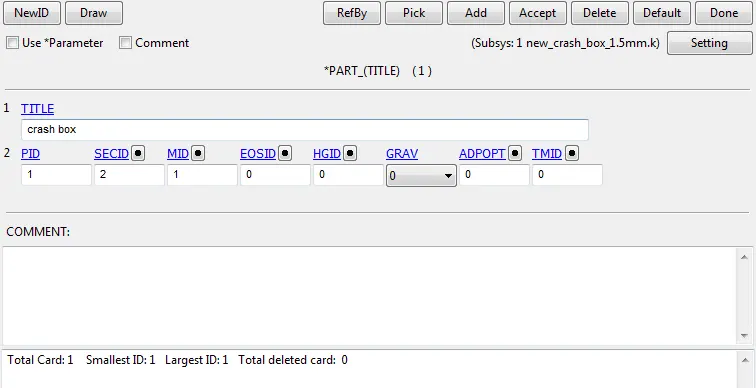
'Section_Shell' card has been created for crash box with section id 1 for 1.2mm and section id 2 for 1.5mm.
Part Keyword assignment:
Now assign the created material and section keywords (section id 1 for case-1, section id 2 for Case-2) to the part.
Boundary Conditions:
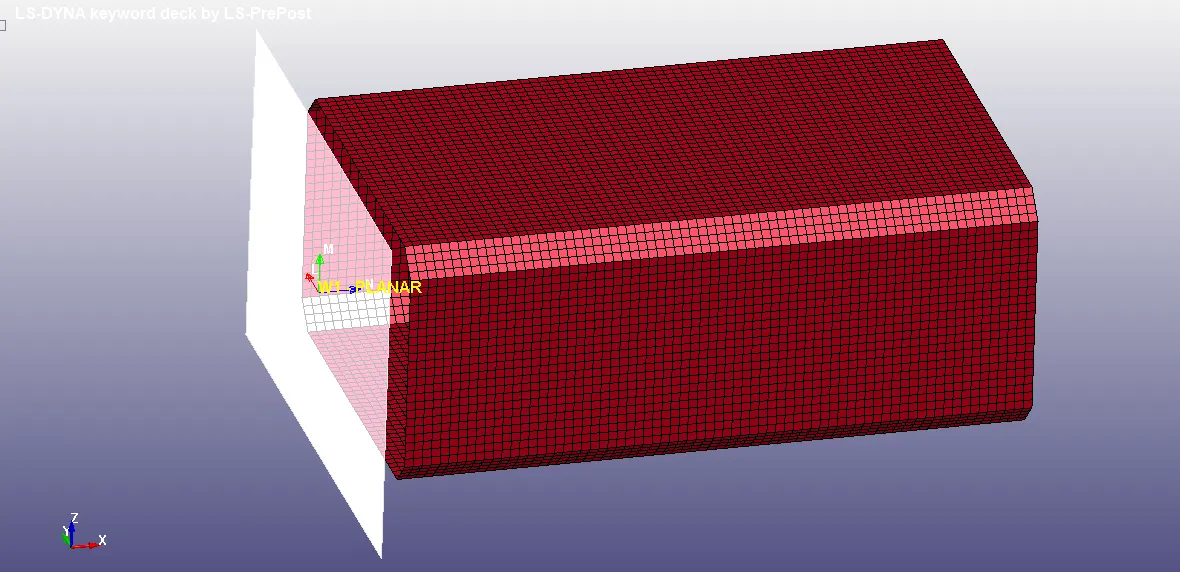
Rigid Wall: A rigid wall is created using 'RIGIDWALL_PLANAR' keyword at an offset of 15mm from crash box.
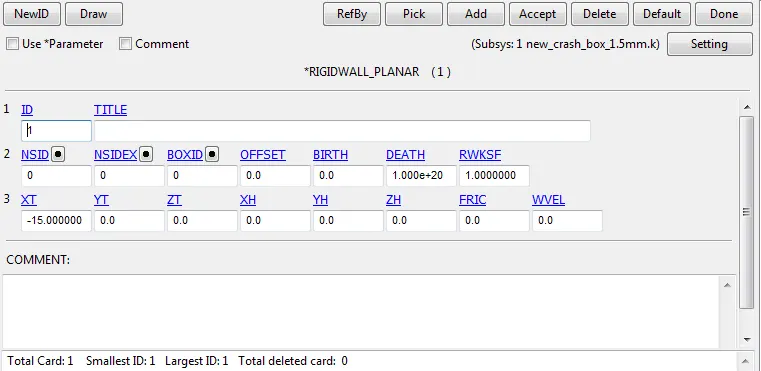
The direction of rigidwall normal and velocity direction of crash box must be in opposite, so that the crash box bounces back after the crash.
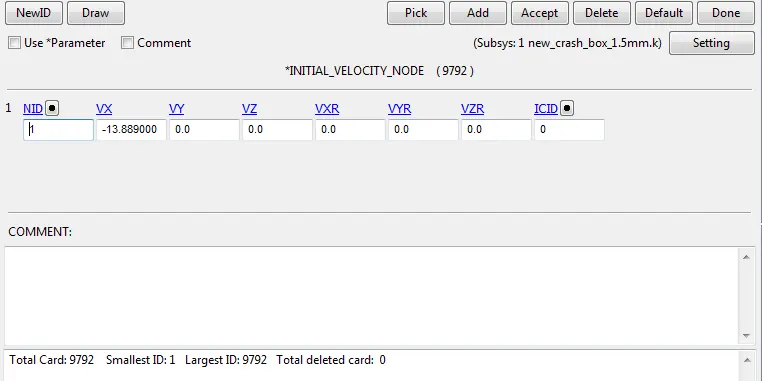
Initial Velocity: Initial Velocity of 13.889mm/s is applied in -ve x direction to crash box using 'INITIAL_VELOCITY_NODE' keyword
Contact:
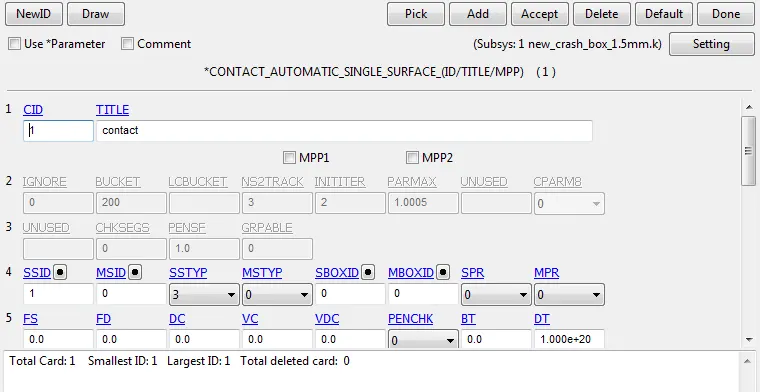
Contact between crash box and rigid wall is created using 'CONTACT_AUTOMATIC_SINGLE_SURFACE' keyword and is defined using part ID with crash box being the slave. There is no need
to define master in this keyword as it searches the surface for contact automatically.
Controls:
Energy:
'CONTROL_ENERGY' keyword has been created to get outputs like hourglass energy, sliding interface energy etc.

Termination:
The termination time for the problem is defined using 'CONTROL_TERMINATION' keyword. The distance between the crash box and rigid wall (15mm) is calculated and approximate time is taken (5ms), so that the impact and some additional time after the impact can be simulated.

Database:
'DATABASE_BINARY_D3PLOT' keyword is defined which gives animation and other post-processing data after simulation.
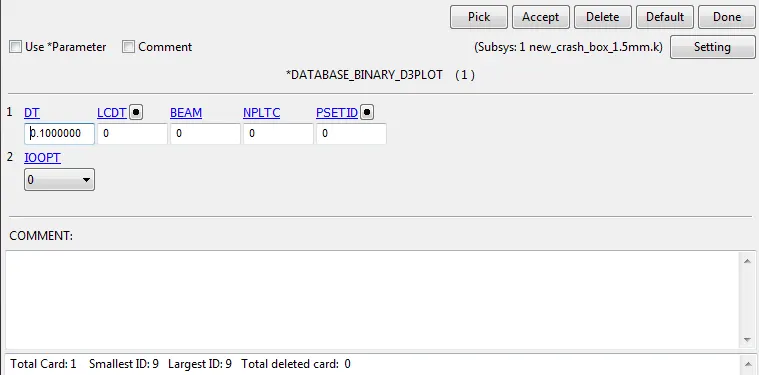
'ASCII_Option' : ELOUT, GLSTAT, MATSUM, NODOUT, RCFORC, RWFORC, SECFORC and SLEOUT have been created with the same time interval as of 'DATABASE_BINARY_D3PLOT' keyword,
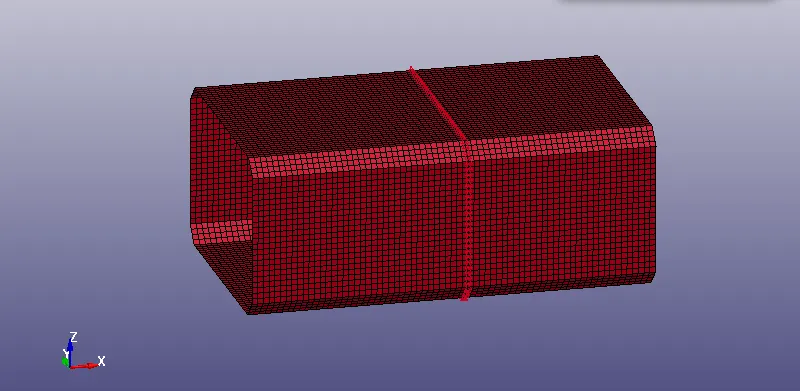
Cross-Section is created in the middle of crash box for cross-sectional forces using 'DATABASE_CROSS_SECTION_SET' keyword with node set and shell set.
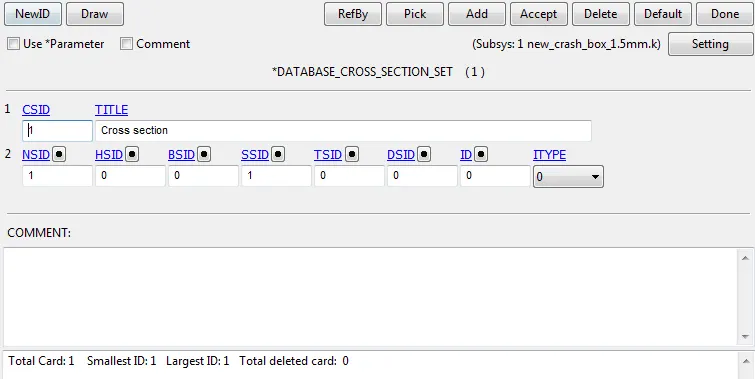
Cross section node set:
Cross section shell set:
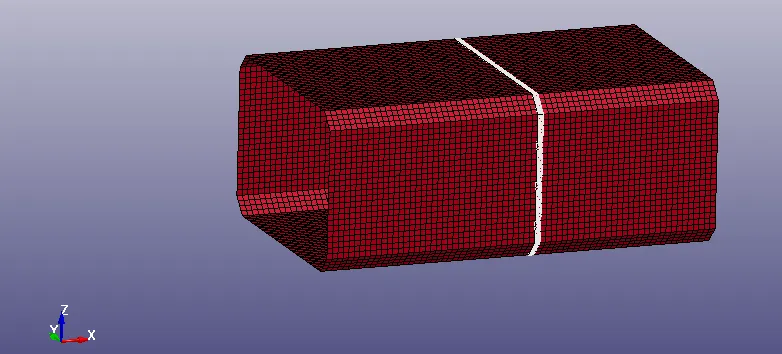
For Acceleration plot of a node in the middle of the crashbox 'DATABASE_HISTORY_NODE' keyword is used.
Model-Check:
Check the model using model checker and make sure the model is error free.
Post-Processing (Results):
Case-1:
Animation:
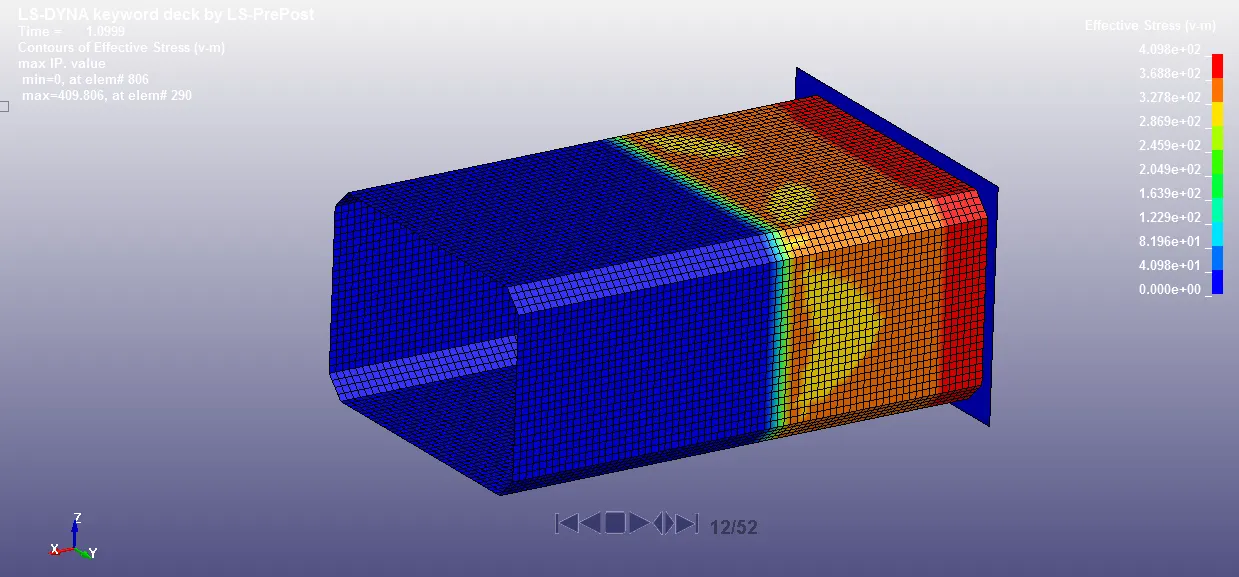
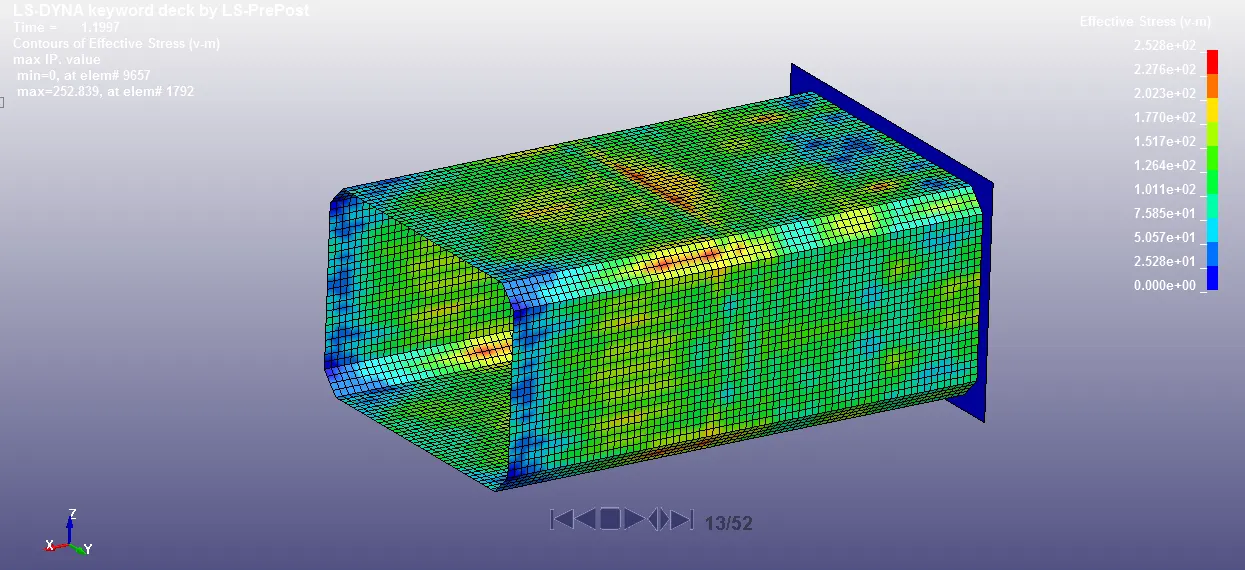
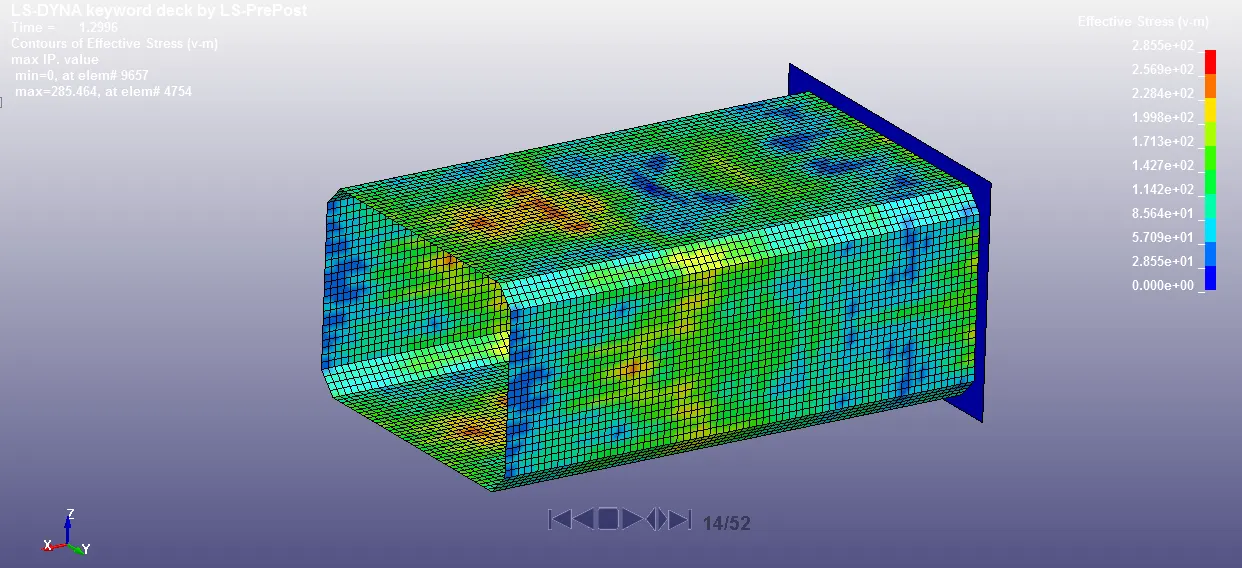
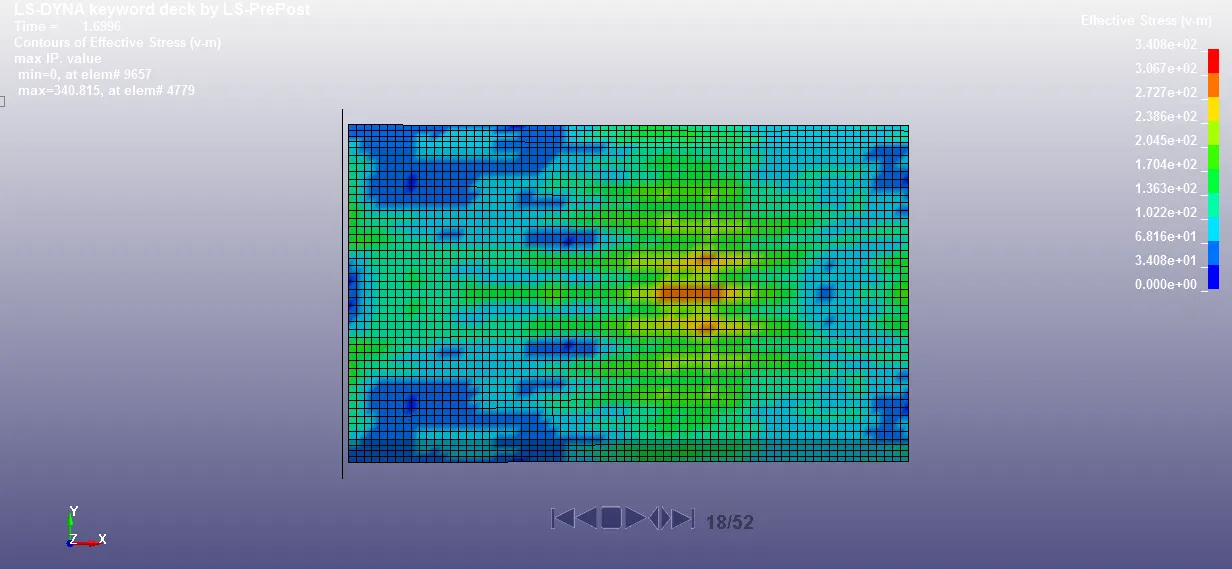
Cross-sectional force generated in the middle of the crashbox (along its length):
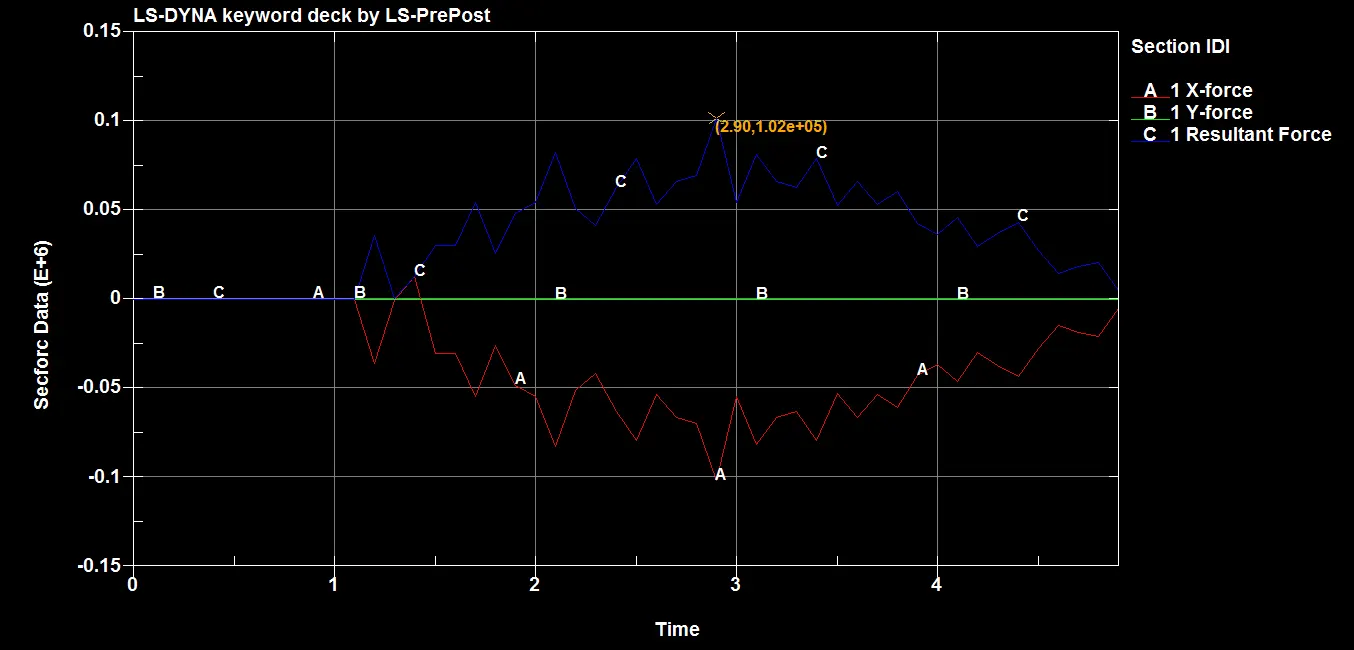
The maximum force at cross section is 102 KN.
Acceleration of a node in the middle of the crashbox:
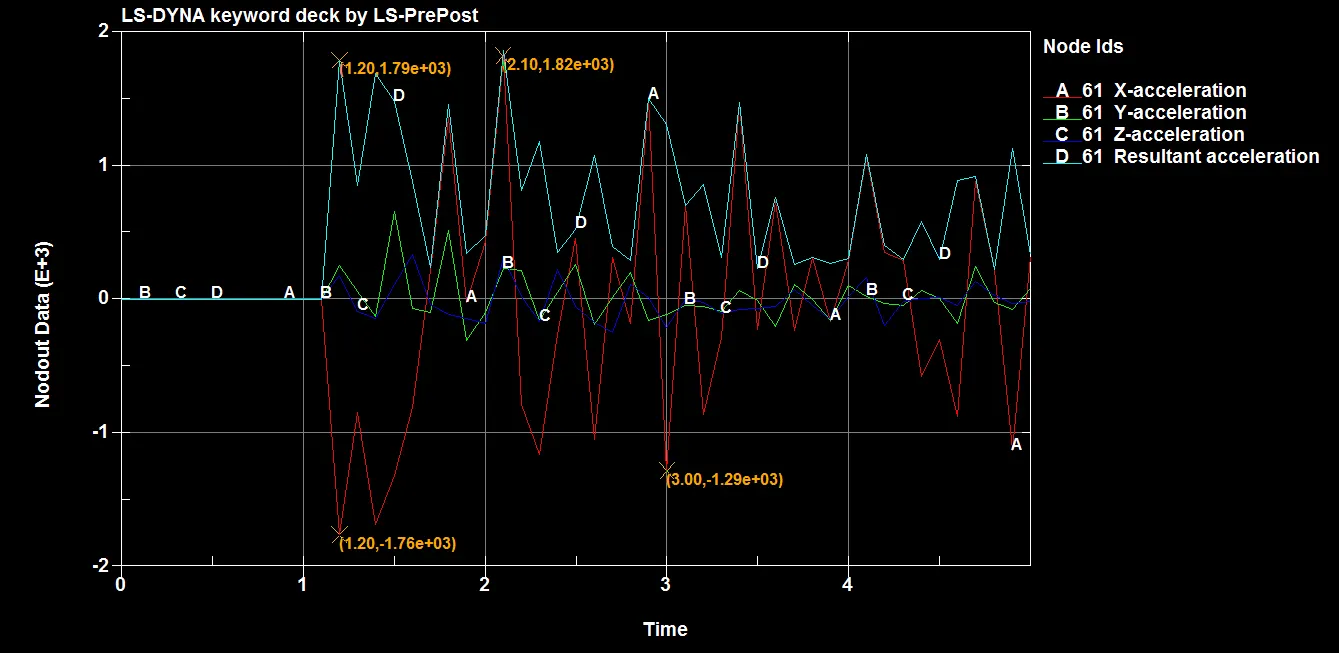
The acceleration of node at mid plane section is 1.79E+03 mm/ms2 at the time of impact.
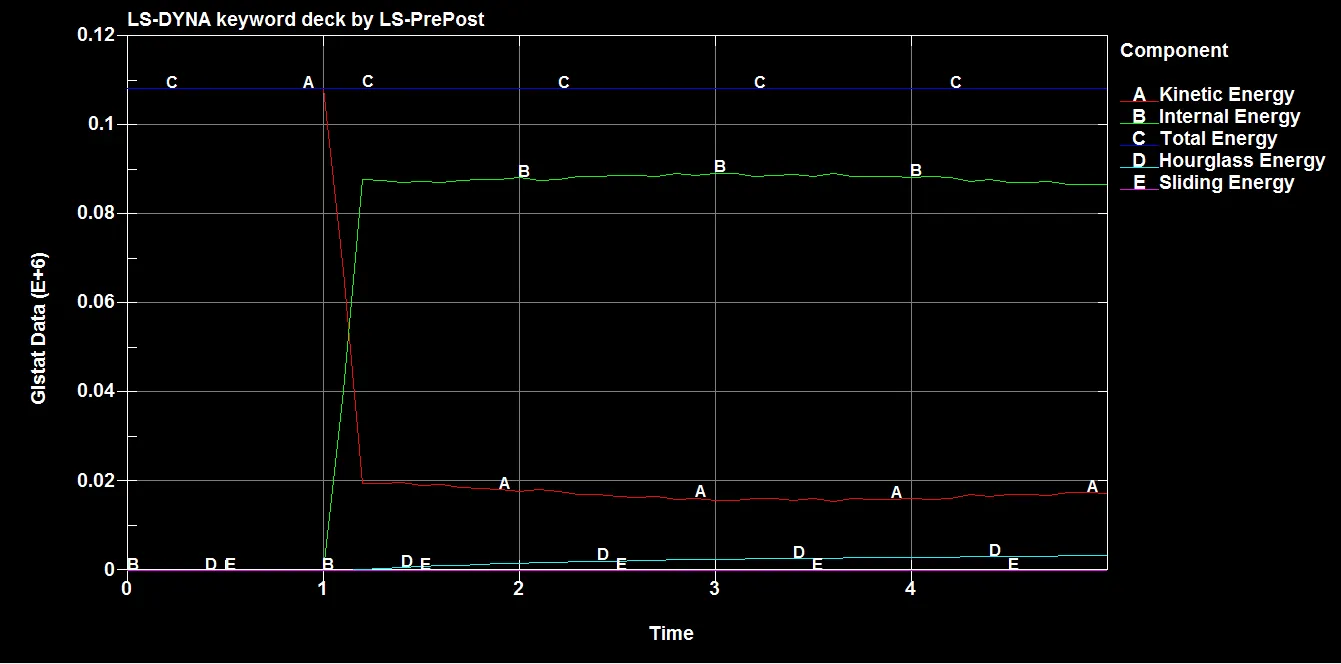
Energy Plots:
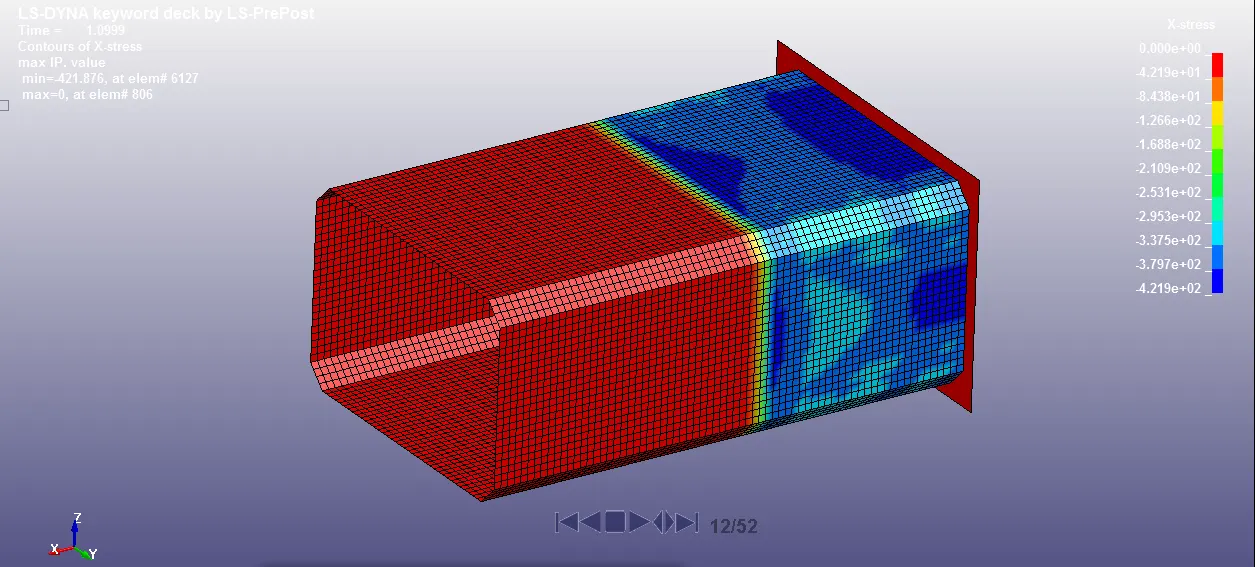
X-Stress:
Maximum: 421.875 Mpa
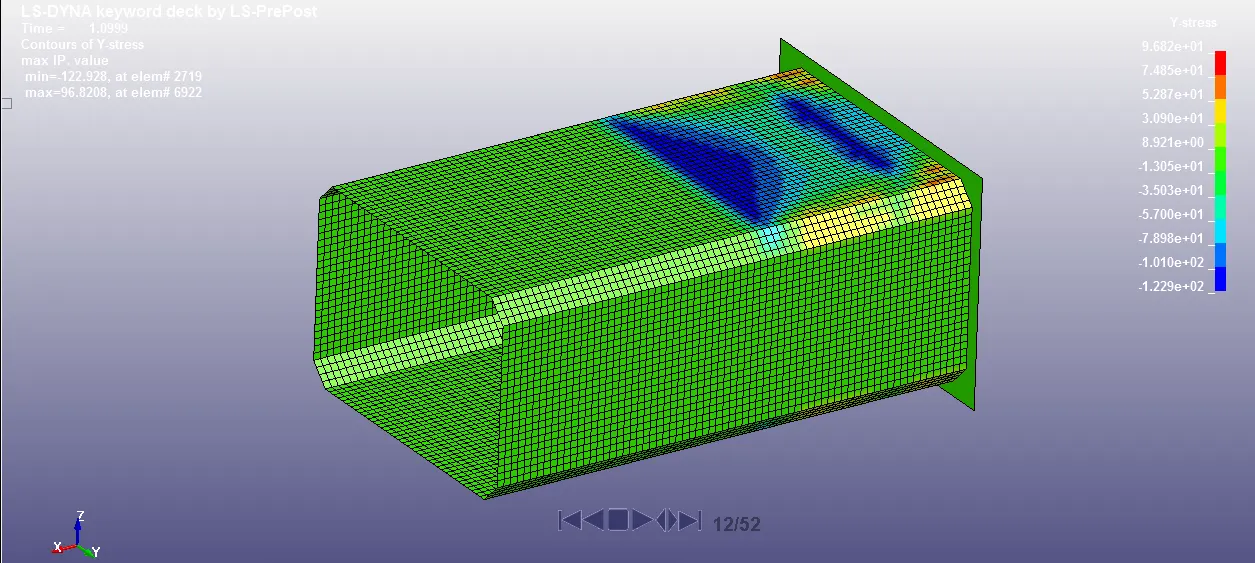
Y-Stress:
Maximum: 122.928 Mpa
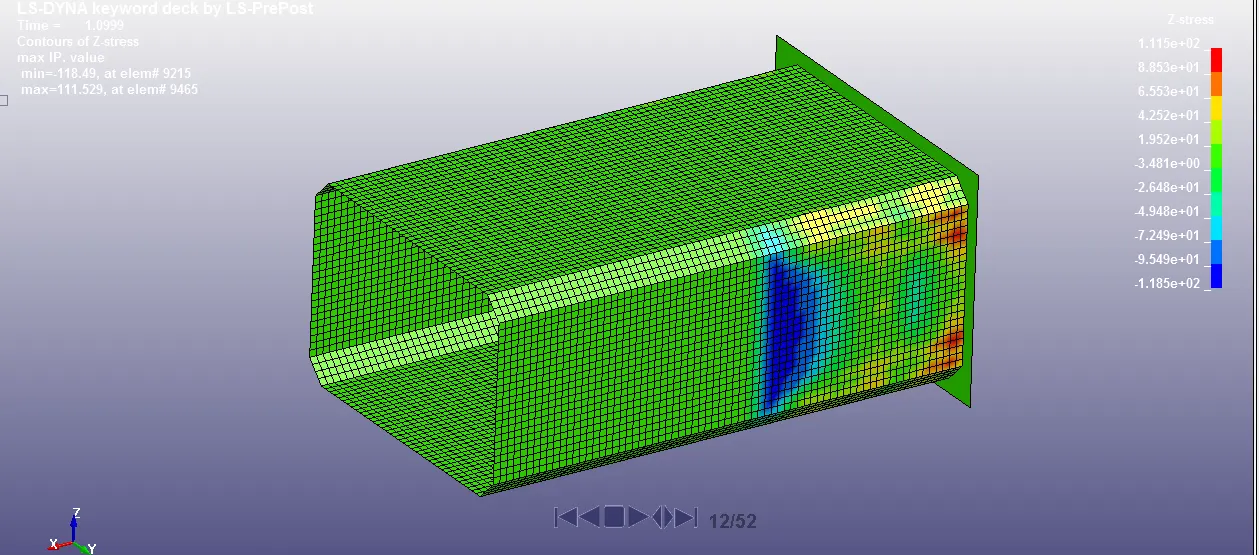
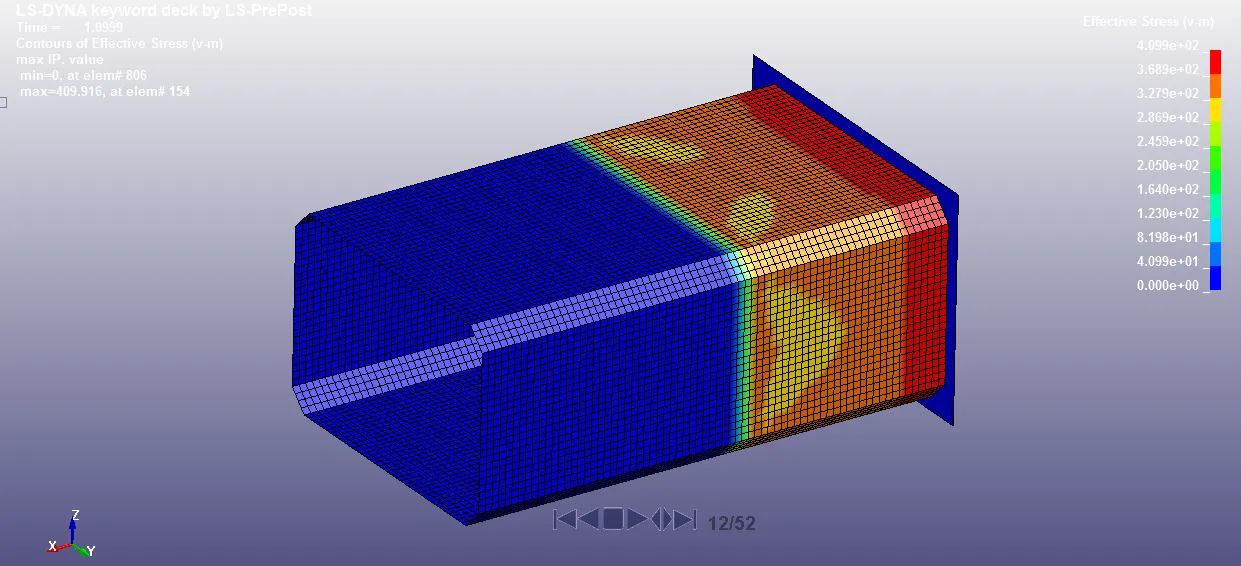
Z-Stress:
Maximum: 118.49 Mpa
X-Strain:
Maximum: 1.34
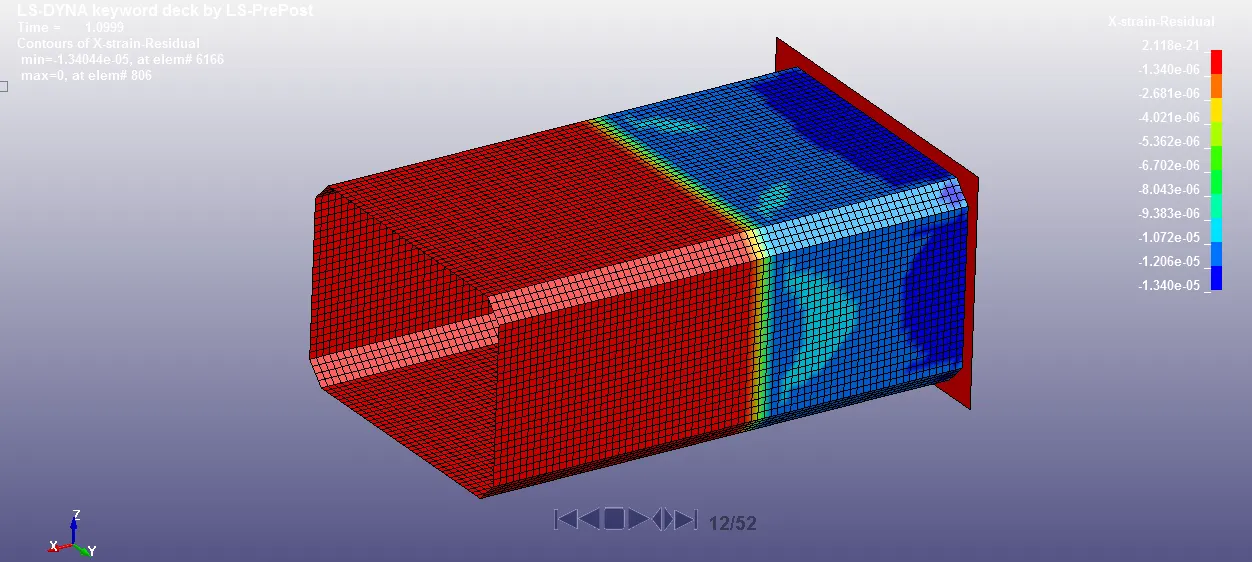
Y-Strain:
Maximum: 6.48
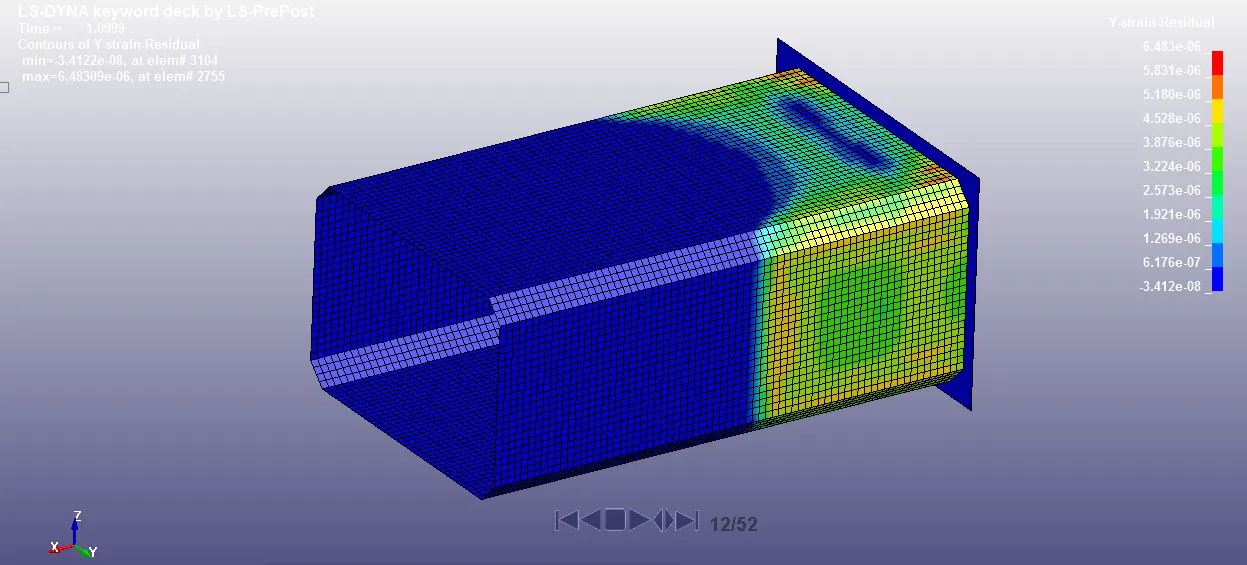
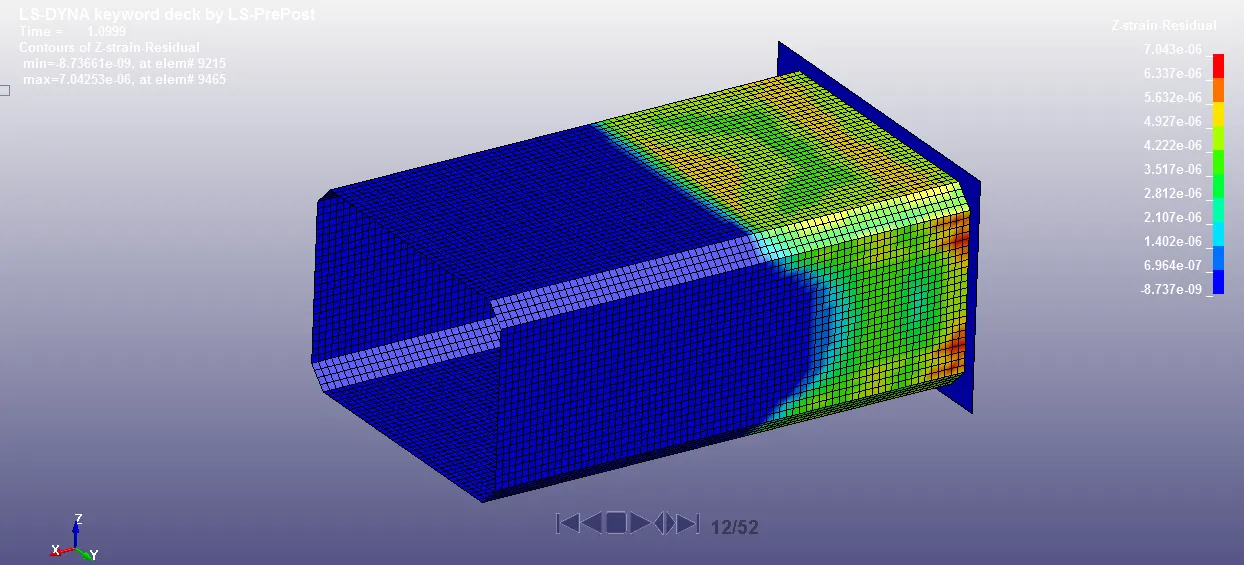
Z-Strain:
Maximum: 8.737
Case-2:
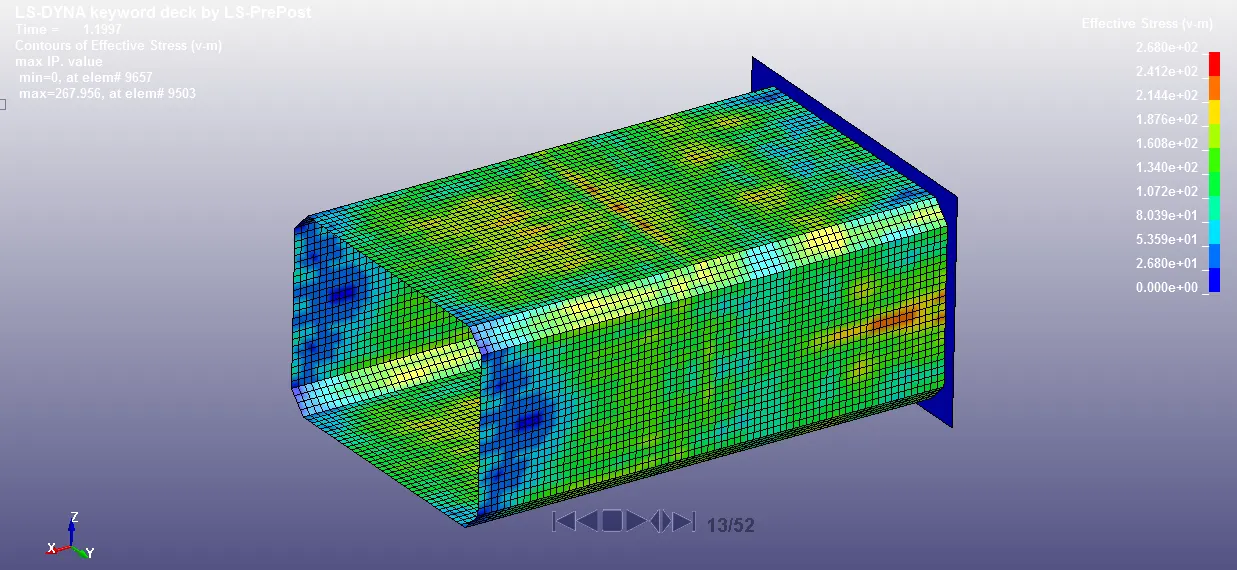
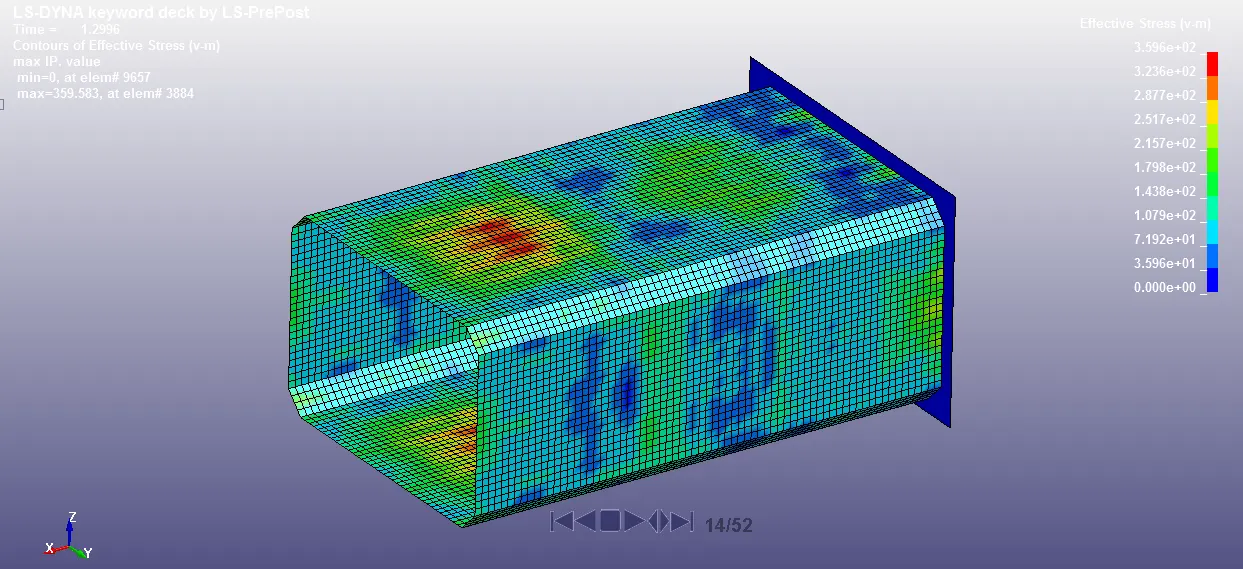
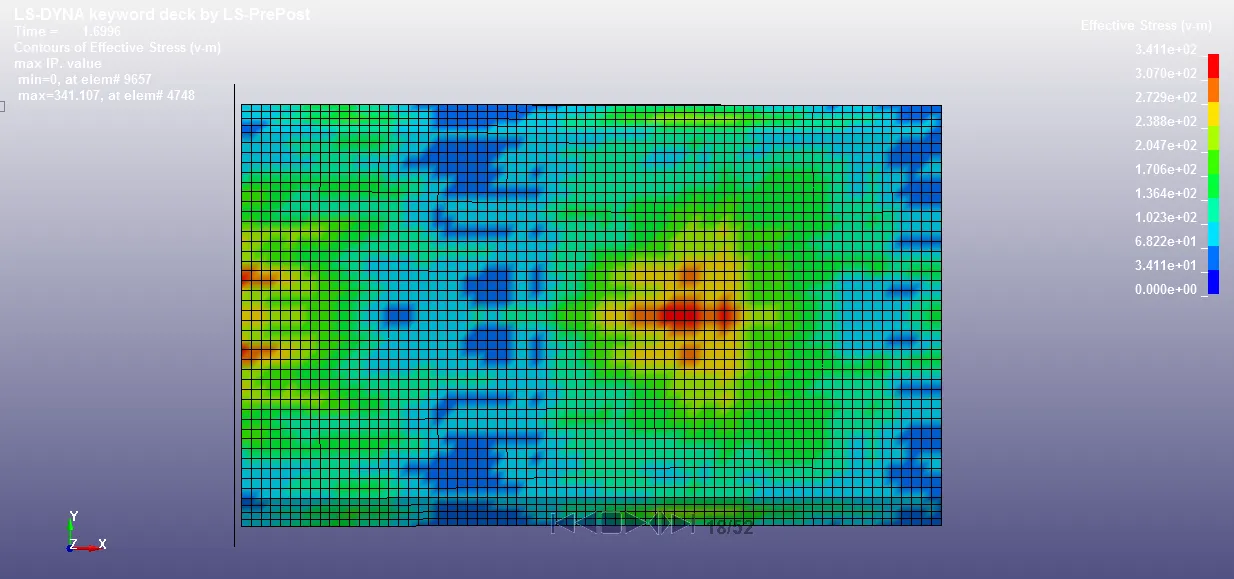
Animation:
Cross-sectional force generated in the middle of the crashbox (along its length):
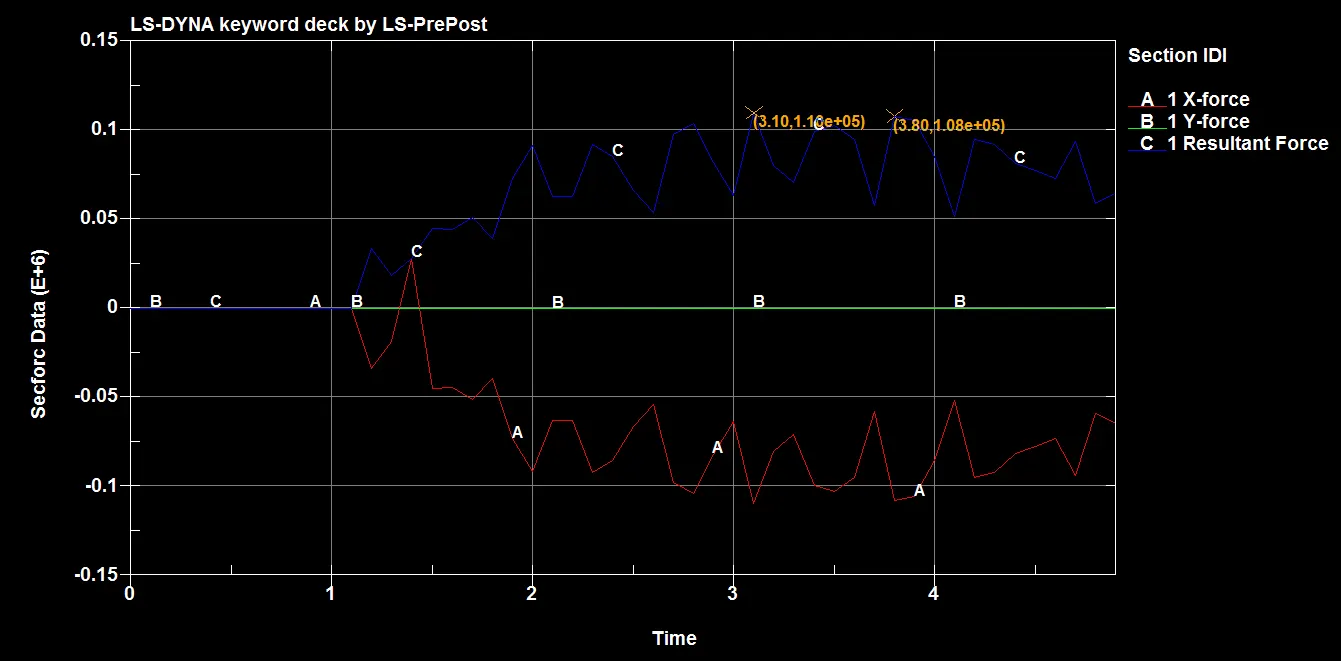
The maximum force at cross section is 110 KN.
Acceleration of a node in the middle of the crashbox:
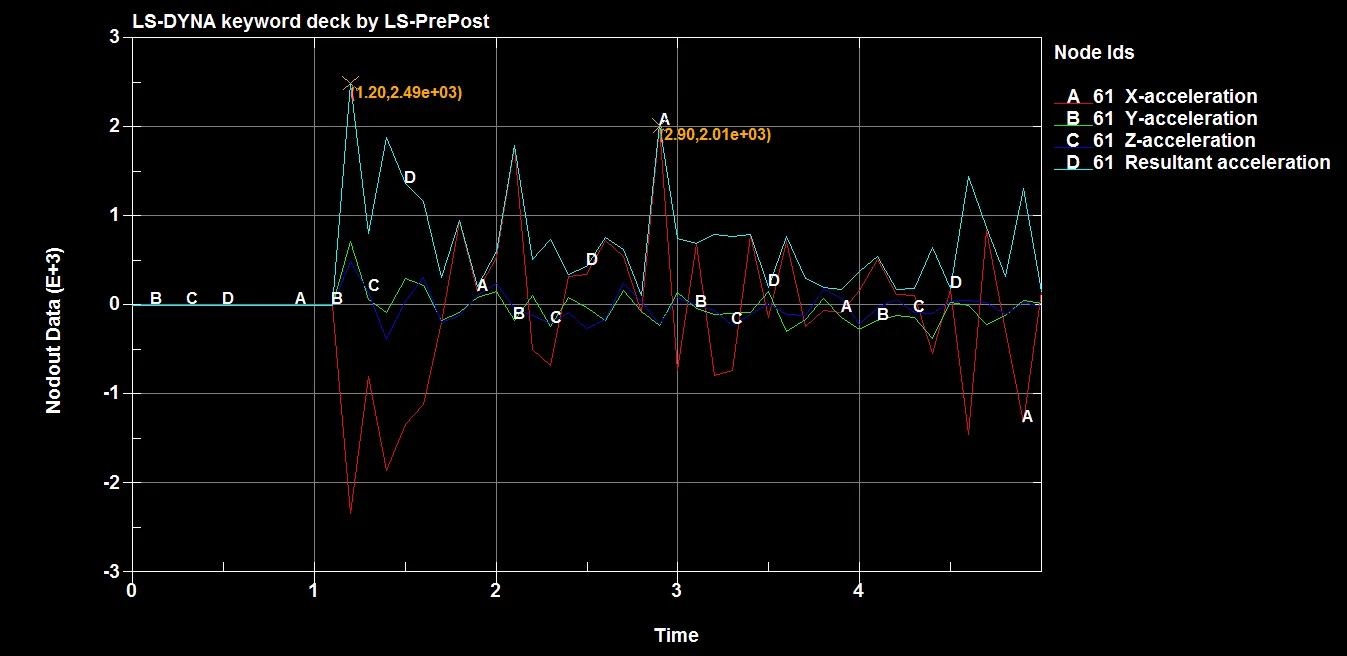
The acceleration of node at mid plane section is 2.49E+03 mm/ms2 at the time of impact.
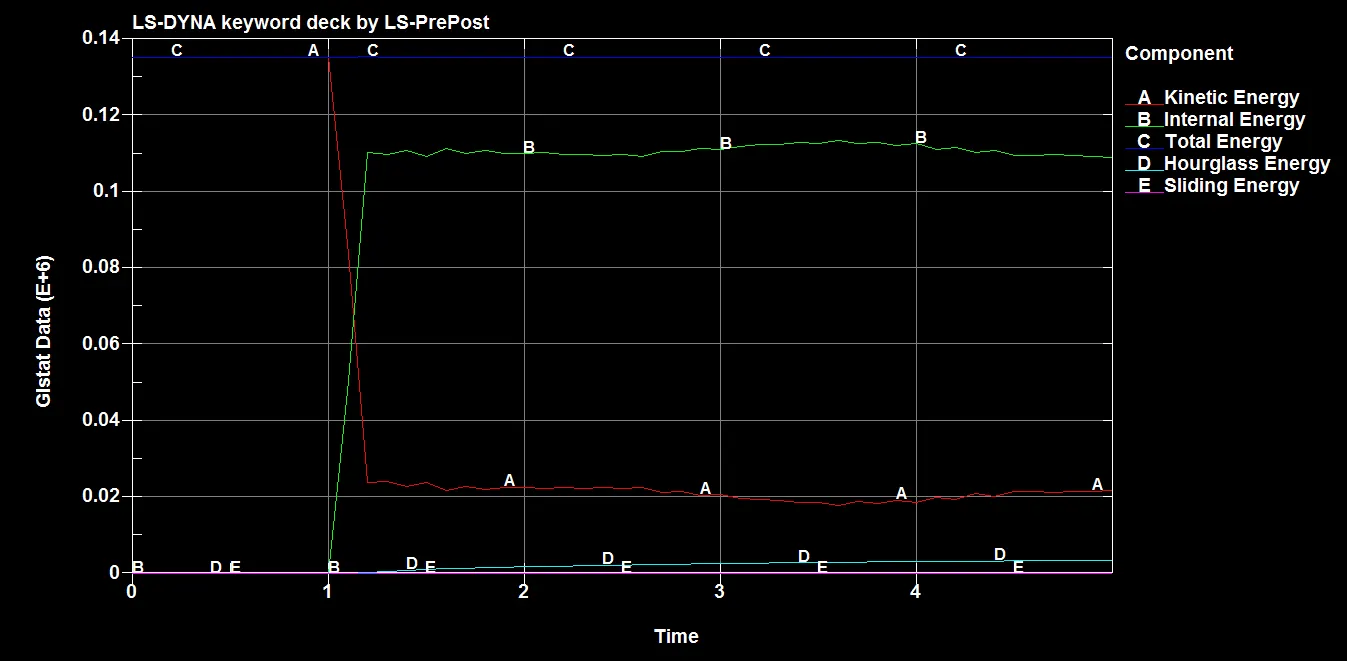
Energy Plots:
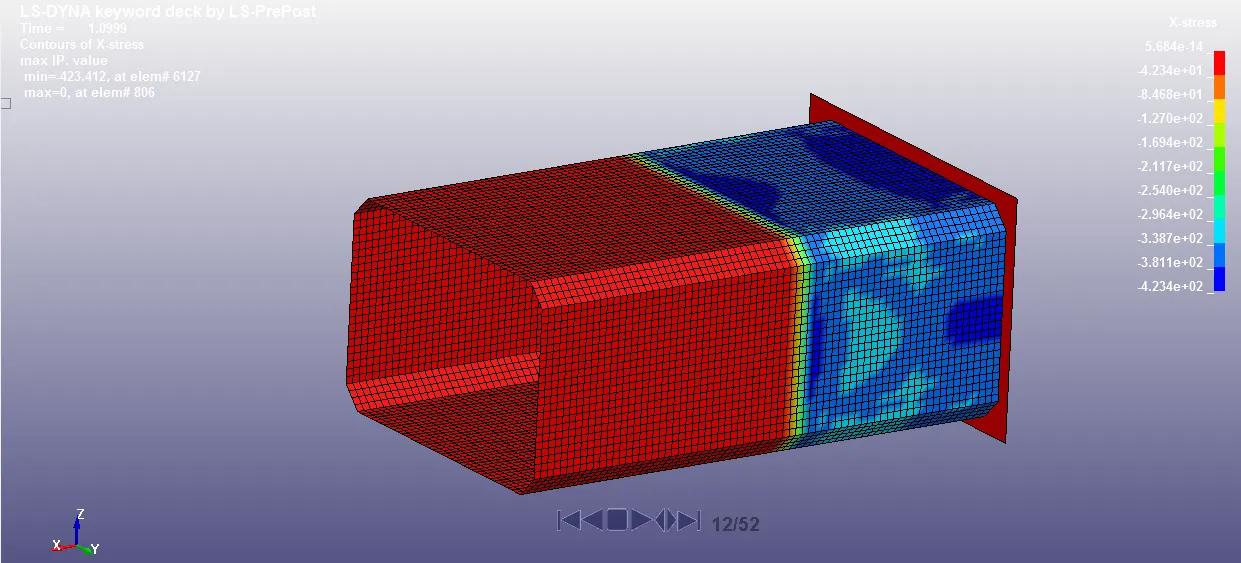
X-Stress:
Maximum: 423.412 Mpa
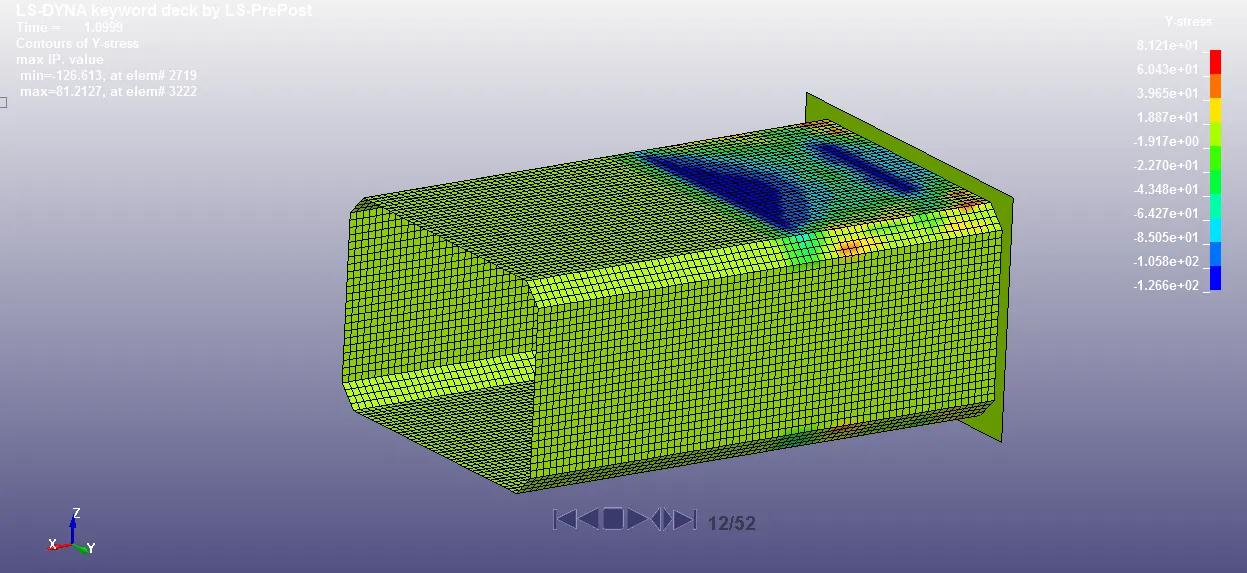
Y-Stress:
Maximum: 126.613 Mpa
Z-Stress:
Maximum: 118.489 Mpa
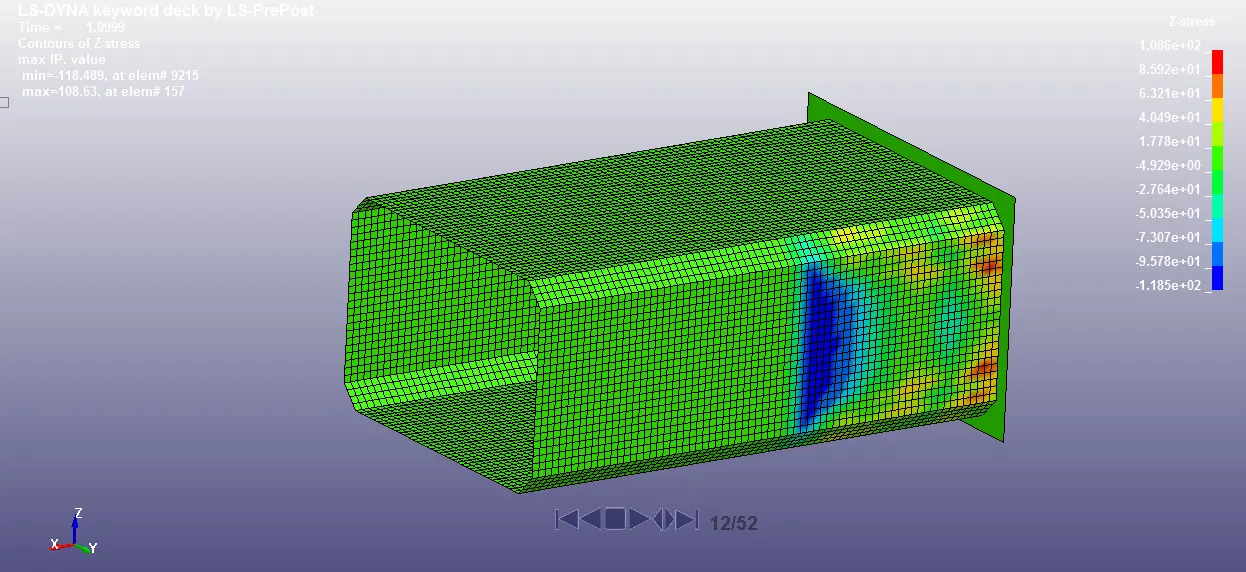
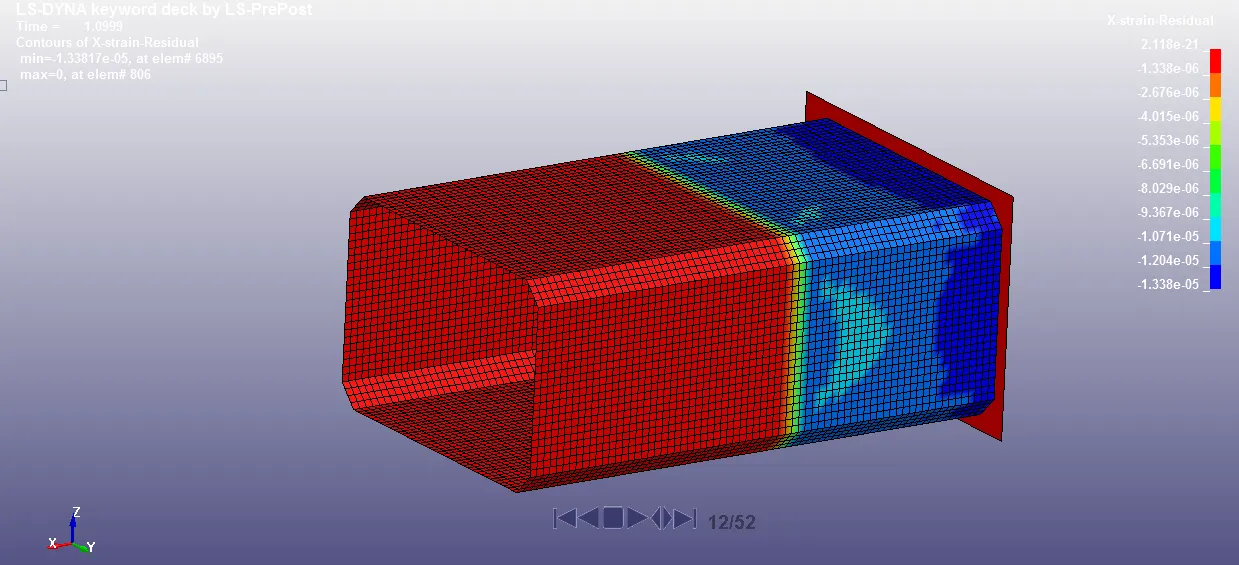
X-Strain:
Maximum: 1.338
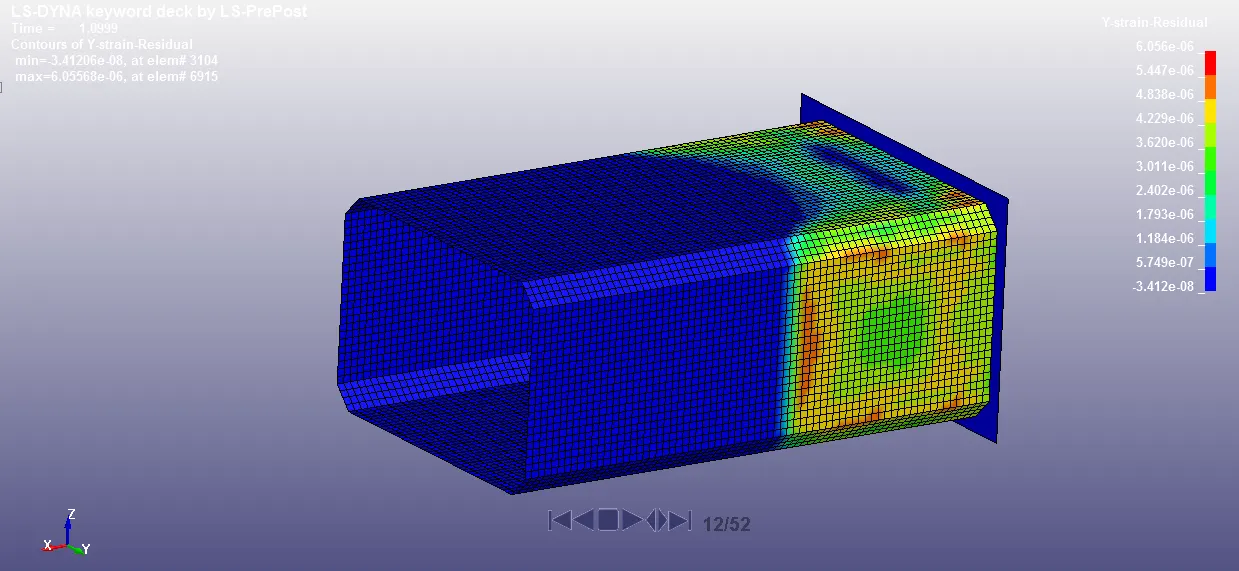
Y-Strain:
Maximum: 6.055
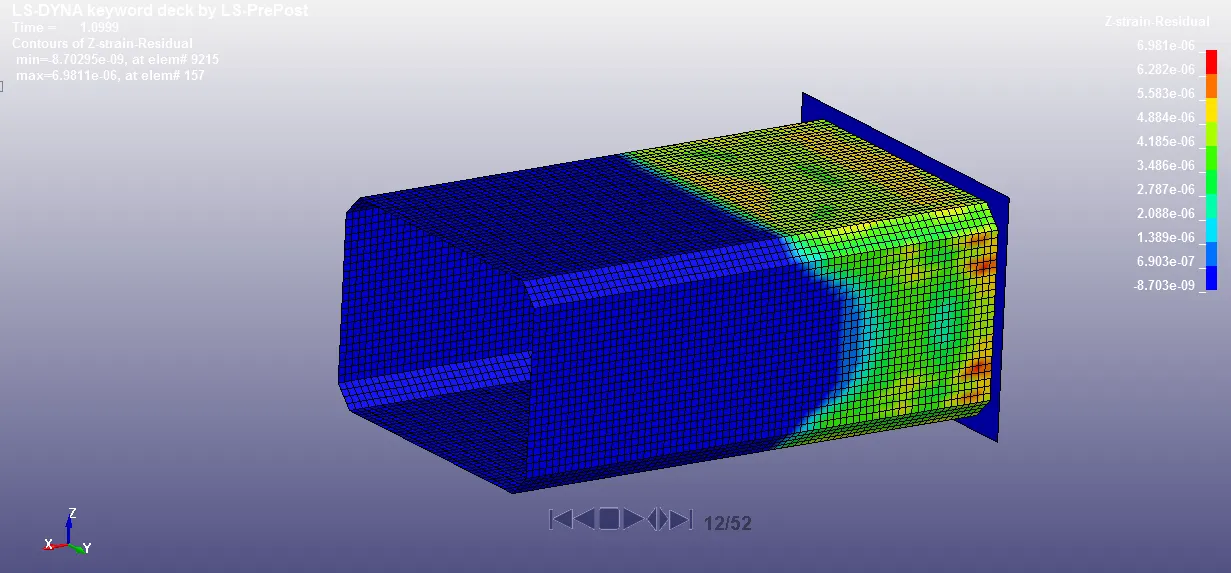
Z-Strain:
Maximum: 8.702
Results Comparison & Conclusion:
| Case-1 | Case-2 | |
| Acceleration of node 61 at the time of impact (mm/ms2) | 1.79E+03 | 2.49E+03 |
| Von-mises Stress (Mpa) | 409.806 | 409.916 |
| X-Stress (Mpa) | 421.875 | 423.412 |
| Y-Stress (Mpa) | 122.928 | 126.613 |
| Z-Stress (Mpa) | 118.49 | 118.489 |
| X-Strain | 1.34 | 1.338 |
| Y-Strain | 6.48 | 6.055 |
| Z-Strain | 8.737 | 8.702 |
- The crash box bounces back after the impact.
- 1.5mm Thick crash box has higher energies due to higher mass and momentum.
- 1.5mm Thick crash box has higher acceleration due to higher momentum and internal energy.
- There was plastic deformation which can be confirmed by effective strain value of 0.000008 at the time of 5 seconds for both cases.
- There isn't much difference in Stress and strain values of both cases.