Bird Strike - Project - 2
Objectives: To carry out the bird strike on aero-engine analysis by assigning necessary node, element, part renumbering, and measure the stresses developed on the blade and the way of deformation.
Introduction:
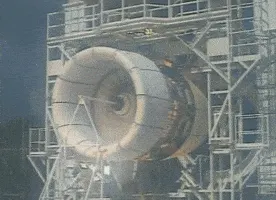
A bird strike analysis is a collision test of a bird onto an airplane engine. The damage caused by a bird during its flight can be severe for the aircraft structure. The computations to make the engine resistant to bird strikes is being developed for over 40 years. They have proven CAE methods more cost-efficient and relatively accurate when compared to experimental tests. The bird's body behaves like a fluid, with an elastic body that deforms rapidly when it hits the target.
The simulations have been performed and made accurate by considering various experimental data, material models, bird impactor geometries available from research papers and journals. Eulerian, Lagrangian, and SPH methods are the best techniques used based on specific applications, software packages, computational resources, and parameters.
PROCEDURE:
The bird strike model is given as birdstrike.k file.
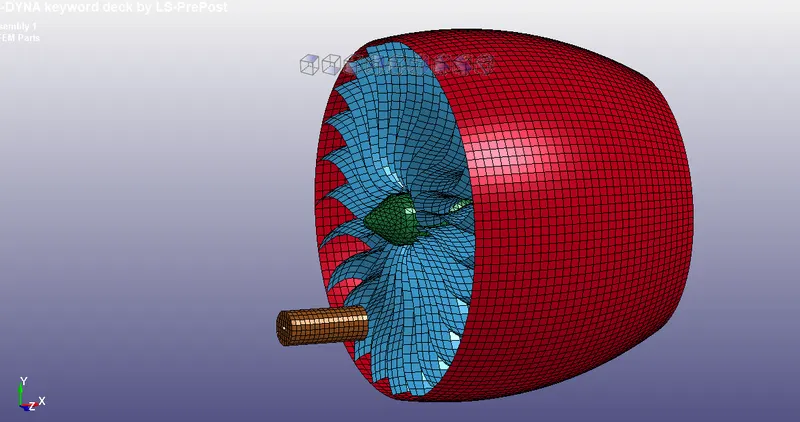
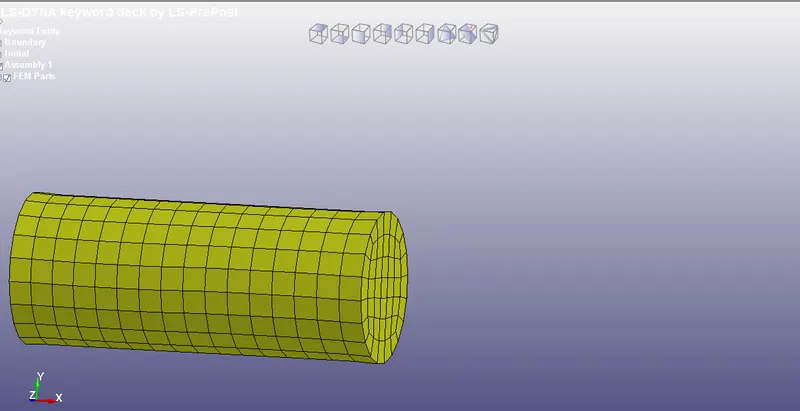
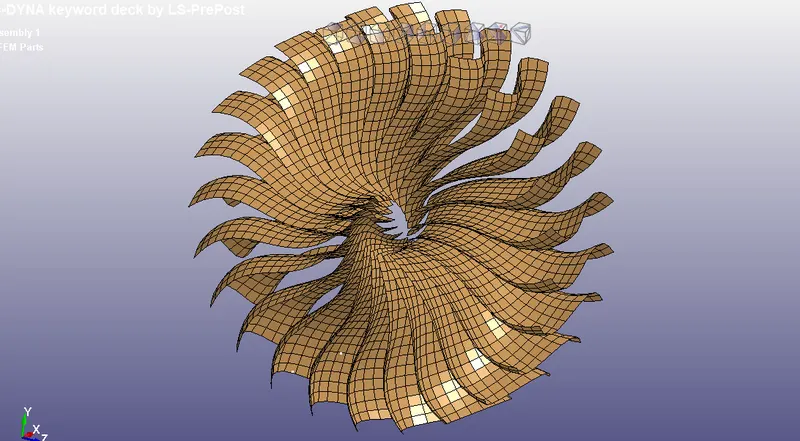
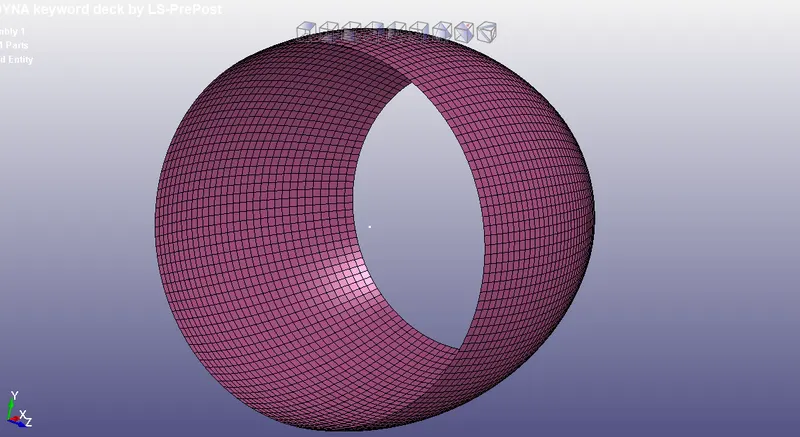
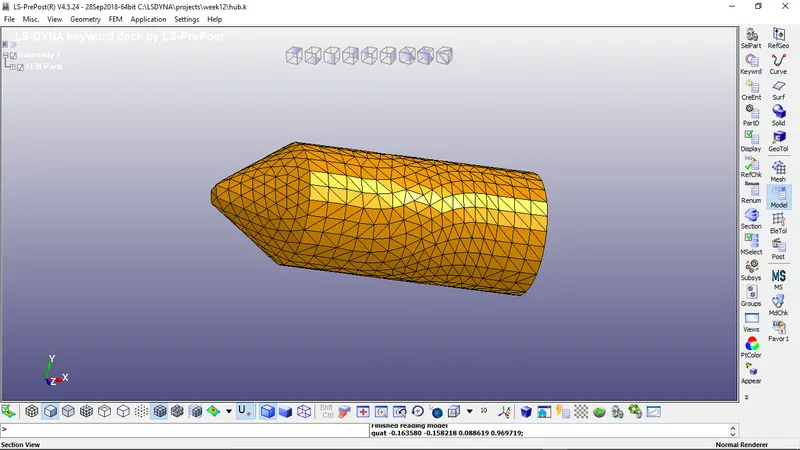
The model is separated into 4 .k files as a bird.k, blade.k, casing.k, hub.k.
RENUMBER:
The parts, elements, nodes are renumbered for easy exchange of files between teams in the industry. Renumber them in the separate ".k" files.
| PART | NODE | ELEMENT | PART NUMBER |
| Bird | 100000 -100412 | 500000 - 500409 | 1000 |
| Blade | 101000 - 107258 | 501000 - 506472 | 1001 |
| Casing | 108000 - 112096 | 507000 - 510967 | 1002 |
| Hub | 200000 - 203982 | 60000 - 620842 | 1003 |
The node or element numbers should have enough buffer to make any changes to the mesh size. Overlapping node or element numbers lead to improper element formations in the main.k file.
CONTROL:
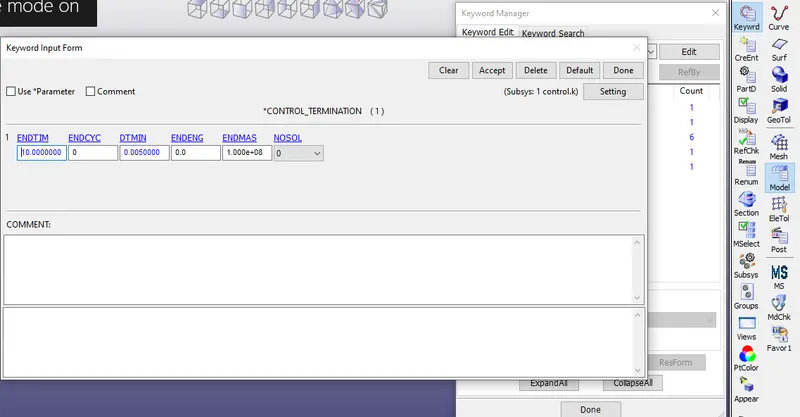
Create Control > Termination, Database > ASCII, Binary D3plot cards. Check necessary output files like GLSTAT, MATSUM, RCFORC, ELOUT. Save it as control.k file in the same folder.
CONTACT:
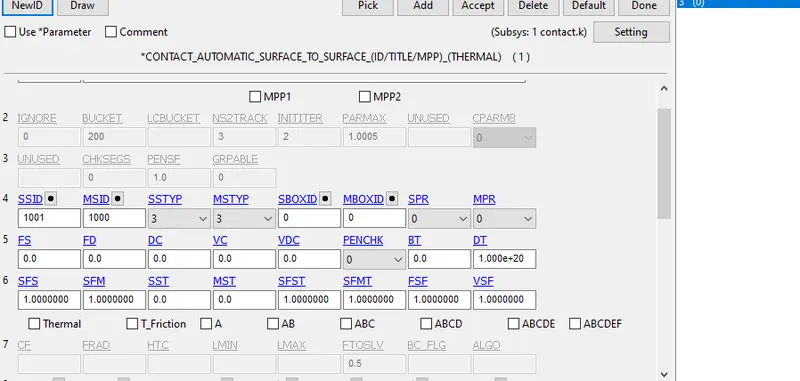
- Create Automatic Surface to Surface contact between bird and blade. Enter the part numbers- slave as blade and master as the bird.
- Create Tied_Nodes_to_Surface contact between the hub and blade. Slave as blade and master as the hub.
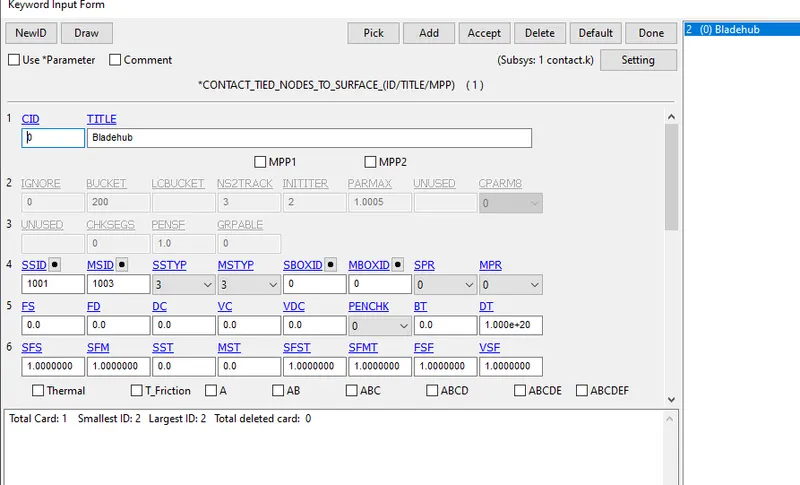
- Create Automatic_single_surface contact between blade and casting. Slave as blade and master as casting.
MATERIAL:
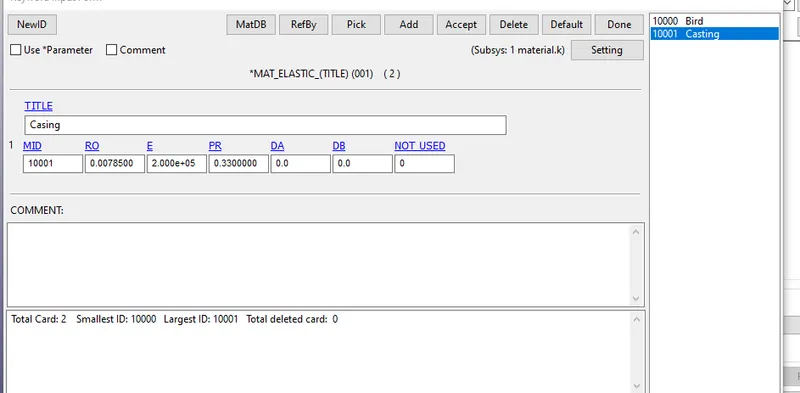
I assigned bird and casing as MAT_001 Elastic materials.
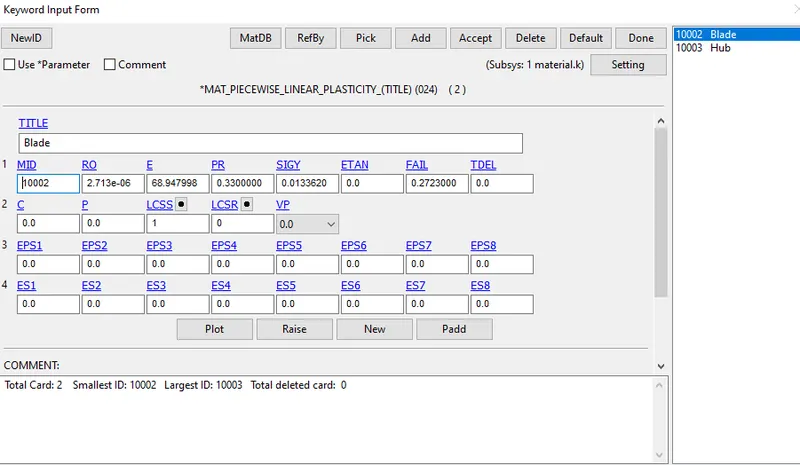
I assigned blade and hub as piecewise linear plasticity materials. I assigned a curve based on Aluminium 4495 on the blade's LCID.
VELOCITY:
- Create an INITIAL > Velocity Generation card and assign the node_set ID or part ID of the blade and give as angular velocity of 0.25 1/ms.
- Create another INITIAL > Velocity Generation card and assign the part ID of bird and give a velocity of 13.39 mm/ms, which is 50kmph.
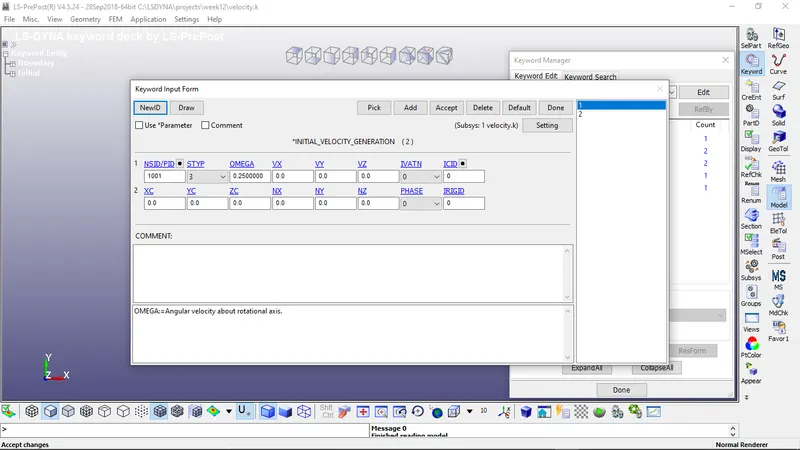
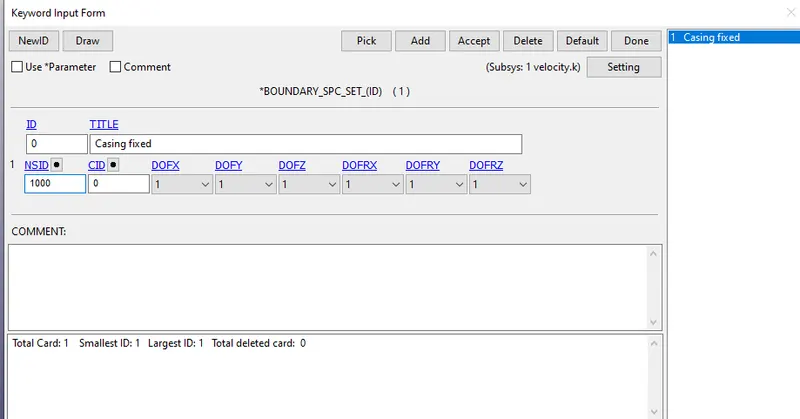
- Assign a boundary SPC card inside the same file and assign the node_set ID. Boundary SPC will constrain the movement of casing in all directions. For NSID, create a node_set that comprises the front and back of the casing inside the casing.k file.
SECTION:
- Create a shell section under the section card. Choose the ELFORM as 2 and assign thickness for blade as 2mm. Click on Accept and Add,
- Create another shell section for casing and assign thickness as 3mm. Click Done.
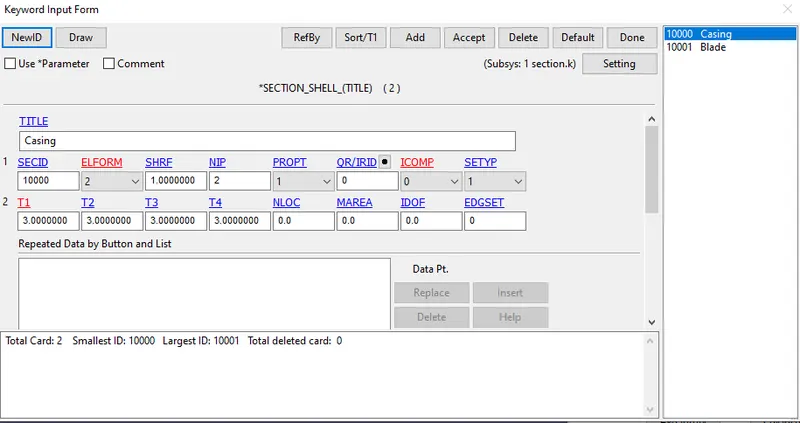
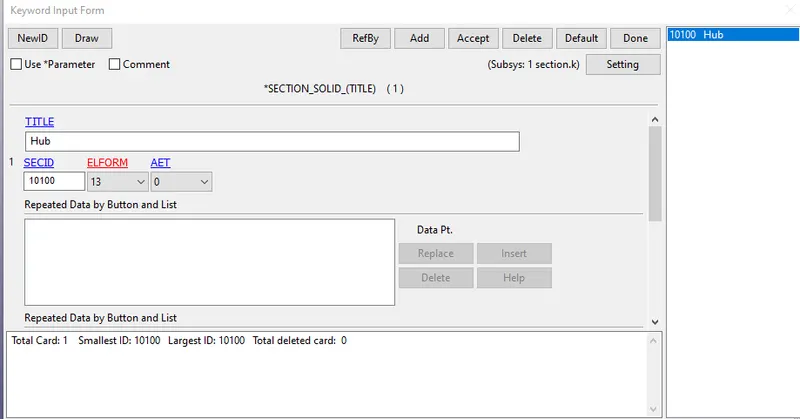
- Create a solid section for the Hub part and assign the ELFORM as 13.
Assign the material ID and Section ID to the respective parts by entering their IDs to the MATID and SECID boxes. It will automatically consider all the numbers when we include as separate files to a main file in the next step.
BIRDSTRIKE MAIN:
The birdstrikemain.k file is created in LS prepost and the .k files like-
- bird.k
- blade.k
- casing.k
- hub.k
- section.k
- material.k
- contact.k
- control.k
- velocity.k
are included using INCLUDE > INCLUDE card from Model > Keyword. Save the keyword file.
Debugging:
- The problems that arrived during the setup are the overlapping of node and element numbers with other part files. Renumber and note them down.
- Never save the bird strike the main file after making some changes. The changes may get saved in some other keyword file and distort the model.
- Assign the part numbers to the contact cards even when the part not found error shows. These files get included later in the main.k file.
- The velocity did not get assigned to the blade, but the simulation was fine.
SIMULATION:
The dynamic impact bird strike to an airplane simulation has been performed to observe the deformation of the blade made of aluminum.
The Von misses stress contour diagram is post-processed to see where the maximum stress is developed during the impact.
The minimum stress is at element 505072 with 0.000218557 N/mm2.
The maximum stress is at element 500401 with 0.164969 N/mm2.
CONCLUSION:
The simulation of the bird strike on an airplane engine has been modeled and successfully simulated using LS Dyna. The challenges faced during the simulation have been exactly reported and corrected. The deformation of the blade during the impact is validated and stress formations, element failures are noted.