Aston Martin ONE-77 Challenge-11 (Project)
PROJECT REPORT
SURFACE MODELLING OF ASTON MARTIN ONE-77 USING SOLIDWORKS
OBJECTIVE
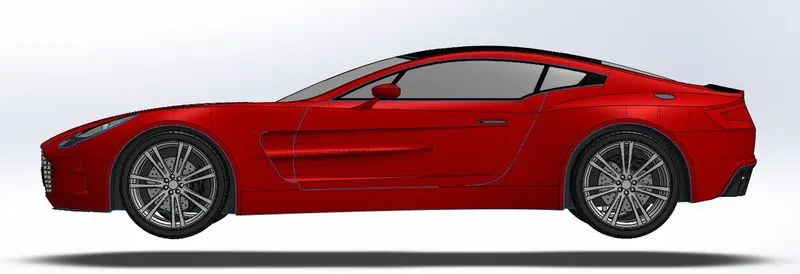
The main objective of this project is to obtain a surface model of Aston Martin One-77 using Solidworks. We have to make different parts and finally assemble them together.
INTRODUCTION
We are using Solidworks 2016 for the surface modelling of Aston Martin One-77. Solidworks have three default planes Front, Side, and Top planes. We use these planes and a no, of other planes for construction.
DESIGN METHODOLOGY
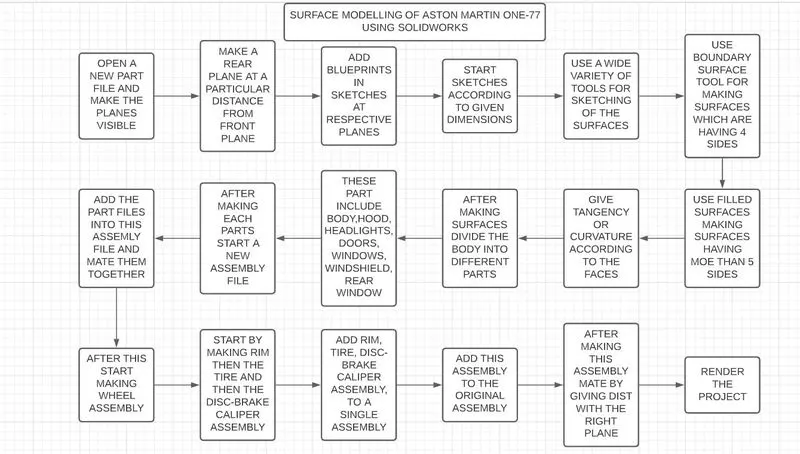
DESCRIPTION
While starting the solidworks software a dialogue box appears showing three different sections:
- Part
- Assembly
- Drawing
In this project we are only using Part and Assembly sections
- PART
In the Part section it includes different workbenches like sketch, solid, surface.
First of all start a new part file and unhide the planes. In addition to this add another plane at a particular dist from the front plane.
Sketch workbench consists of two types of skteches and many other tools used while sketching.
We can use the tools under the 2D sketch to make 2D sketches. There are many useful tools like line tool, rectangle tool and many other type of tools. We can also make 3D sketches, genereally we use it make curves between the surfaces.
Add blueprints of the car respective to the planes using sketch and scaling it accordingly. After adding the blueprints we can the start sketching process. The blueprints include front, side, top and rear view of the car.
Here we used sketch tools for making projected curves and surfaces. In order to make the projected curves we need to have to sketches from two different planes the projected curve is a combination of two sketches.
For making the surfaces we are using boundary surfaces, extruded surface, revolved surface, swept surface, lofted surface and filled surface tools. Other tools we used here are fillet, offset, delete face, trim surface, knit surface, split line, thicken etc.
Boundary surface tool is used when there are 2 directions i.e., 4 curves or sides for making surface. Fill surface tool as the name shows it helps to create surfaces which is having more than 4 edges in three or more directions. Ruled surface tool is also used to make edge surfaces for tail light and spoiler .
The next ribbon we use inside the part section is called features ribbon. Inside this ribbon there are many tools which we can use for making solids.
The tools inside this ribbon consists of boss/base, cut and many other tools. In the boss/base section a no. of tools are there which includes extruded, revolved, swept, lofted, boundary boss/base. Similarly inside the Cut section there are tools like extruded cut, revolved, swept, lofted, boundary cuts.
Here we used these tools for making solids foe example making brake calipers and also used cut tools for making cuts. we used revolved base for making wheels. Other tools like mirror, fillet, circular pattern are also used to mirror the entities, for making fillets at edges to make it smooth, for making the holes in the brake disc. These are some of the tools used in part section.
2. ASSEMBLY
Assembly section can used to align the different parts created. They can be aligned using different mate options after inserting the part files into the workspace.
The most used mate options here are coincident, concetric and distance mate options.
The coincident mate used here are on planes, we will mate each planes using this. Each planes is aligned with the main plane respectively.
The concentric and distance mates are used to align wheel assembly with the main body.
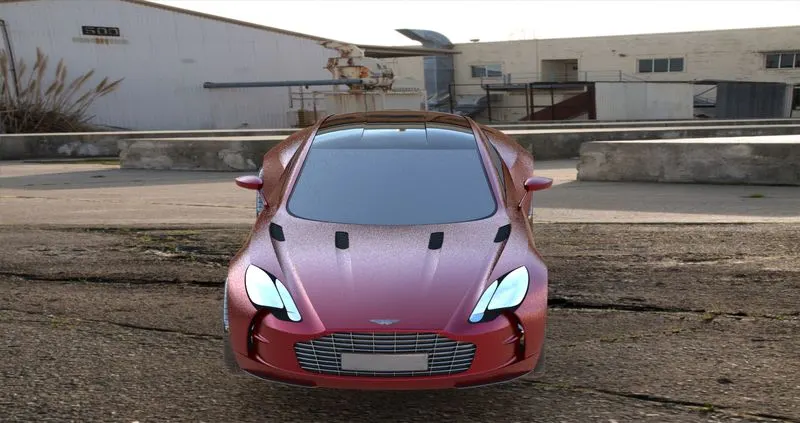
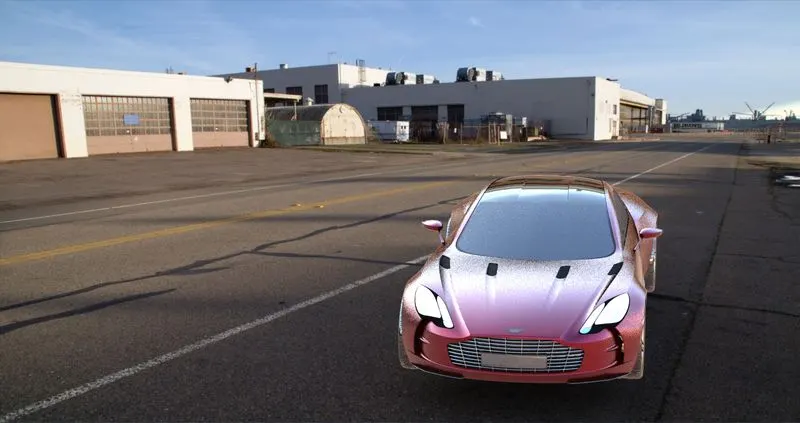
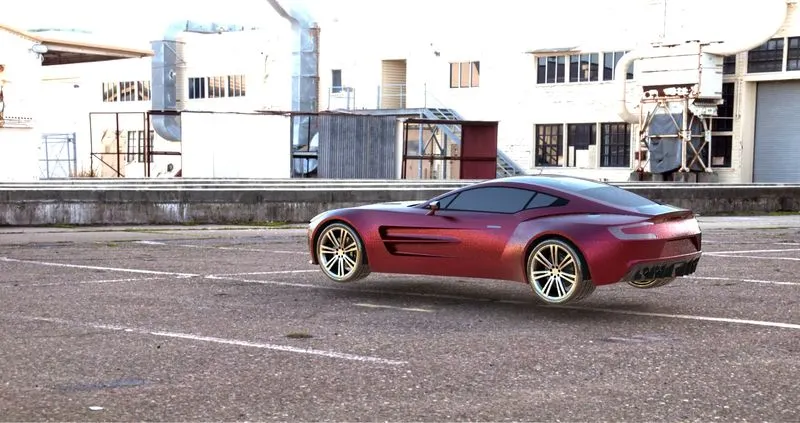
RENDERING IMAGES

OTHER IMAGES
SIDE VIEW
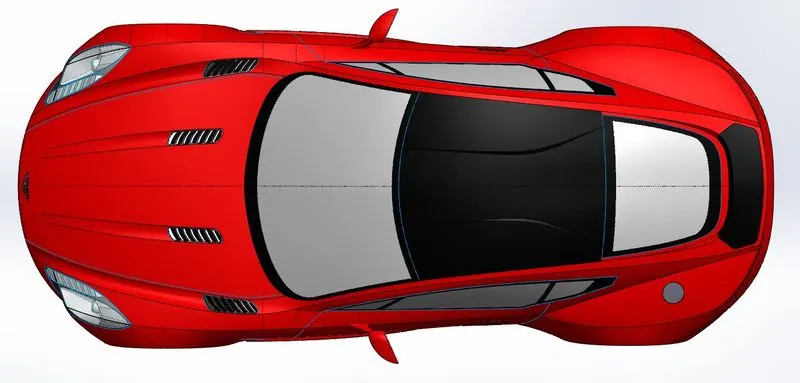
TOP VIEW
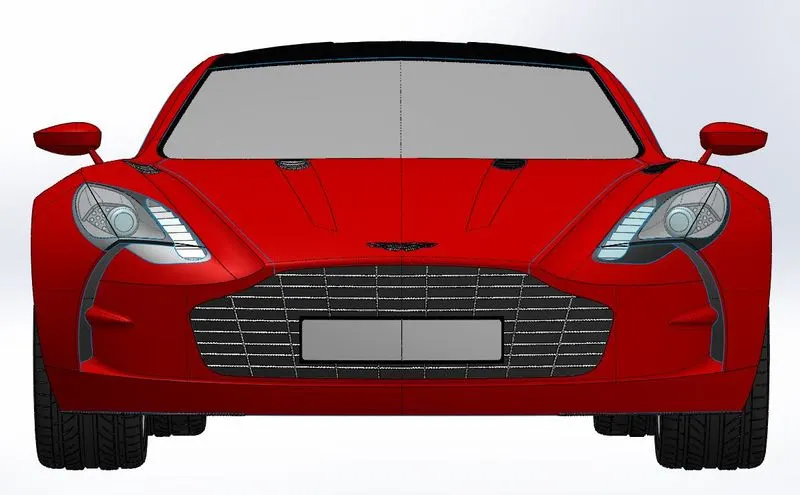
FRONT VIEW
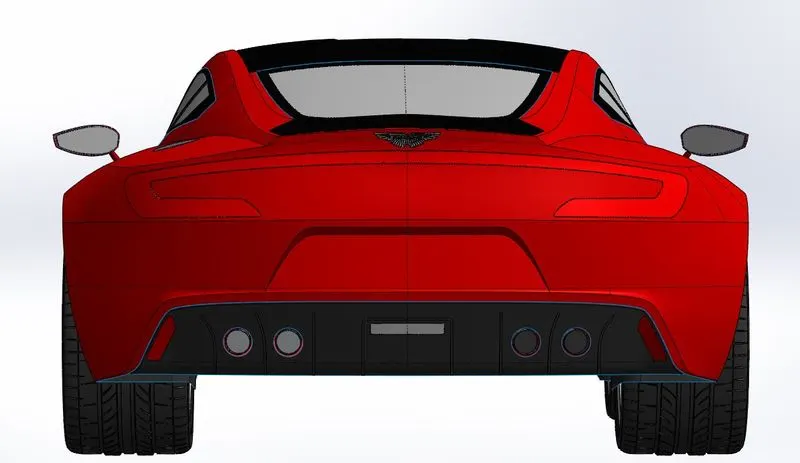
REAR VIEW
ISOMETRIC VIEW
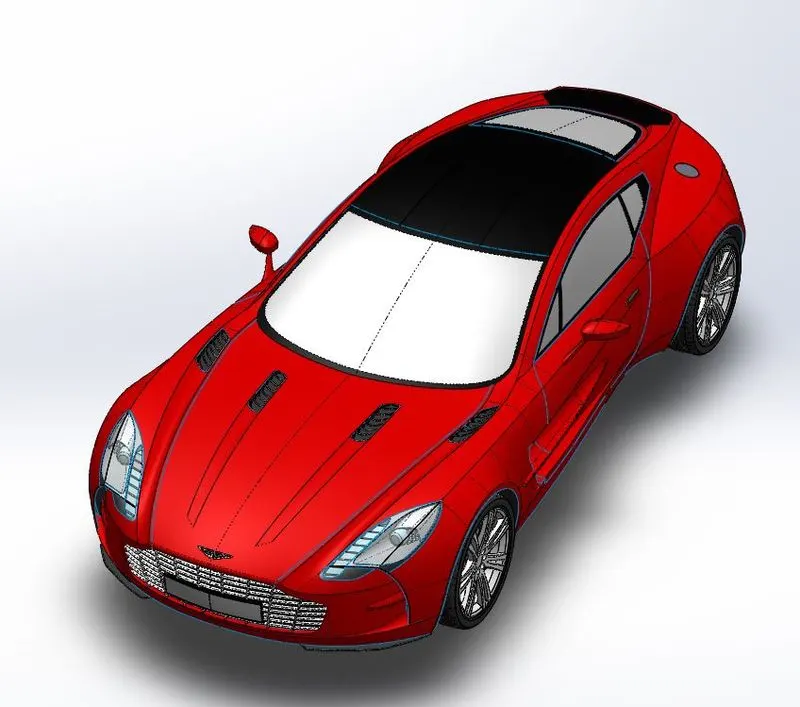
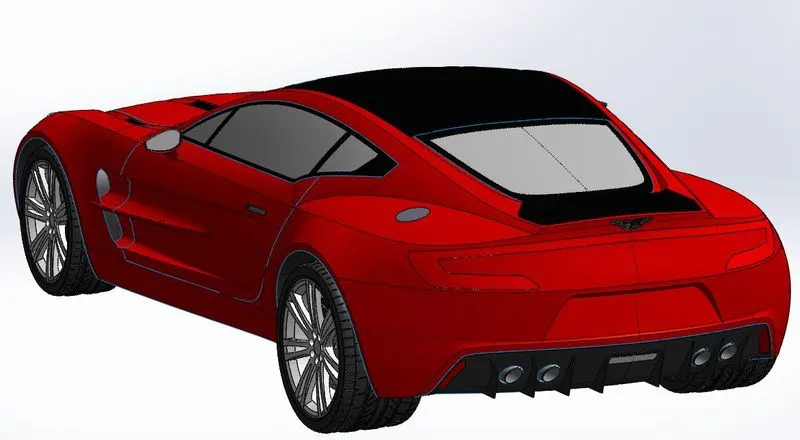
ASTON MARTIN EMBLEM
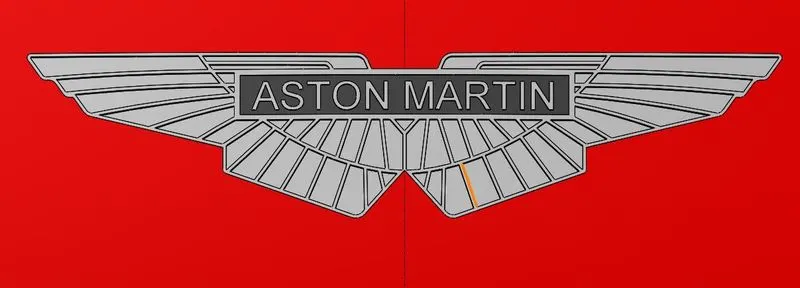
CONCLUSION
After many trial and error we were able to make the surface model of Aston Martin One-77. After finishing the project we were able to familiarise with the software and also helped in gaining knowledge on the tools and commands used for creating the model.